


Page Statistics
Page statistics are used to view the traffic and content performance of aggregation pages and feeds. You can view summary data, visit records, and content performance by page, and export the statistical results.
View Page Statistics
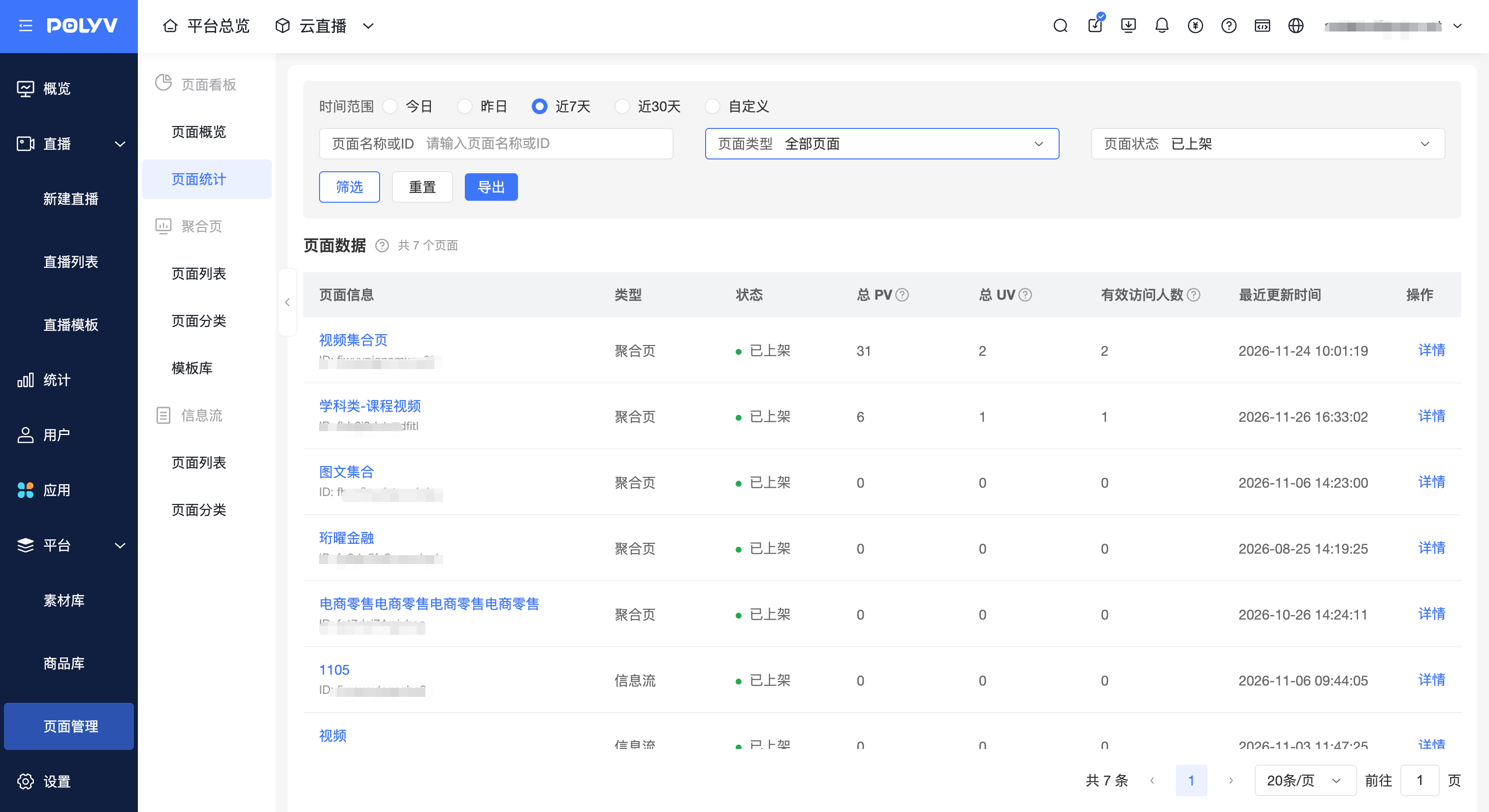
- In Page Management, go to [Page Statistics].
- Filter pages as needed by time range, page type, page status, category, creator, or by entering a page name or ID.
- View total PV, total UV, and valid visitors in the list, and go to the page details to view the data.
By default, the list filters pages published within the last 7 days and sorts them by total PV in descending order. Aggregation pages and feeds are displayed in the same list.
Statistical Metrics
Page Visits
| Metric | Description |
|---|---|
| Total PV | Number of independent visits; switching between in-site pages during the same visit is not counted repeatedly. |
| Homepage entry PV / Detail entry PV | Classified by the first page opened in each visit; the sum of the two is the total PV. |
| Total UV | Number of visitors within the selected time range; the same visitor is counted only once. |
| Valid visitors | Number of visitors who stayed on the page with the frontend visible for at least 3 seconds at least once within the selected time range; the same visitor is counted only once. |
| Average stay duration | Calculated based on visit records with valid duration, and only the time the page is visible in the foreground is accumulated. |
Content Performance
| Metric | Description |
|---|---|
| Content detail PV / UV | PV is counted by the number of times the content details are opened, including cases where playback does not occur; UV is deduplicated by visitor within the selected time range. A feed card is counted when it becomes the currently displayed card; preloading is not counted. |
| Average detail stay duration | The average is calculated based on visit records with valid duration in the content details. |
| Play count / viewers | Play count is counted by the number of playbacks; resuming after pause counts as the same playback, and replaying after exit counts as a new playback; viewers are deduplicated by visitor within the selected time range. |
| Total valid playback duration | The sum of valid playback duration for the content. |
View Details and Export
After entering the page details, you can view data trends, visit records, and content performance, and further view viewers and individual playback details in content performance.
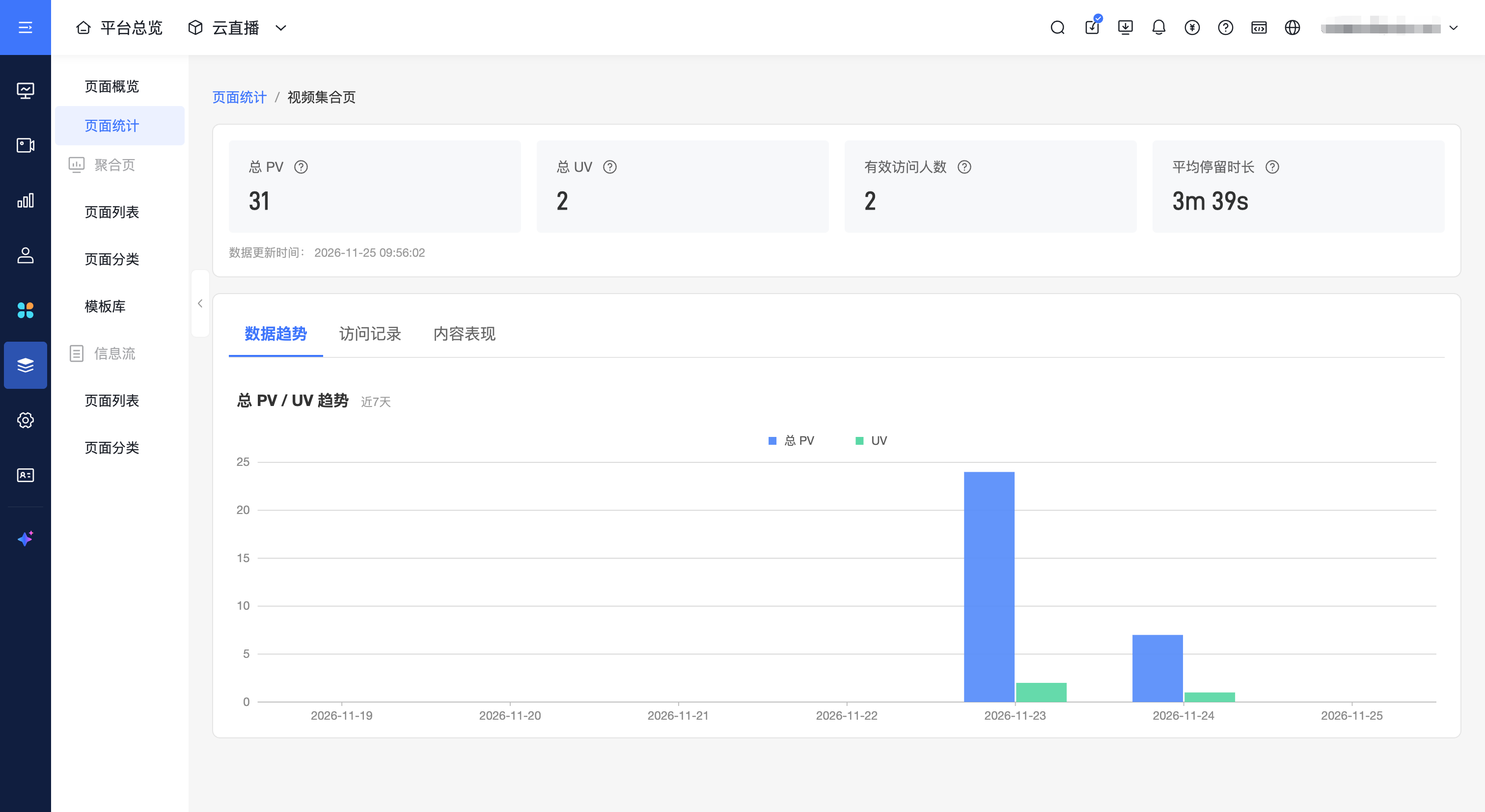
In [Visit Records], you can view visitors' visit information.
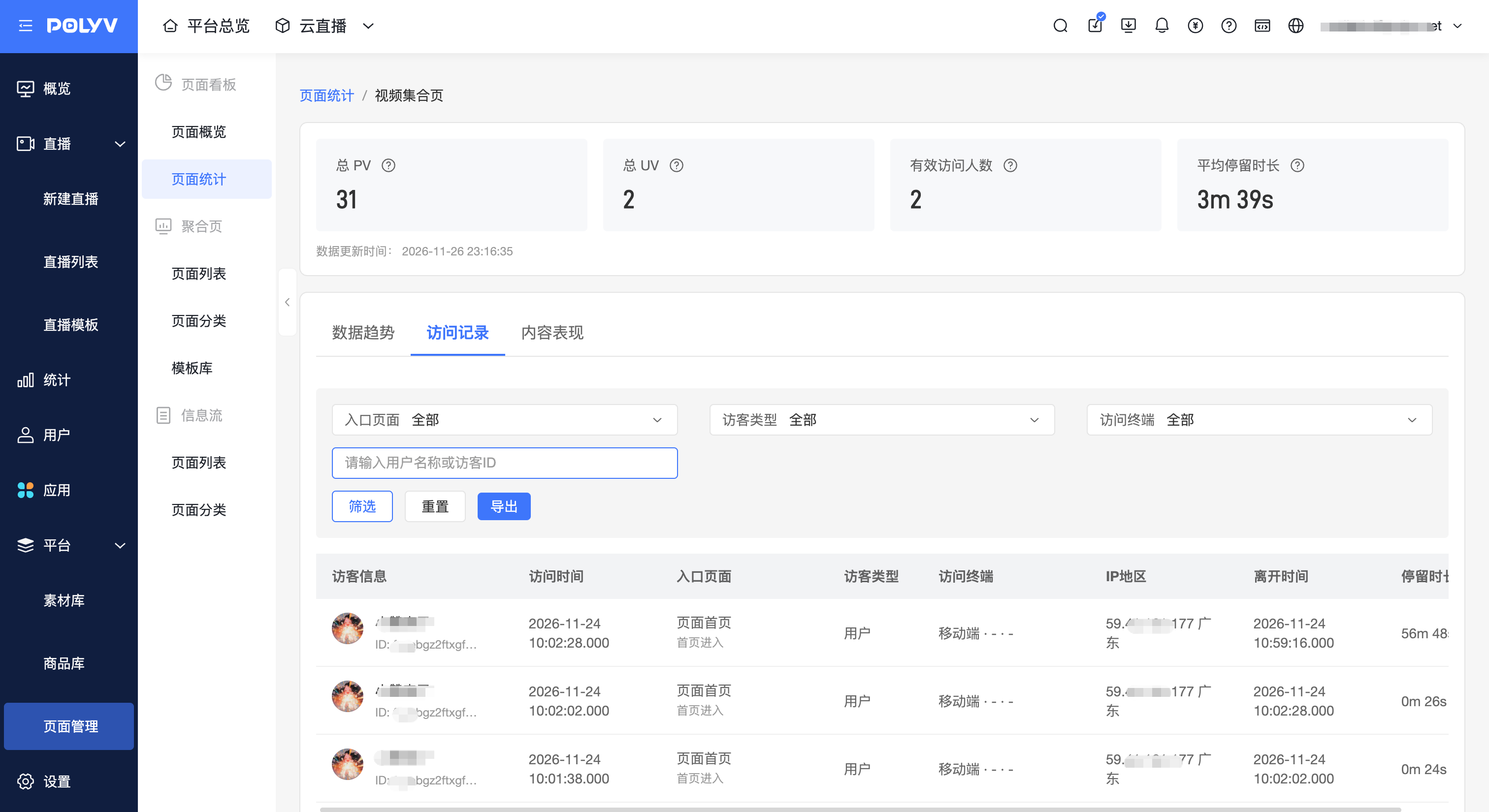
In [Content Performance], you can view the performance data of each content item on the page.
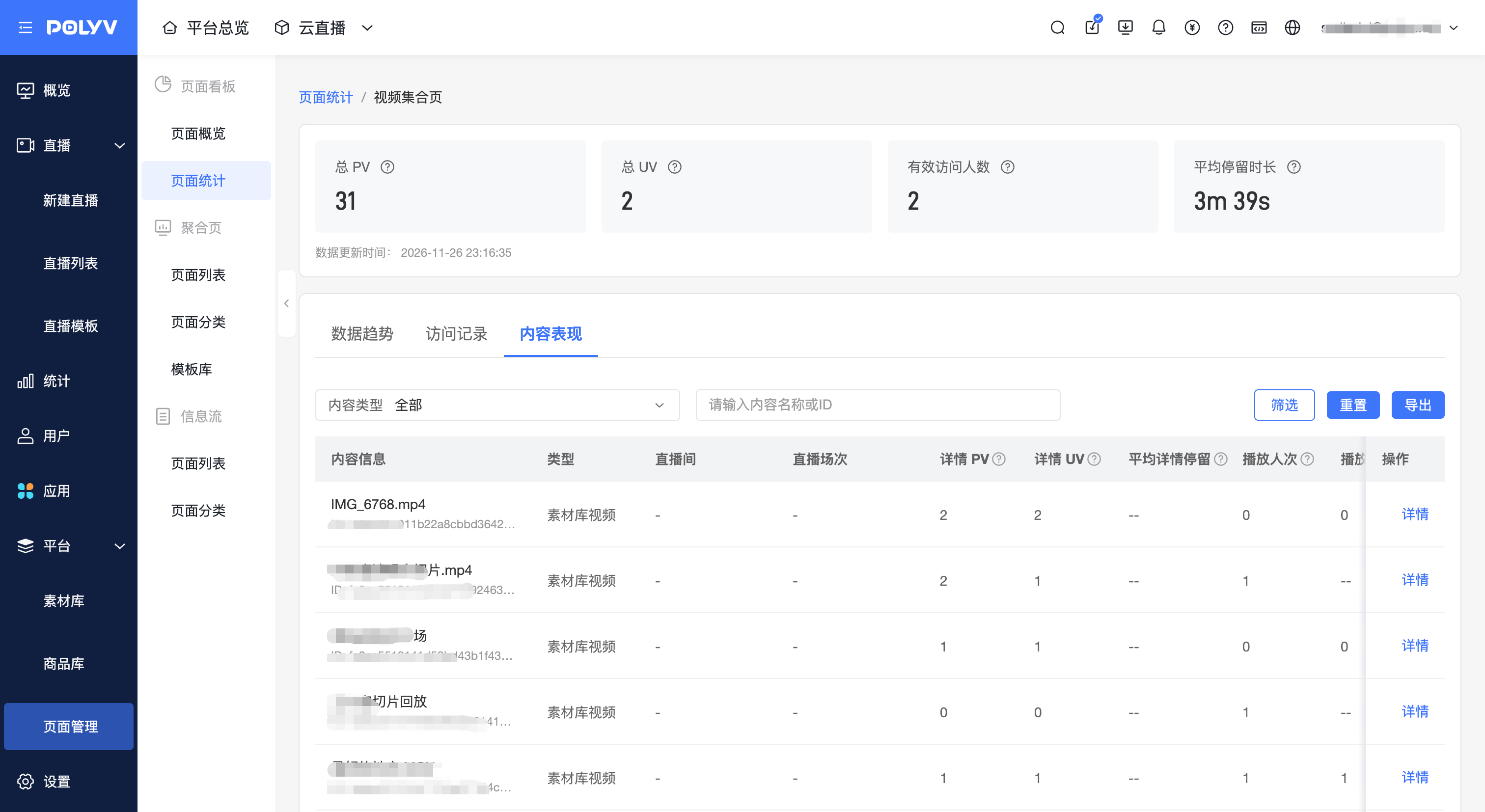
The statistics list, visit records, and content performance summary support export based on the current filter conditions. The 1,000-record display limit for visit records does not affect export. Records being calculated display [Calculating].
Sub-account Permissions
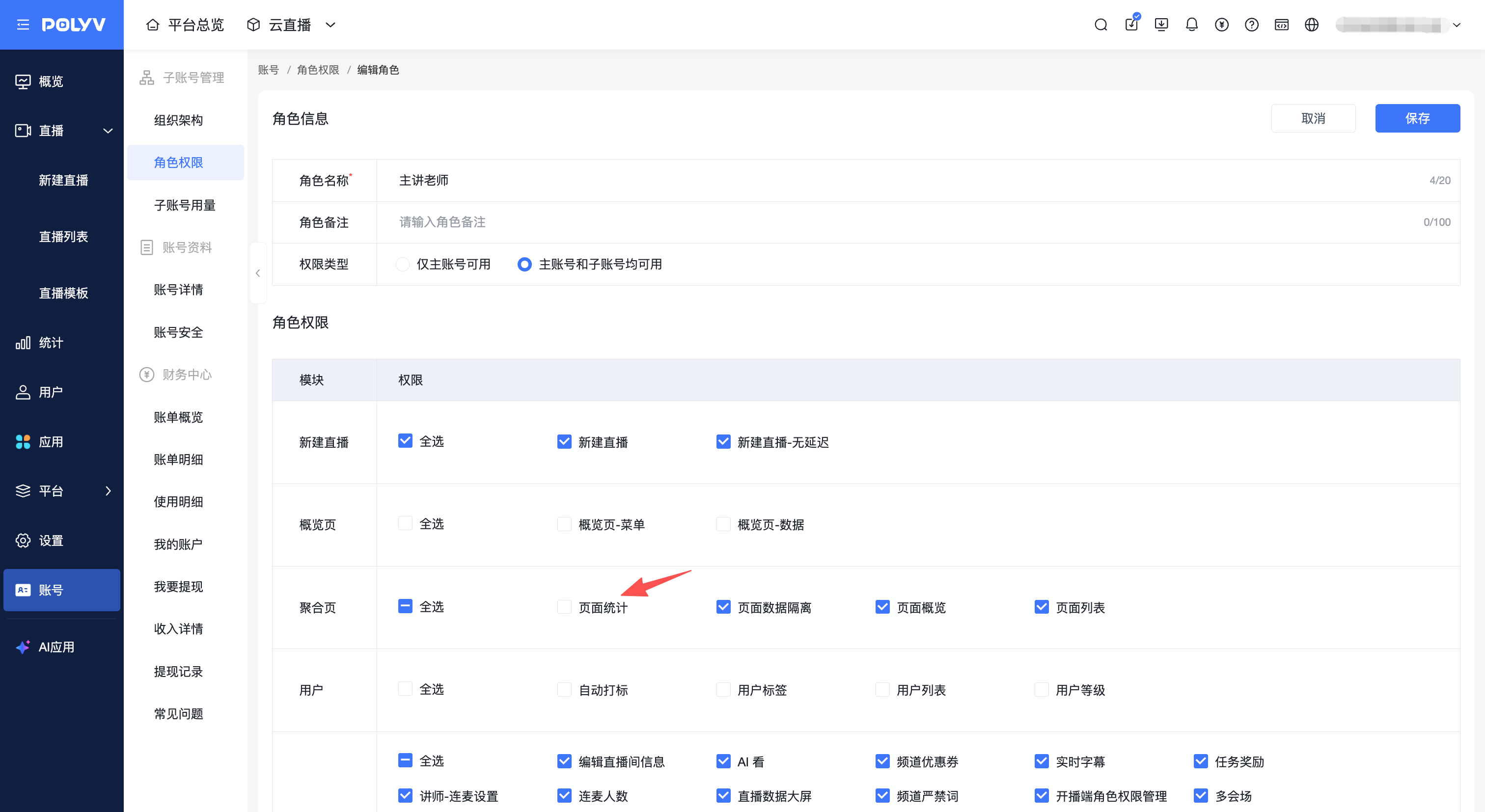
[Page Statistics] is an independent sub-account feature permission. Sub-accounts with this permission can view statistics for all pages; page data isolation does not limit the data scope of page statistics.
FAQ
Q: What is the difference between total page PV and content detail PV?
A: Total page PV is counted by independent visits, while content detail PV is counted by the number of times content is opened. For example, if video A, B, and A are opened in sequence during the same visit, the total page PV is counted once, and the content detail PV of video A is counted twice. When accessed via a share link, the page it belongs to must be identifiable for it to be counted in that page's statistics.
Q: Why does the stay duration show "—"?
A: The visit has been recorded, but no valid stay duration was obtained. The visit is still counted in PV and UV, and the missing duration is not included in the average stay duration calculation; when there are no records with valid duration, the average also shows "—".
Q: How many visit records can be viewed and exported at most?
A: The list displays at most the latest 1,000 records under the current filter conditions; this limit does not affect the page summary or the records exported under the current filter conditions.
Q: Why do statistical data show "Calculating"?
A: The data for this record is being calculated. The results can be viewed after calculation is complete.
Q: After page data isolation is enabled, can sub-accounts view statistics for pages created by other accounts?
A: Yes. Sub-accounts with the [Page Statistics] permission can view statistics for all pages; page data isolation does not limit the data scope of page statistics.
