


Smart Clip FAQ
Q1: What is the difference between Smart Clip and the trim feature in the video library?
The trim feature in the channel video library can only trim a single video and requires manual playback to identify content for trimming. In contrast, Smart Clip can search for corresponding segments based on keywords, quickly trim and extract segments from multiple videos, greatly improving trimming efficiency.
Q2: The uploaded video has no logo, but a logo appears during Smart Clip.
Smart Clip trims based on the player playback. If a player logo is configured in the default player, you can go to the VOD backend [Player Settings] to remove the logo set in the player.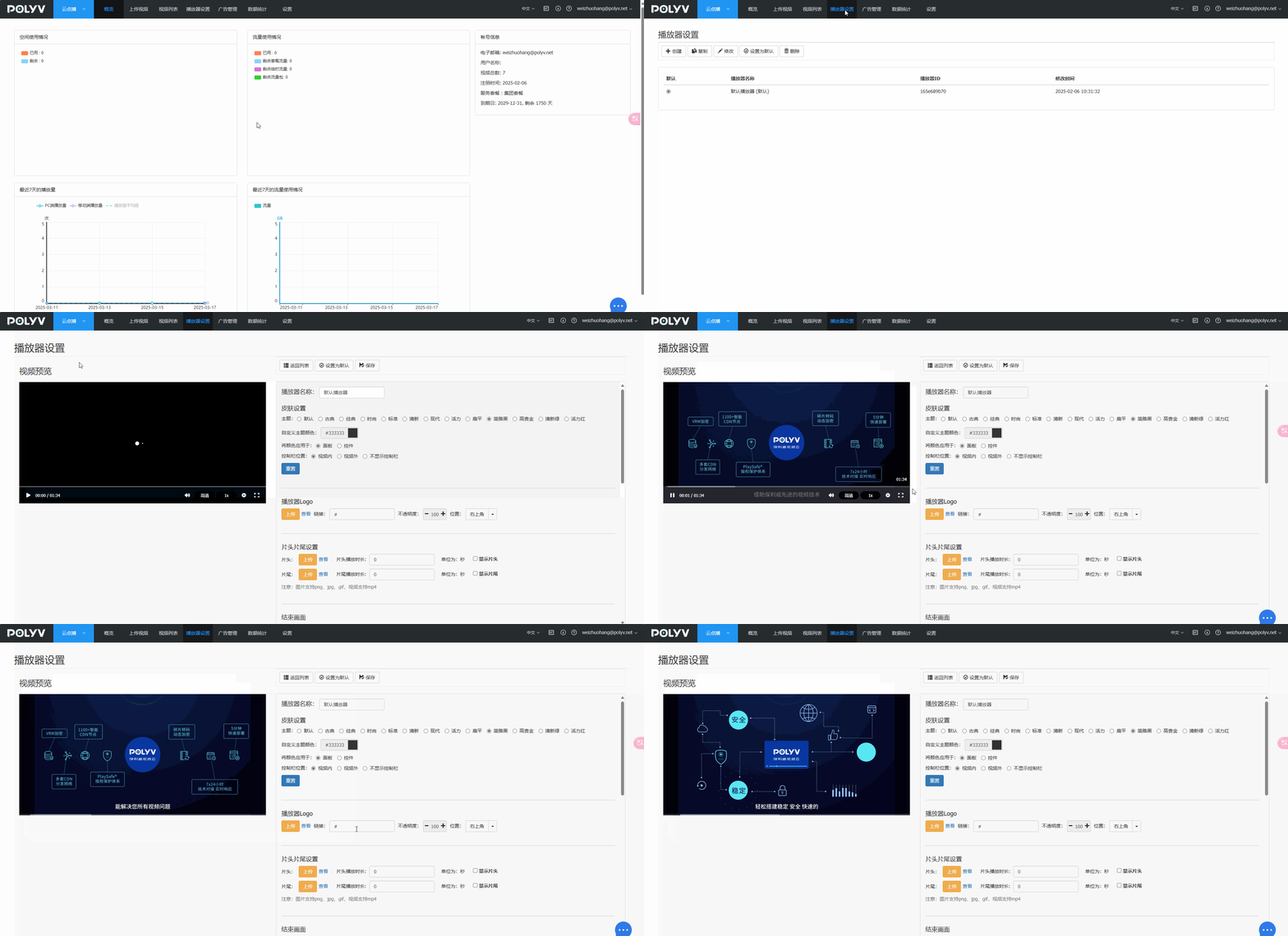
Q3: Smart Clip prompts: Analysis failed - Subtitle loading failed.
Possible reason 1: The customer's VOD package has expired, causing the smart subtitle generation to fail, which leads to Smart Clip failure. Contact the sales manager to extend the VOD package.
Possible reason 2: In scenarios with all-English subtitles and no punctuation, subtitle analysis may have issues, and the extracted text may be too long. Temporarily add punctuation as a workaround; this issue will be optimized later.
Q4: How to prevent automatic subtitle generation after uploading for Smart Clip?
Since Smart Clip works by trimming based on subtitles, if subtitles are not needed, you can delete them in the VOD backend.
Q5: Does Smart Clip support sub-account usage?
Yes, sub-accounts are now supported for using Smart Clip.
Q6: What should I do if I find errors in the generated subtitles during Smart Clip?
You need to re-upload the video in the VOD backend, manually configure the subtitles, and then perform trimming. Editing within [Smart Clip] is currently not supported.
Q7: Does Smart Clip support a draft feature? Will it auto-save if I exit?
The draft feature is not supported. If you exit without saving, the work will be lost.
Q8: Will the original source video be retained after Smart Clip is completed?
After trimming, a new video is generated via "Save As," and the original source video will not be overwritten.
Q9: Will encrypted videos be automatically encrypted after Smart Clip?
No, they will not be automatically encrypted. They will be saved under the [Smart Clip] category in the VOD backend.
Q10: What are common use cases for Smart Clip?
You can split VOD videos, reorganize short videos into new knowledge collections, and sell them or display them in knowledge columns.
Q11: Why do subtitles still display after deleting the video subtitle file?
After deleting the subtitle file, it may remain in the cache for some time. Check again later.
