Live Text & Image Feed
Updated: 2026-08-17 11:27:00
1. Feature Overview
Feature Info |
Description |
|---|---|
| Feature Name | Live Text & Image Feed |
| Feature Description | Deliver content to viewers in real-time through text, images, links, etc. |
| Purpose | Provide a lightweight, high-efficiency content distribution method that can be used separately from or alongside video live streaming |
| Use Cases | Suitable for news releases, event commentary, product launches, education and training, meeting records, etc. |
| Access Path | 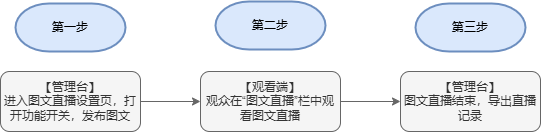 |
2. Operation Instructions
1. First, enter the live streaming backend and find "Live Text & Image Feed" under Advanced Features
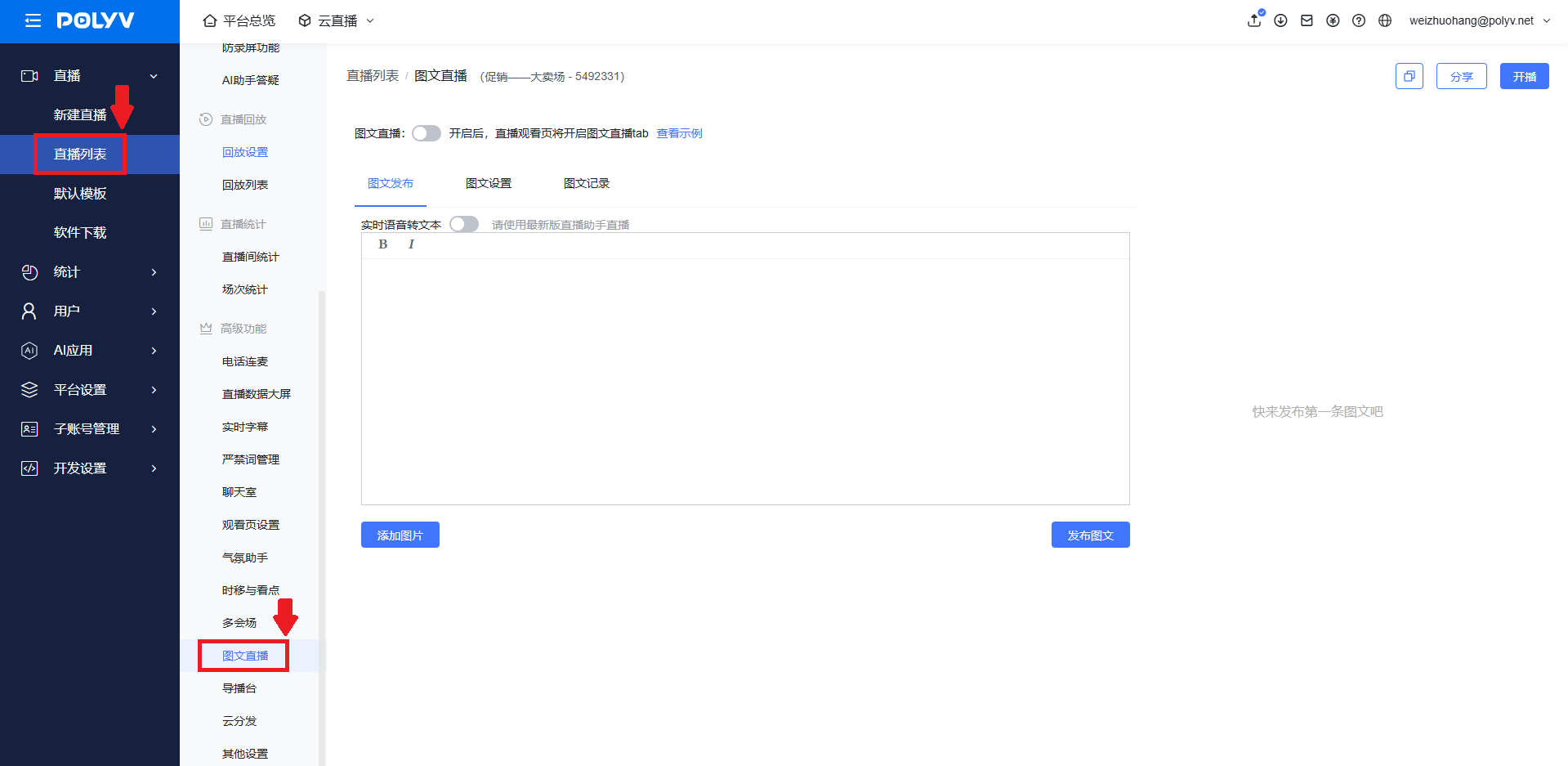
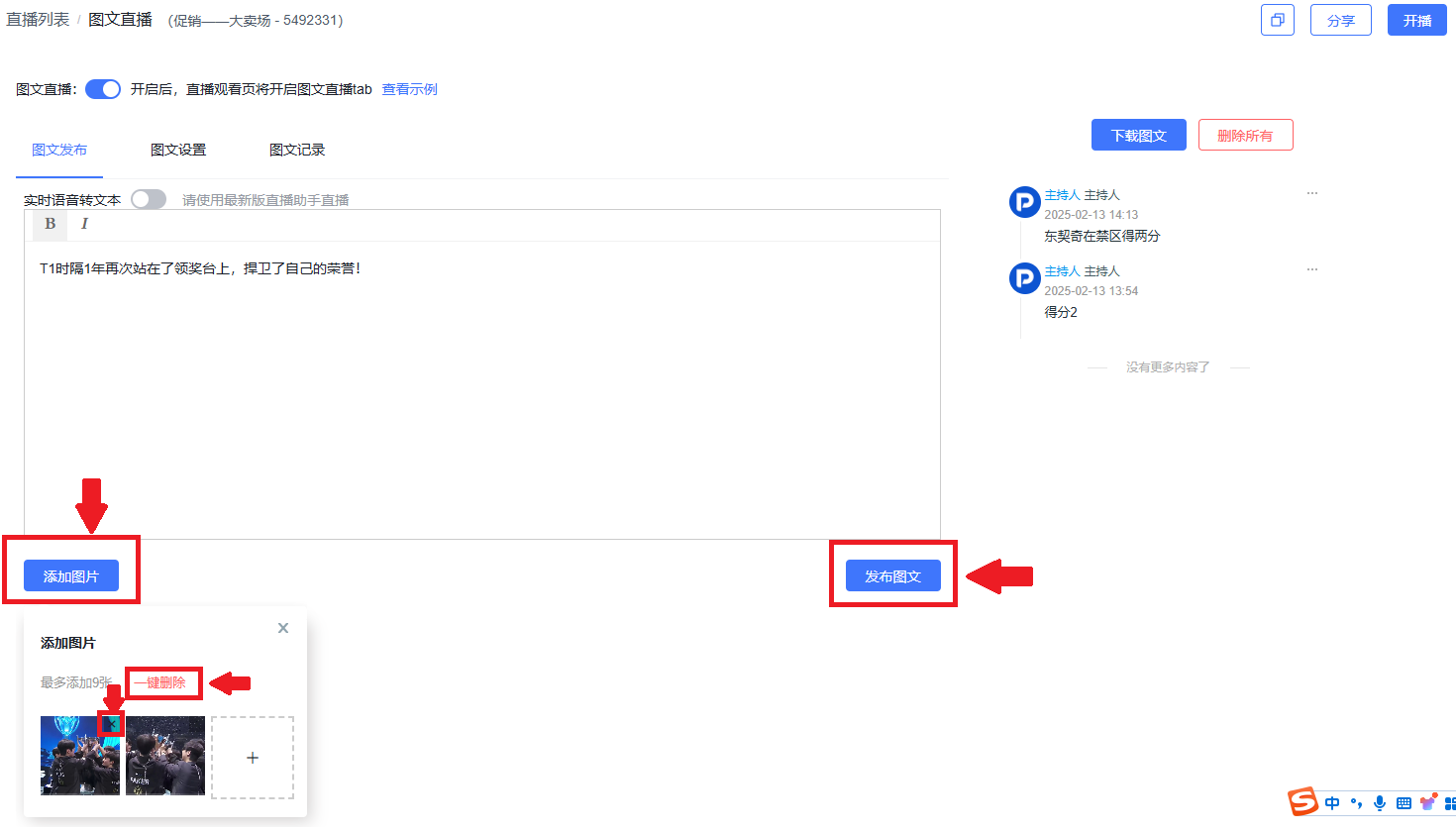
2. Toggle on the Live Text & Image Feed button, add or delete images and text, then publish the feed
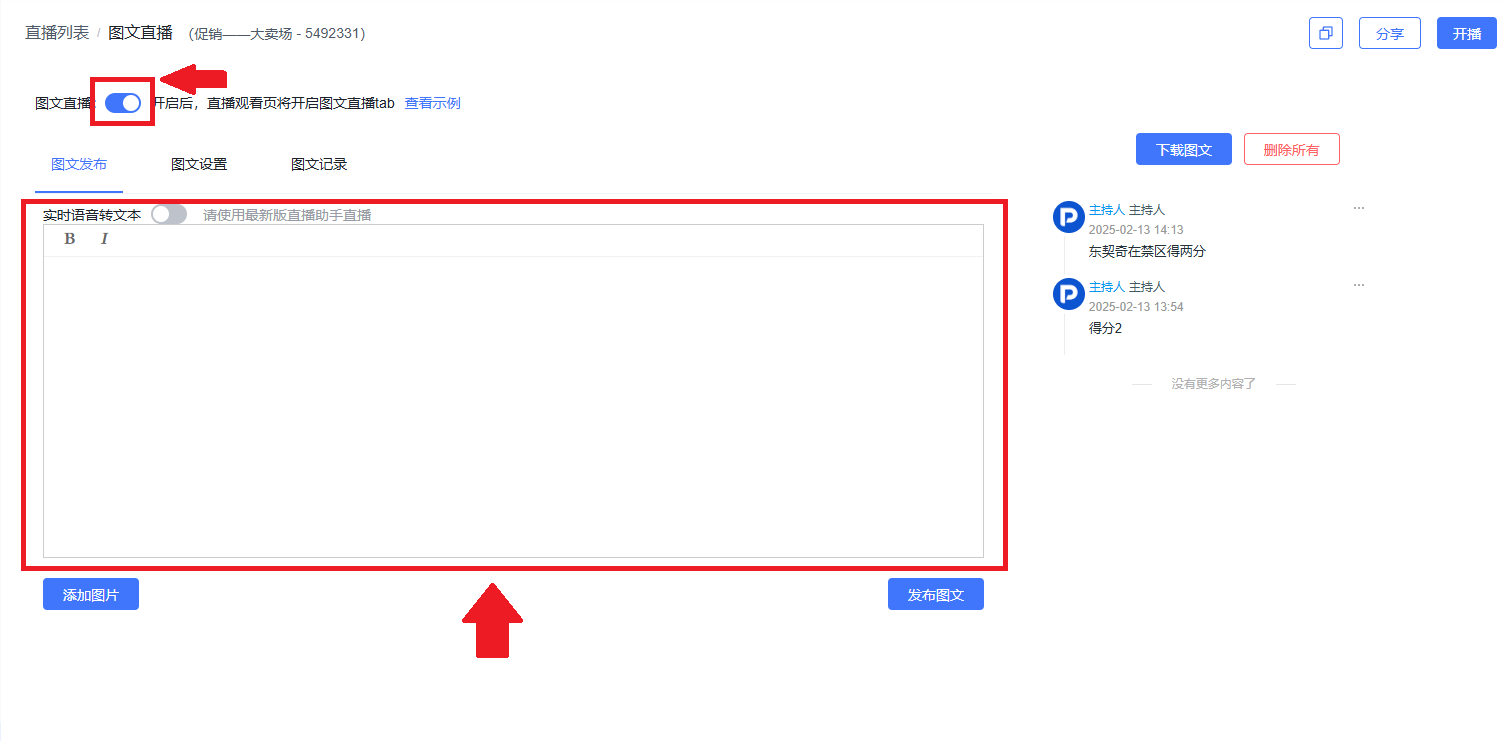
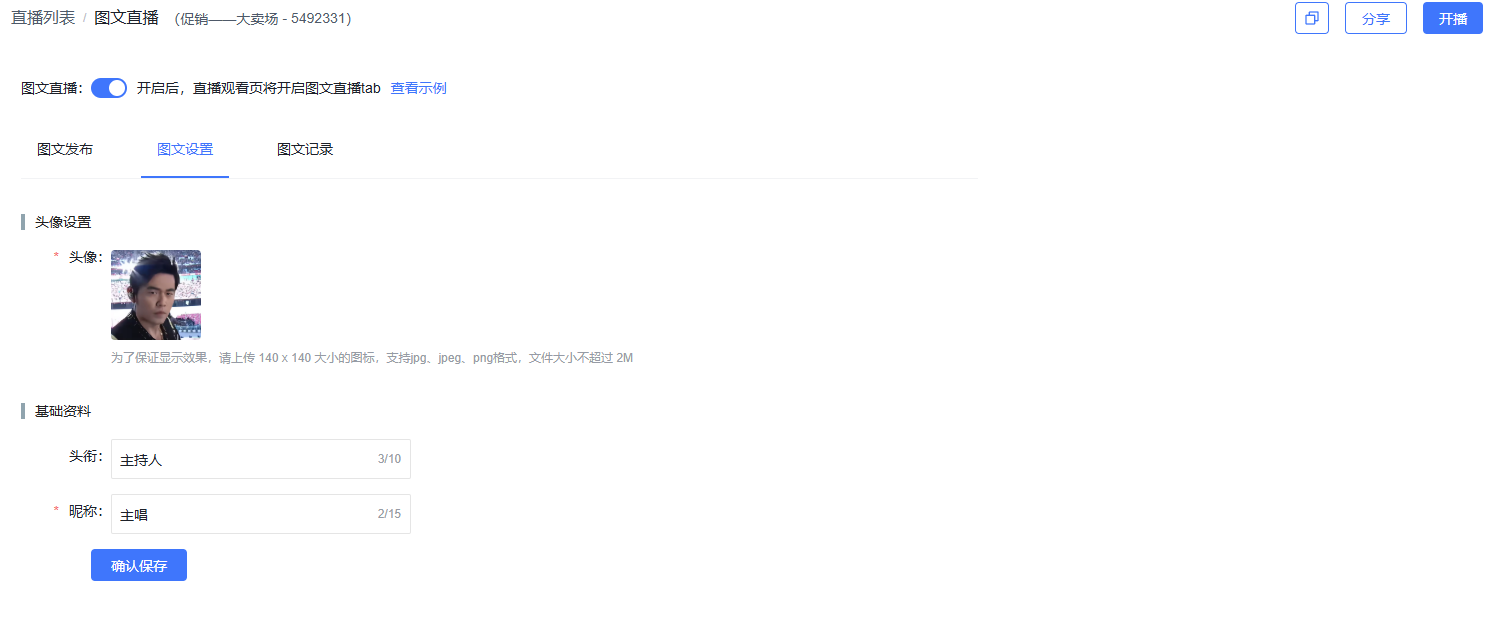
3. Modify the publisher's avatar, profile picture, and nickname
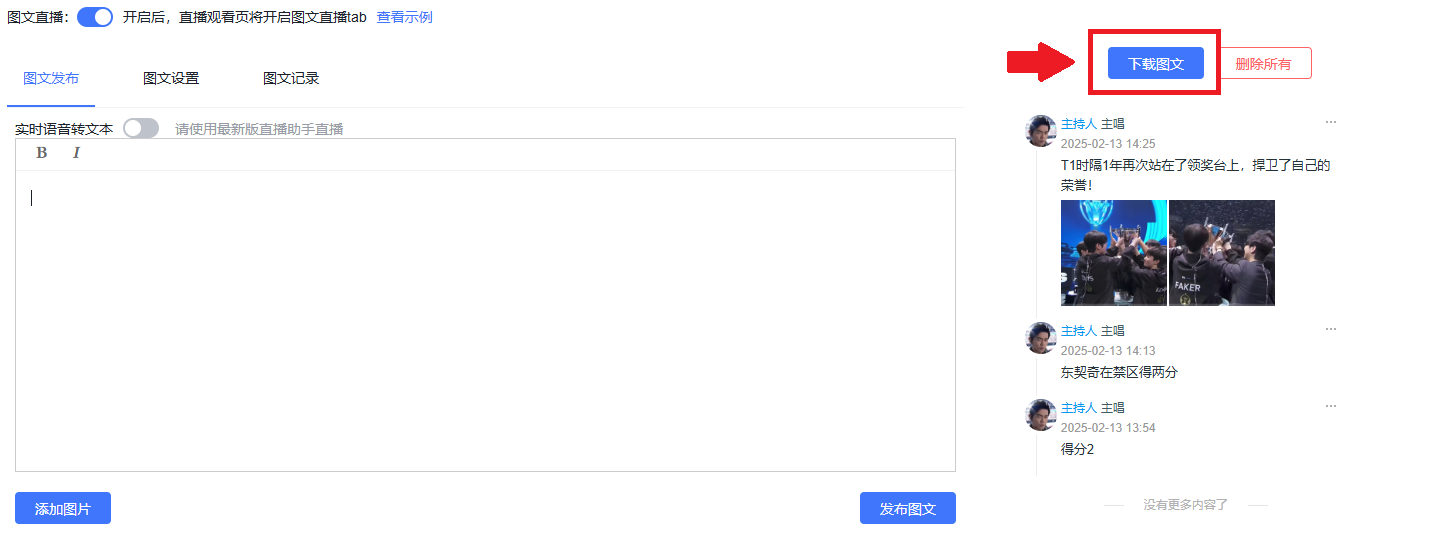
4. Download the live text & image feed content record
3. Display Effects
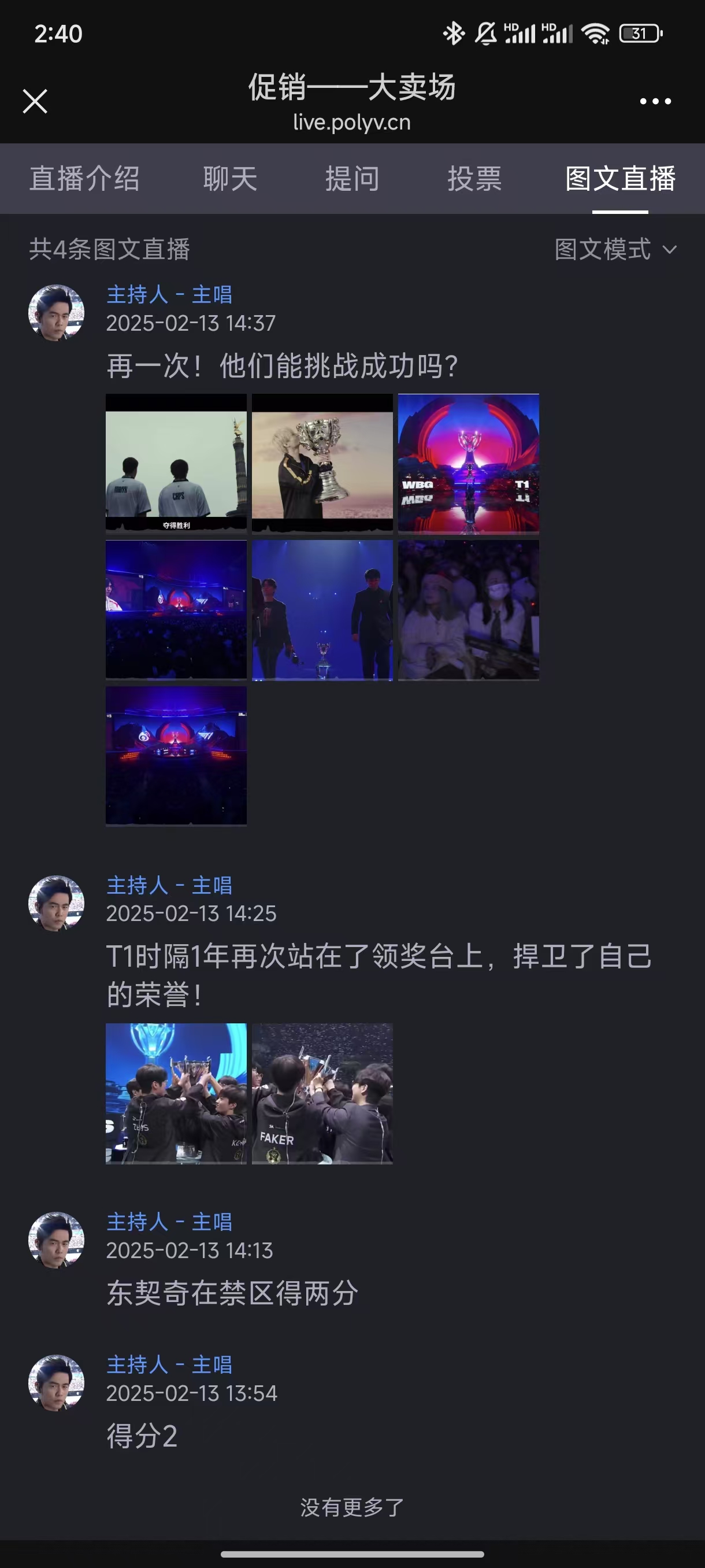
1. Live streaming backend effect
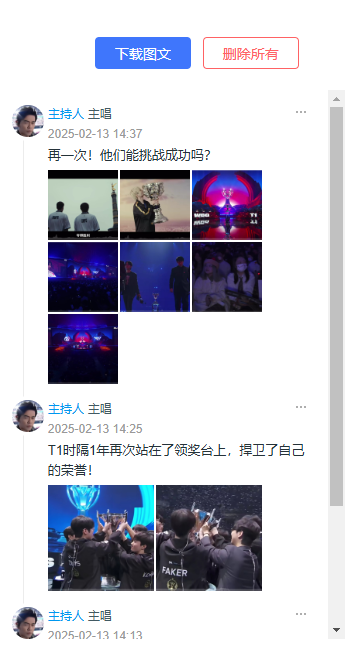
2. Web viewer effect
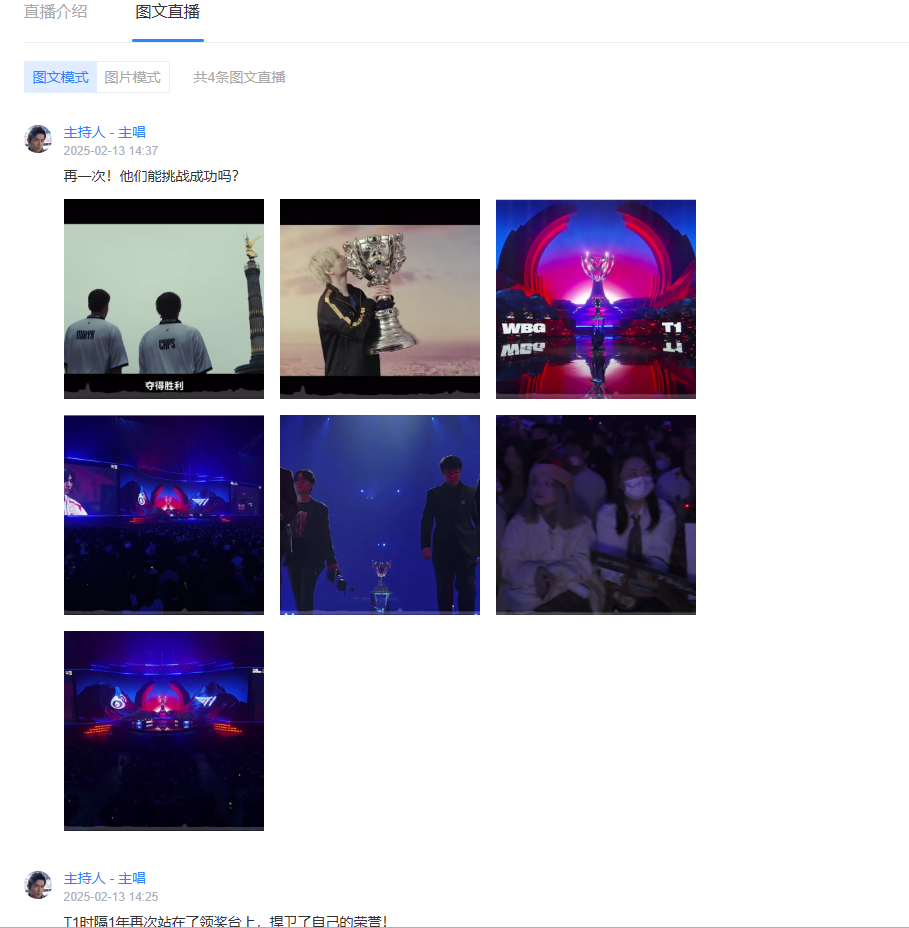
3. H5 mobile viewer effect