Client Settings
Updated: 2026-08-17 11:27:00
I. Feature Overview
Feature Information |
Description |
|---|---|
| Feature Name | Client |
| Feature Description | Client settings are mainly used to configure client parameters, including custom features, streaming sharing features, configuration reading methods, VClass picture-in-picture playback, and other buttons. |
| Purpose | The live streaming client can load user-defined web pages through custom features, facilitating interactive operations, picture-in-picture playback, configuration reading, etc., in conjunction with your own business needs. |
| Feature List | Custom features, streaming sharing button, client configuration reading method, VClass picture-in-picture playback, mobile streaming feature display |
II. Operation Instructions
1. PC Live Streaming Client
Custom Features
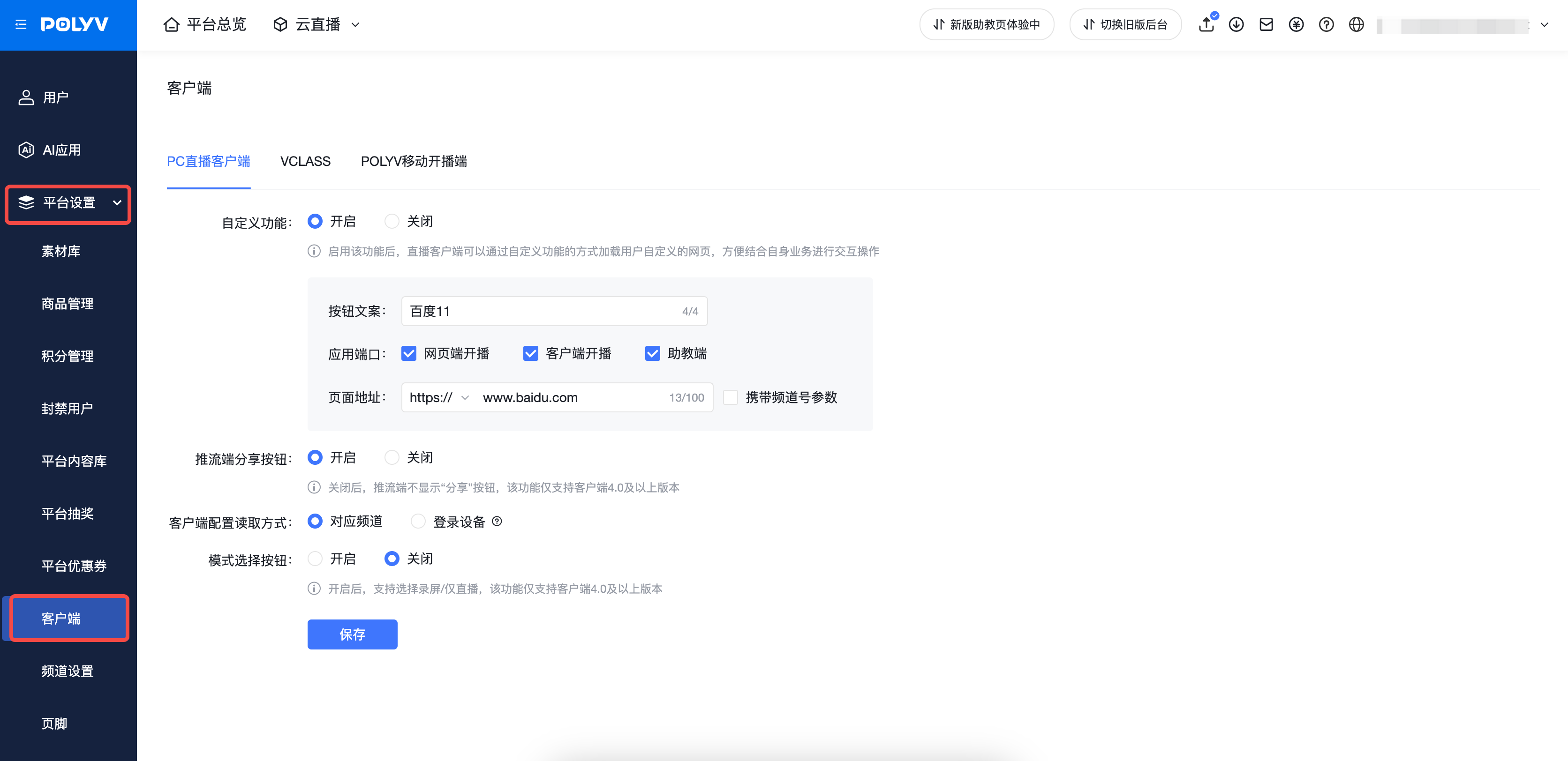
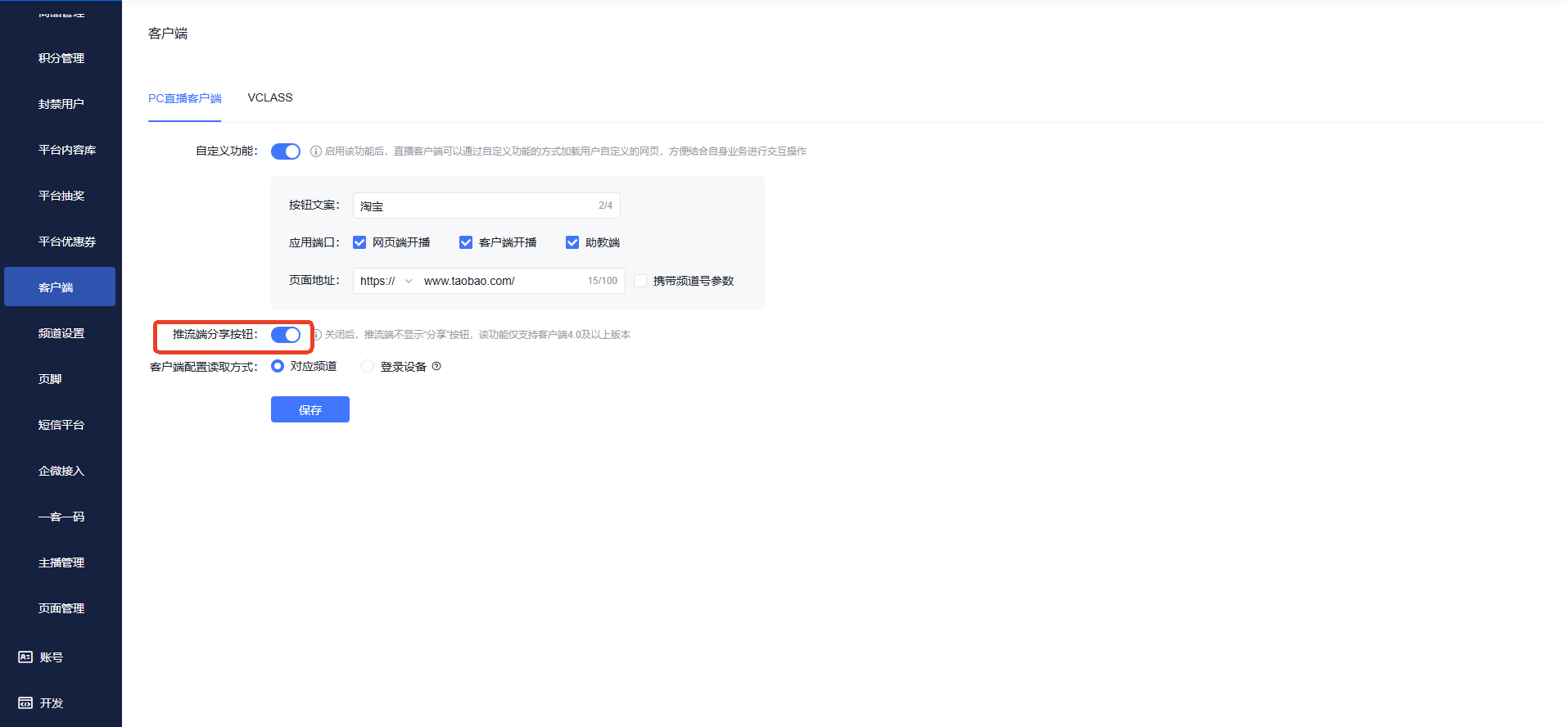
- First, enter the management console, find "Settings" -> "Client" in the sidebar, and enter the client settings page
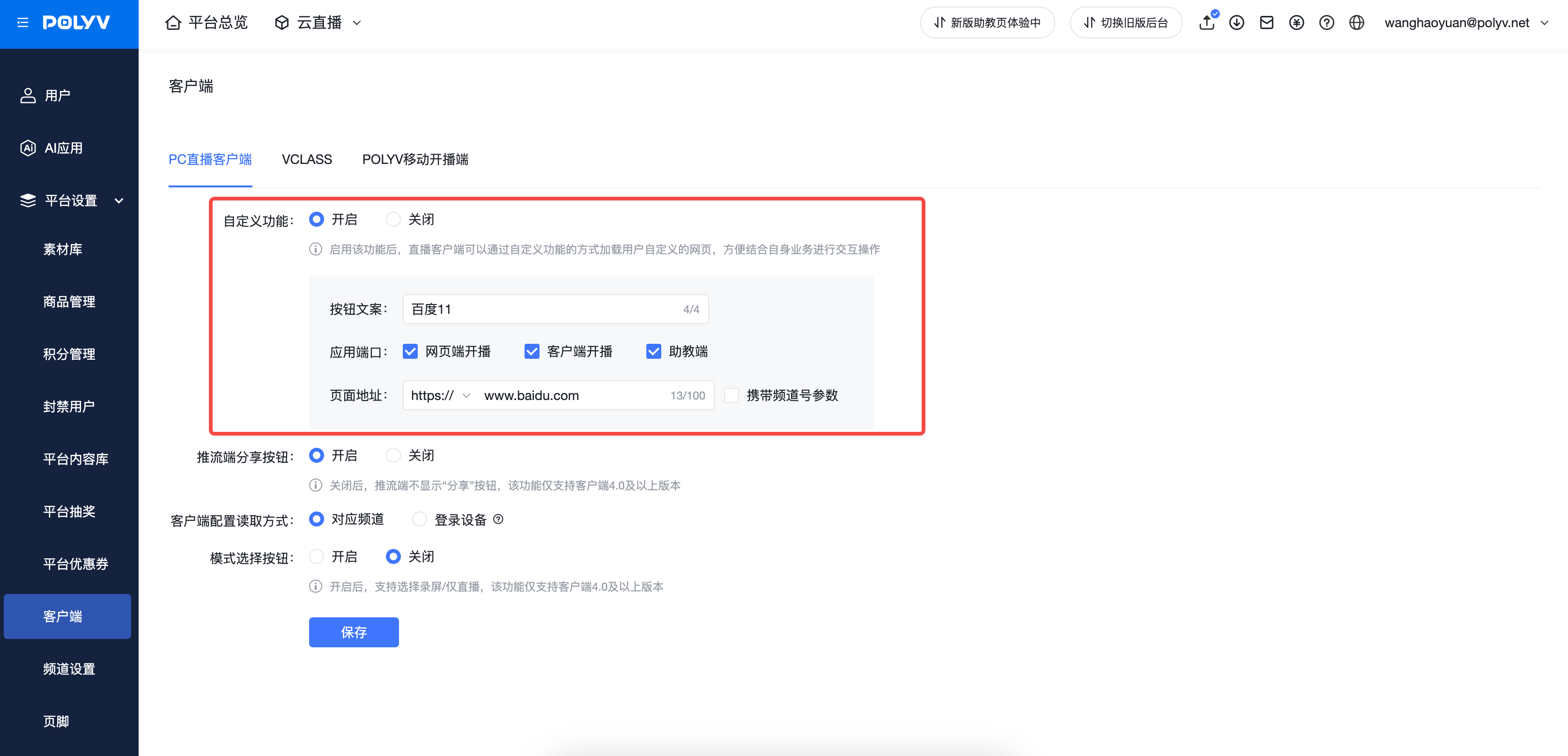
- Select the corresponding client settings in the tab, configure the permission information, save, and then start the client for the changes to take effect
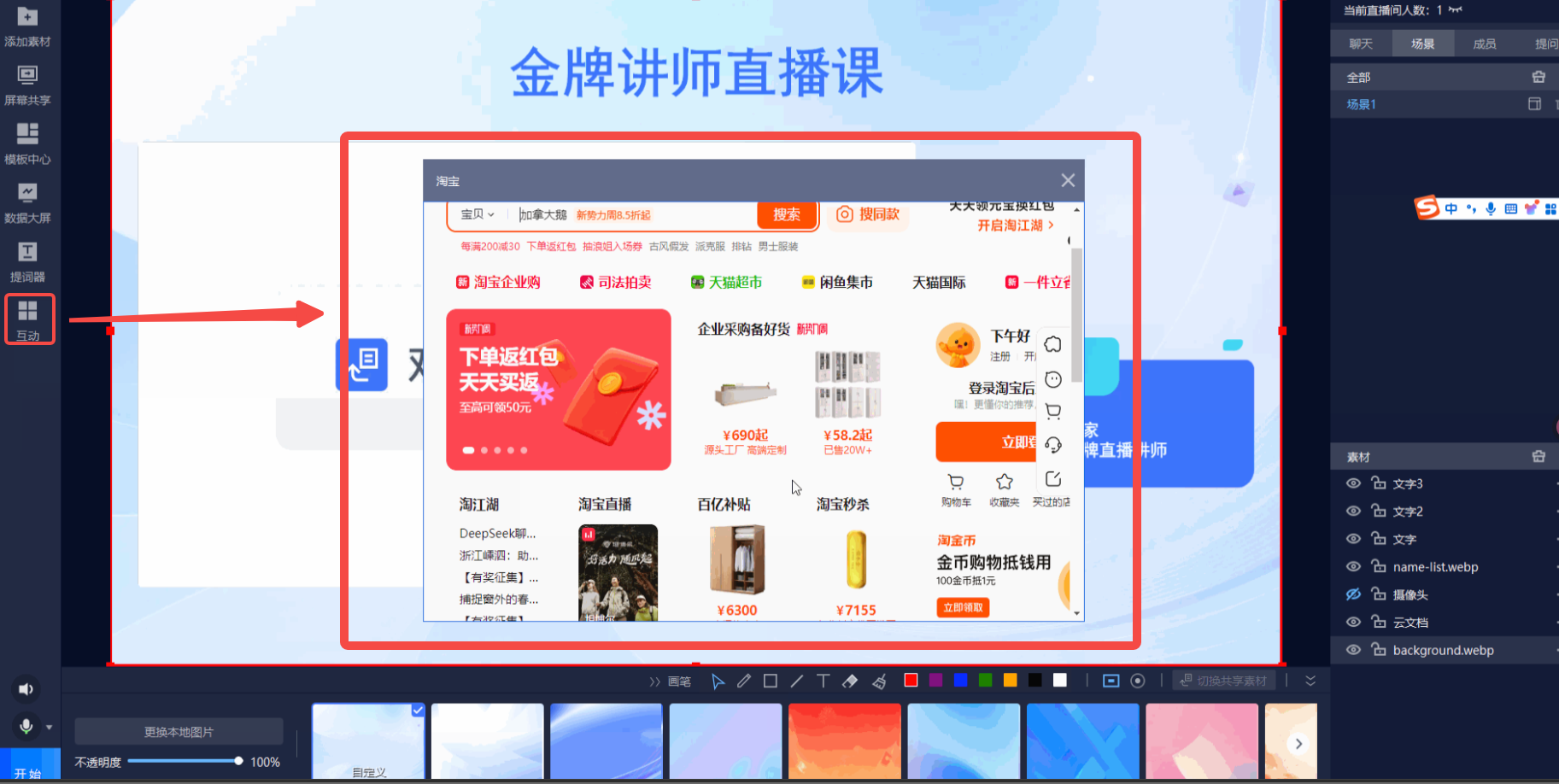
- Start the client, click "Interaction", and you will see that the custom feature button has taken effect. Clicking this button will load the corresponding web page address
Streaming Sharing Toggle
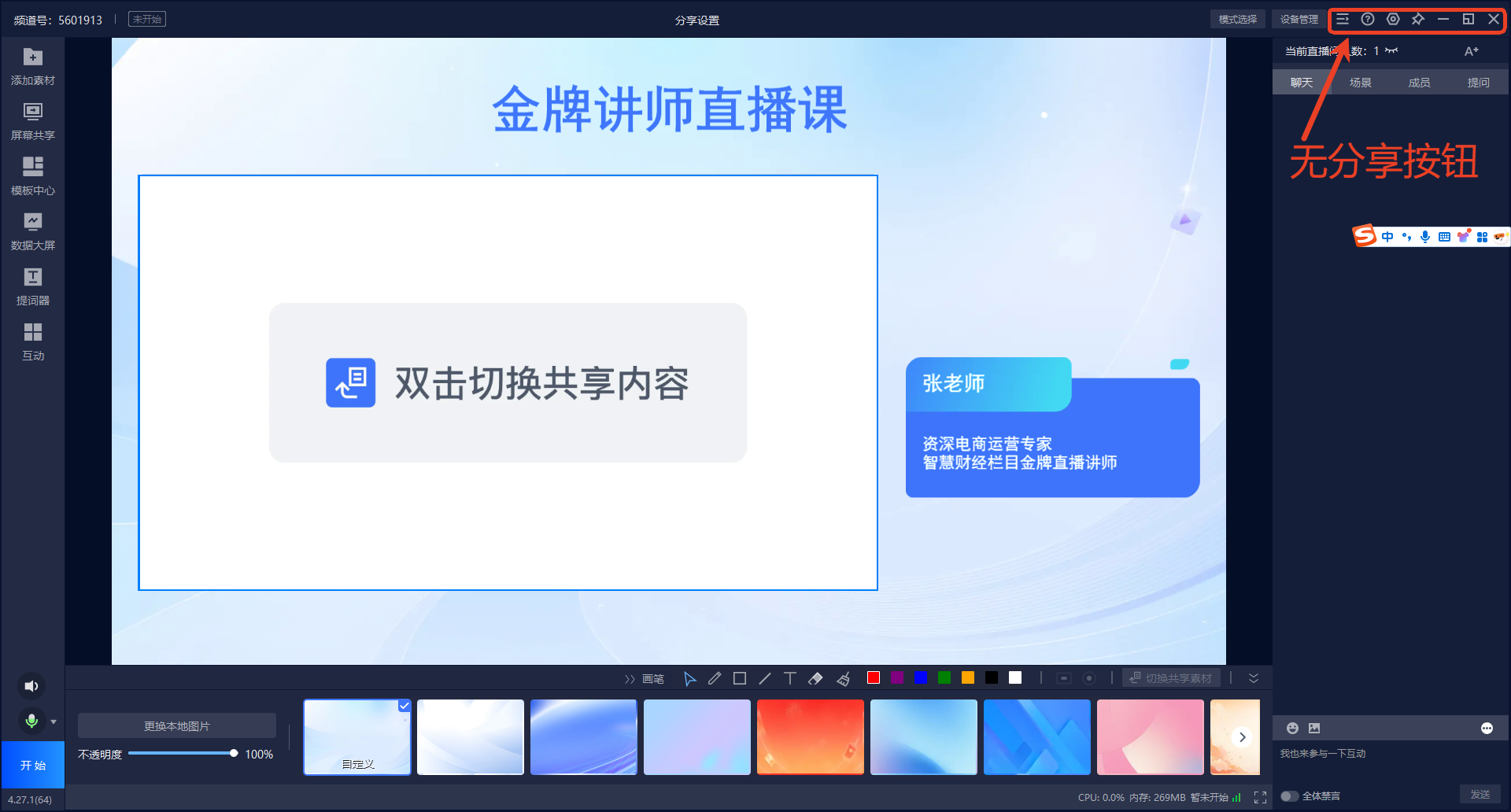
When the streaming sharing button is disabled, the sharing toggle will no longer be displayed on the client
Mode Selection Button
Supports showing or hiding the "Mode Selection" button on the client
Client Device Detection Process
Supports enabling or disabling the device detection process. When enabled, opening the client to start streaming requires checking the device status
2. VClass
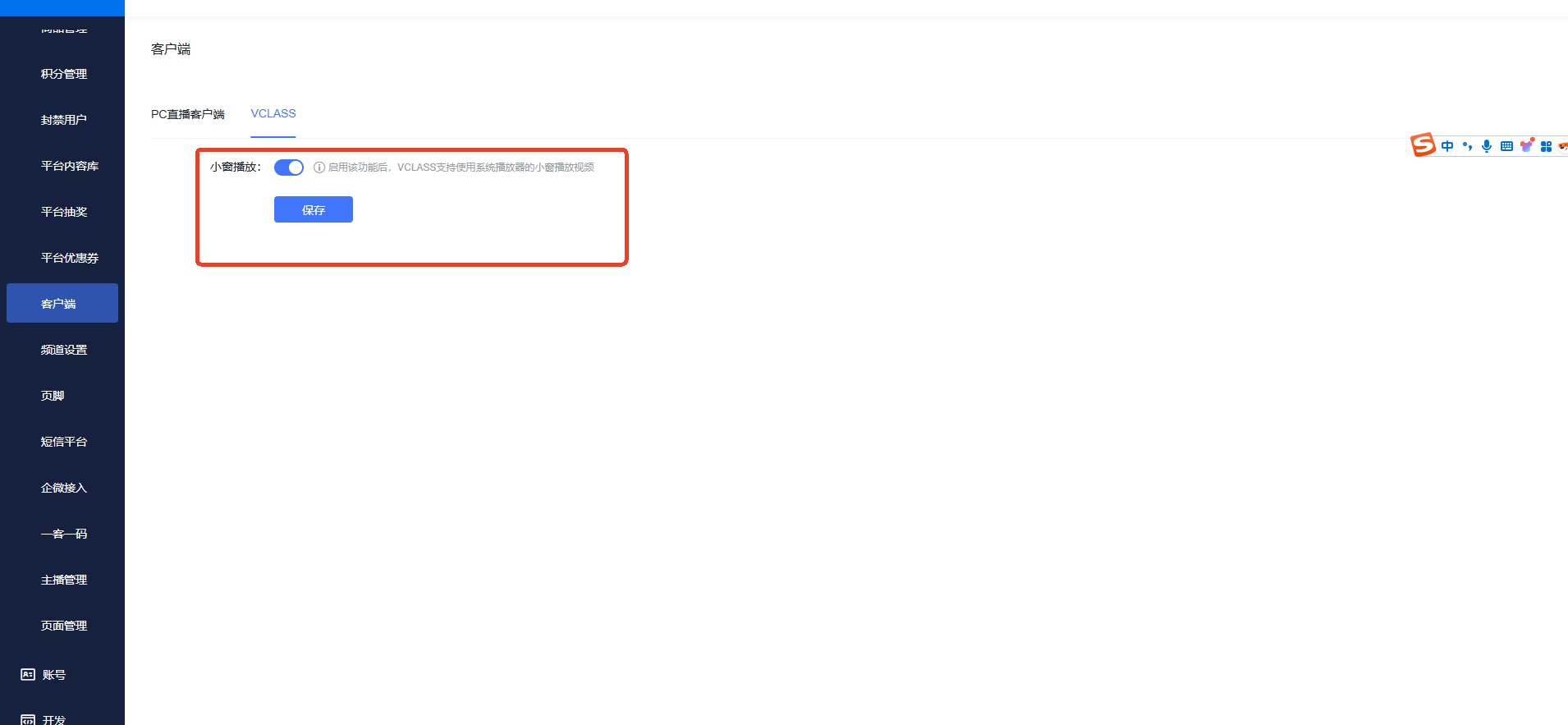
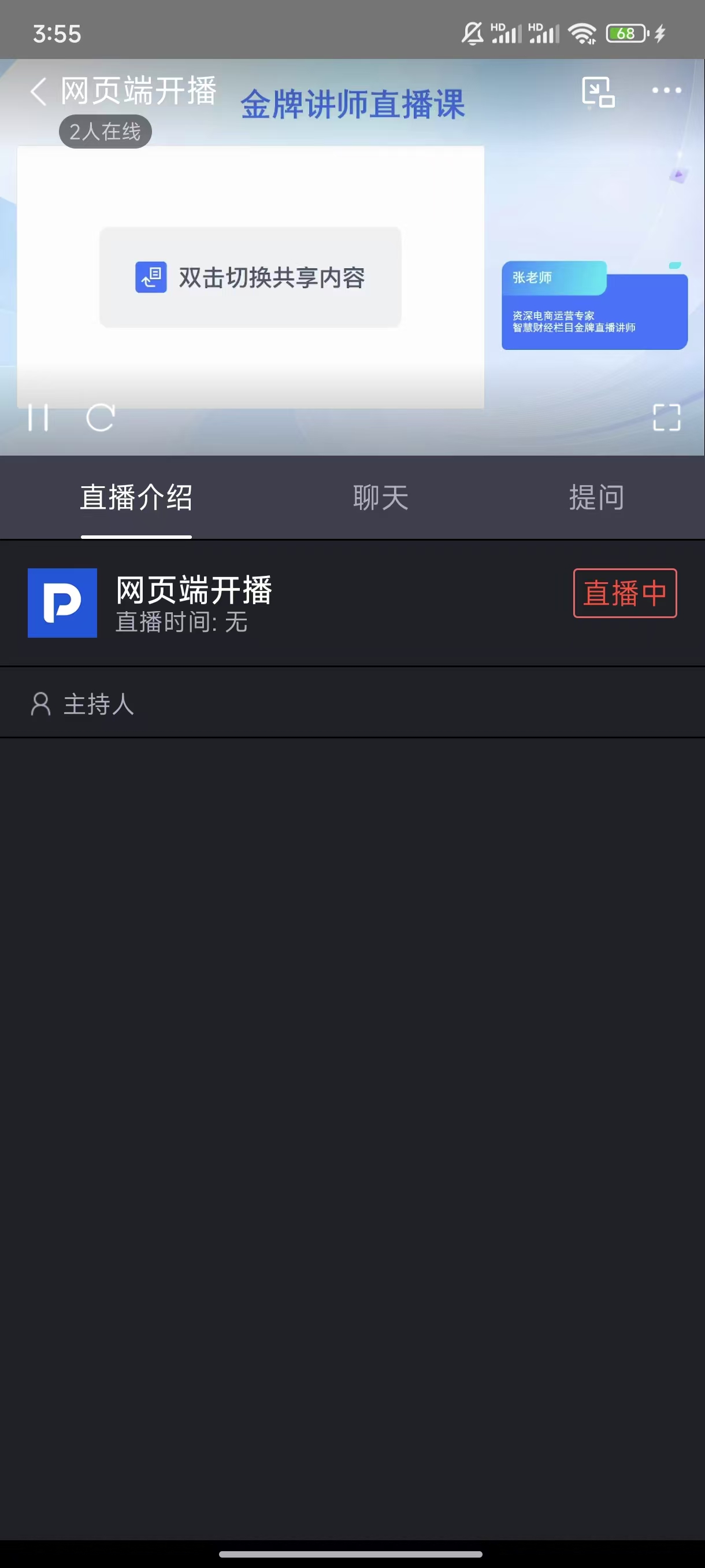
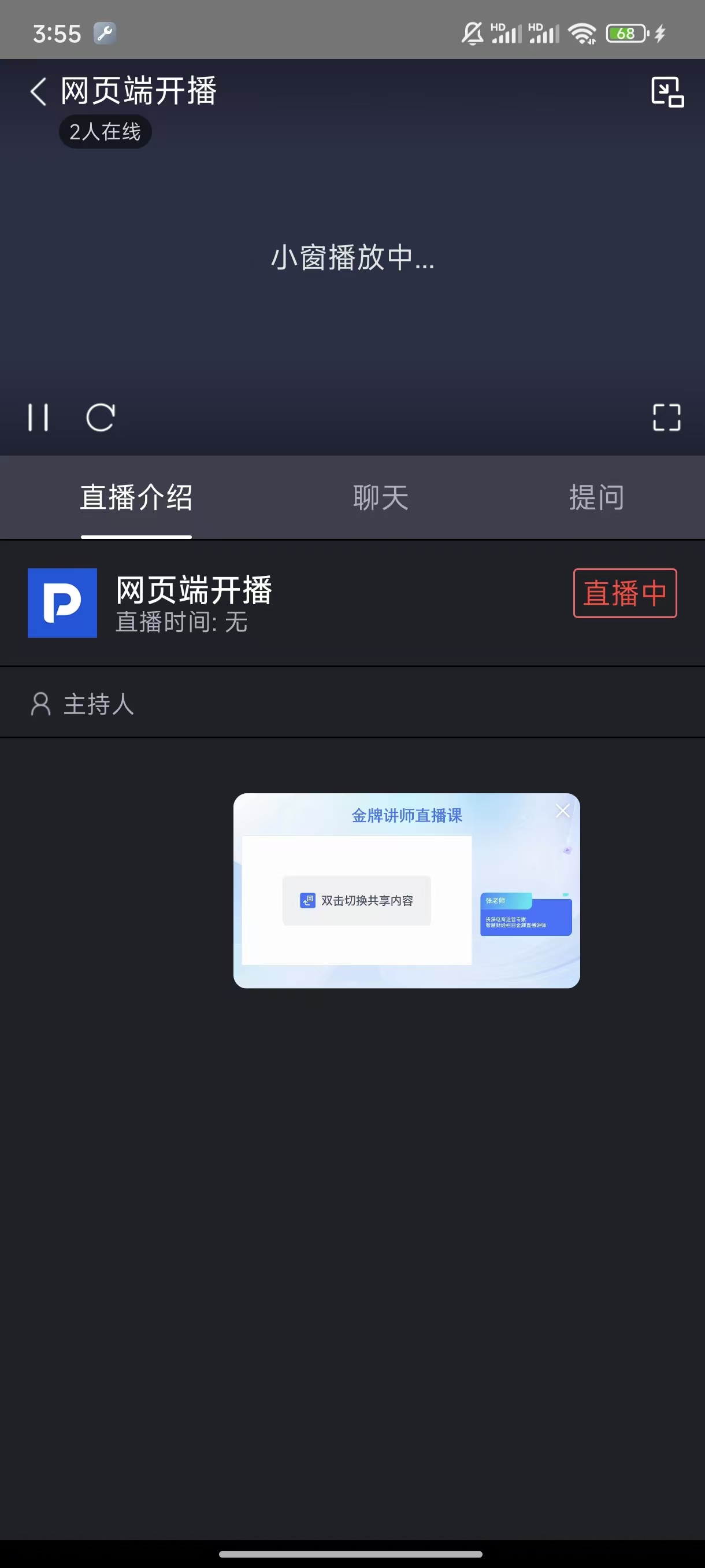
Picture-in-Picture Playback

3. POLYV Mobile Streaming Client
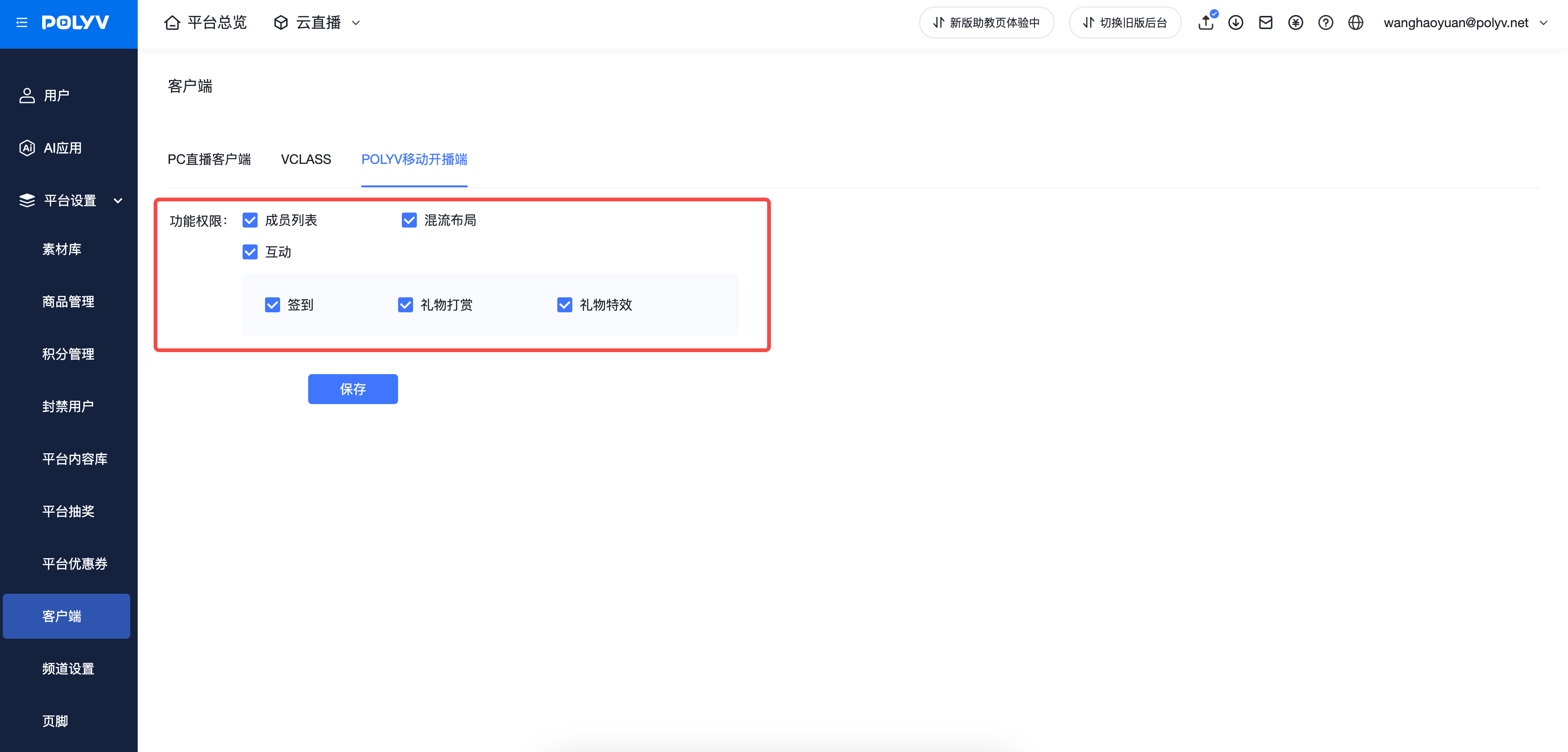
- Supports configuring the display and hiding of "Member List", "Mix Layout", and "Interaction"