Quick Q&A
Feature Description
Quick Q&A allows you to initiate instant quiz interactions during a live stream, making it ideal for quickly collecting audience selections on a single question.
This feature supports up to 5 options and allows you to choose between single or multiple selection for the audience.
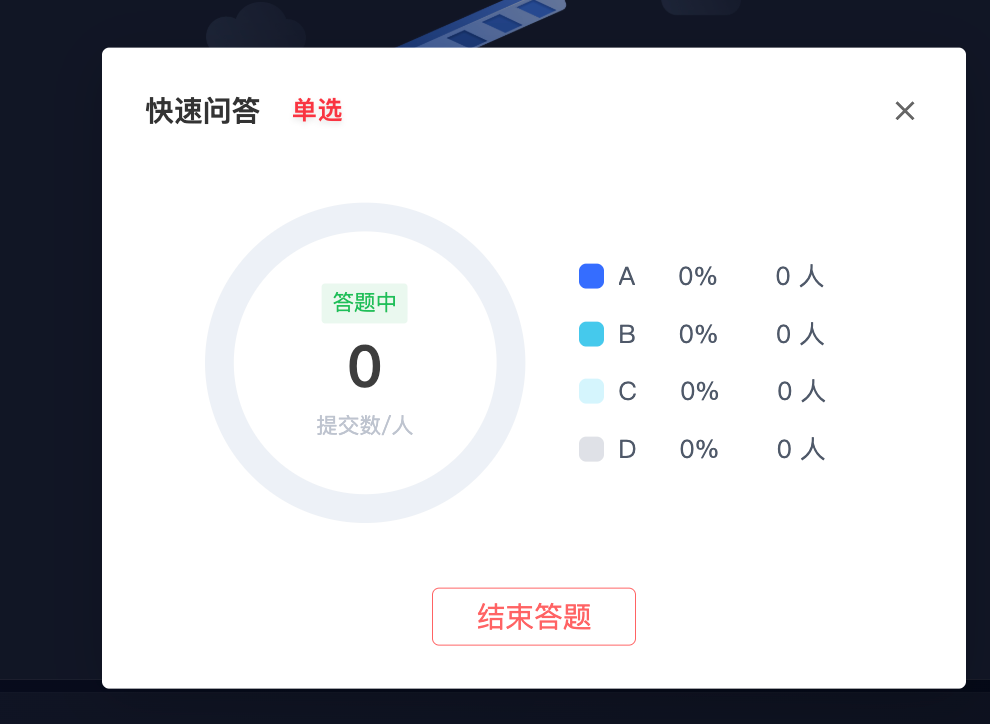
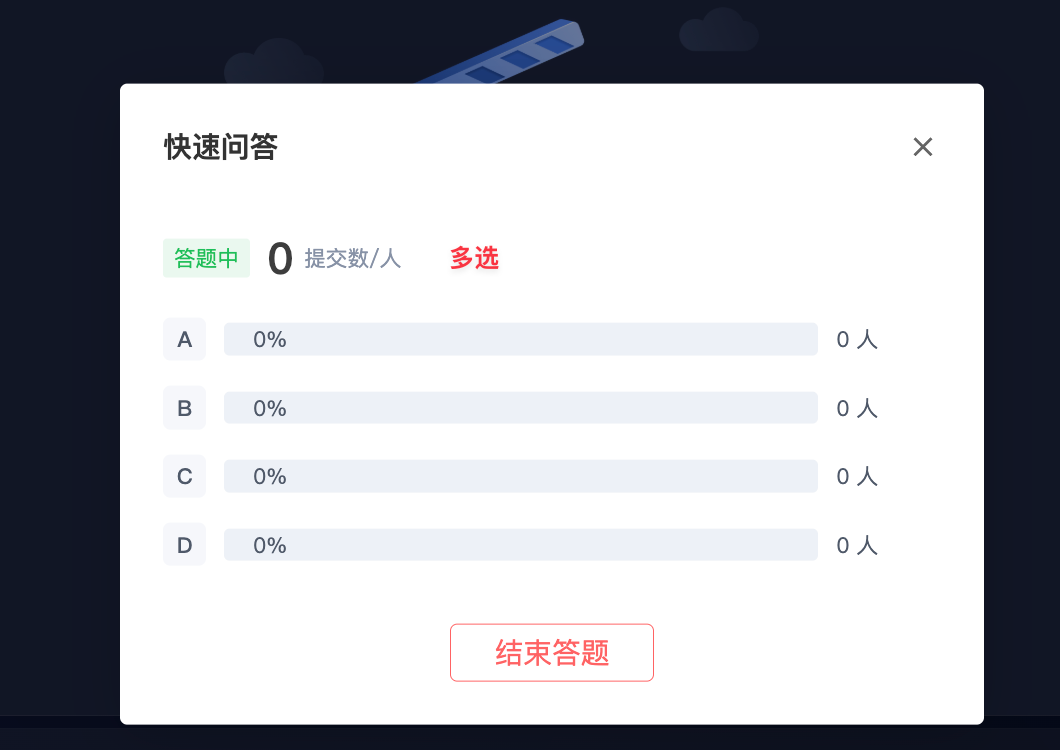
Once a Quick Q&A is launched, the results page displays the total number of submissions, the number of submissions for each option, and the percentage share, making it easy to broadcast the quiz results externally. The assistant page and the streaming interface display results in a unified format.
Applicable Scope
Applicable to the web streaming interface, PC assistant page, and live streaming console.
Steps
The following uses the assistant page as an example:
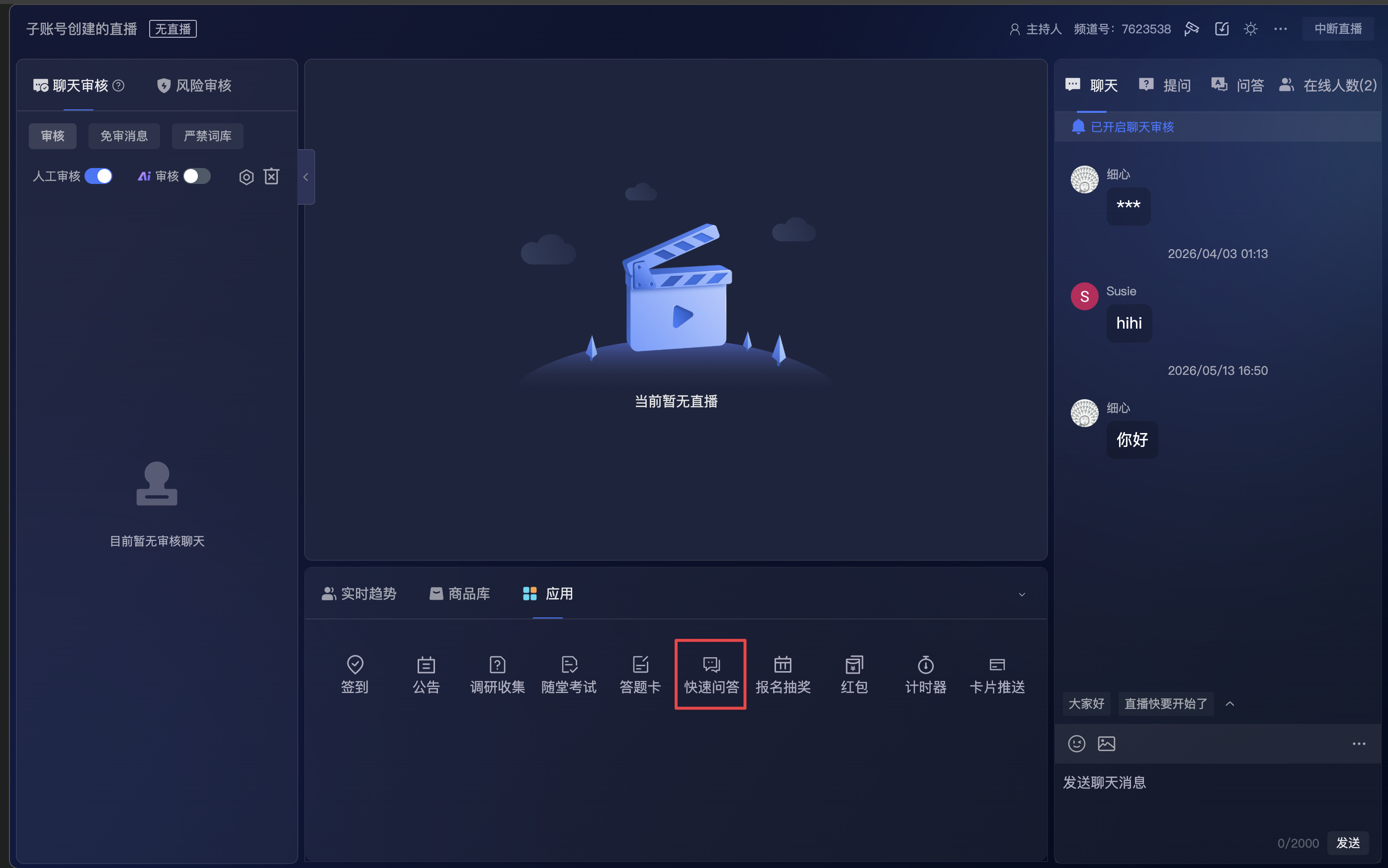
- Enter the application module.
- Click the Quick Q&A entry.
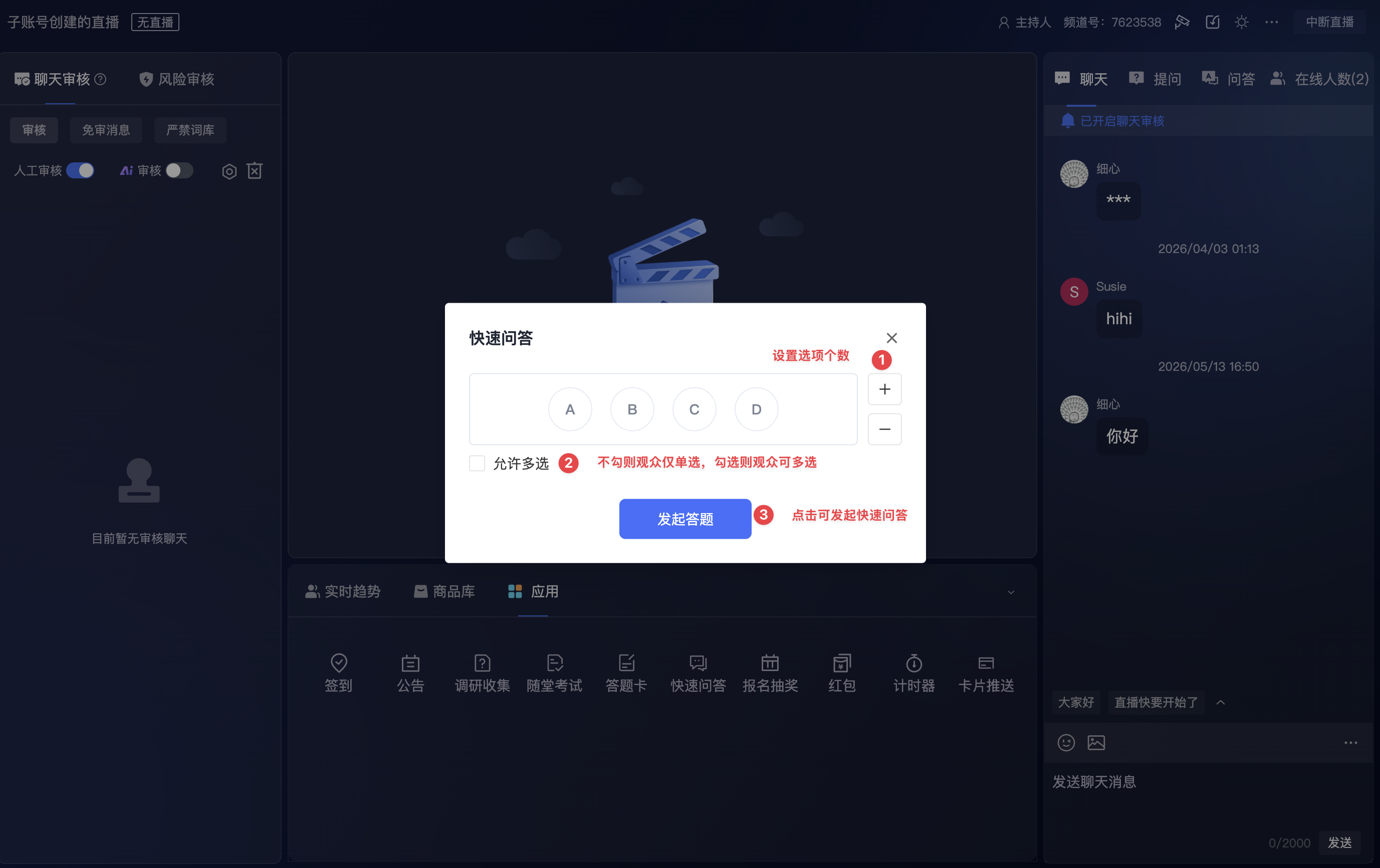
- Set the number of options.
- Choose single or multiple selection.
- Launch the Quick Q&A.
6. After launching, you can view the current quiz status and audience submission results on the page. The results page displays the total number of submissions, the number of submissions for each option, and the percentage share.
Single selection results page:
Multiple selection results page:
Viewer-Side Effects
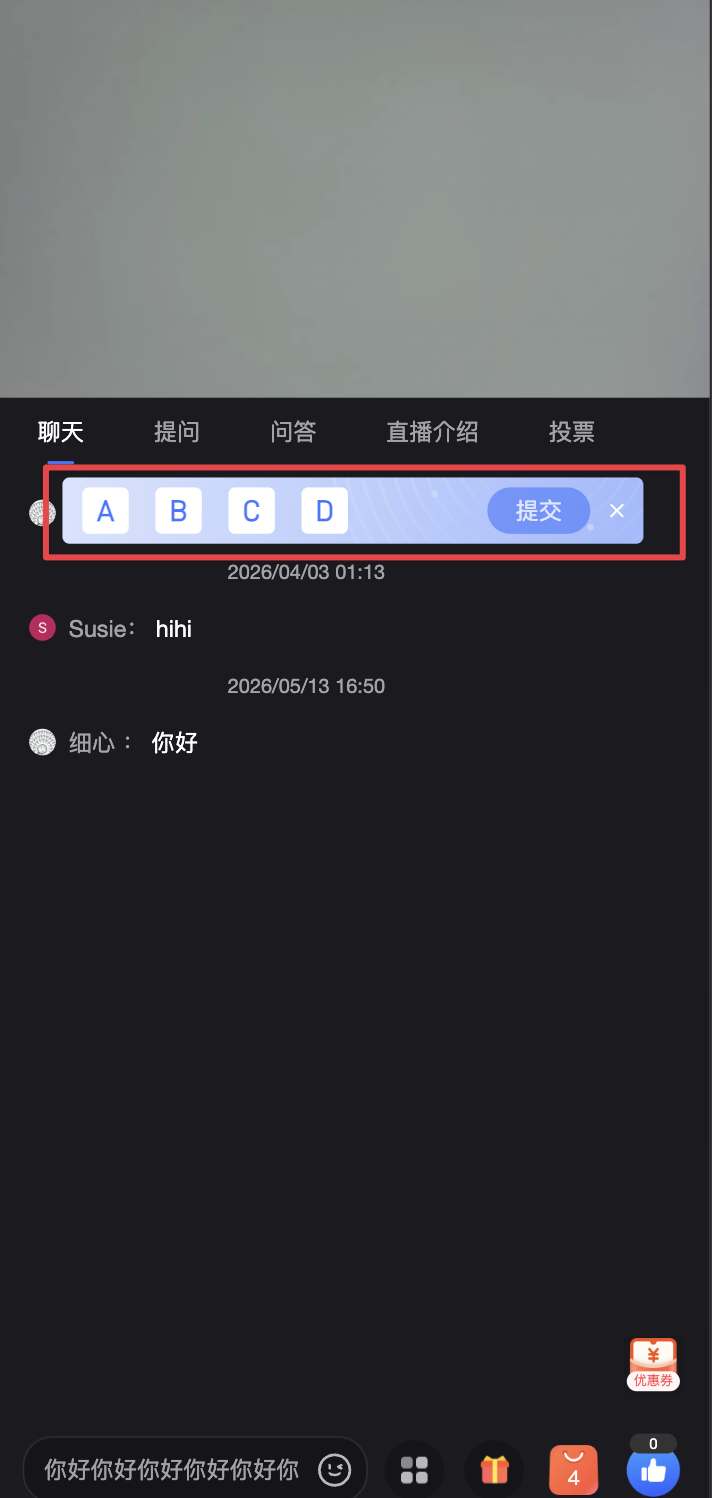
PC viewer page: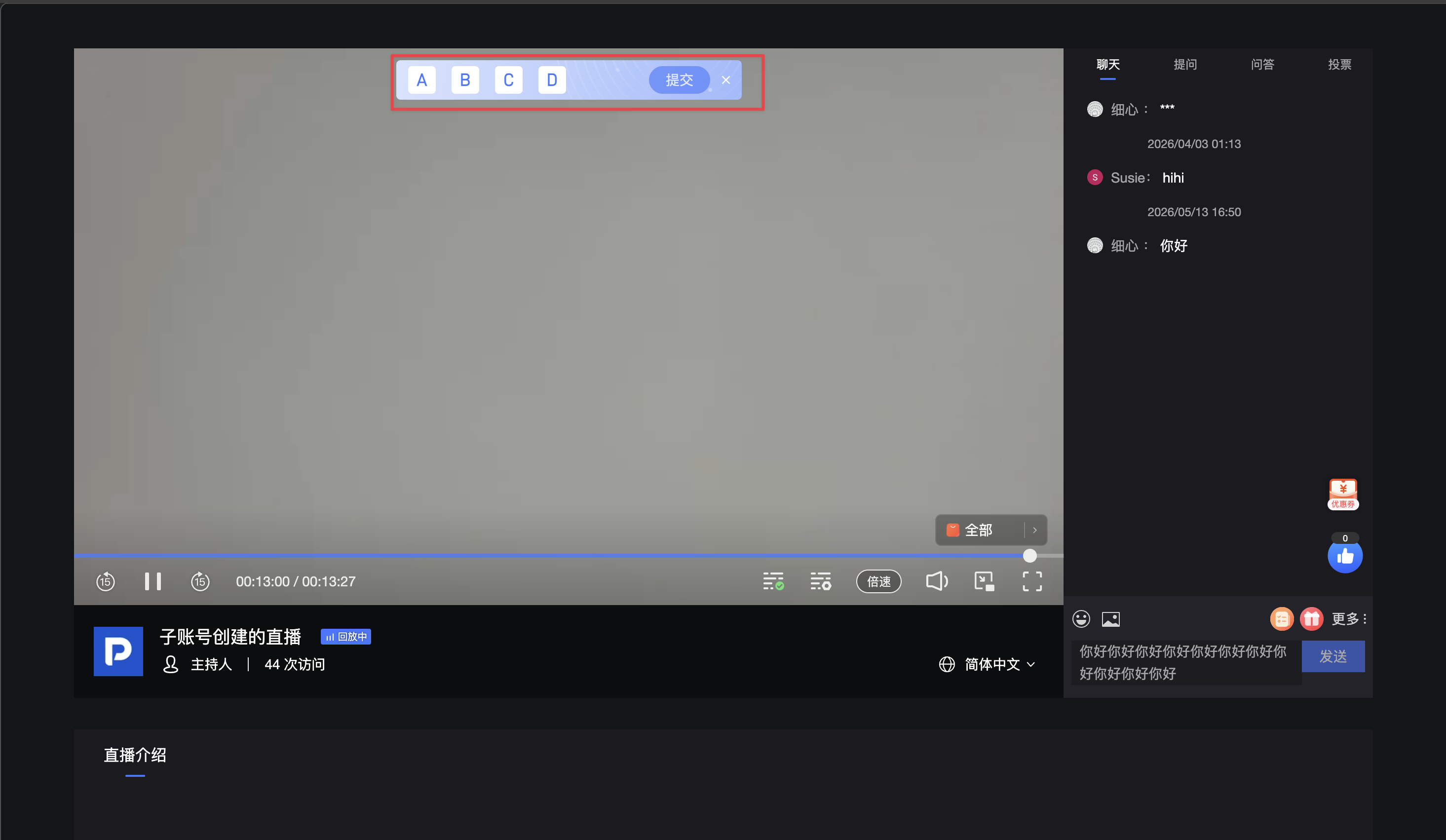
Mobile viewer page:
<img src="https://liveimages.videocc.net/help_doc/1b01464e-300c-4f15-be86-25f0b46f389f.png"" alt="" width="50%">
Notes
- Once a Quick Q&A is launched, it appears in the answer card list.
- Clicking a Quick Q&A record in the answer card list reopens the Quick Q&A operation window.
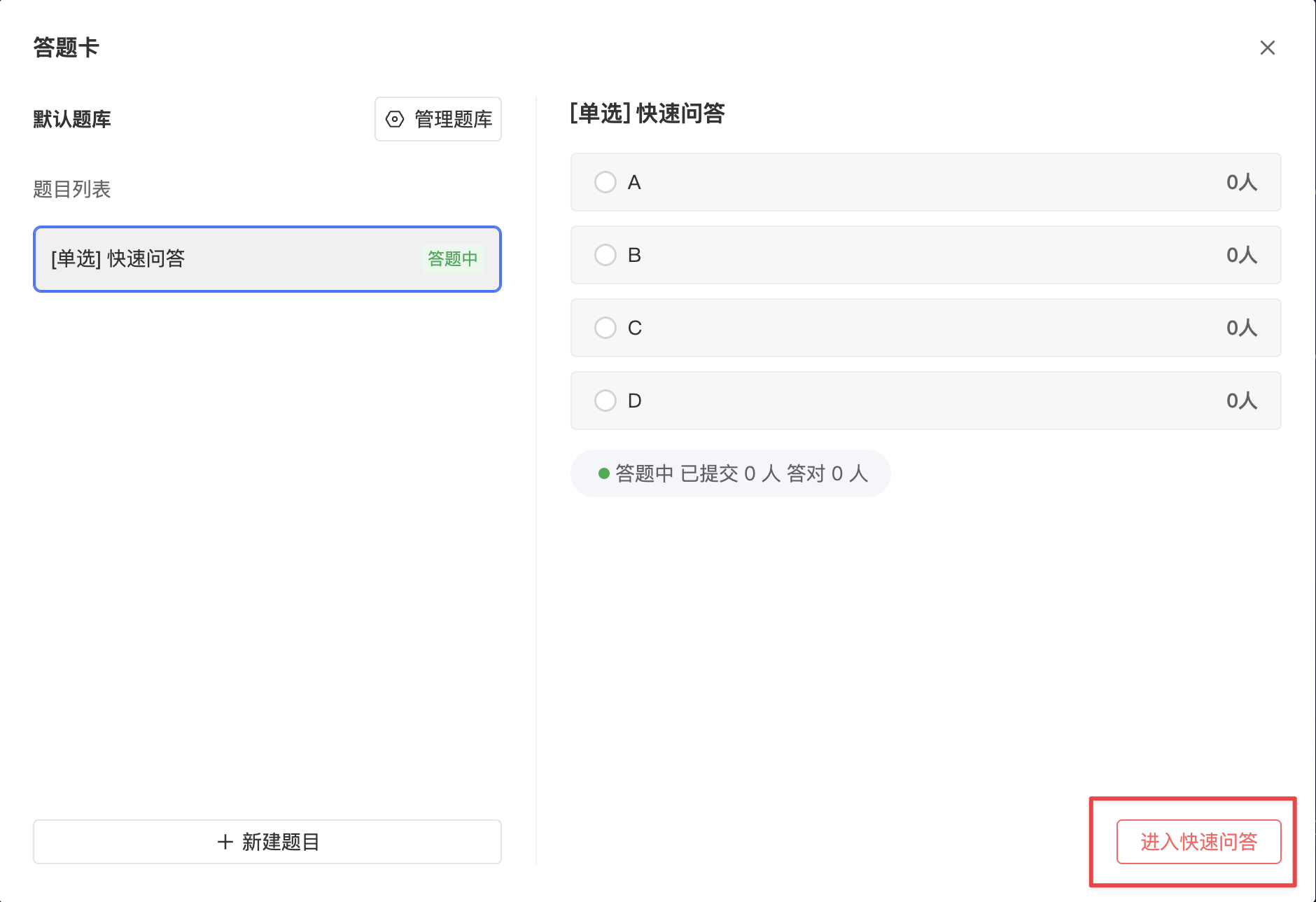
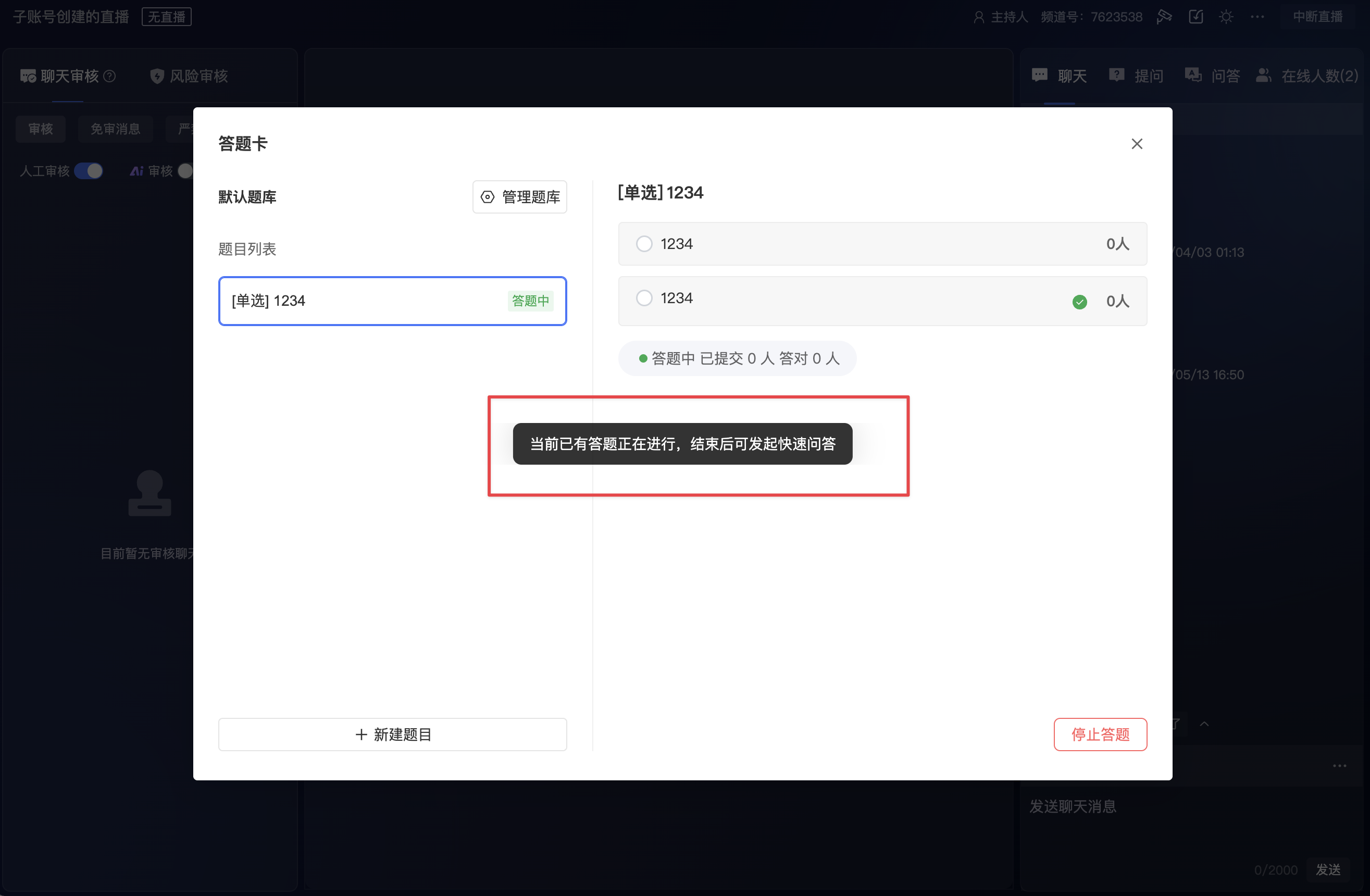
- While a Quick Q&A is in progress, you must end it first before launching a question from the answer card.
- If an answer card is already in progress, clicking Quick Q&A opens the current answer card window. You must stop the ongoing answer card before launching a Quick Q&A.