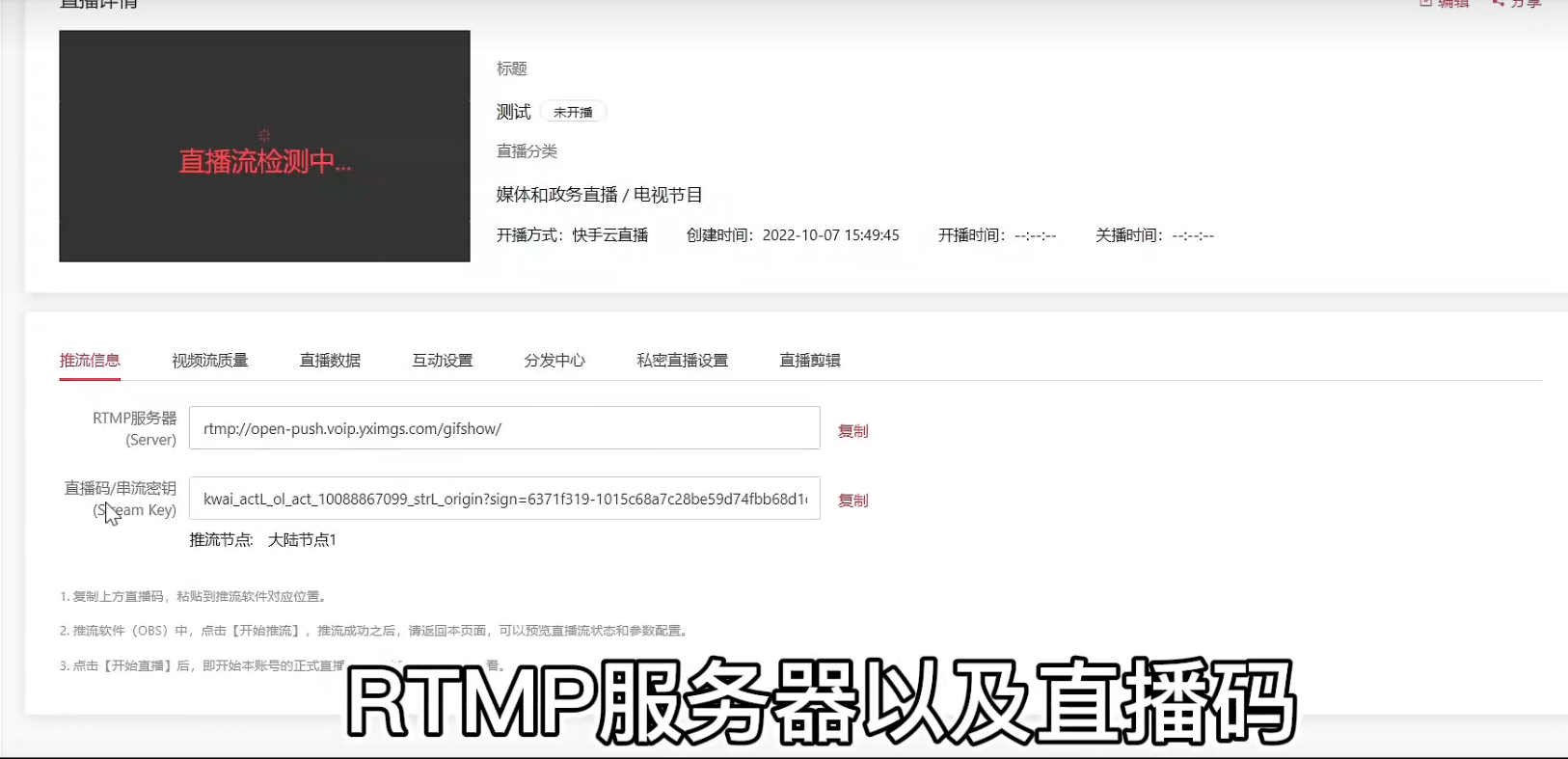
[Cloud Distribution] Quick Video Push Stream Address Acquisition Operation Document
Updated: 2022-12-19 19:11:22
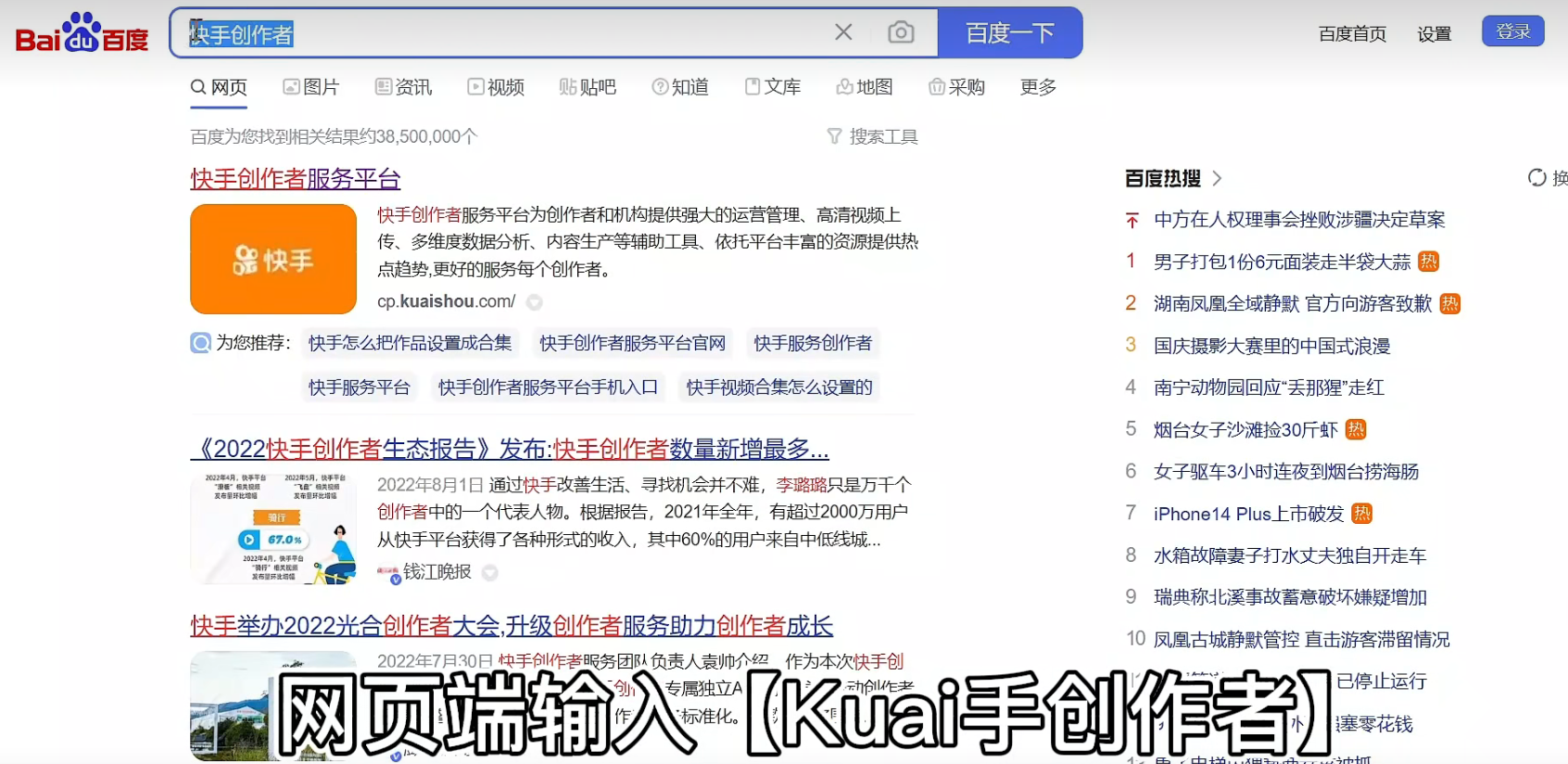
1. Search for the Quick Video Creator Service Platform and log in
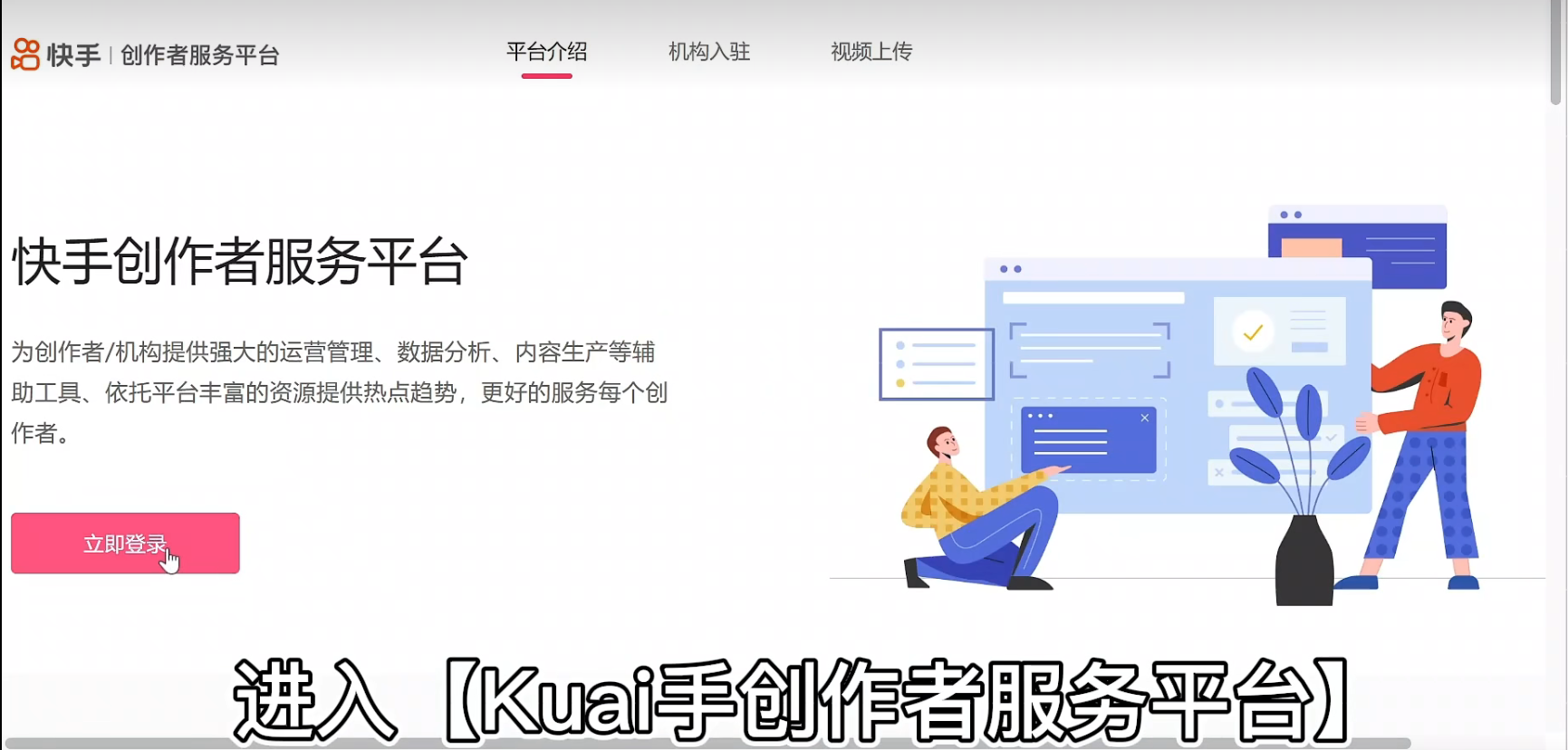
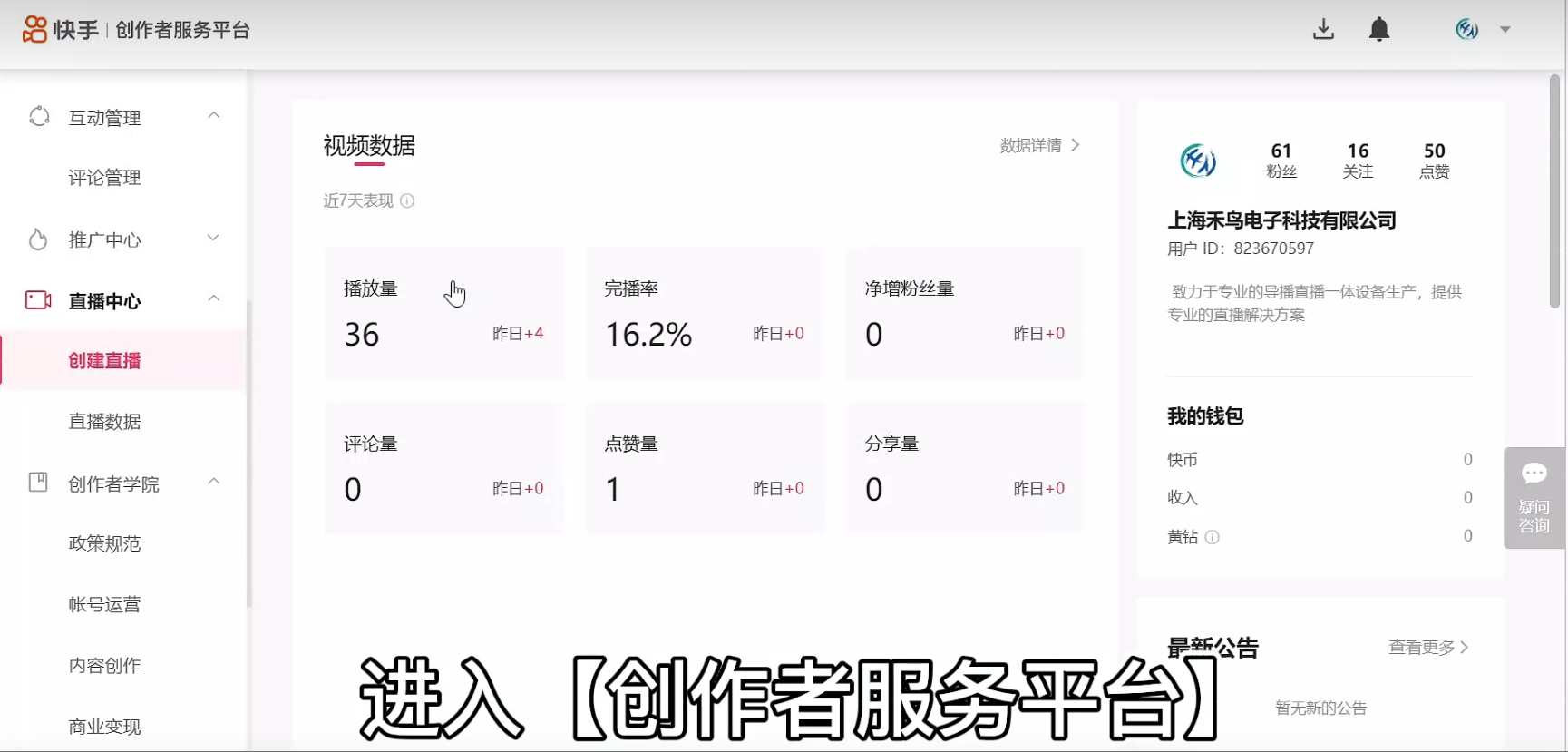
2. Click "Create Live Stream" and select "Push Stream Live"
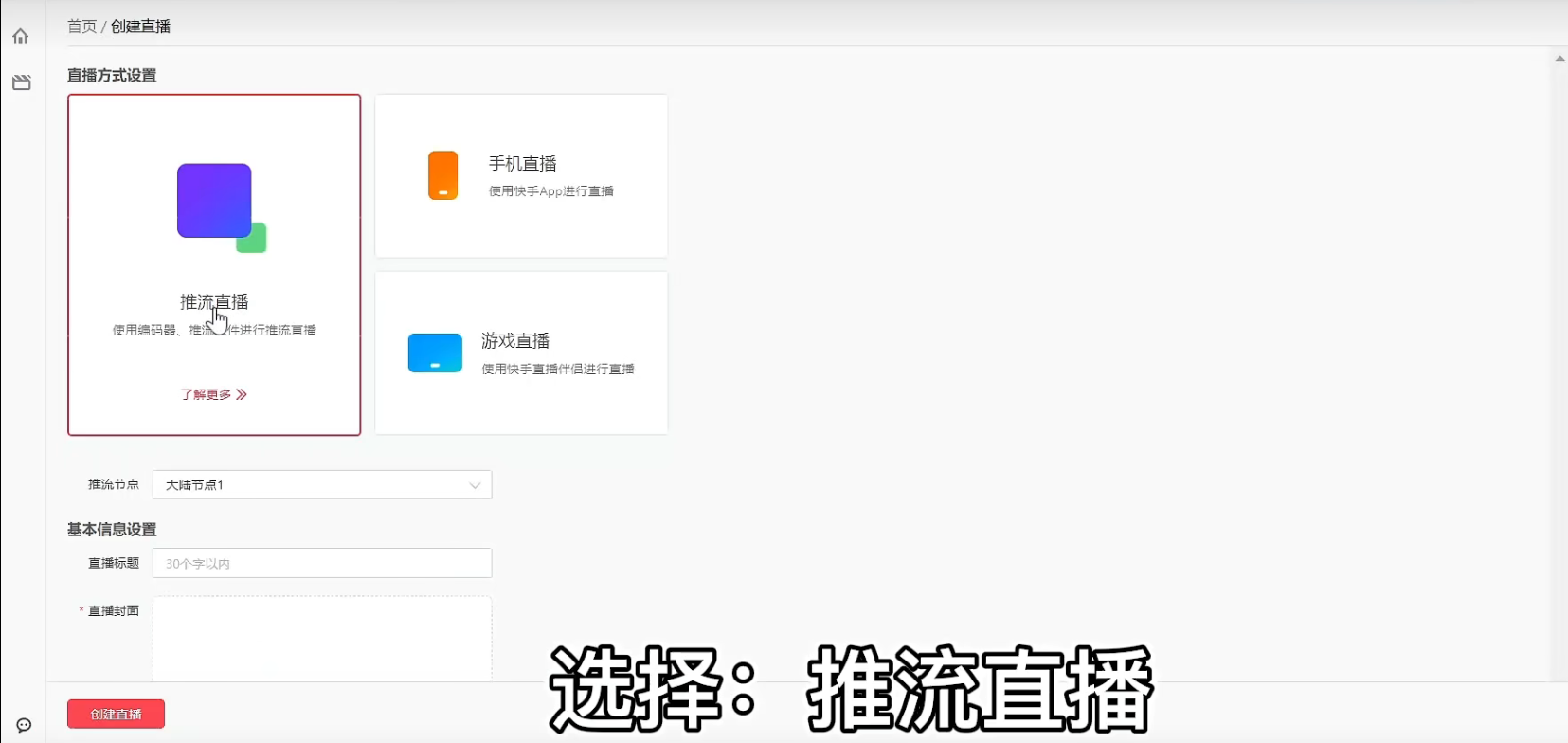
3. After creating the live stream, you will enter the live stream configuration interface. Copy the RTMP server and stream code, then paste them into Cloud Distribution.