Live Stream Temporary Storage
I. Feature Overview
Feature Info |
Description |
|---|---|
| Feature Name | Live Stream Temporary Storage |
| Feature Description | The system automatically saves the replay of each live stream and stores it in the "Live Stream Temporary Storage" area. Users can temporarily store replays for free and configure replay settings, but the storage time for temporary videos is limited. For long-term storage, users can use the VOD system to transfer temporary videos to the "Replay List". |
| Purpose | Improve content utilization and extend its lifecycle. Flexible storage management: Users can choose free temporary storage or paid long-term storage based on their needs, flexibly managing storage space. Enhanced user experience: Users can enter the live room at any time to watch live replays, improving user satisfaction. |
| Use Case | General live streaming scenarios |
| Operation Path | 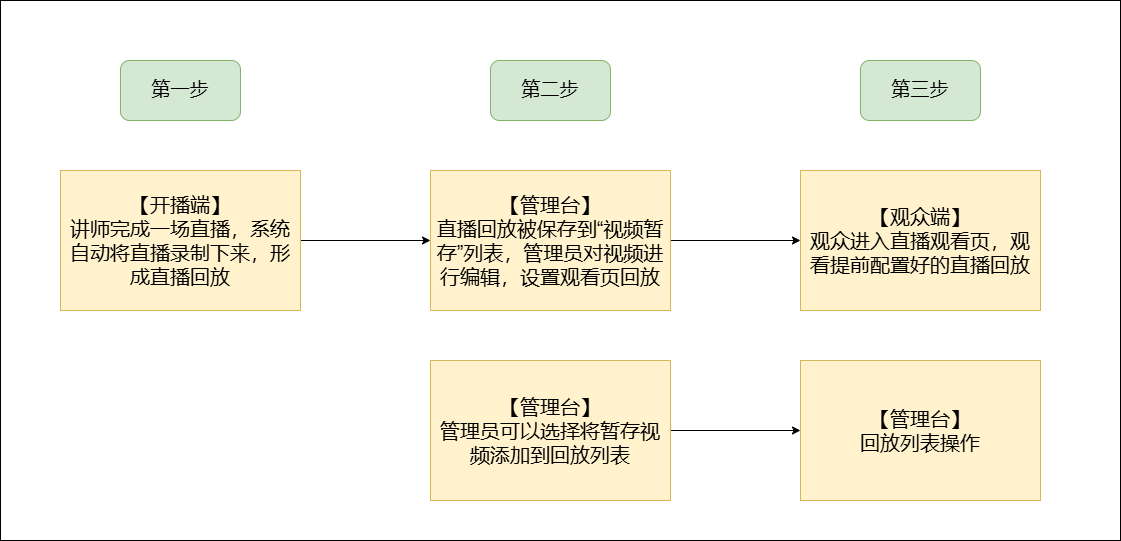 |
II. Usage Instructions
1. Temporary Storage List
(1) After a live stream ends, the system automatically records the replay and stores it in the "Live Stream Temporary Storage" list.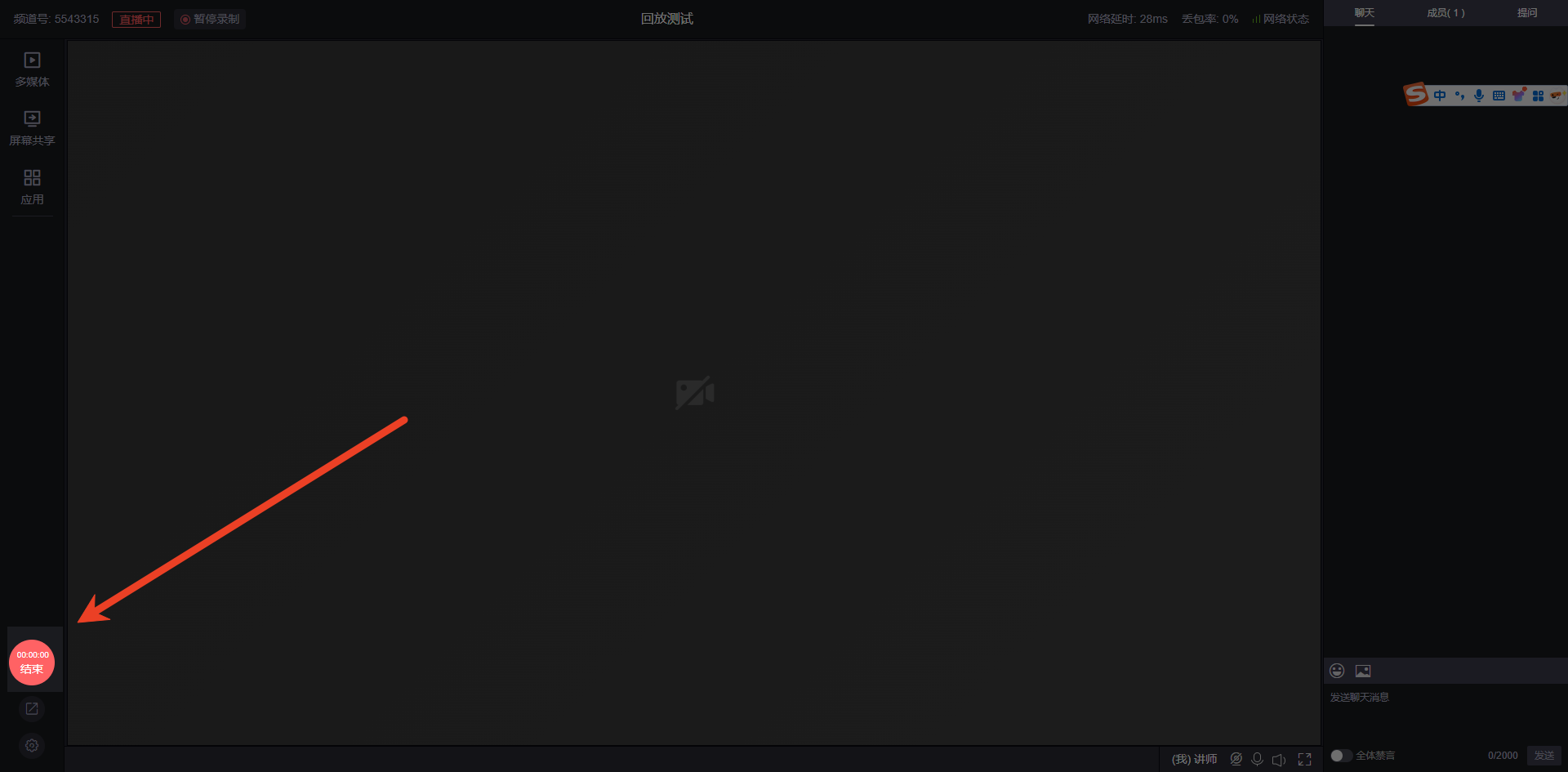
(2) Enter the management backend of that live stream, find "Video Library" under "Live Replay", then locate "Live Stream Temporary Storage" in the video library to see all temporarily saved live replays (temporary live replay videos are stored for 180 days and will be cleared after expiration).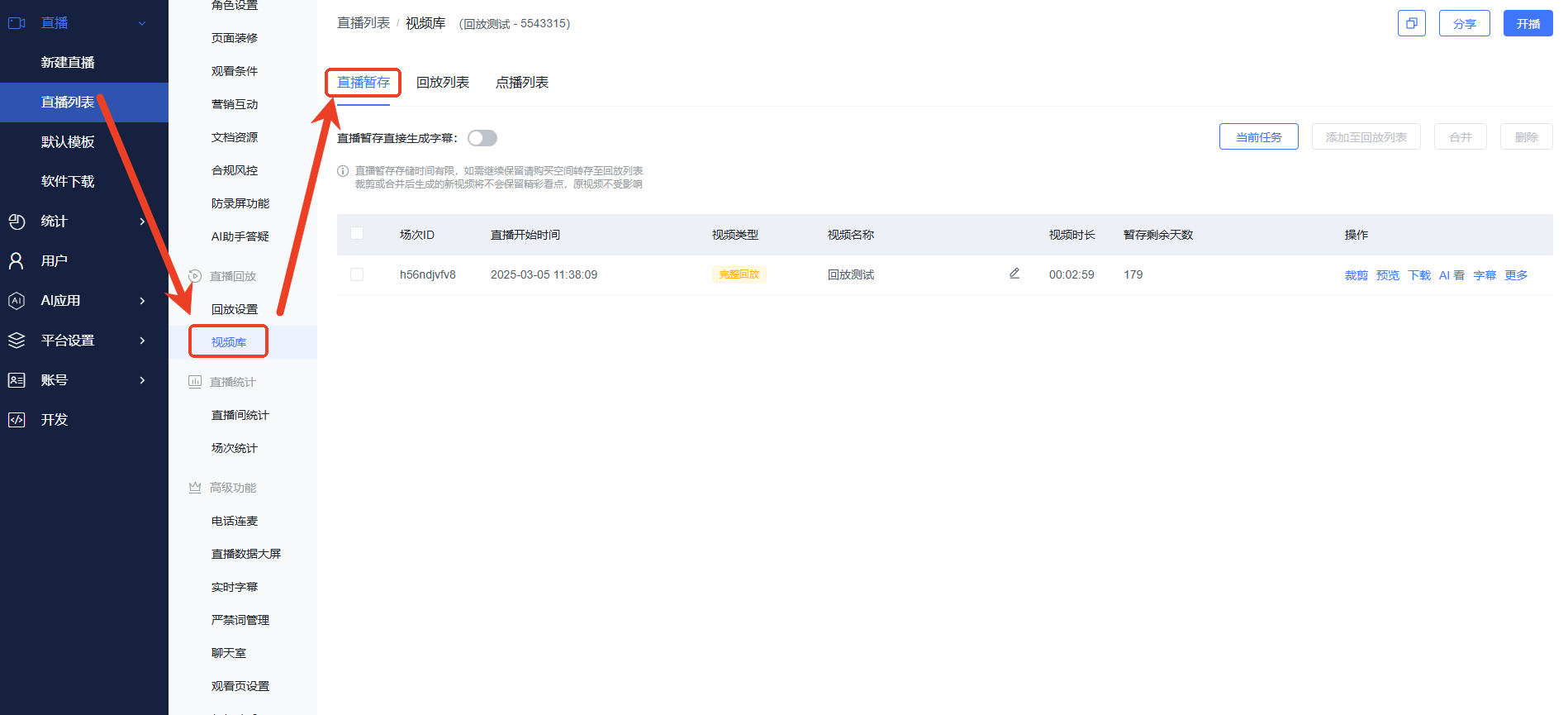
(3) On the Live Stream Temporary Storage page, detailed operation instructions are shown in the figure.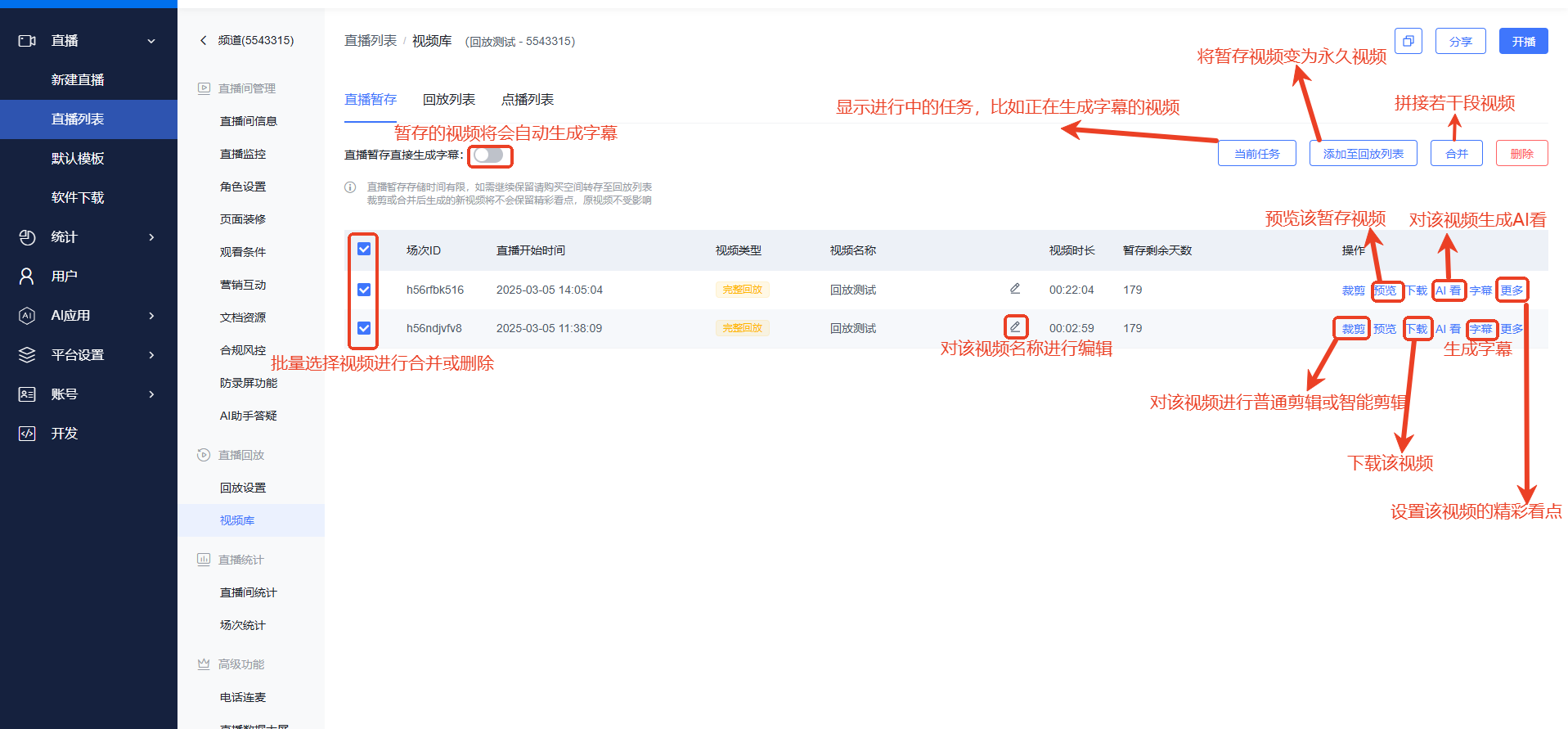
2. Replay Settings (After selectively editing temporary videos, they can be displayed as replays on the viewing page)
Open Replay Settings, enable the "Viewing Page Replay" toggle, and select "Use the latest live temporary storage" as the replay method (if you want to use list replay or replay specific videos, you need to activate a VOD account).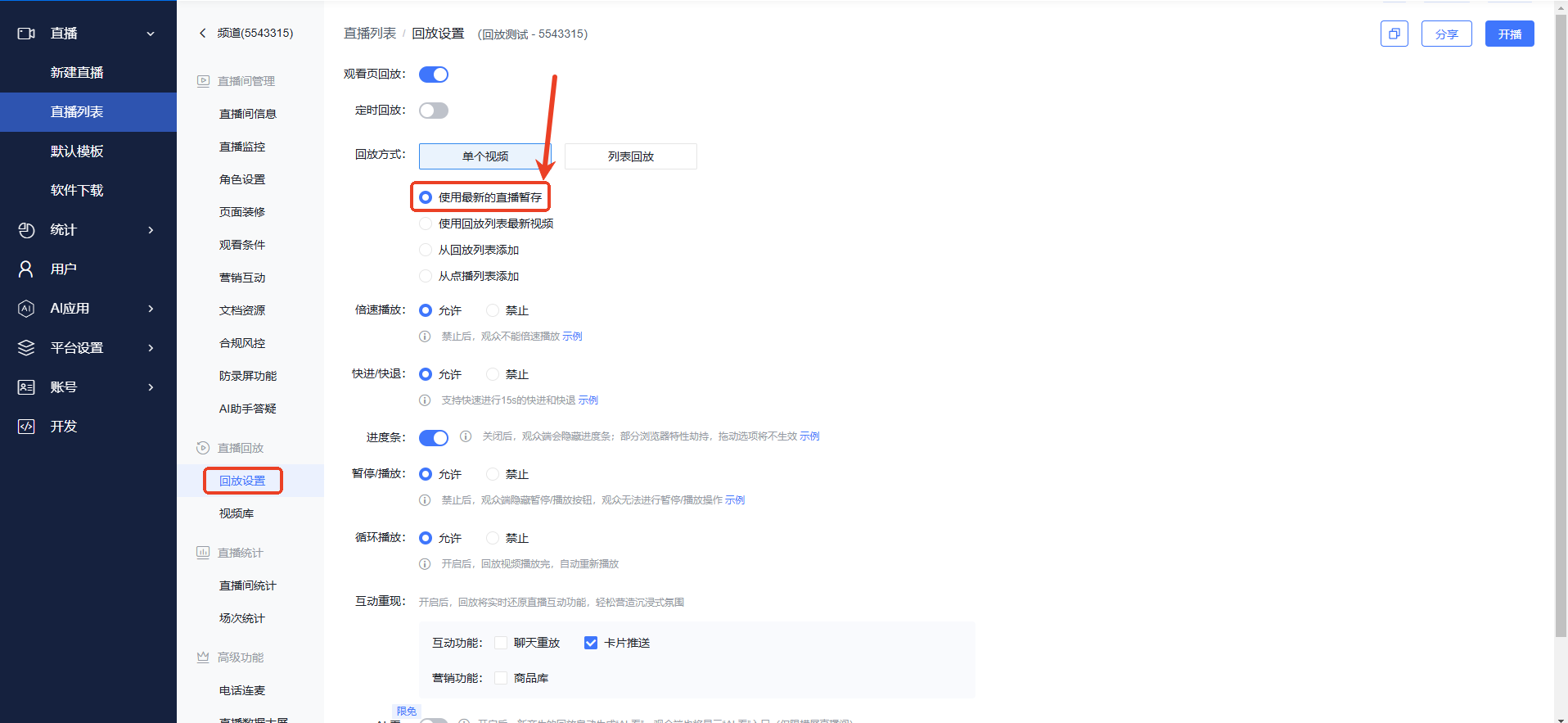
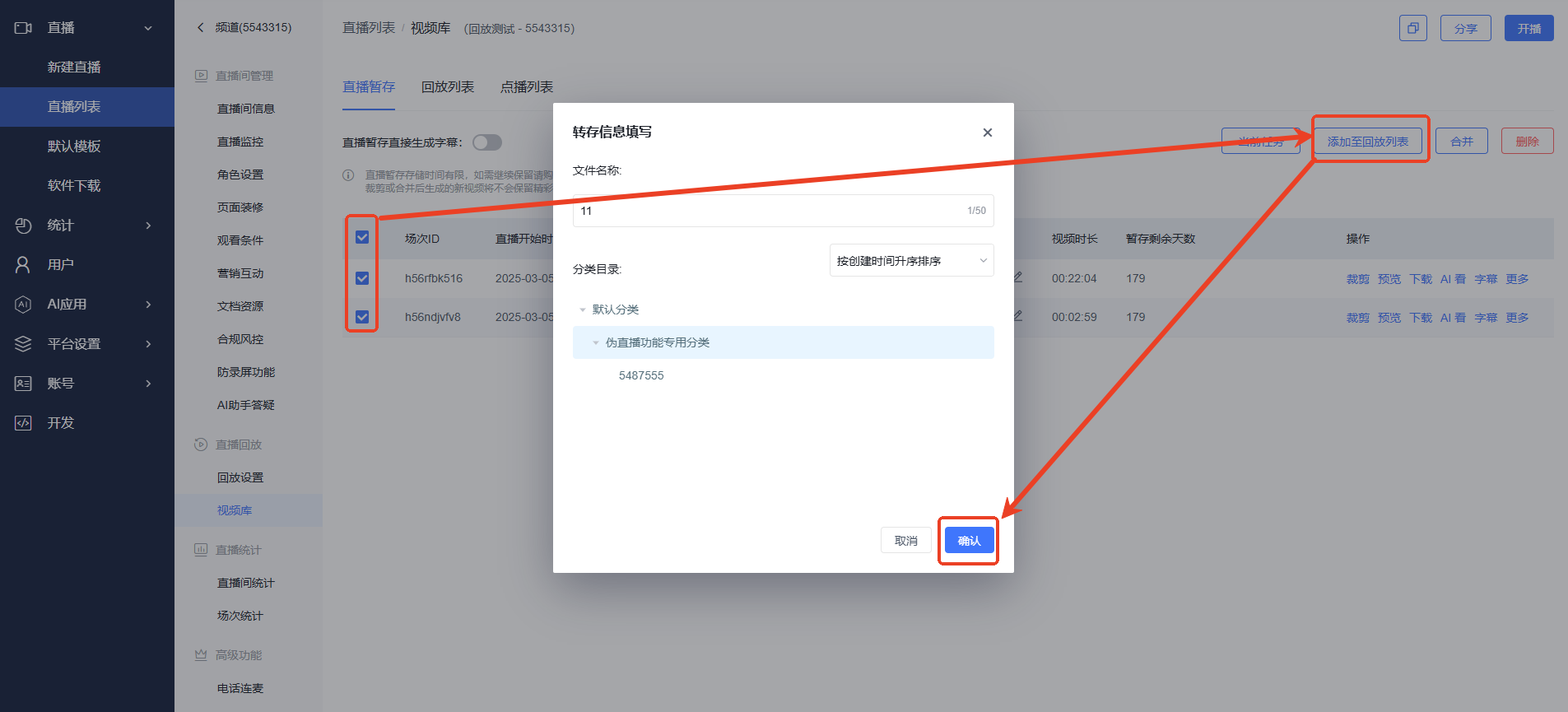
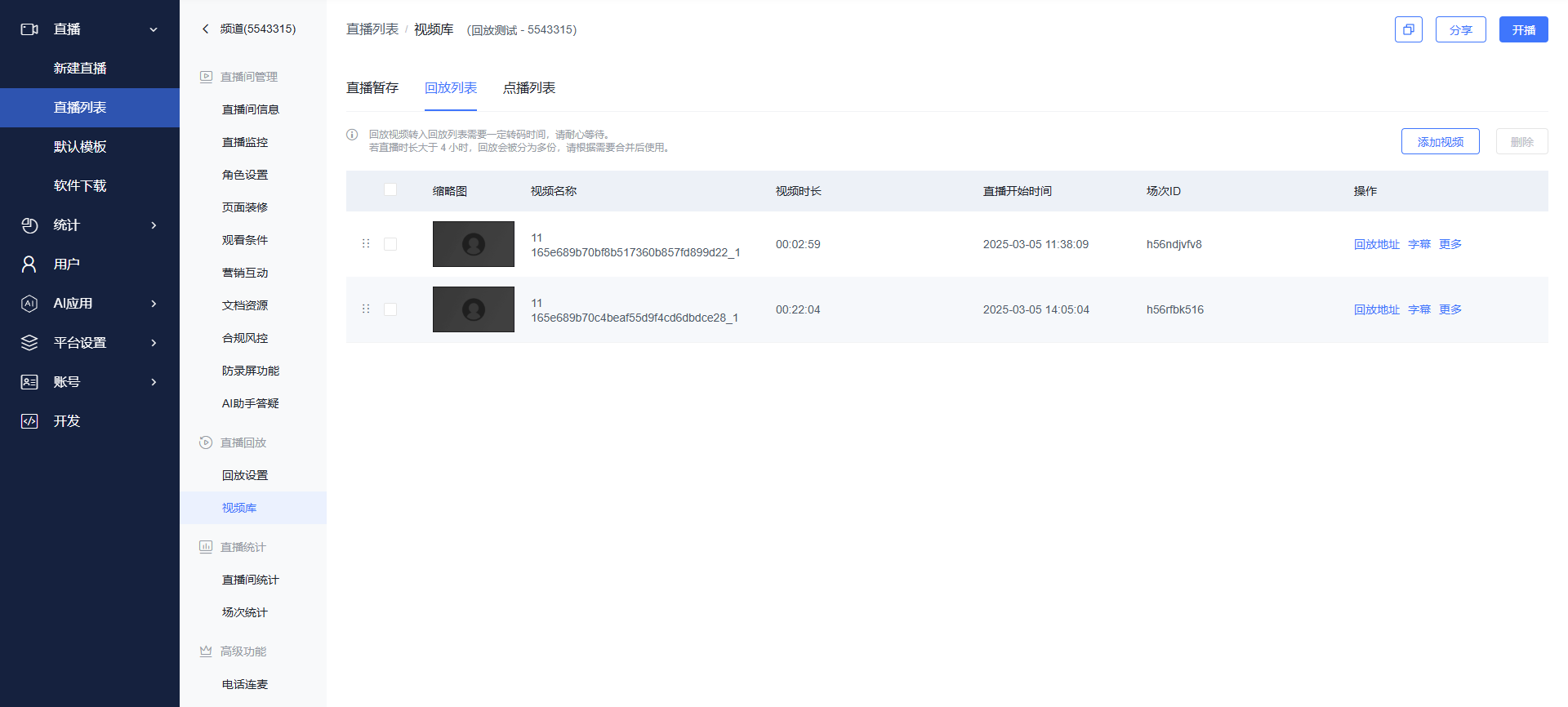
3. Convert Temporary Videos to Replay List Videos (Consumes live streaming minutes, allows permanent replay. Requires VOD storage space and a VOD account.)
III. Effect Display
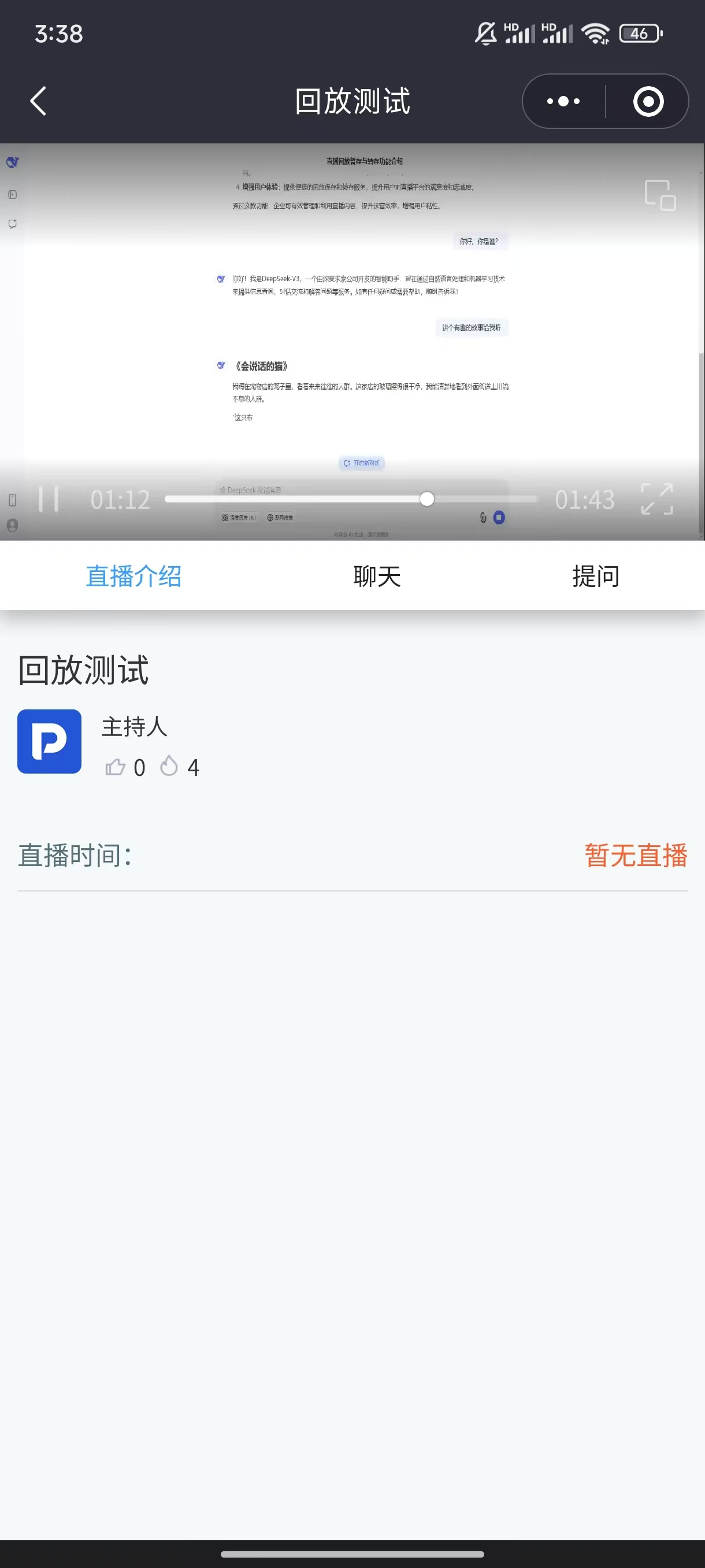
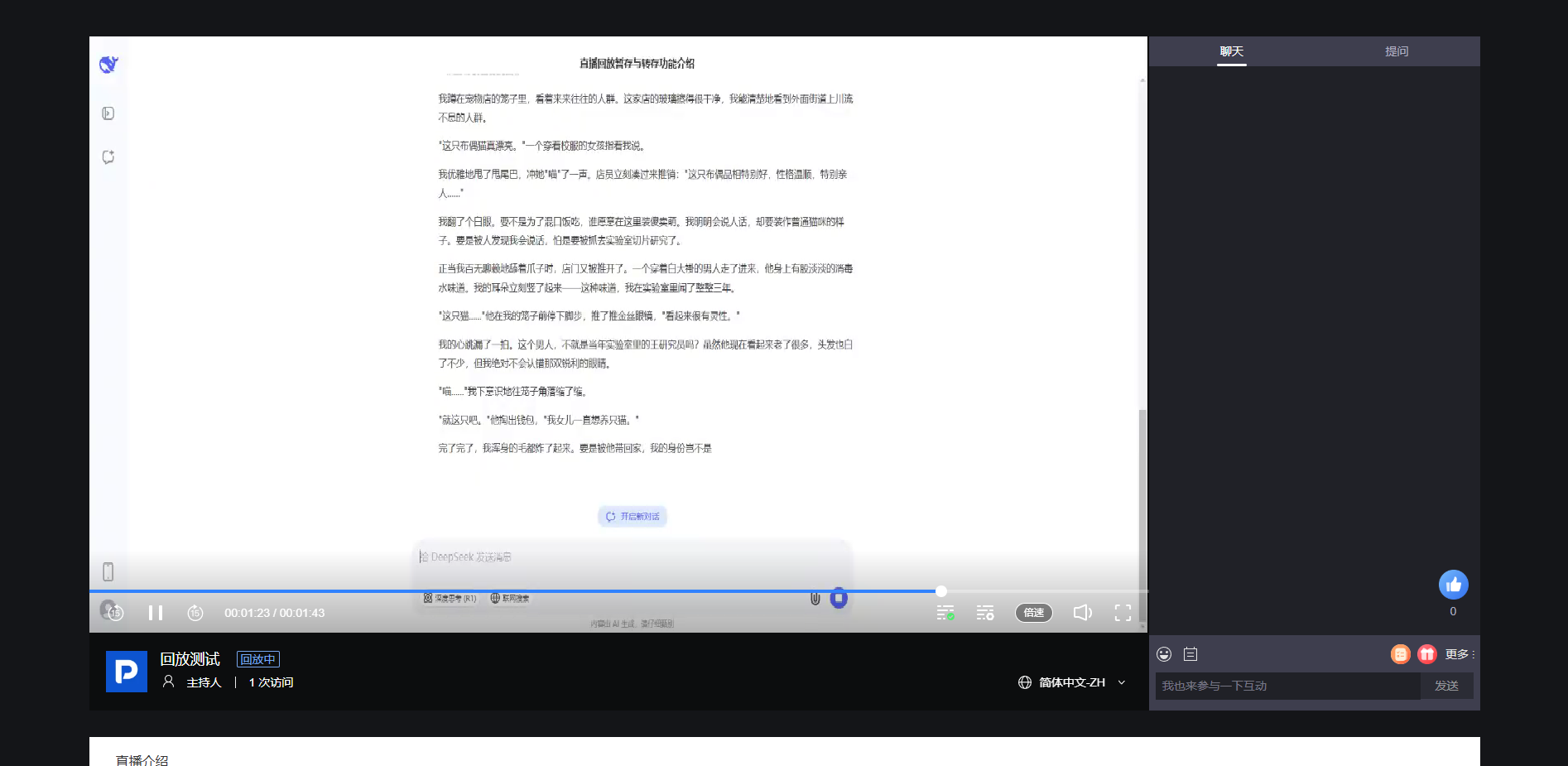
PC Web Viewer Side
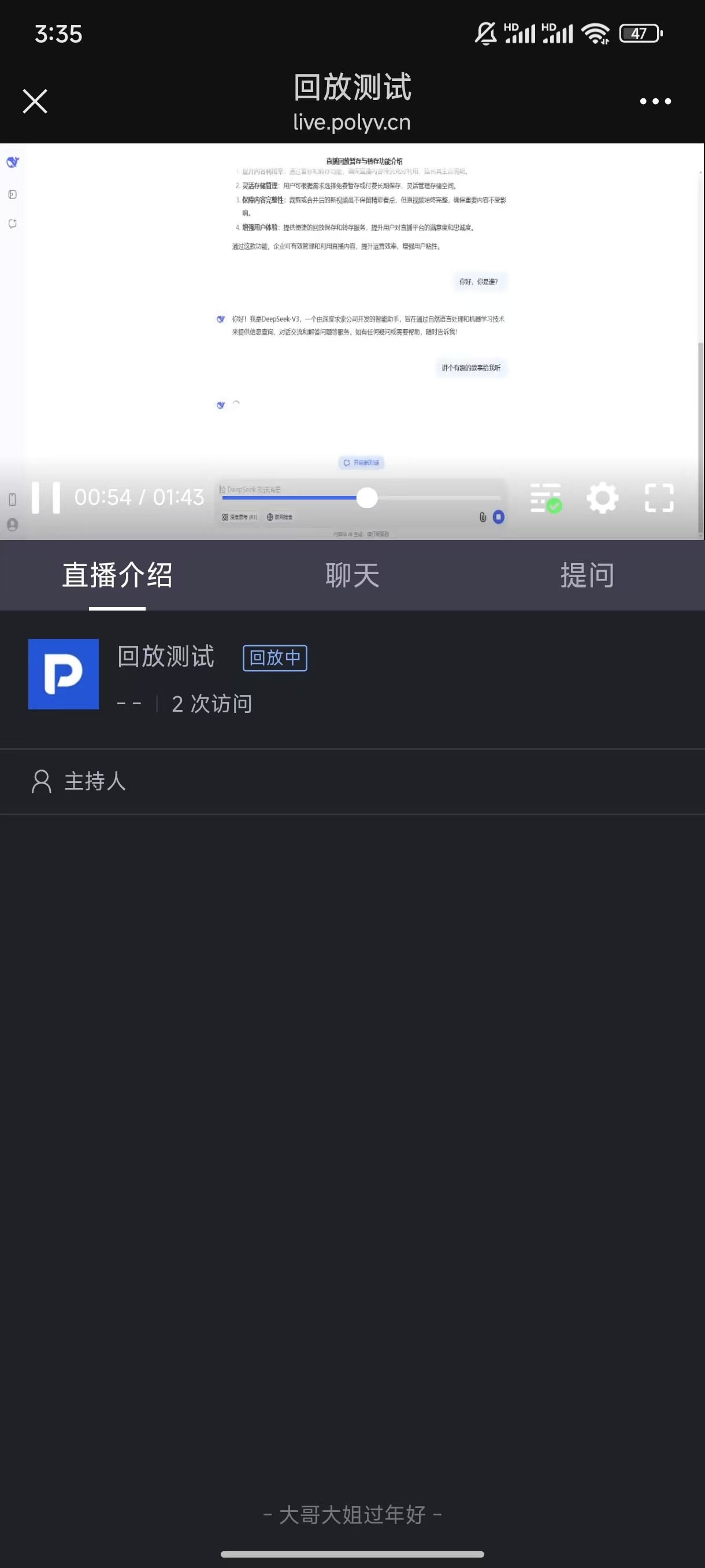
H5 Mobile Landscape
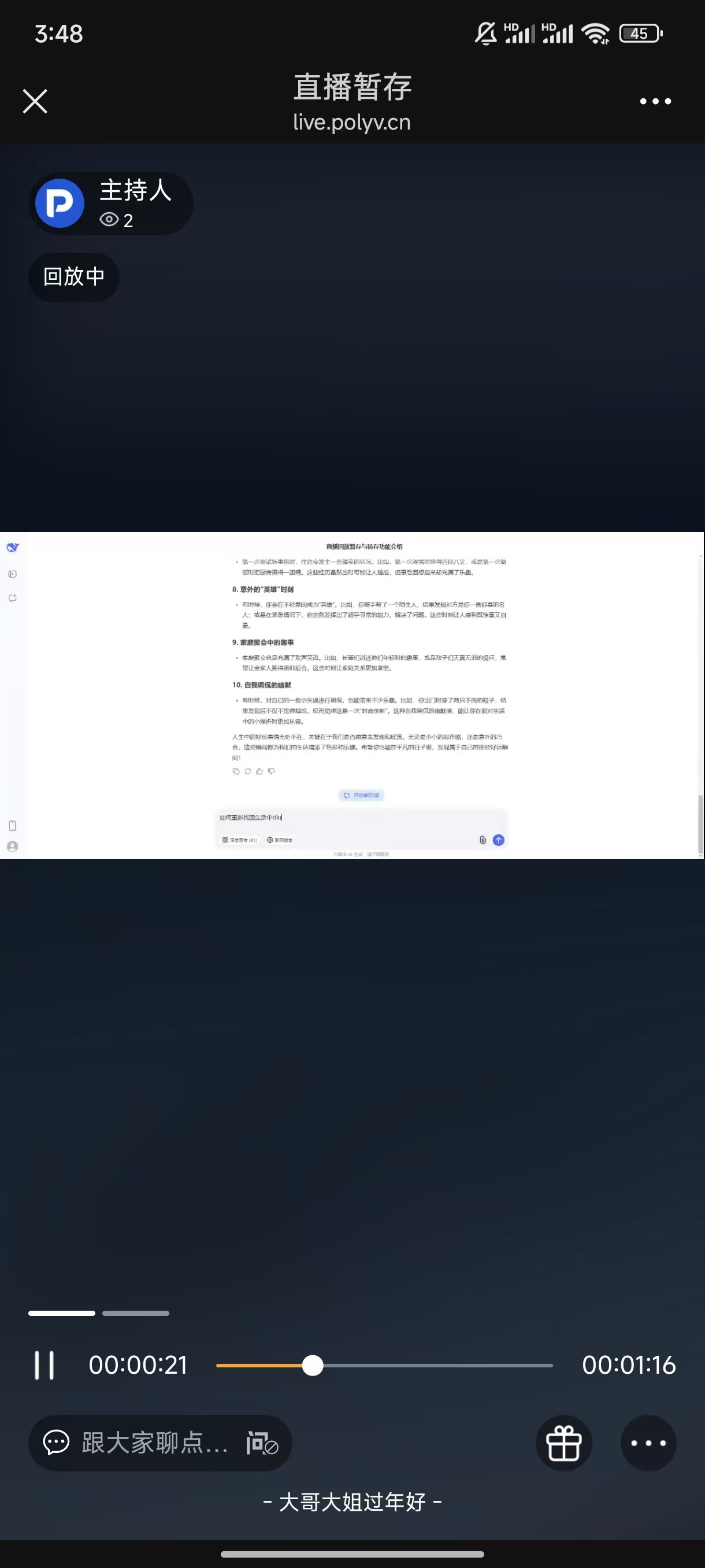
H5 Mobile Portrait
Live Learn Mini Program
<img src="https://liveimages.videocc.net/help_doc/2ee734ab-30a4-4262-83d8-d38f8d025d11.jpg"" alt="" width="50%">
VCLASS Cloud Classroom
This client currently does not support watching replays.