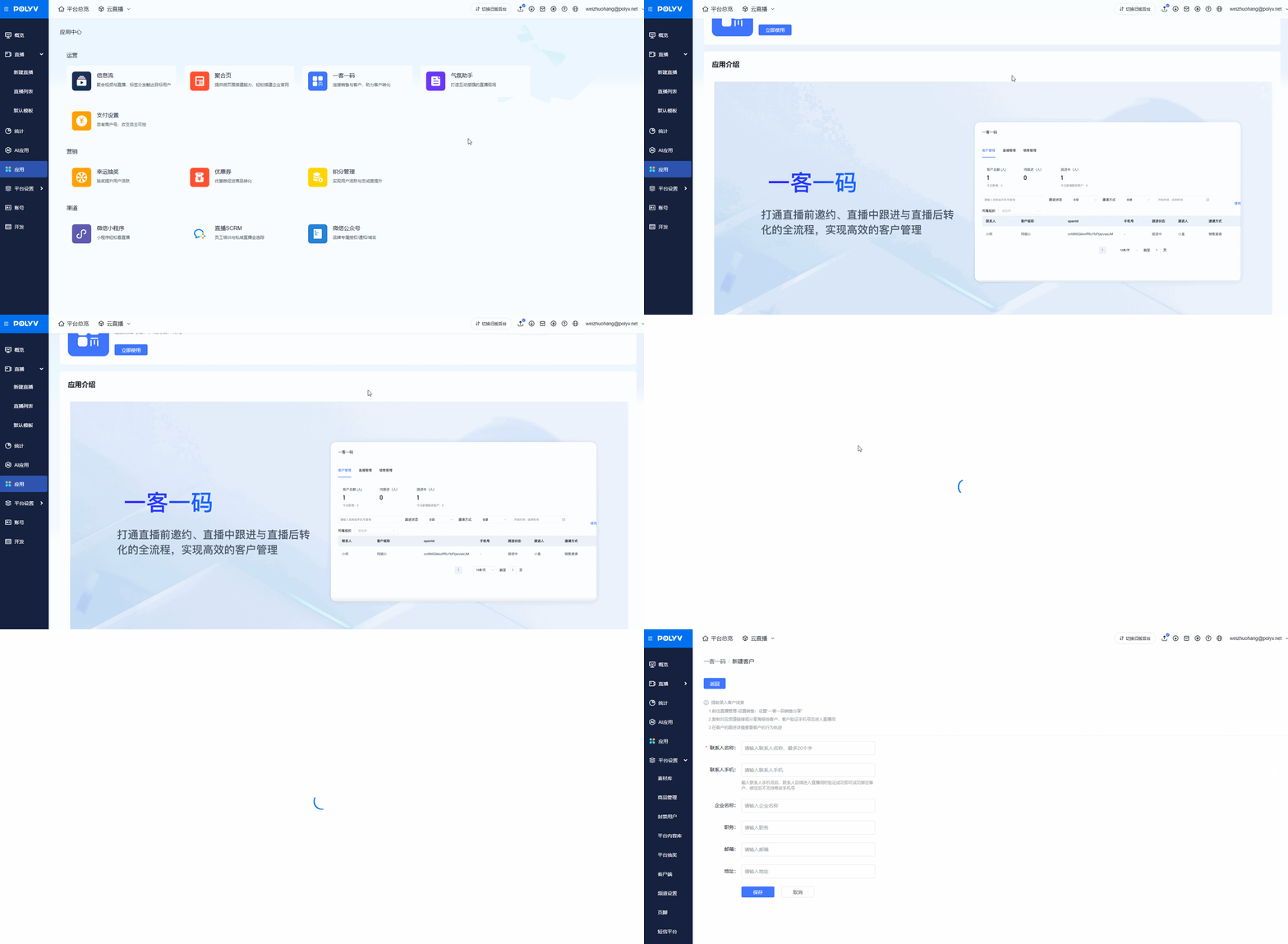
Application Center
Updated: 2026-08-17 11:27:00
I. Feature Overview
Feature Info |
Description |
|---|---|
| Feature Name | Application Center |
| Purpose | Integrate commonly used feature pages for quick access |
| Feature List | Information Feed, Aggregation Page, One Customer One Code, Atmosphere Assistant, Payment Settings, Lucky Draw, Coupons, Points Management, WeChat Mini Program, Live SCRM, WeChat Official Account |
II. Usage Instructions
Entry
- Enter the live streaming management backend.
- Find "Applications" in the left menu bar, click "Applications" to enter the Application Center.
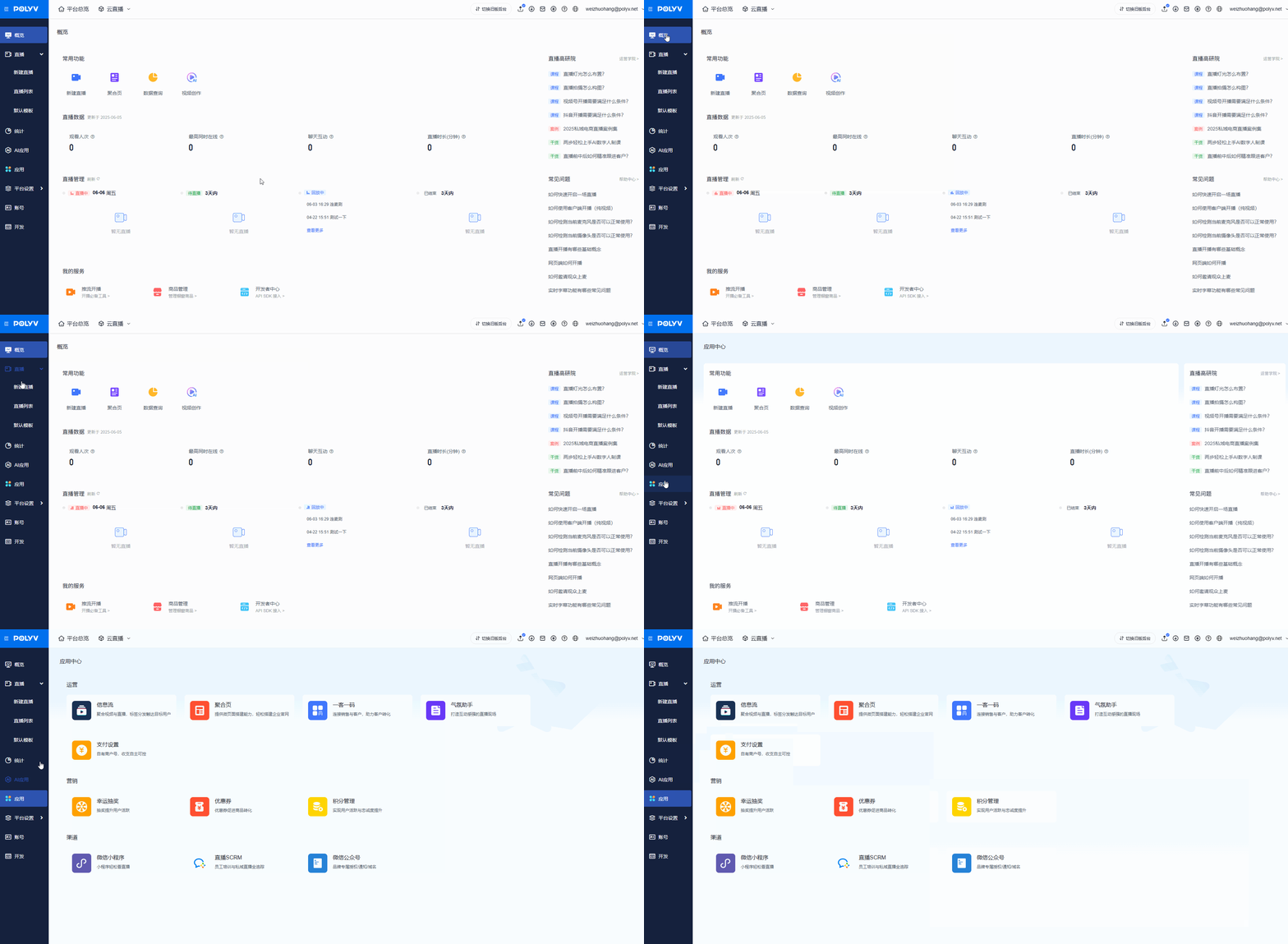
Application Categories
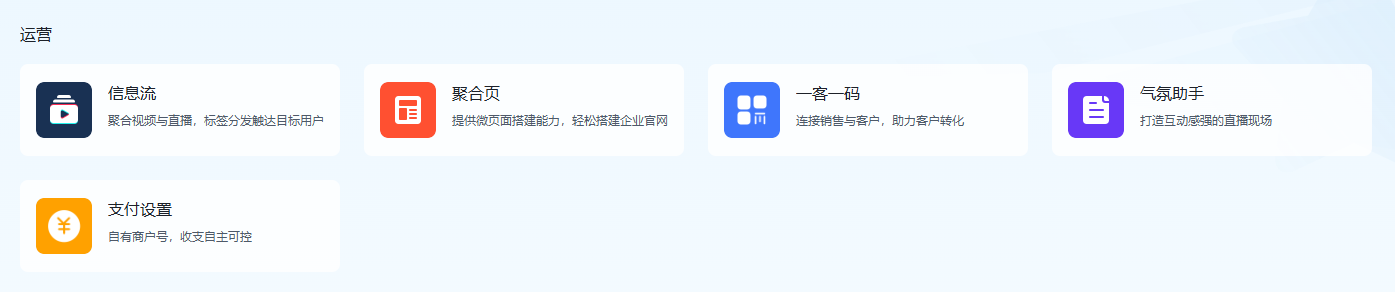
Operational applications include Information Feed, Aggregation Page, One Customer One Code, Atmosphere Assistant, and Payment Settings.
Marketing applications include Lucky Draw, Coupons, and Points Management.

Channel applications include WeChat Mini Program, Live SCRM, and WeChat Official Account.

Usage
Click the application you want to use. Here, take "One Customer One Code" as an example.
Enter the application details page, which includes quick access links and an introduction to the application.
Click "Use Now" to jump to the corresponding feature location in the backend.