Footer
Updated: 2026-08-17 11:27:00
I. Feature Overview
Feature Info |
Description |
|---|---|
| Feature Name | Footer |
| Feature Description | When enabled, the footer will be displayed on the viewing page/invitation poster |
| Purpose | Enhance brand exposure, increase conversion rate, drive traffic |
| Use Case | General live streaming scenarios |
| Operation Path | 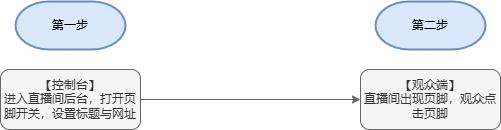 |
II. Backend Configuration
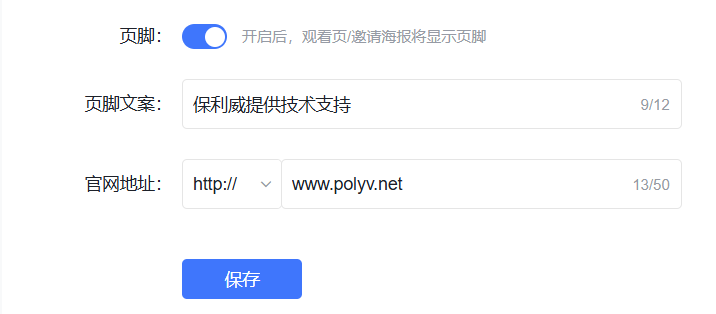
1. Enter the management backend, find Brand Settings, which includes the footer toggle, footer text, and footer hyperlink
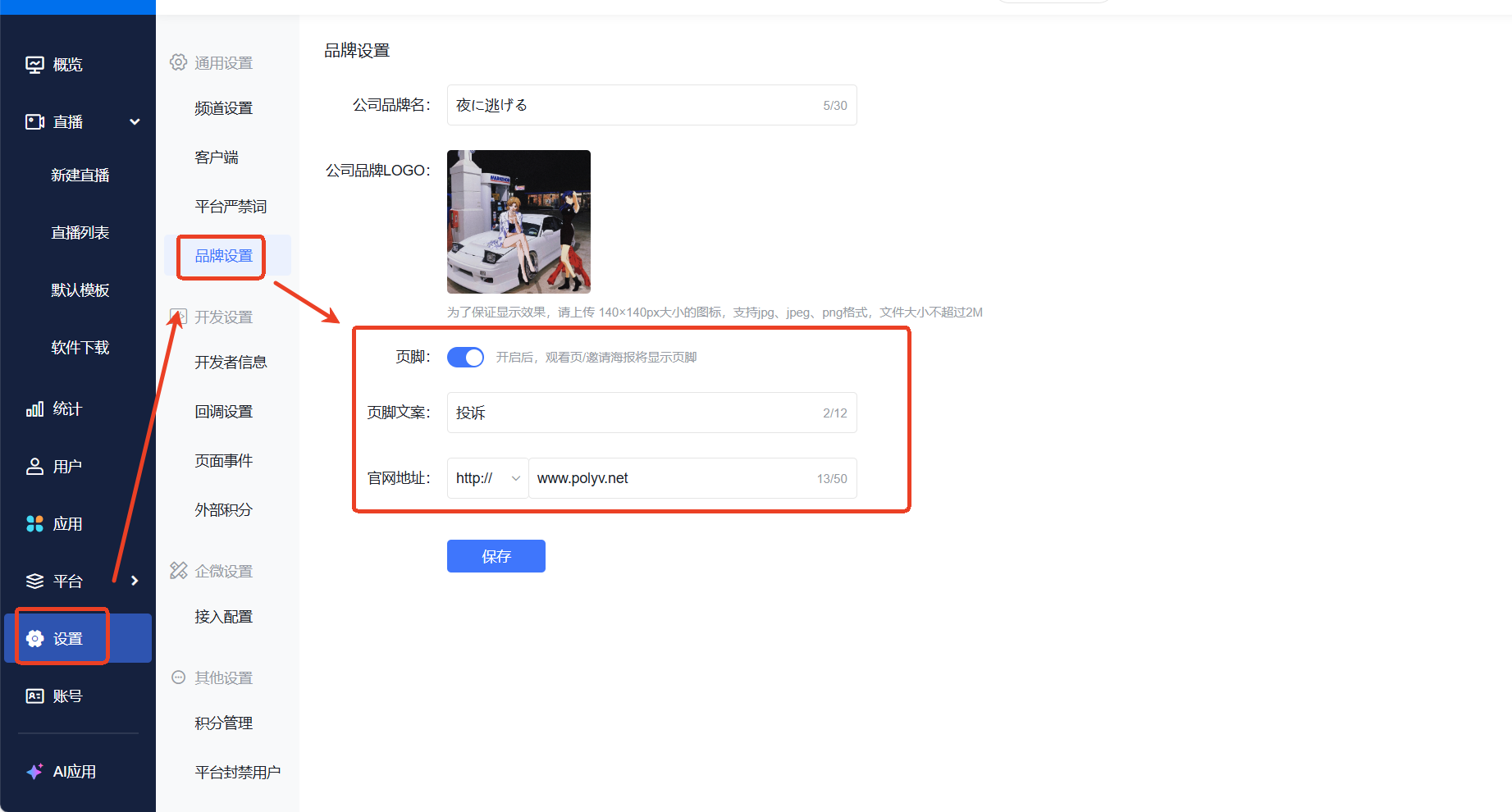
2. Turn on the footer feature toggle, edit the footer text and official website URL
III. Effect Display
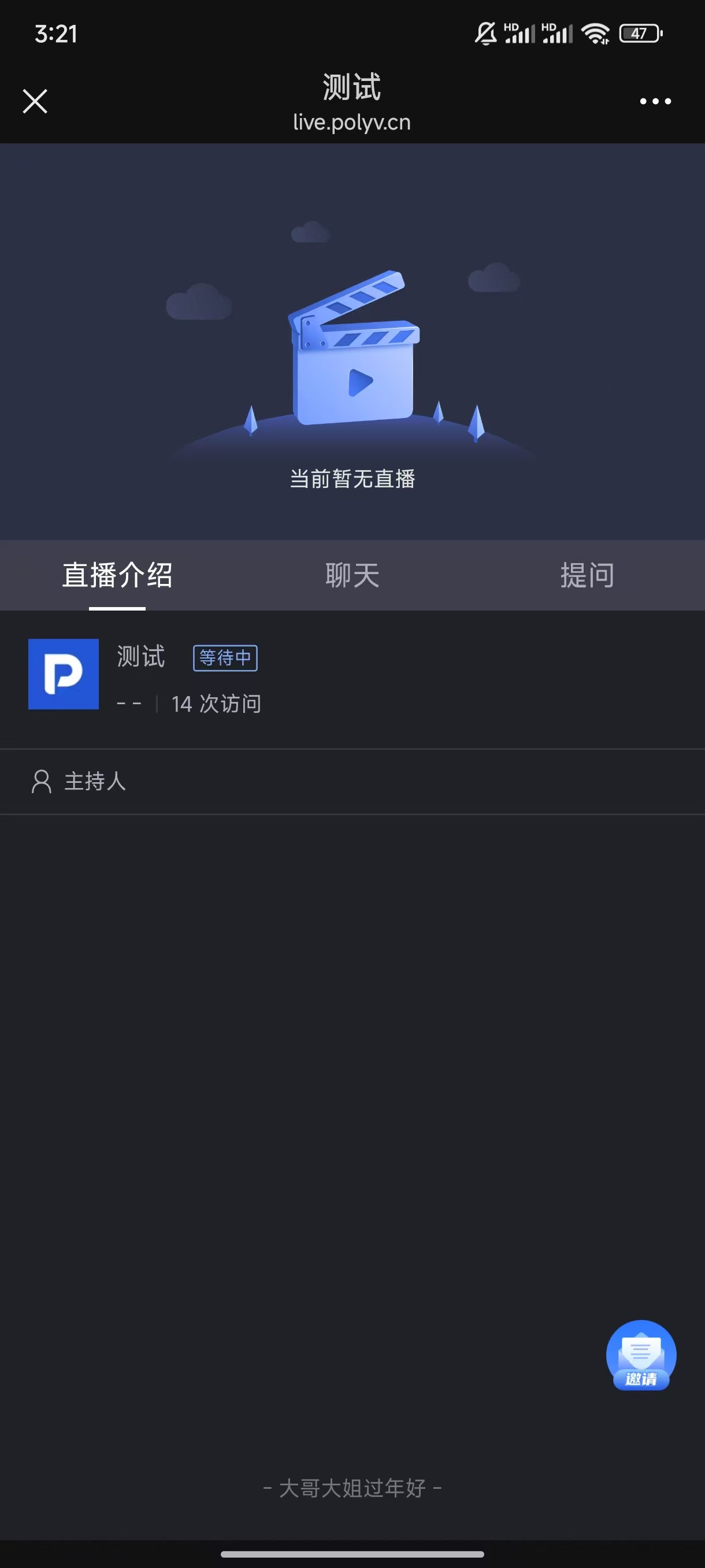
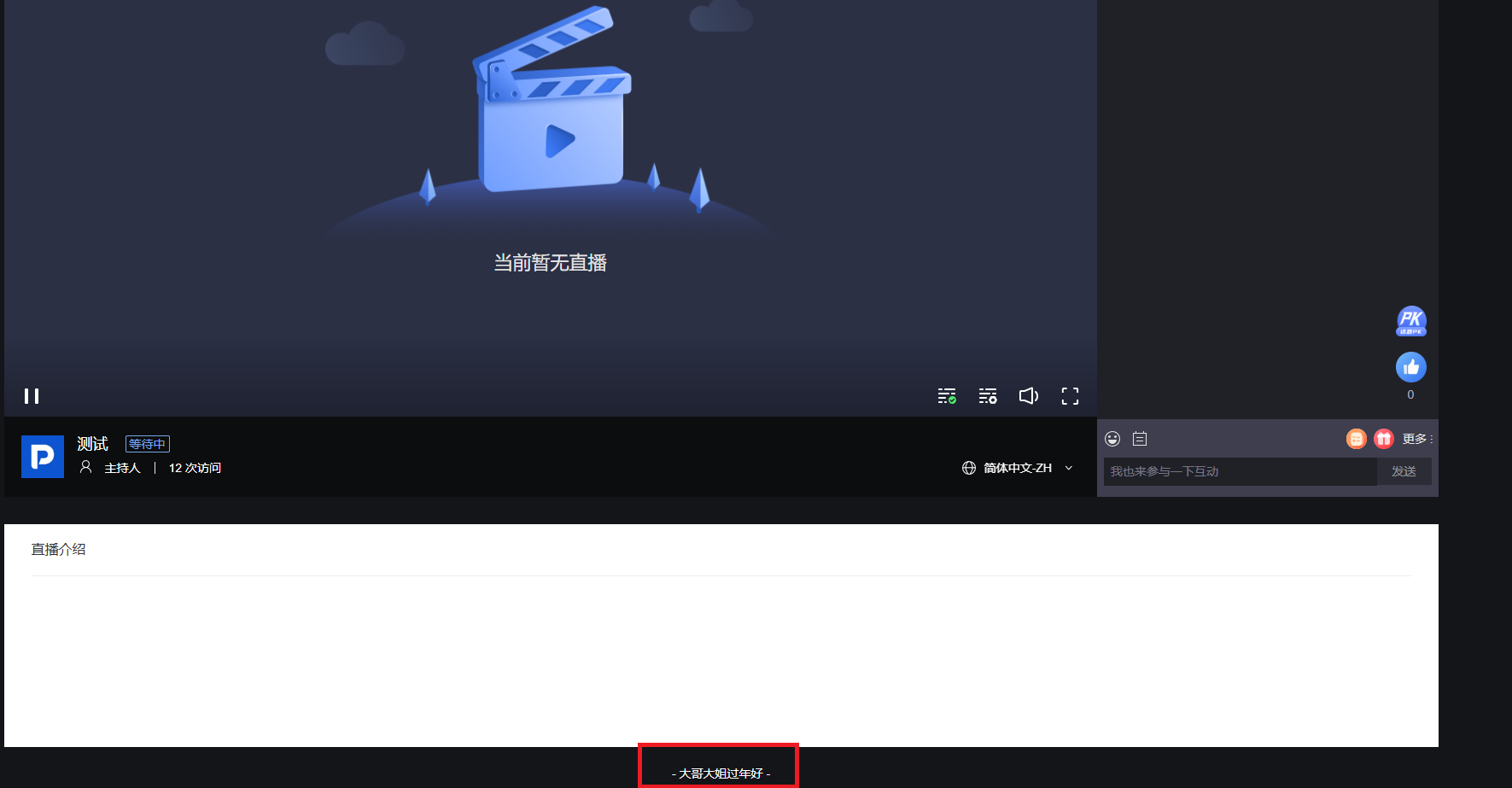
1. Web viewing page effect
2. H5 mobile effect
<img src="https://liveimages.videocc.net/help_doc/3550e4f8-ad58-4dab-a560-955fe40c315d.jpg"" alt="" width="50%">
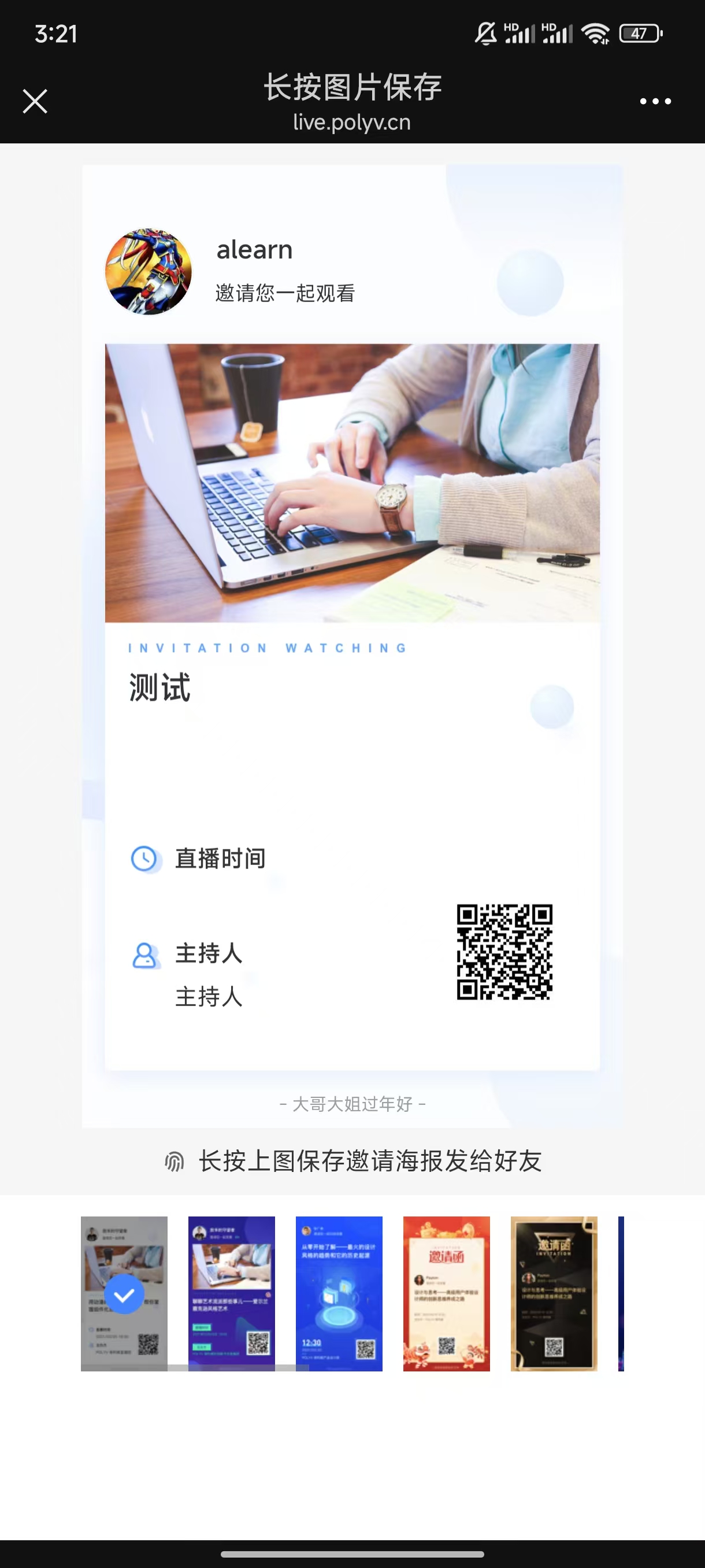
3. H5 mobile invitation poster effect
<img src="https://liveimages.videocc.net/help_doc/b49b3489-cd0f-4b69-9160-94a05b820501.jpg"" alt="" width="50%">