


Live Distribution
Updated: 2026-08-17 11:27:00
1. Feature Overview
Feature Info |
Description |
|---|---|
| Feature Name | Live Distribution |
| Feature Description | A unified entry point for managing common distribution capabilities during live streaming. Previously scattered within channels—such as Cloud Distribution, Rebroadcasting, Multi-Session, Dual Stream, and Director Console—are now consolidated under "Live Distribution" for centralized viewing and use. |
| Purpose | To centrally edit a channel's Cloud Distribution, Rebroadcasting, Multi-Session, Dual Stream, and Director Console within Live Distribution, enabling efficient distribution management. |
| Operation Path | 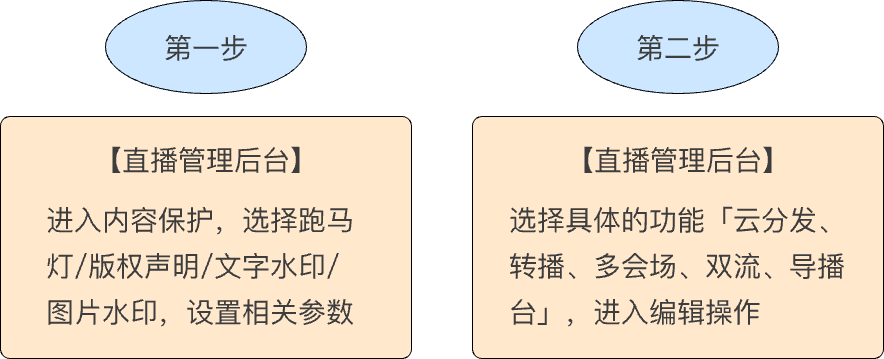 |
2. Usage Instructions
2.1 Feature Entry
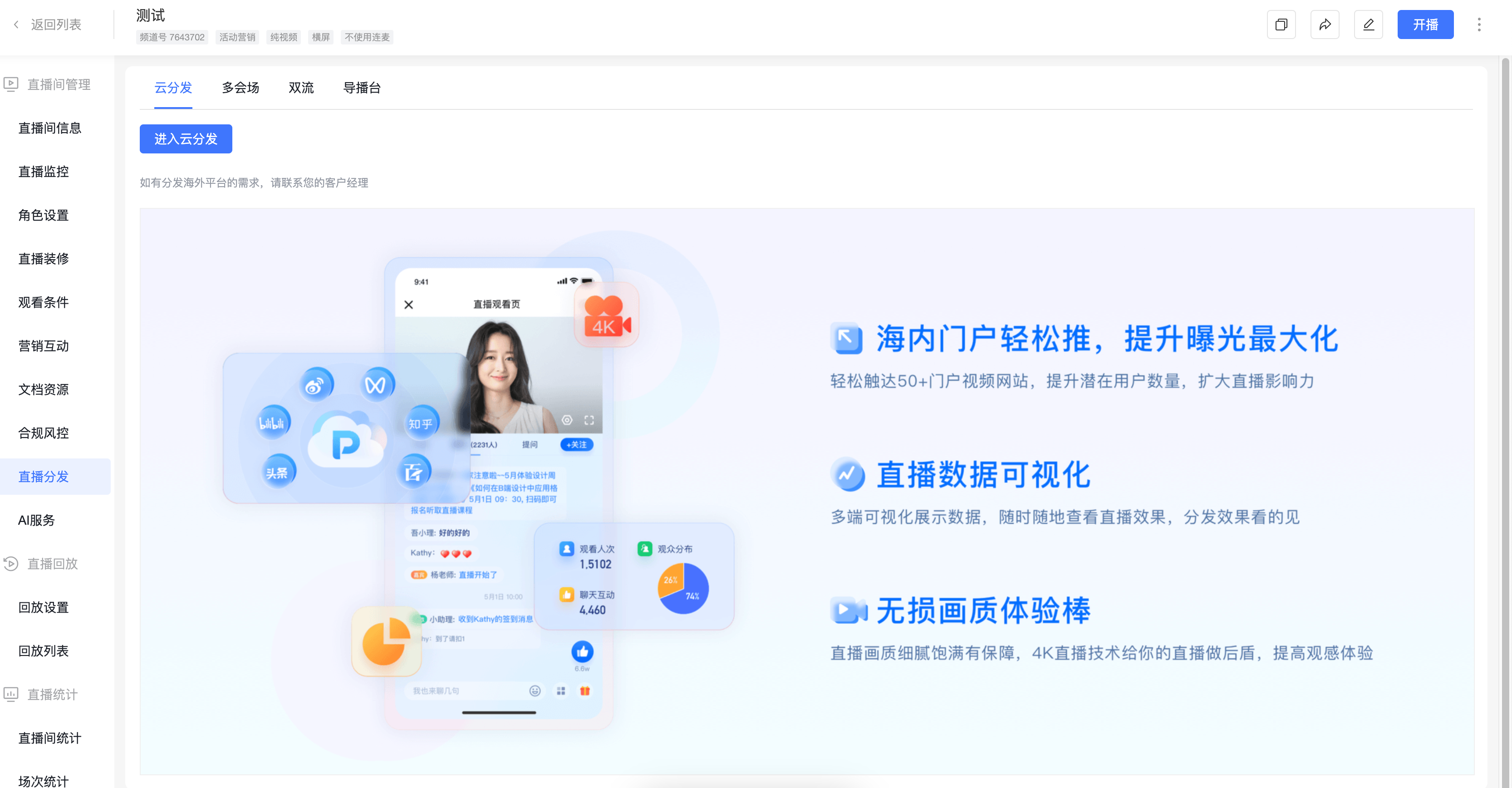
- In the live streaming management backend, click [Live List] -> [Within Channel] -> [Live Distribution]
2.2 Feature Description
Cloud Distribution
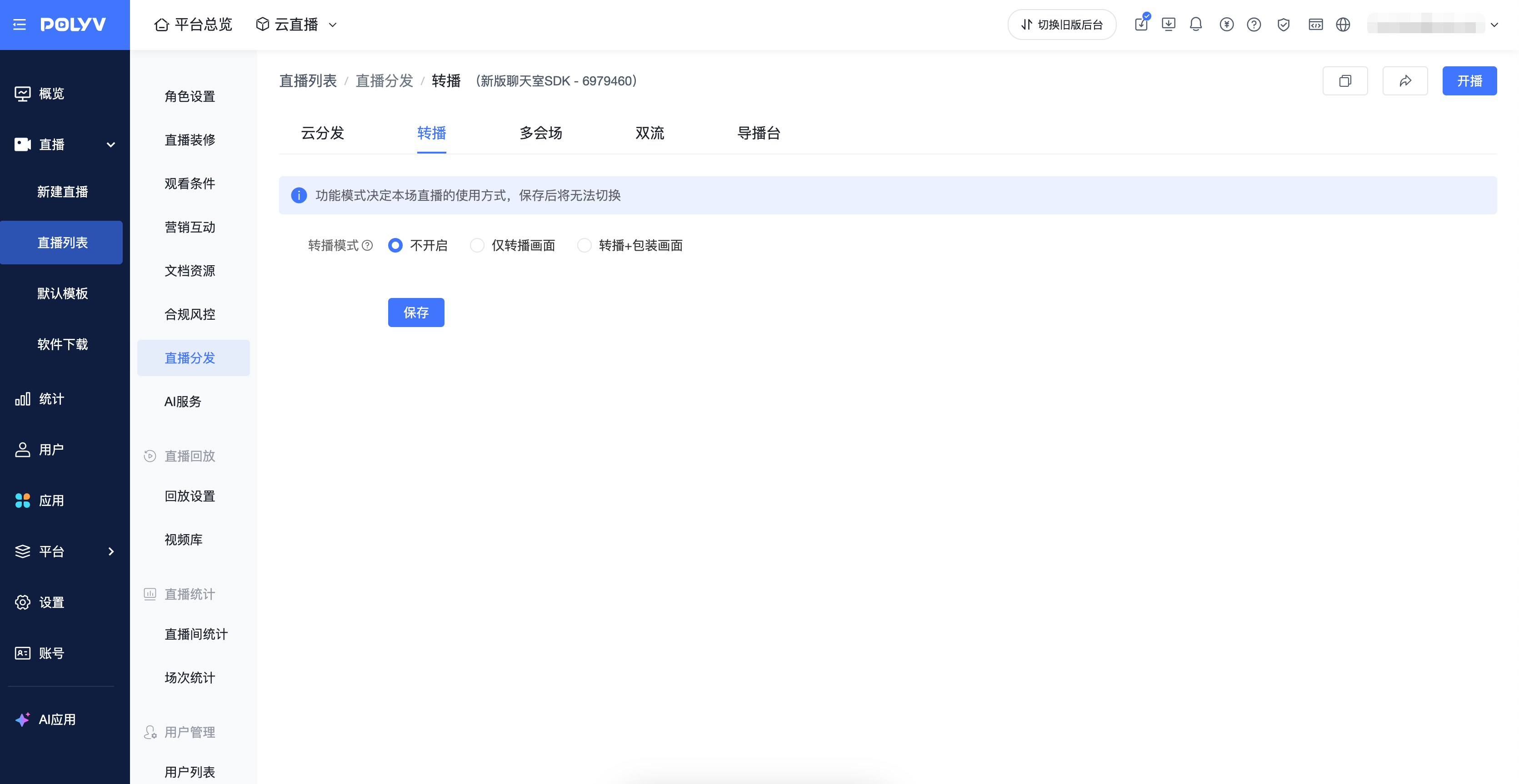
Rebroadcasting
- Help Document https://help.polyv.net/index.html#/live/solution/function_state/player_rebroadcast
- Once saved, the rebroadcasting feature cannot be edited
Multi-Session
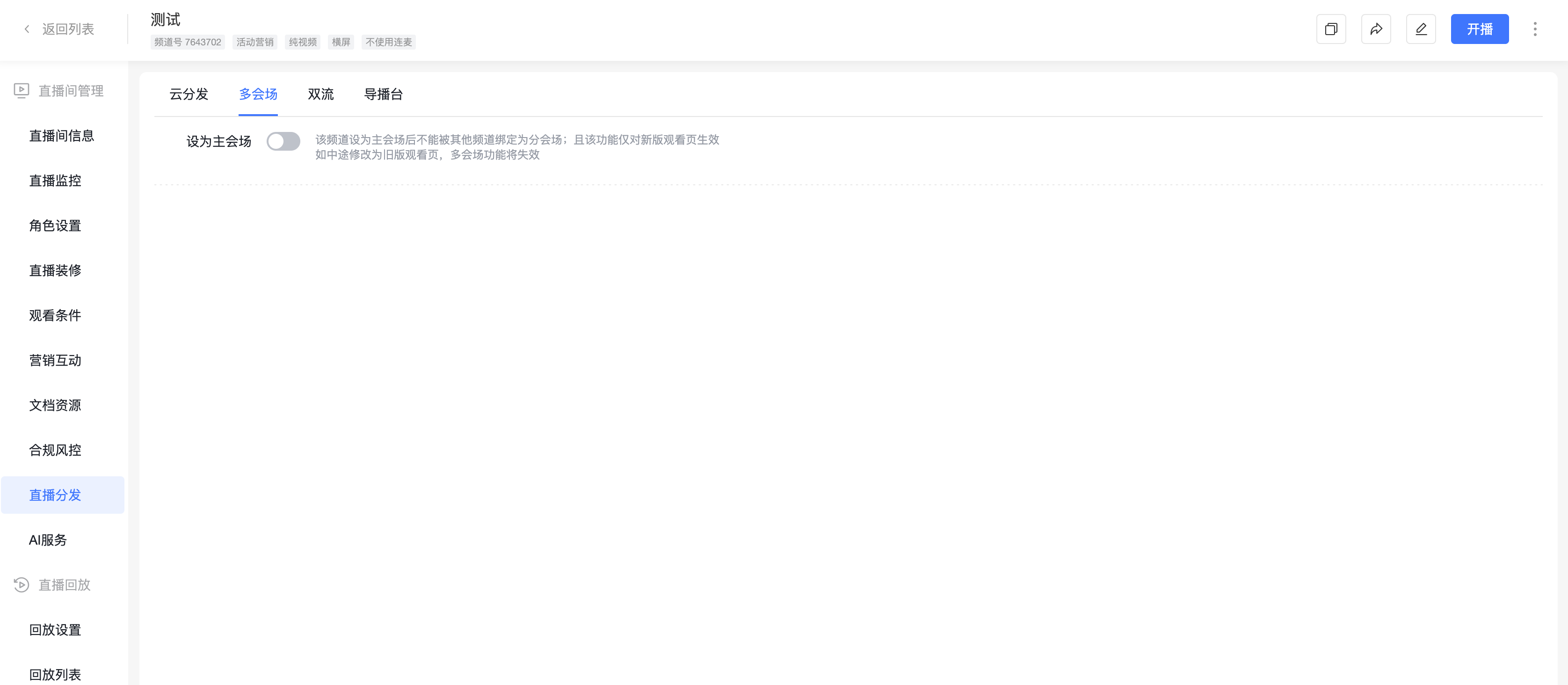
- Scenario Description: Multi-Session is a frequently used feature that allows multiple channels to work together to create an aggregated page effect.
- Backend Settings: Pure video channels and three-screen channels can serve as sub-sessions for each other; currently, a single main session can bind up to 60 sub-sessions; the main session supports one-to-many binding, while sub-sessions are limited to one-to-one affiliation.
- Data Statistics: Viewing data is recorded independently per viewing channel; channels that are mutually main and sub-sessions will share user ID and nickname information.
- Viewing Conditions: Multi-session permissions are based on the main session: once the main session's viewing conditions are met, all associated channels become accessible, and the sub-session's independent conditions become invalid.
- Chat Room & Interaction: Chat rooms and interaction features are isolated per channel and do not interconnect.
- Viewing Page: After switching in any channel, the audience will automatically retain the selected language when entering other sessions; Web-SDK: Supported (based on the new V3 viewing page); JS-SDK: Not supported (based on the old V2 viewing page).
Dual Stream
- Scenario Description: The Dual Stream live room is primarily designed for scenarios requiring simultaneous support for Chinese and English dual-stream interpretation within the same live room. The implementation involves dual-stream push from the same live room. One stream can push Chinese content, and another can push English content. Viewers can switch languages using a toggle button on the viewing page.
- Operation Steps: Create a new live room and select the "Enterprise Training" or "Event Marketing" live scenario, then go to Live Distribution to enable Dual Stream. Once enabled, you can view the Chinese and English push URLs in the live room settings. After obtaining the push URLs, use third-party tools like OBS, fill in the push link and stream key, and start pushing.
Director Console
