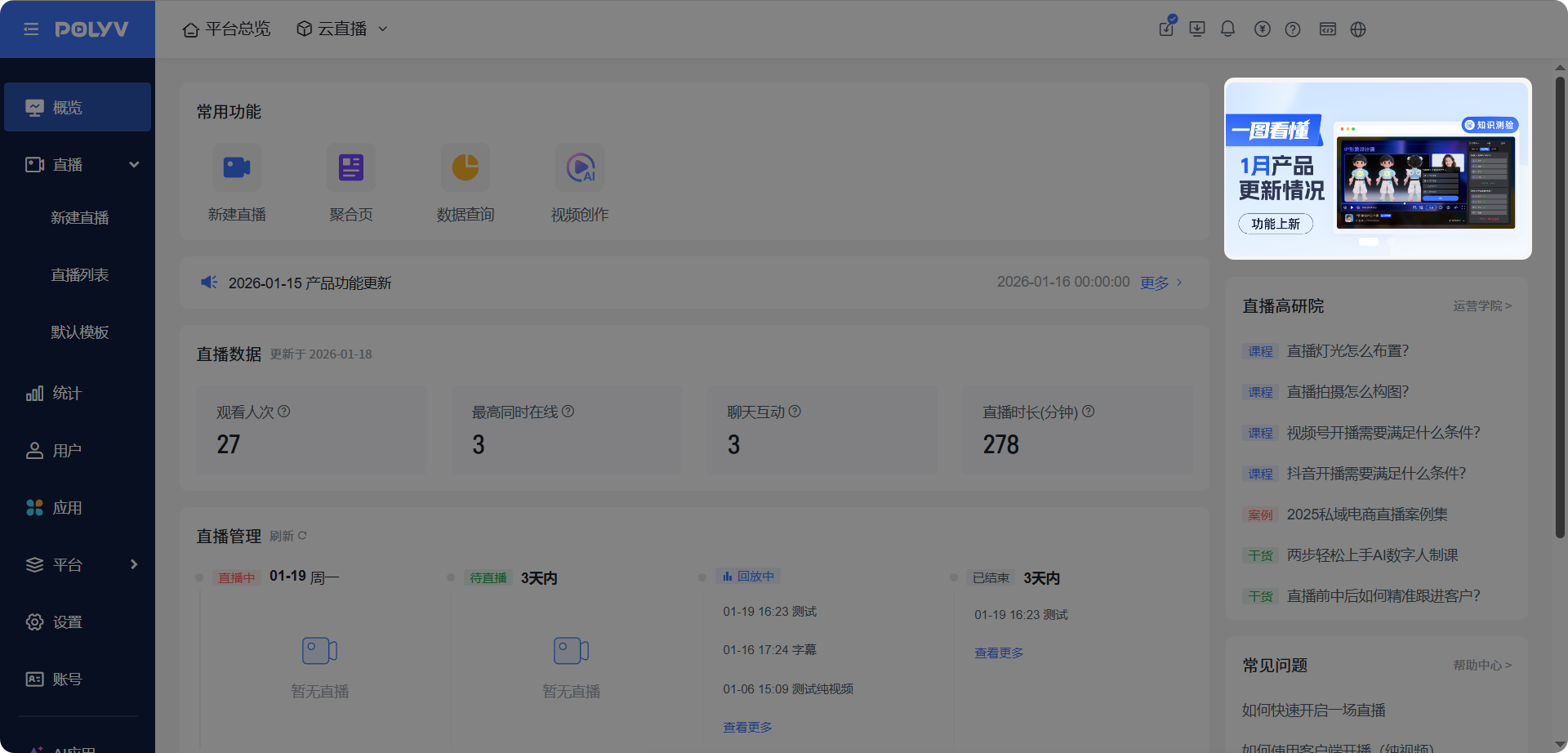
Live Streaming Overview
Updated: 2026-08-17 11:27:00
1. Introduction to Live Streaming Overview
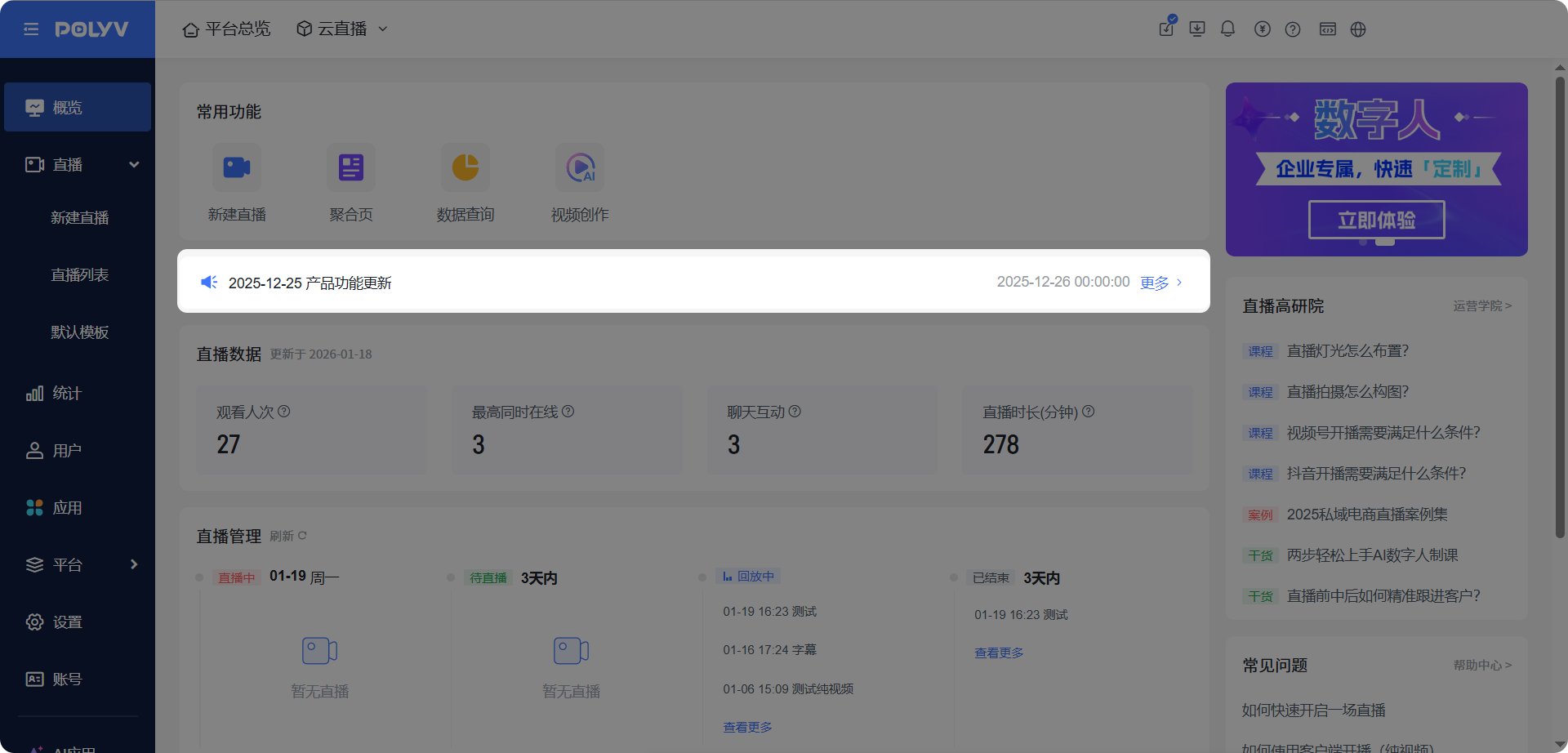
The Live Streaming Overview is a comprehensive dashboard that centrally displays six core modules: [Frequently Used Features], [Live Streaming Data], [Live Streaming Management], [My Services], [Live Streaming Advanced Institute], and [Frequently Asked Questions], along with two latest product update modules: [Announcement Board] and [Carousel]. It enables operators to quickly grasp the overall situation without switching between multiple function pages.
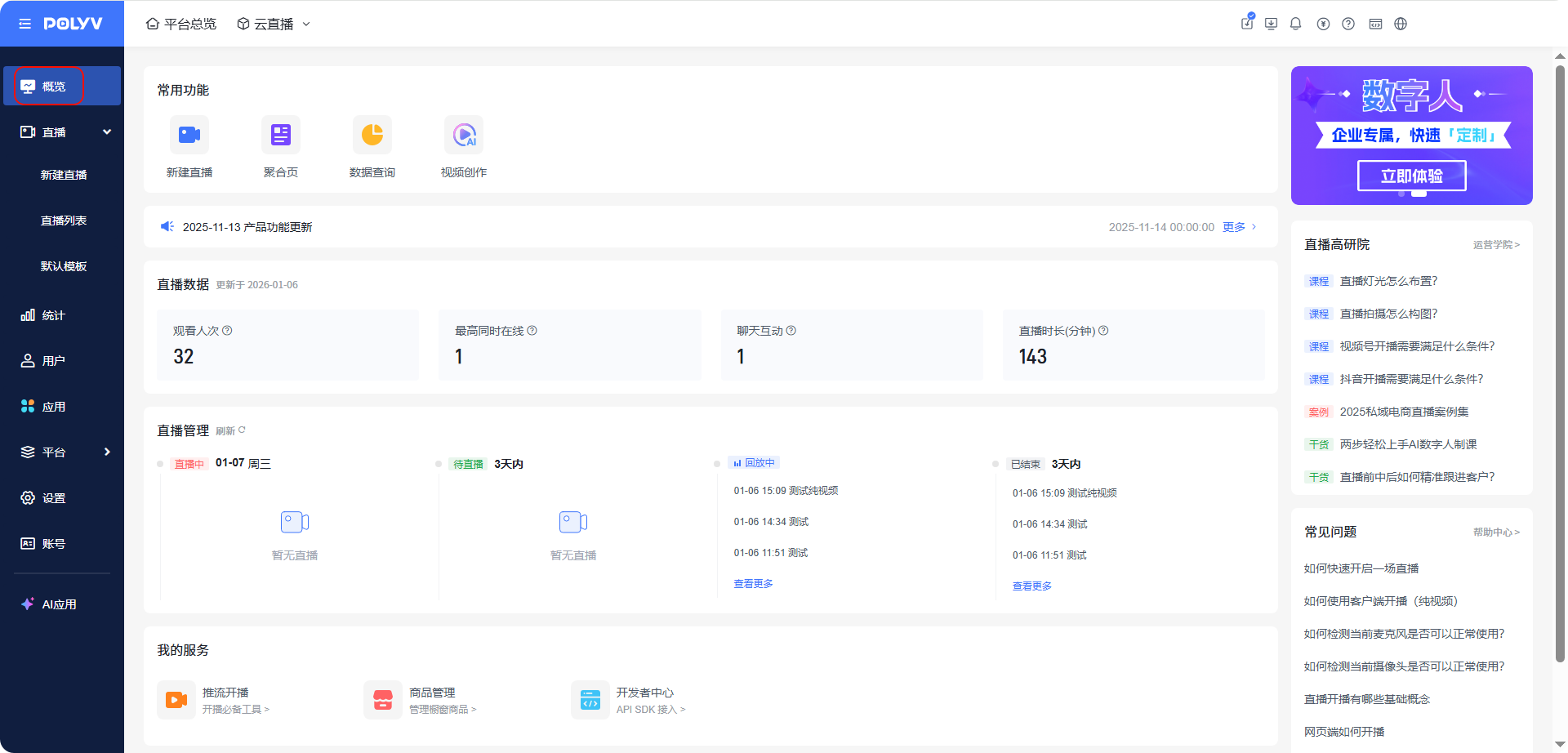
2. Frequently Used Features
- The [Frequently Used Features] module provides quick access shortcuts for high-frequency features such as [Create Live Stream], [Aggregation Page], [Data Query], and [Video Creation].
- Click the function icon to directly access the corresponding interface.
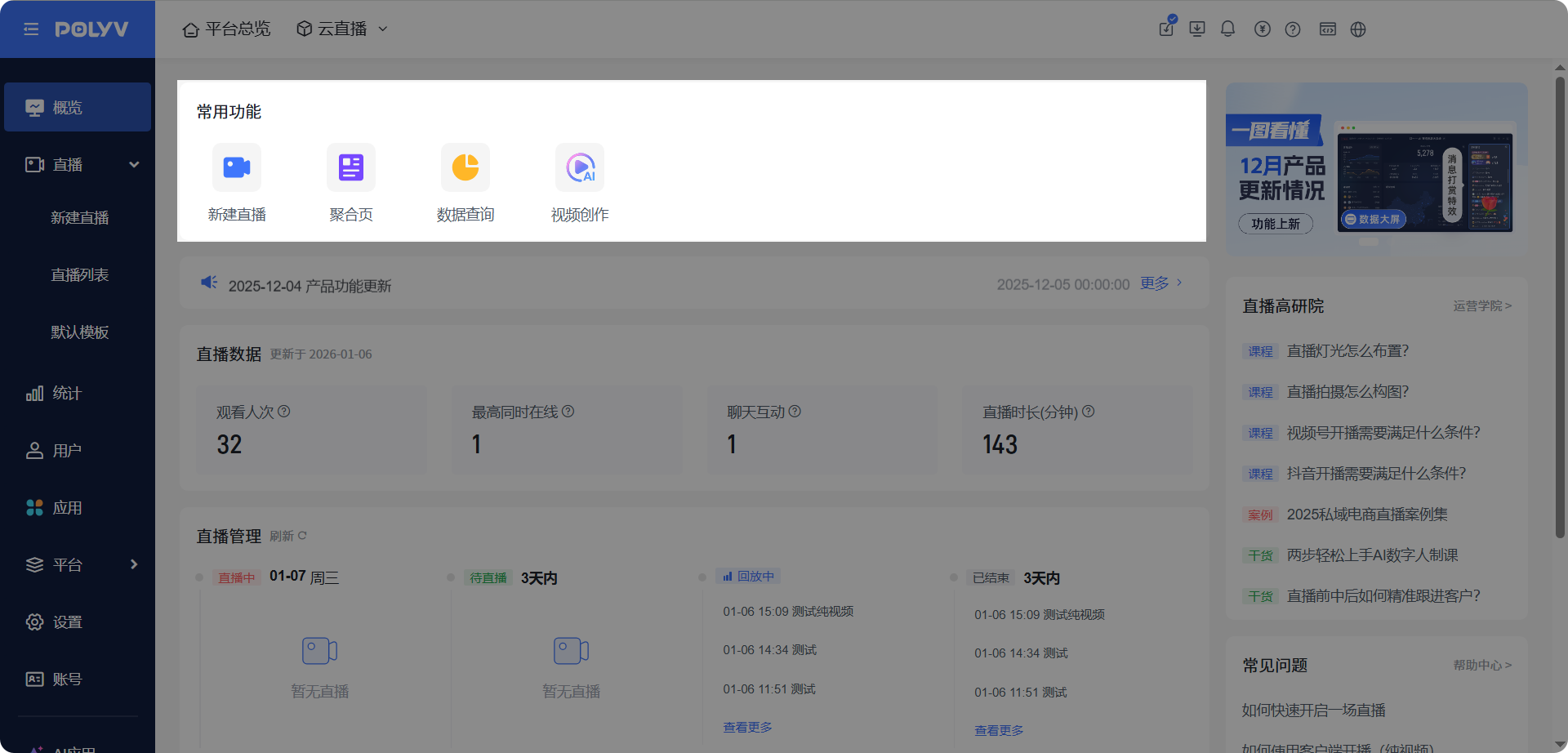
3. Live Streaming Data
The [Live Streaming Data] module displays relevant live streaming data from the past 7 days (excluding the current day), including four key metrics: View Count, Peak Concurrent Viewers, Chat Interactions, and Live Duration. This allows for quick data review.
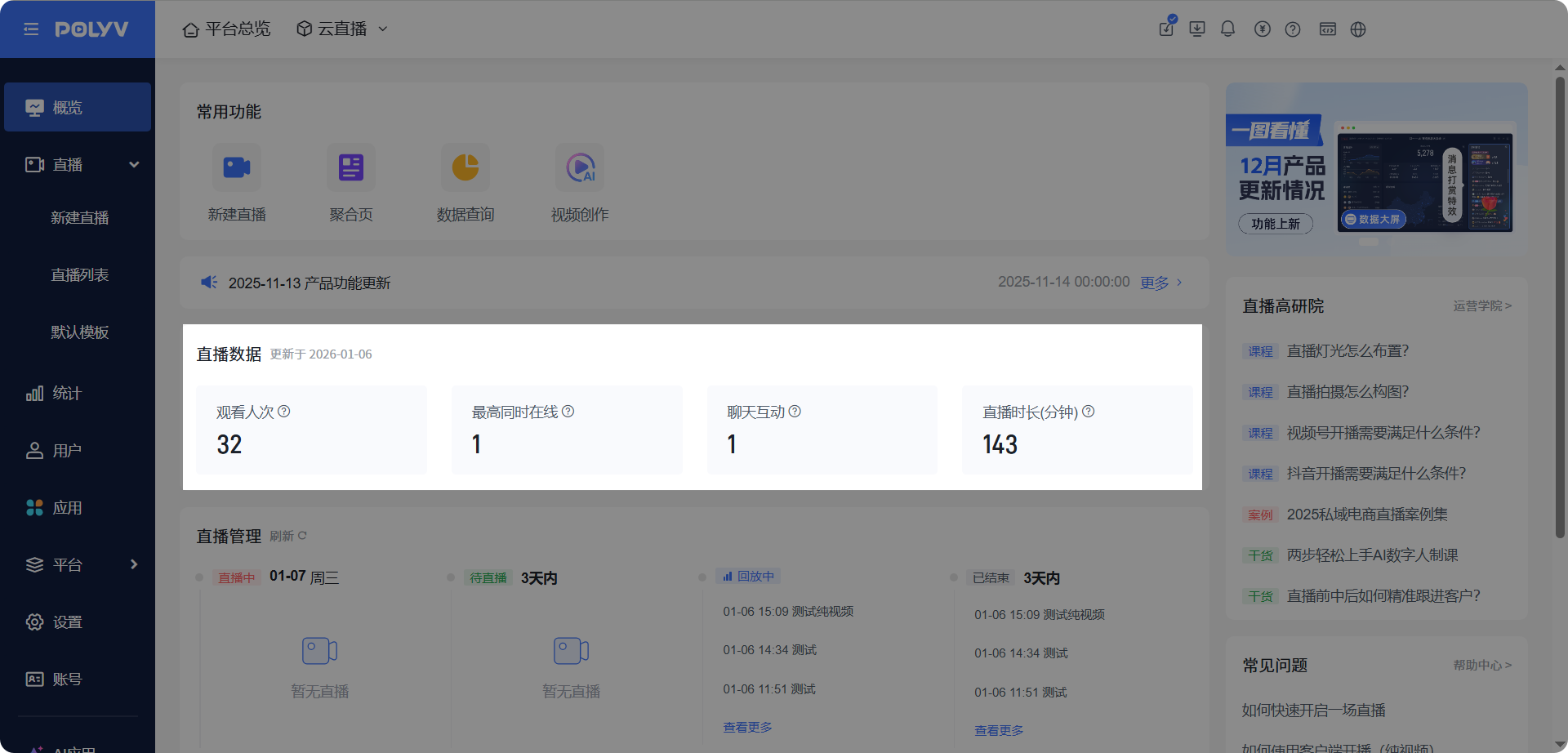
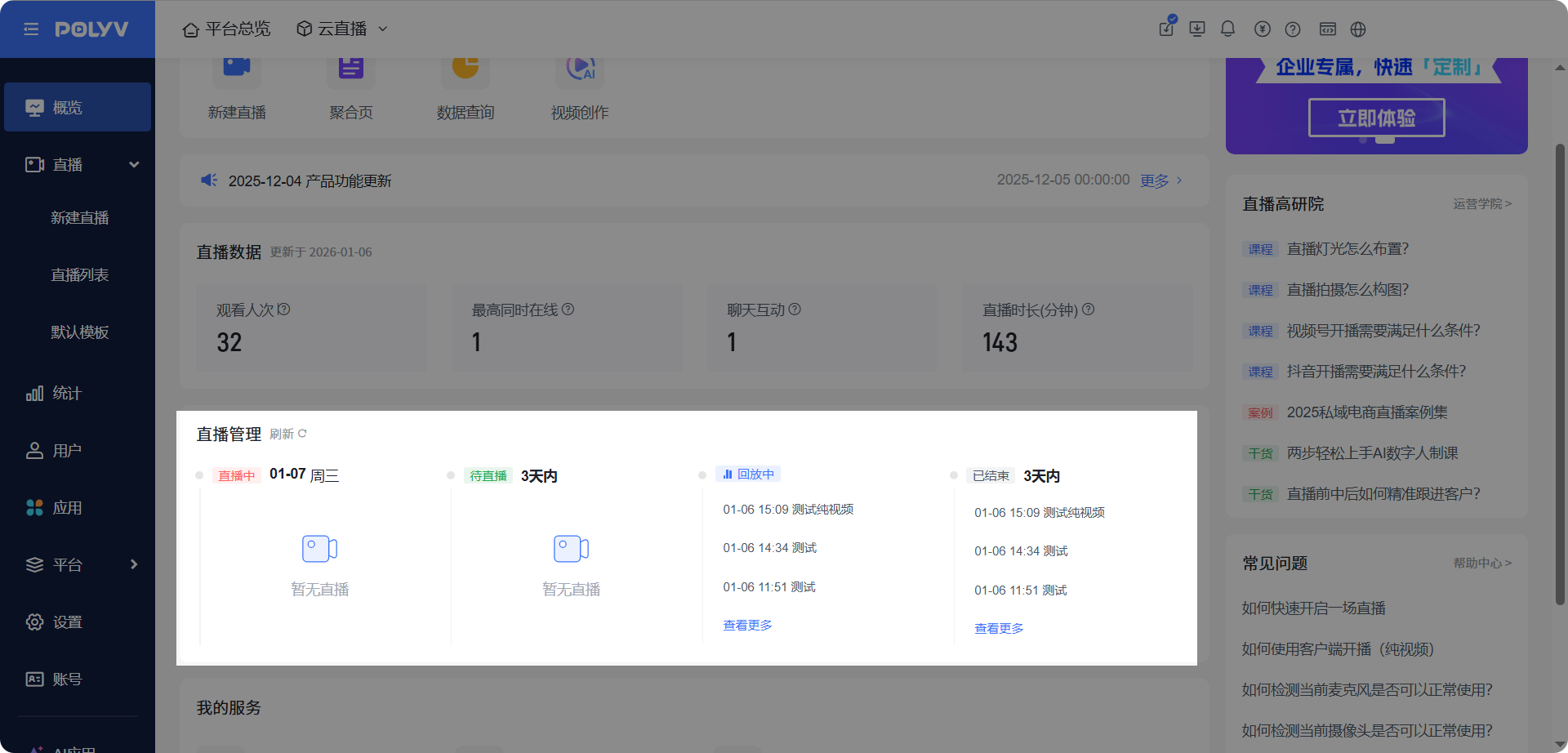
4. Live Streaming Management
- The [Live Streaming Management] module categorizes live streams by time and status into four states: [Live], [Pending], [Replaying], and [Ended].
- Click [View More] to navigate to the live stream list.
5. My Services
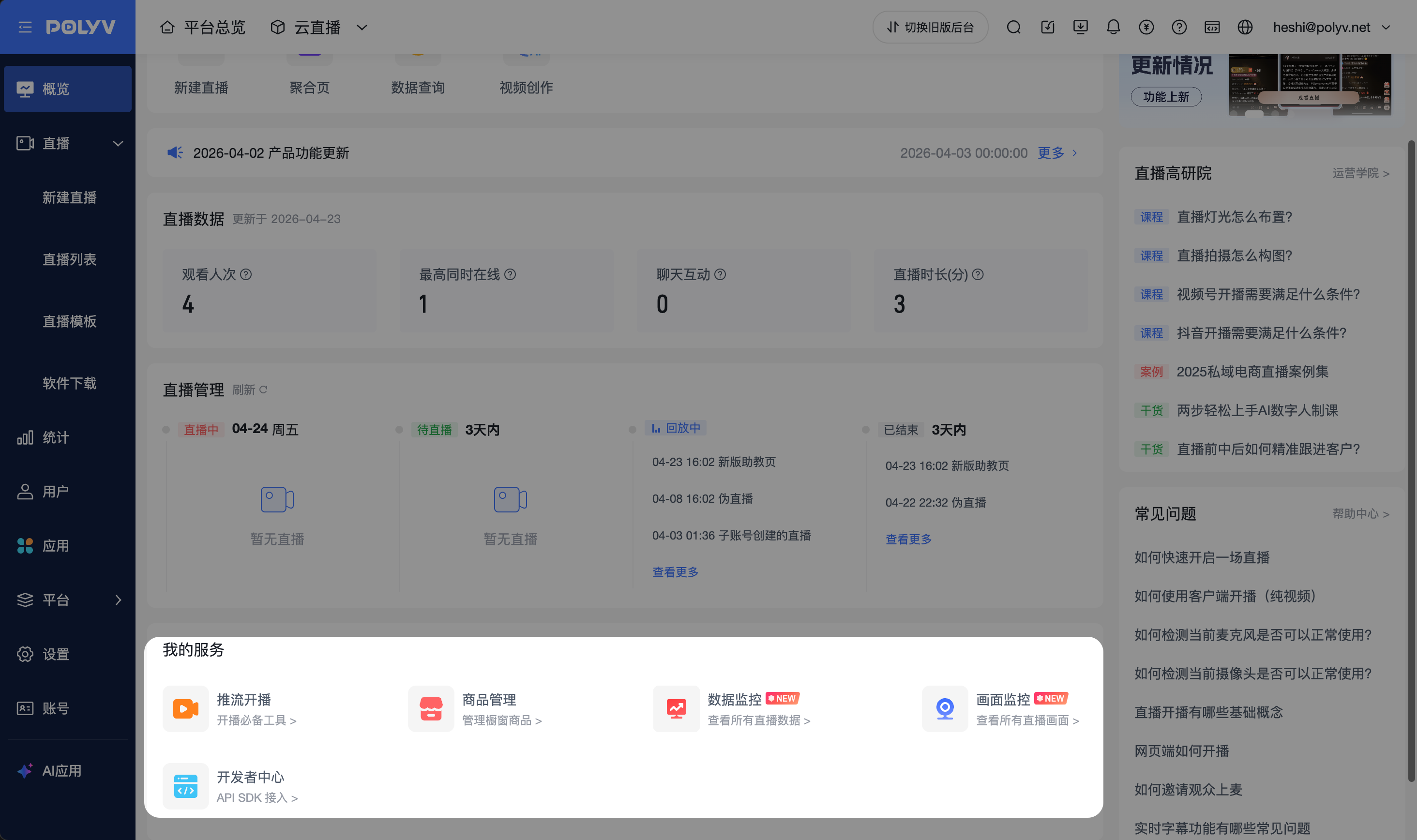
- The [My Services] module provides service functions such as [Push Stream & Go Live], [Product Management], [Developer Center], [Stream Monitoring], and [Data Monitoring].
- Click the function icon to navigate to the corresponding interface.
- Click [Stream Monitoring] to enter the live stream monitoring wall and centrally view all currently live streams under the current account. Sub-accounts can only view live streams within their own permission scope.
- Click [Data Monitoring] to enter the live room data monitoring page and centrally view operational data for currently live streams under the current account. Sub-accounts can only view data within their own permission scope.
6. Live Streaming Advanced Institute
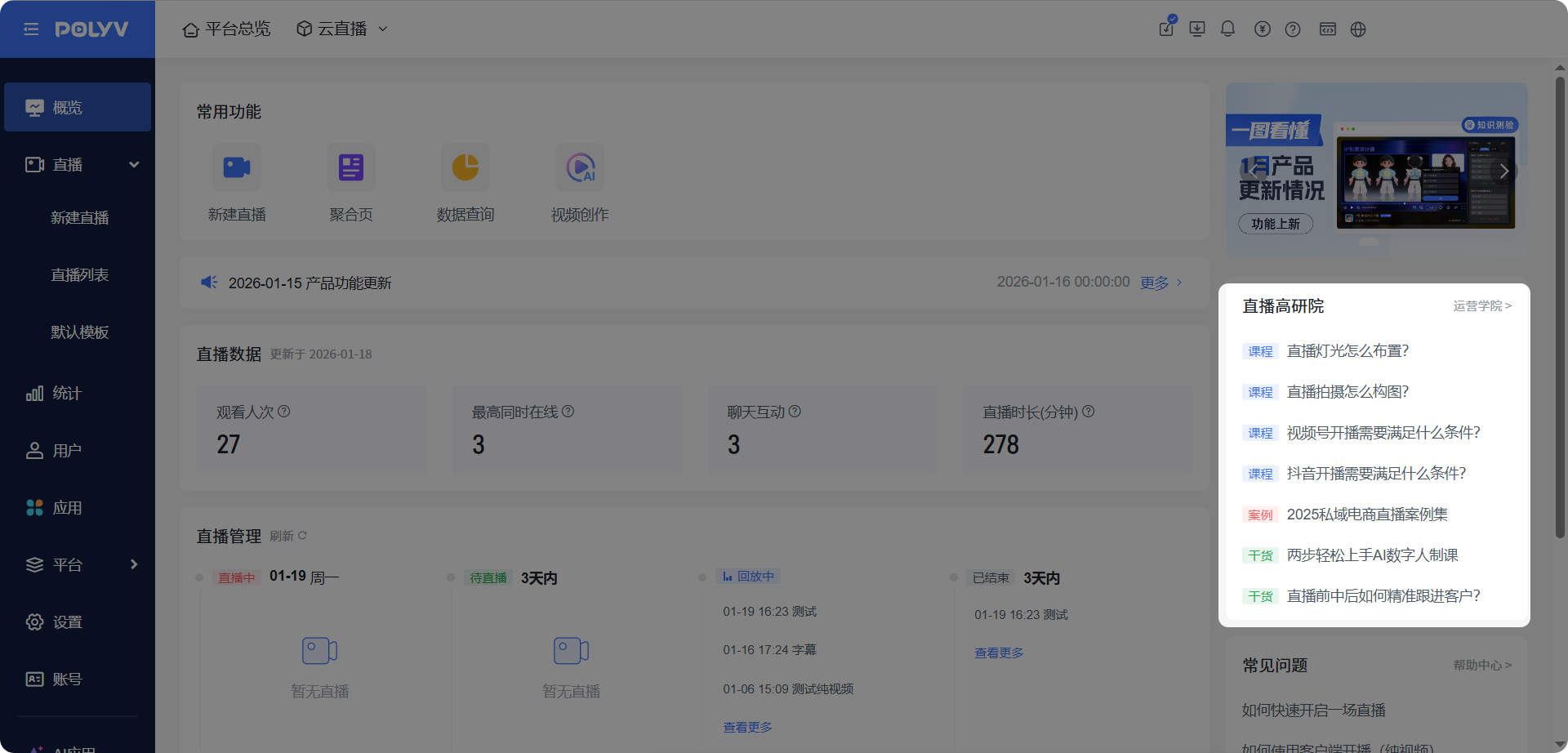
- The [Live Streaming Advanced Institute] module aggregates popular courses from the practical course library.
- Click the title to navigate and view.
7. Frequently Asked Questions
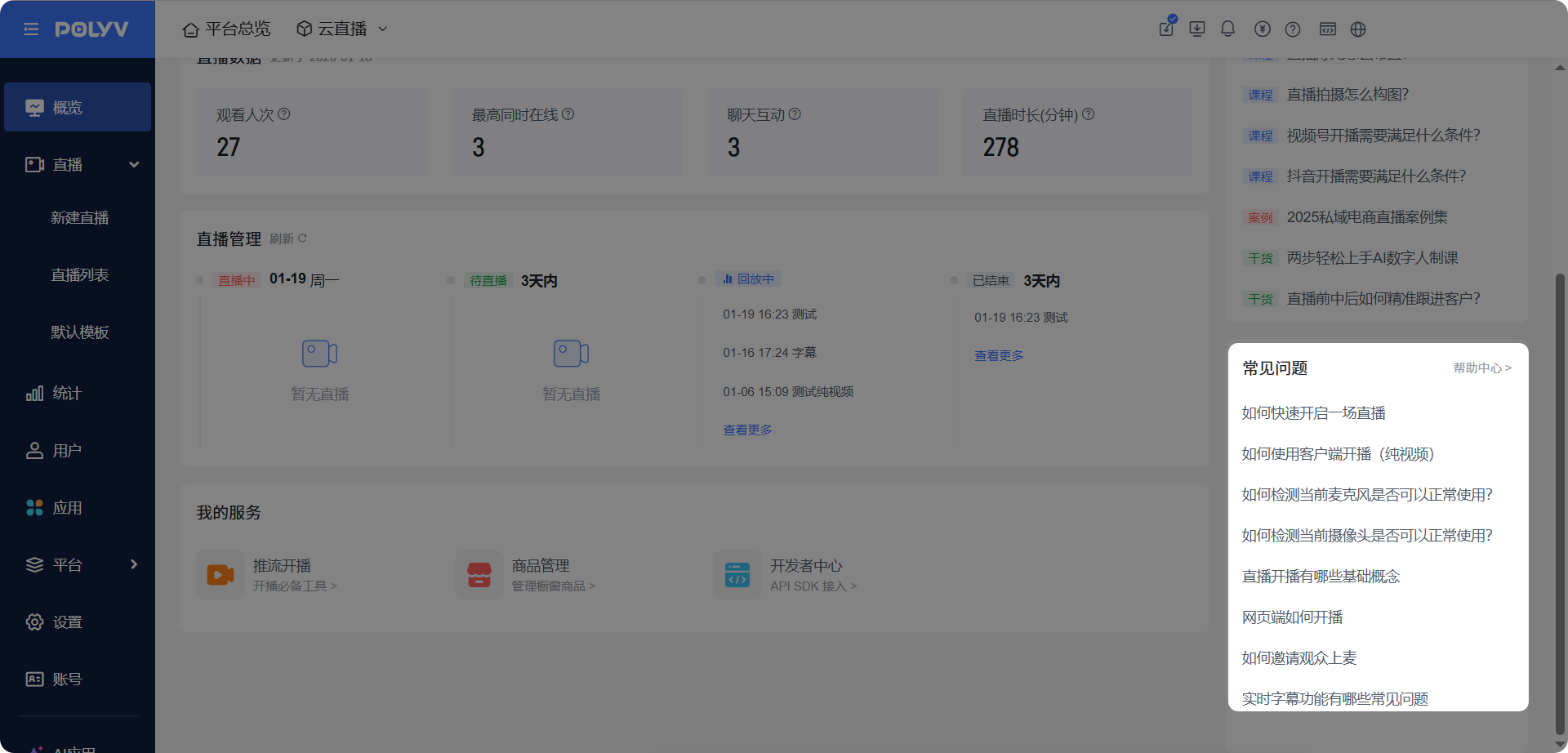
- The [Frequently Asked Questions] module compiles high-frequency operational and usage questions.
- Click the document title to navigate and view.
8. Push Notifications
8.1 Announcement Board
- Click the push notification title to navigate to the corresponding announcement for viewing.
- Click [More] to enter the announcement list and view product feature updates and related announcements.
8.2 Carousel
- Click to navigate to the product feature description.