Interaction Data
Updated: 2026-08-17 11:27:00
- Displays interaction records generated during the live stream, organized by interaction type. Supports filtering by date, review status, etc., and allows export.
- Whether interaction data is recorded depends on whether the corresponding interaction feature was used during the live stream.
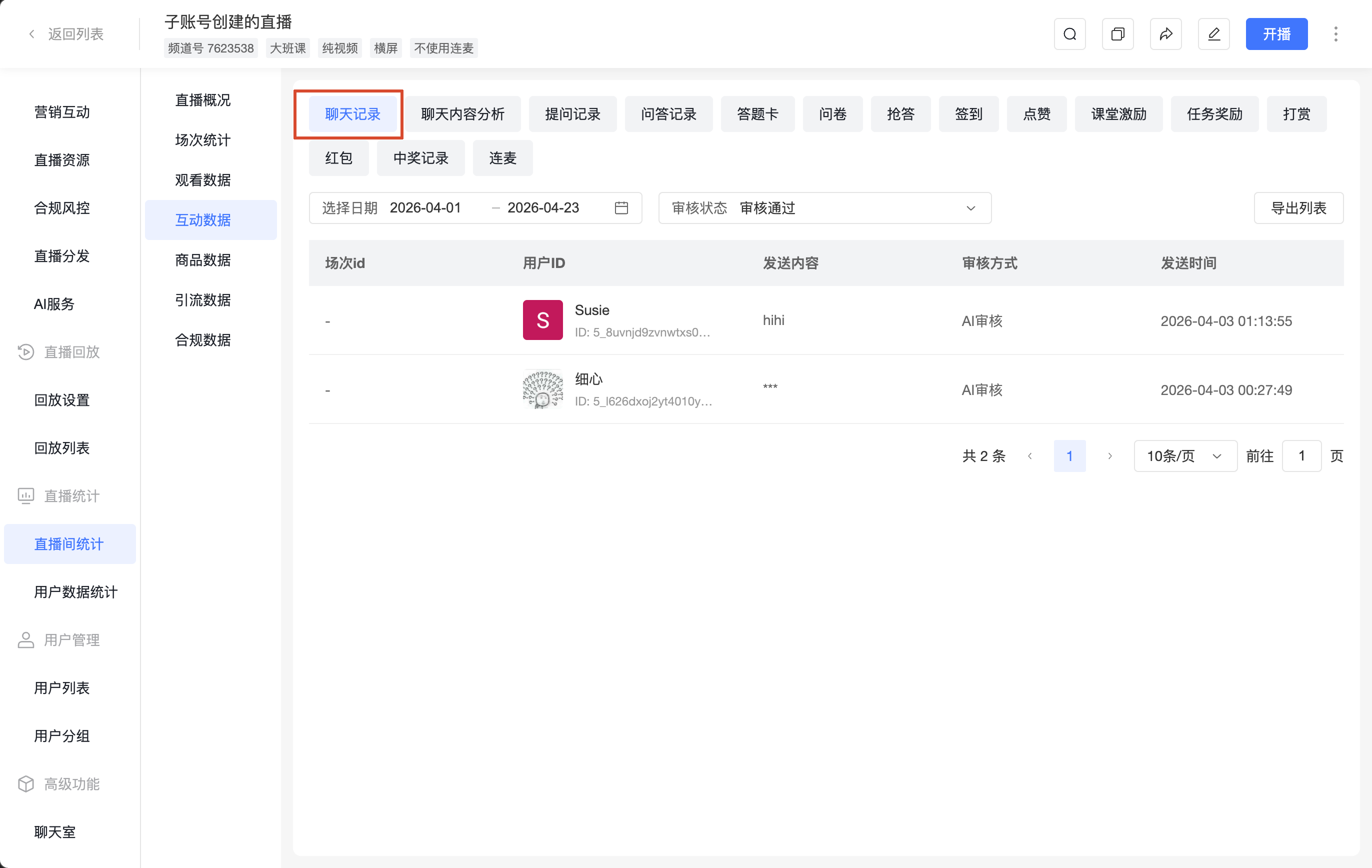
1. Chat History
- Filters: Select date, Review status (Approved / Rejected)
- Action: [Export List]
- Fields: Session ID, User Info, Message Content, Review Method, Send Time
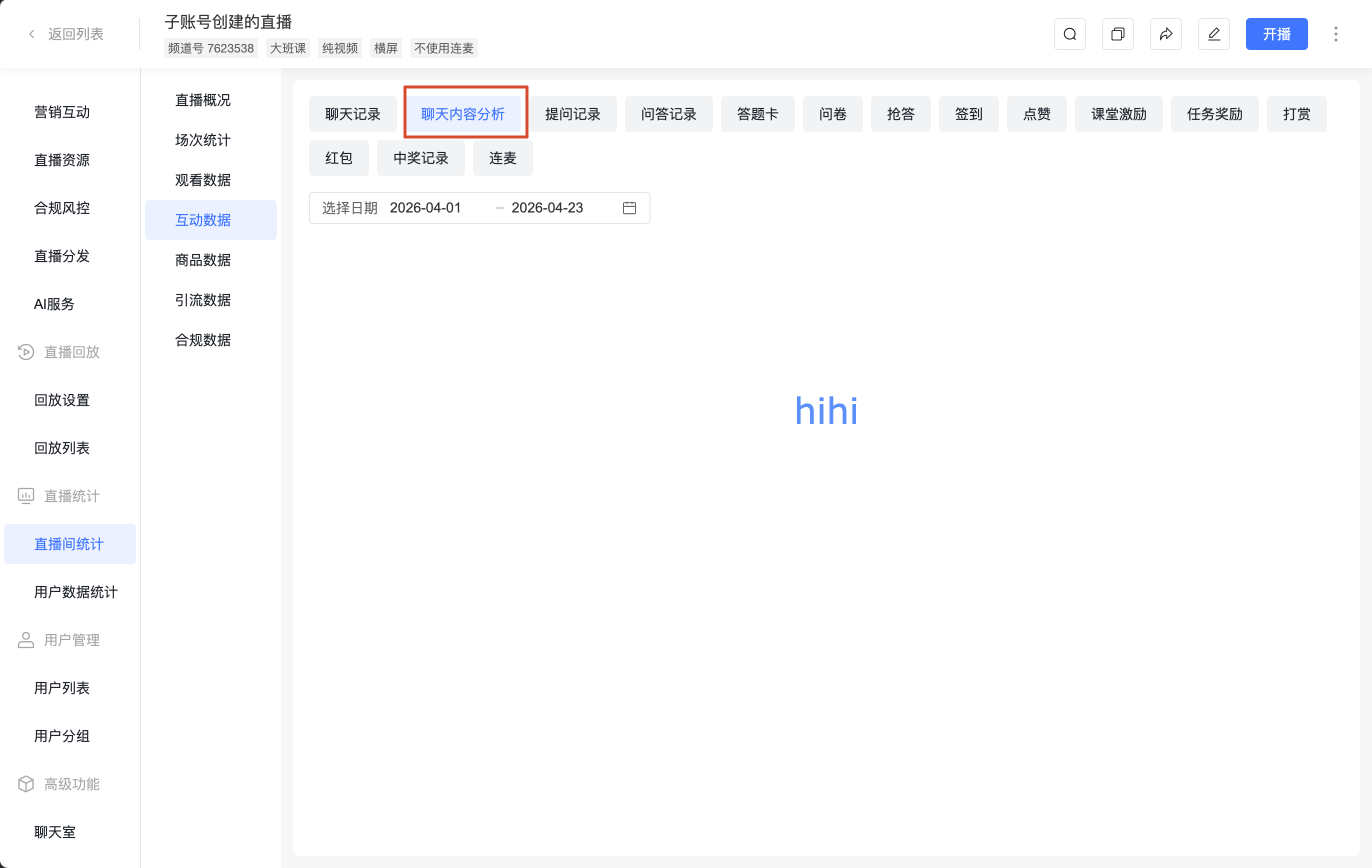
2. Chat Content Analysis
View statistical analysis results of chat content by date.
3. Question Records
Supports [Export List]
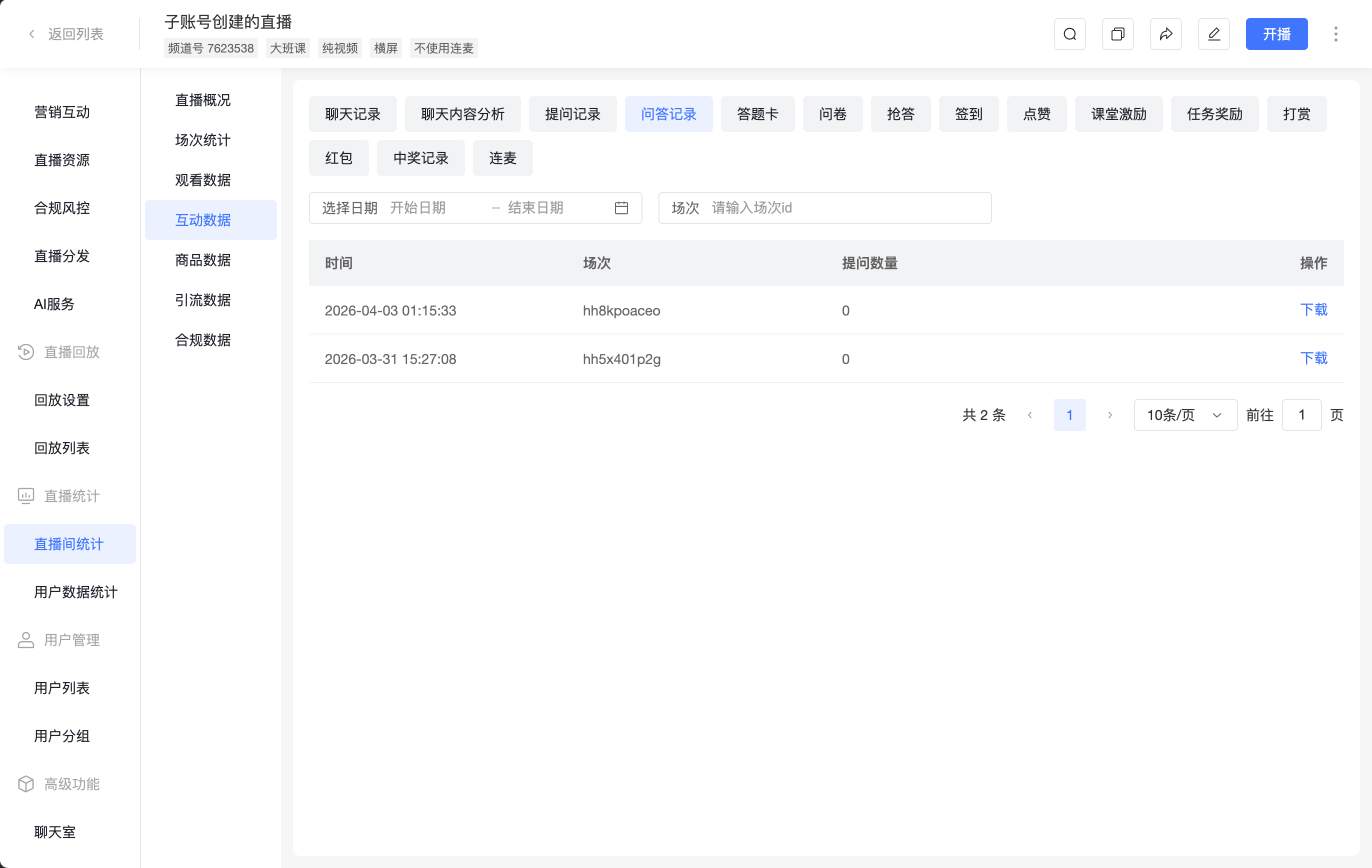
4. Q&A Records
- Filters: Select date, Session
- Fields: Time, Session, Number of Questions, Action (Download)
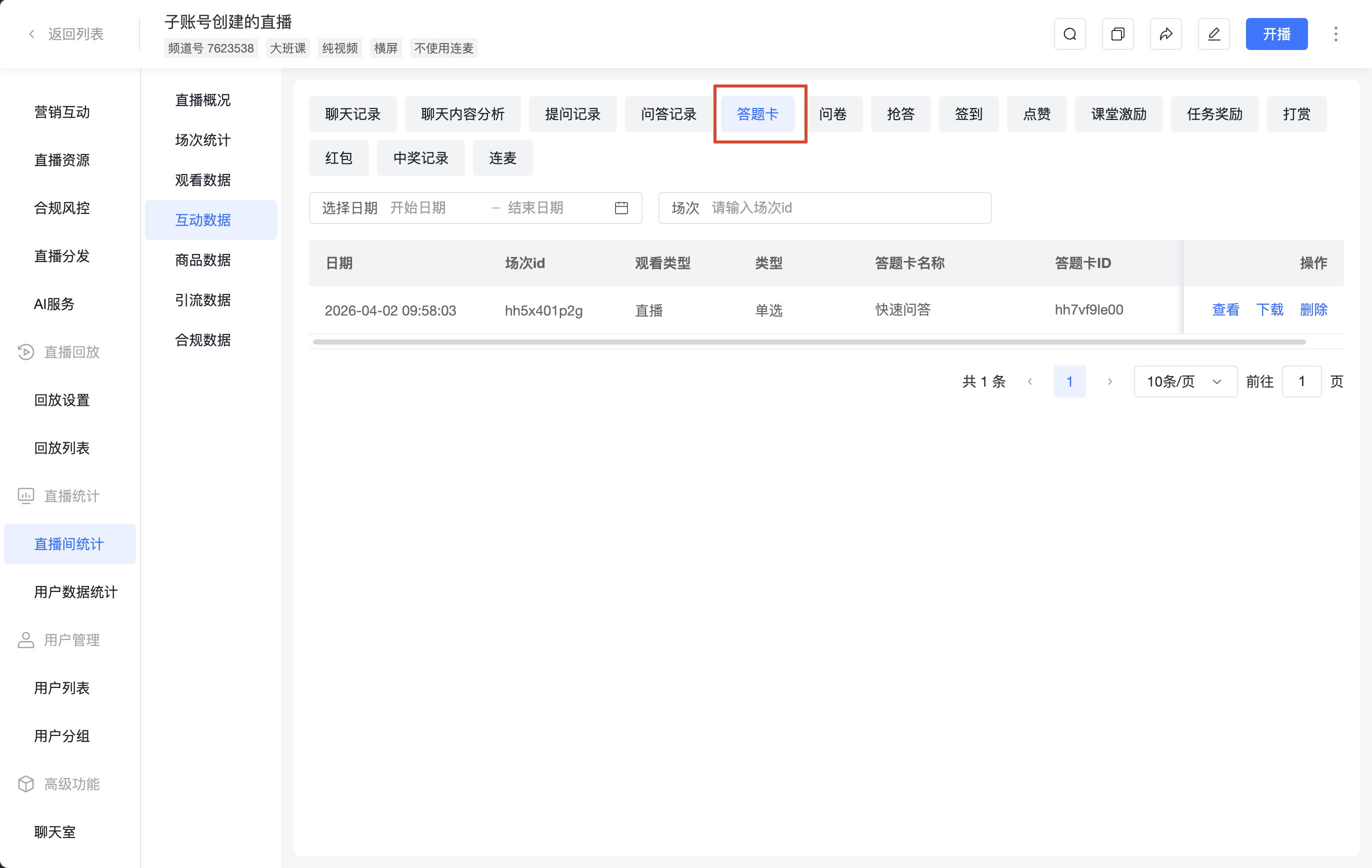
5. Answer Sheets
- Filters: Select date, Session
- Fields: Date, Session ID, Viewing Type, Type, Answer Sheet Name, Answer Sheet ID, Action (View, Download, Delete)
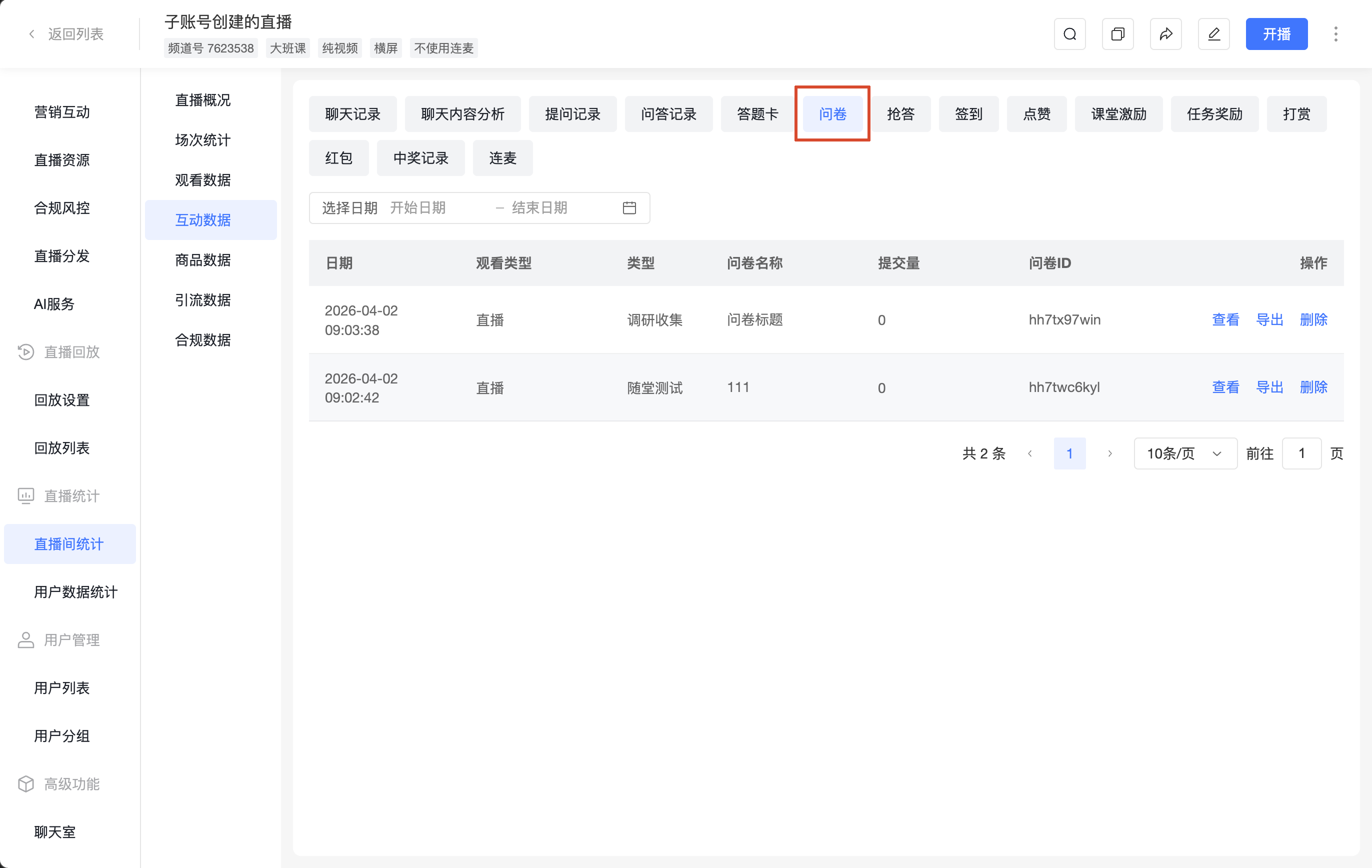
6. Surveys
- Filters: Select date
- Fields: Date, Viewing Type, Type, Survey Name, Submissions, Survey ID, Action (View, Export, Delete)
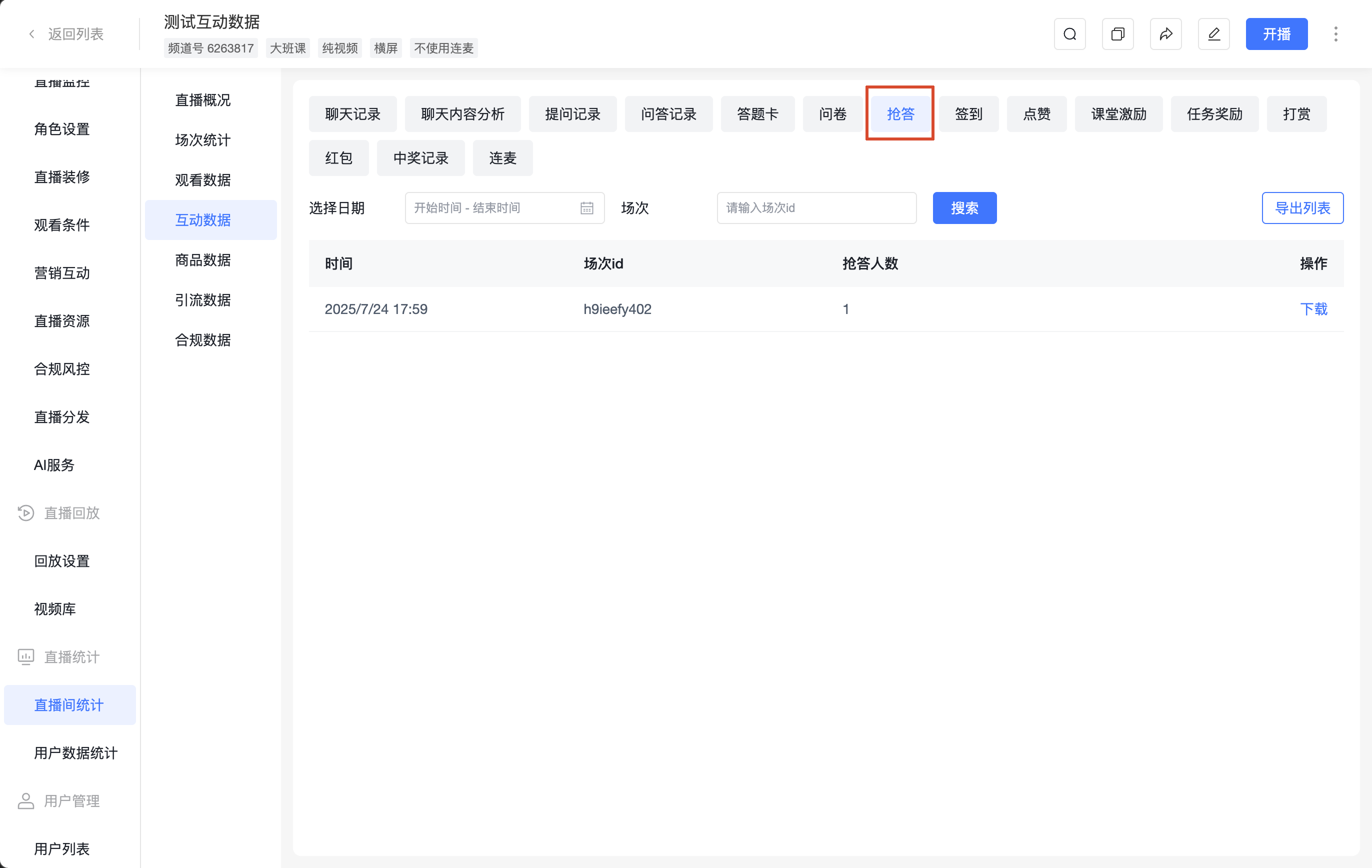
7. Quick Answer
- Filters: Select date, Session, Search
- Action: [Export List]
- Fields: Time, Session ID, Number of Participants, Action (Download)
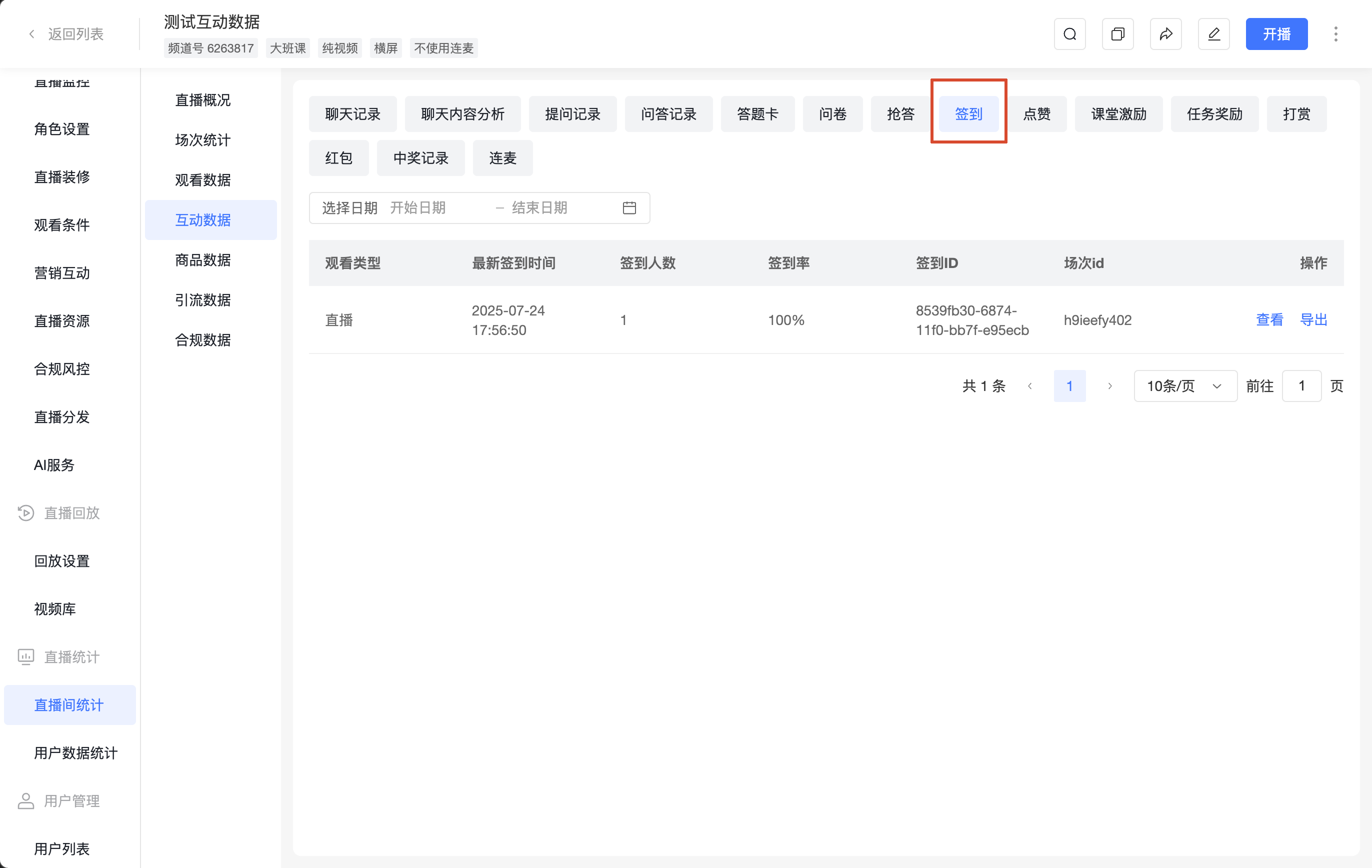
8. Check-in
- Filters: Select date
- Fields: Viewing Type, Latest Check-in Time, Number of Check-ins, Check-in Rate, Check-in ID, Session ID, Action (View, Export)
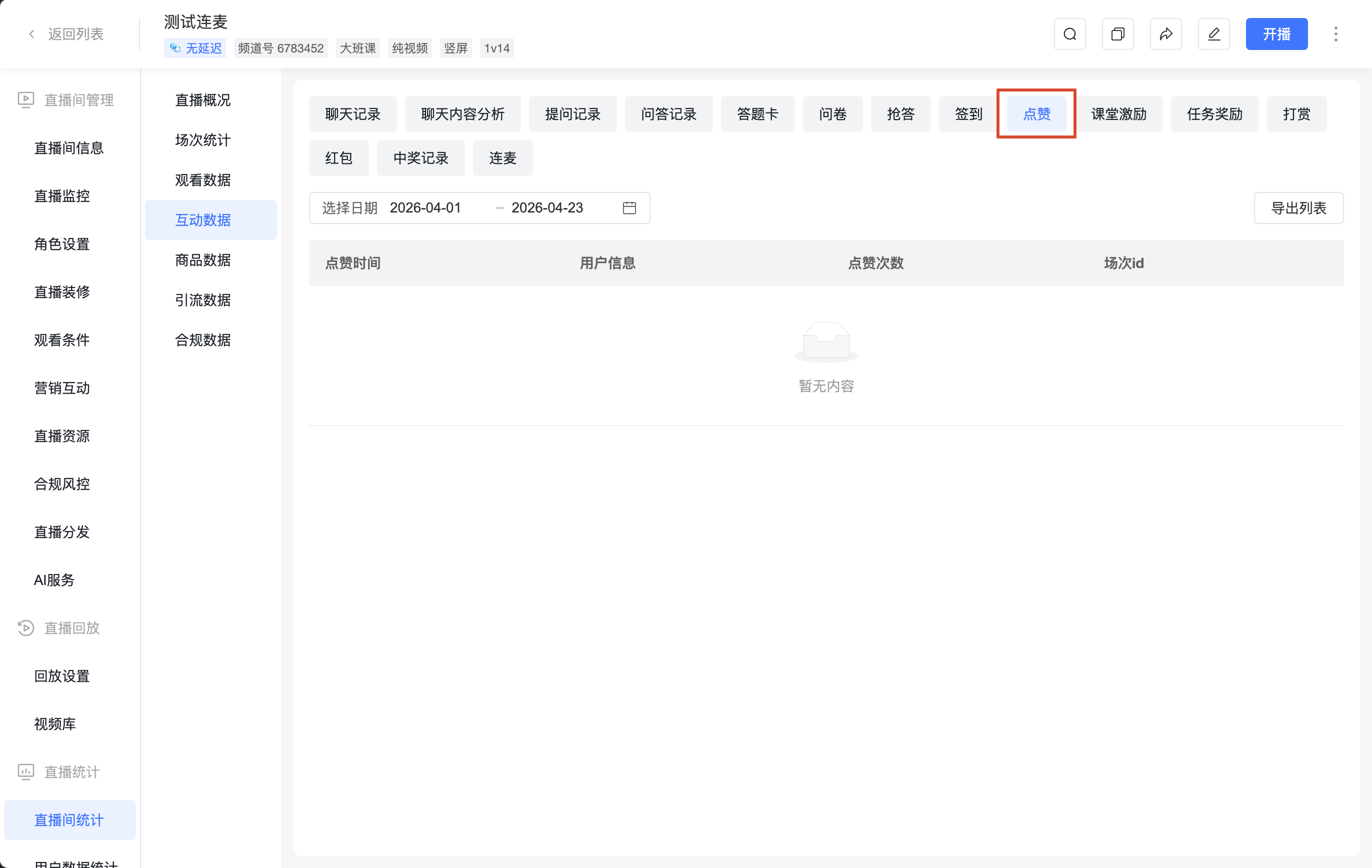
9. Likes
- Filters: Select date
- Action: [Export List]
- Fields: Like Time, User Info, Number of Likes, Session ID
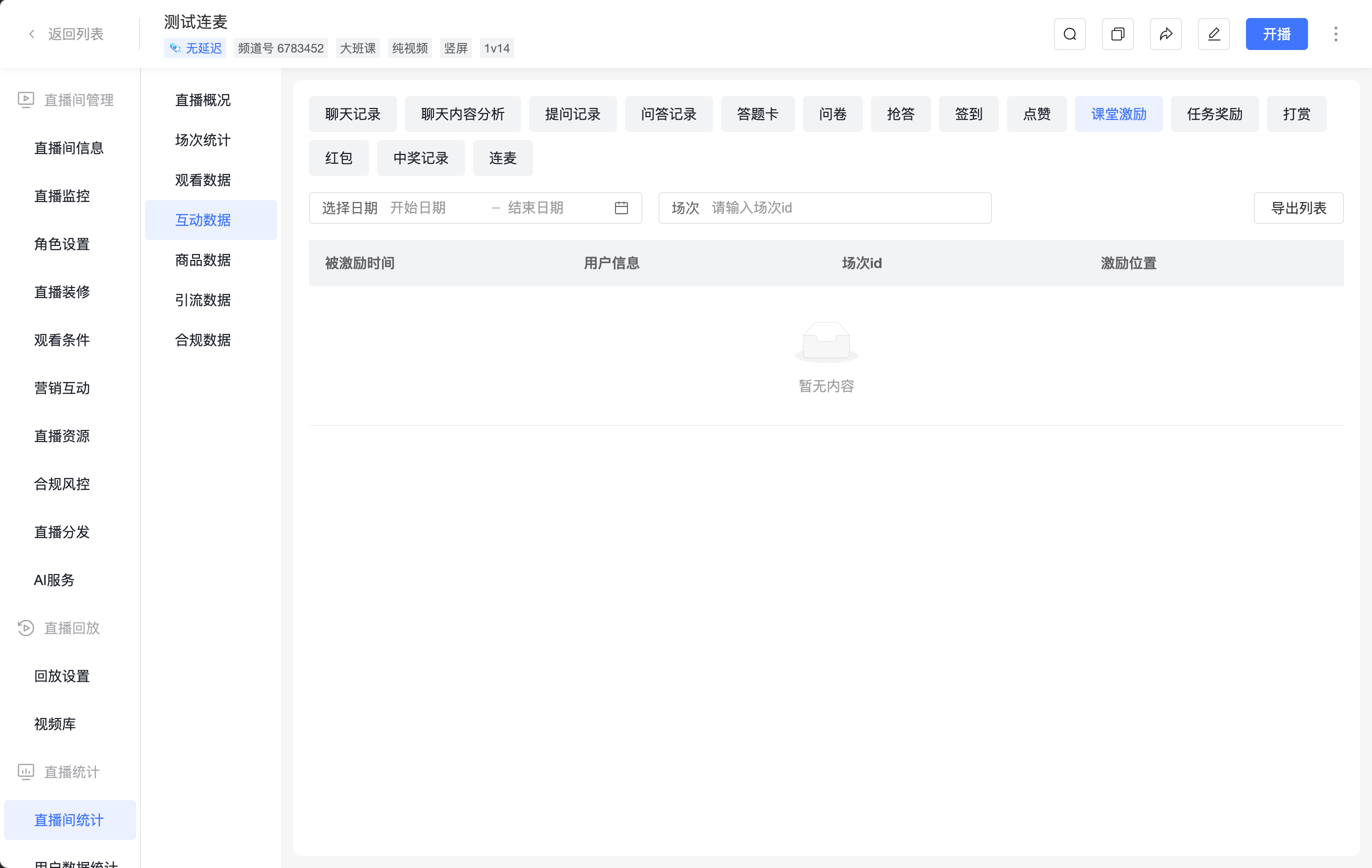
10. Classroom Incentives
- Filters: Select date, Session
- Action: [Export List]
- Fields: Incentive Time, User Info, Session ID, Incentive Location
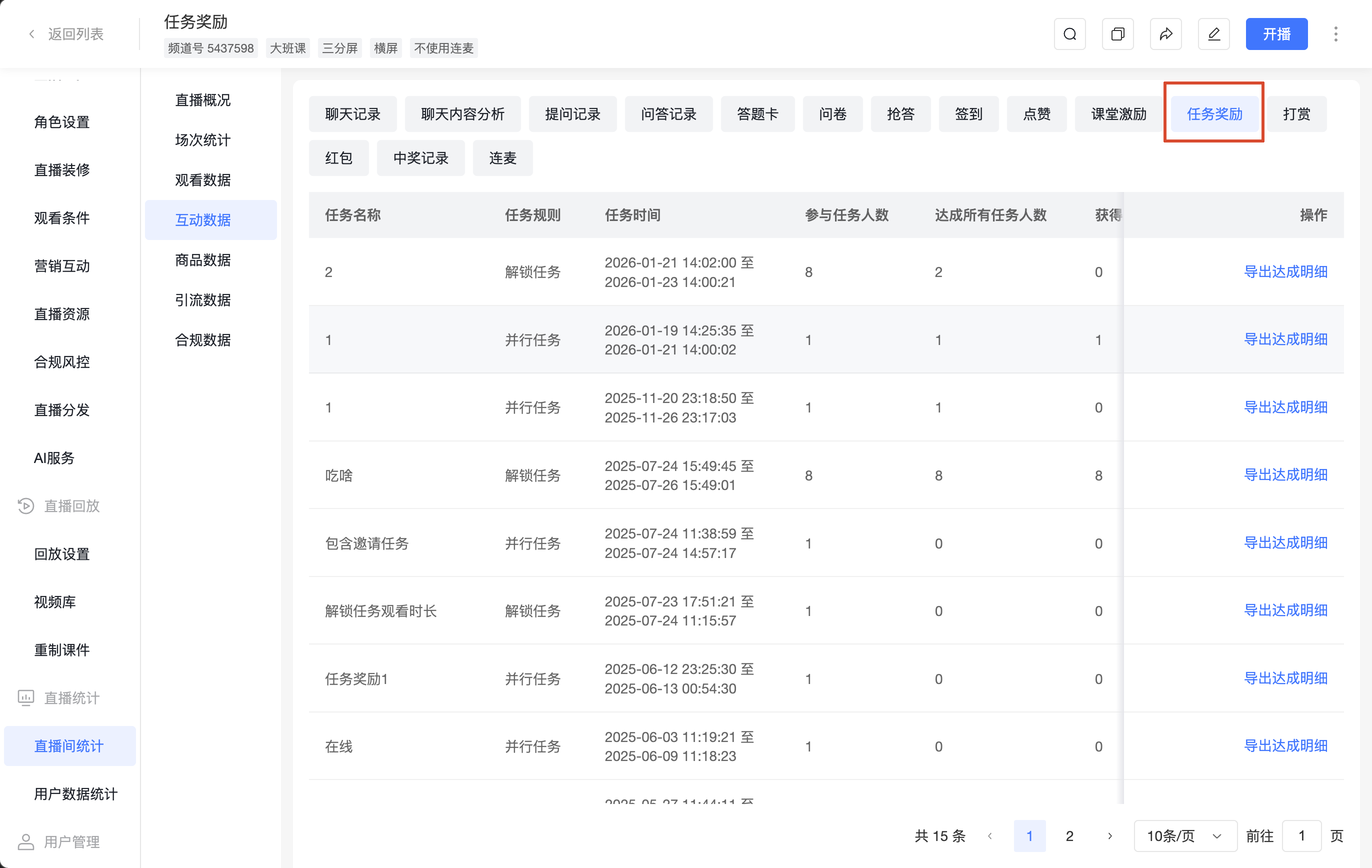
11. Task Rewards
- Fields: Task Name, Task Rules, Task Time, Number of Participants, Number Who Completed All Tasks, Number Who Received All Rewards, Action (Export Task Completion Details)
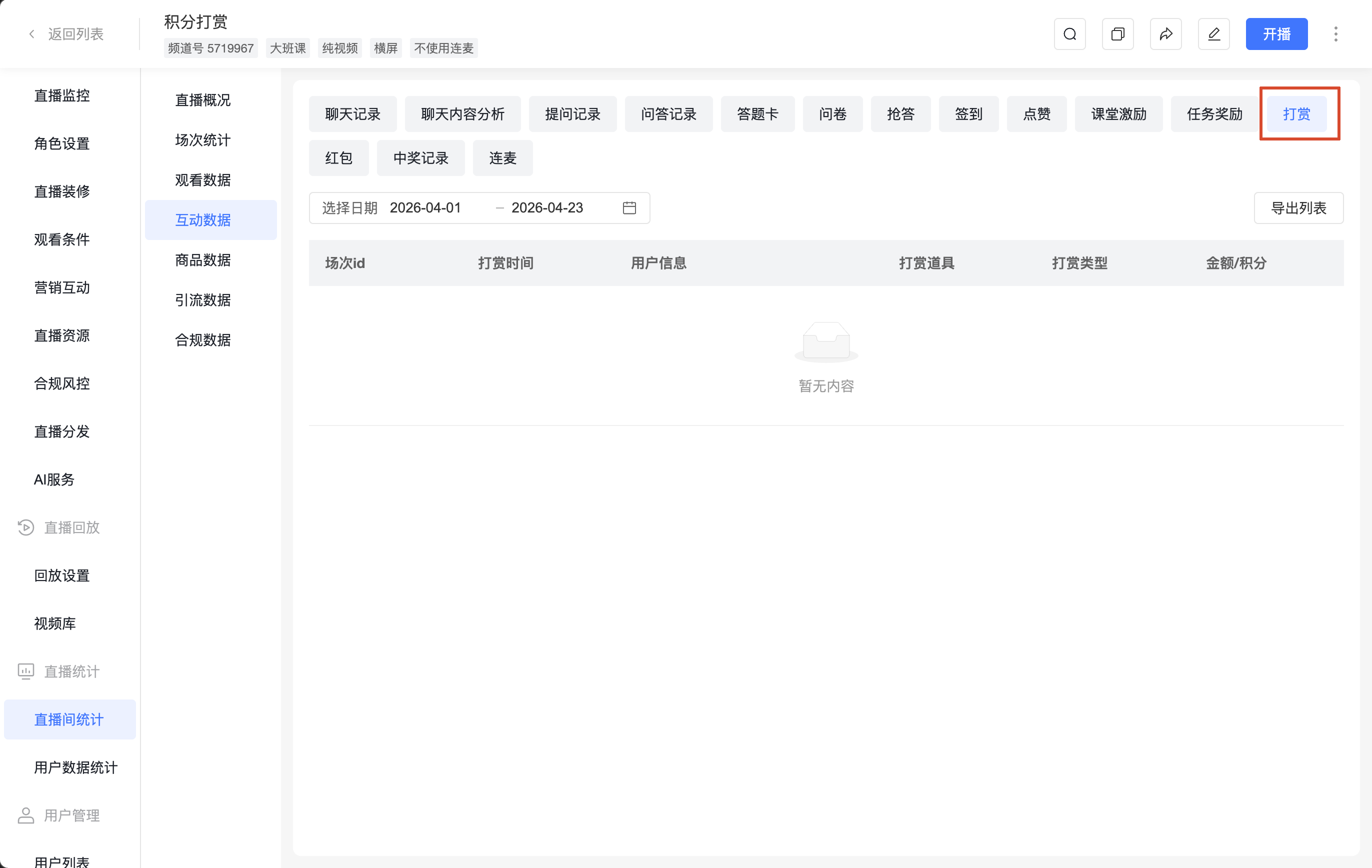
12. Tips
- Filters: Select date
- Action: [Export List]
- Fields: Session ID, Tip Time, User Info, Tip Item, Tip Type, Amount/Points
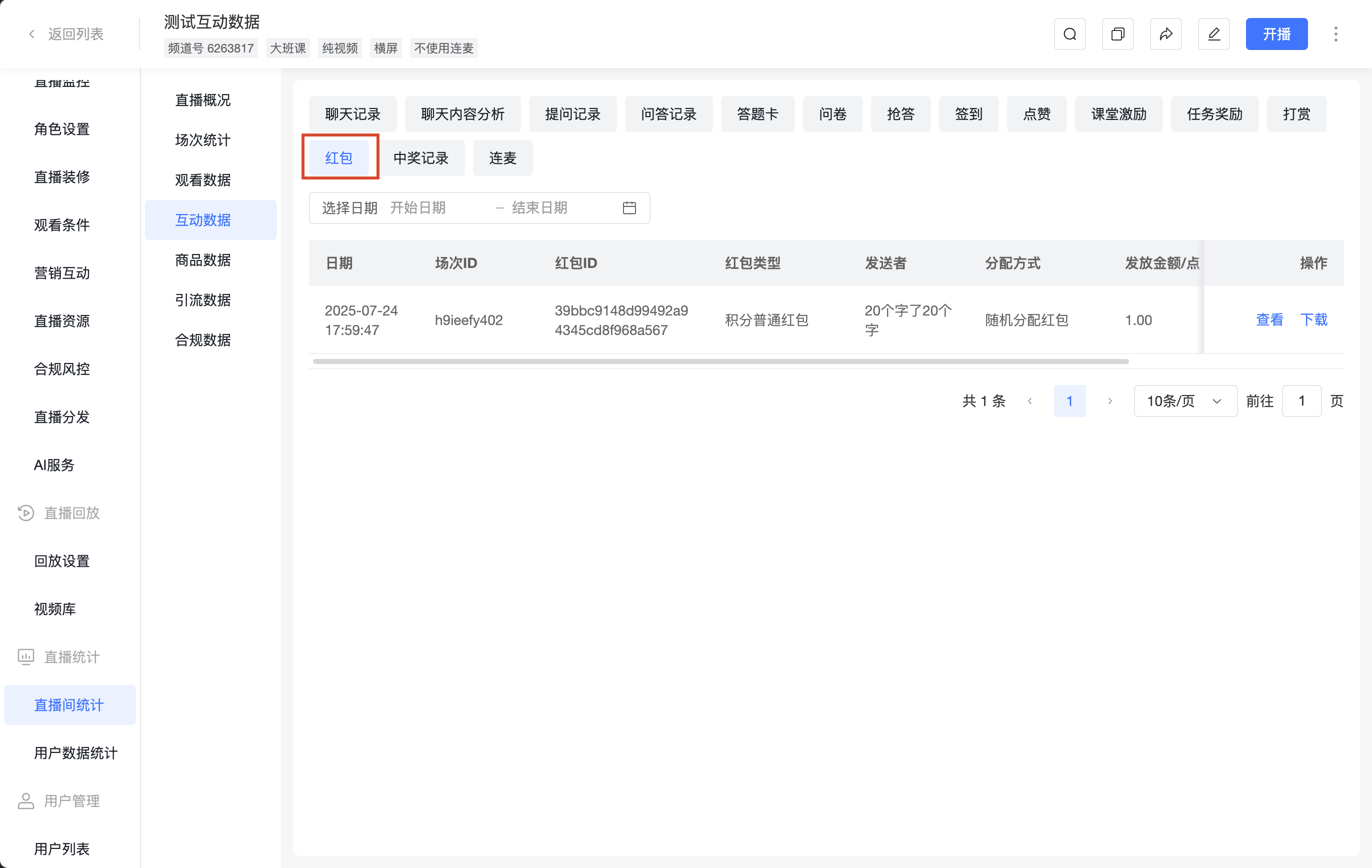
13. Red Packets
- Filters: Select date
- Fields: Date, Session ID, Red Packet ID, Red Packet Type, Sender, Distribution Method, Amount/Points Sent, Amount/Points Remaining, Red Packet Status, Action (View, Download)
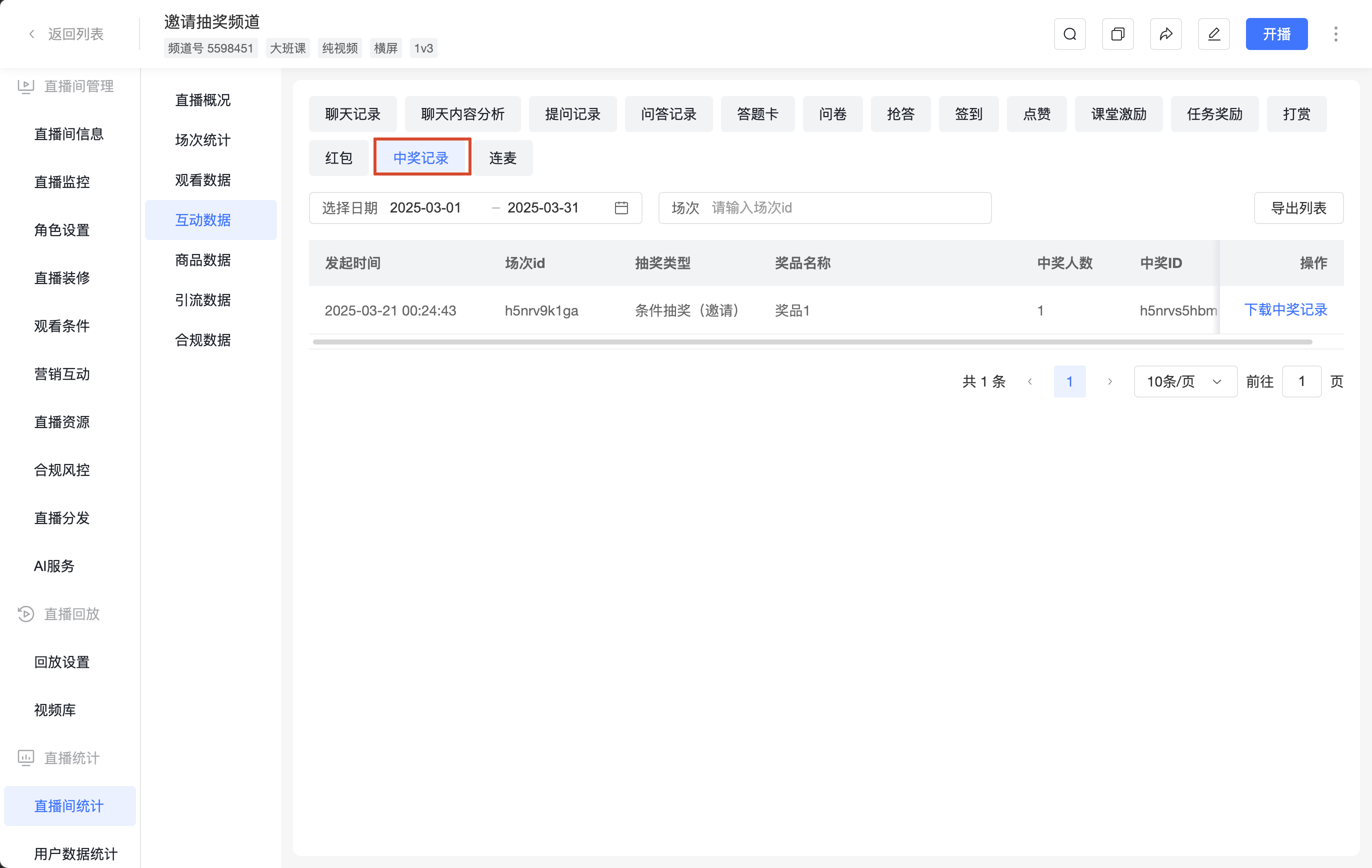
14. Winning Records
- Filters: Select date, Session
- Action: [Export List]
- Fields: Start Time, Session ID, Draw Type, Prize Name, Number of Winners, Winning ID, Action (Download Winning Records)
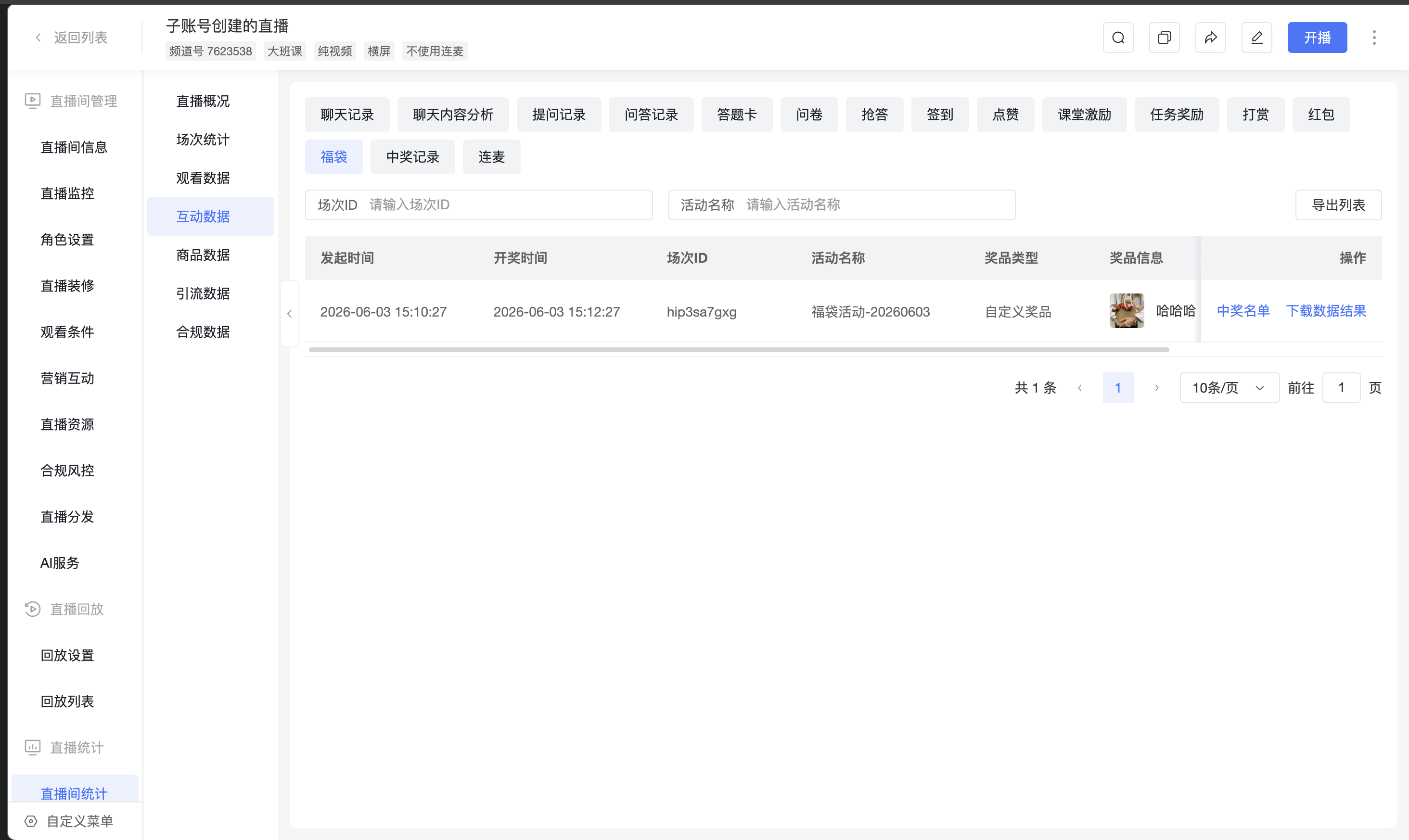
15. Lucky Bag Data
- Filters: Session ID, Lucky Bag Activity Name
- Actions: [Export List], [Winner List], [Download Data Results]
- Fields: Start Time, Draw Time, Session ID, Lucky Bag Activity Name, Prize Type, Prize Info, Number of Winners, Number of Participants
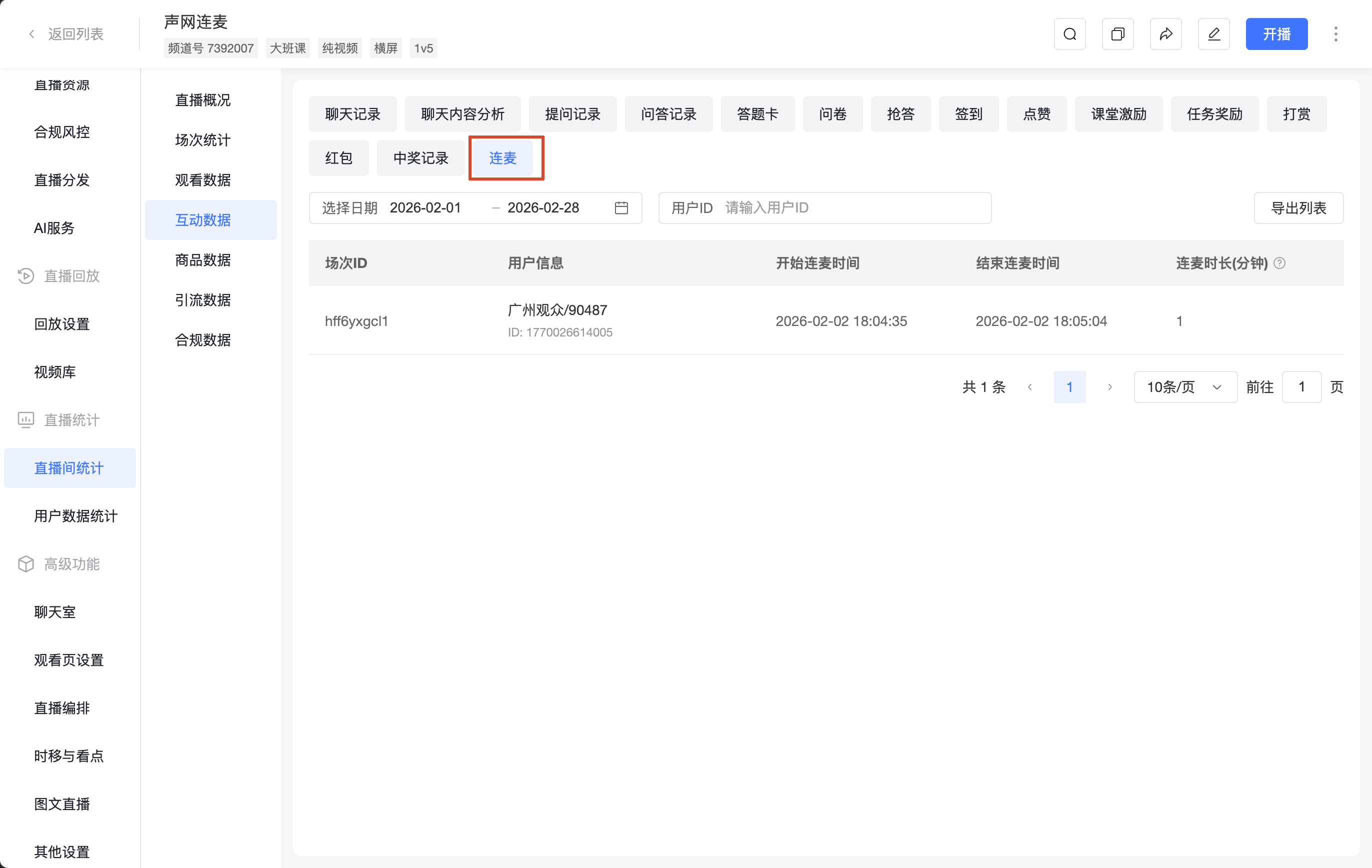
16. Co-streaming
- Filters: Select date, User ID
- Action: [Export List]
- Fields: Session ID, User Info, Co-stream Start Time, Co-stream End Time, Co-stream Duration (Minutes)