


Red Envelope
1. Feature Overview
Feature Info |
Description |
|---|---|
| Feature Name | Red Envelope |
| Feature Description | The live room red envelope feature allows hosts to distribute red envelopes with a certain amount of money to viewers during a live stream. Hosts can set the amount, quantity, and distribution method, such as standard red envelopes, password red envelopes, red envelope rain, quiz red envelopes, etc. Viewers only need to follow the prompts in the live room to participate in grabbing red envelopes. After grabbing a red envelope, the amount will be automatically deposited into the viewer's account balance and can be withdrawn. |
| Purpose | Liven up the live room atmosphere, enhance viewer engagement, distribute live stream benefits |
| Use Cases | Live commerce scenarios, fan benefit live streams, brand launches, entertainment live streams, etc. |
| Operation Path | 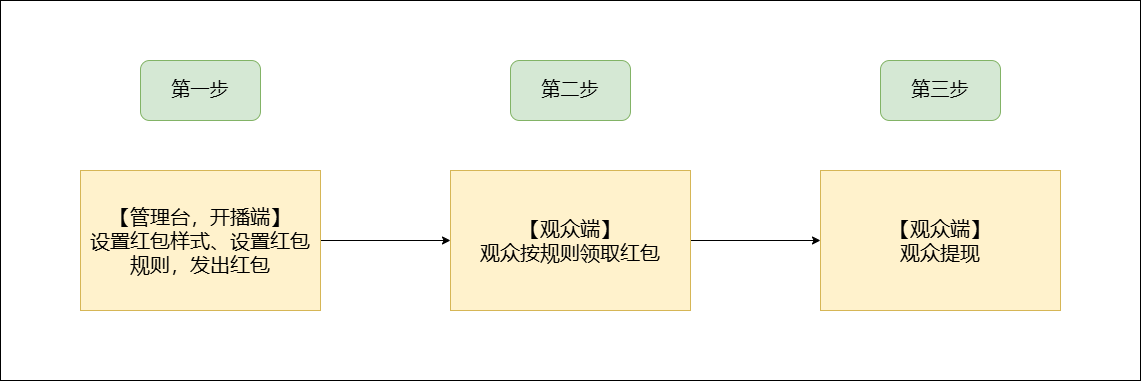 |
| Notes | 1. Red envelope rain can currently only be initiated from the client or web live streaming interface. 2. Viewers can only participate in grabbing red envelopes via the mobile WeChat client. |
2. Setup Instructions:
Enter the live room backend, find Marketing Interaction, Red Envelope Style, to access the red envelope style adjustment page.
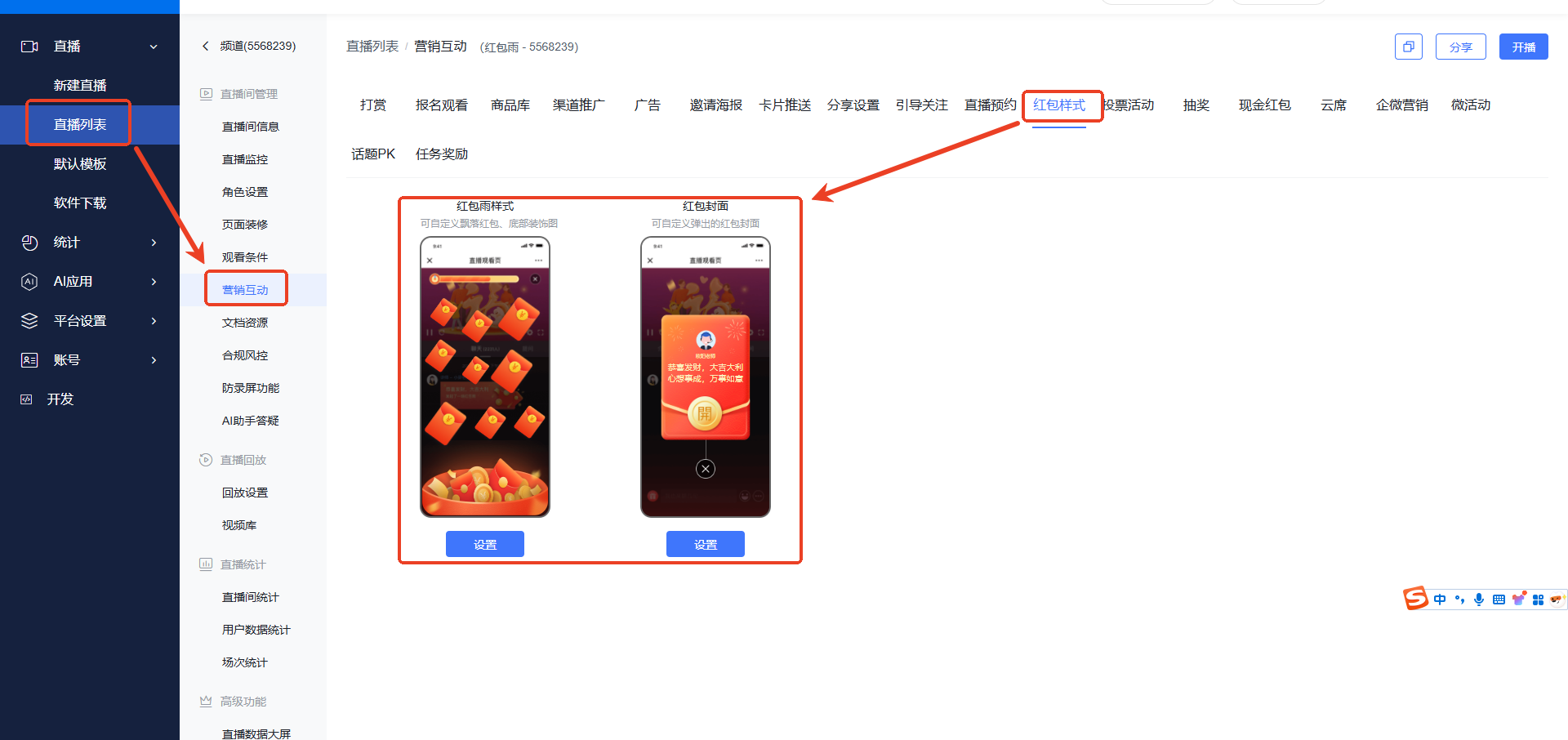
2.1 Style Settings
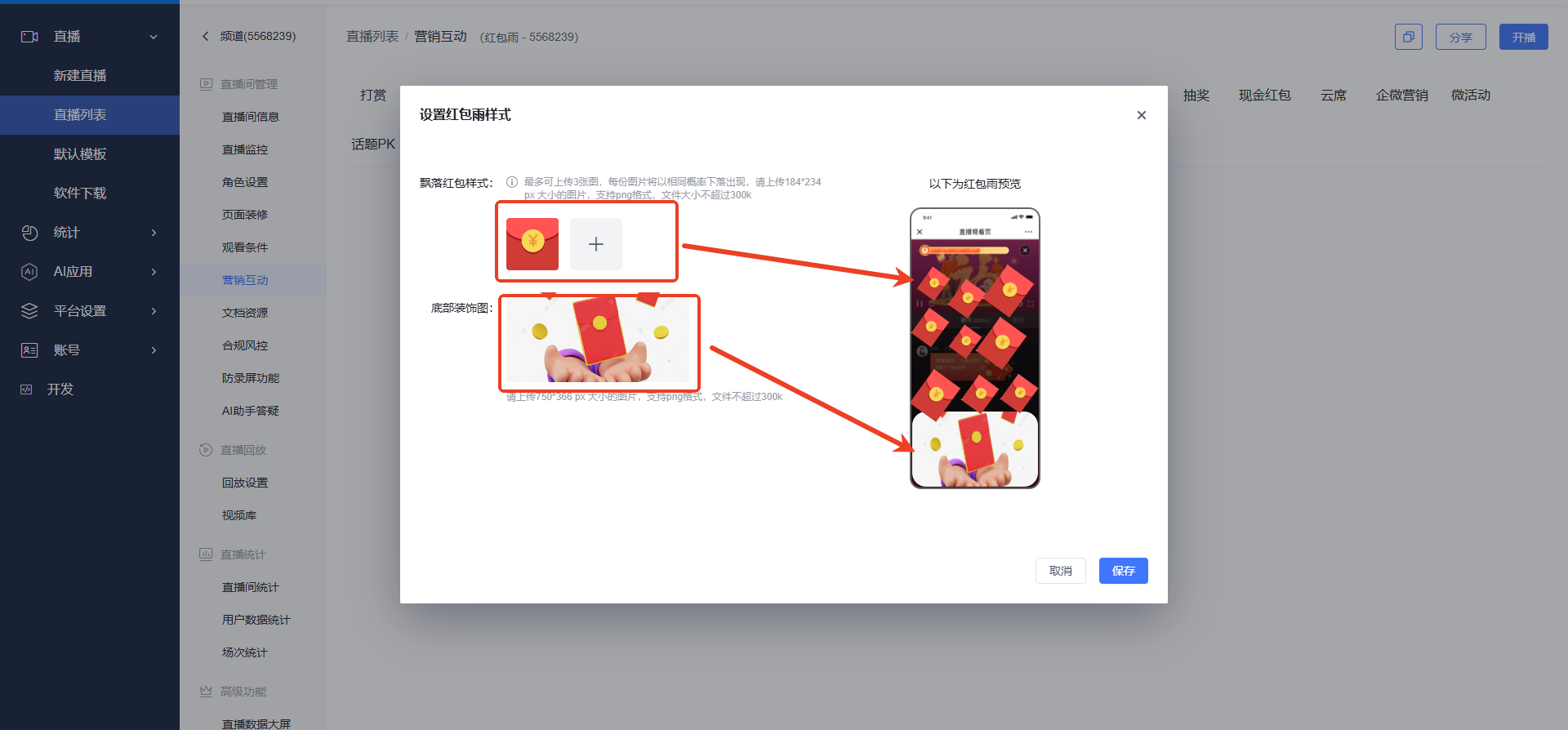
Set the red envelope rain style.
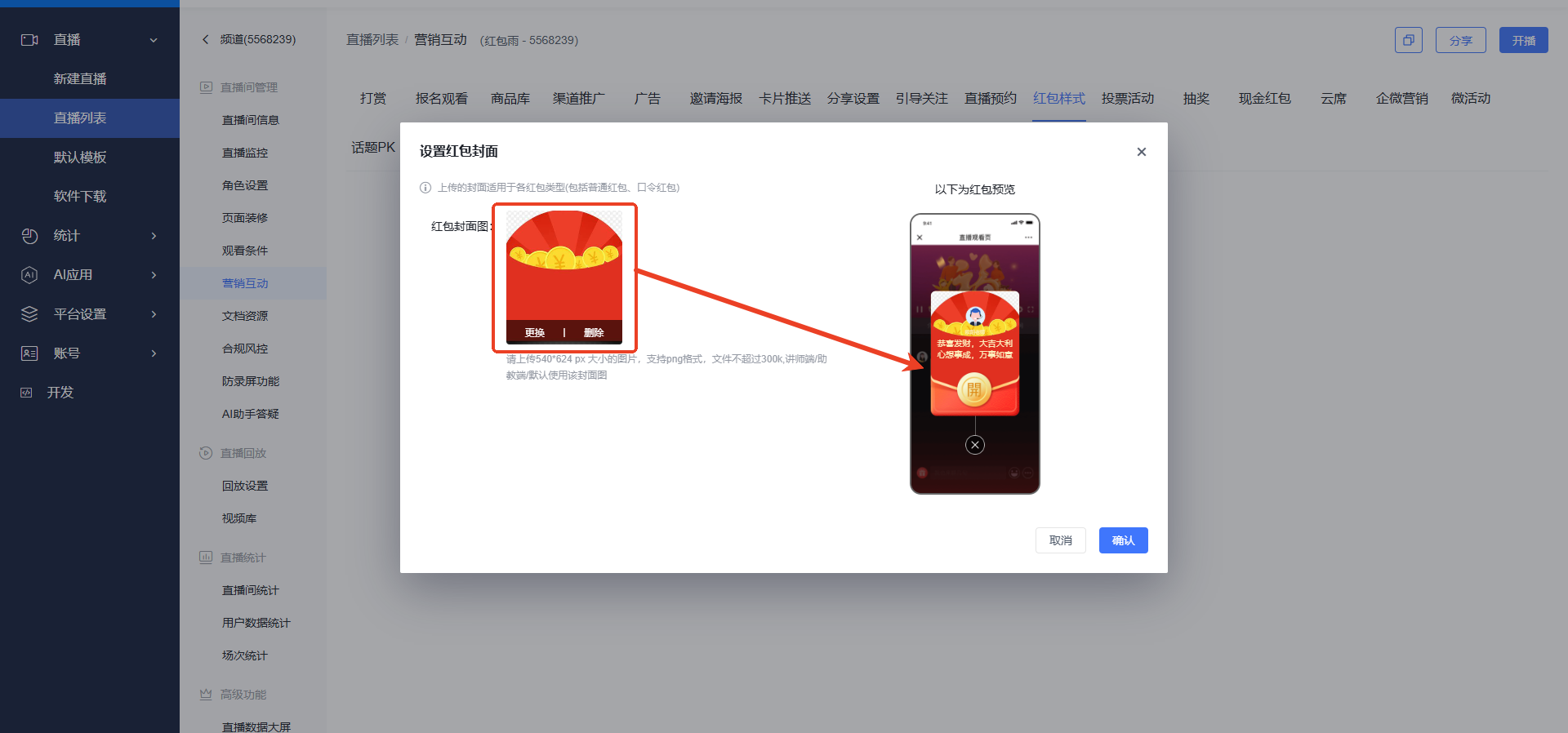
 Set the red envelope cover.
2.2 Open the Red Envelope Settings Interface
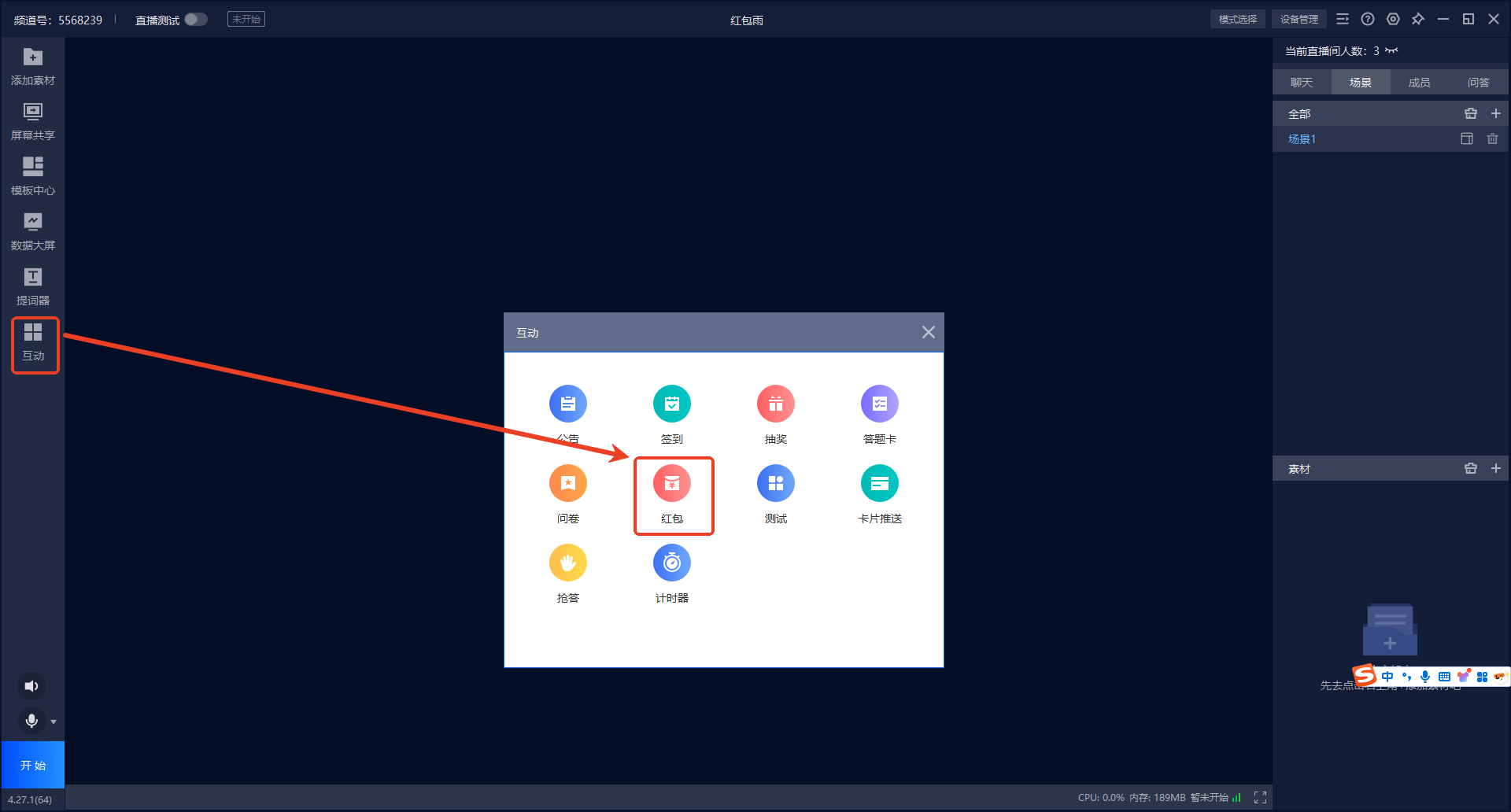
On the desktop streaming interface, open Interaction - Red Envelope.
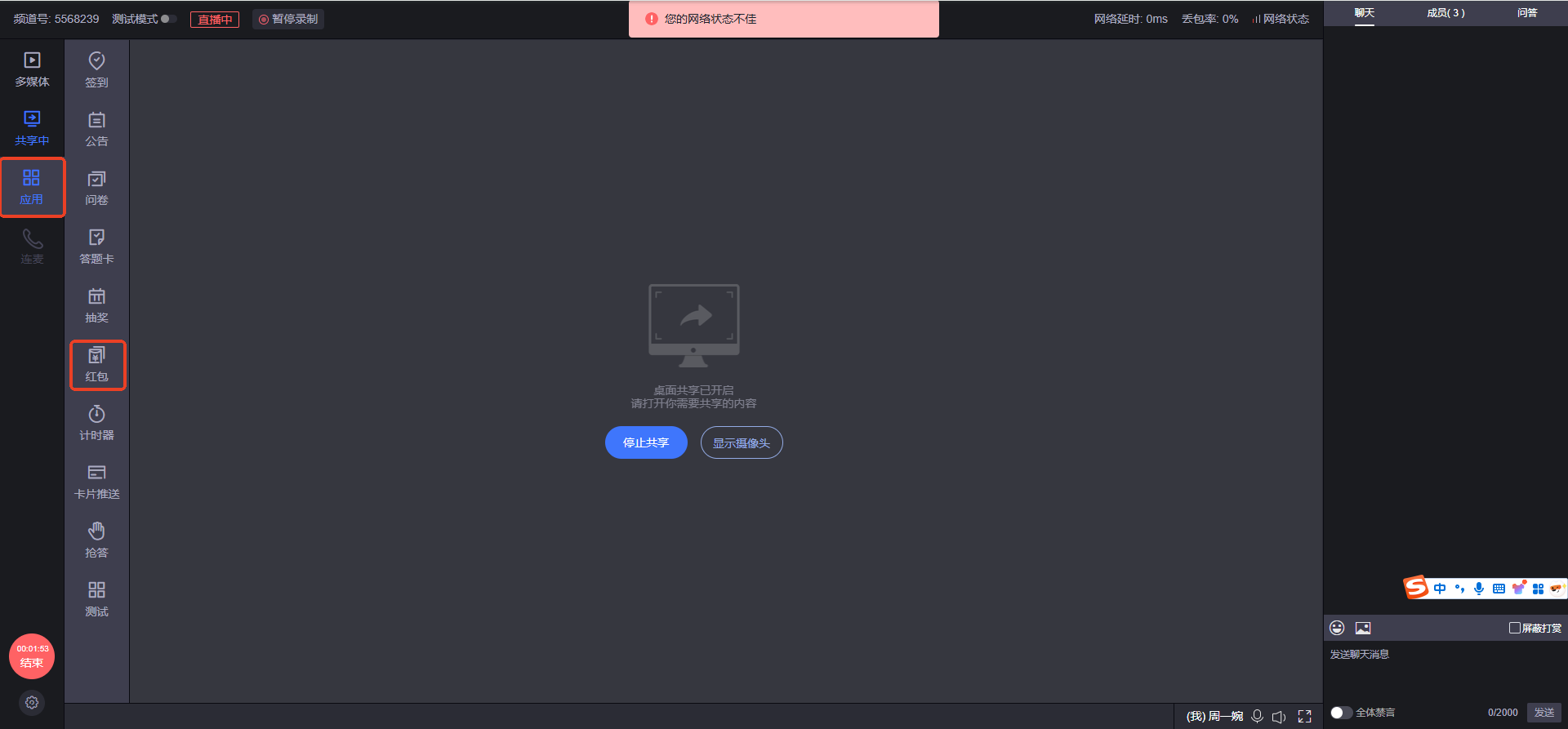
On the web streaming interface, open Applications - Red Envelope.
2.3 Set Up Red Envelopes
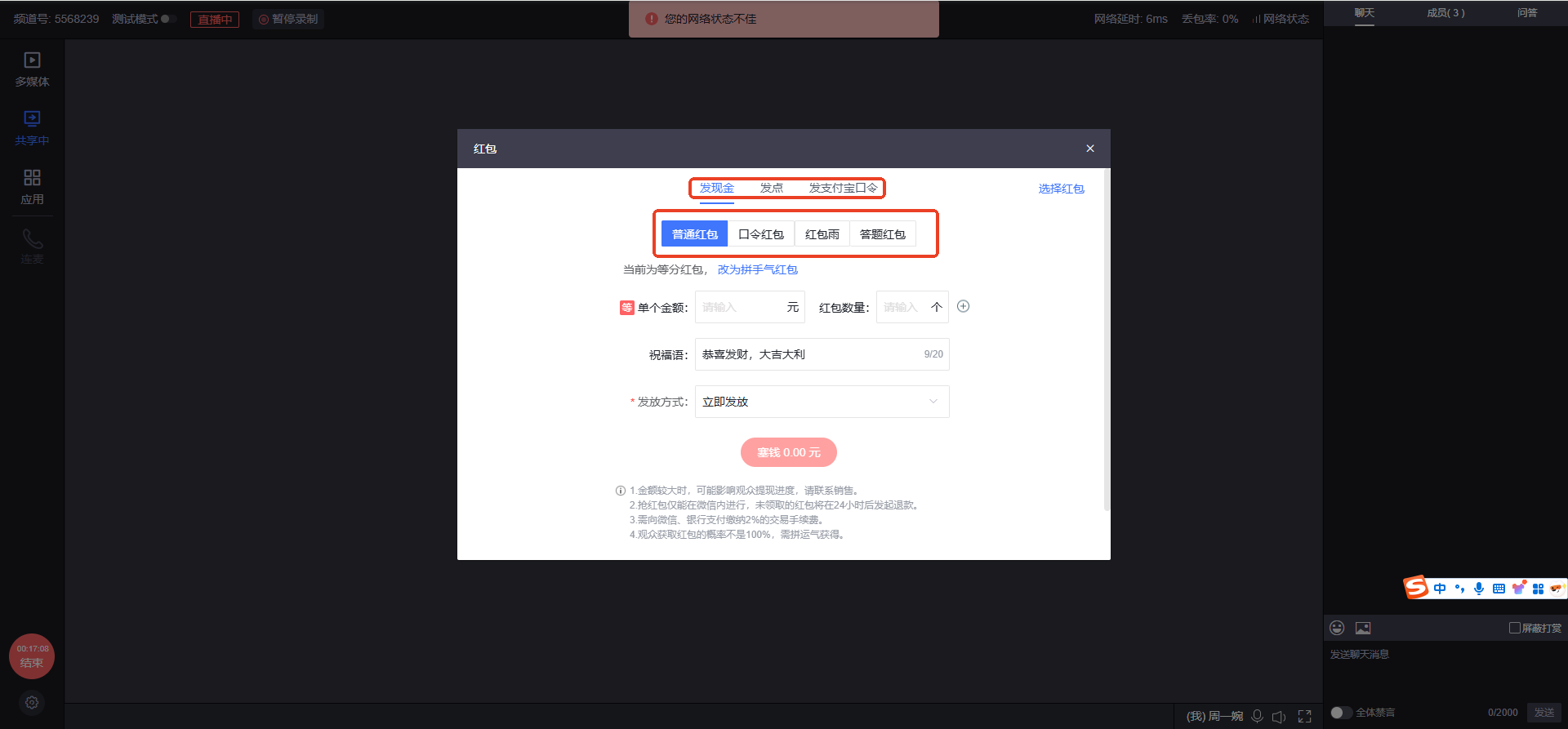
Red envelopes have multiple layers of combined settings. First, distinguish the content of the red envelope: Cash, Points, or Alipay Red Envelope.
Each type of red envelope is further divided into Standard Red Envelope, Password Red Envelope, Red Envelope Rain, and Quiz Red Envelope. On top of this, two distribution methods can be selected (Equal Split or Lucky Draw).
Standard Red Envelope
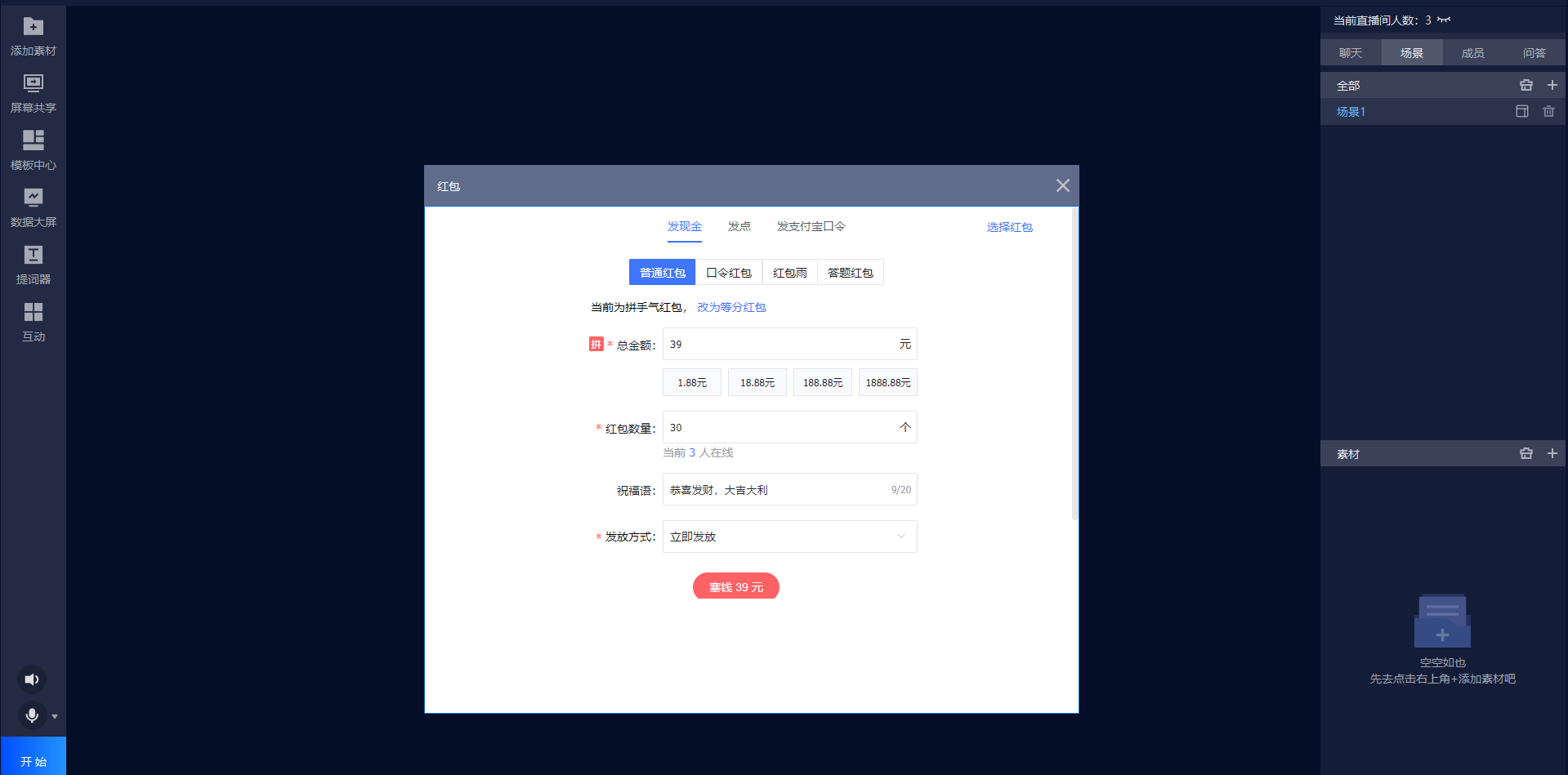
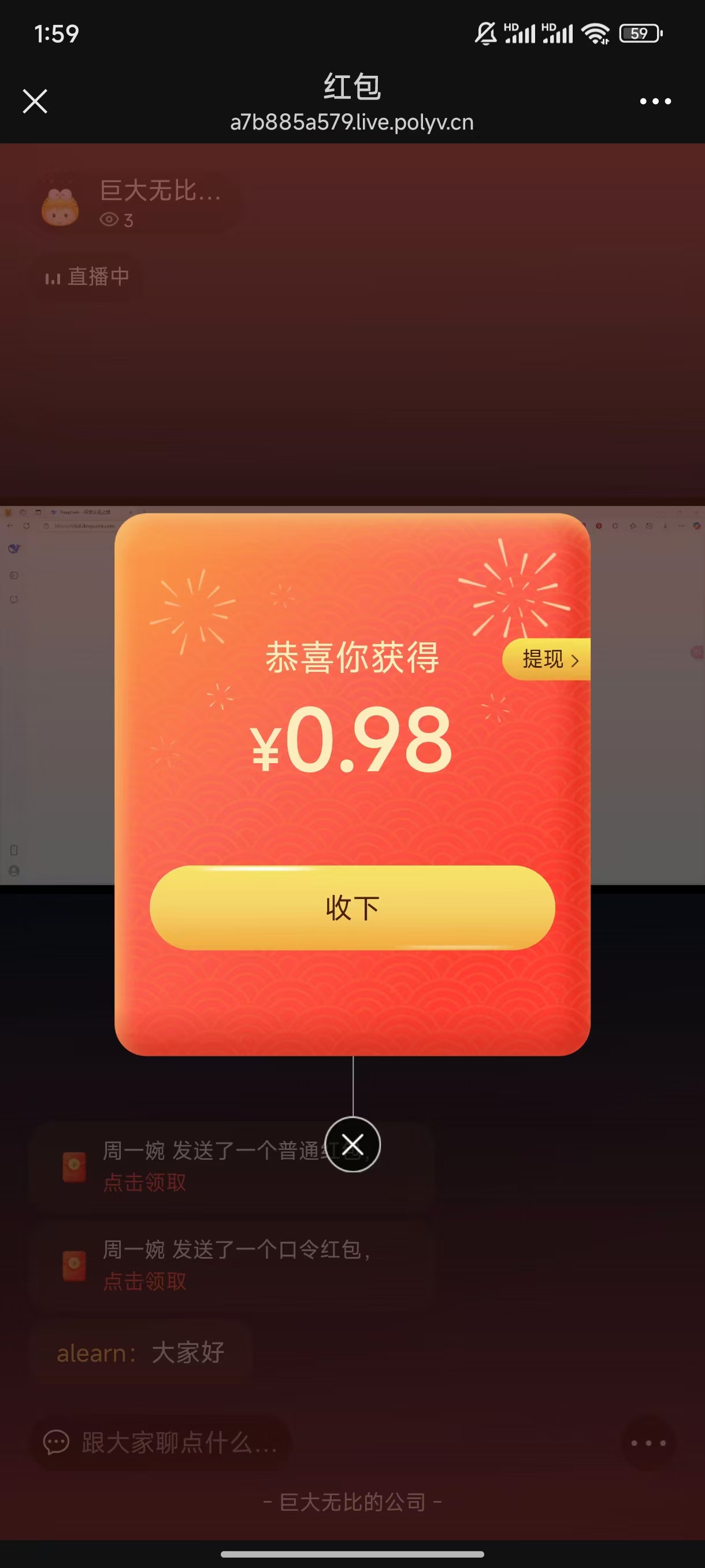
Requires setting the total amount, number of red envelopes, cover message, and distribution method. Clicking "Put in Red Envelope" requires paying the total amount. Currently, only WeChat Pay is supported. Once the payment is completed, the red envelope is set.
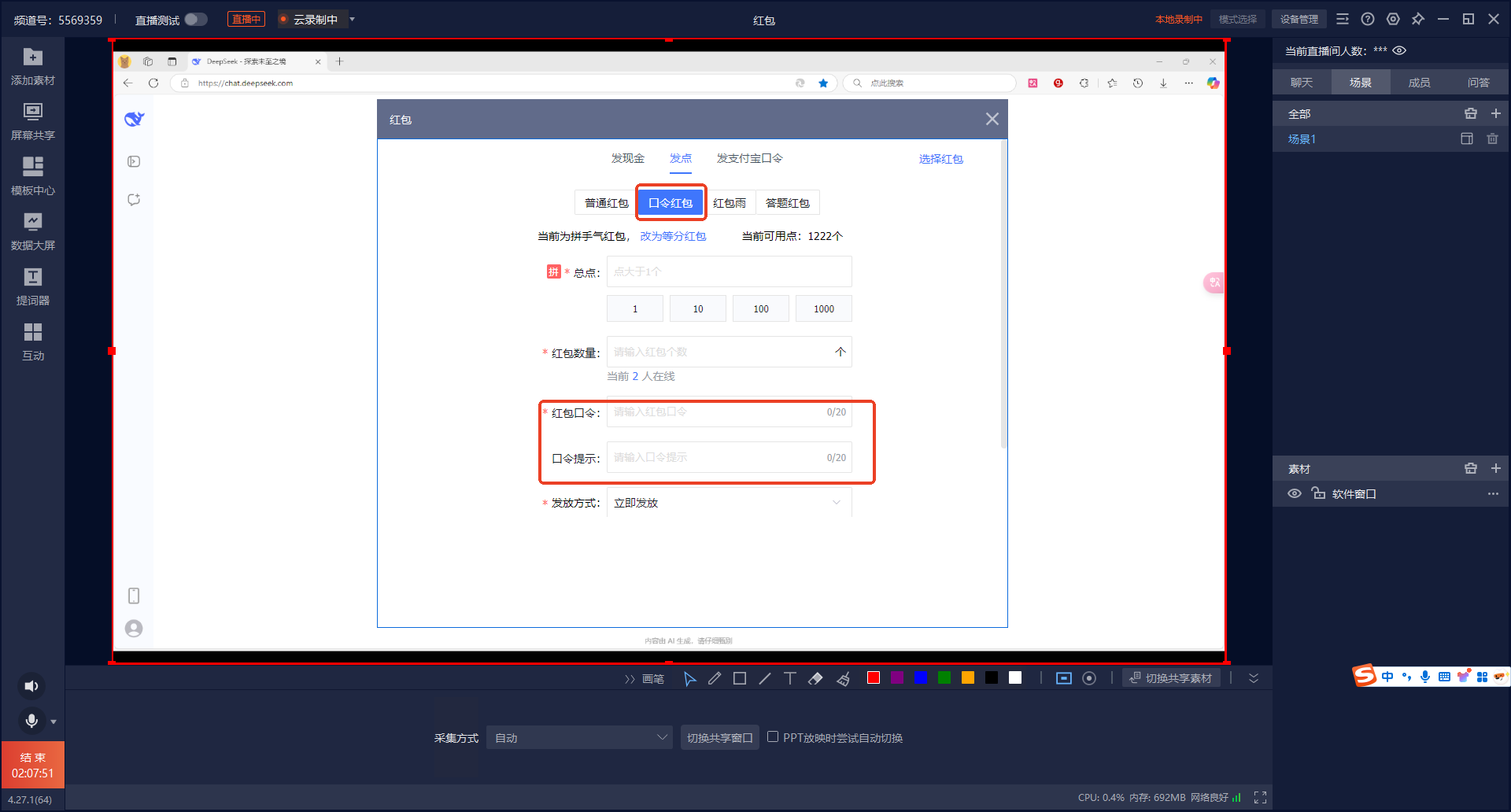
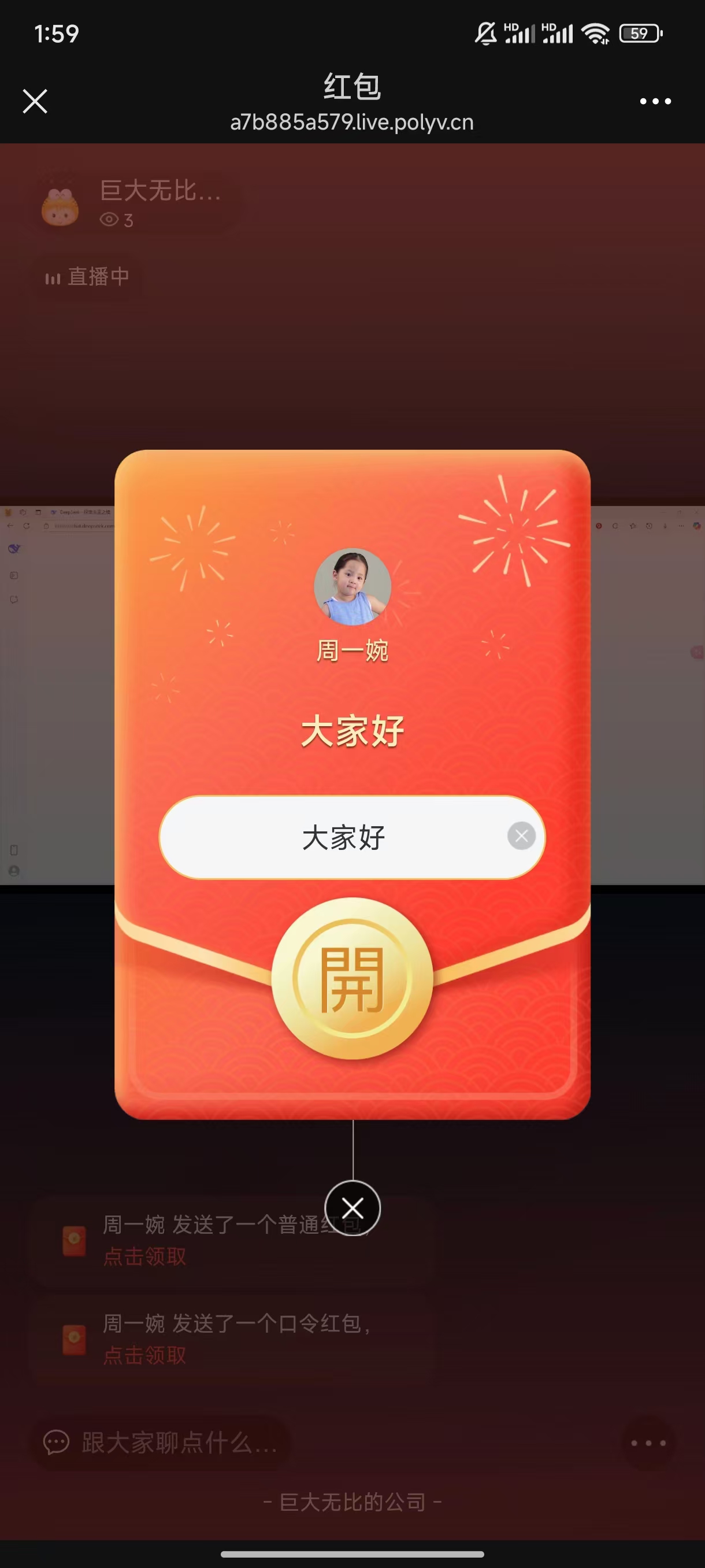
Password Red Envelope
The difference between a password red envelope and a standard red envelope is that a specific password must be entered to claim the red envelope.
Red Envelope Rain
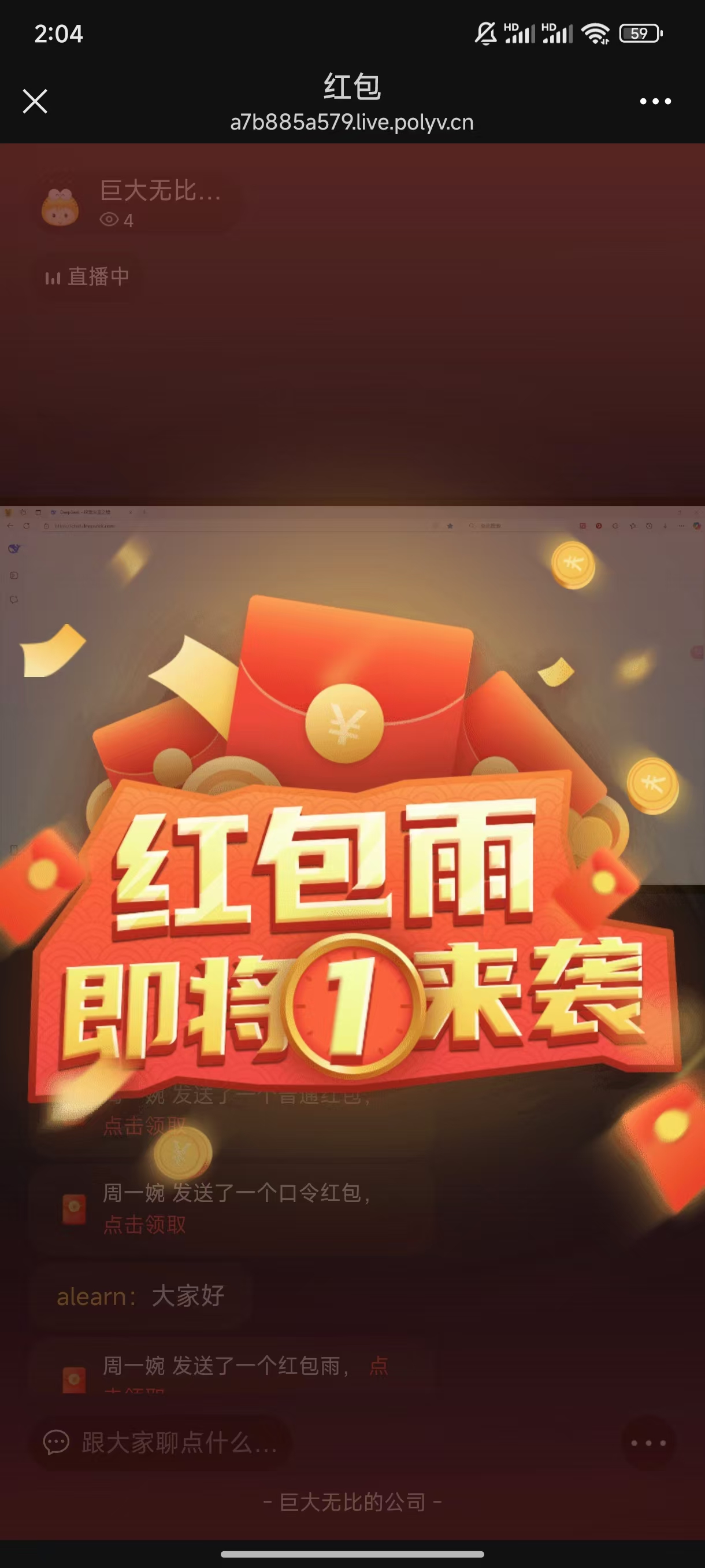
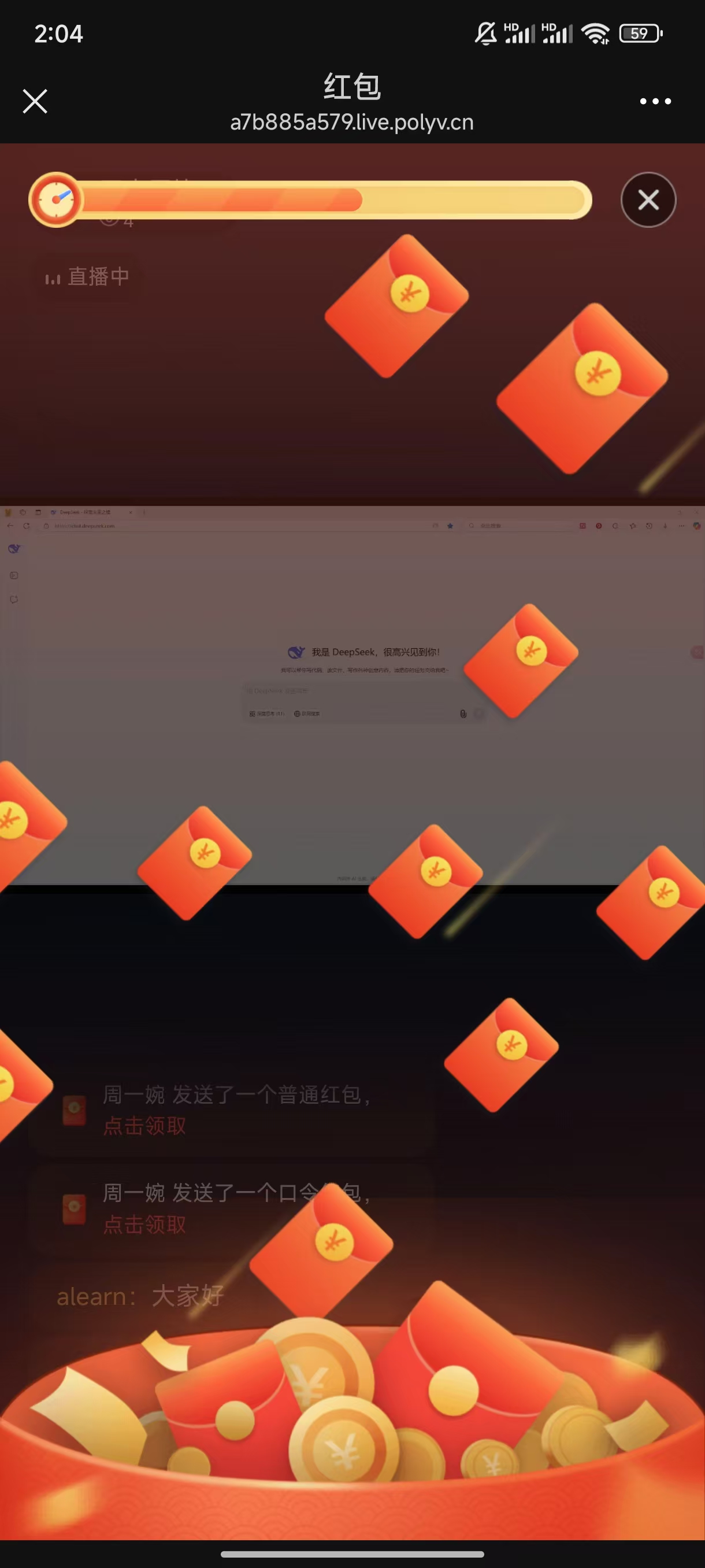
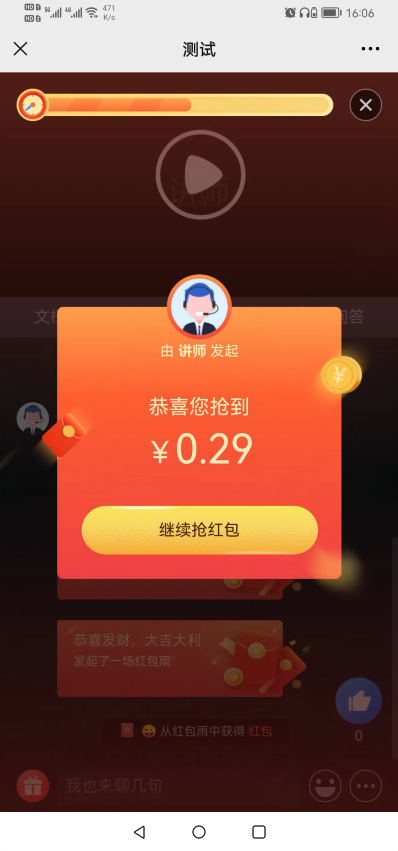
A red envelope rain contains several red envelopes. Click once to claim one. If the number of claimers is greater than the number of red envelopes, the winning probability is number of claimers / number of red envelopes.
Quiz Red Envelope
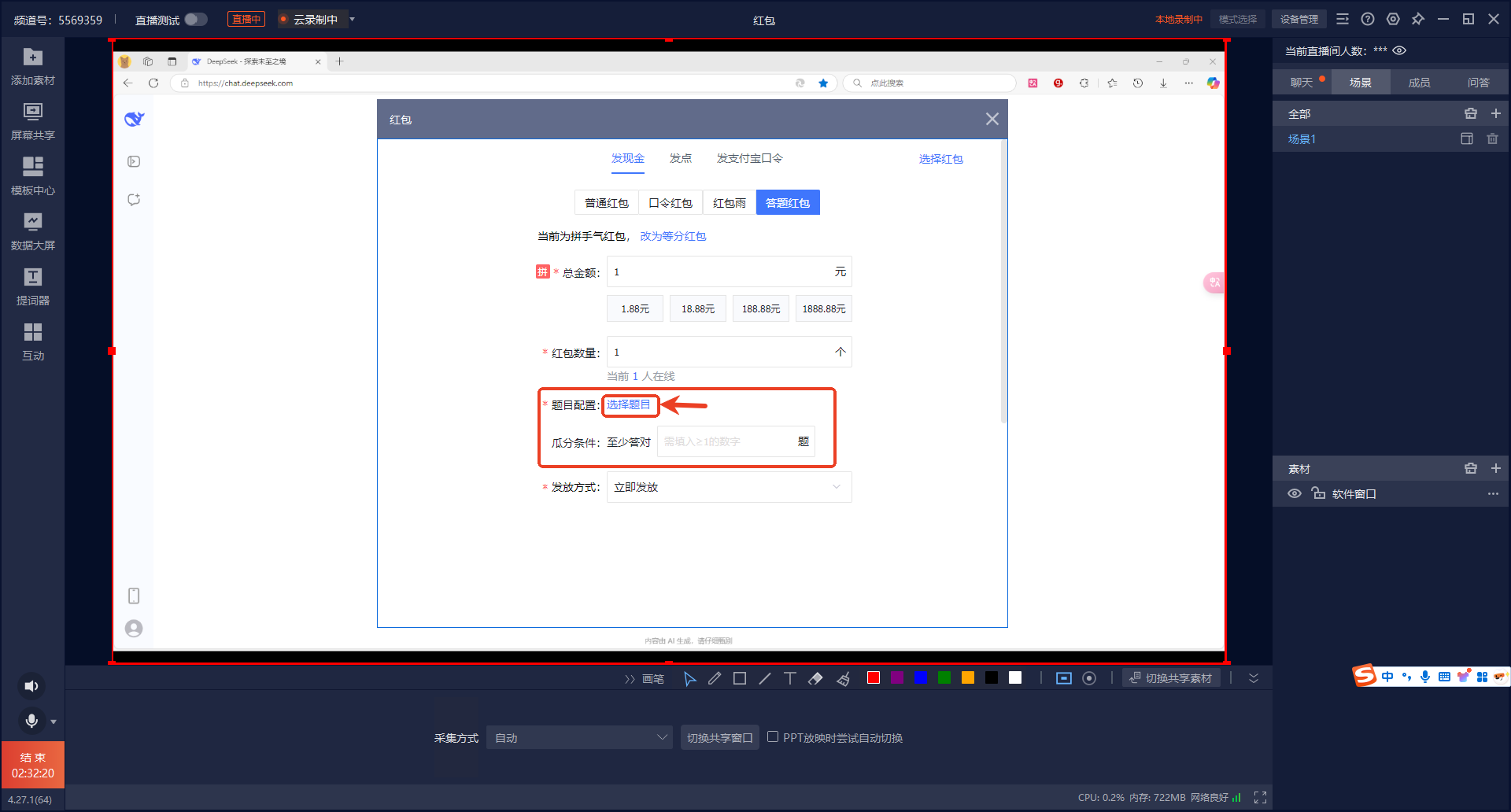
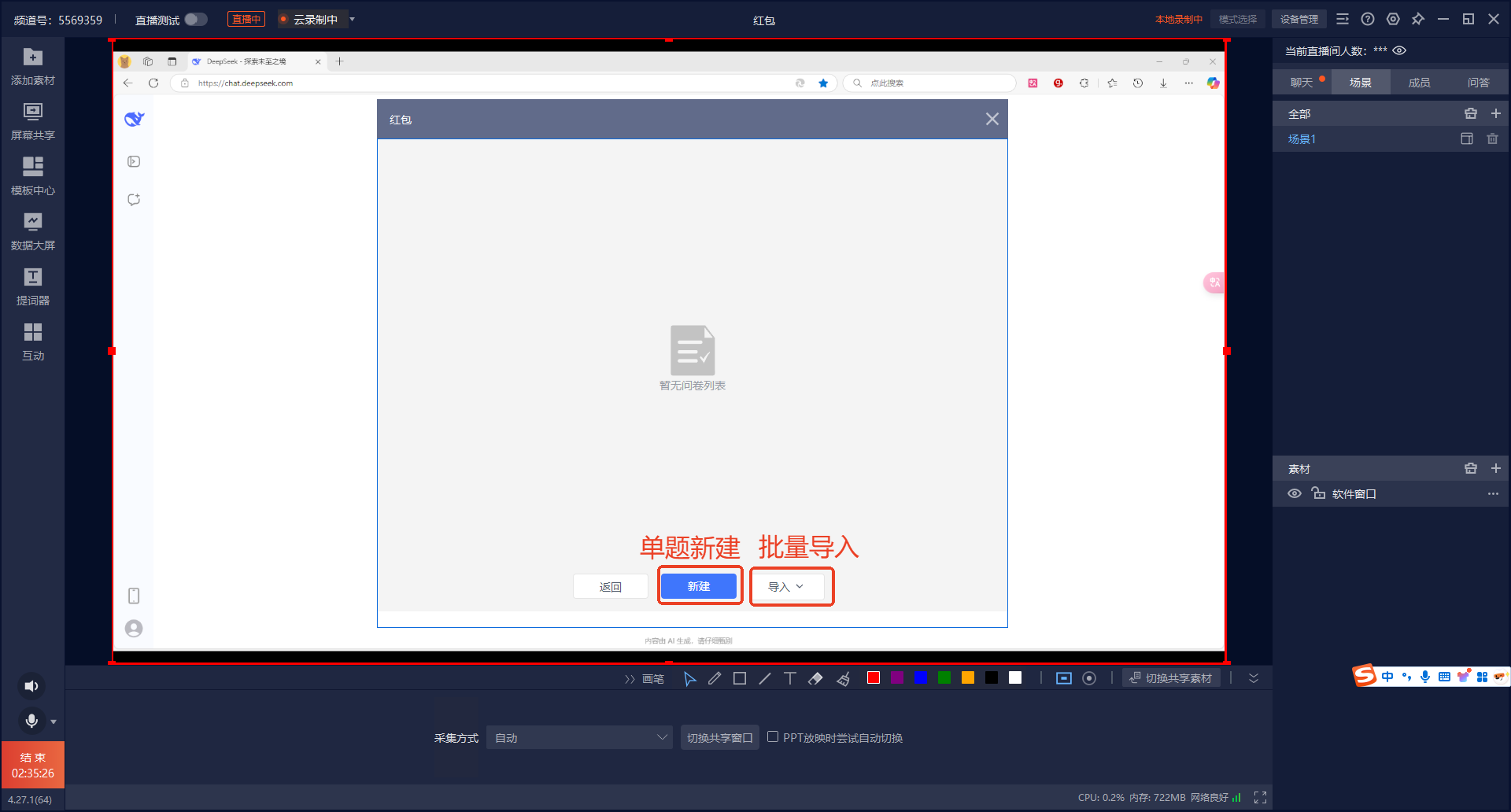
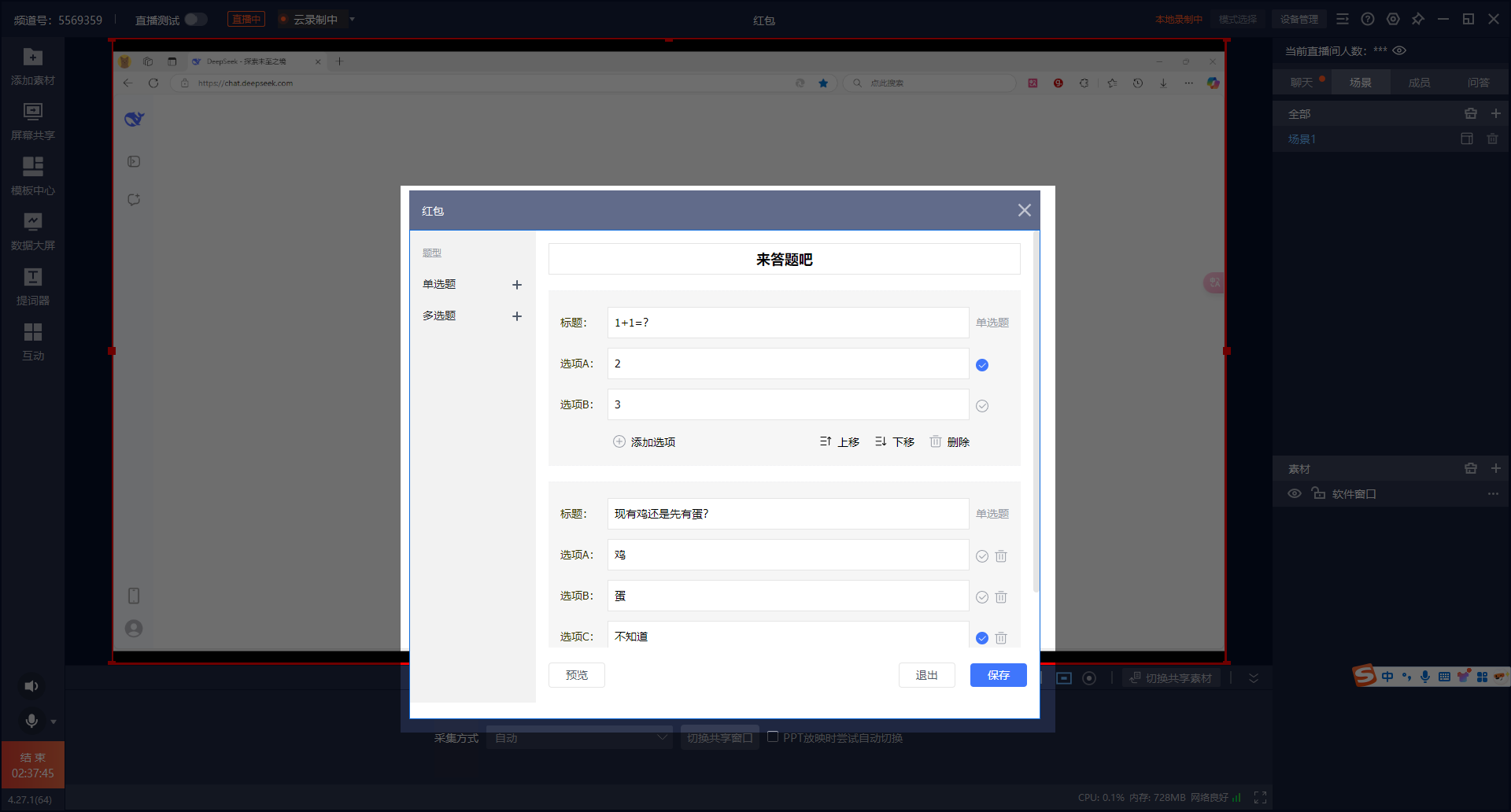
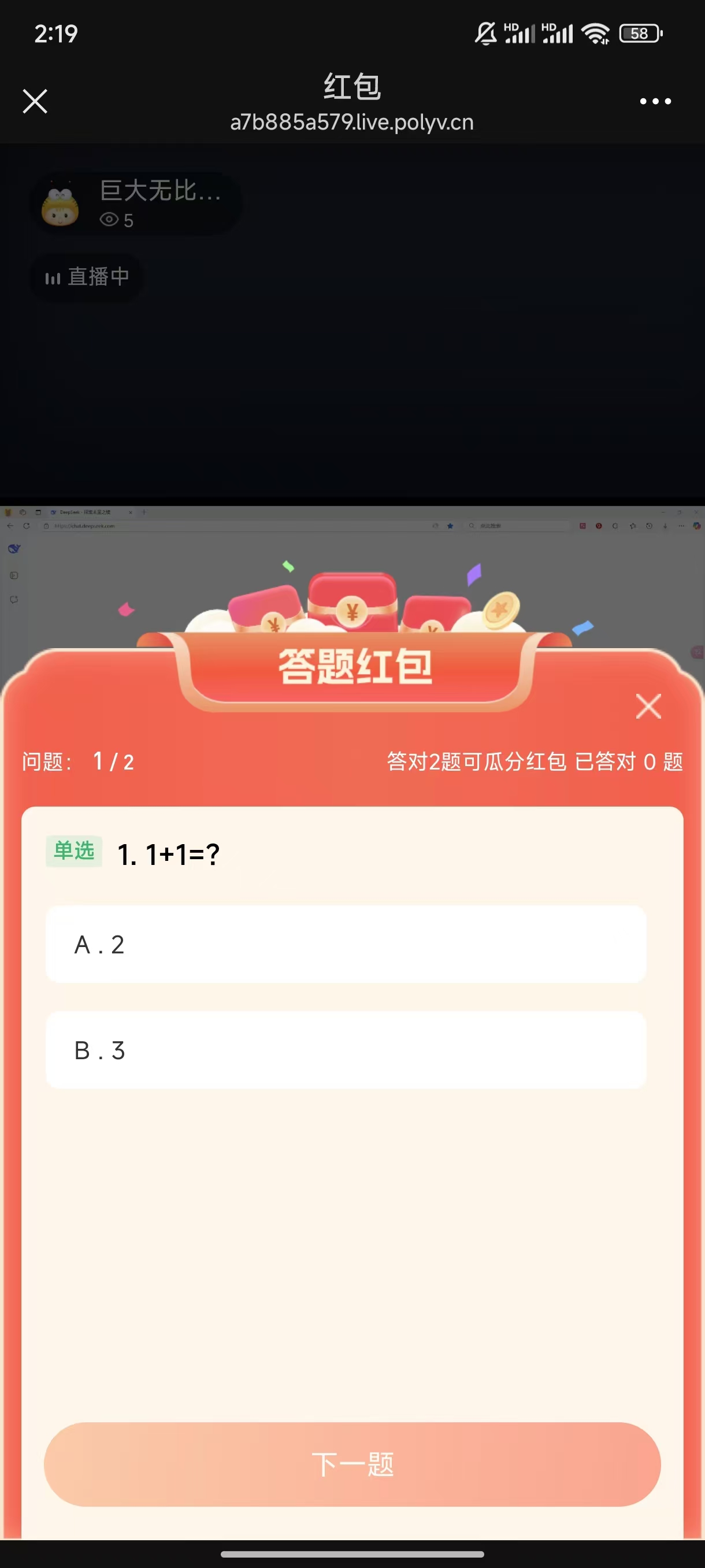
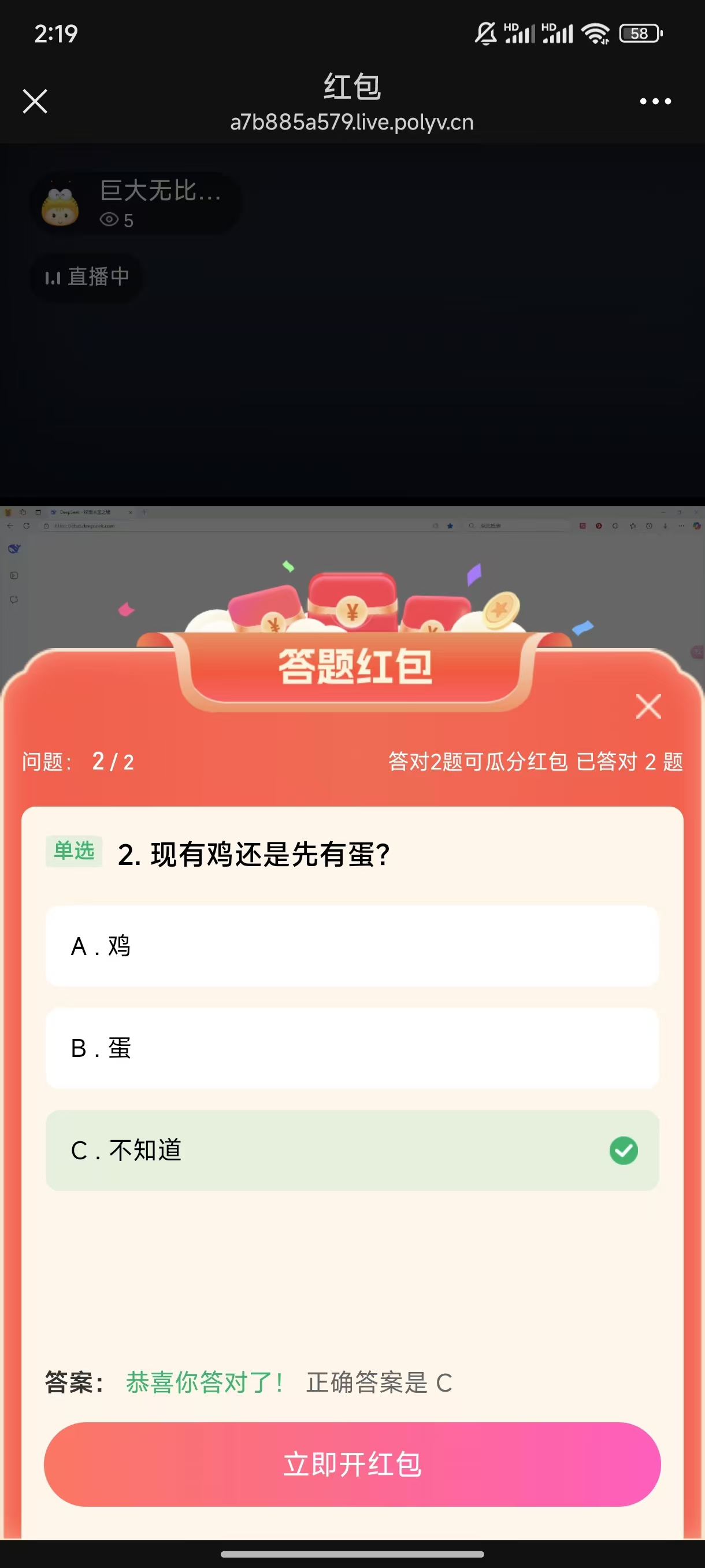
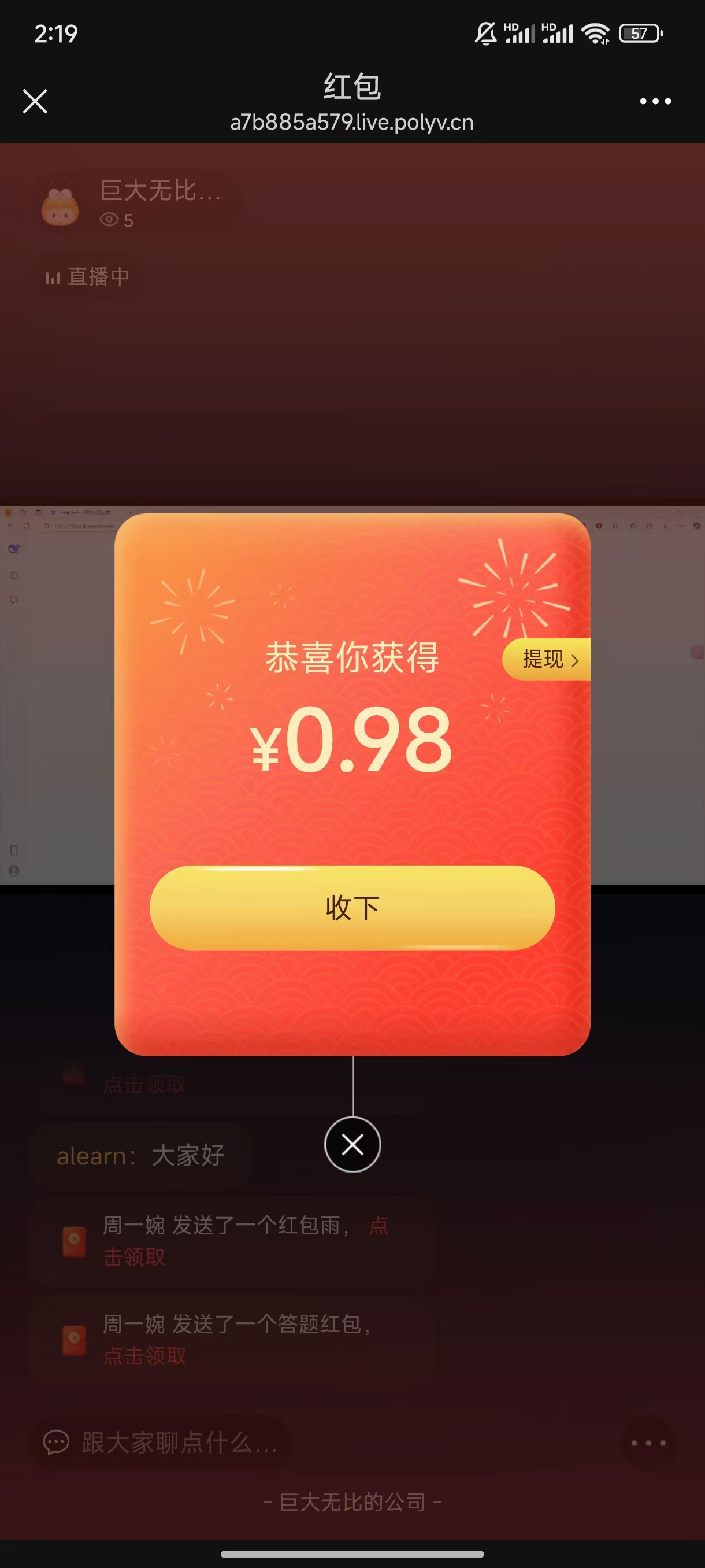
Quiz red envelopes allow configuring a questionnaire for participants. Set the condition for splitting as X questions. As long as more than X questions are answered correctly, the participant can split the red envelope.
2.4 Distribution Method
Immediate Distribution
After payment is completed, the red envelope is immediately sent to the live room. Viewers in the live room can participate in grabbing it.
Countdown Distribution
When countdown distribution is selected, a countdown duration must be filled in. The unit is minutes, minimum 1 minute, maximum 99 minutes.
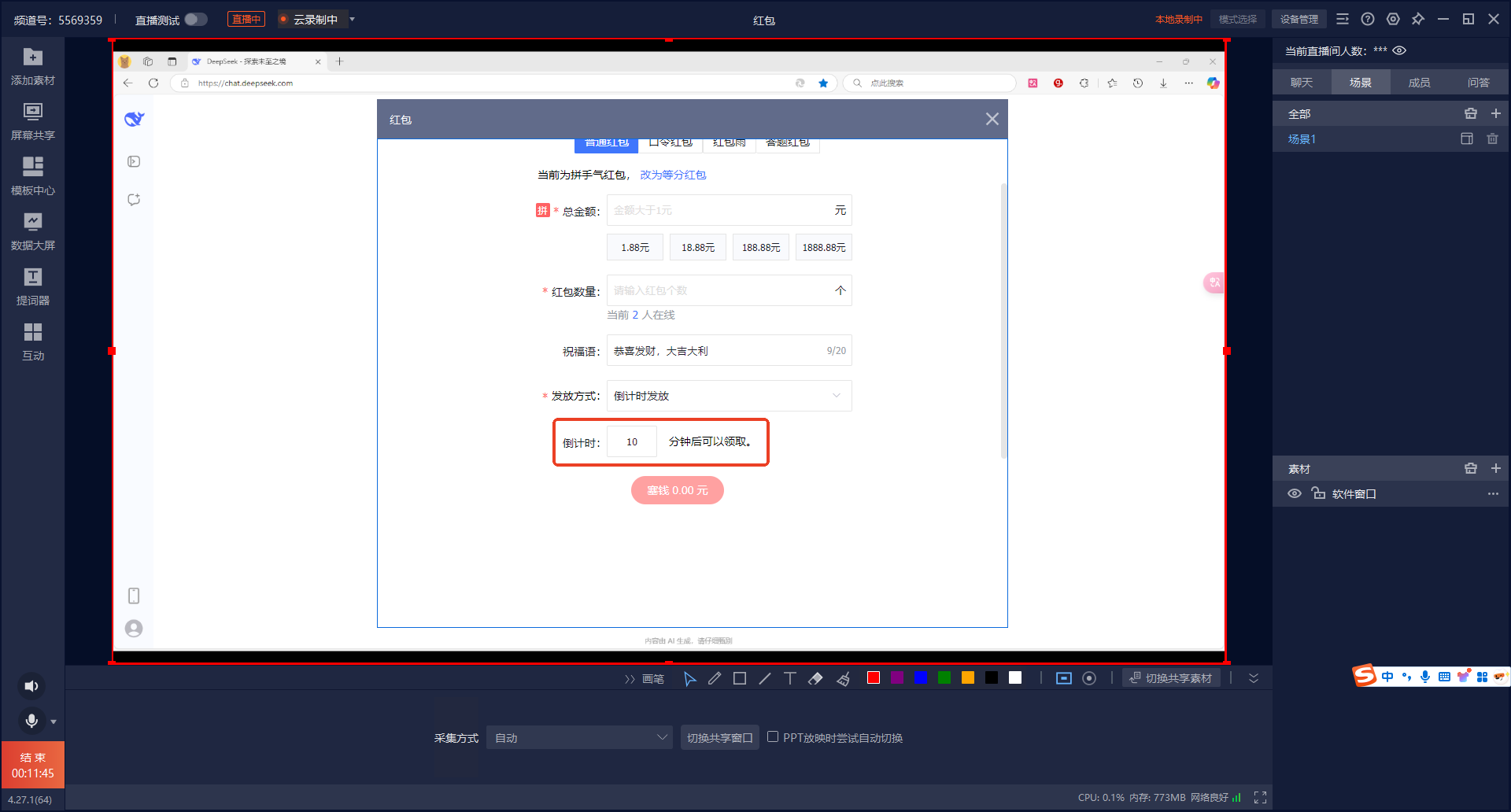
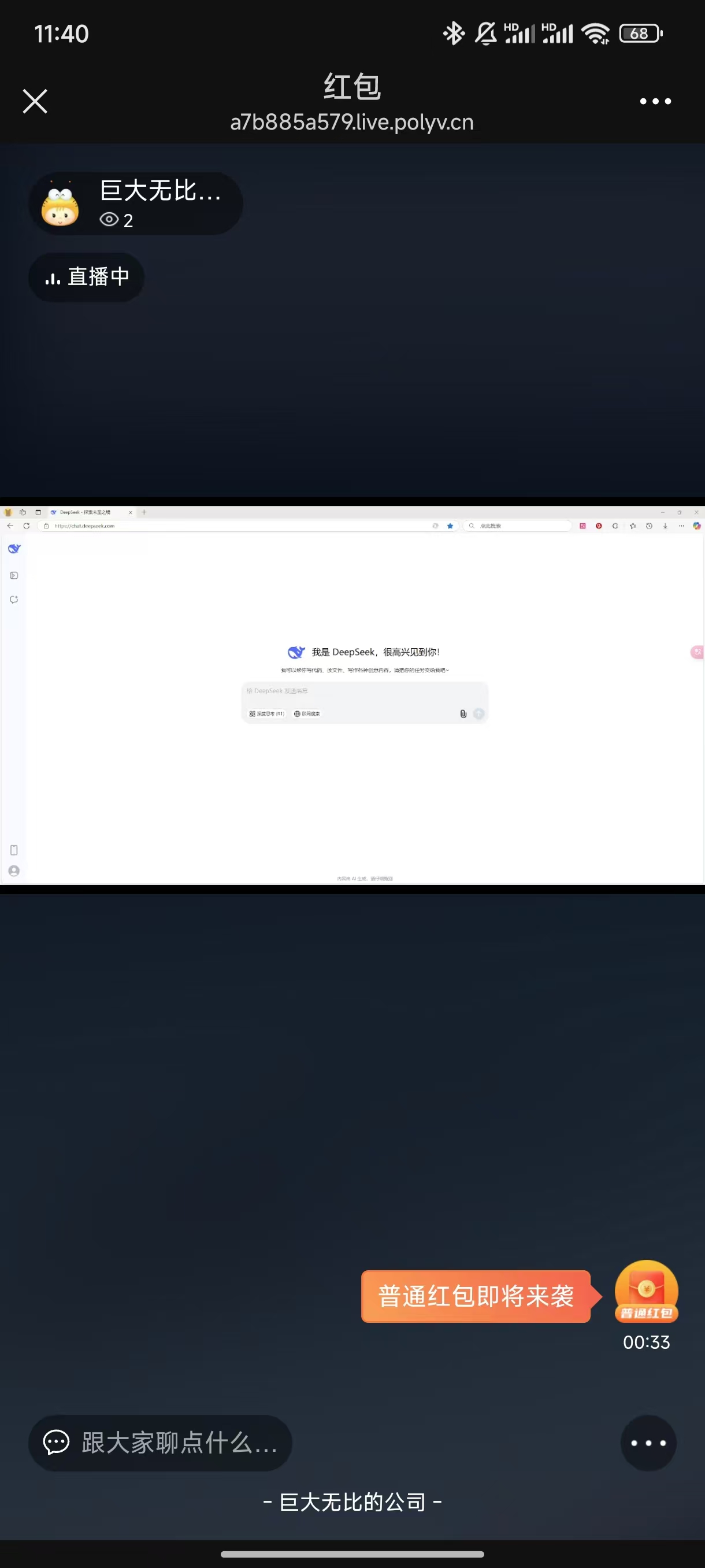
After payment is completed, the red envelope countdown begins. The host interface and the live room will both display the red envelope countdown. After the countdown ends, viewers in the live room can participate in grabbing the red envelope.
3. Grabbing Red Envelopes
There are two scenarios for viewers grabbing red envelopes: one is when the viewer is in the live room when the red envelope is sent, and the other is when the viewer is not in the live room when the red envelope is sent and enters later.
3.1 Viewer is in the Live Room
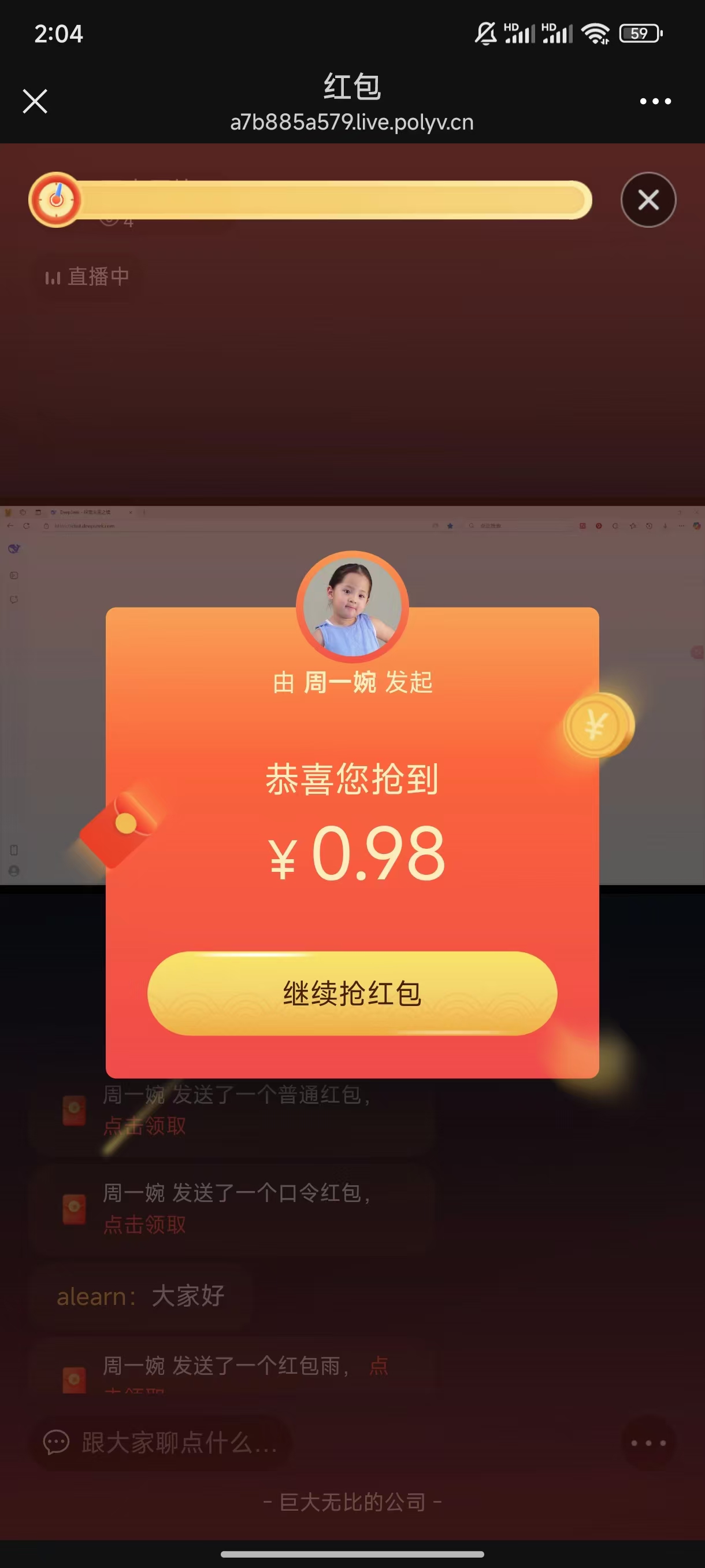
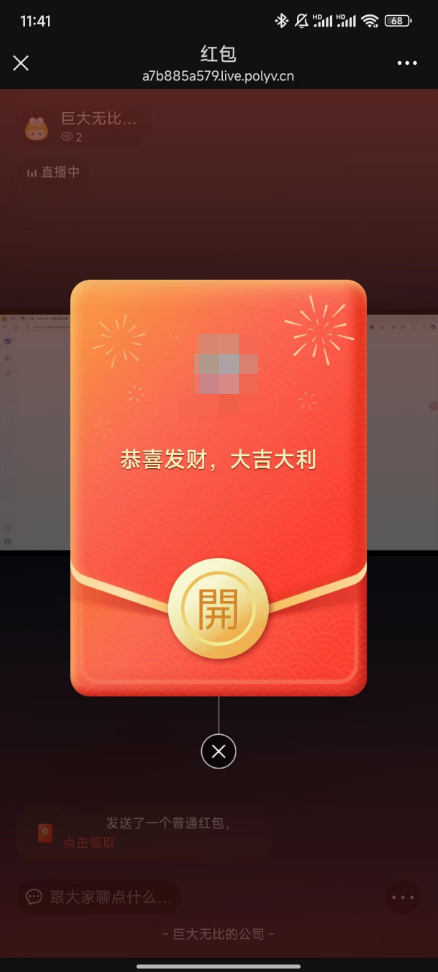
When an immediately distributed red envelope is set, or the countdown for a countdown red envelope ends, viewers in the live room will see a red envelope appearance effect.
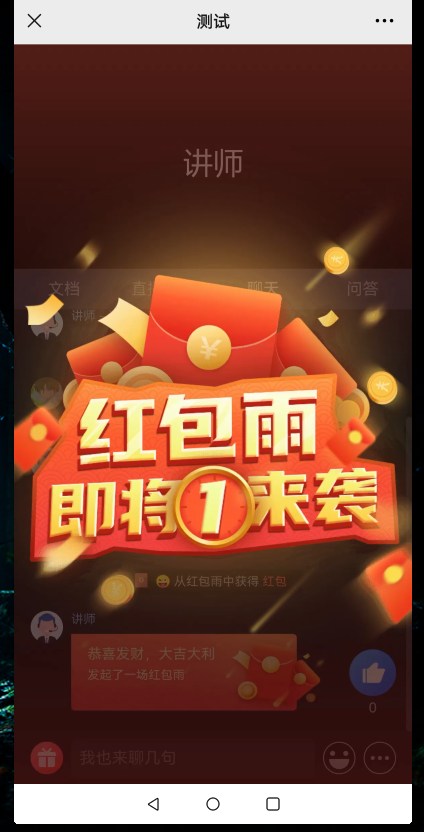
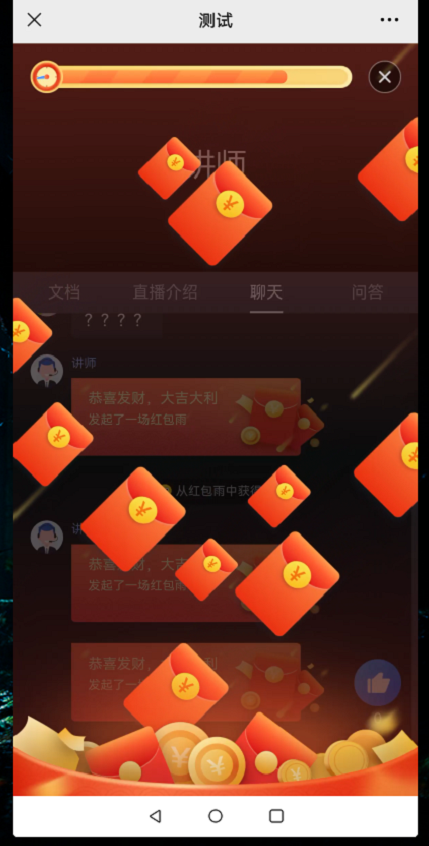
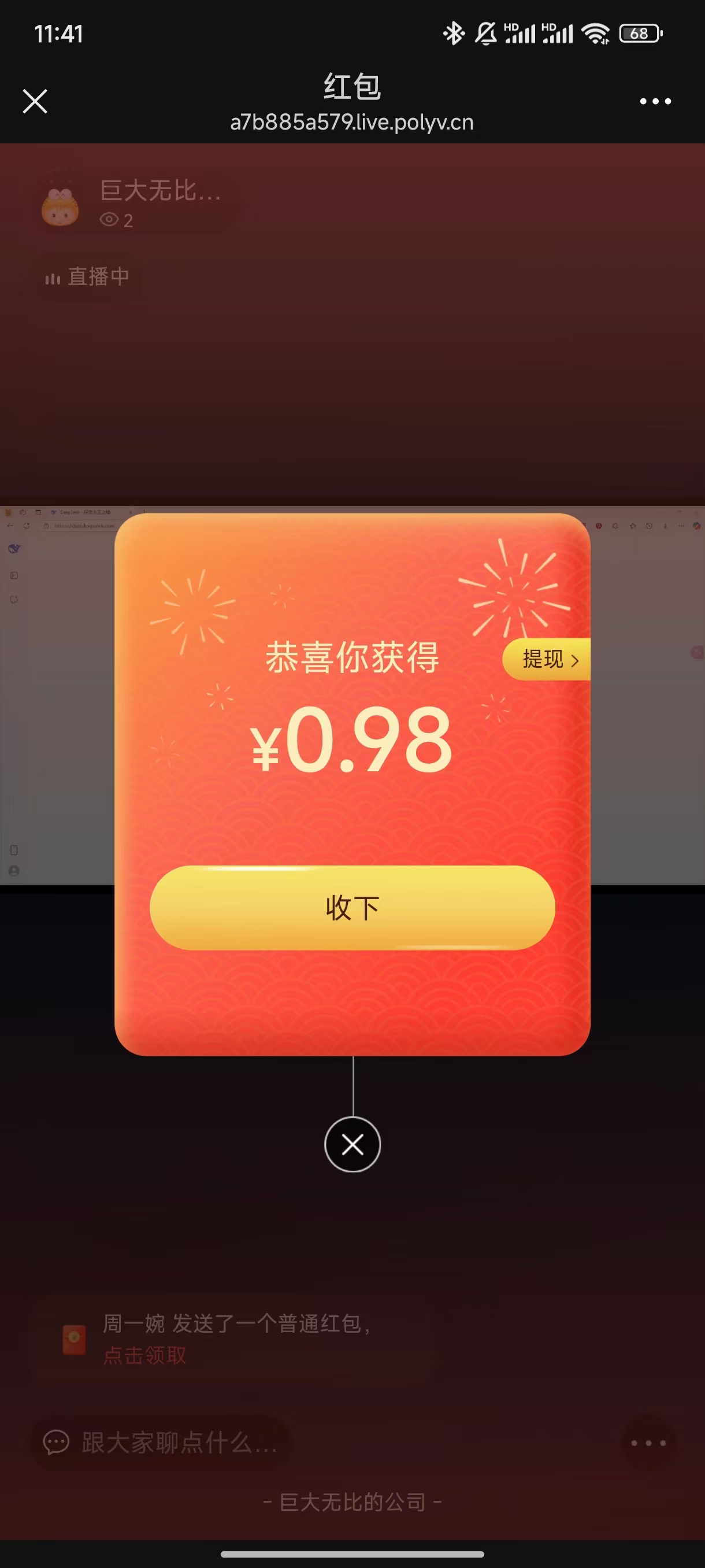
Click the red envelope to grab it.
3.2 Viewer Enters the Live Room Later
If a viewer enters the live room after the red envelope has already started being distributed or has been fully distributed, the red envelope effect will not appear automatically. The viewer can click on the red envelope message in the chat history to re-trigger the red envelope effect.
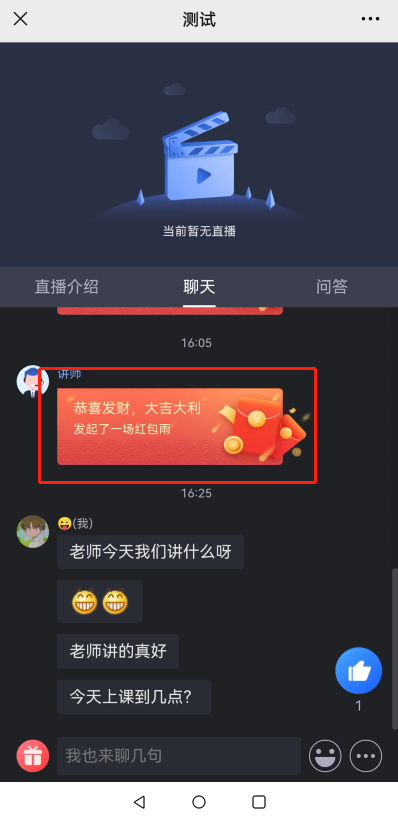
Regardless of whether the red envelope has been fully claimed, as long as the viewer has not participated in claiming that specific red envelope, they can click the red envelope message to participate in the full claiming process.
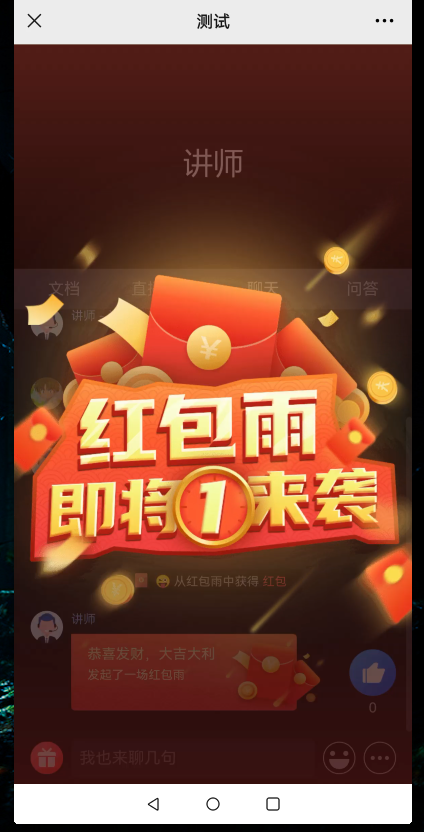
If the red envelope has already been fully claimed, the viewer cannot grab it.
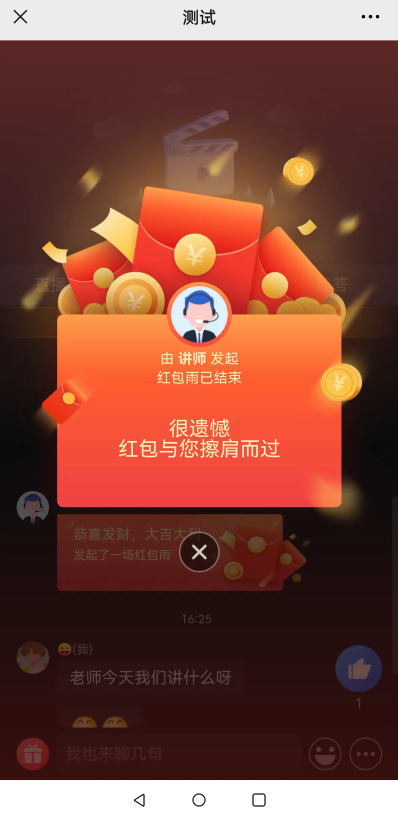
4. Withdrawal
After a viewer grabs a red envelope, they can click the withdrawal button in the bottom menu to withdraw the funds.
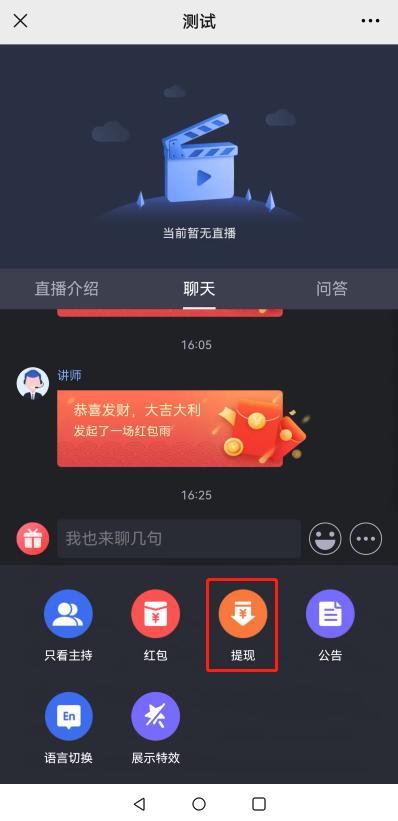
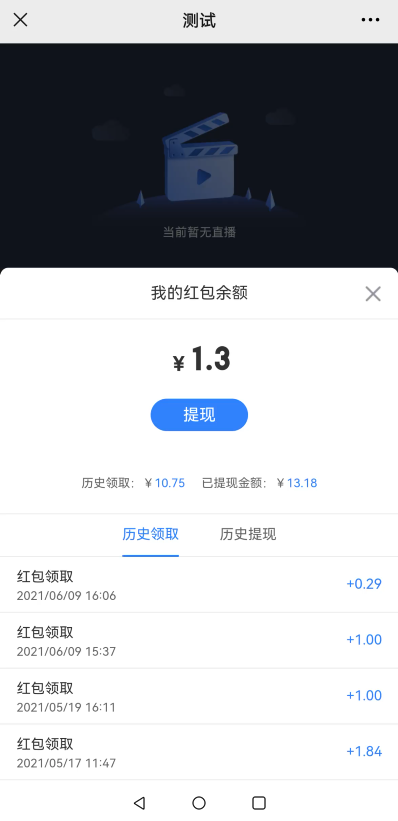
According to WeChat Pay rules, the minimum withdrawal amount each time is 0.3 yuan.
5. Remaining Red Envelope Amount
If a red envelope has not been fully claimed after 24 hours, the payer can enter the live room, click the bottom menu - Withdrawal, and withdraw all remaining red envelope amounts to their own account.
