Player Restrictions
I. Feature Overview
Feature Info |
Description |
|---|---|
| Feature Name | Player Restrictions |
| Feature Description | This feature controls access to live streaming rooms through domain restrictions, password protection, and authorized authentication URLs, ensuring only eligible users can view the live content. |
| Purpose | Protect content security, filter users, etc. |
| Use Cases | Government agency meetings, executive meetings, high-security live streaming scenarios, etc. |
| Operation Path | 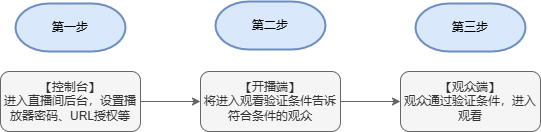 |
II. Usage Guide
1. First, enter the live streaming backend, find Default Template → Other Settings → Player Restrictions
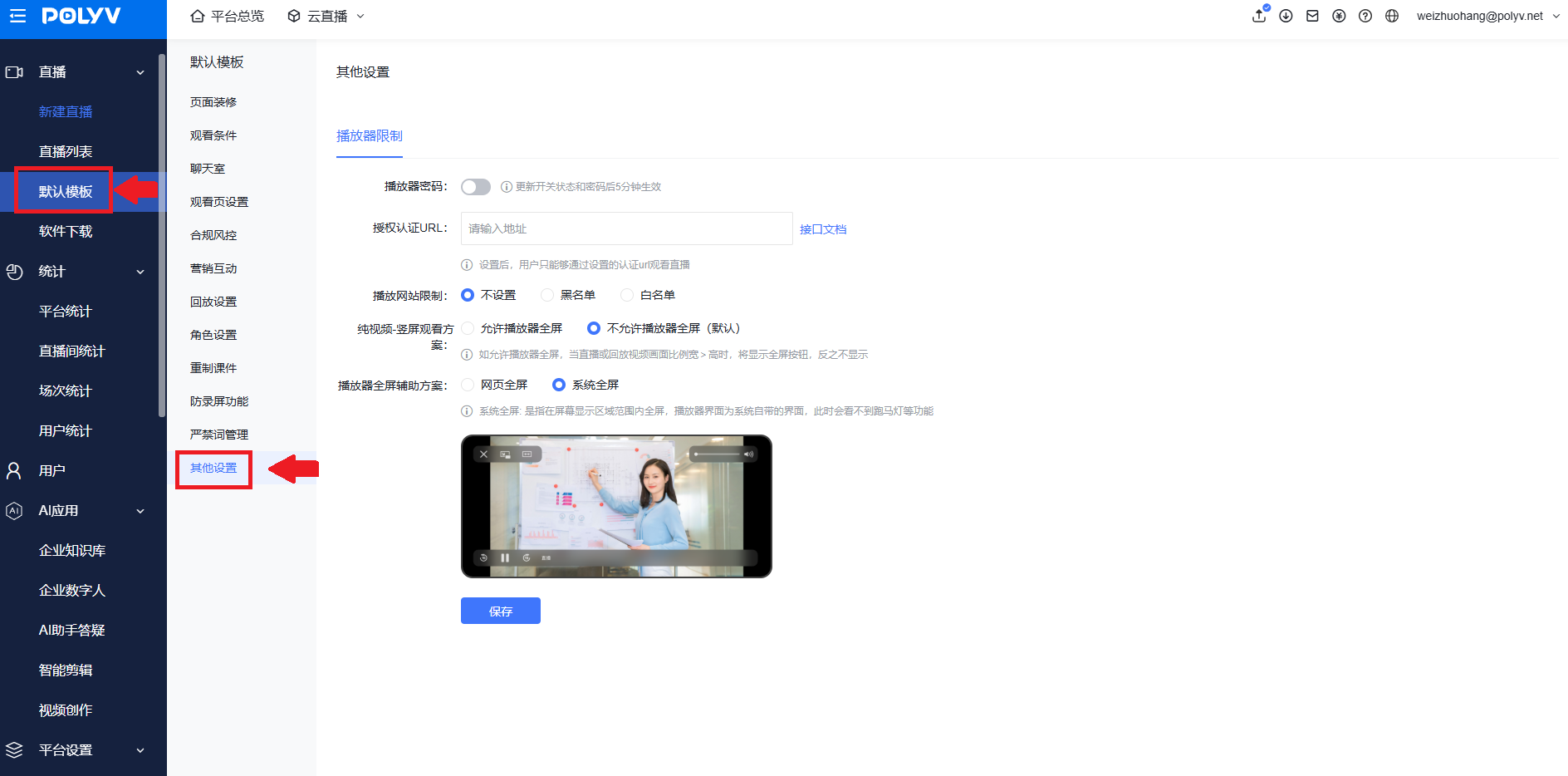
2. Modify the Player Password (takes effect 5 minutes after saving)
After setting, viewers must enter the password to watch the live stream.
3. Authorized Authentication URL
a. After setting, users can only watch the live stream via the configured authentication URL.
b. When a student logs into the website and enters the video live playback page, the player sends a request to the authentication URL with the student's information. The interface determines whether the student is allowed to play the current video. If not allowed, the player displays an error message and playback is blocked. This is used for student playback permission verification.
4. Playback Network Settings
Playback Network Whitelist: Only domains in the whitelist can access the live stream.
Playback Network Blacklist: Domains in the blacklist cannot access the live stream.
III. Effect Demonstration
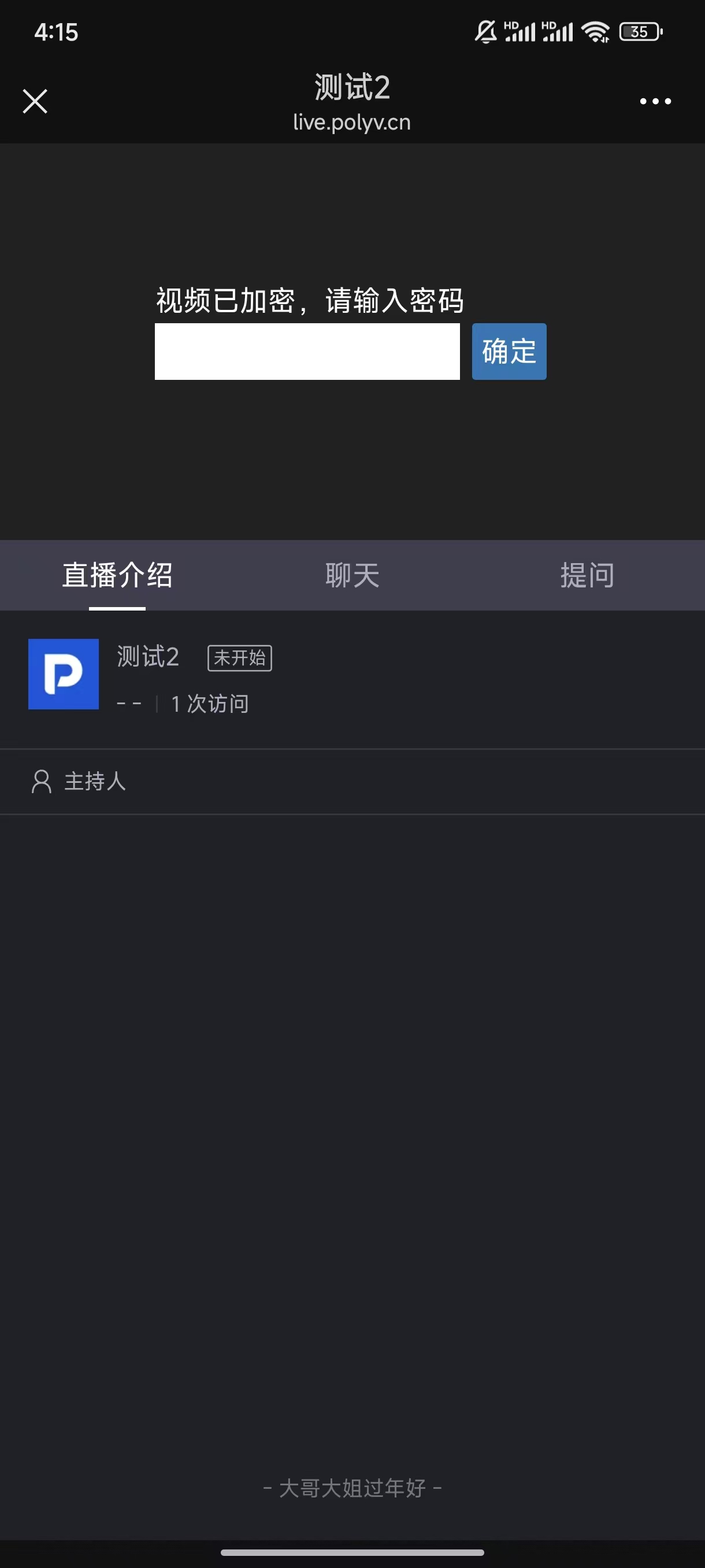
1. H5 Mobile Viewing
<img src="https://liveimages.videocc.net/help_doc/22f9c56f-069e-4091-9c8d-7ae3b2968585.jpg"" alt="" width="50%">
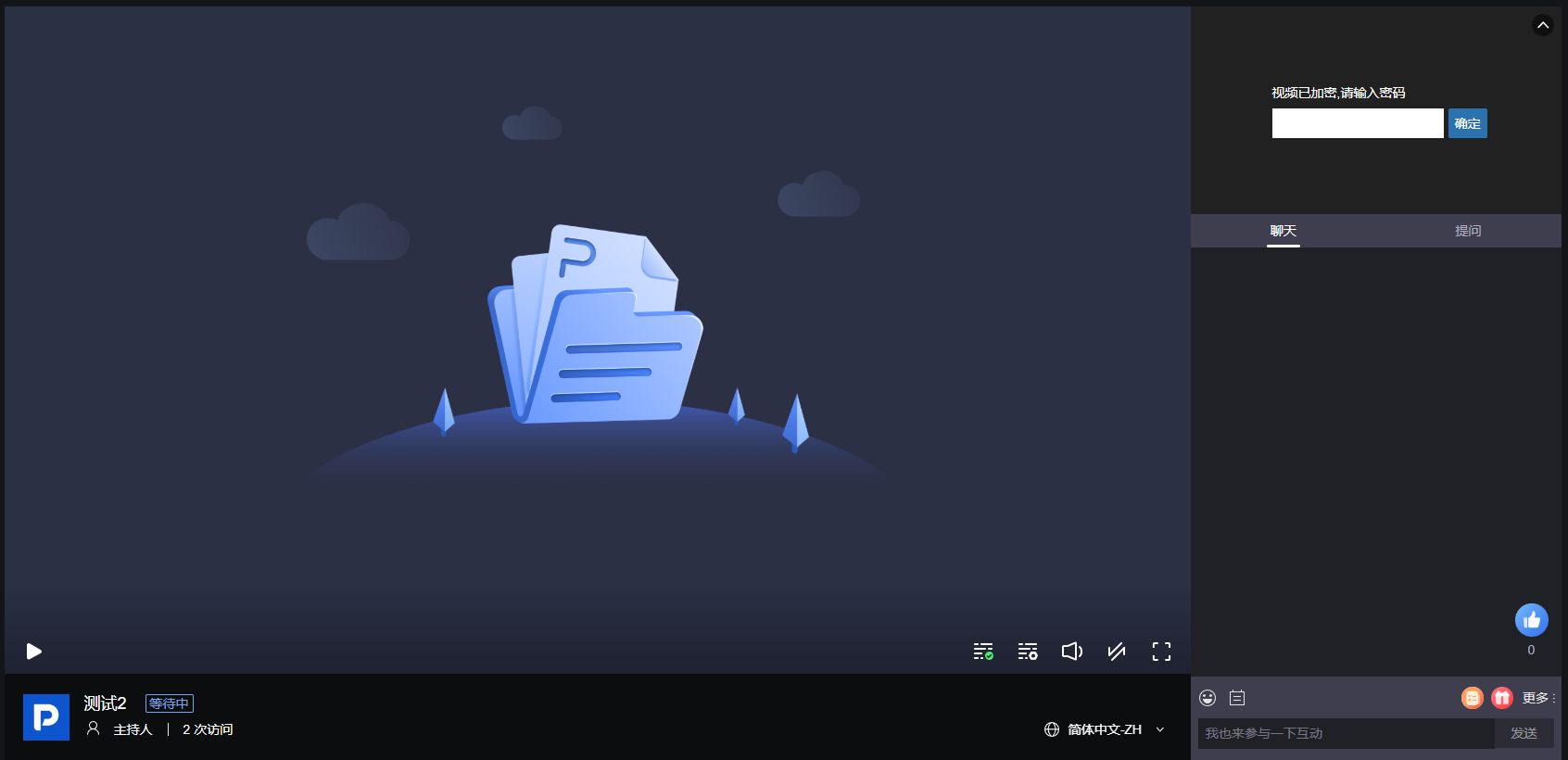
2. Web Viewing