Viewing Data
Updated: 2026-08-17 11:27:00
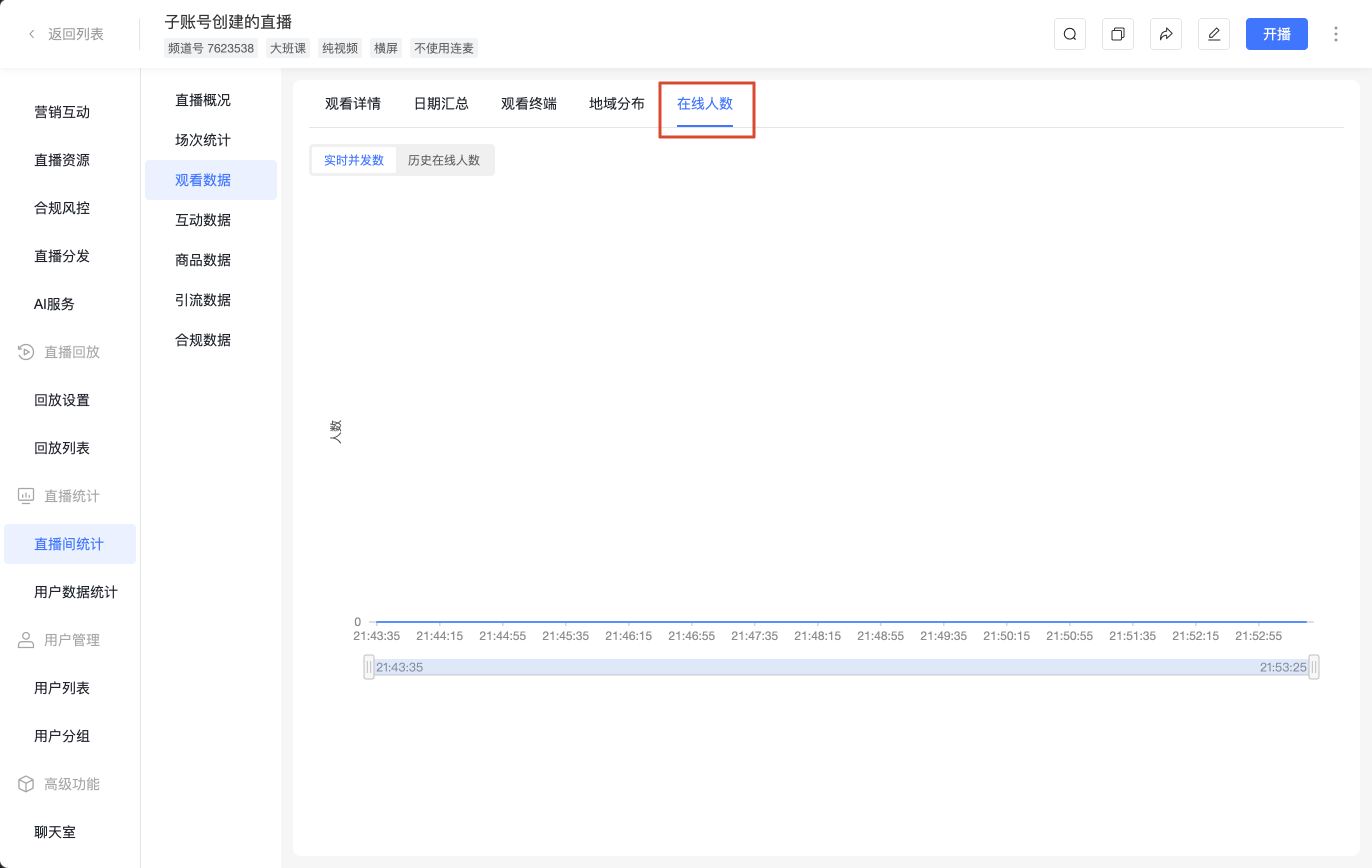
View viewing behavior by different dimensions. Supports filtering by viewing type (Live / Replay), User ID, User Nickname, etc., and supports exporting reports and merging the same user.
1. Viewing Details
Displays viewing records one by one per user.
- Filters: Type (Live), Viewing Type (All), Select Date, User ID, User Nickname; checkable option [Merge Same User]
- Actions: Export Report (supports viewing and exporting viewing details for the past 18 months)
- Fields: User Info, Watch Duration, Stay Duration, Entry Time, Exit Time, Region, City, Viewer IP, Viewing Device, Channel Promotion, Session, Viewing Type, Actions
Metric |
Description |
|---|---|
| Watch Duration | 1. Counts the actual time spent watching the live stream (excluding buffering or pause time). 2. Each viewing record is rounded up; less than 1 minute is counted as 1 minute. Example: Viewer A watches for 1 minute 36 seconds, counted as 2 minutes. |
| Stay Duration | 1. Counts the time the viewer stays on the viewing page (including buffering or pause time). 2. Each stay record is rounded up; less than 1 minute is counted as 1 minute. Example: Viewer A stays for 1 minute 36 seconds, counted as 2 minutes. |
| Entry Time | The time when the viewer first starts watching the live stream after it begins. |
| Exit Time | The time when the viewer stops watching. |
2. Date Summary
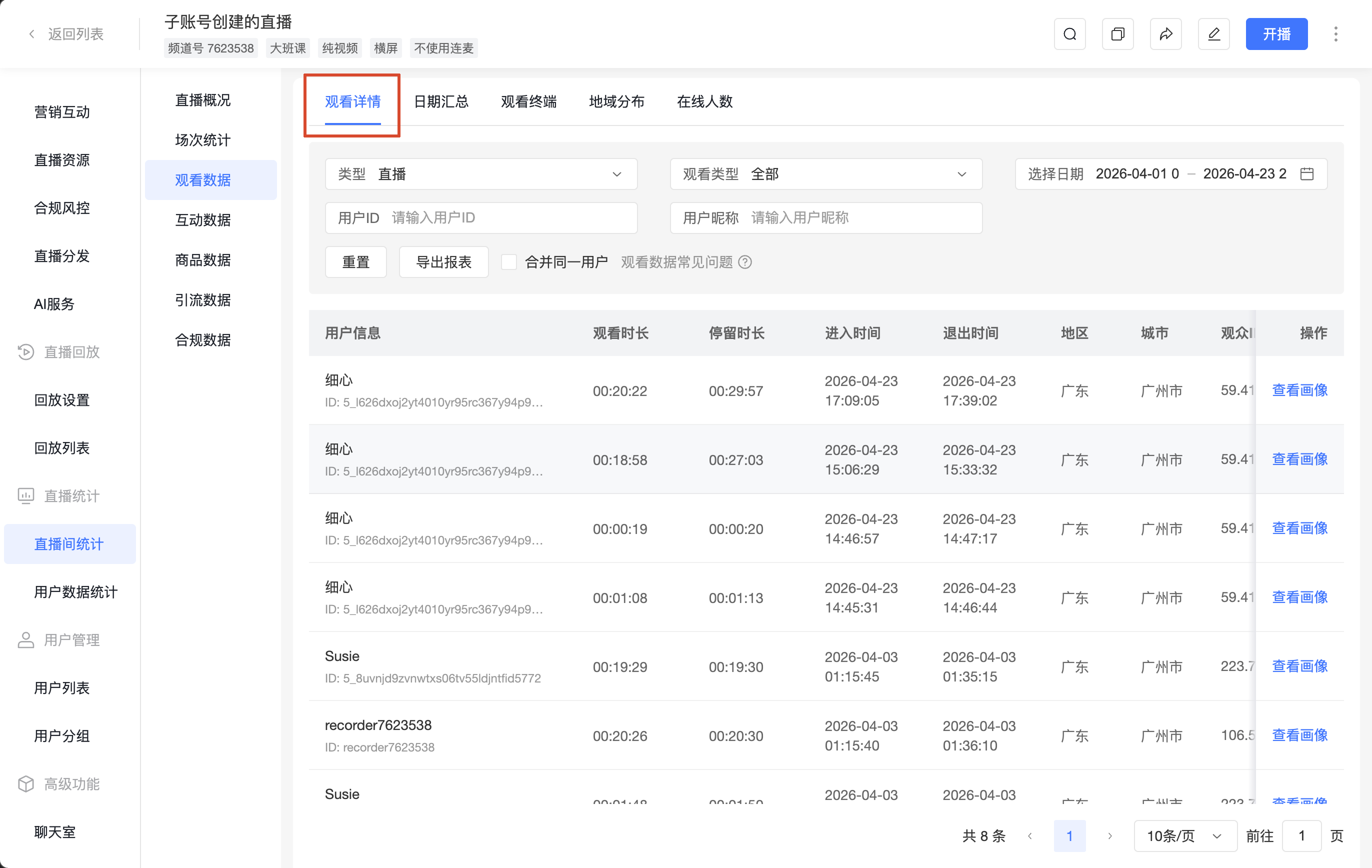
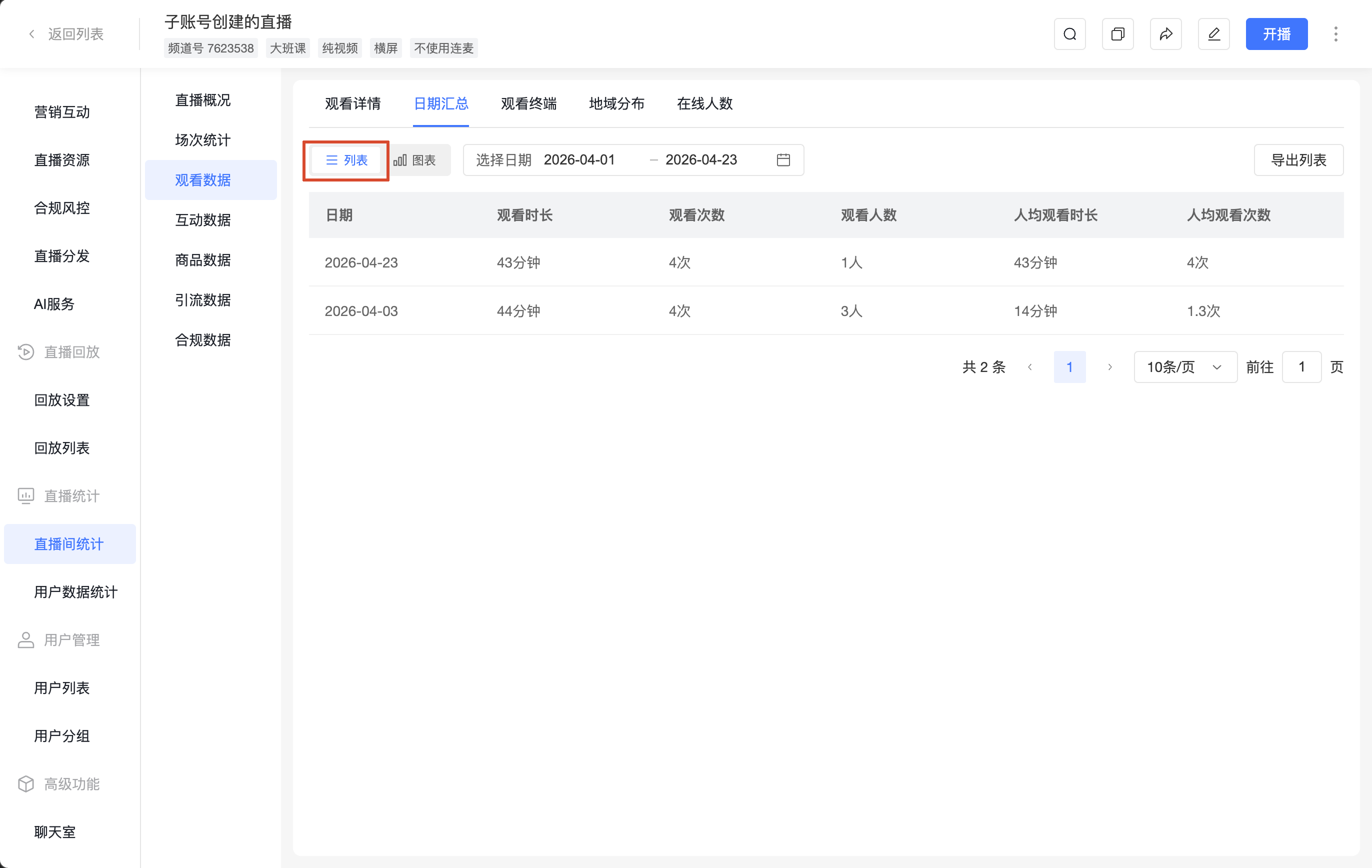
Summarizes viewing data by date, supporting both [List] and [Chart] views.
- Filters: Select Date
- Actions: [Export List]
- Fields: Date, Watch Duration, View Count, Viewer Count, Avg Watch Duration per Viewer, Avg View Count per Viewer
Metric |
Description |
|---|---|
| Watch Duration | 1. Counts the actual time spent watching the live stream (excluding buffering or pause time). 2. Each viewing record is rounded up; less than 1 minute is counted as 1 minute. Example: Viewer A watches for 1 minute 36 seconds, counted as 2 minutes. |
| View Count | 1. Counts the total number of times the live stream is actually watched. 2. Each player refresh counts as one view. Example: Viewer A watches the live stream and refreshes the player 2 times, the view count is 2. |
| Viewer Count | 1. Counts the number of unique viewers who actually watched the live stream, deduplicated by IP address or User ID. 2. Deduplicated by day based on the selected date. Example: Viewer A watches the live stream on the 15th and 16th, the viewer count is 2. 3. Viewer A watches on both PC and mobile on the same day, the viewer count is 2. |
| Avg Watch Duration per Viewer | Formula: (Watch Duration / Viewer Count), rounded to 1 decimal place. |
| Avg View Count per Viewer | Formula: (View Count / Viewer Count), rounded to 1 decimal place. |
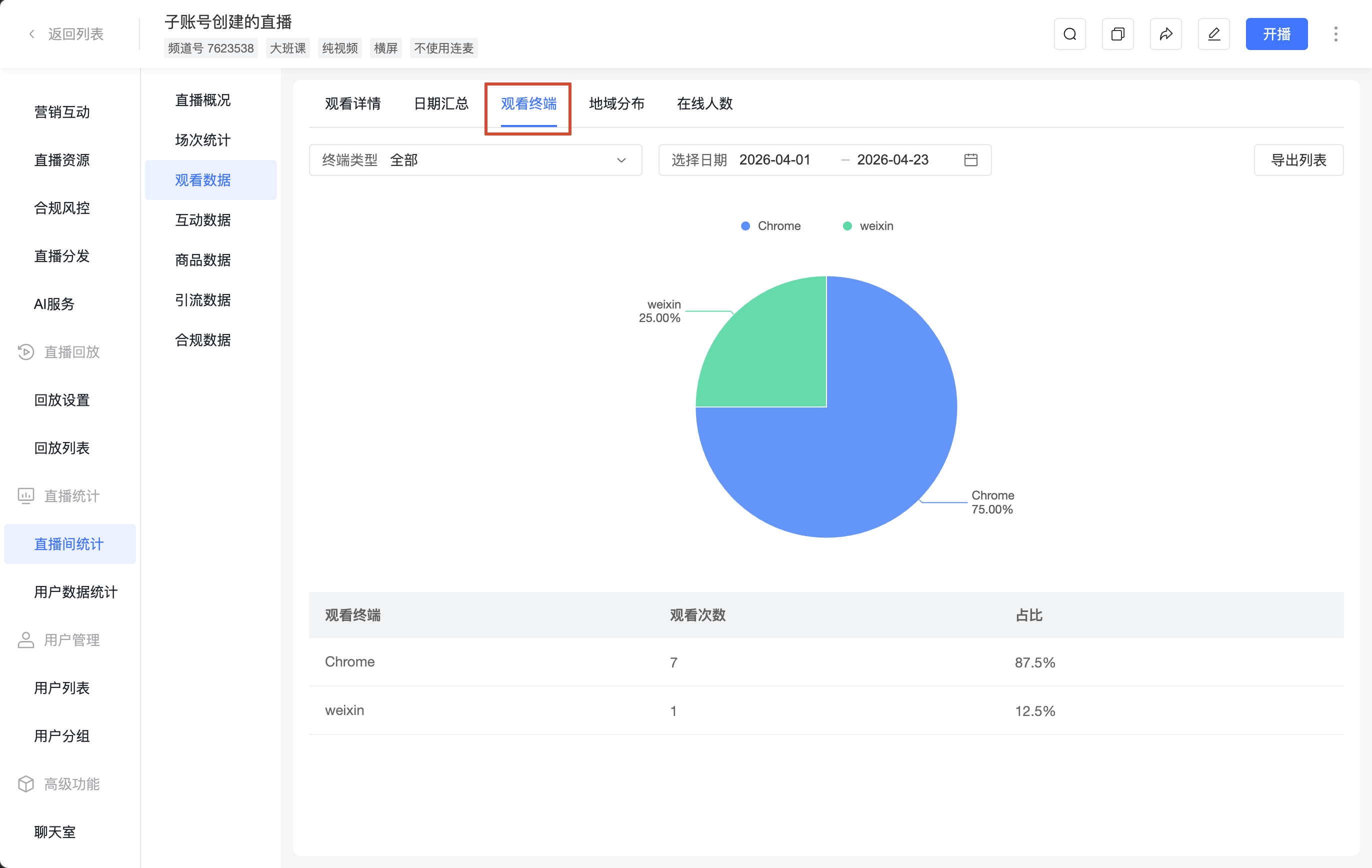
3. Viewing Device
Summarizes viewing data by device type.
- Filters: Device Type, Select Date
- Actions: [Export List]
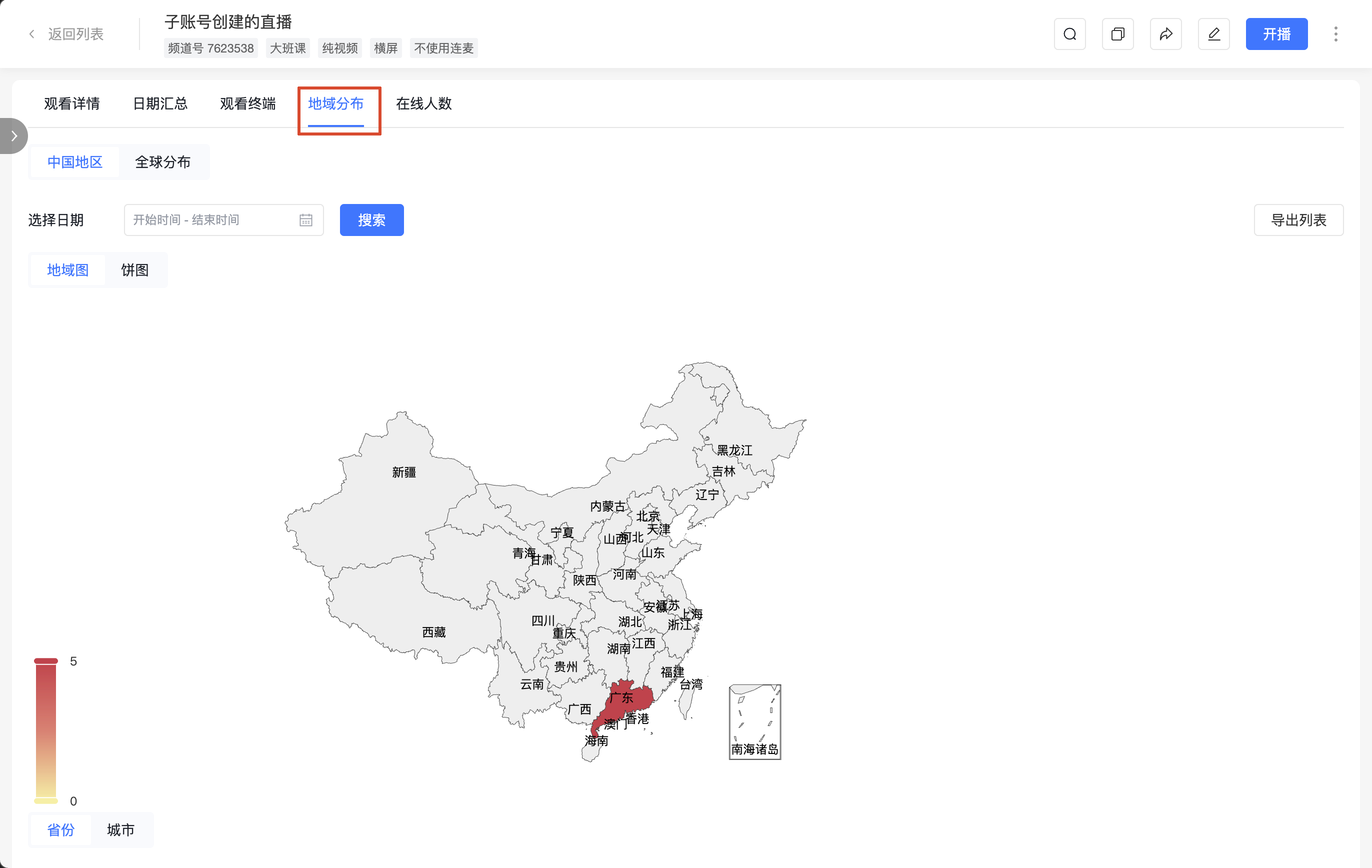
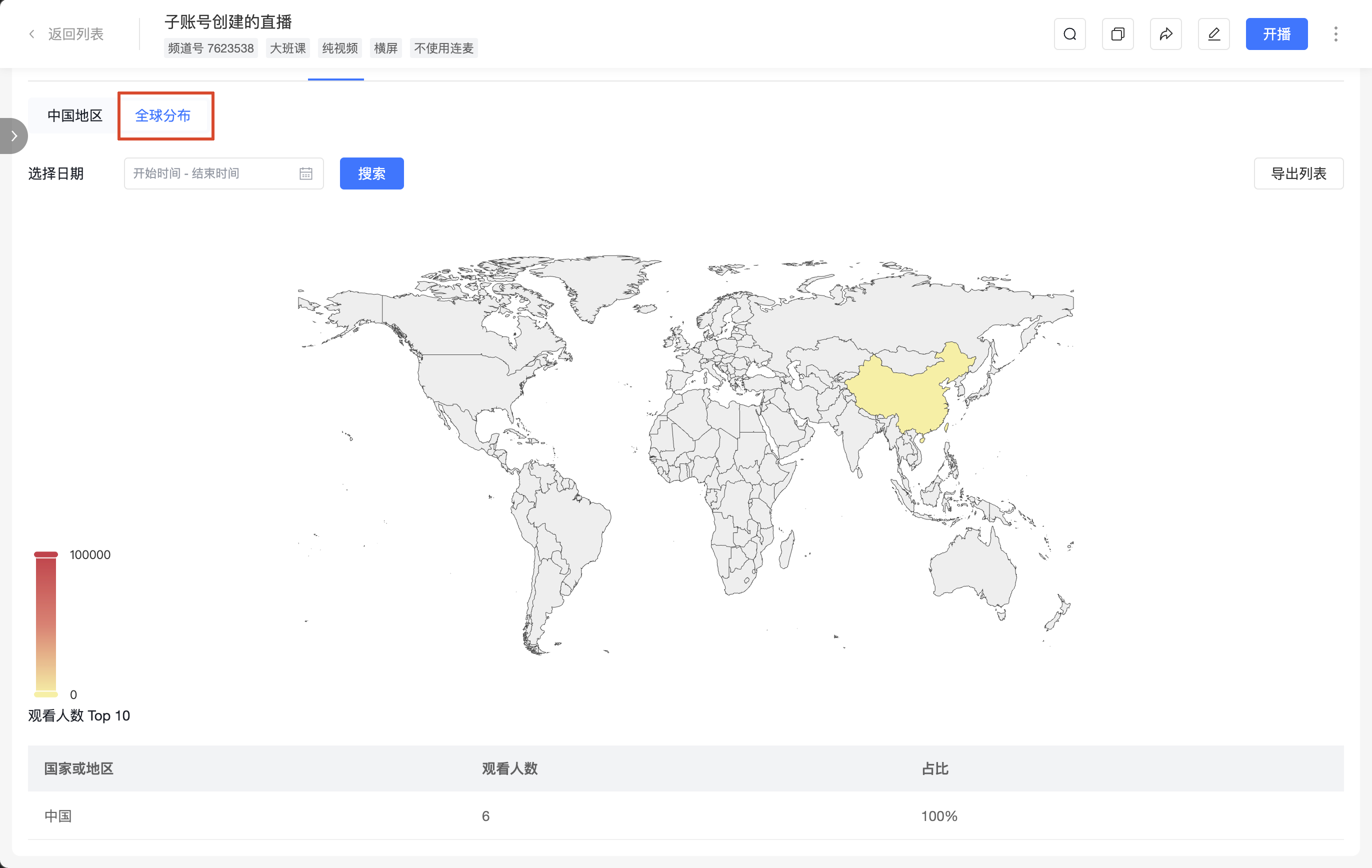
4. Geographic Distribution
Summarizes viewing data by region, supporting [China Region] and [Global Distribution] views.
- Filters: Select Date
- Actions: [Export List]
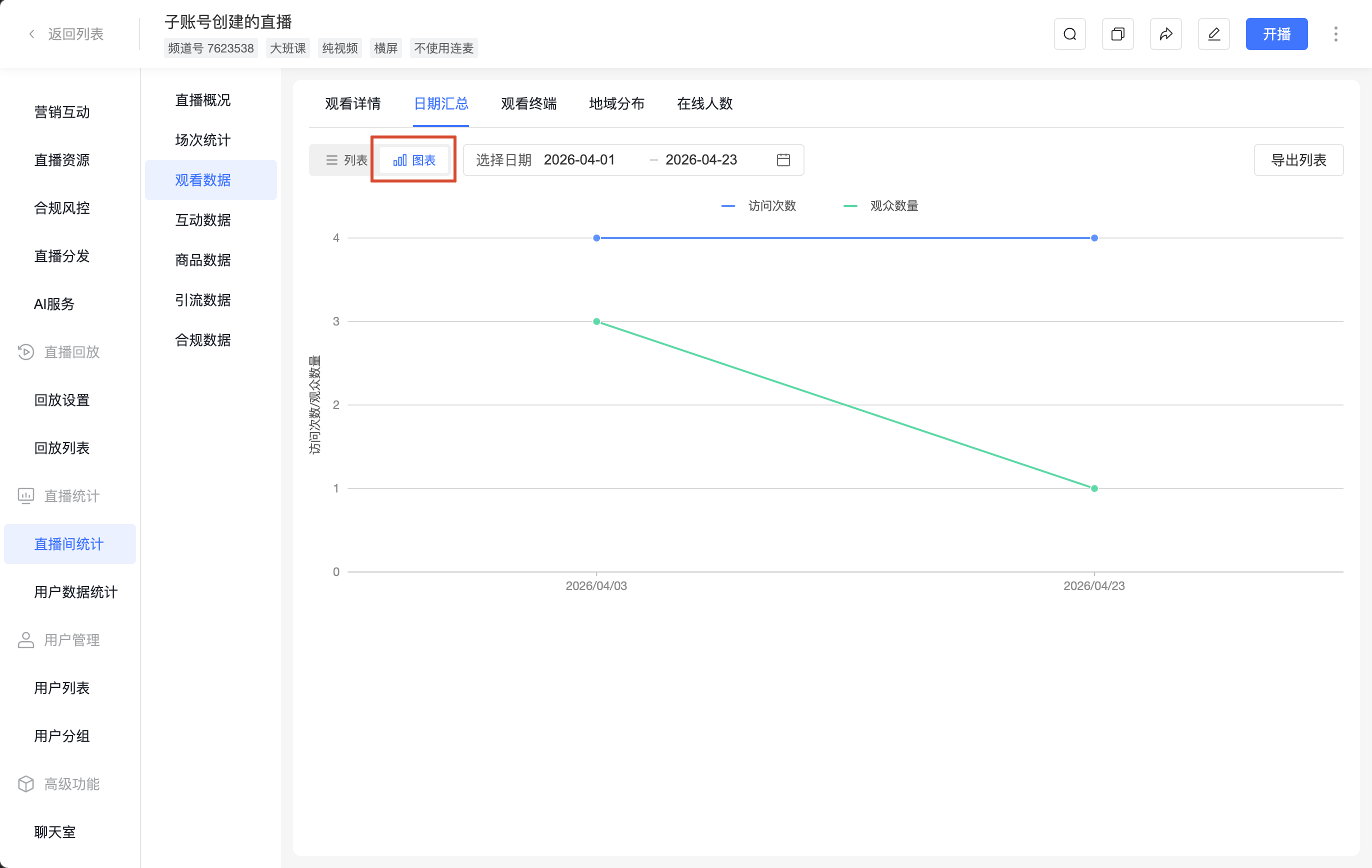
5. Online Viewers
Provides [Real-time Concurrent Viewers] and [Historical Online Viewers] views to check the time distribution of online viewers.