Differences Between Live Streaming Templates
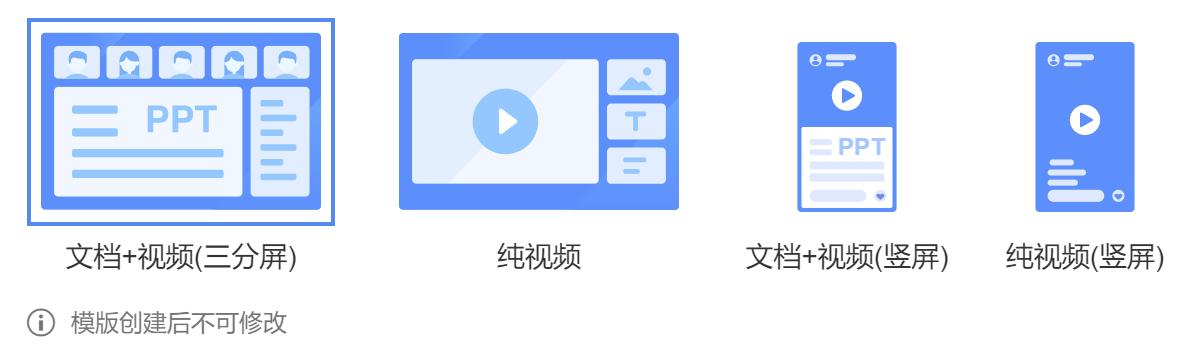
Polyv supports four live streaming templates, each corresponding to different viewing or broadcasting interaction methods. The Document + Video template is suitable for document annotation and explanation, where multiple guests can simultaneously operate documents and drawing tools. It is ideal for scenarios where the broadcaster needs a simple and easy-to-use interface, and the viewer requires separate display of documents and videos. The Pure Video template is suitable for adding materials to the live stream, arranging content layouts, and switching between multiple scenes. It is designed for scenarios where viewers only need video playback without a separate document display.
| Document + Video | Pure Video | |
|---|---|---|
| Two-way interactive whiteboard | ✔️ | ❌ |
| Add multiple screen materials and adjust layout on the broadcaster side | ❌ | ✔️ |
| Guest permission transfer | ✔️ | ✔️ |
| Separate document and video display for viewers | ✔️ | ❌ |
The Portrait template has the same functionality on the broadcaster side as other templates, but differs in style on the mobile viewer side, providing a more immersive viewing experience. It is more suitable for live streaming in marketing and e-commerce scenarios.
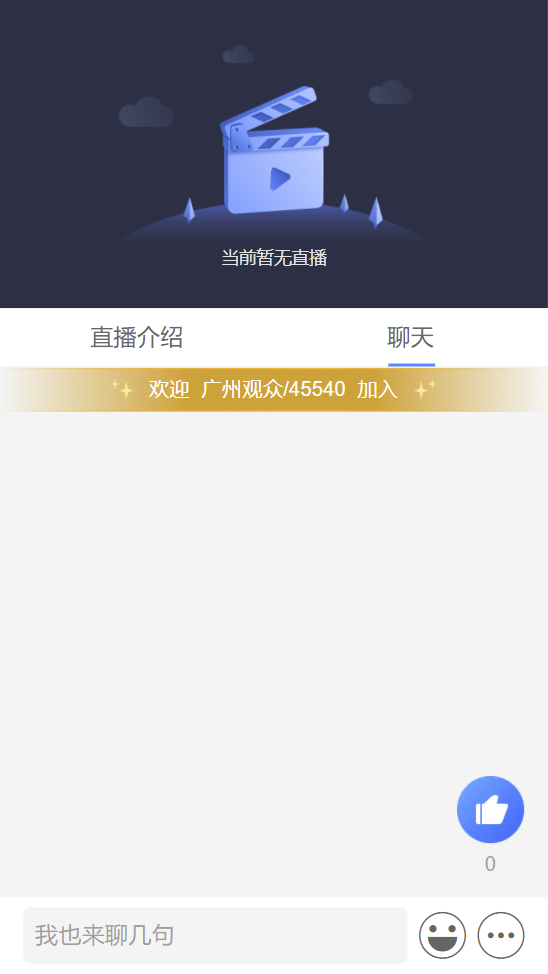
Non-portrait template viewing
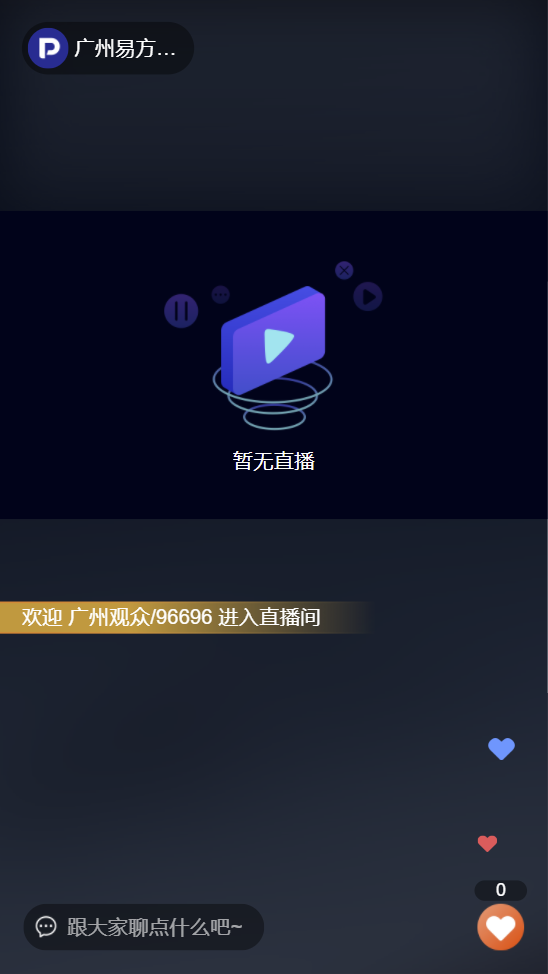
Portrait template viewing