How to Upload an App to Tencent App Store
Updated: 2021-05-29 23:40:46
Search for "Tencent Open Platform" online and visit its official website.

Click "Login" and log in using a QQ account.

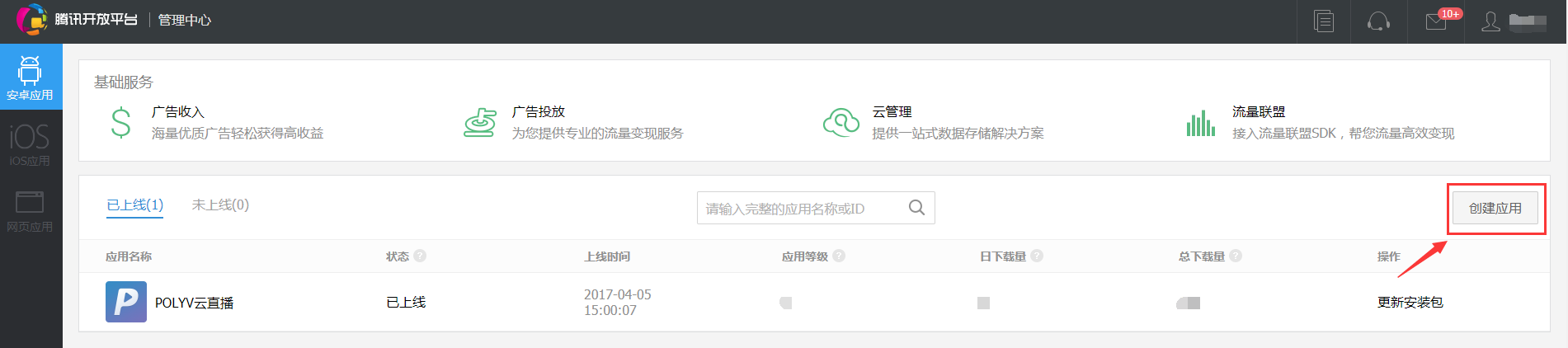
After logging in, go to the personal management center and click "Create App".
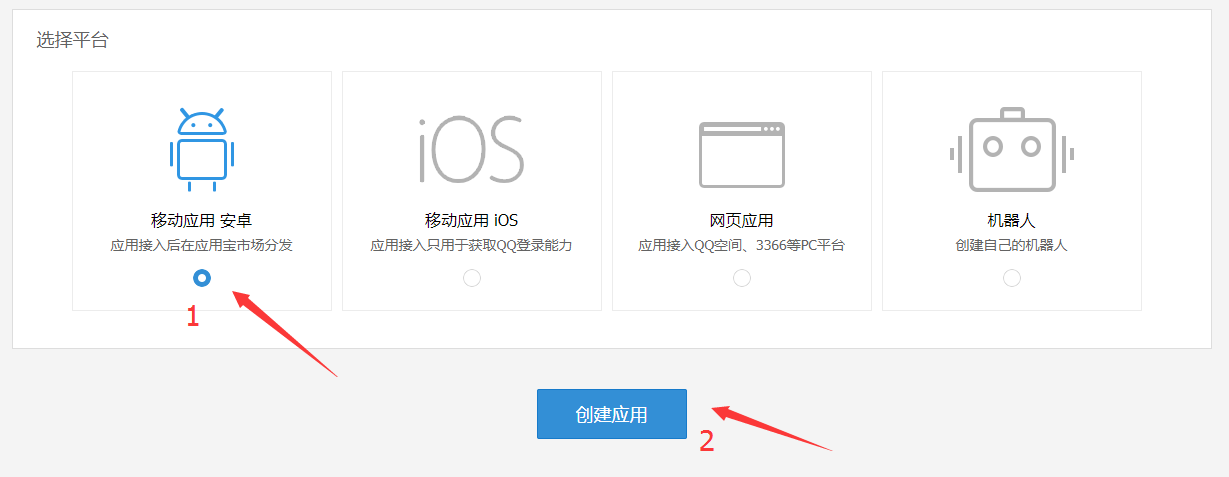
Select "App Platform", choose "Mobile App Android", and then start creating the app.
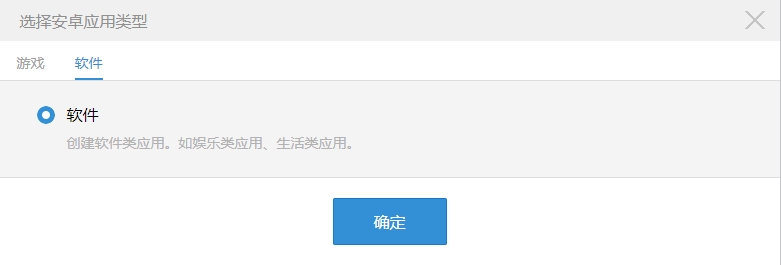
After clicking "Create App", a pop-up will appear to select the Android app type. Choose "Software". Once the type is confirmed, you can proceed to the information filling page.
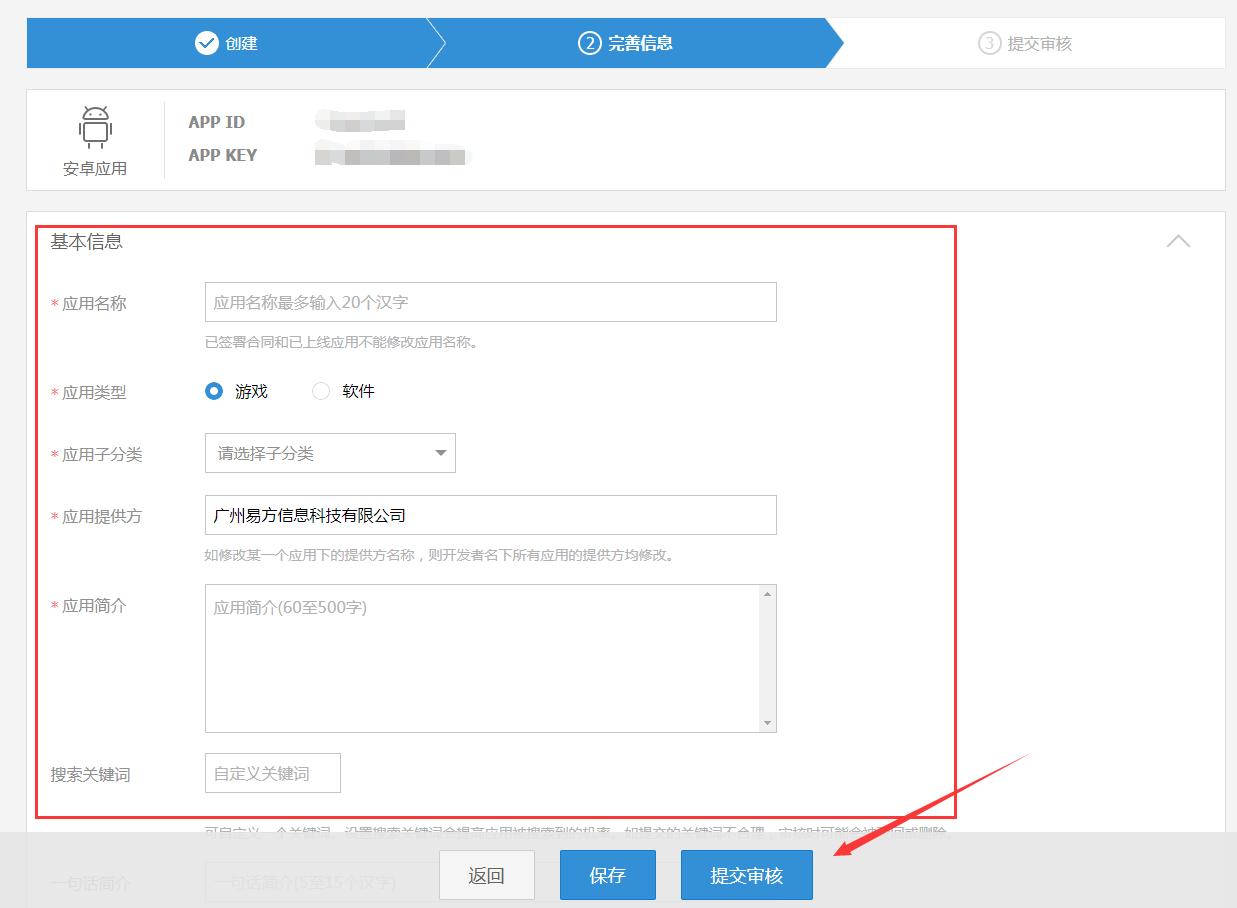
Fill in the basic information as required, submit for review, and the app will be reviewed and go live within 1–3 days.