Quick Start a Live Stream
Updated: 2025-01-22 18:50:59
1. Feature Overview
Feature Info |
Description |
|---|---|
| Feature Name | Quick Start |
| Feature Description | Allows users to quickly create a new live channel and start streaming from the management console. |
| Purpose | Simplifies the live stream creation process, lowers the barrier to entry, enabling users to start a live stream quickly without deep knowledge of complex settings. |
| Use Case | Example: A first-time user can quickly create a live room and start streaming, ensuring efficient and punctual live events, improving work efficiency. |
| Feature List | Create live channel, set live stream info, start live stream |
2. Feature Overview
1. Create a Live Channel
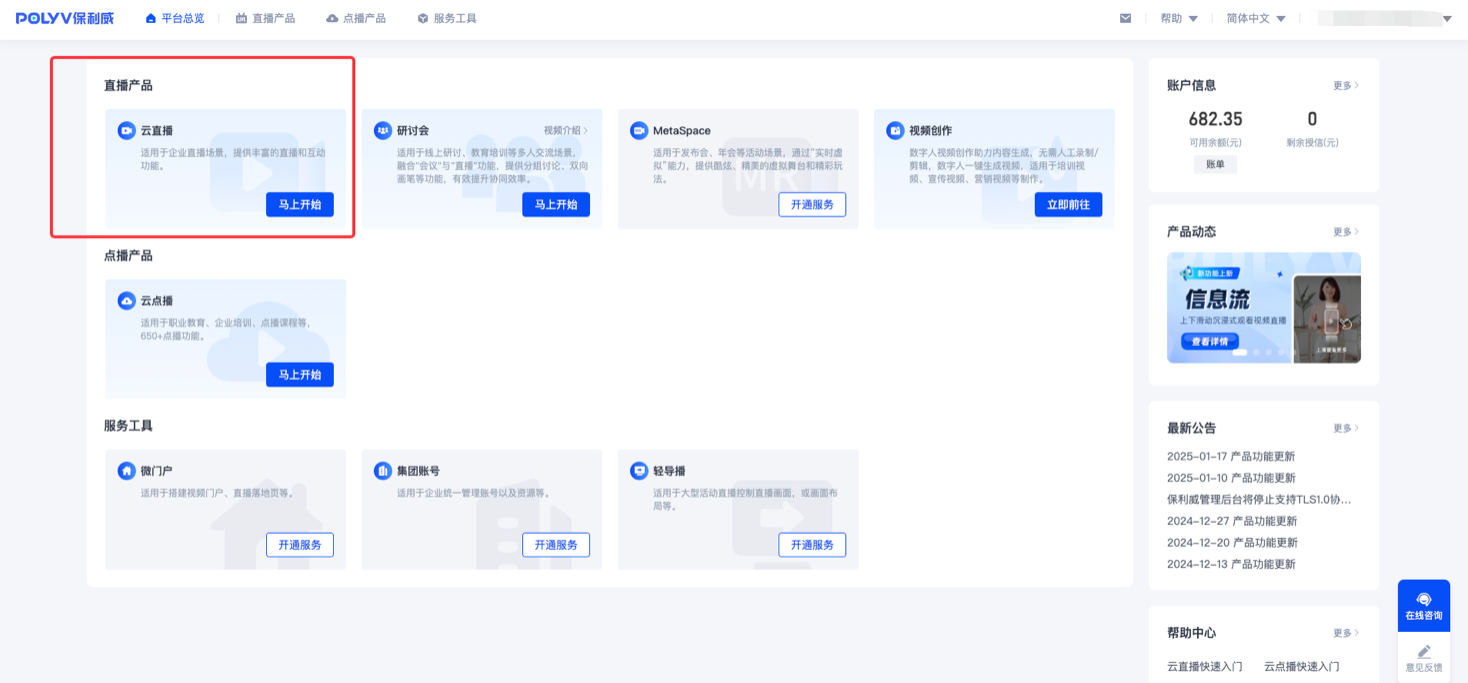
- Register and log in to the Polyv management console, then click on the Cloud Live product.
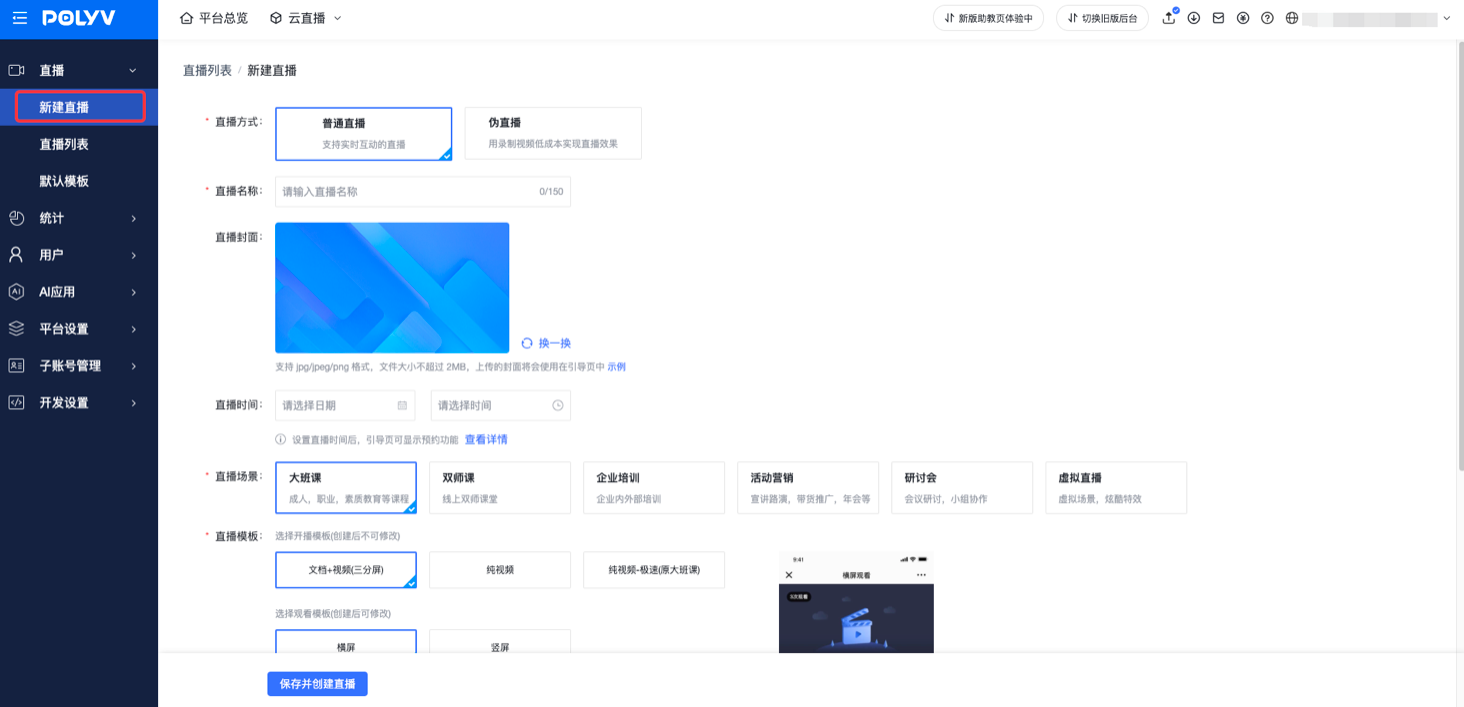
- Click "New Live Stream", configure as needed, then save and create.
2. Set Live Stream Info
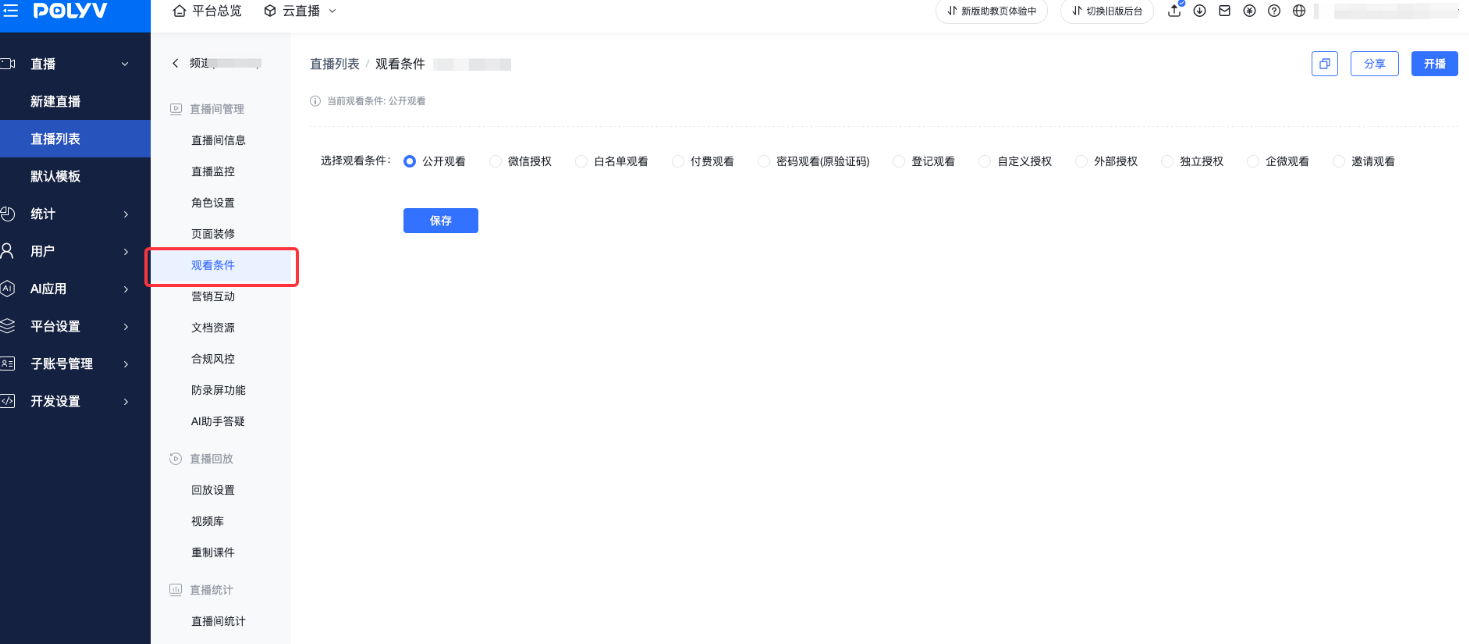
- After successful creation, set viewing authentication conditions, marketing activities, etc., in the left navigation bar. For detailed instructions, refer to the "Backend Management" document.
3. Start a Live Stream
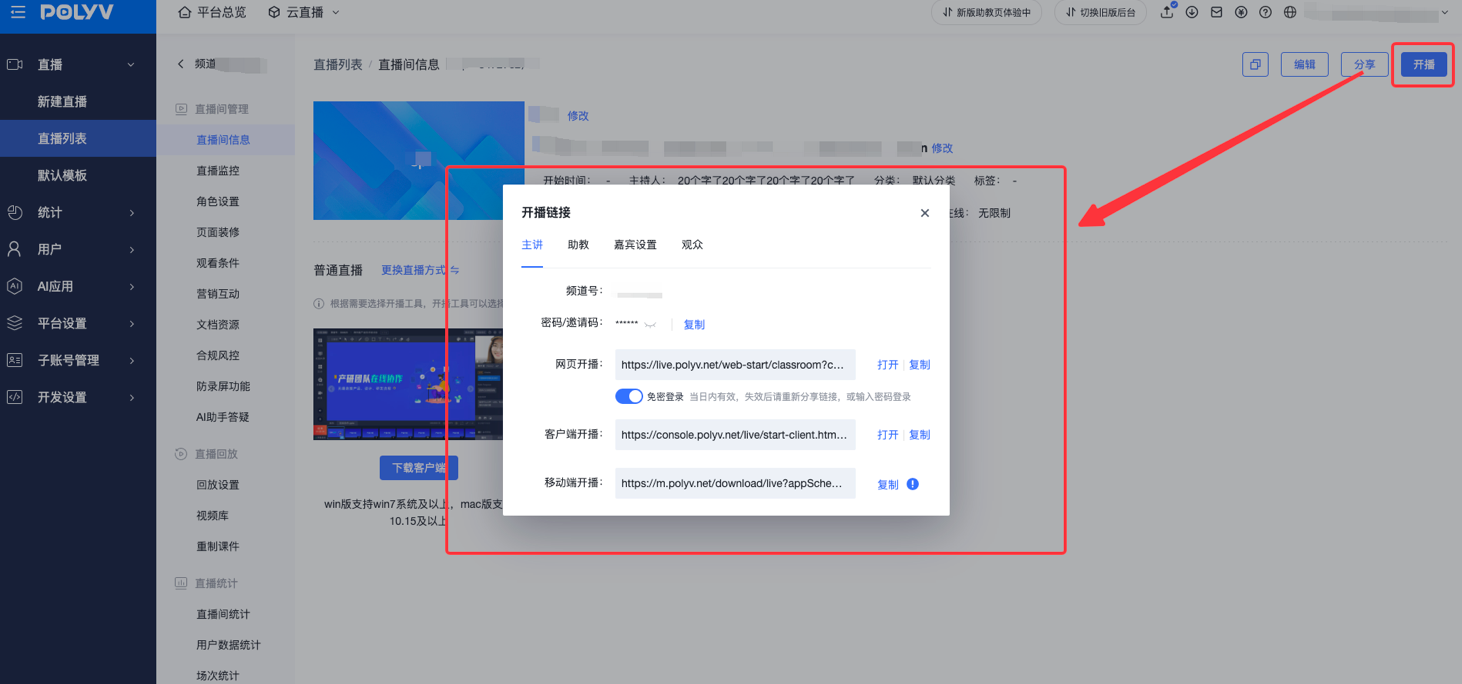
- After creation and setup, click the "Start" button to obtain the channel number and password.
- Choose the streaming method (web, client, or mobile).
4. Web Streaming
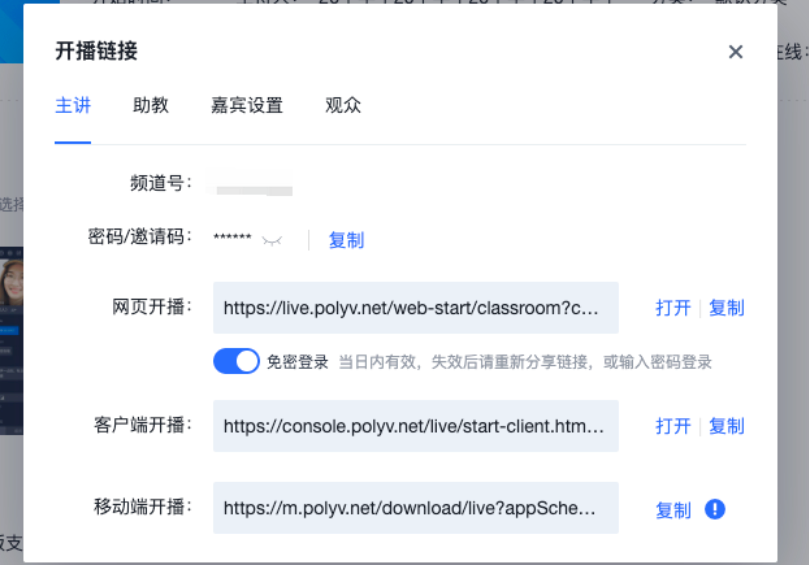
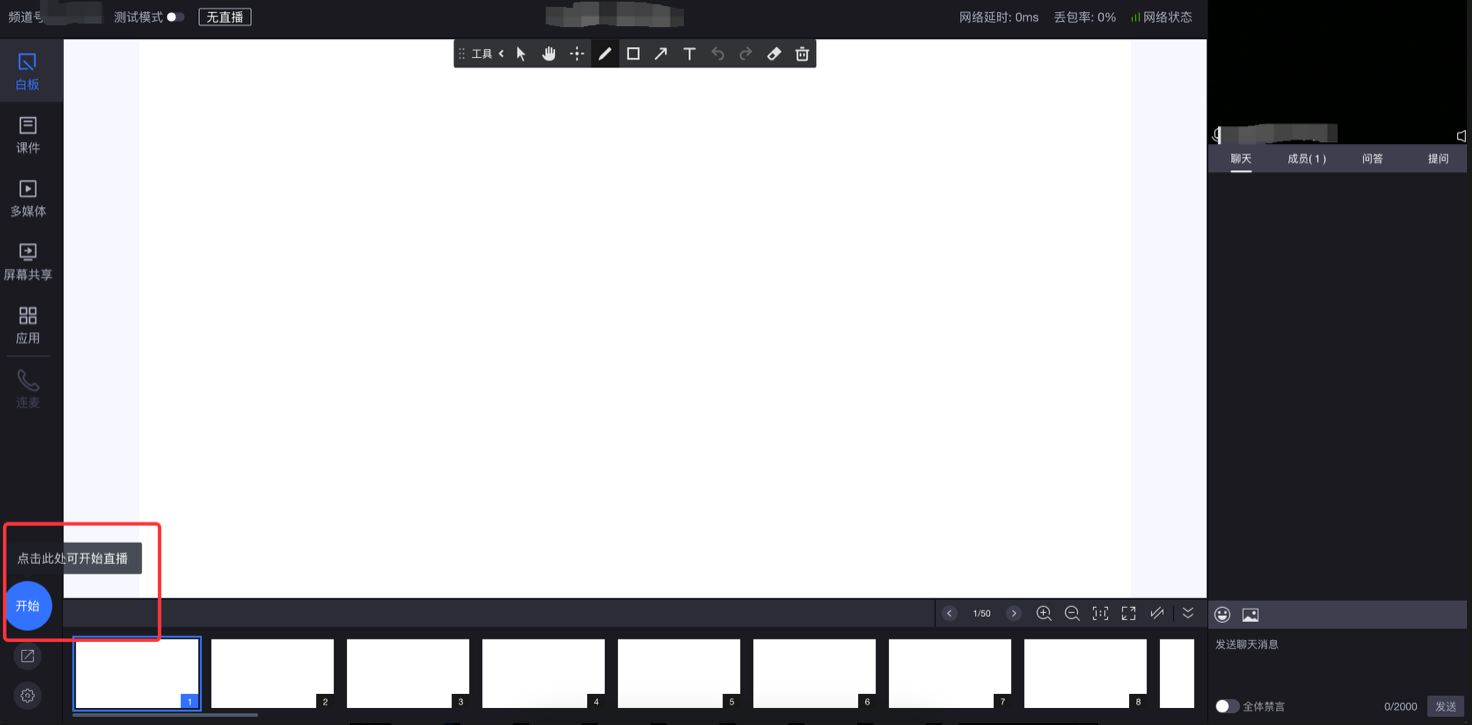
- Method 1: Open the web streaming link, enter the password, configure settings, then click the "Start" button.
- Method 2: Enable the password-free login switch, copy the link with password-free login, and start streaming with one click.
5. Client Streaming
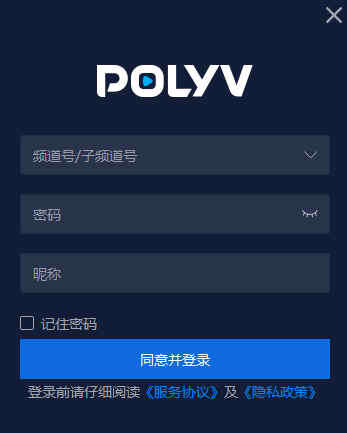
- Download the Live Client, open the software, enter the channel number and password, configure the backend, then click the "Start" button.
6. Mobile Streaming
- For iOS and Android downloads, scan the QR code below, or access the link via a mobile browser:
https://soft.polyv.net/soft/live_mobile.html

7. Watch the Live Stream
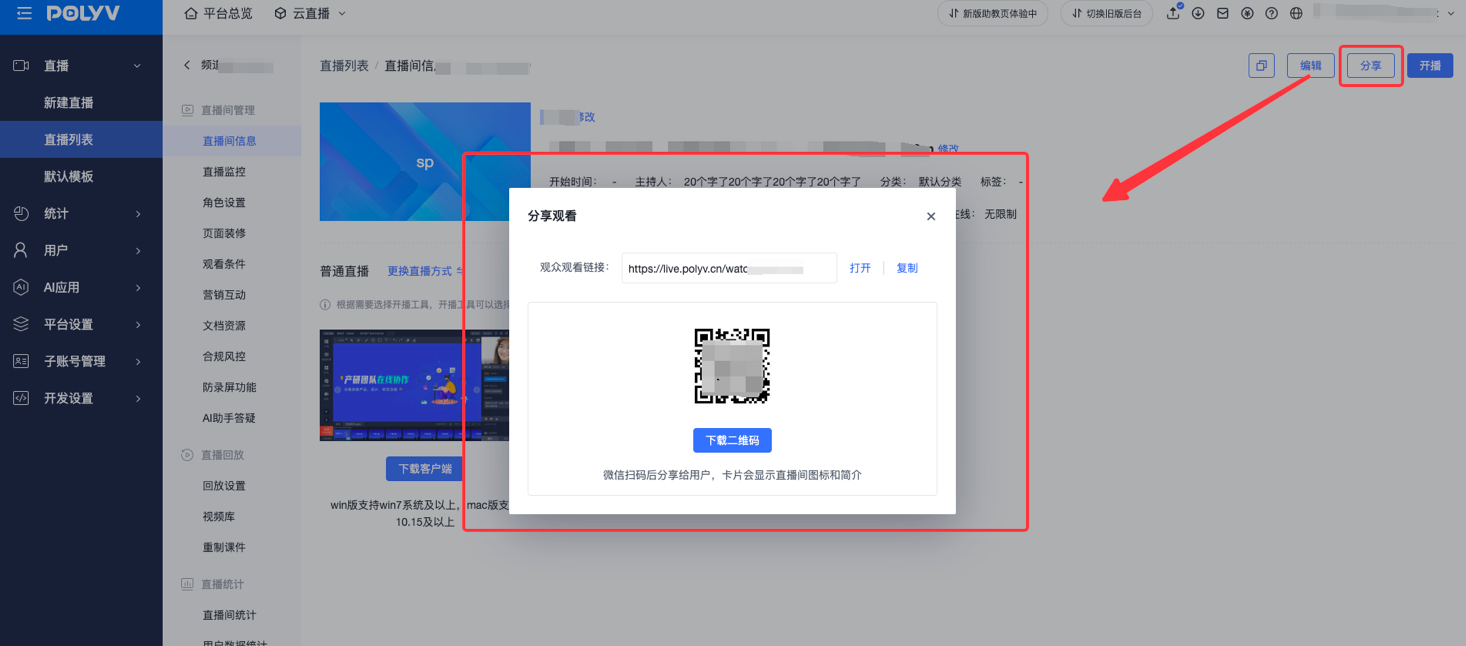
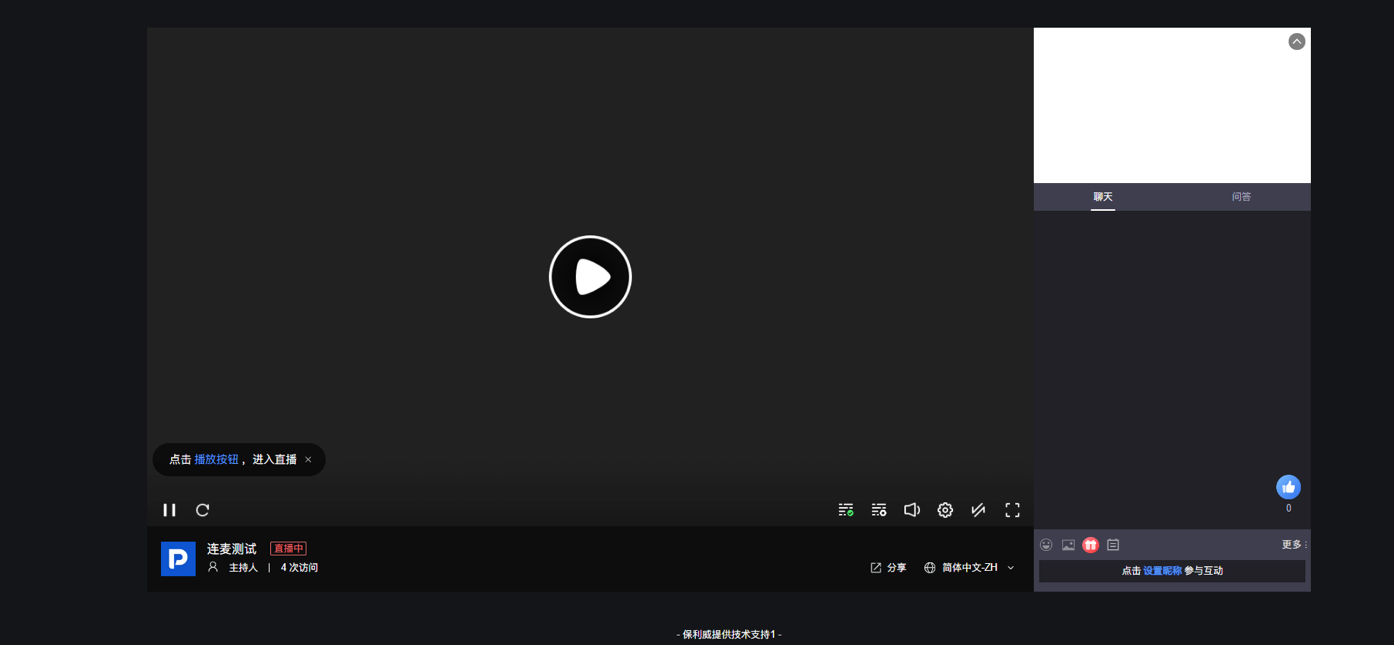
- On the live channel page, click the live link → Audience → Copy and share the link, or scan the QR code to watch online.