


Live Streaming Backend Overview
Updated: 2021-05-30 00:55:43
Polyv's live streaming backend is automatically assigned upon user registration. It supports creating, configuring, deleting, and assigning live rooms, and can be integrated into existing enterprise systems via single sign-on or ODM.
Registration
- Click the registration link or the [Free Trial] button at the top of the official website to enter the registration page.
- Follow the instructions to fill in the required information and complete registration.

Login
- Click the login link or the [Login] button at the top of the official website to enter the login page.
- Three login methods are available:
2.1 Password login: Use the registered phone number or email (set after first login) + login password (set after first login).
2.2 SMS login: Use the registered phone number + SMS verification code.
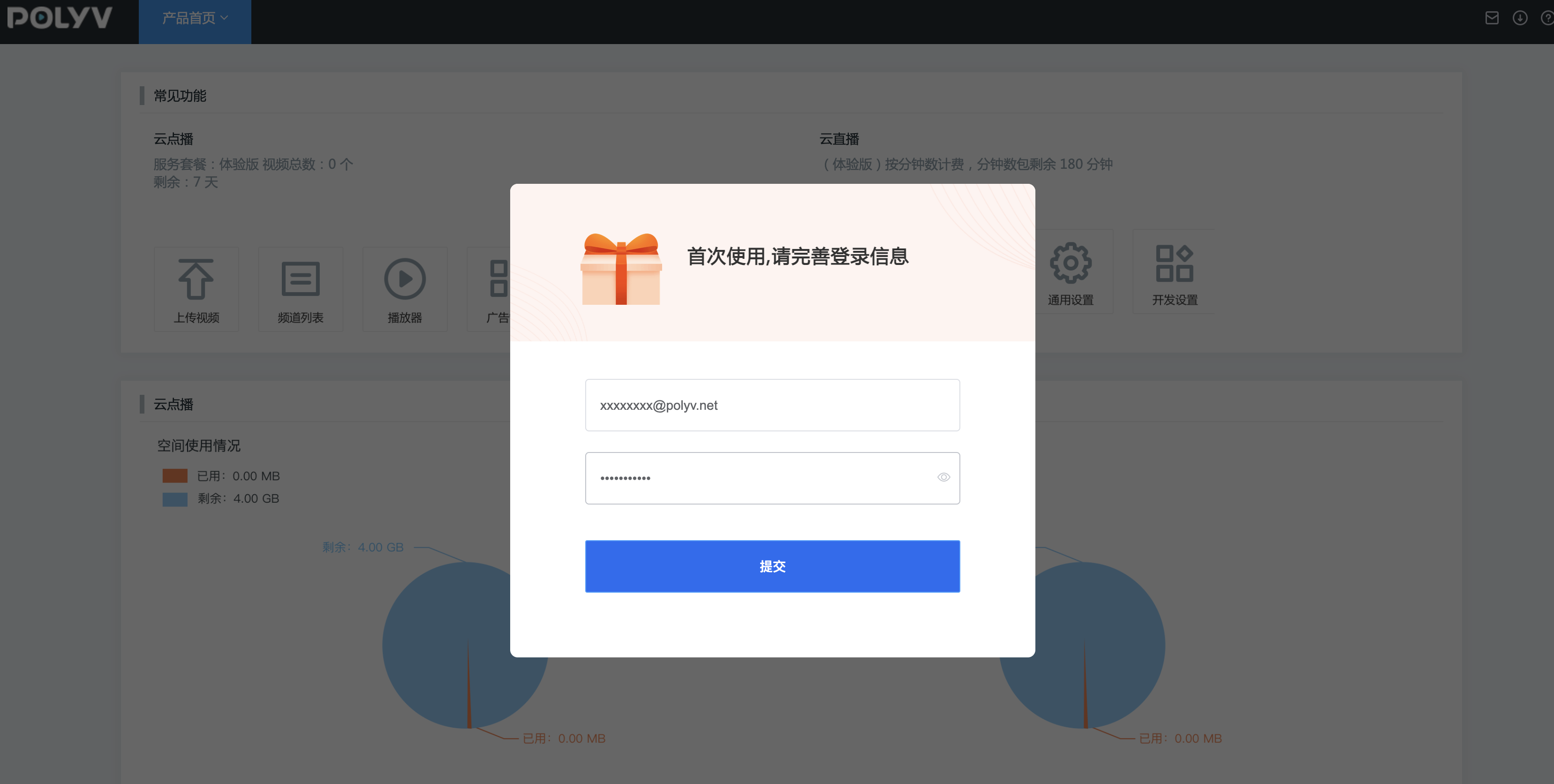
2.3 Channel login: Use the channel ID (created after login) to access a single-channel backend. - On first login, you need to provide an email and set a login password. After completing this, you will receive a 7-day trial package.
Change Password
If you forget your password, click Forgot Password on the login page to reset it. Note that the account email and the email receiving the reset message must be the same.
Notes
A single phone number can only be used to register one account.
