Batch Create Live Streams
Updated: 2026-08-17 11:27:00
1. Feature Overview
Feature Info |
Description |
|---|---|
| Feature Name | Batch Create Live Streams |
| Purpose | Allows users to quickly create multiple live stream channels in bulk using POLYV Live. |
| Operation Path | Live Stream List -> Batch Create -> Configure Stream Info -> Set Number of Streams |
| Feature List | Batch create live stream channels, set stream start information |
2. Operation Instructions
2.1 Feature Entry
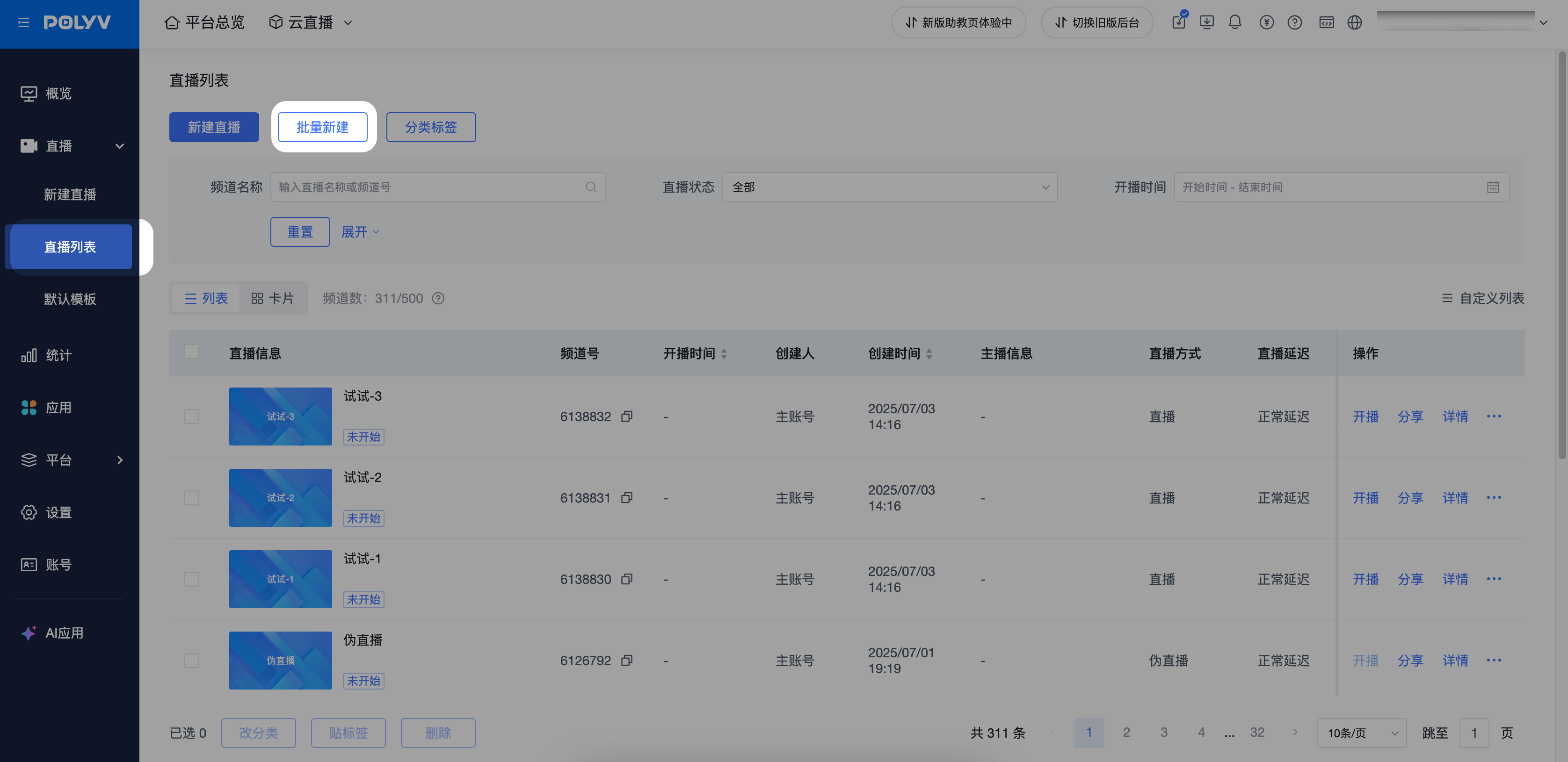
· Path: Live Stream List -> Batch Create
2.2 Feature Configuration
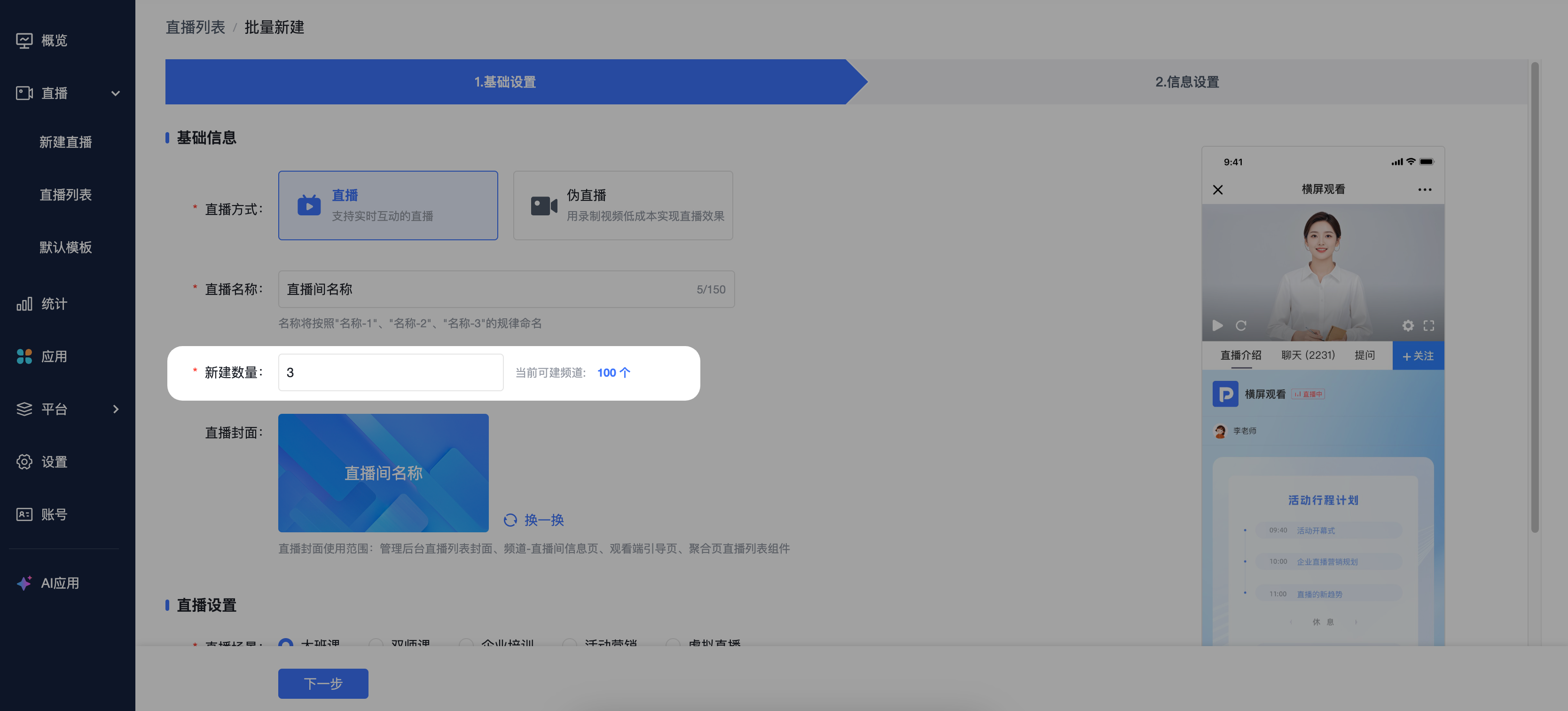
· When creating streams in batch, the naming convention follows the pattern "Name-1", "Name-2", "Name-3", etc.
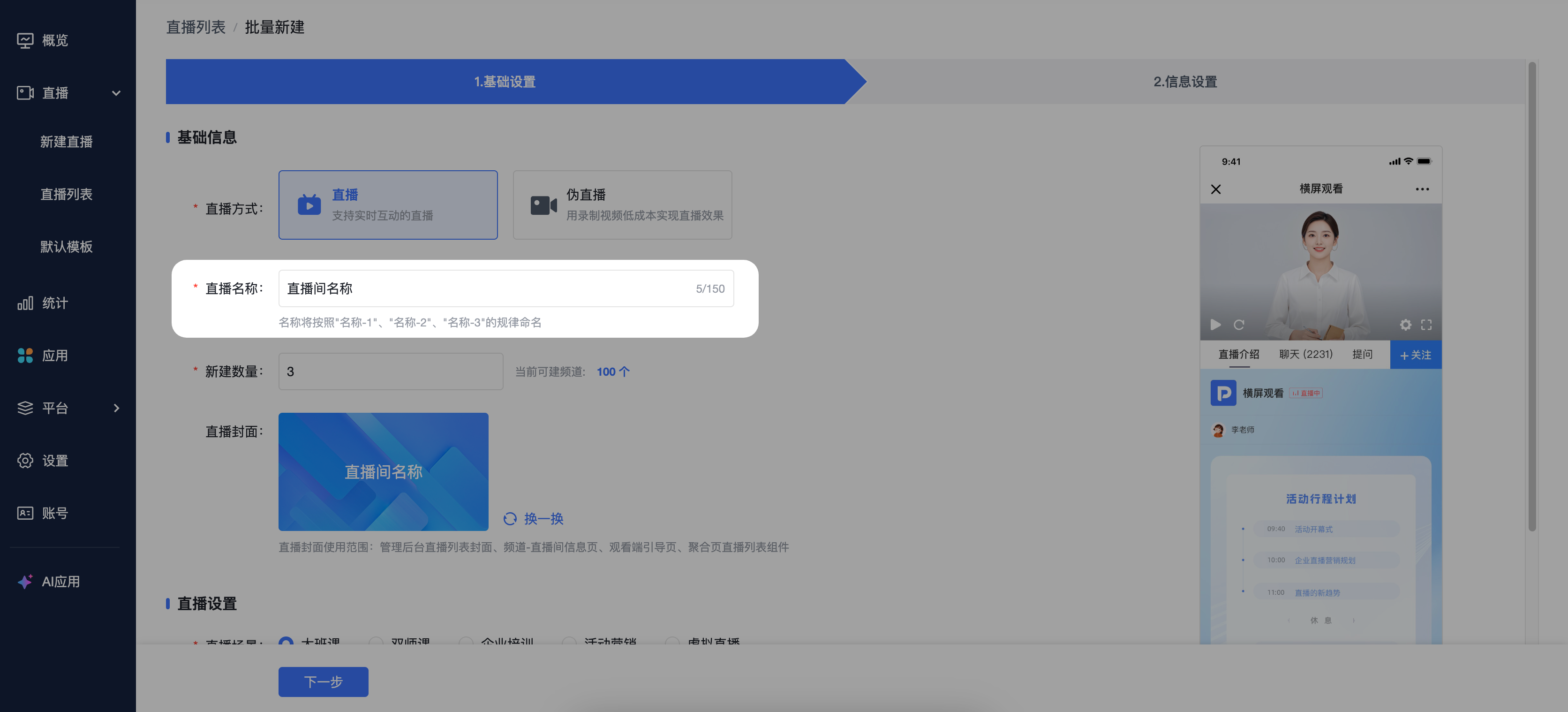
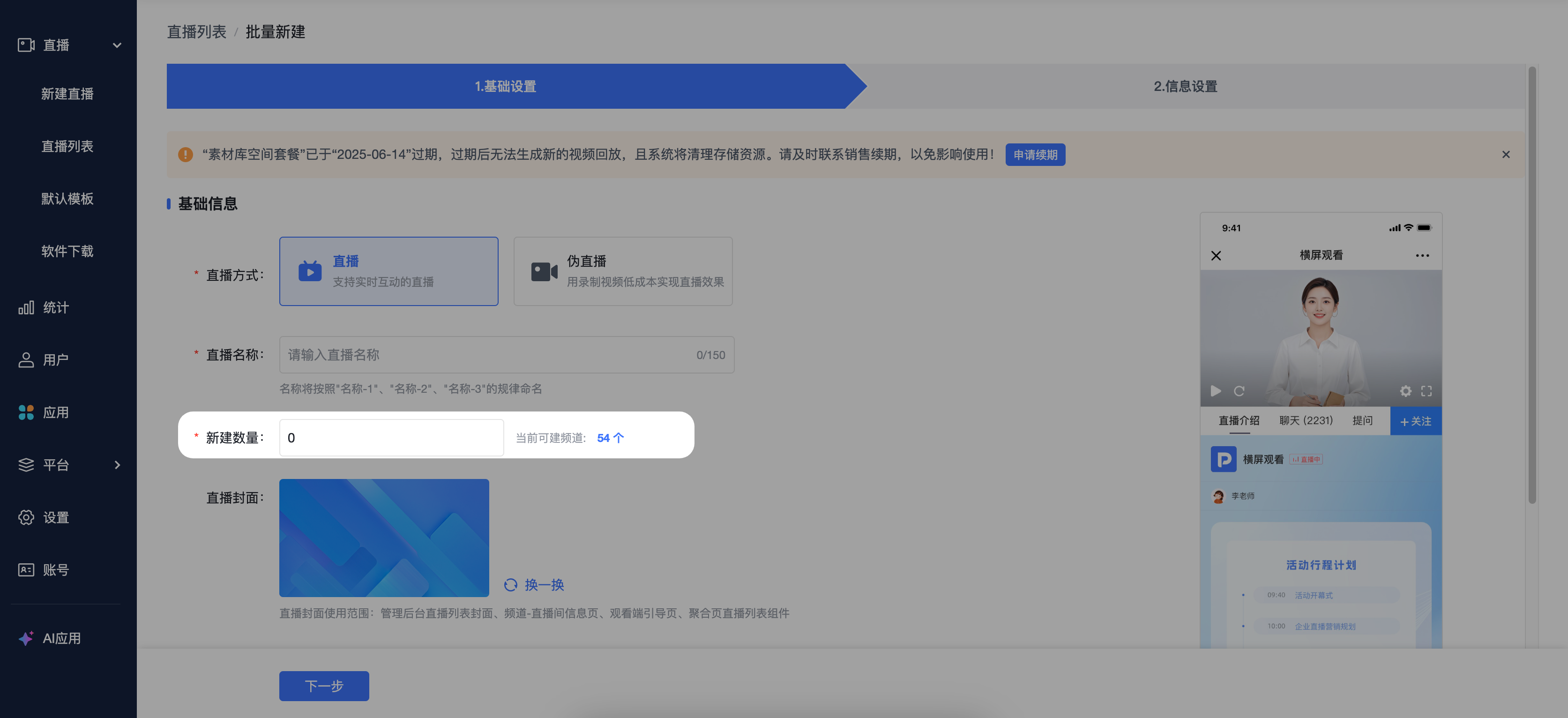
· Each batch creation supports up to 100 channels. The specific rule is: when the account supports creating more than 100 channels, a maximum of 100 channels can be created; when the account supports creating fewer than 100 channels, the remaining available count is used.
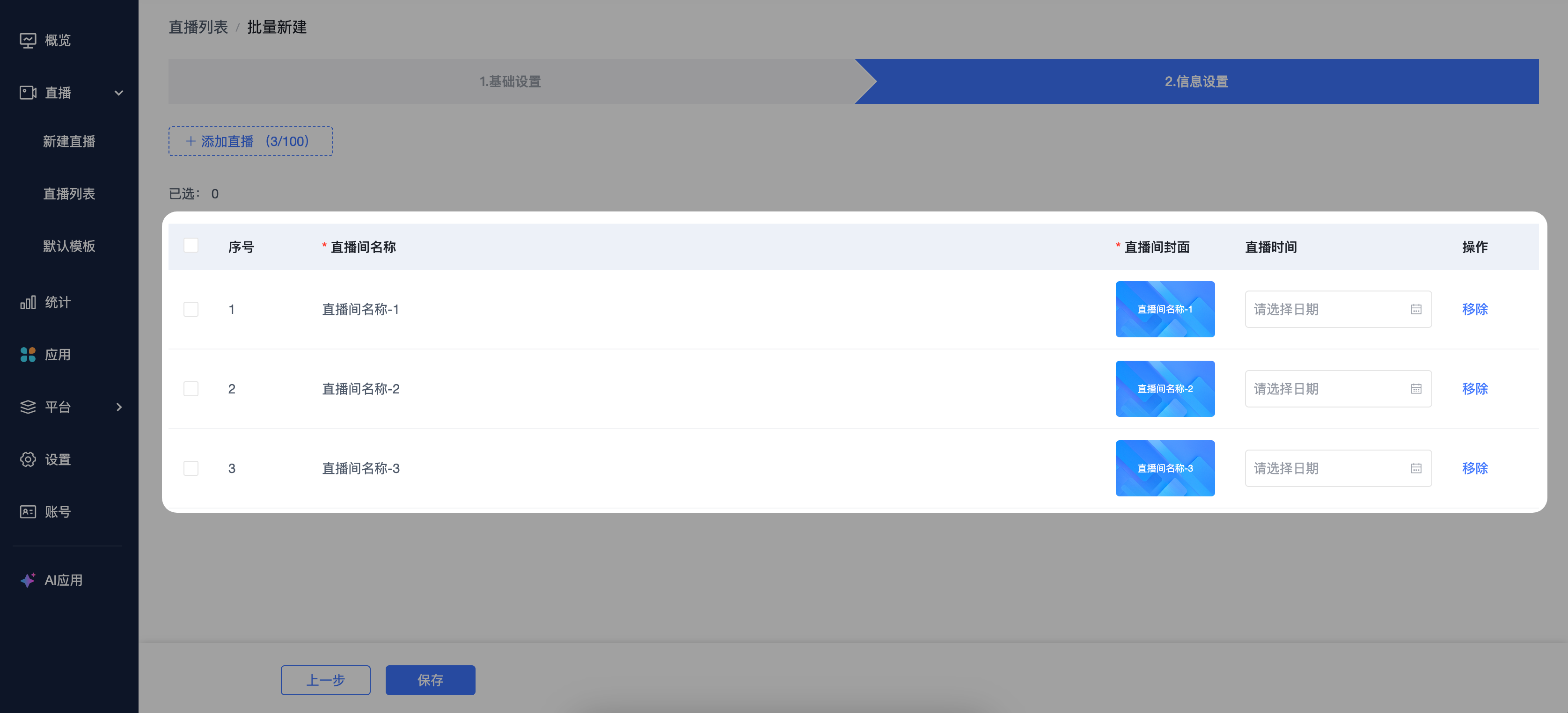
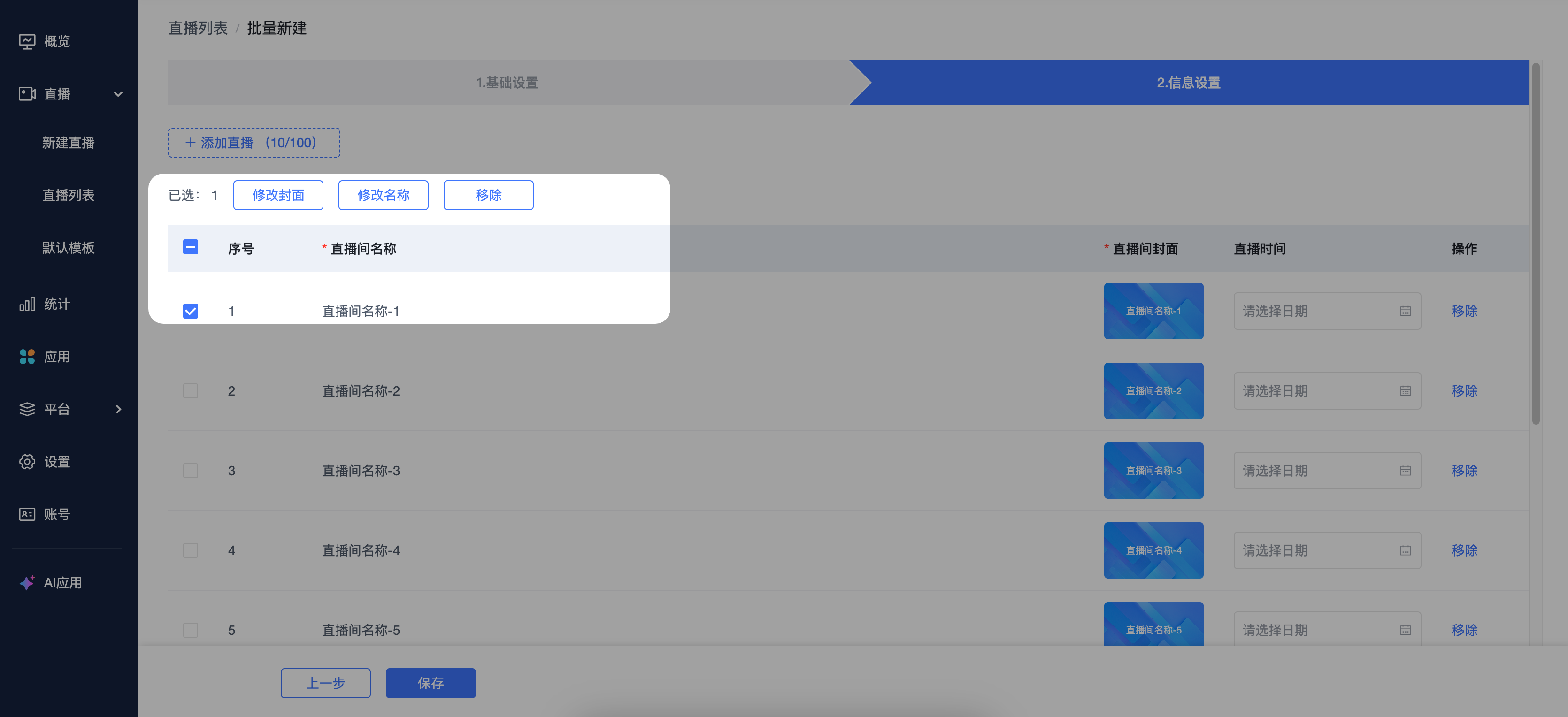
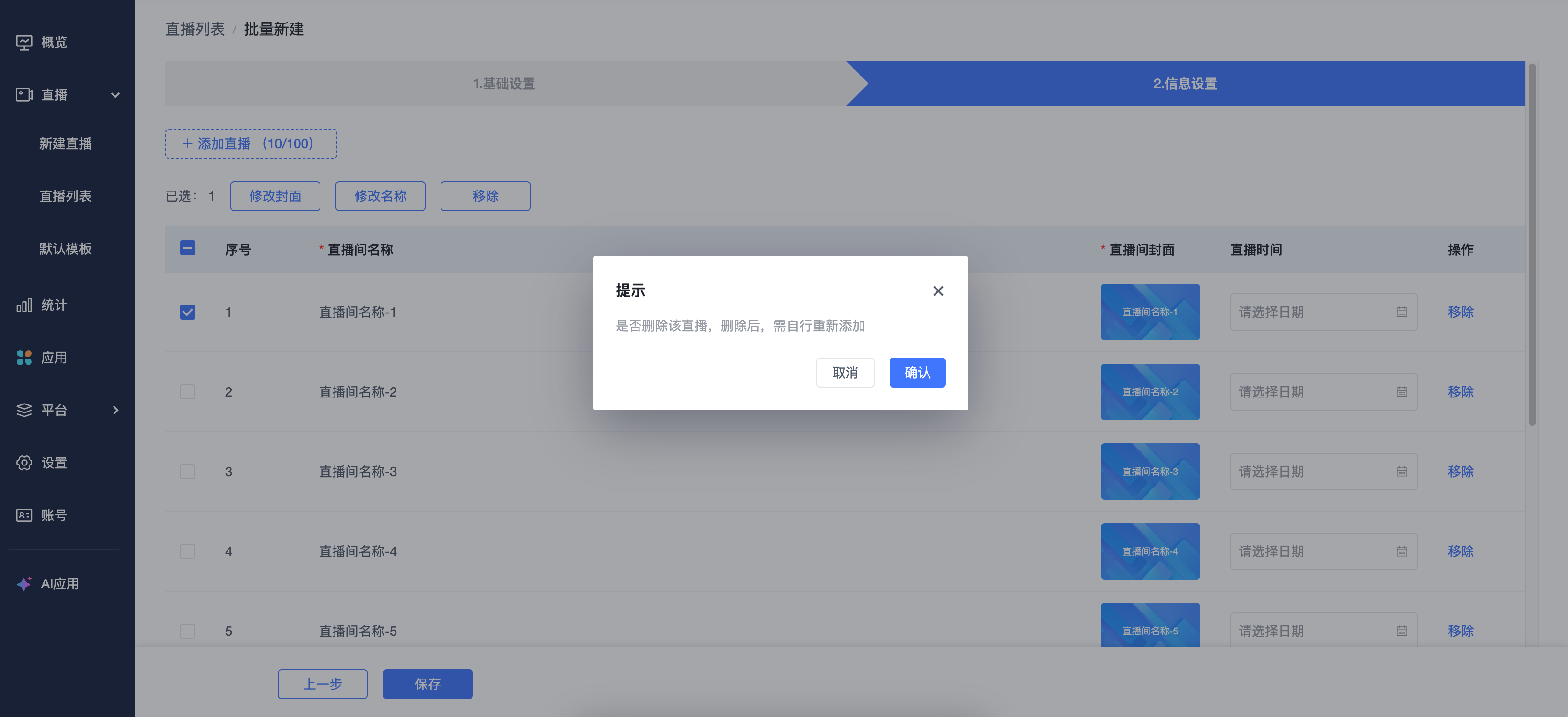
· After selecting channels, you can modify the cover image, rename, or remove channels. Removing a live stream requires a second confirmation.
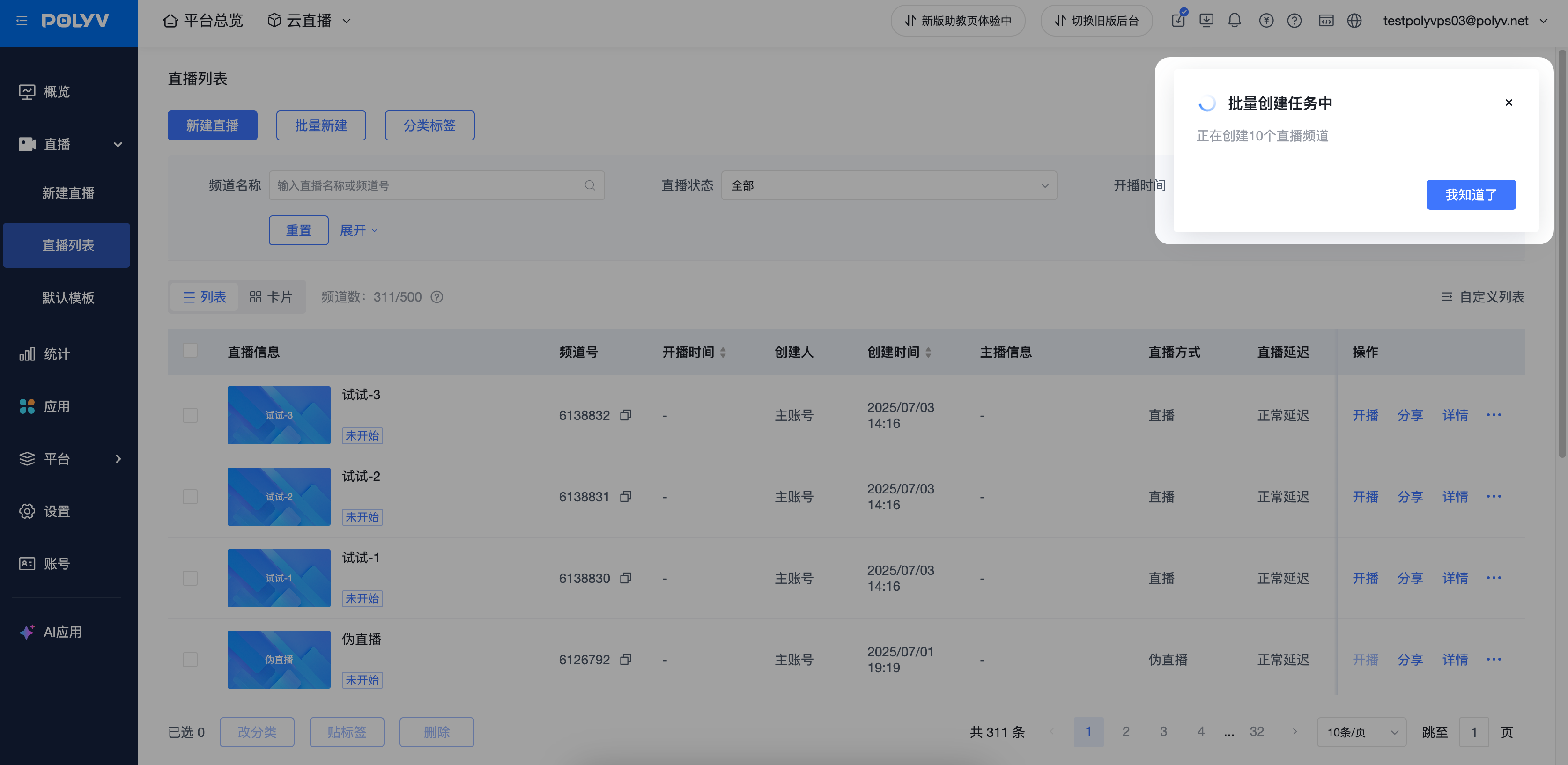
· After clicking Save, you will return to the live stream list page, and a card notification will display "Batch Creating".
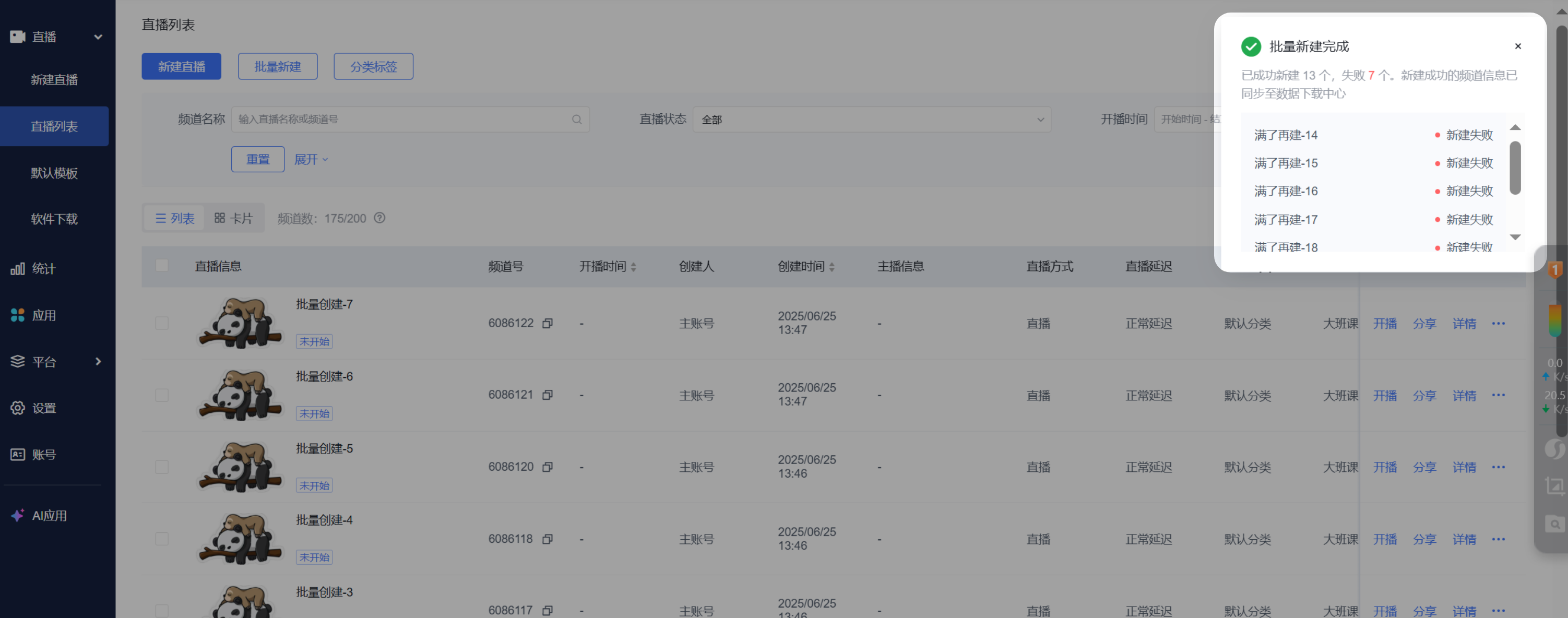
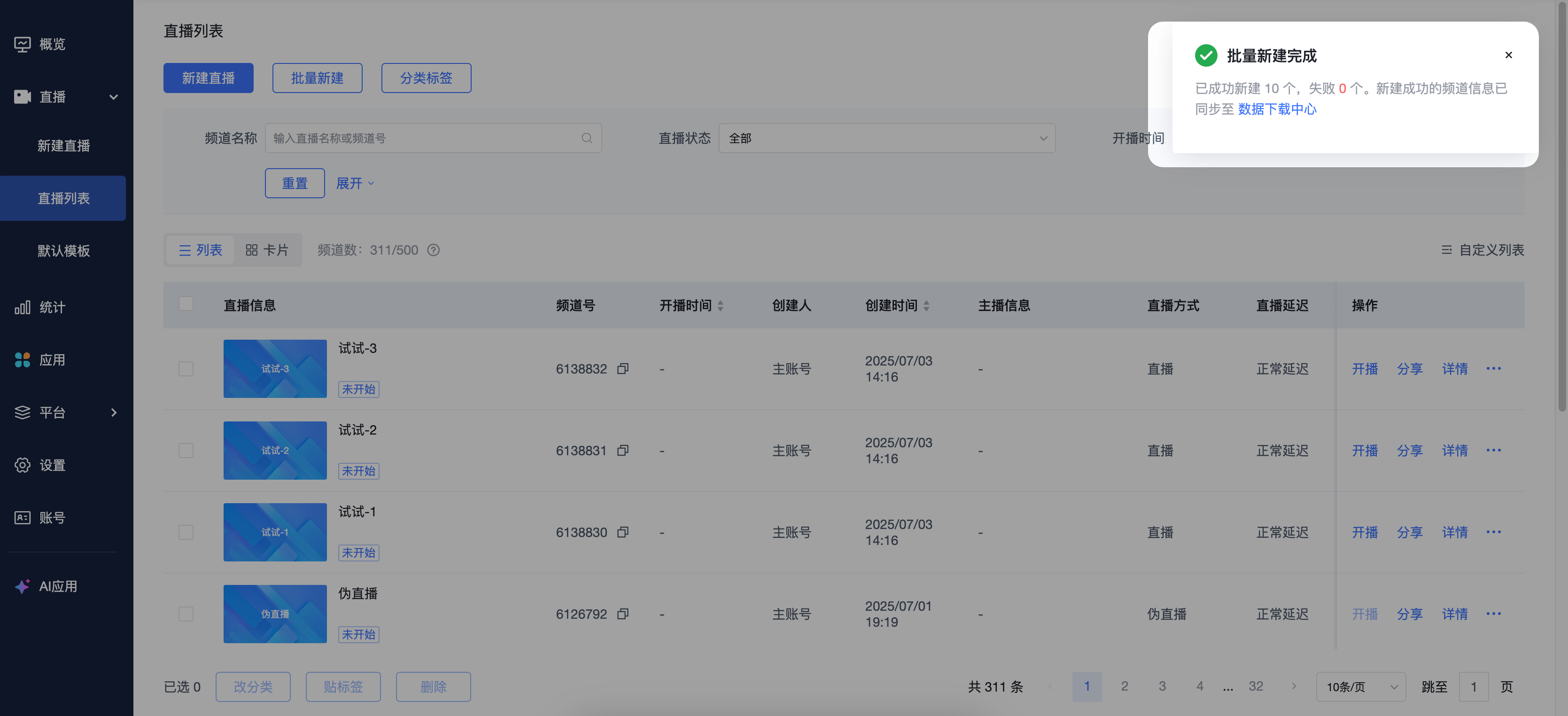
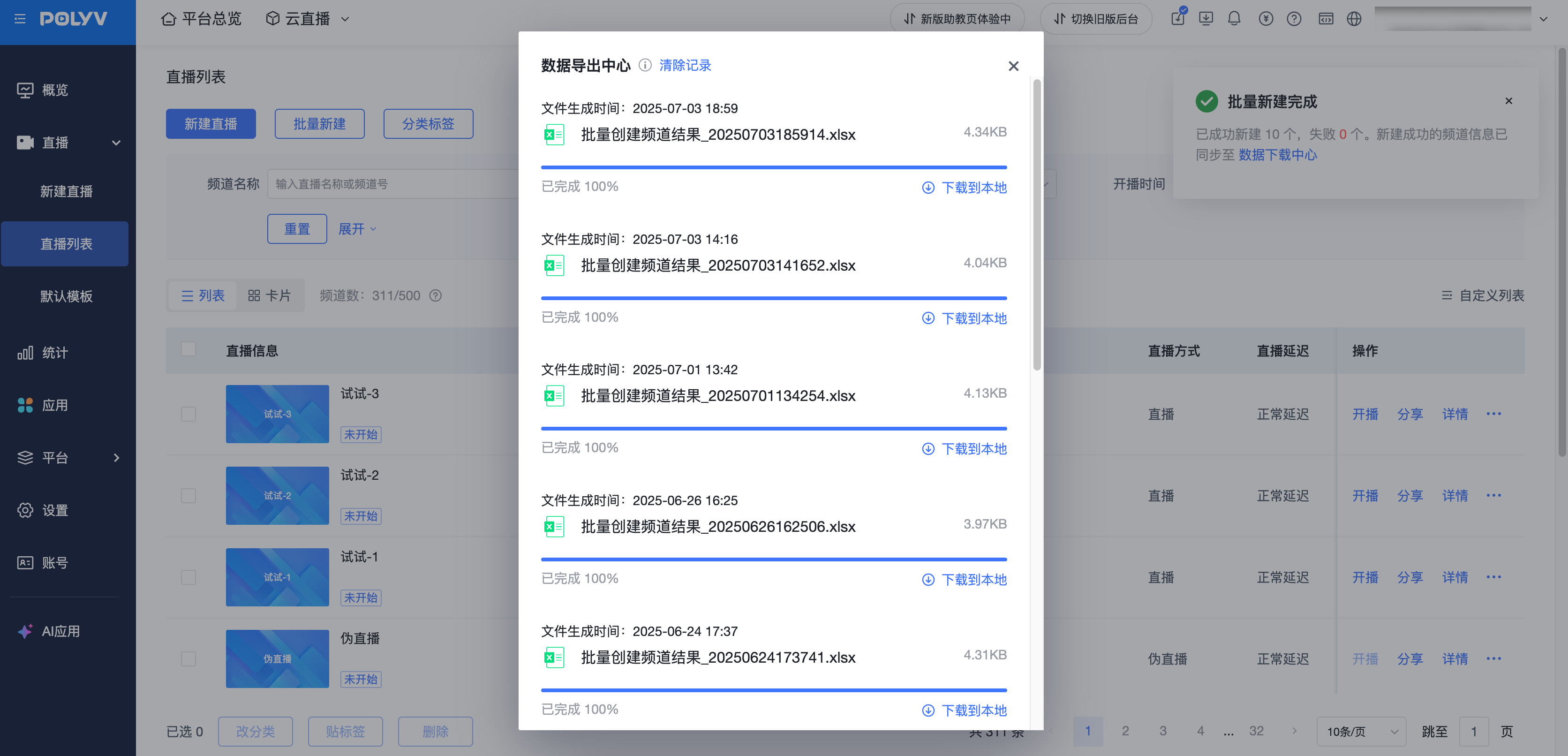
· After a short wait, the batch creation completion will clearly indicate the current task status. The stream start information for the batch-created channels will be downloaded to the "Data Download Center". Click the card link "Data Download Center" to open the relevant popup.
· During the stream creation process, there is a small chance of encountering unknown errors. If creation fails, the system will prompt the names of the failed channels.