Check-in, Quiz Cards, and Surveys
To help streamers obtain better live stream feedback—such as understanding audience attendance, their grasp of the content, their evaluation of the stream, and distributing surveys—the "Apps" section in the streaming interface offers many features.
Method 1: Check-in
1. Instant Check-in:
Viewers click the "Check-in Now" button to complete the check-in, and the streamer's interface will tally the data. If the viewer does not click check-in before the countdown ends or closes the check-in popup directly, the check-in will fail. The streamer's interface will display the nicknames of viewers who are in the live room but have not checked in.
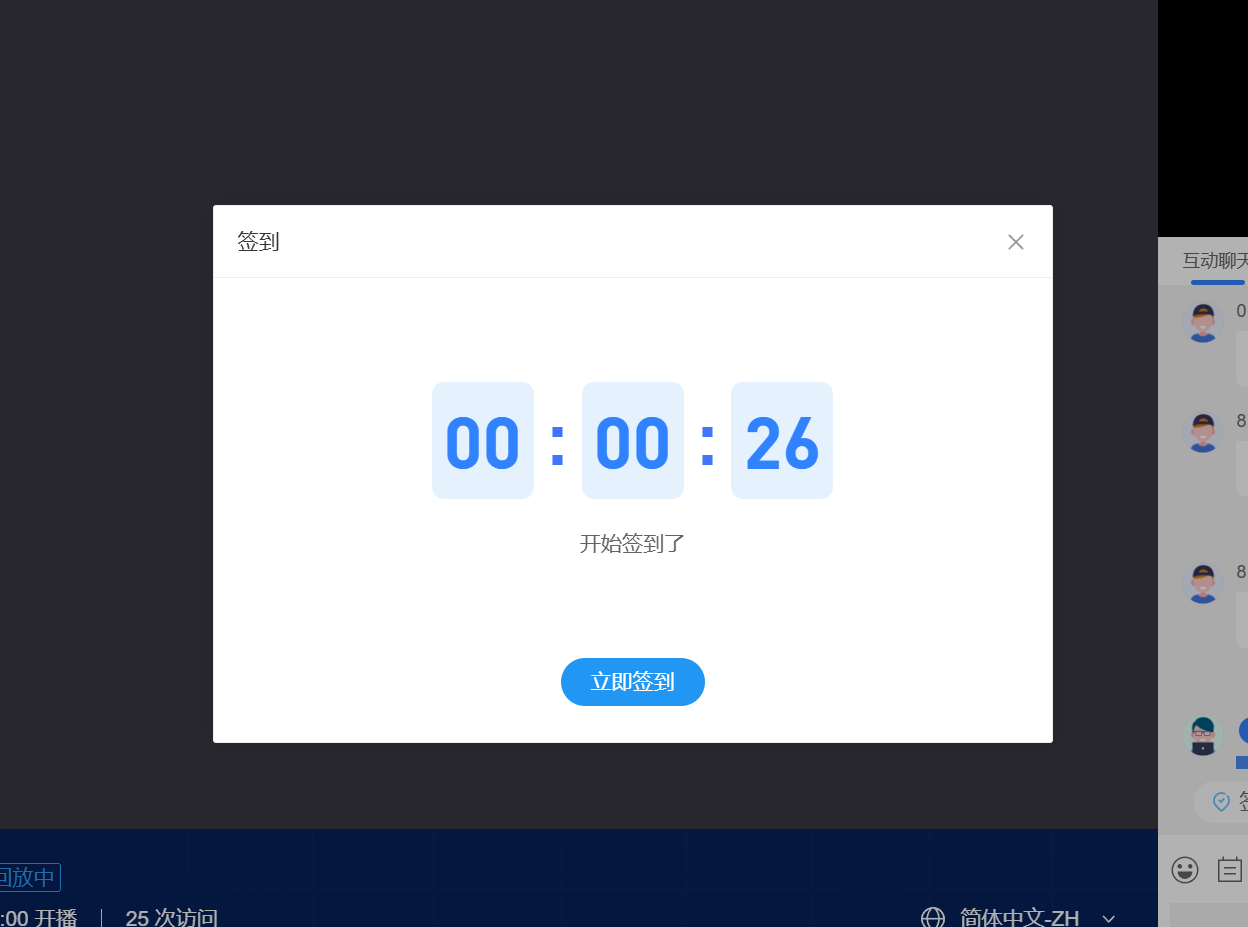
2. Scheduled Check-in Streamers can set a check-in time in advance, and the check-in will be initiated automatically at the designated time. Multiple scheduled check-ins can be set up. In the "Check-in Records," you can view the future check-in times that have been set and historical check-in records.
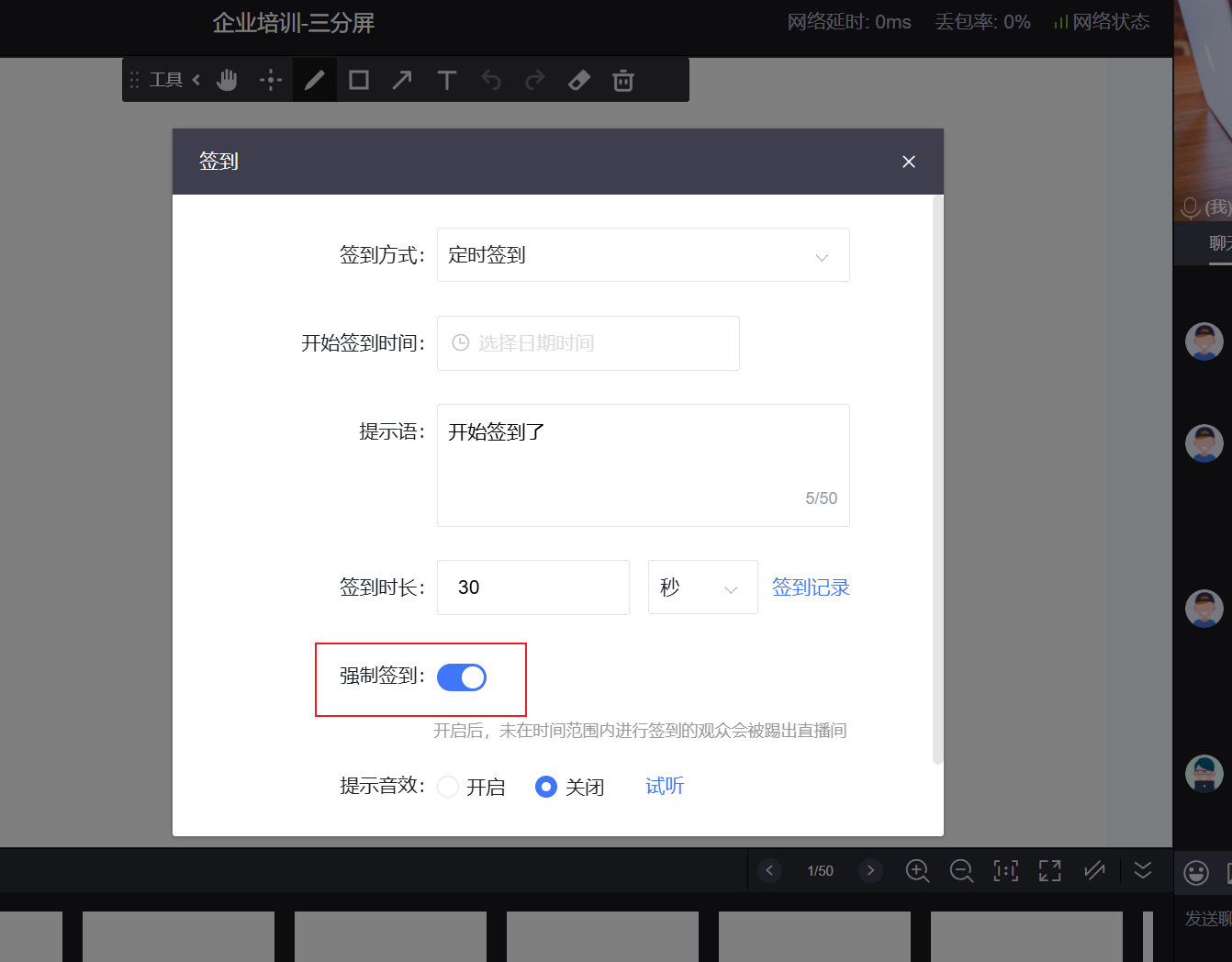
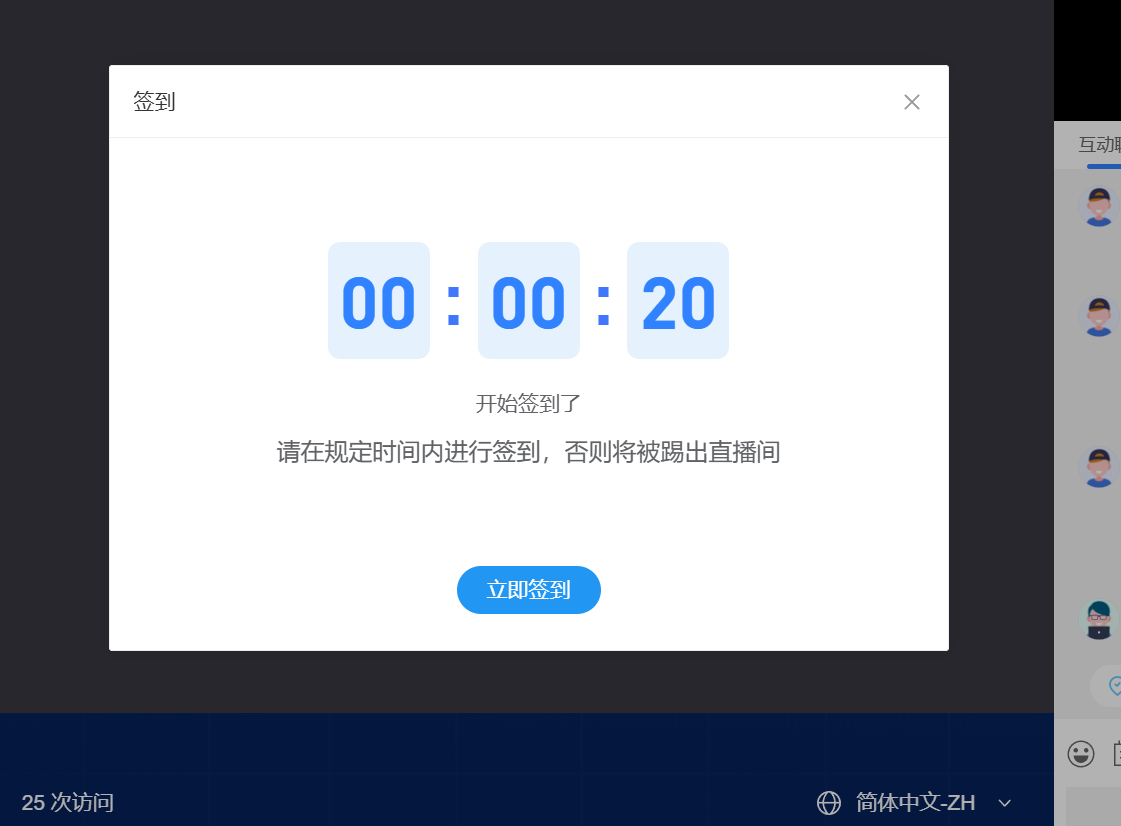
3. Mandatory Check-in When initiating a check-in, if the streamer enables the "Mandatory Check-in" toggle, viewers must complete the check-in within the set time; otherwise, they will be removed from the live room. After being removed from the live room, viewers can still return to the live room to continue watching the stream.
**Notes**
If a nickname is not set, it will be displayed as "Region + Random Number." Changing the nickname after the check-in ends will not be synchronized to the streamer's historical check-in records.
Method 2: Quiz Cards
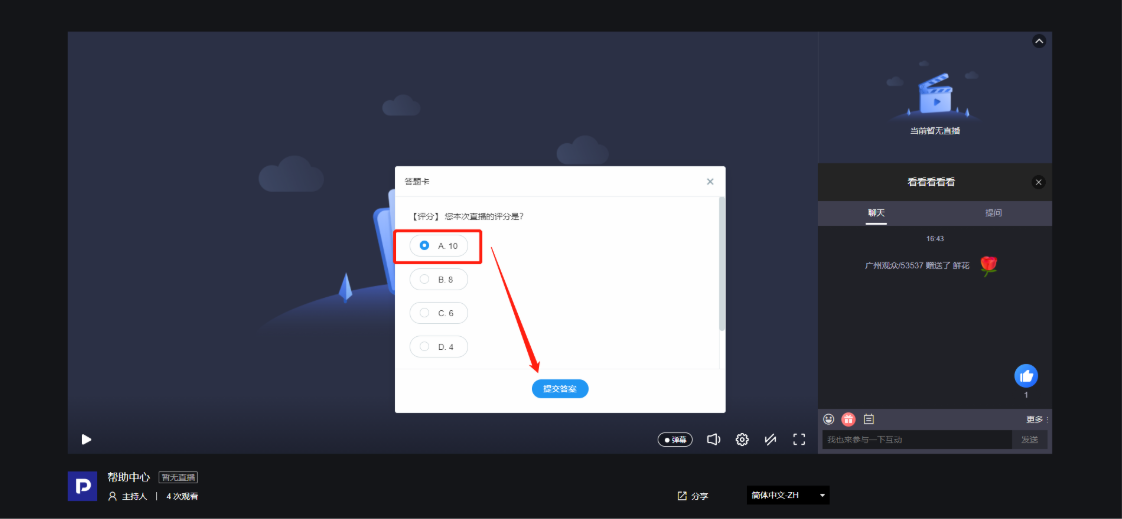
The streamer's interface will publish quiz questions, such as the single-choice questions shown in the image below. After selecting an answer, click the submit button to complete it.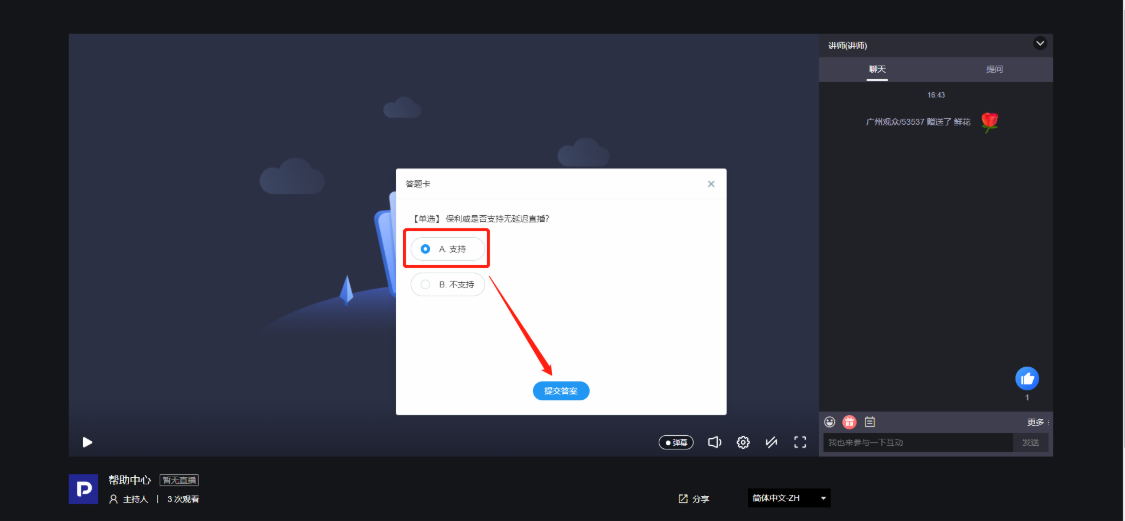 Multiple-choice questions
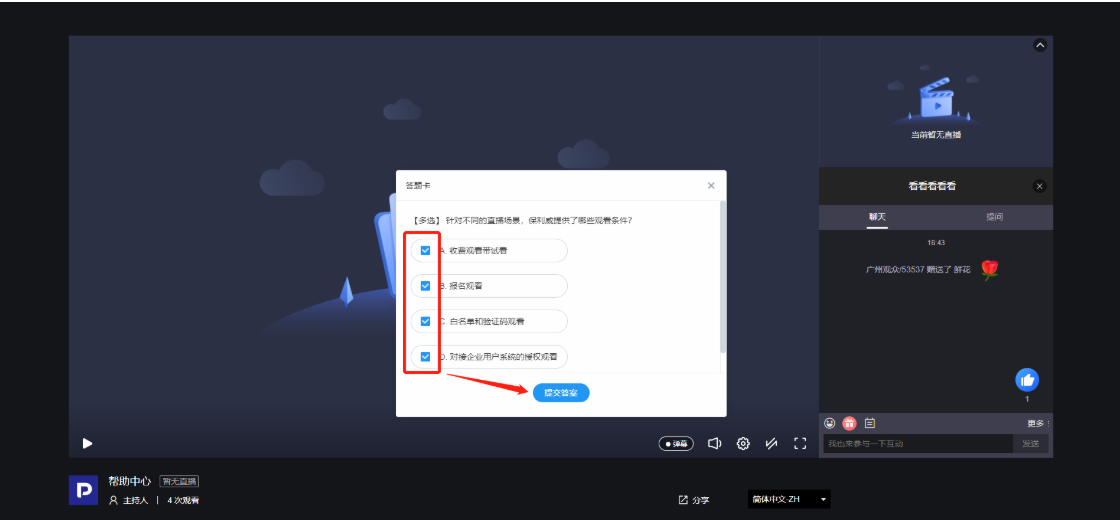
Rating
Voting.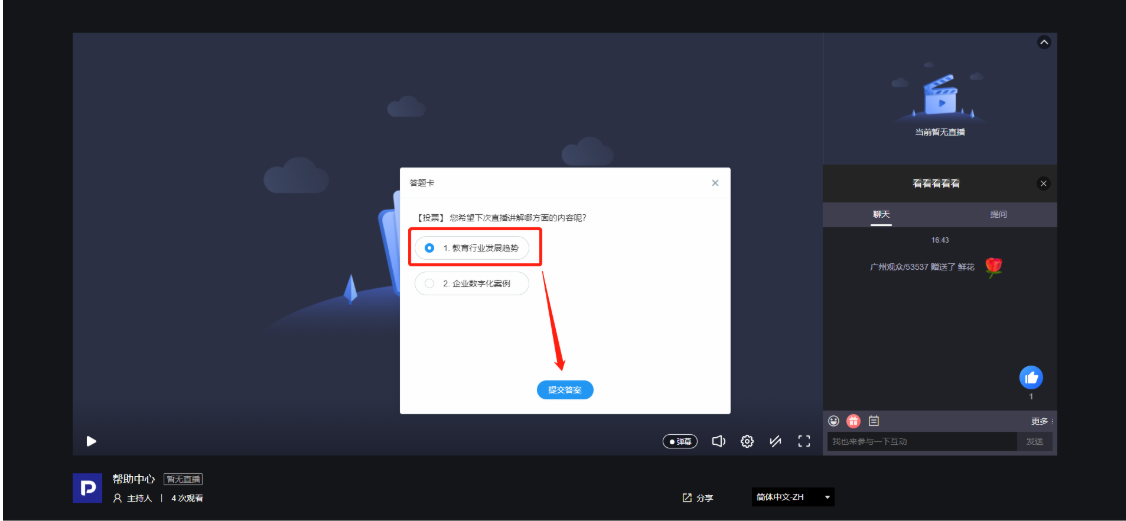
Notes
Quiz cards can be set by the streamer to have a time limit for submission. Submissions after the deadline will not be accepted, so please be mindful of the time limit.
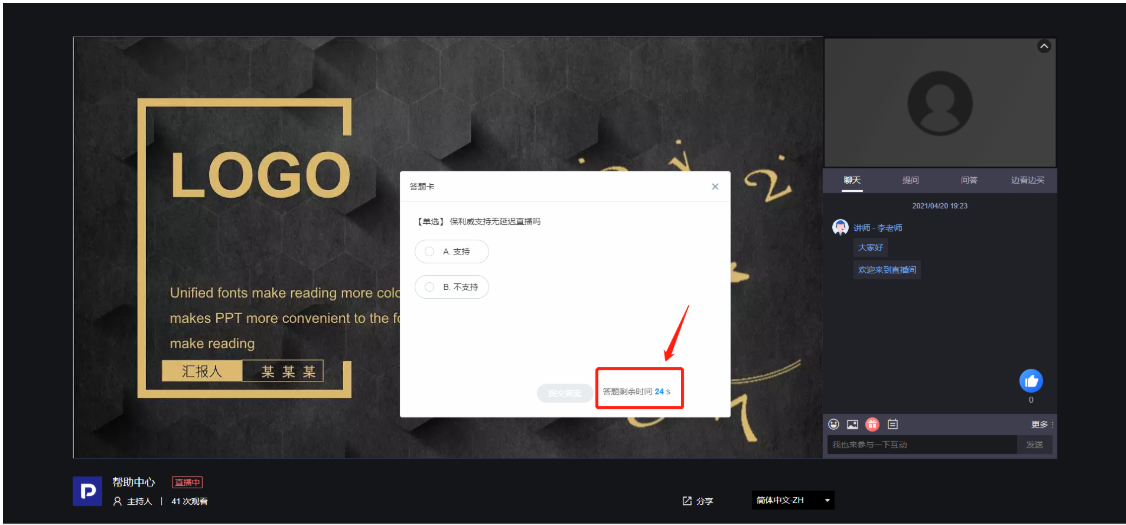
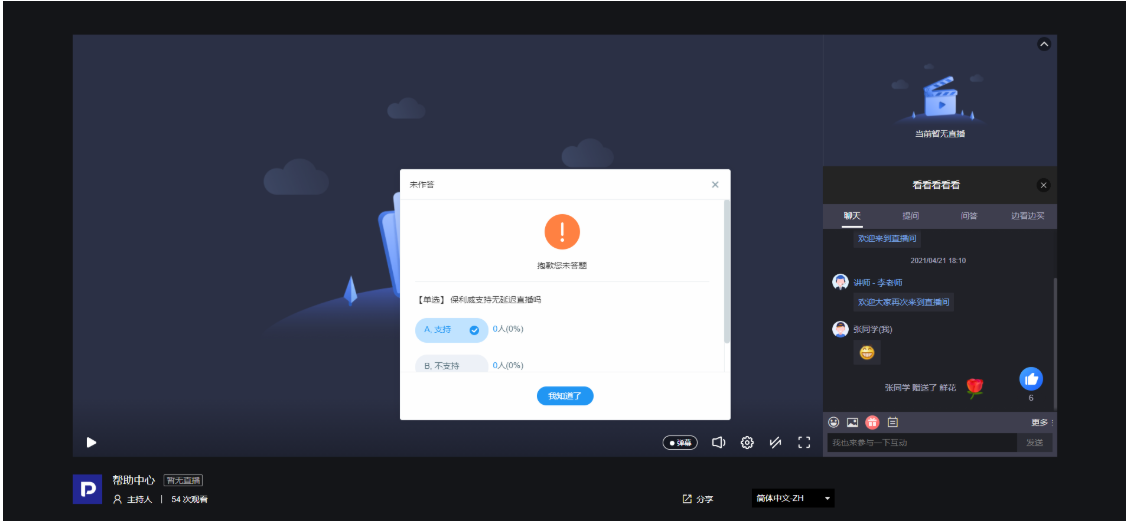
Quiz card responses can be manually stopped by the streamer, at which point the quiz card interface will disappear.
Method 3: Surveys
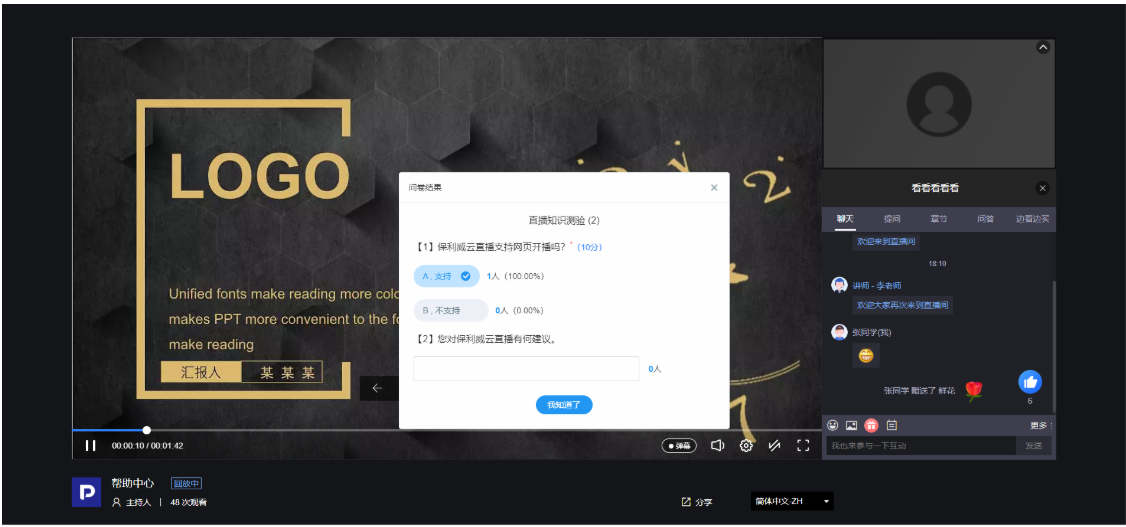
The streamer's interface will publish surveys, which may include single-choice questions, multiple-choice questions, and open-ended questions, as shown in the image below. These can include mandatory and optional questions, and questions may or may not have scores. After filling out the survey, click the submit button to complete it.
If the streamer has not stopped publishing the survey, new viewers entering the live room after the stream ends can still fill out the survey.
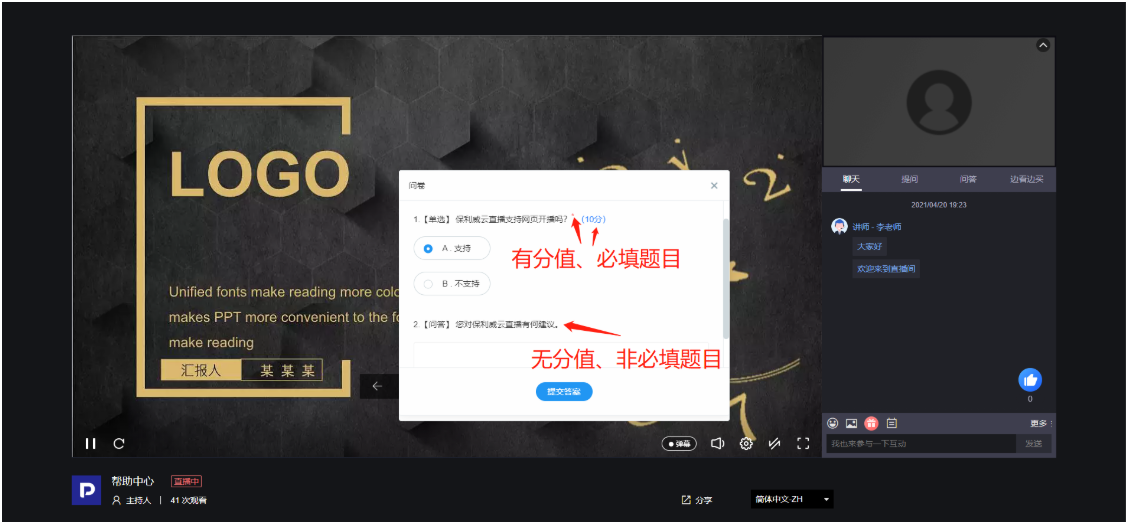
After the survey submission is stopped, the streamer can choose to send the survey results. At that point, a popup will appear on the viewer's interface displaying the survey results.