Courseware Optimization Introduction
1. Feature Overview
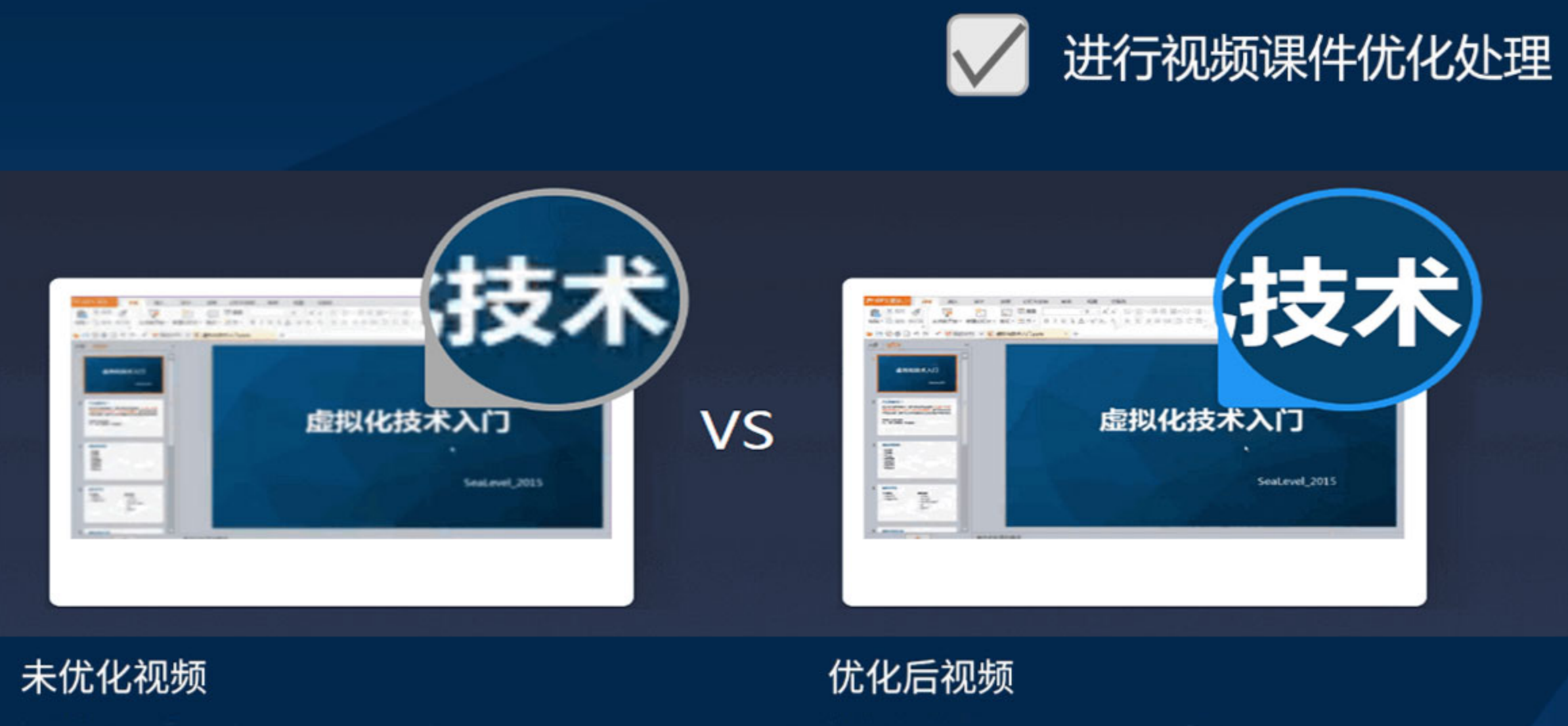
Courseware optimization is a special transcoding method provided by Polyv for "screen recording" videos. It allows uploaded videos such as PPT lectures, programming tutorials, and other screen recordings with minimal visual changes to be played at high resolution and low bitrate. This delivers clearer picture quality while consuming less bandwidth and requiring lower network conditions.
2. Applicable Scenarios
Desktop screen recordings, PPT lectures, electronic whiteboard teaching videos, and other videos with "minimal visual changes."
3. Effect
4. How to Use
Upload via Webpage
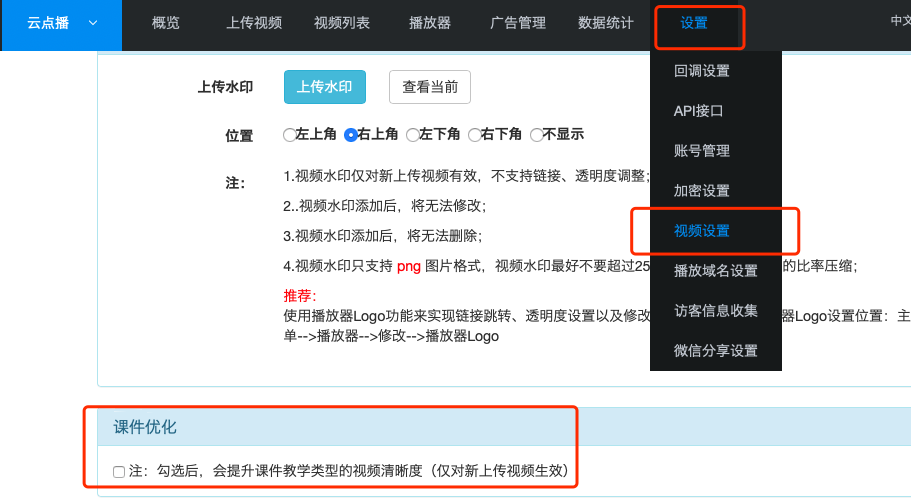
You can enable courseware optimization on the "Upload Video" page. If you are concerned about forgetting to enable it, go to "Top Menu Bar - Settings - Video Settings - Courseware Optimization," check the box, and save. Once enabled, courseware optimization will be turned on by default, but you can disable it for a single upload on the upload page.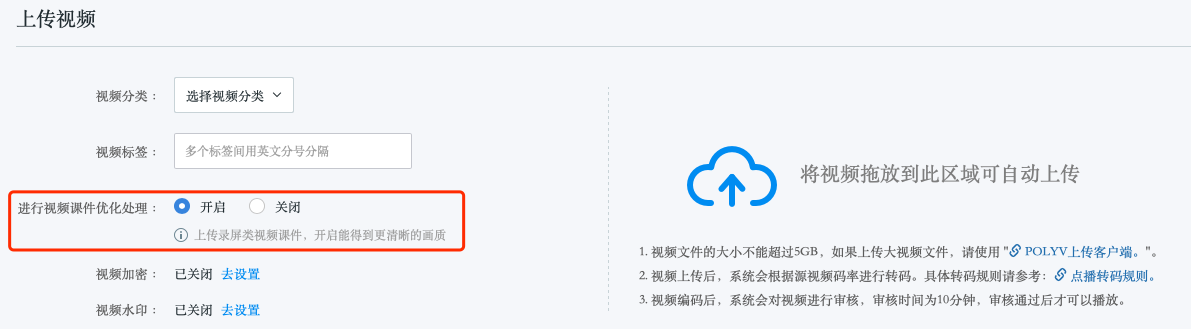
Upload via API
When using the Upload API, set the request parameterluping = 1.Upload via Client
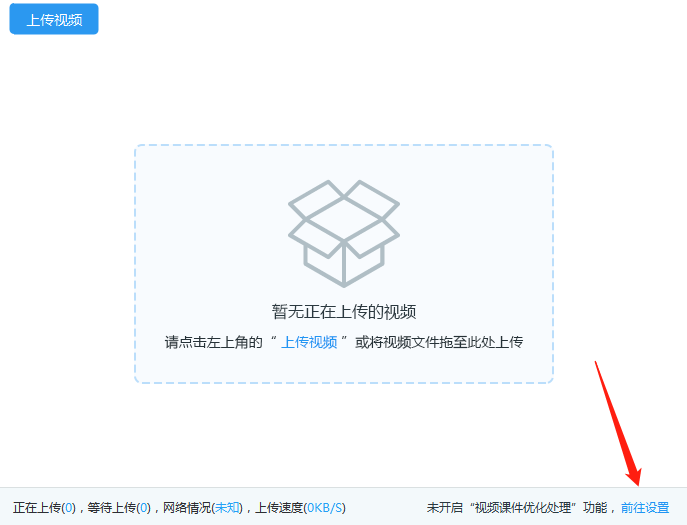
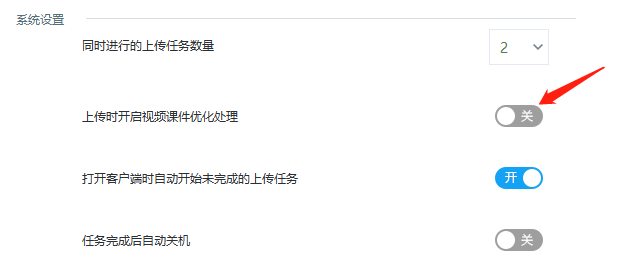
On the upload interface, check whether "Courseware Optimization" is enabled in the bottom right corner. If not, click "Go to Settings" to enable it.