Replace Video
Updated: 2021-04-30 14:47:51
Replace Function
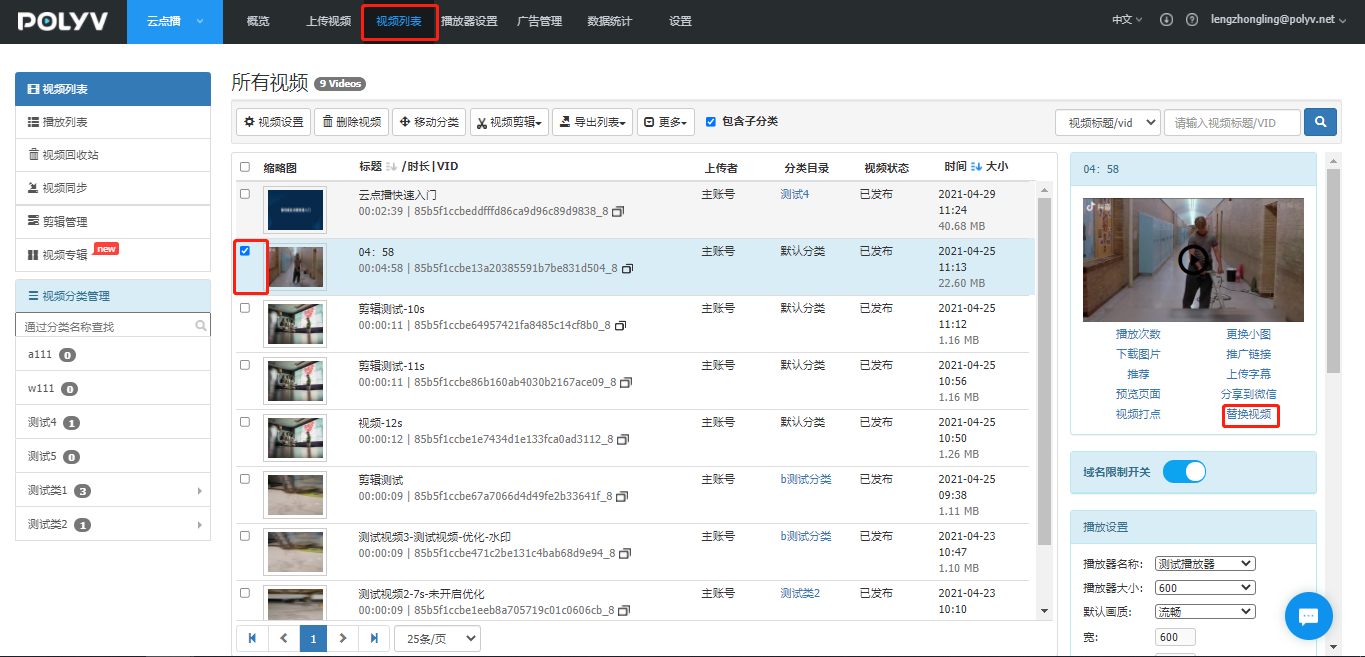
In the top function list, click "Video List" to enter the video list interface. Select a video, then find "Replace Video" in the small window on the right, as shown below:
Upload Replacement Video
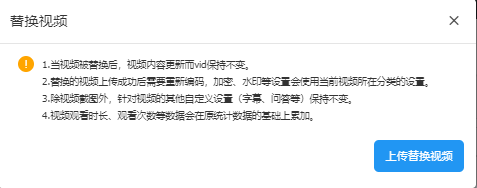
Click "Replace Video" to enter the following interface. First, click to upload the "replacement video file", select the video file, and click upload.