


Video List
After uploading videos, you can go to the video list page to edit, search, delete, and categorize uploaded videos.
Video List Page
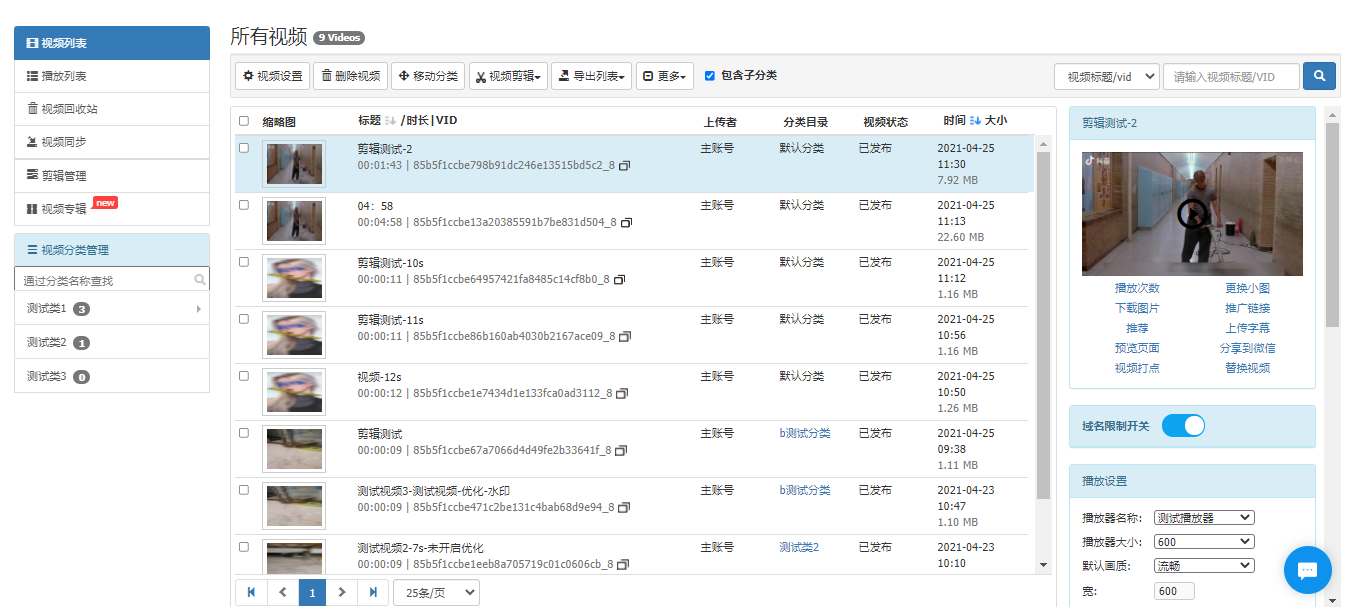
(1) Search Videos
On the video list page, you can search for videos based on six dimensions: video title/vid, vid, video status, uploader, upload time, and video tags.
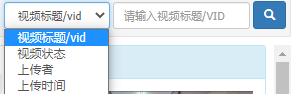
(2) Export Video Information
Click "Export List" and choose to export the selected video information or export all video information.

(3) Video Status
Click "More", select the video status, and change the video status.
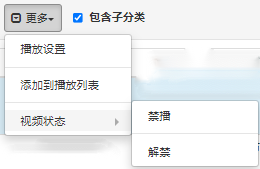
(4) Move Video Category
Select the videos you want to move to a different category. On the "Select Video Category" page, choose the target category and click to confirm.
(5) Delete Videos
Select the videos, click "Delete Video", and after confirmation, the videos will be moved to the video recycle bin. In the recycle bin, you can restore or permanently delete the removed videos.
