


[Private Encryption] Detailed Introduction to Video Copyright Encryption Scheme
POLYV is committed to improving the security of video playback and protecting your video resources. The VRM (Video Rights Management) solution has evolved to version 13.0. Compared to version 12.0 encryption, the new VRM version fixes many security vulnerabilities, including significant security improvements for the Web-based HTML5 player and native iOS and Android SDKs. It also applies POLYV's proprietary patented encryption algorithm for video transcoding, maximizing the security of video files.
With this upgrade, POLYV has applied newer technologies to develop its own Web player. This novel technology uses software decoding for video playback, which may result in lower compatibility and performance compared to common web players, but offers a substantial improvement in security. If you prioritize video security and are willing to sacrifice the user's Web playback experience, it is recommended to upgrade your video protection scheme to VRM13.
Rollout Scope:
Customers who have already activated a POLYV account can upgrade new videos to VRM13 for free. To proceed with the upgrade, please contact POLYV personnel.
Web Browser Compatibility Notes
1. Browser Compatibility
| Desktop Browser/Player | Online PC H5 Player | VRM10+ Player |
|---|---|---|
| Chrome | ✔️ | ✔️ (57+) |
| Firefox | ✔️ | ✔️ (52+) |
| Edge | ✔️ | ✔️ (16+) |
| IE | IE11+ for Windows 8.1+ | Not supported |
| Safari | ✔️ | ✔️ (11+) |
2. Playback Performance
For videos authorized with VRM13, POLYV will use compression encoding (specific encoding strategy) to reduce playback issues (stuttering, audio anomalies) on browsers for videos with higher resolution or frame rate.
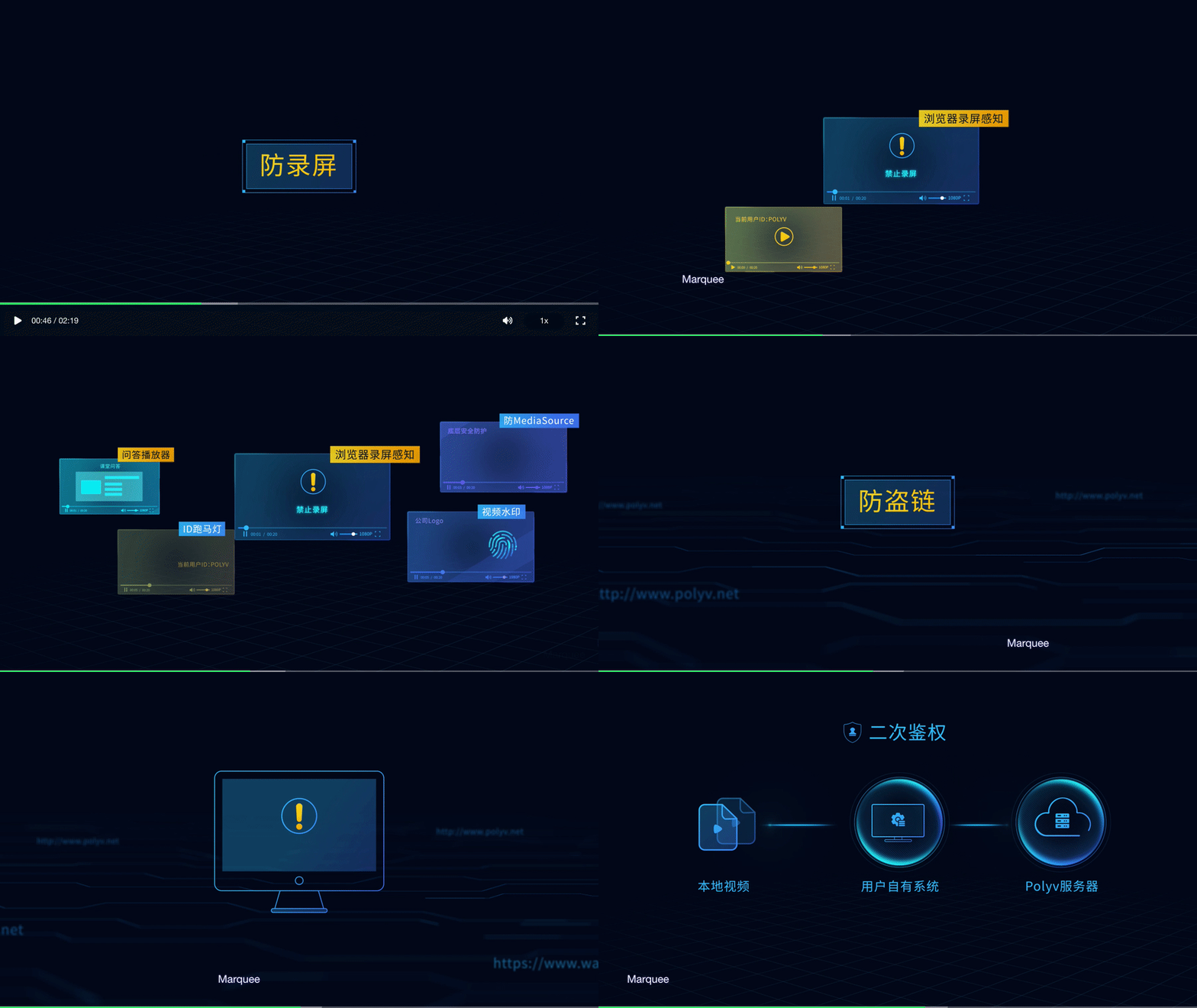
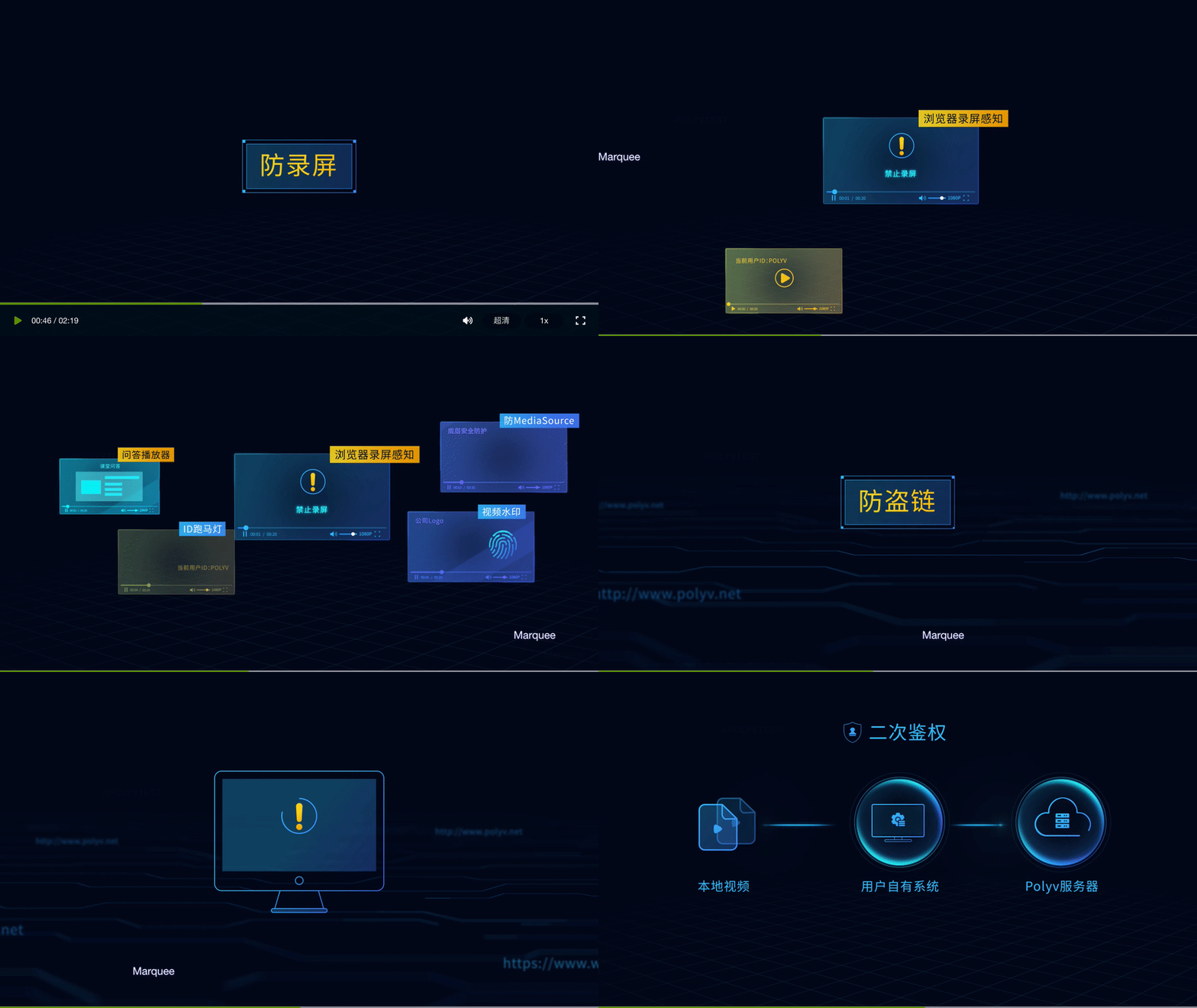
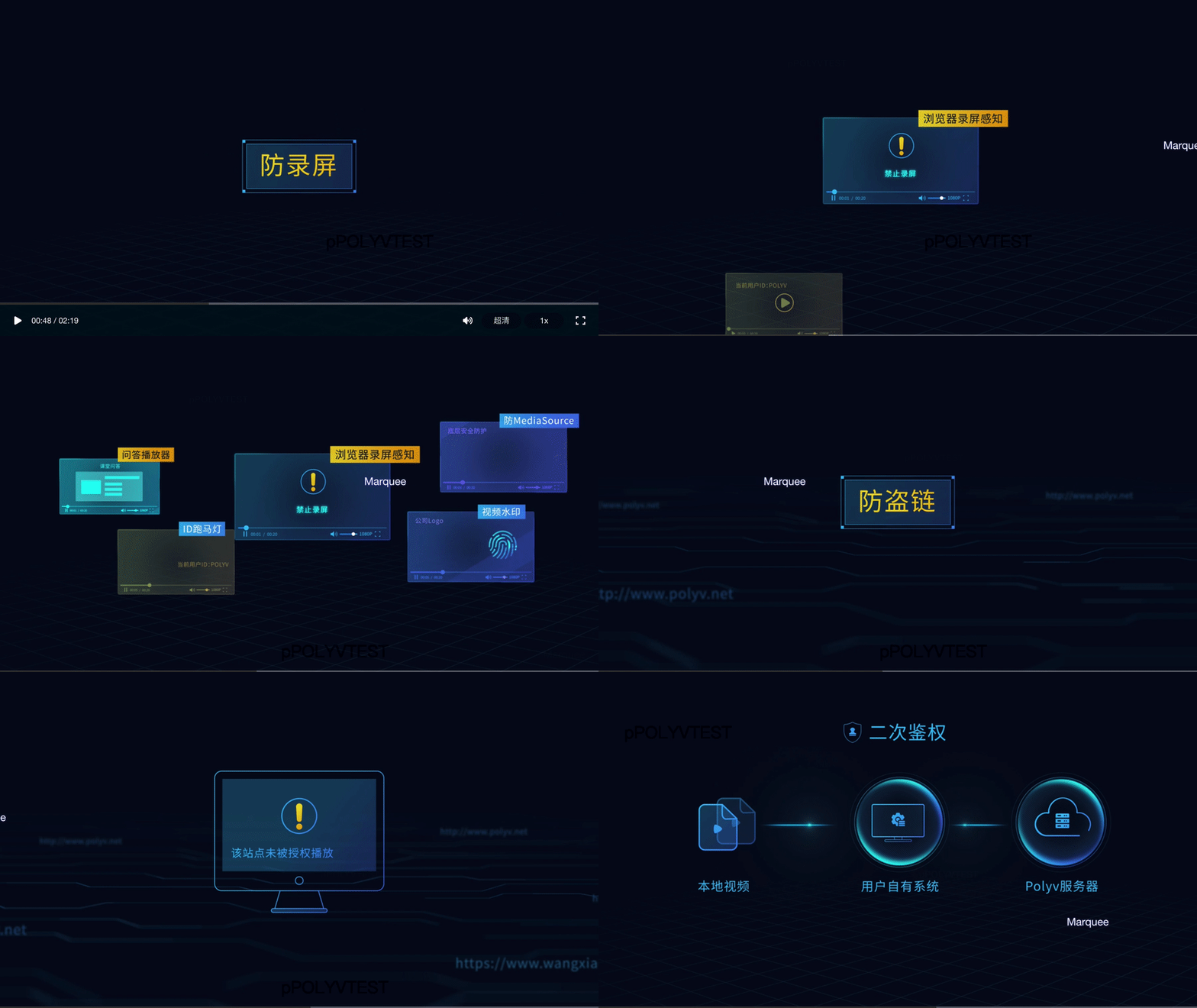
To better illustrate the differences, a comparison is provided showing the playback of the same video as the source file, VRM13 authorized encryption, and standard encryption Web authorization (consistent with other existing authorization encoding strategies).
Comparison Chart: Source File / VRM13 Authorized Video / Web Authorized Playback
Shown in order: Source file, Web authorization, VRM13 authorization
3. The VRM13 player is compatible with non-VRM13 videos. For specific requirements, please contact the after-sales engineer to enable this feature.
Upgrade Process
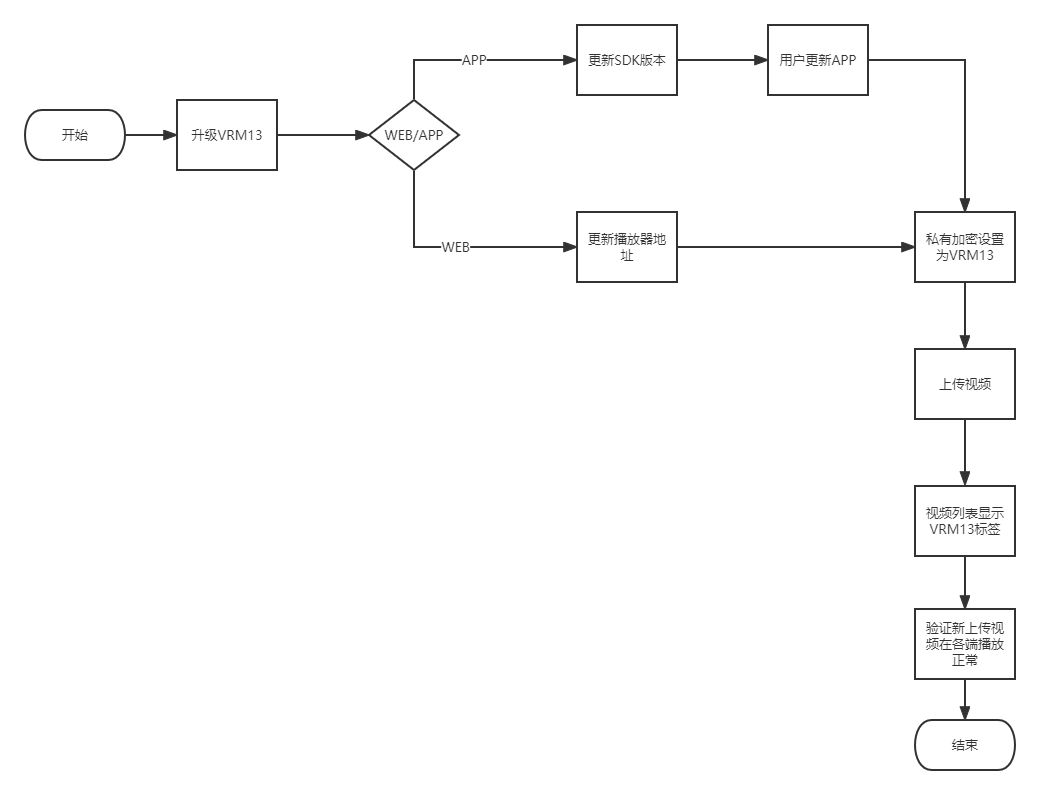
Upgrade Guide
Web HTML5 Player Upgrade Guide:
Users who wish to use the VRM13.0 player need to replace the Web player's endpoint reference address with the following address:
<script src='//player.polyv.net/resp/vod-player-drm/canary/player.js'></script>
Note:
- The supported features, parameters, interfaces, and events of the player are consistent with the online player.
iOS/Android SDK Upgrade Guide:
The new versions of the iOS/Android SDK will apply the VRM13.0 security mechanism by default. Therefore, users only need to upgrade the SDK version without making any code changes. The SDK versions that begin applying the DRM13.0 security mechanism are as follows:
- iOS SDK: v2.18.0
- Android SDK: v2.18.0
Setting VRM13 Authorization Method in the Backend
Note: Settings only apply to newly uploaded videos. Please confirm that the user has completed the upgrade before uploading.
VRM13 provides two dimensions for settings: Account level and Category level.
Account Level Setting Method:
Function path: Cloud Video on Demand - Settings -> Encryption Settings -> Video Encryption Settings -> Encryption Method
Category Level Setting Method:
Function path: Cloud Video on Demand -> Video Category Management -> Category Attribute Settings -> Video Encryption Settings -> Encryption Method
