


Viewing Restrictions
Updated: 2024-12-16 19:20:19
Feature Overview
Usage Guide
For public live streams, all viewers can enter and watch. When live content (paid courses, internal training) requires certain conditions to be met for viewing, viewers must pass the corresponding verification. Polyv live rooms support setting two verification conditions simultaneously; viewers only need to pass one.
Viewing Conditions Overview:
| Viewing Condition | Feature Description | Use Case |
|---|---|---|
| Paid Viewing | Viewers must pay successfully to enter the live stream page. A trial period is also supported. Payment validity includes: 1. One-time payment, permanent validity 2. Set a payment validity date 3. Set a payment validity duration |
Paid Courses |
| Whitelist Viewing | Users on the whitelist can directly watch the live stream after entering the correct verification. | VIP Member Viewing |
| Registration Viewing | Viewers can watch after filling in the required content. | When there is a need to collect viewer information, serving as marketing data support |
| Verification Code Viewing | Viewers can watch after entering the correct verification code. | Viewers can obtain the verification code by scanning a QR code, which can quickly attract followers to a public account |
| Enterprise WeChat Viewing | Only enterprise employees are allowed to watch; non-employees cannot view the live stream. | Enterprise Internal Live Streams |
- Custom Authorization, External Authorization, Independent Authorization: Suitable for organizations with their own user systems. The logic for verifying whether a viewer can watch the live stream is implemented by the third-party system.
| Authorization Type | Example | Documentation |
|---|---|---|
| Independent Authorization | http://demo.ipolyv.cn/wfy/directAuth.php | Independent Authorization |
| Custom Authorization | http://live.polyv.cn/watch/104400 | 自定义授权 |
| External Authorization | http://demo.ipolyv.cn/chenwb/open.php | 外部授权 |
Viewer-Side Effects
| Viewing Condition | SaaS-Web | SaaS-H5 |
|---|---|---|
| Whitelist Viewing | 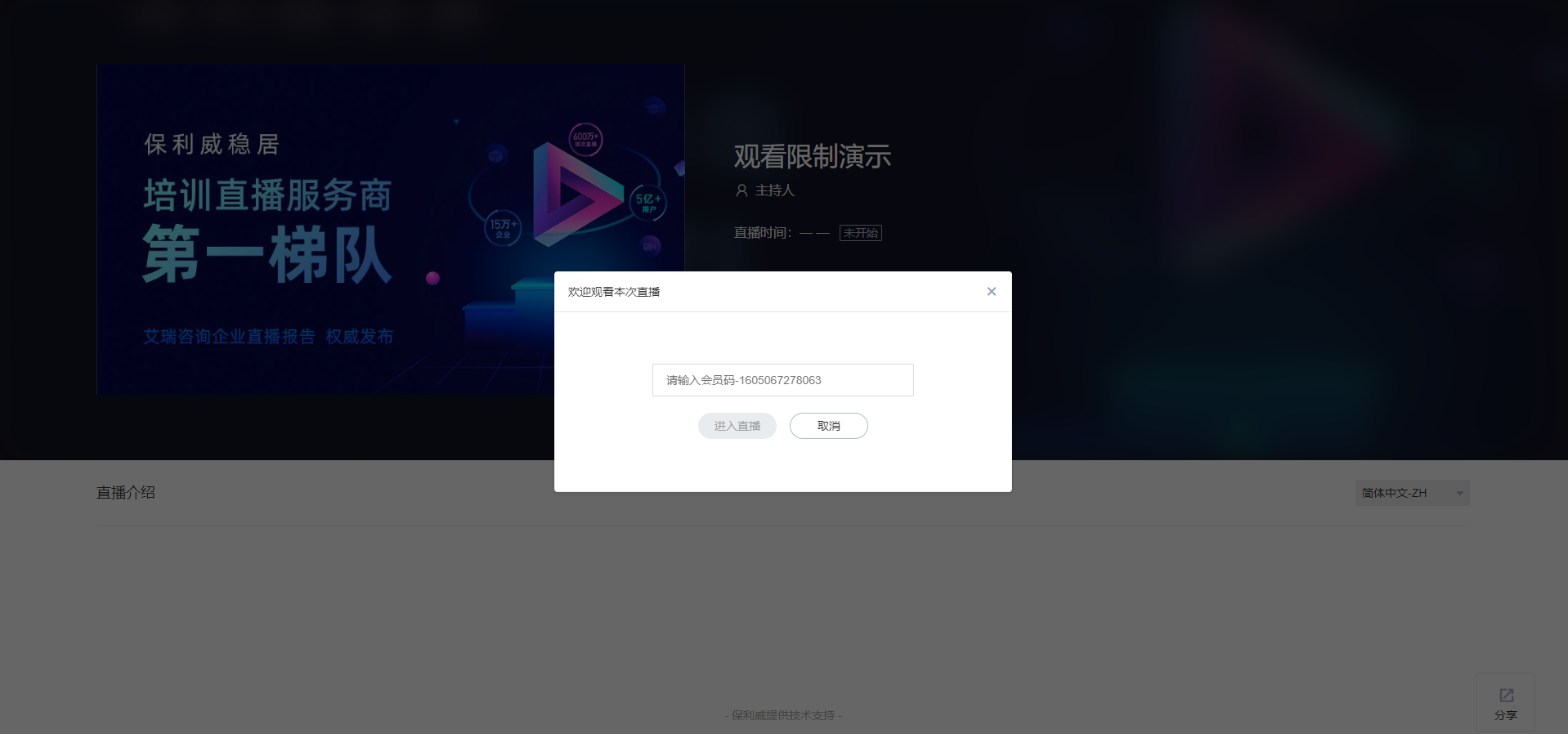 |
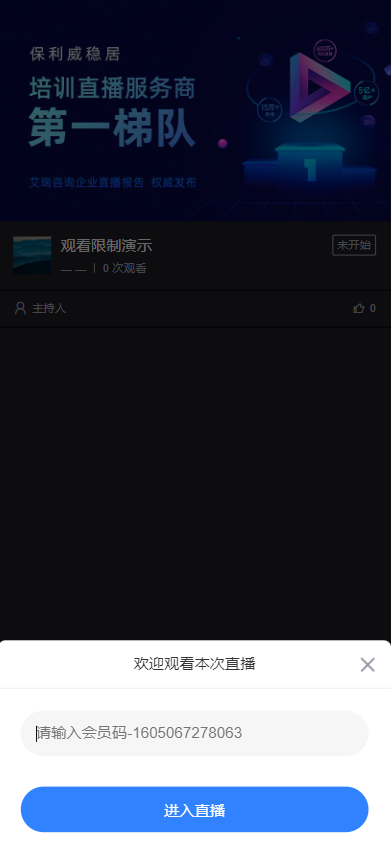 |
| Paid Viewing | 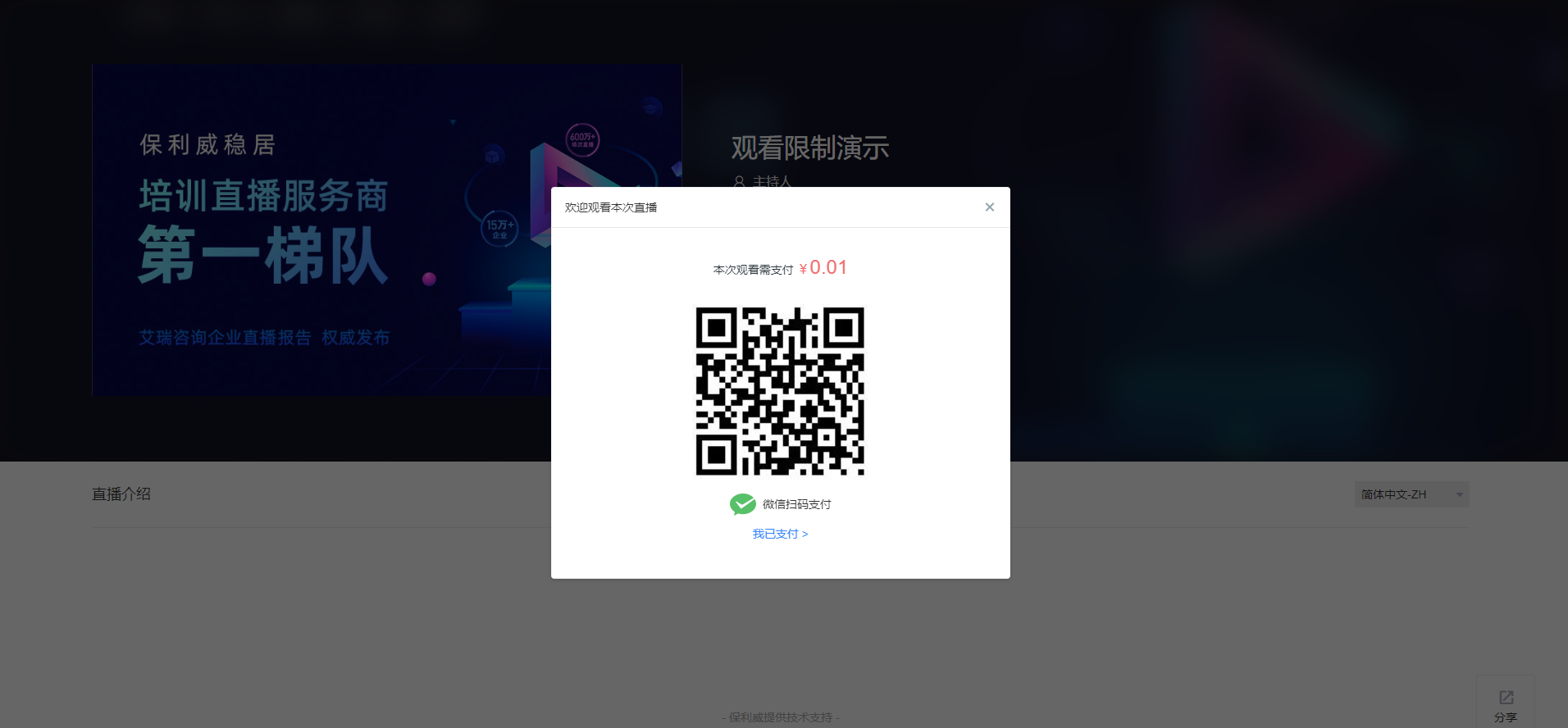 |
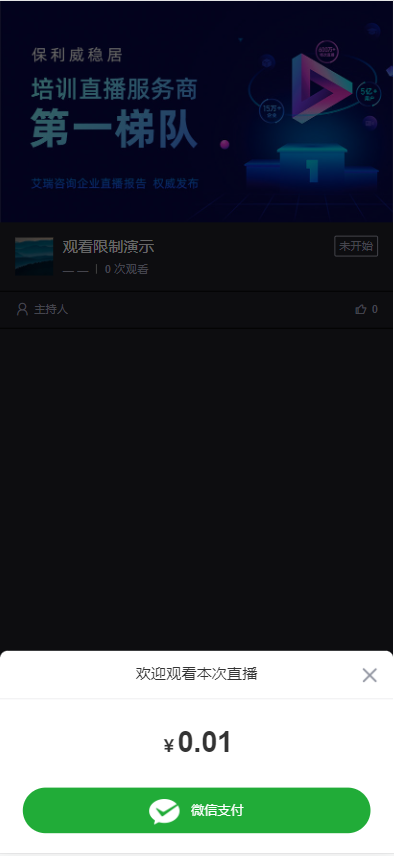 |
| Verification Code Viewing | 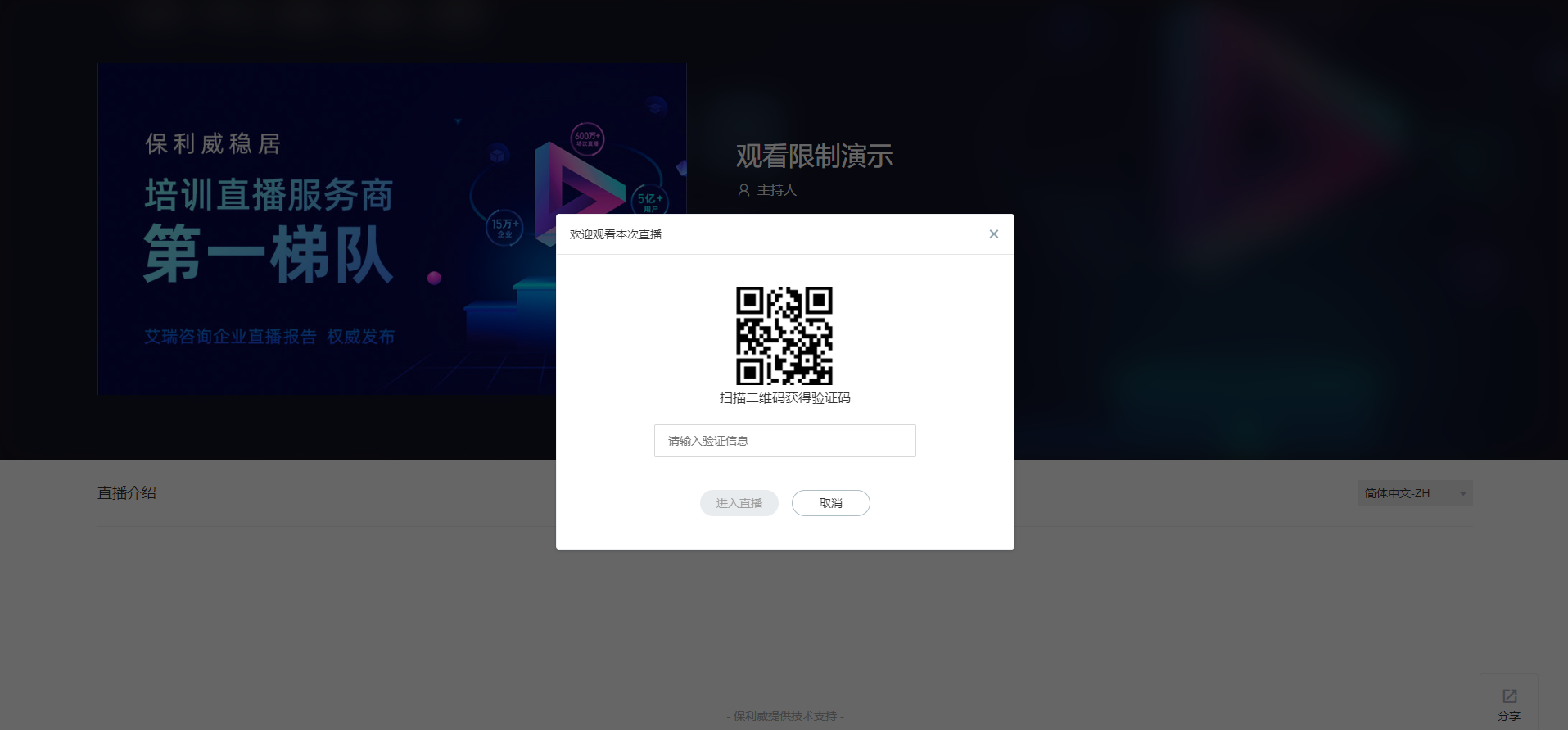 |
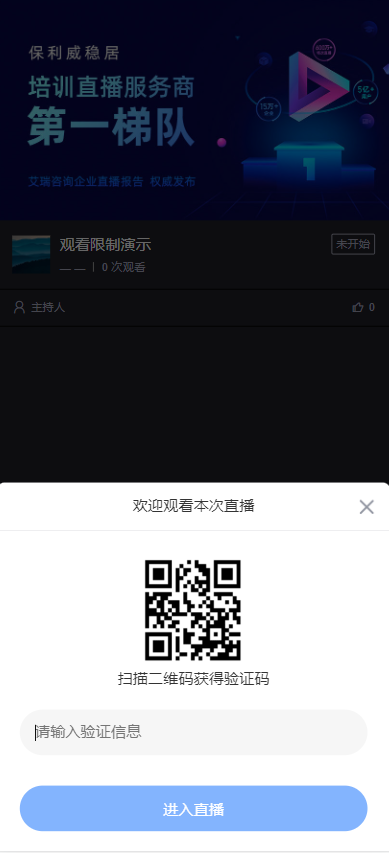 |
| Registration Viewing | 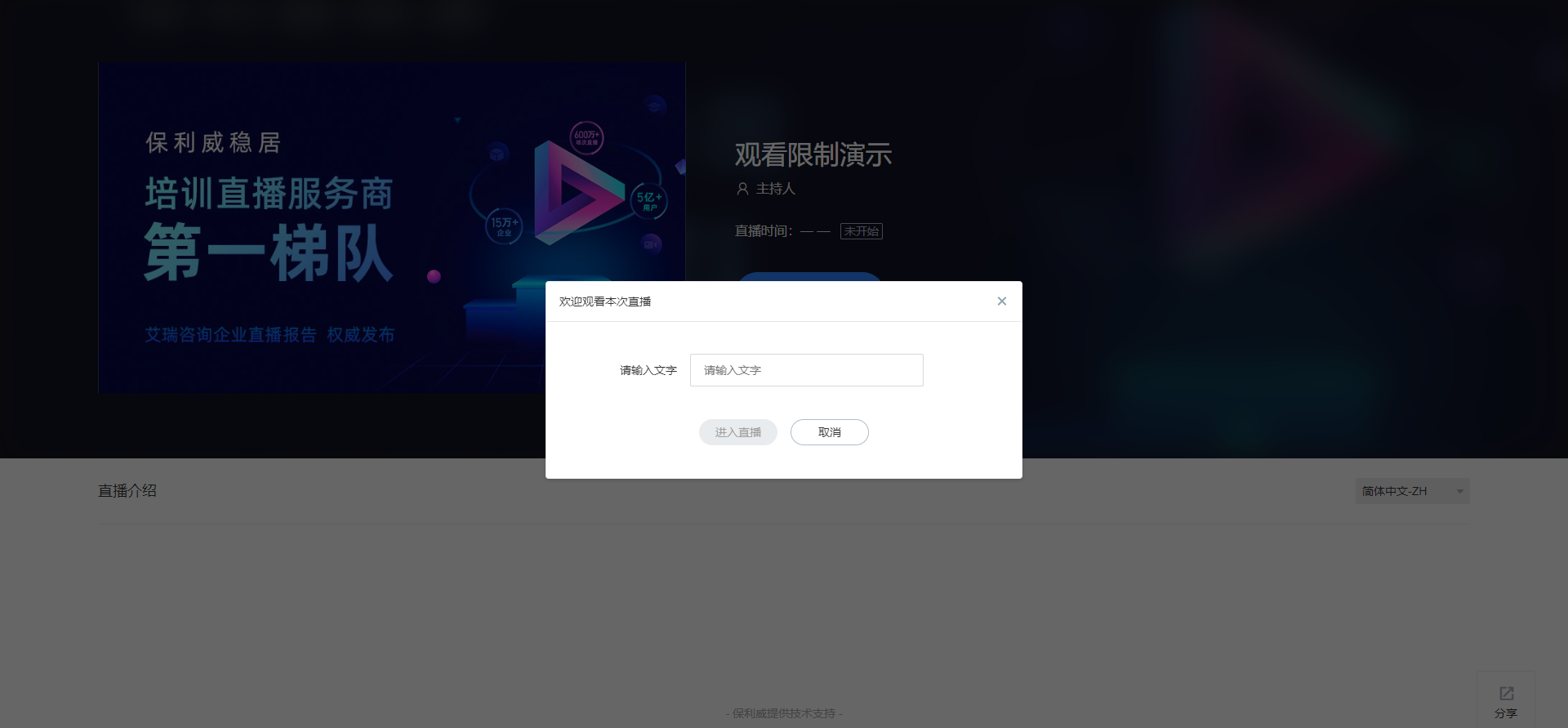 |
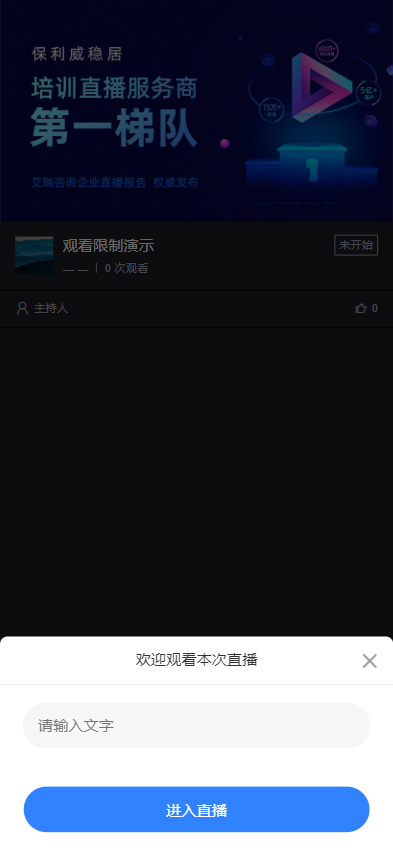 |
Platform Support
| Platform | Description |
|---|---|
| SaaS Viewing Page | Supported |
| WEB-SDK (Viewing Page SDK) | Supported |
| Mobile Multi-Scenario SDK | Not Supported |
Related API Endpoints
The related API endpoints are as follows:
| API Name | Description |
|---|---|
| Query Channel Viewing Conditions | Query channel viewing conditions |
| Modify Channel Viewing Conditions | Modify viewing conditions for a channel or general settings |
| Modify Channel External Authorization Settings | Set channel external authorization |
| Modify Channel Custom Authorization Settings | Modify channel custom authorization settings |
