Lottery
Updated: 2024-10-23 16:47:48
Feature Overview
Lottery can be used to liven up the live room atmosphere, drive private traffic, and increase viewer engagement. Polyv's lottery feature includes three modes: Standard Lottery, Sign-Up Lottery, and Conditional Lottery. Below is an introduction to each mode.
Retrieving Lottery Results
Retrieve Lottery Results via Live Room Statistics
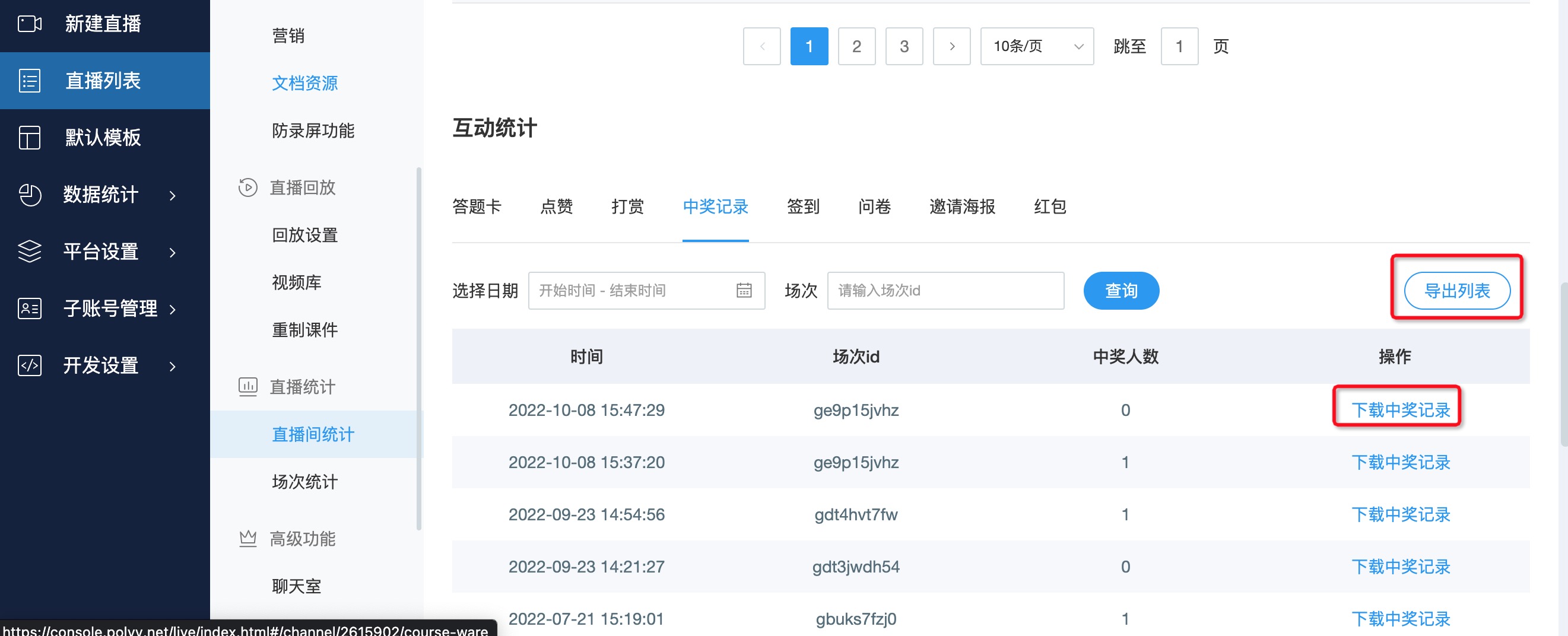
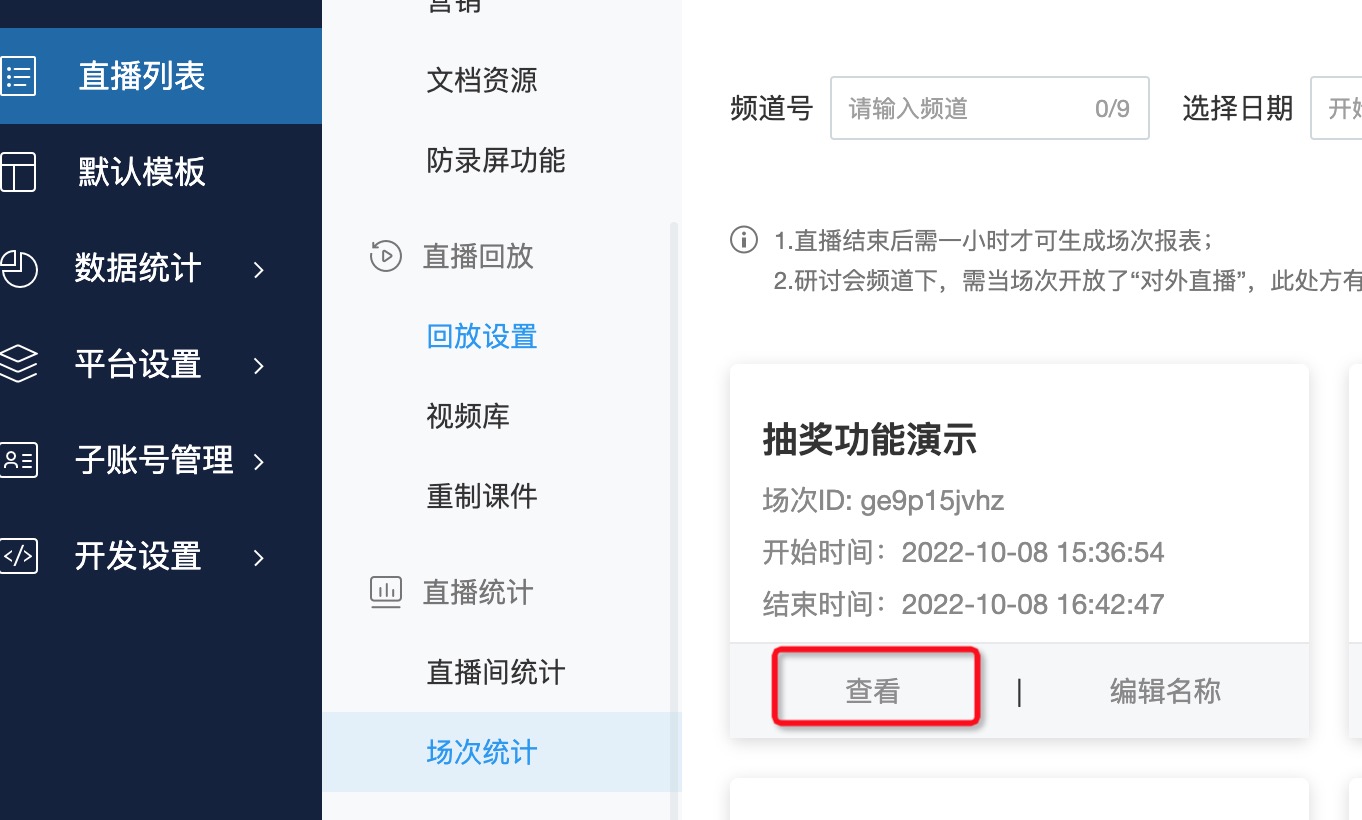
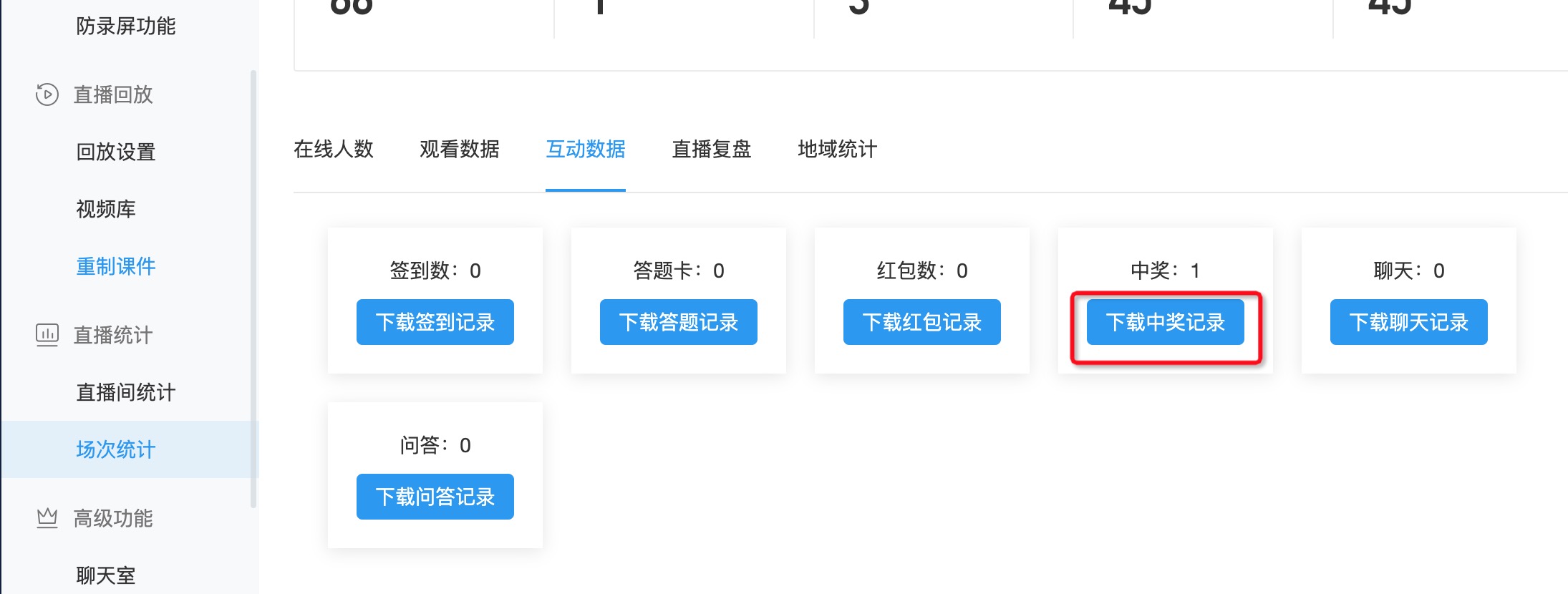
Retrieve Lottery Results via Session Statistics
Retrieve Lottery Results via Server API
Client Support
Notes
- Sign-Up Lottery can only be initiated from the assistant's end; the host cannot initiate it. Winner records cannot be retrieved via API and must be manually exported by the assistant.
- For Sign-Up Lottery, viewers can only see the list of winners and must check themselves whether they have won.
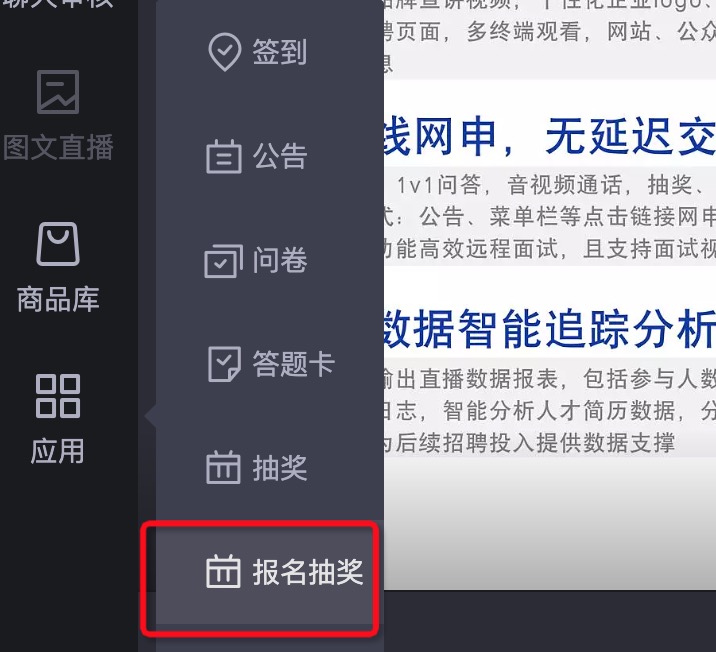
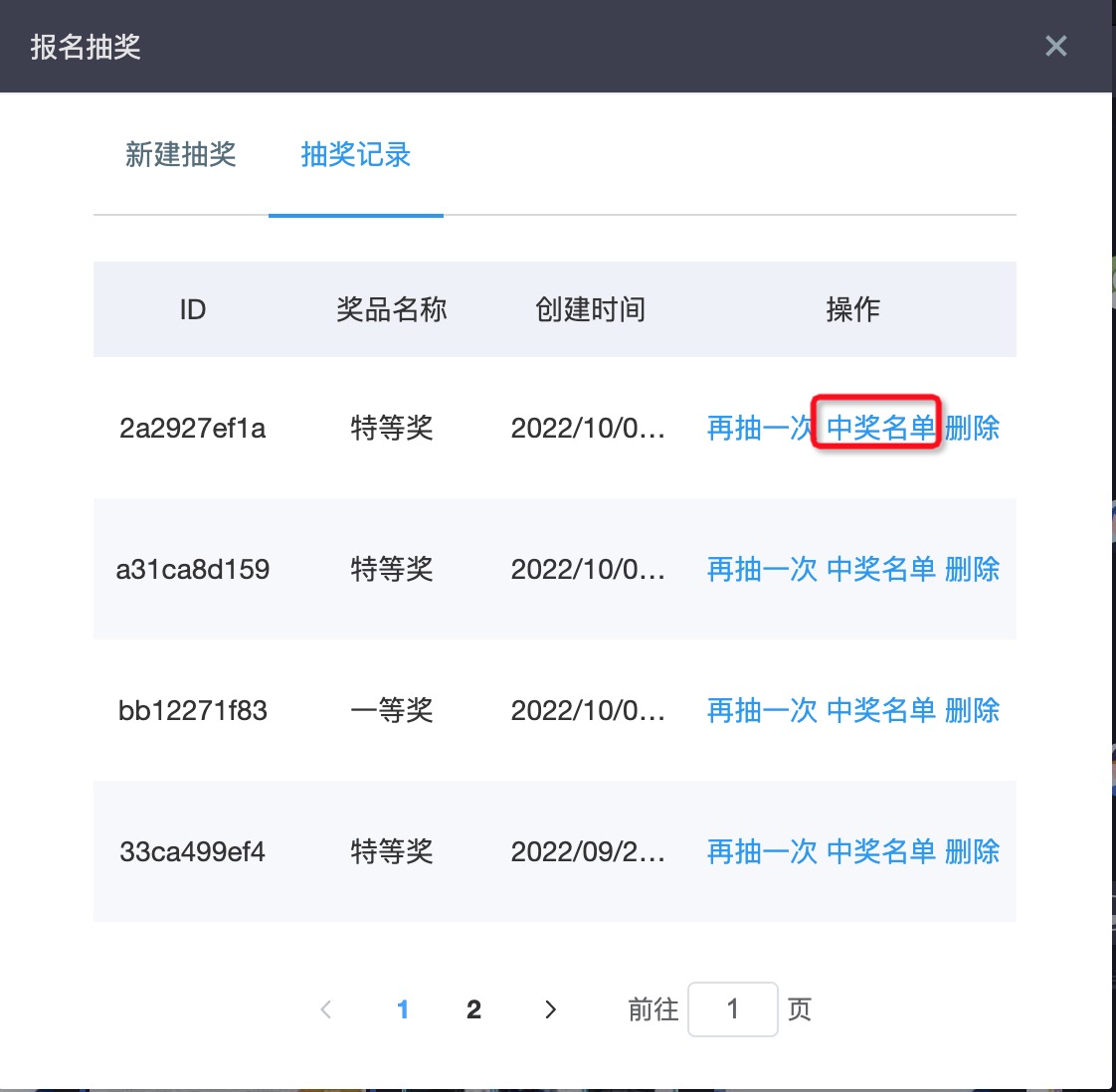
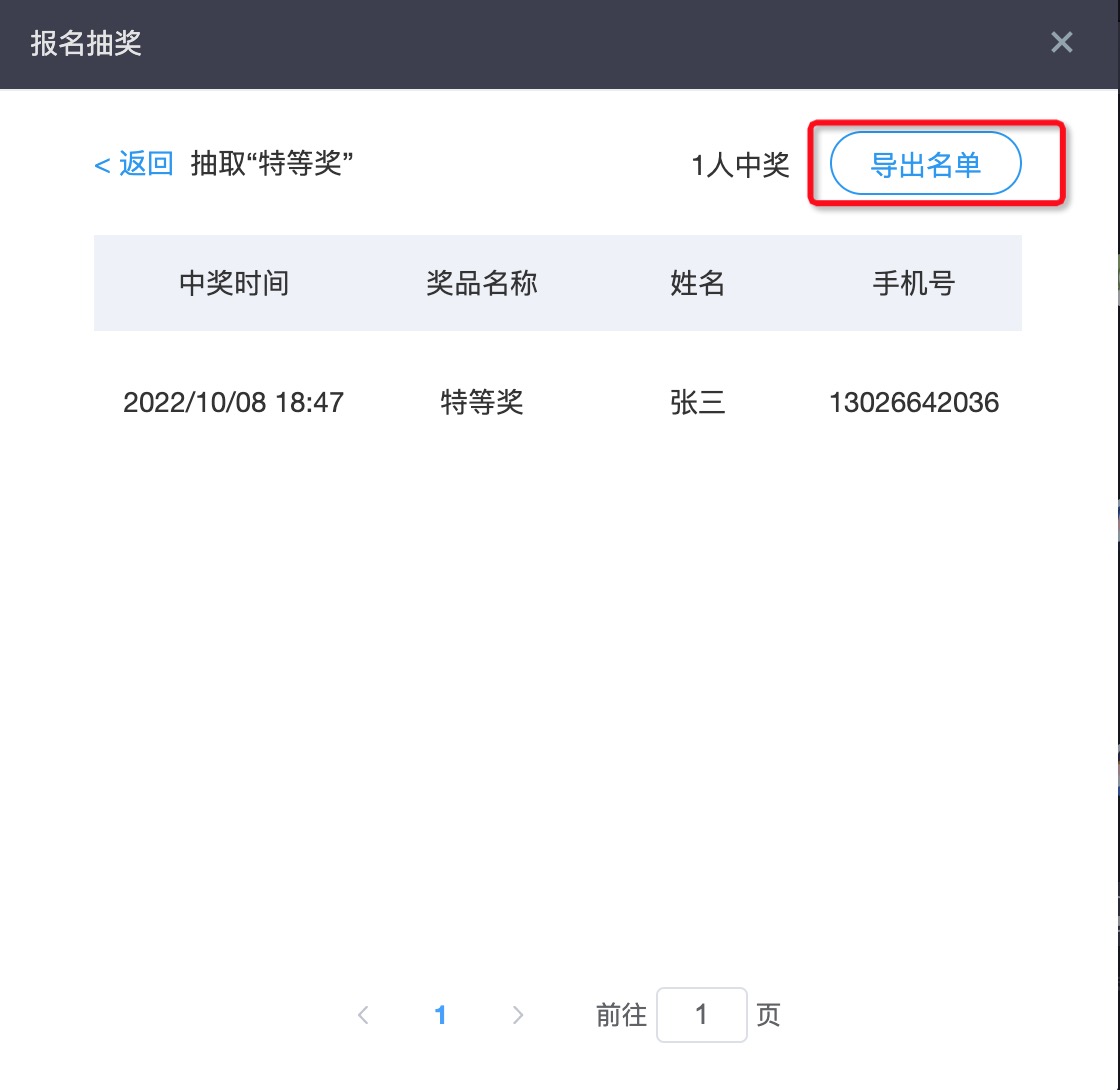
- For Sign-Up Lottery, winner records cannot be retrieved via API or exported from the live room backend. They must be manually exported by the assistant. The specific steps are as follows:
- The lottery feature does not support custom UI. For custom UI requirements, please contact Polyv technical support.