


Resume Playback
Updated: 2024-10-23 16:47:48
Feature Description
When a viewer exits during playback of a recording, they can return to the viewing page and resume playback from the historical progress point.
Feature Preview
| SAAS-WEB | Mobile |
|---|---|
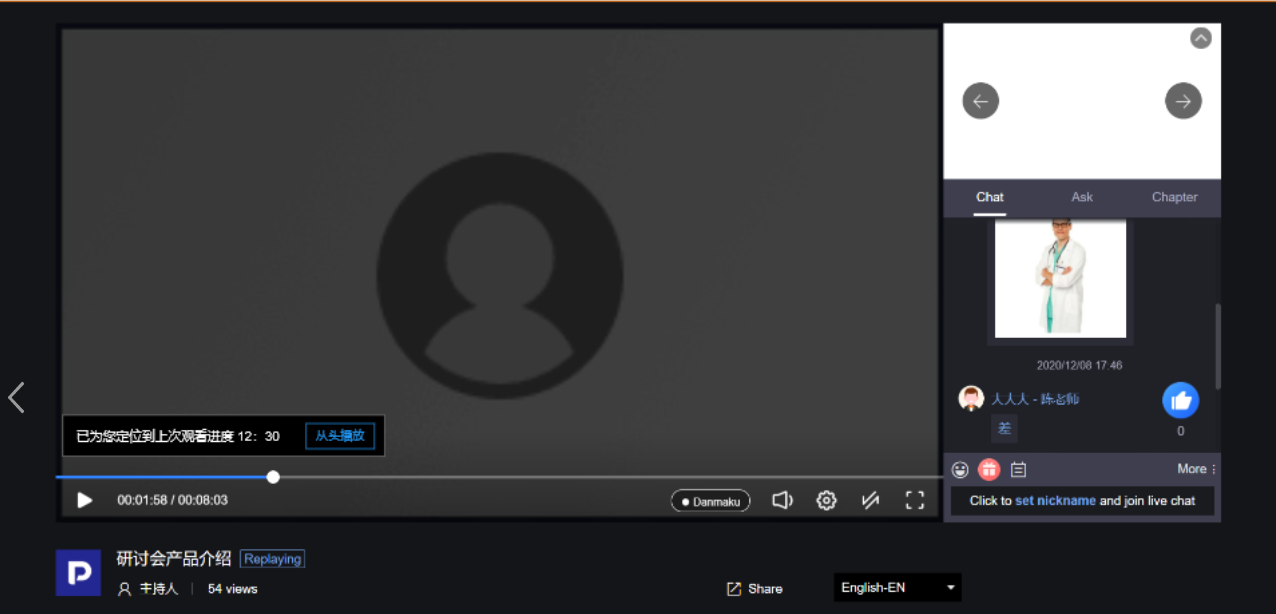 |
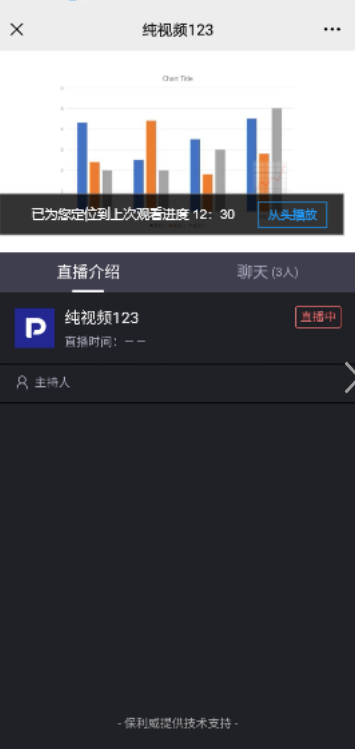 |
Client-Side Integration Solutions
| Integration Solution | Description |
|---|---|
| SaaS viewing page | Supported |
| Web-SDK (viewing page SDK) | Supported |
| Mobile native multi-scenario SDK | Supported |
Notes
- Ensure progress reporting is reliable in cases of unexpected closure or network disconnection (automatically report progress at intervals).
- After deleting a video from the on-demand or live replay list, delete the viewer's historical progress; after deleting a channel, delete the viewer's historical progress.
- Progress can be recorded for both on-demand and live replay channels.
- The total video duration must be greater than 5 minutes.
