


场景介绍
Scenario Description
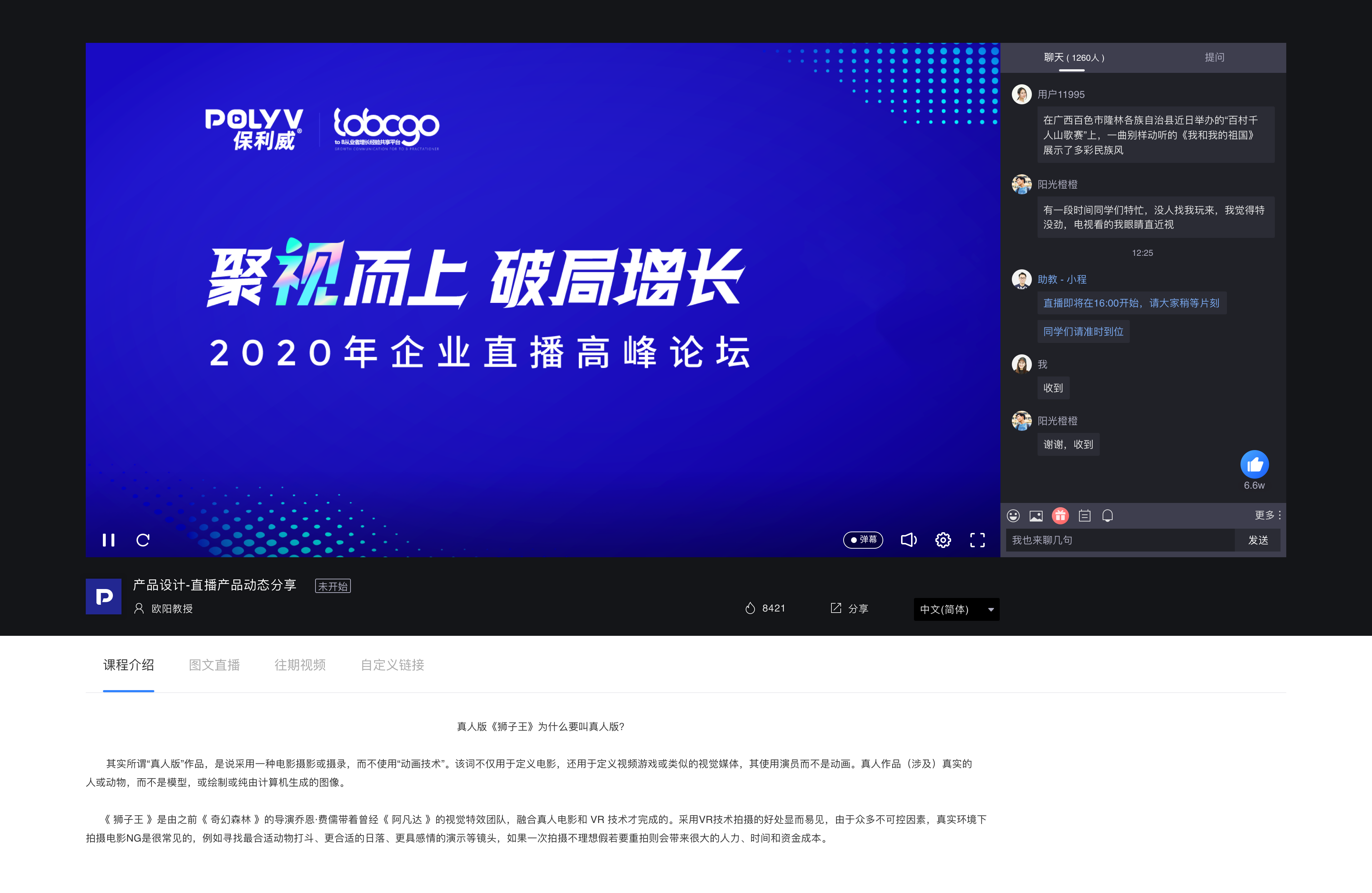
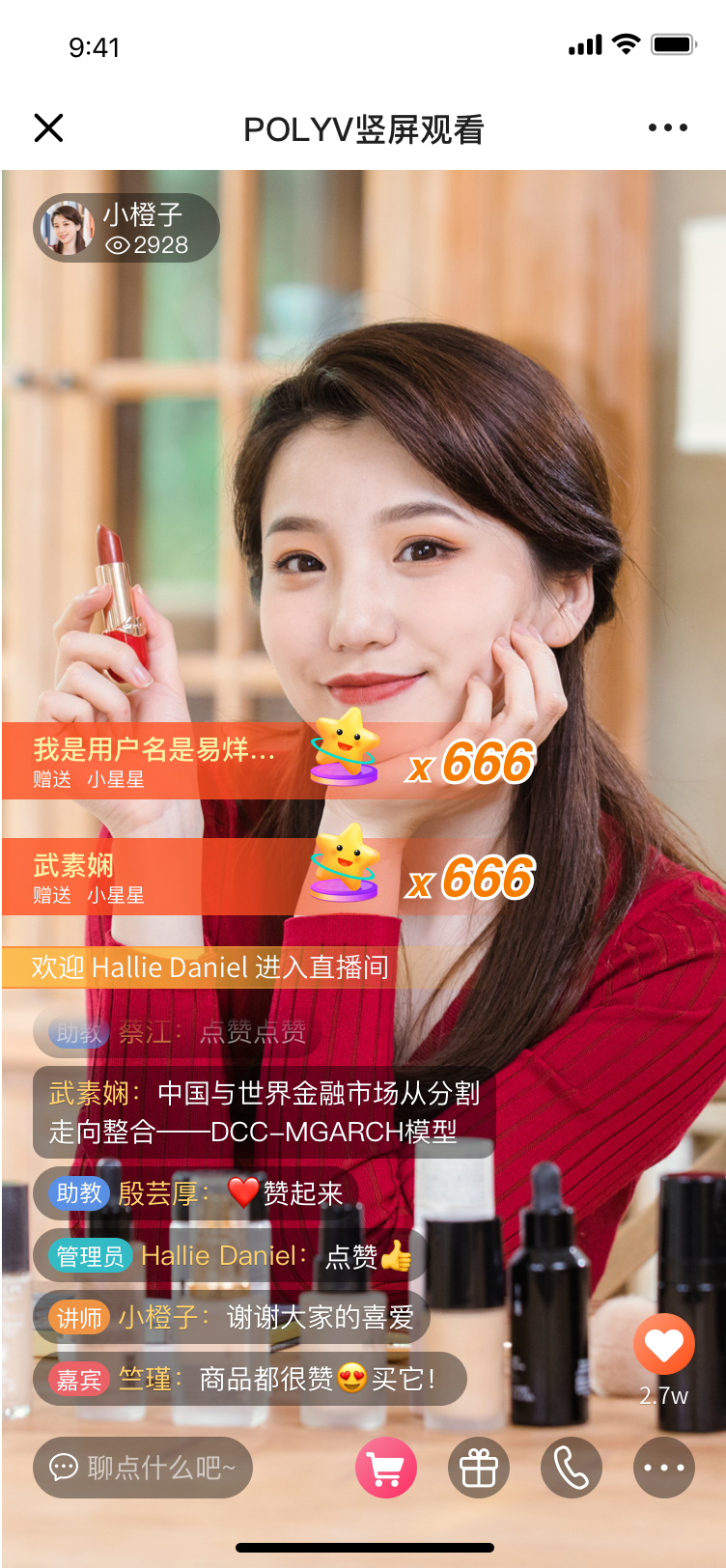
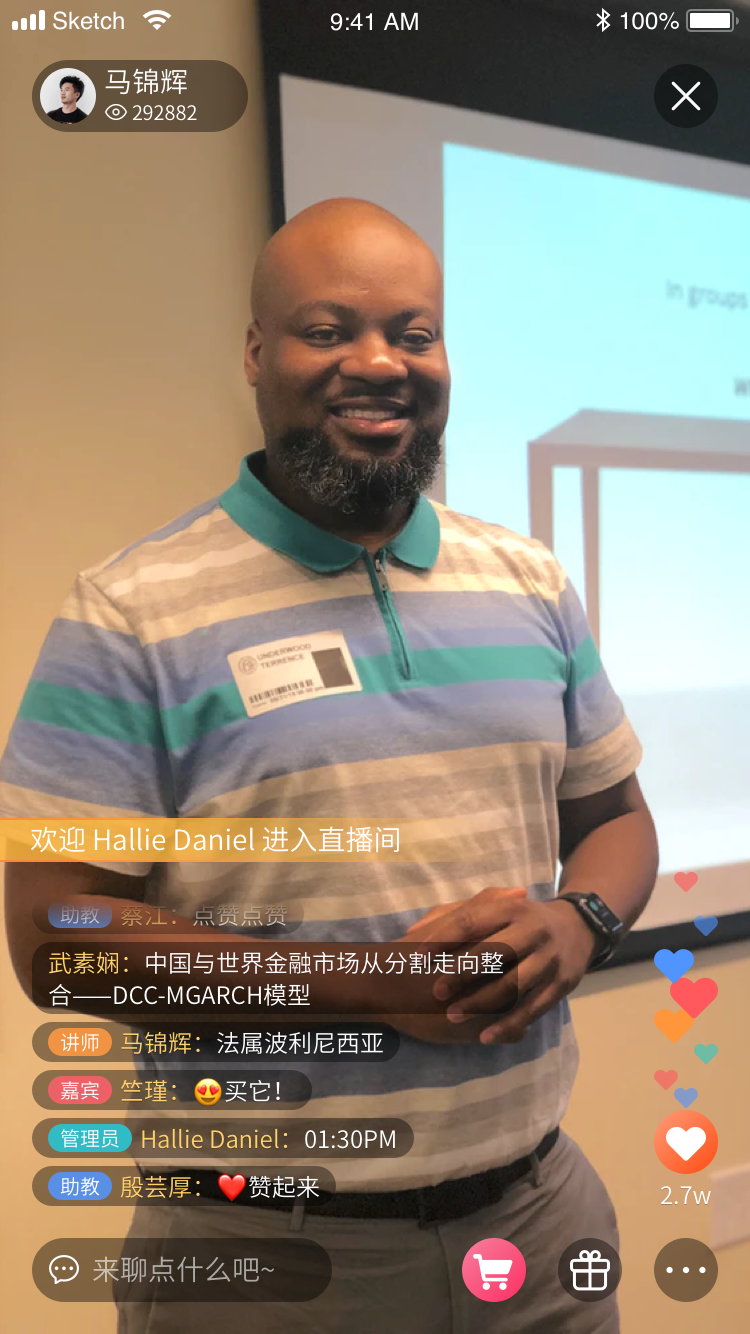
The pure video scenario refers to a live streaming format where cameras, computers, or mobile phones are used as video capture devices. The captured video is pushed to the POLYV server via the POLYV broadcasting client and finally viewed through the POLYV viewing client (supporting multiple platforms and languages). The viewing client mainly includes a video area and a chat interaction area. The video area plays the video from the capture device and the video information from co-hosting terminals. The chat area includes chat interaction, check-in, announcements, surveys, answer sheets, lotteries, red packets, product library, timers, card pushes, and other features.
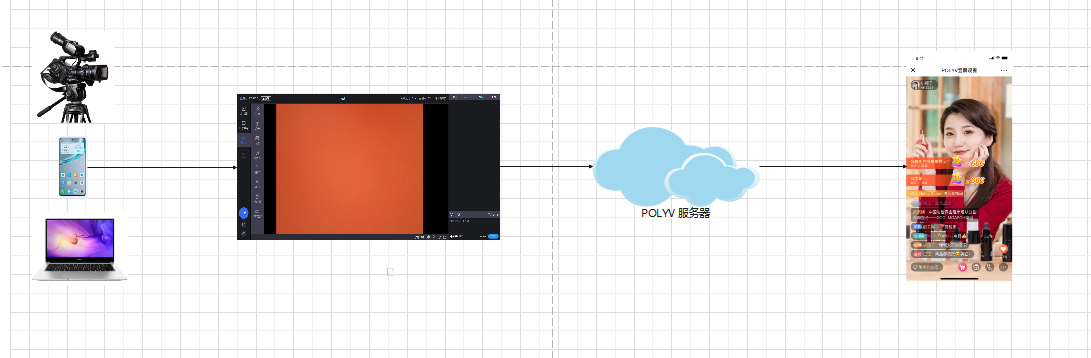
The pure video scenario is suitable for business scenarios where the main focus is displaying the host's video content without needing to show document content. This includes but is not limited to the following business scenarios:
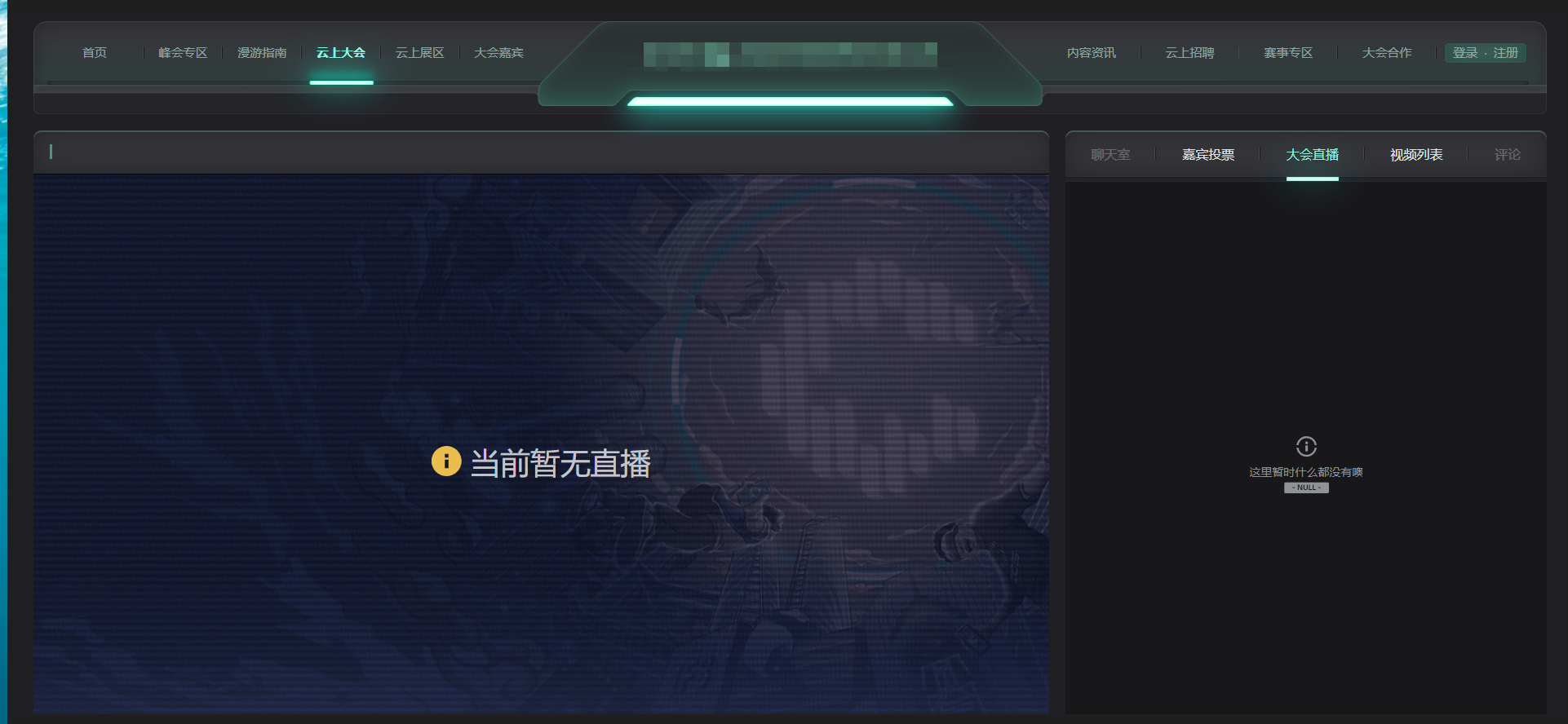
Exhibition Live Streaming: World Expos, Expositions, Canton Fair, Smart China Expo, Press Conferences, etc.
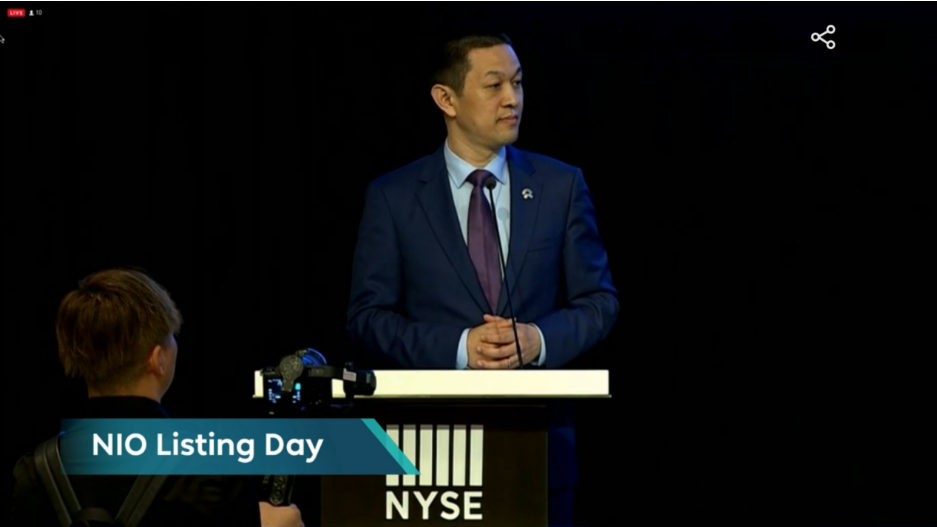
Meeting Live Streaming: Leader speeches, morning meetings, weekly meetings, summary meetings, etc.
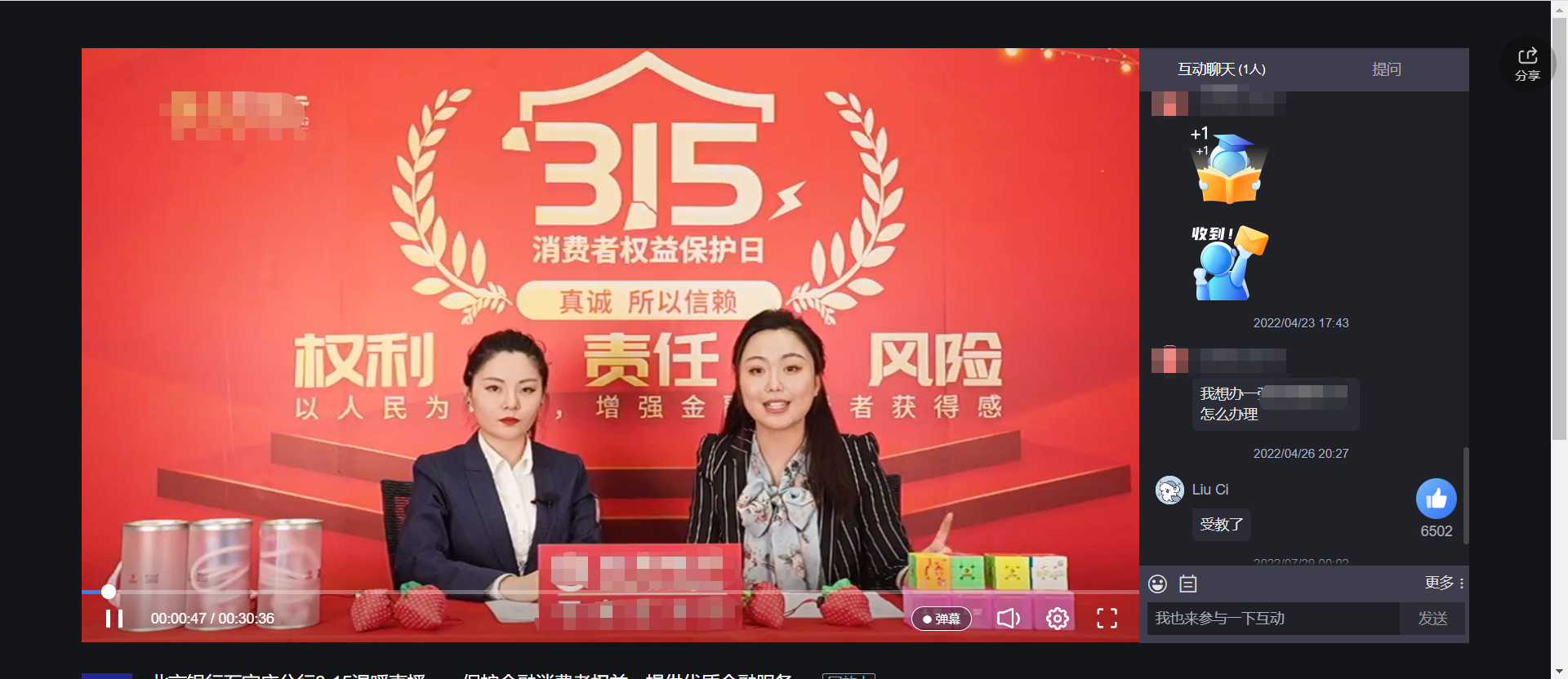
Event Live Streaming: Online recruitment talks, video interviews, annual meeting live streaming, event marketing, live commerce, etc.
Role Description
| Role | Description |
|---|---|
| Host | Also known as lecturer, moderator, or streamer. Responsible for initiating the live stream and providing content. |
| Teaching Assistant | Assists the host in completing the live stream. This role is invisible to the audience and can handle chat moderation, initiate live interactions, etc. |
| Guest | Co-teaches a lesson with the lecturer, completes the same live stream, and supports co-hosting interaction. |
| Audience | The people watching the live stream. |
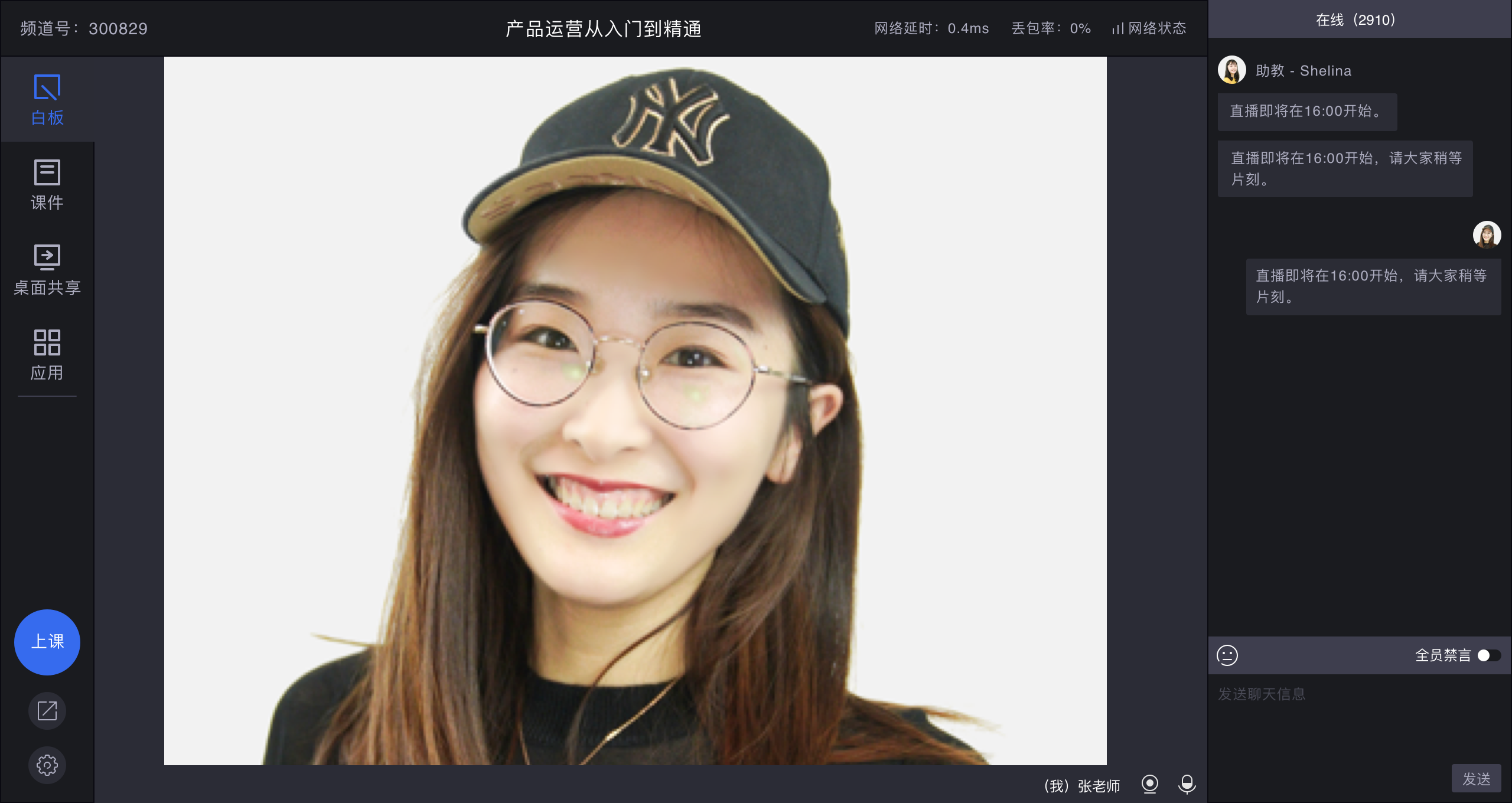
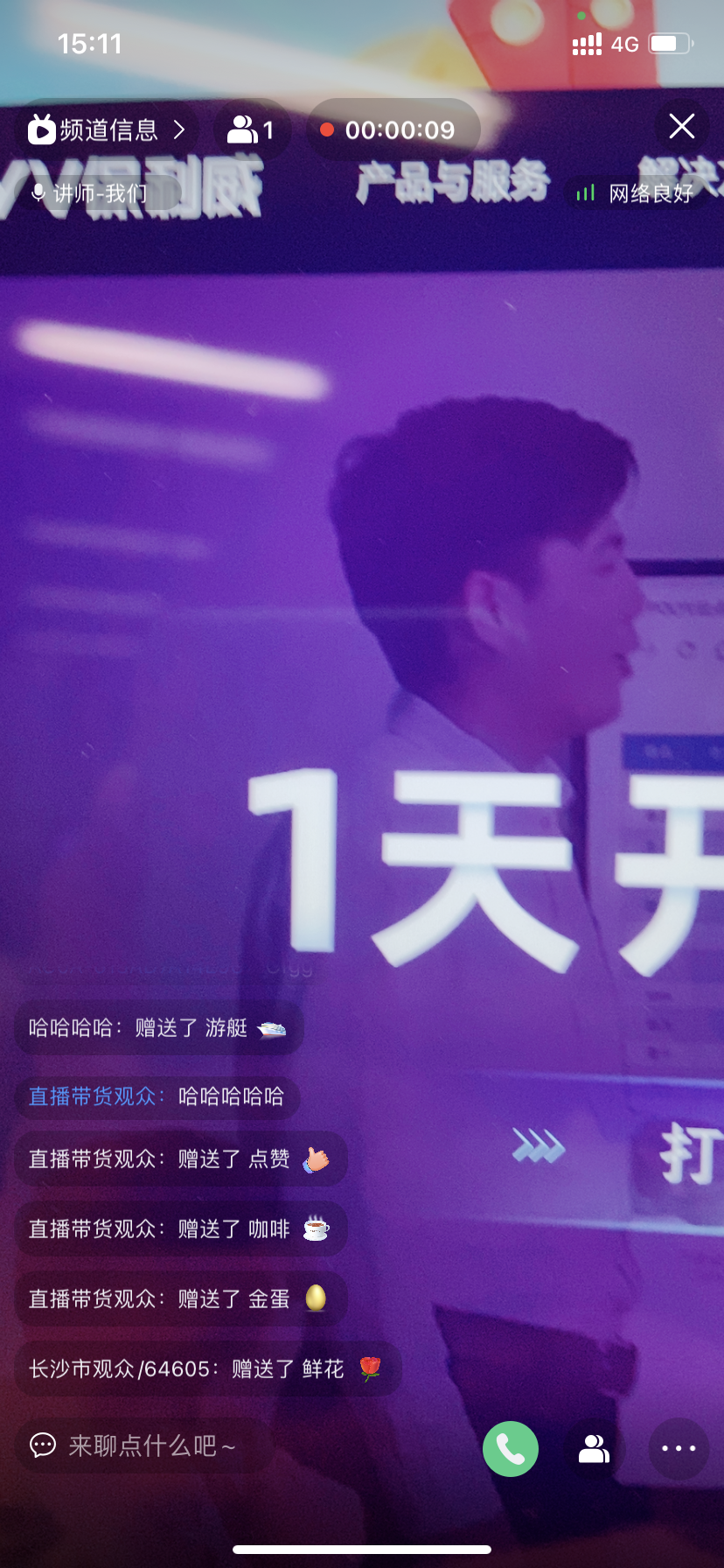
Broadcasting Preview
| Web Broadcasting | PC Client Broadcasting | Mobile Broadcasting |
|---|---|---|
 |
 |
 |
Viewing Preview
| SaaS Web | SaaS H5 | iOS & Android |
|---|---|---|
 |
 |
 |
Live Streaming Features and Marketing Tools to Enhance Efficiency and Atmosphere
| Feature/Tool | Preview |
|---|---|
| Product Library (Watch and Buy) | 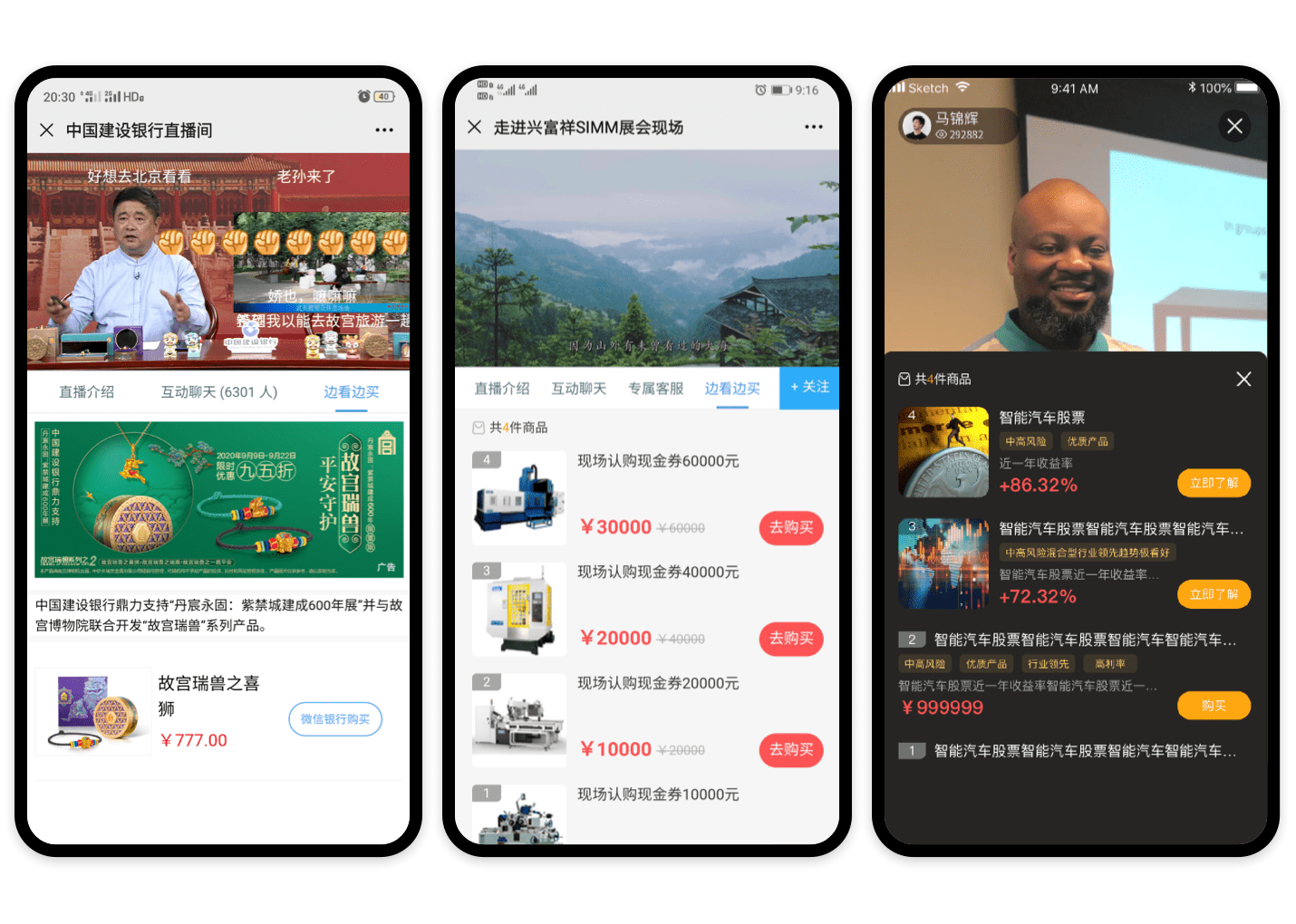 |
| Gift Tipping | 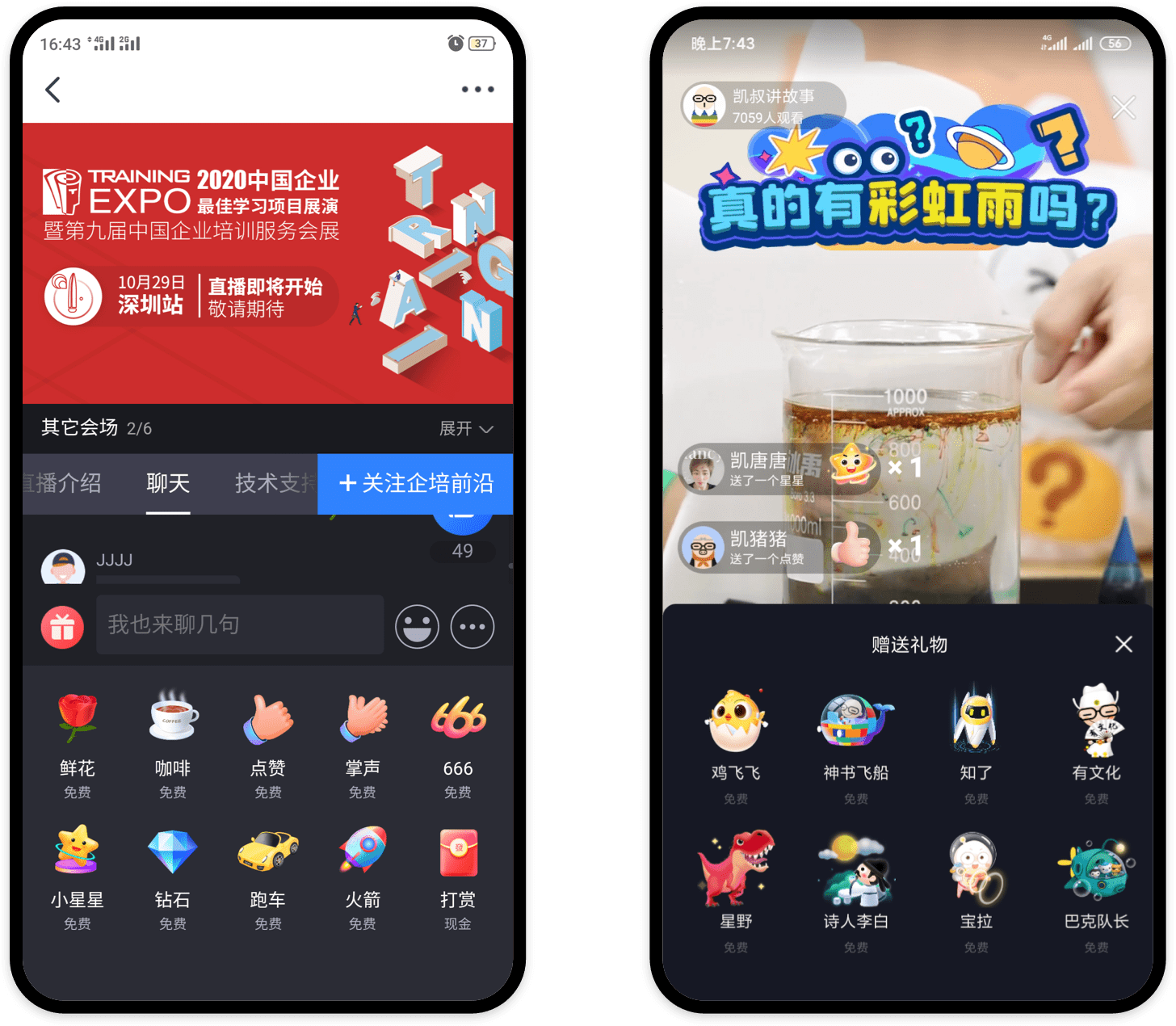 |
| Red Packets | 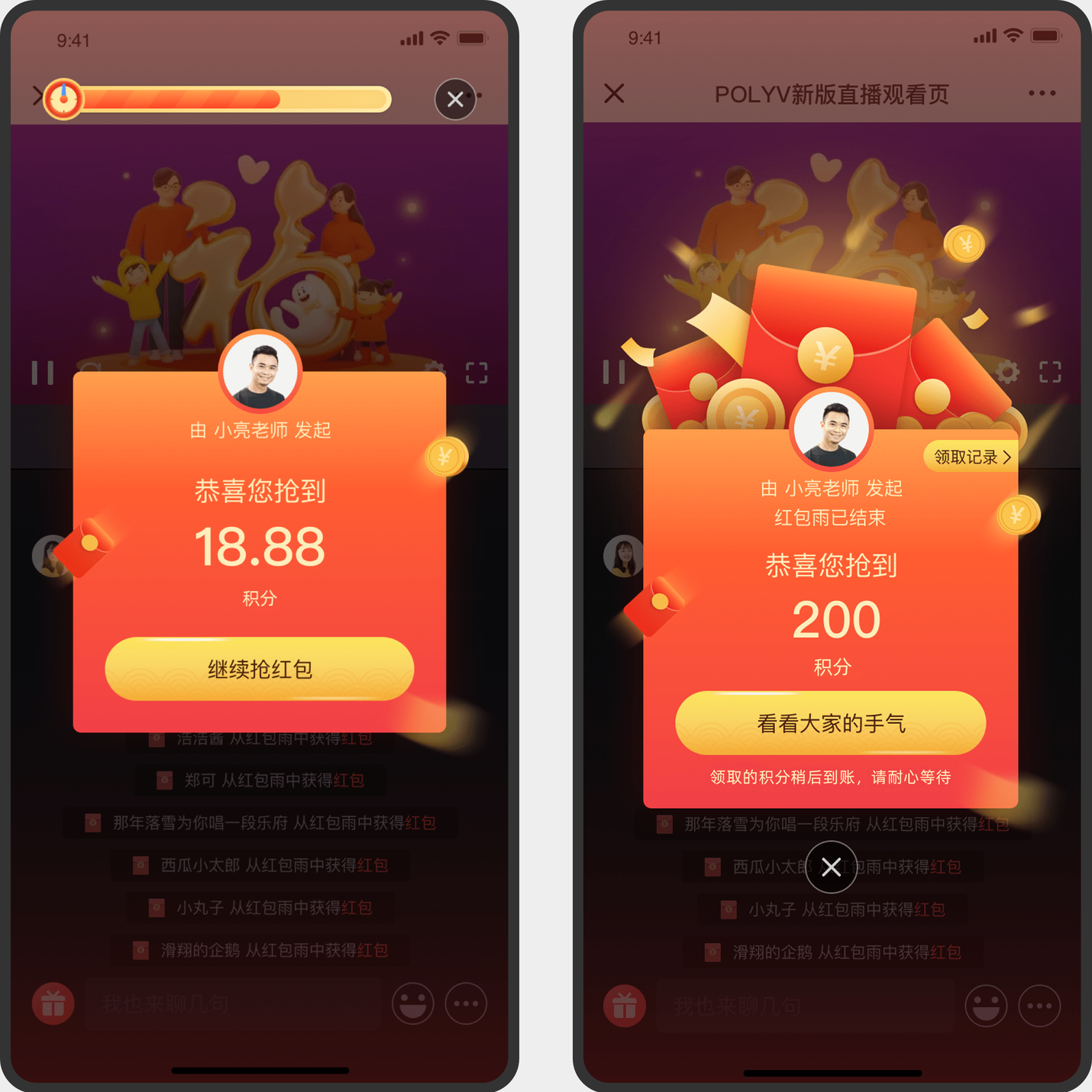 |
| Lottery | 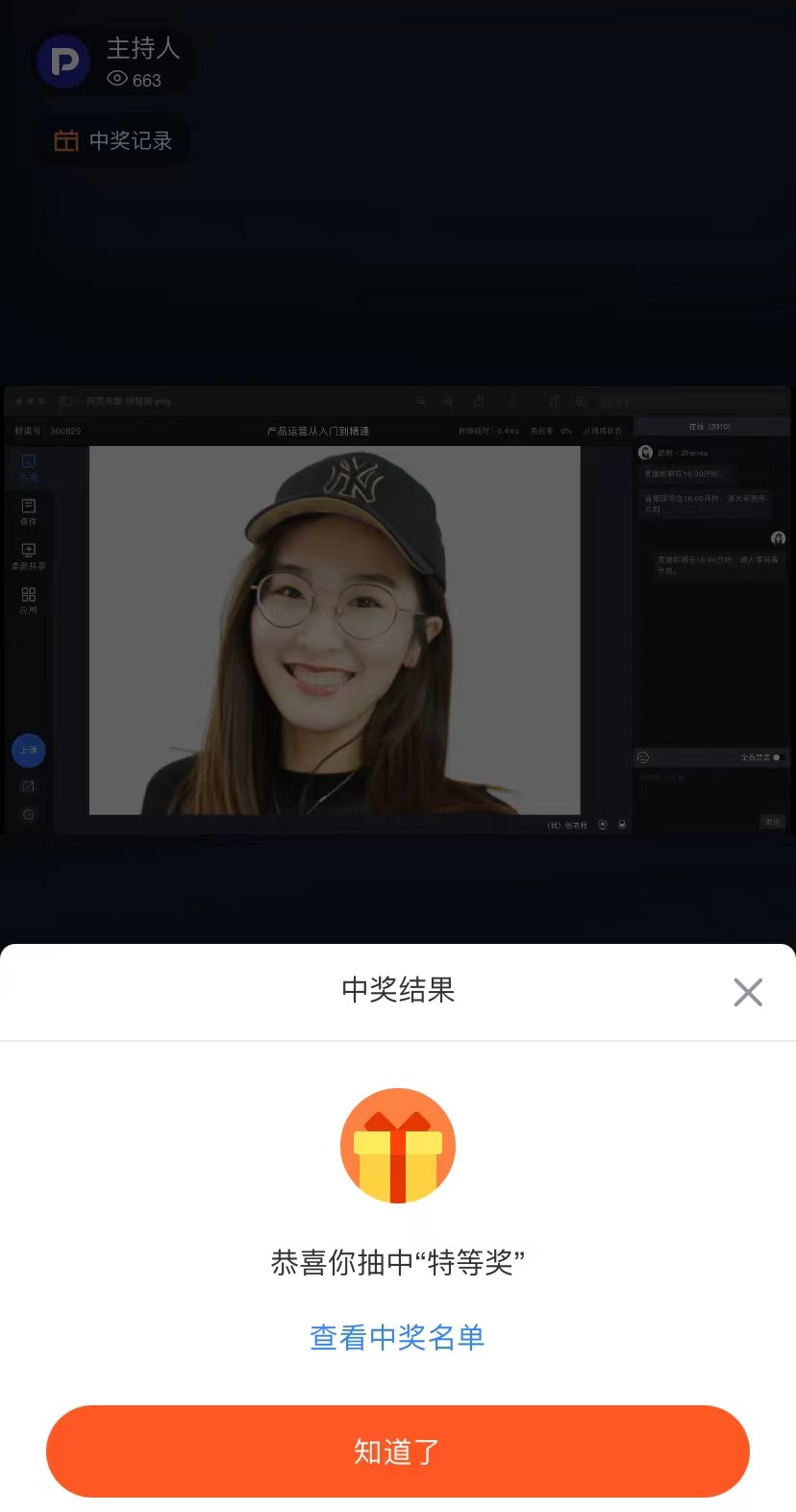 |
| Check-in | 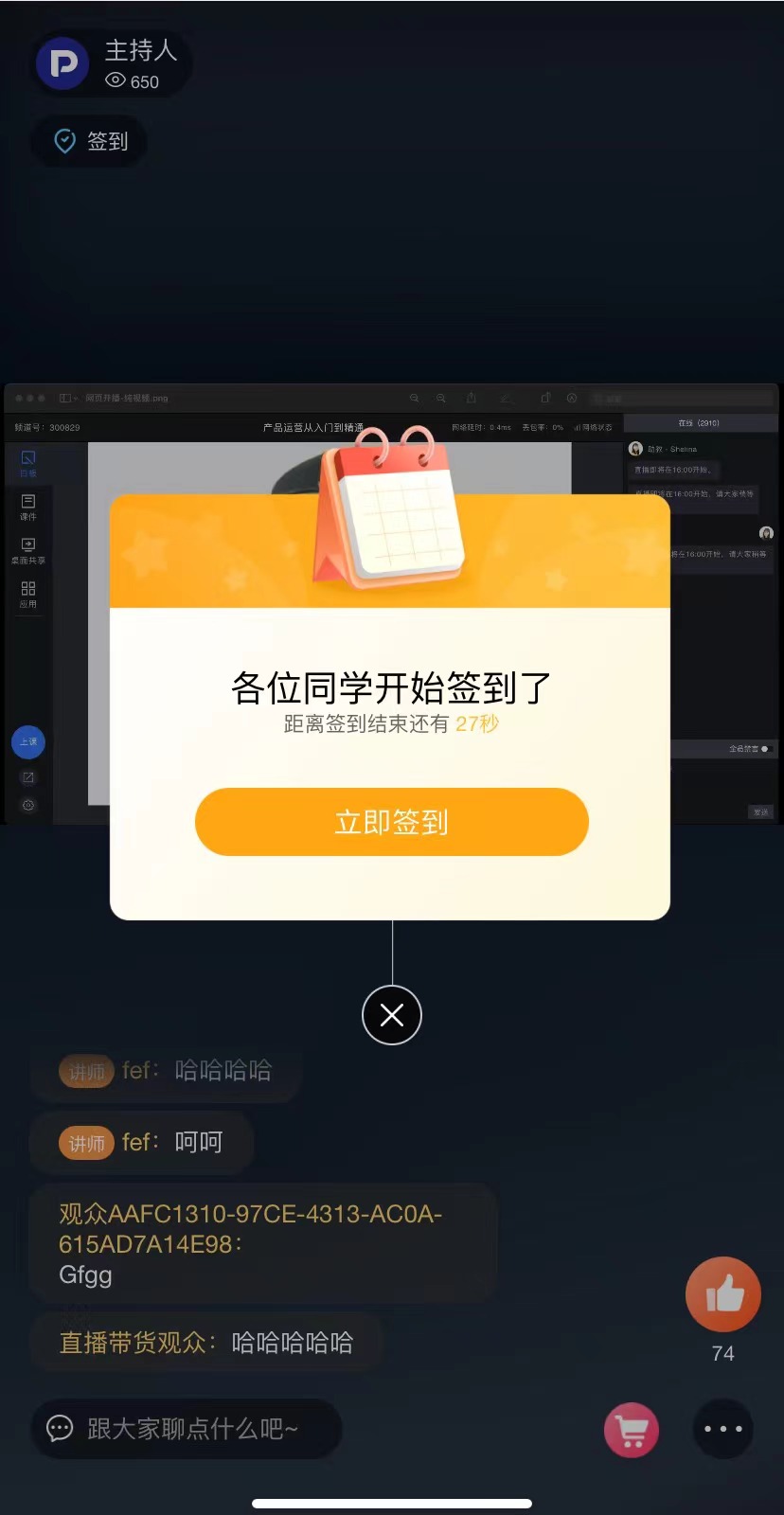 |
| Survey | 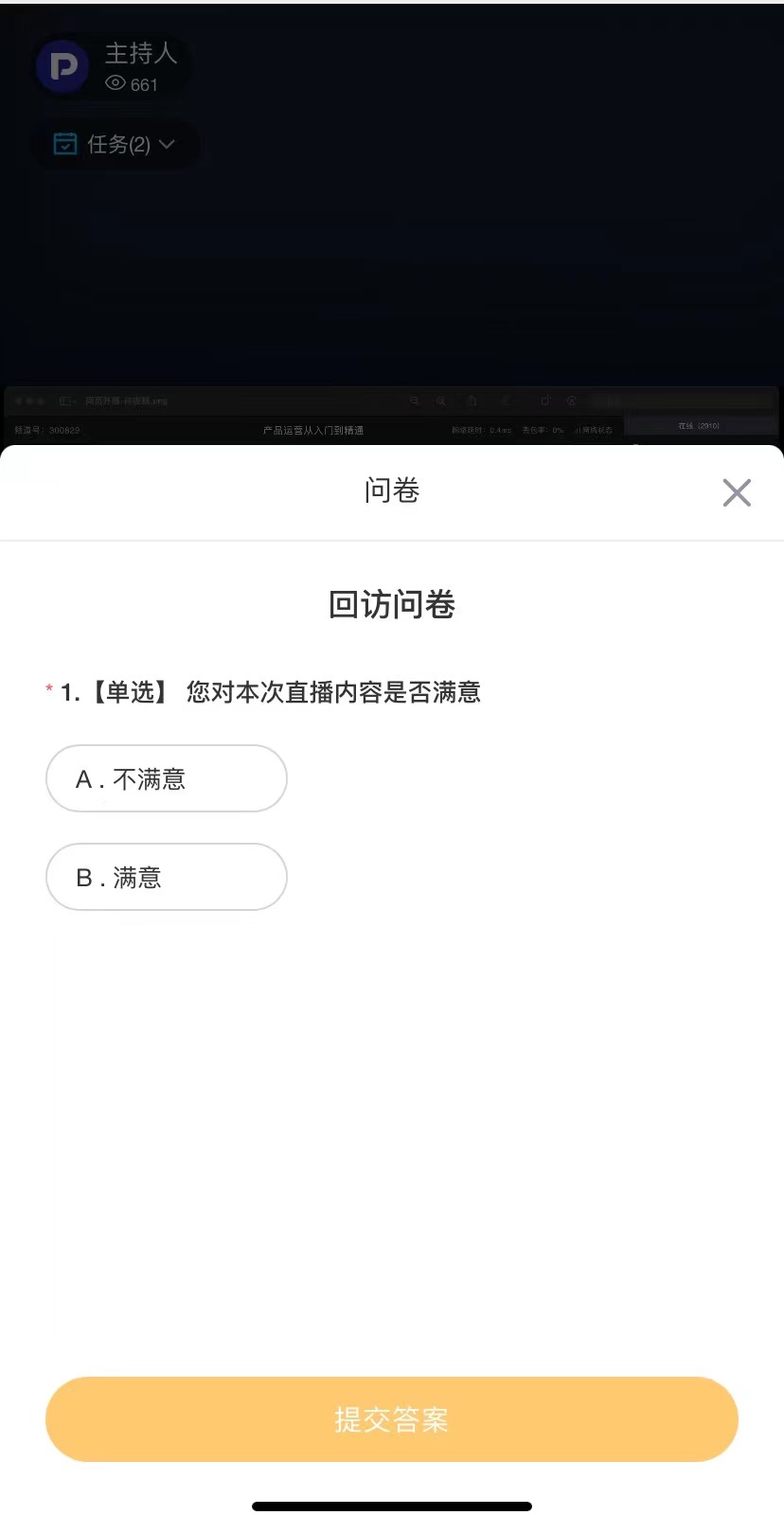 |
| Announcement | 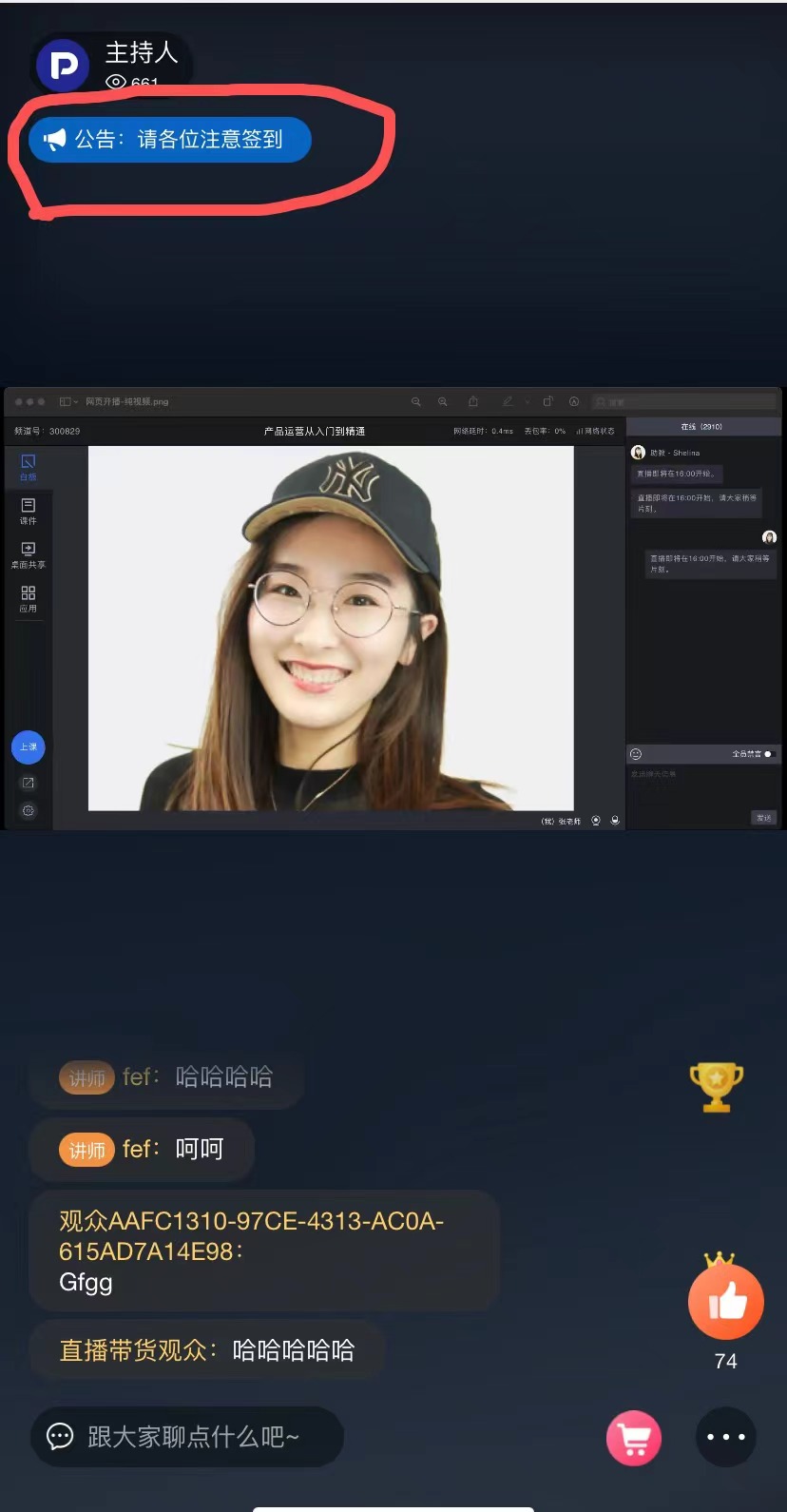 |
| Feature Name | Description |
|---|---|
| Viewing Restrictions | Requires identity verification to view. Suitable for paid, membership, internal personnel, etc. |
| Co-hosting | Real-time voice interaction between the student (audience) and the host (streamer). |
| Chat Room | Real-time text and image interaction between the student (audience) and the host (streamer). |
| Tipping, Red Packets, Lottery | Suitable for event marketing, online annual meetings, live commerce, etc., to liven up the channel (live room) atmosphere. |
| Product Library | Suitable for live commerce, online training, etc. A channel for the host (streamer, moderator) to display products to the audience. |
| Check-in | Suitable for meetings, online events, press conferences, classroom student check-ins, etc. |
| Live Replay | Suitable for scenarios requiring replay of live content, e.g., training courses, meetings. Allows unlimited replay of live content. |
