


Co-hosting / Live Connection
Updated: 2024-10-23 16:47:48
Feature Overview
Preview and Current Support Status
- Preview effects are demonstrated using a three-split screen channel as an example.
| Standard | Low Latency | |||
|---|---|---|---|---|
| Landscape | Portrait | Landscape | Portrait | |
| SaaS-Web | 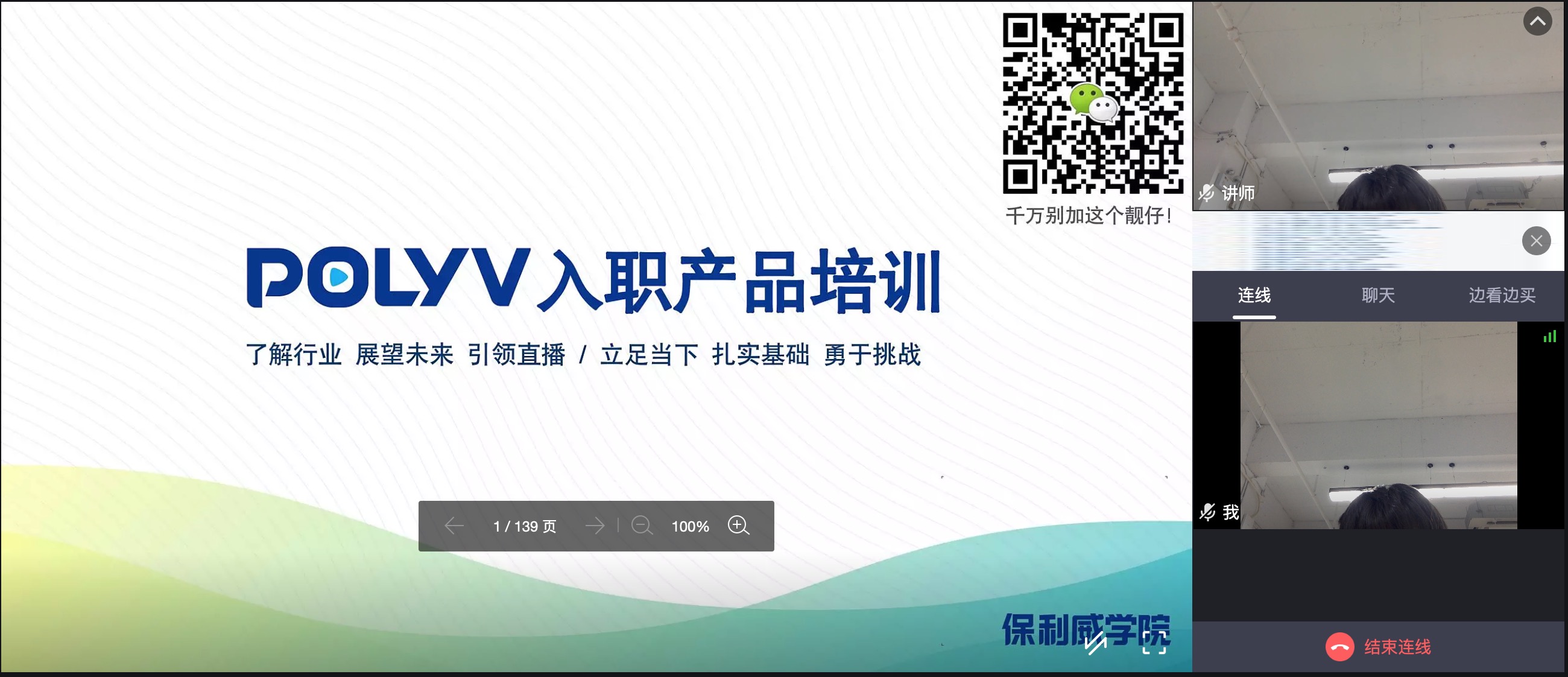 |
Same as standard landscape | Same as standard landscape | Same as standard landscape |
| SaaS-H5 | ✅ | 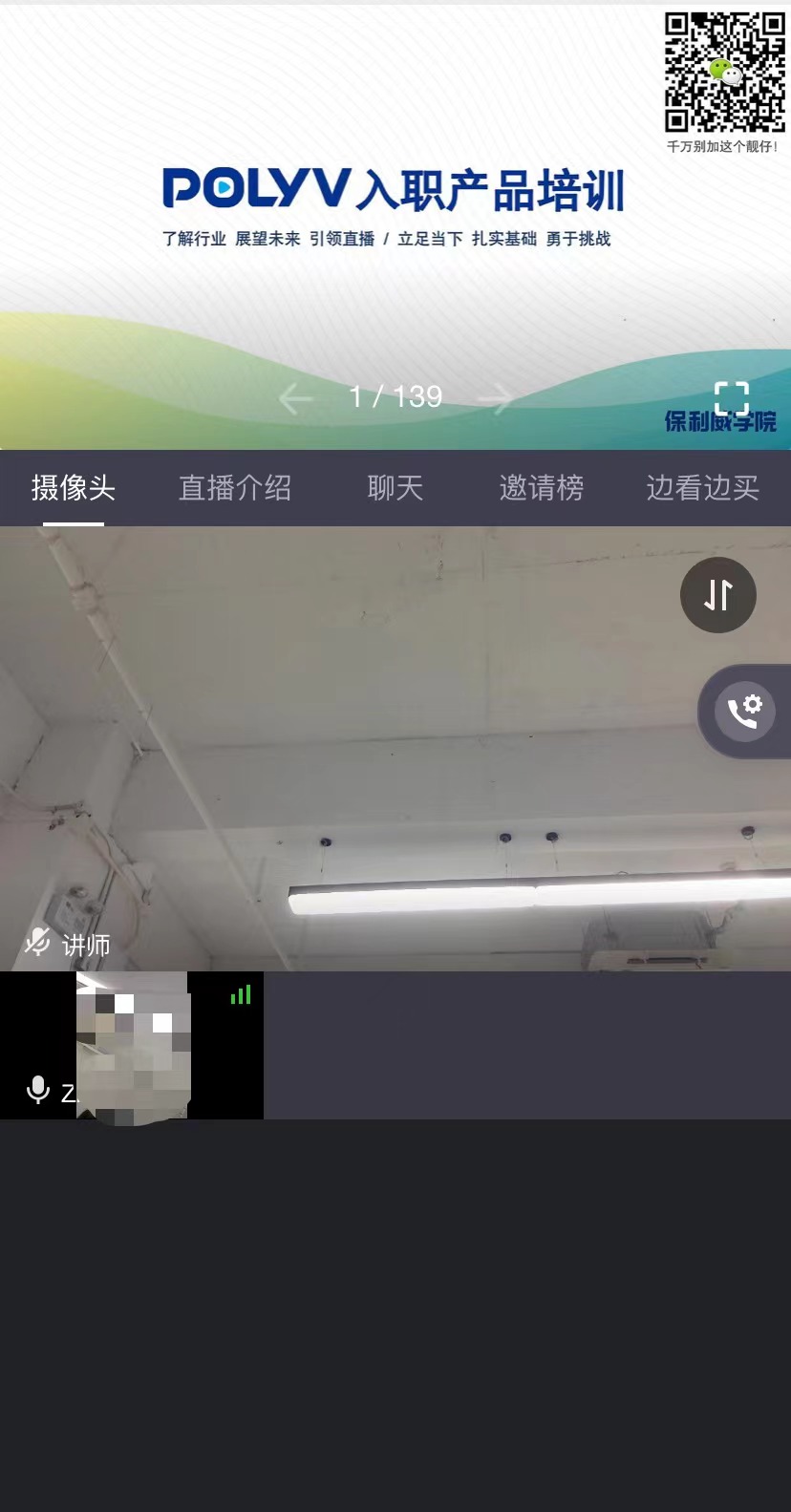 |
✅ | |
| Native Multi-Scenario SDK | 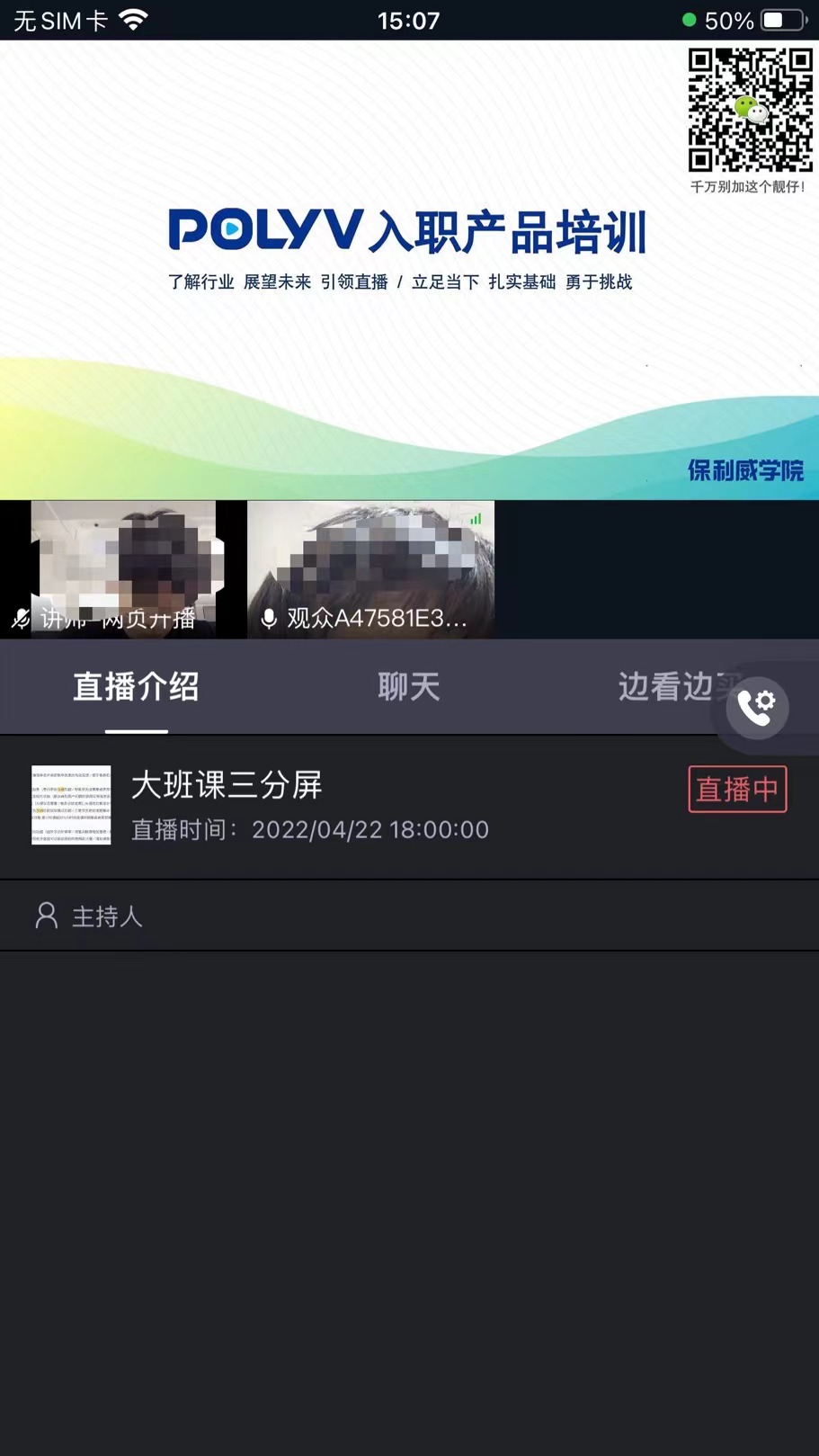 |
✅ | Same as standard landscape | ✅ |
Client Support
| Client | Description |
|---|---|
| SaaS Viewing Page | Supported |
| WEB-SDK (Viewing Page SDK) | Supported |
| Mobile Native Multi-Scenario SDK | Supported |
Server API
| API Name | Description |
|---|---|
| Query Account Co-hosting Minutes | Query the available co-hosting minutes under the account. |
| Query Account Co-hosting Usage by Time Range | Query the co-hosting usage under the account within a specified time range. |
Important Notes
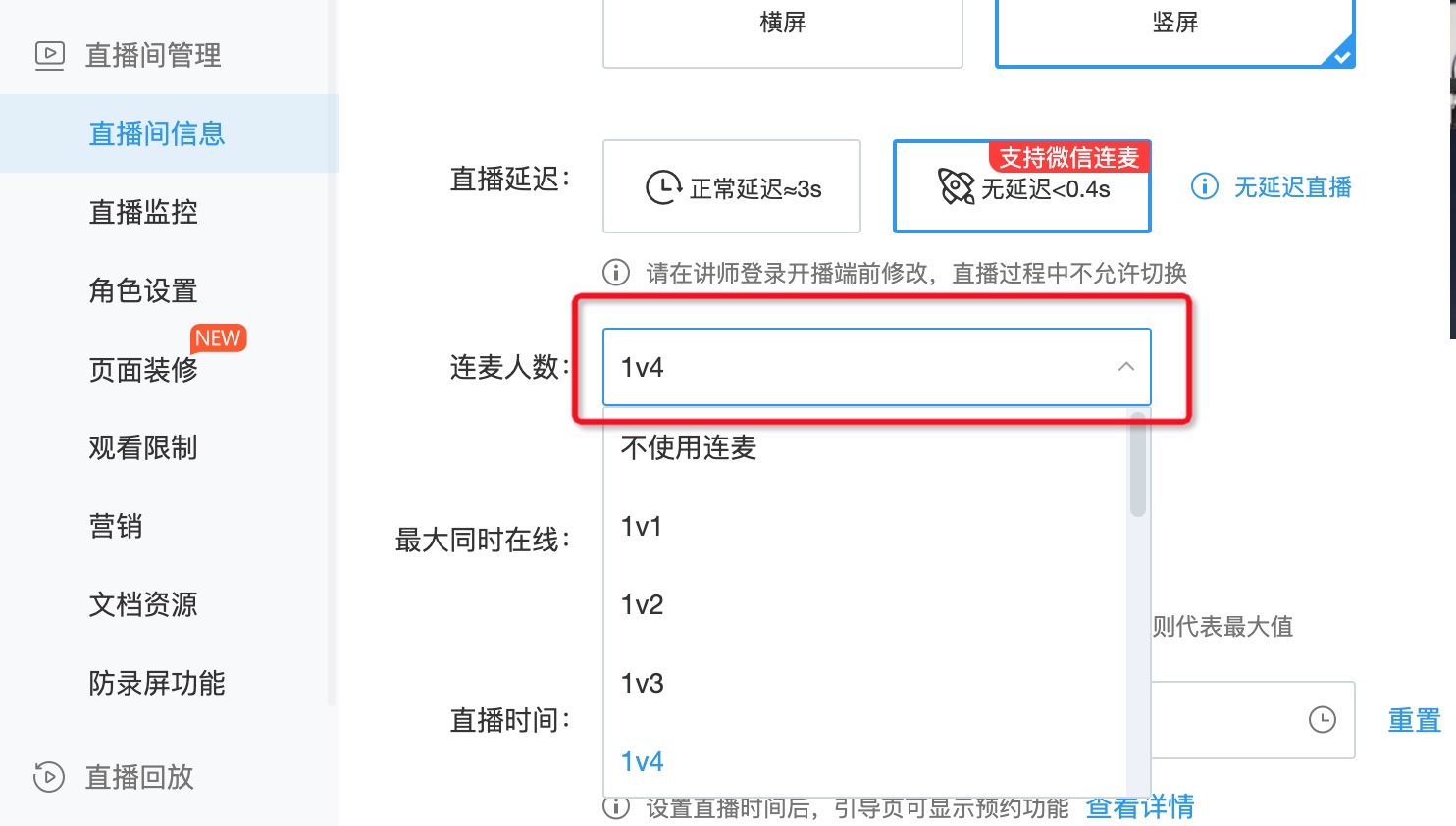
- For a channel to support co-hosting, the channel's co-hosting feature must be enabled. You can configure this via the Modify Channel Info API using the
linkMicLimitfield, or configure it in the live streaming backend. See the illustration below:
Co-hosting requires chat room support. The chat room must be properly connected when using co-hosting.
Co-hosting requires camera and microphone permissions. Ensure these permissions are configured when using co-hosting.
Co-hosting has limitations on browser and mobile OS versions. If you are unable to use co-hosting on a specific device or browser, please contact us.
For other frequently asked questions, please refer to the Video Introduction.
