Red Envelope
Updated: 2024-10-23 16:47:48
Feature Introduction
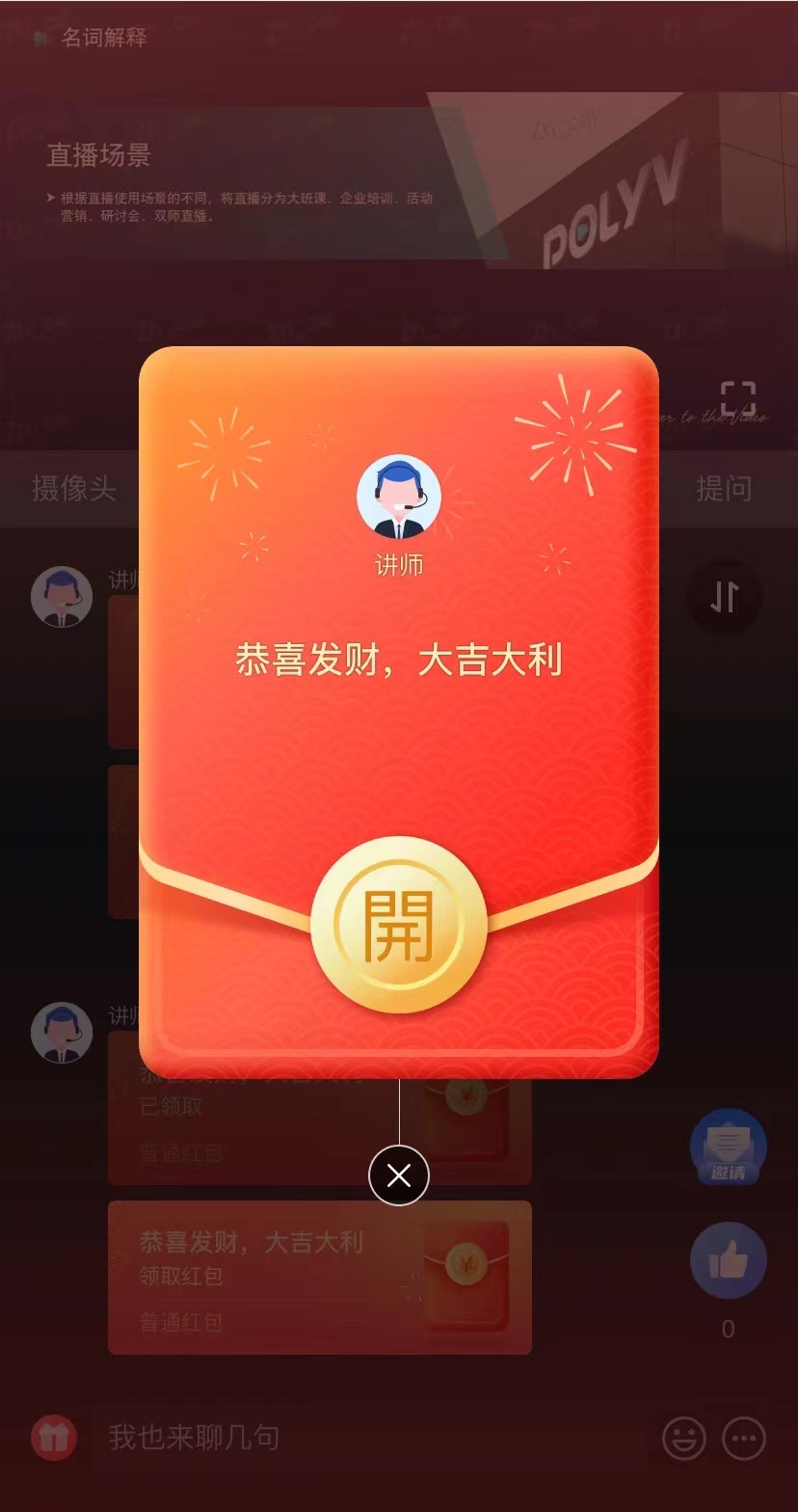
Preview
Red Envelope Type Introduction
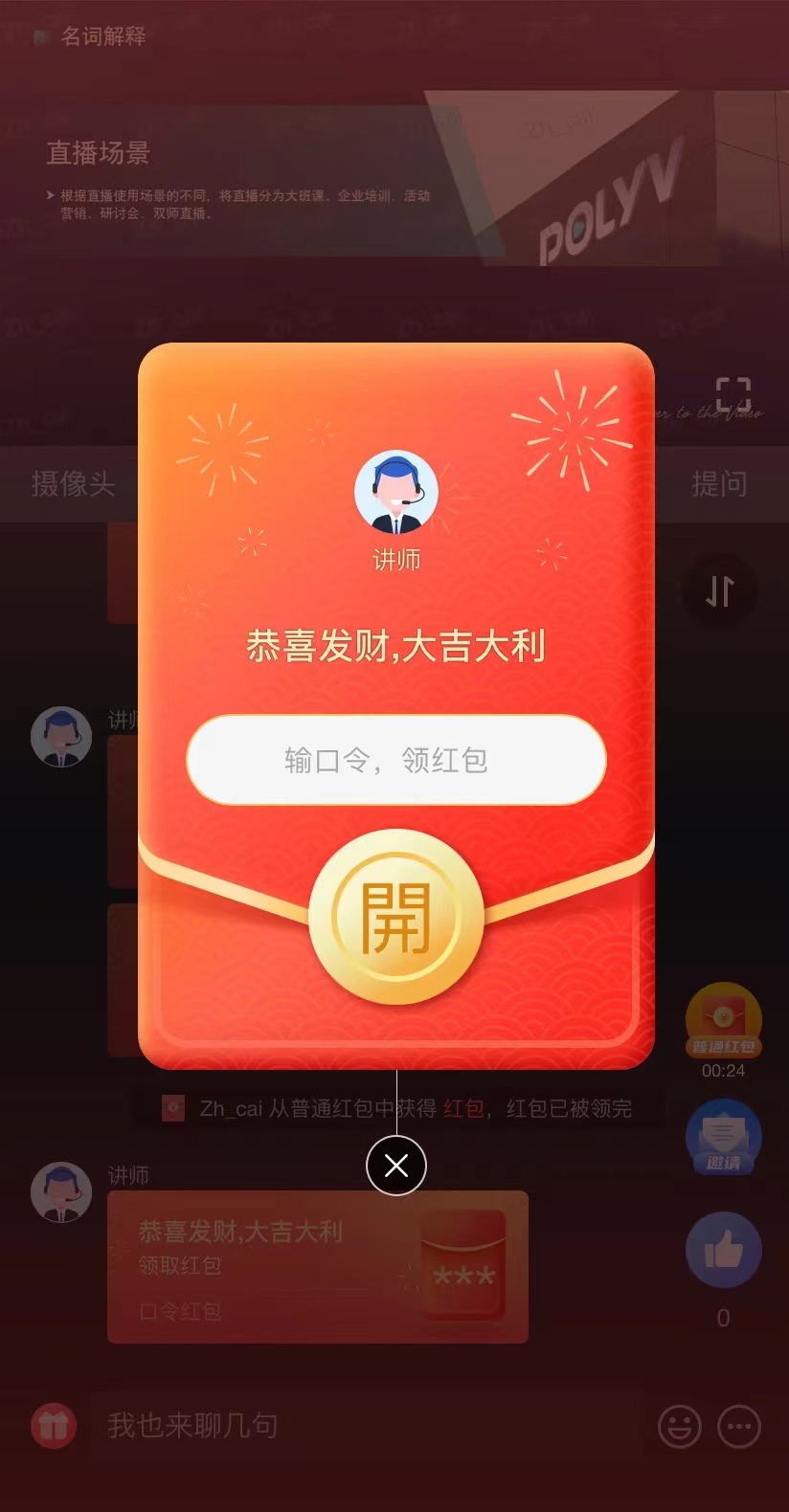
Code Red Envelope
- Feature Description: Viewers must enter the Slogan set by the enterprise before claiming the red envelope. Only correct answers allow claiming.
- Recommended Usage: During red envelope interactions, enterprises can set company philosophy, brand concepts, or new product launches as the claim code, helping to promote brand concepts through interaction. Additionally, code red envelopes can be combined with quiz features by setting questions and answers; viewers must answer correctly to receive the reward.
Red Envelope Rain
- Feature Description: Red envelope rain is a powerful tool to liven up the live room atmosphere, significantly increasing viewer activity and engagement. After enabling the feature in the backend, when the host sends red envelopes, viewers' screens will be filled with falling red envelopes. Within 15 seconds, viewers can tap the screen to grab them.
Countdown Red Envelope
- Feature Description: When sending normal, code, or rain red envelopes, you can select the [Countdown Distribution] mode to boost interaction at scheduled times during the live stream, increasing viewer interest.
- Recommended Usage: The [Countdown Distribution] mode can extend viewer watch time, allowing the host to cover more key content.
Client Support
Notes
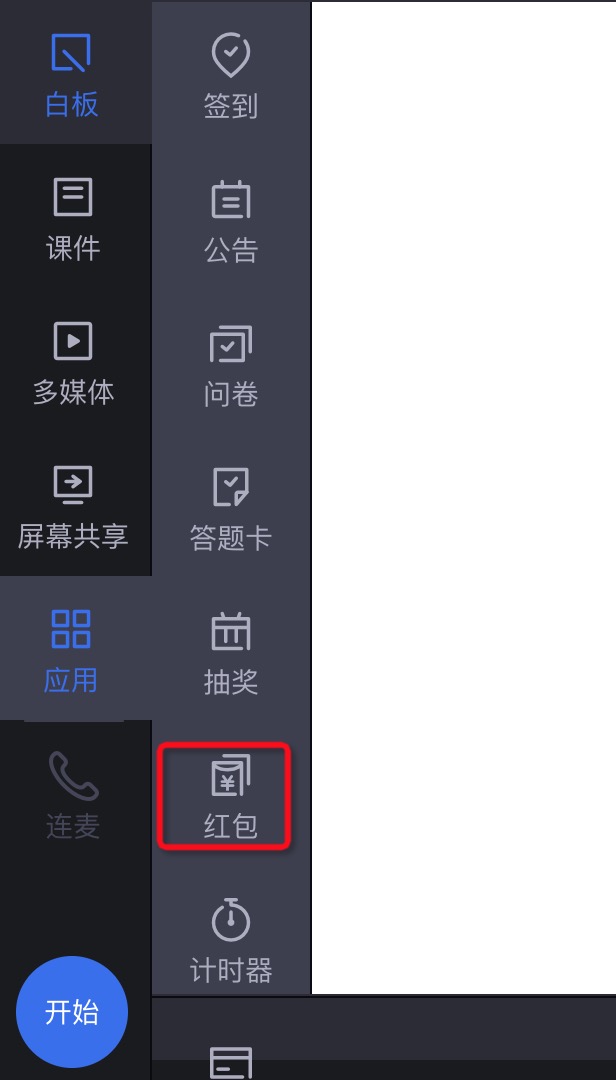
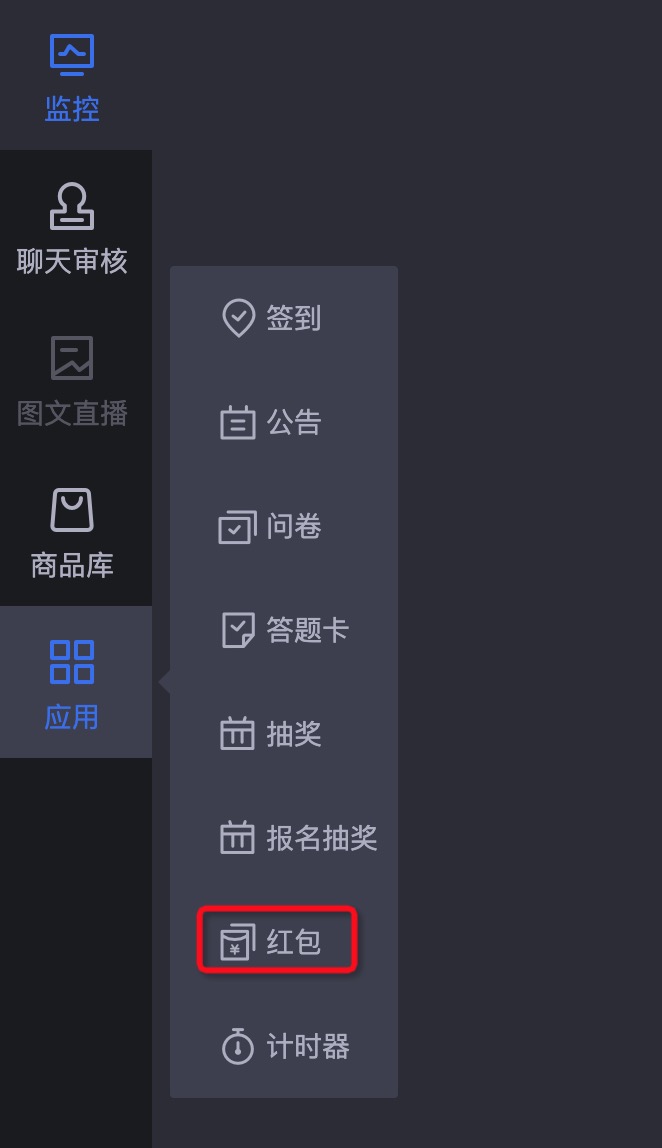
- Both the host (anchor, moderator) and assistant can send red envelopes. If the red envelope feature is not available in the application function area after starting the live stream, contact Polyv to enable it. The function area is shown below:
- The red envelope feature
requires binding to a WeChat Official Account before use. Contact Polyv for specific operations.
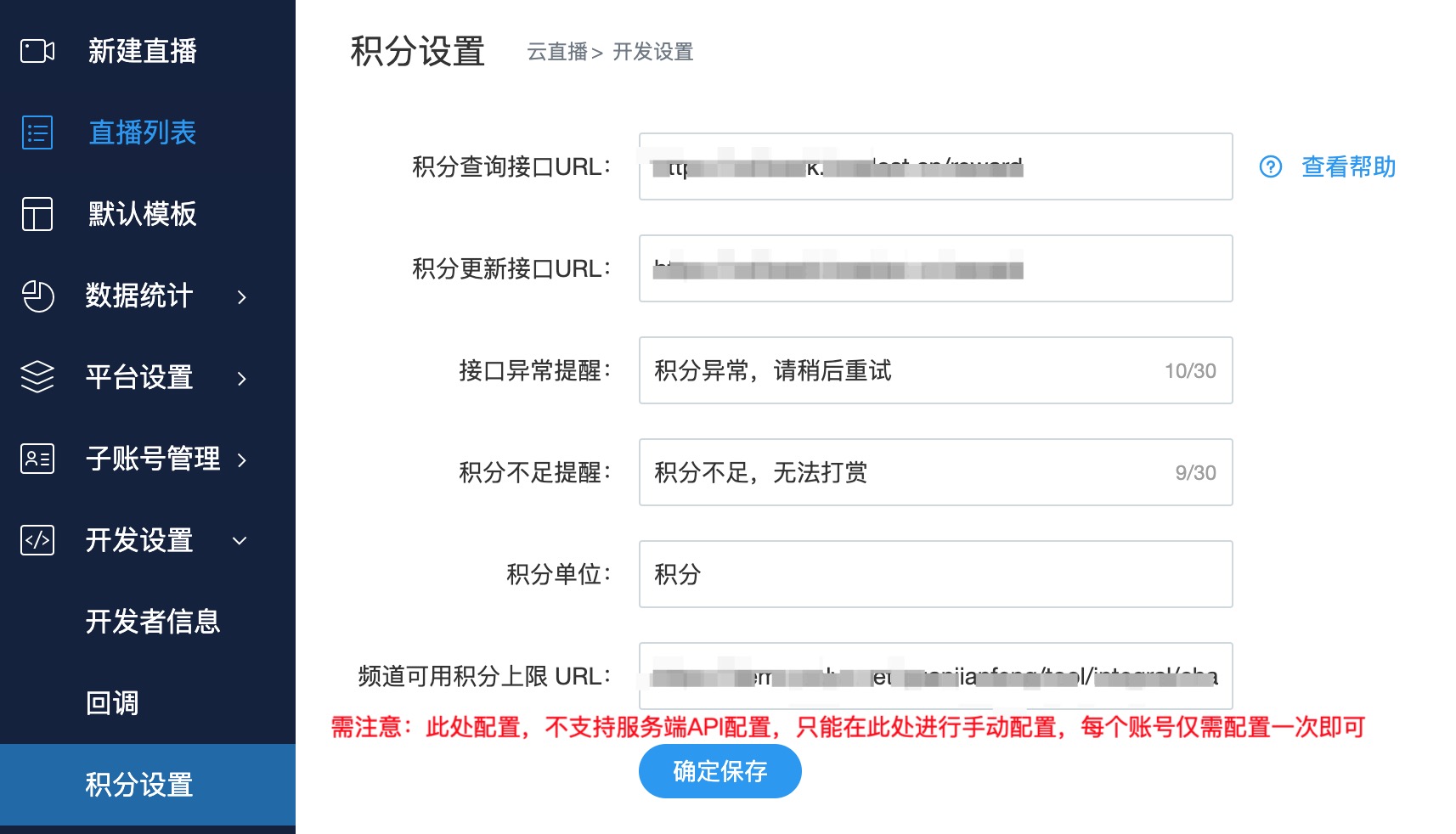
Cash red envelopes must go through the WeChat channel; viewers must watch via WeChat to claim cash red envelopes.Points red envelopes require configuring the points callback interface according to the Points Development Guide, as shown below:
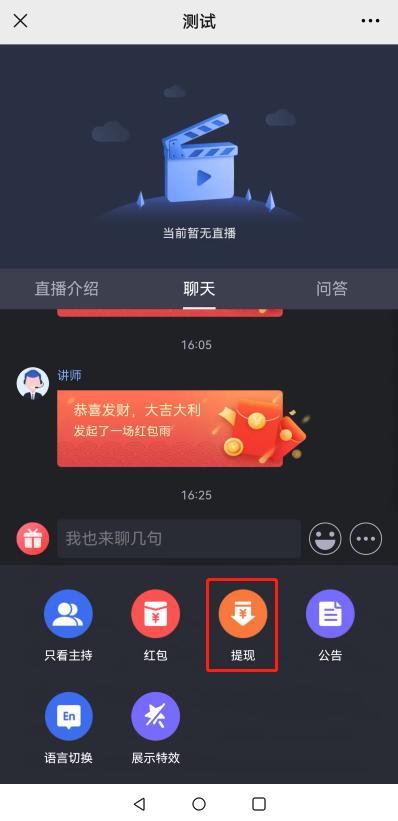
- Withdrawal: Viewers can click the withdrawal button in the bottom menu to withdraw cash red envelopes.
- For other details, refer to Using Red Envelope Rain to Liven Up the Live Room Atmosphere