


场景介绍
Scenario Description
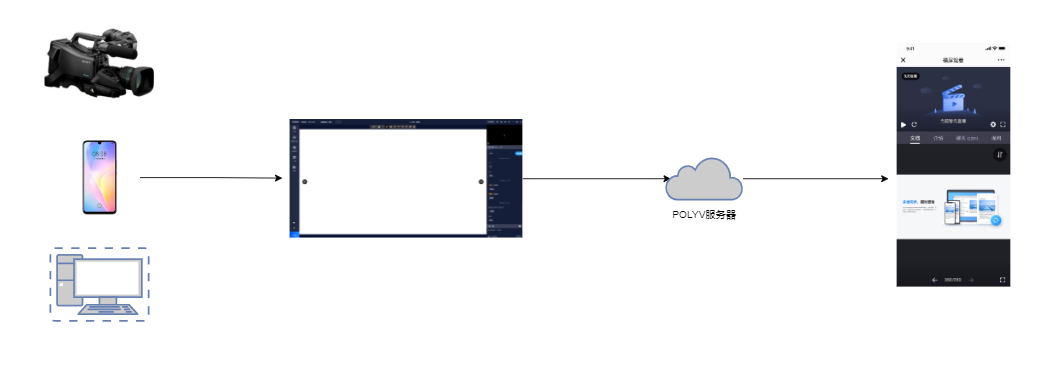
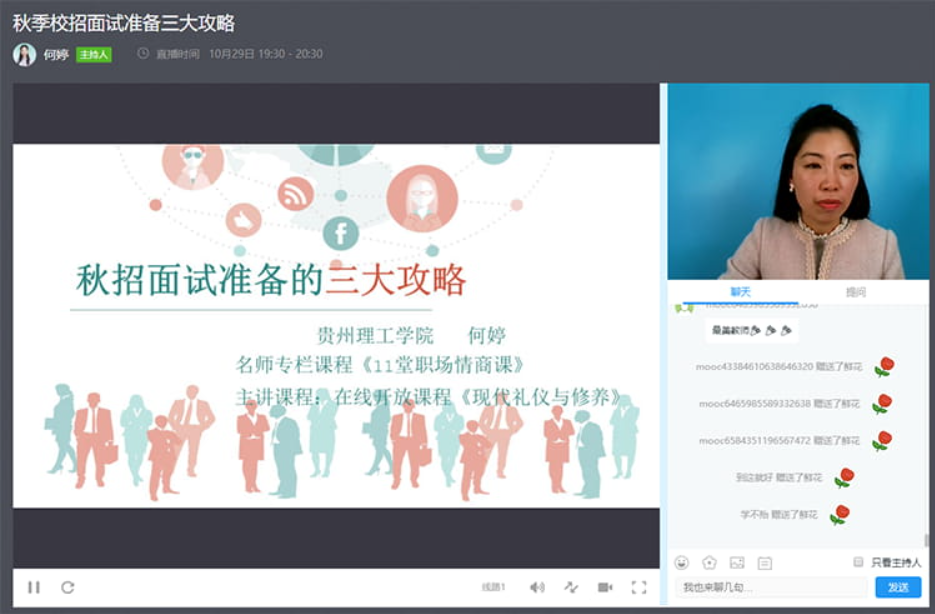
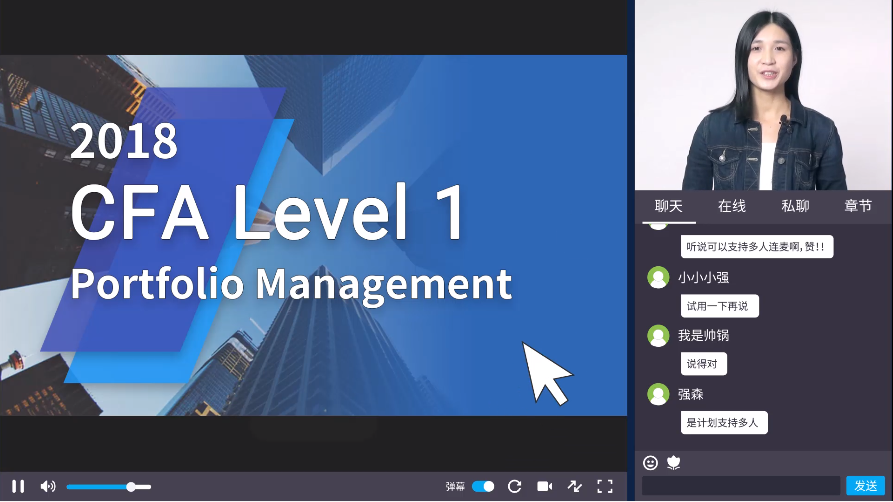
The three-panel scenario refers to a live streaming format where cameras, computers, and mobile phones are used as video capture devices. The captured video is pushed to the POLYV server via the POLYV broadcasting client and finally viewed on the POLYV viewing client (supporting multiple platforms and languages). The viewing client mainly includes three modules: video area, chat interaction area, and document area. The video area plays video from the capture devices and co-host terminals. The chat area supports chat interactions, check-ins, announcements, surveys, answer sheets, lotteries, red packets, product libraries, timers, card pushes, and more. The document area displays PPT, PDF, Word, whiteboard, and other document materials for teaching content.
The three-panel scenario is suitable for business contexts that require simultaneous display of instructor video and document materials, such as:
- Large classes: Expert lectures, public universities, vocational training, adult vocational education, exam consultation lectures, etc.
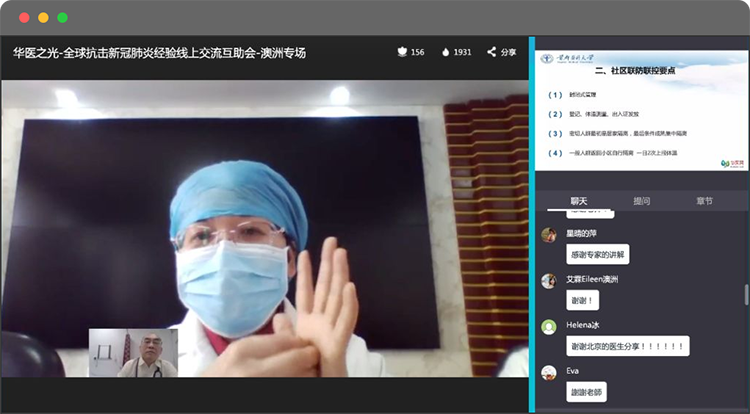
- Corporate training: Business skills training, new employee onboarding, agent/dealer external training, new product training, daily meetings, internal trainer development.
Role Description
| Description | Role |
|---|---|
| Host | Also referred to as instructor, moderator, or streamer. Responsible for initiating the live stream and providing content. |
| Teaching Assistant | Assists the host in completing the live stream. Handles audience Q&A, chat room management (kicking users, filtering prohibited words, replying to questions), and initiating live interactions. |
| Guest | Co-teaches a lesson with the host, completing the same live stream, and supports co-host interaction. Suitable for multi-instructor education systems, multi-moderator meetings, events, and exhibitions. |
| Audience | Viewers of the live stream. Suitable for lectures, training, and product launches. Can interact and co-host via live chat. |
| Broadcasting Client Effect | Viewing Client Effect |
|---|---|
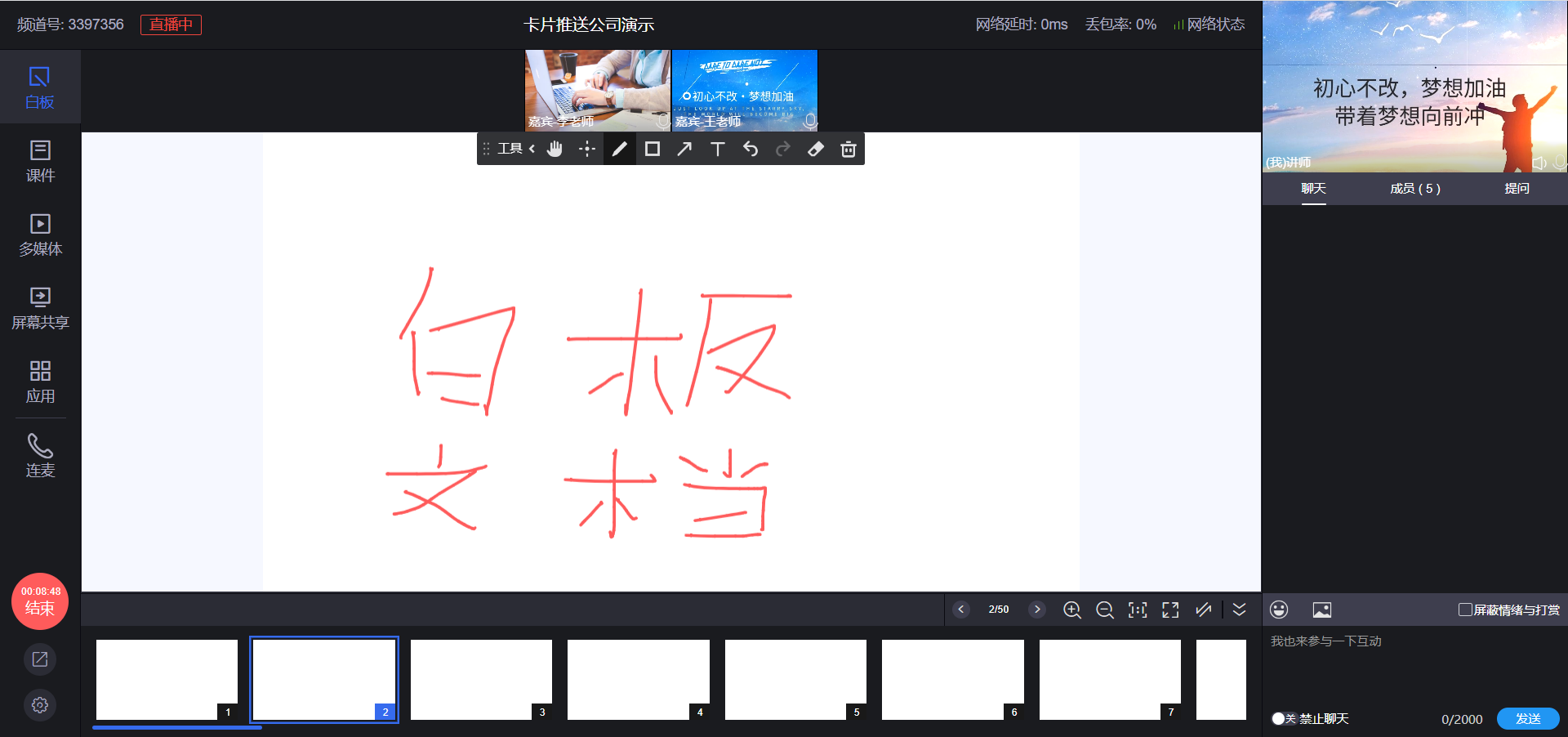 |
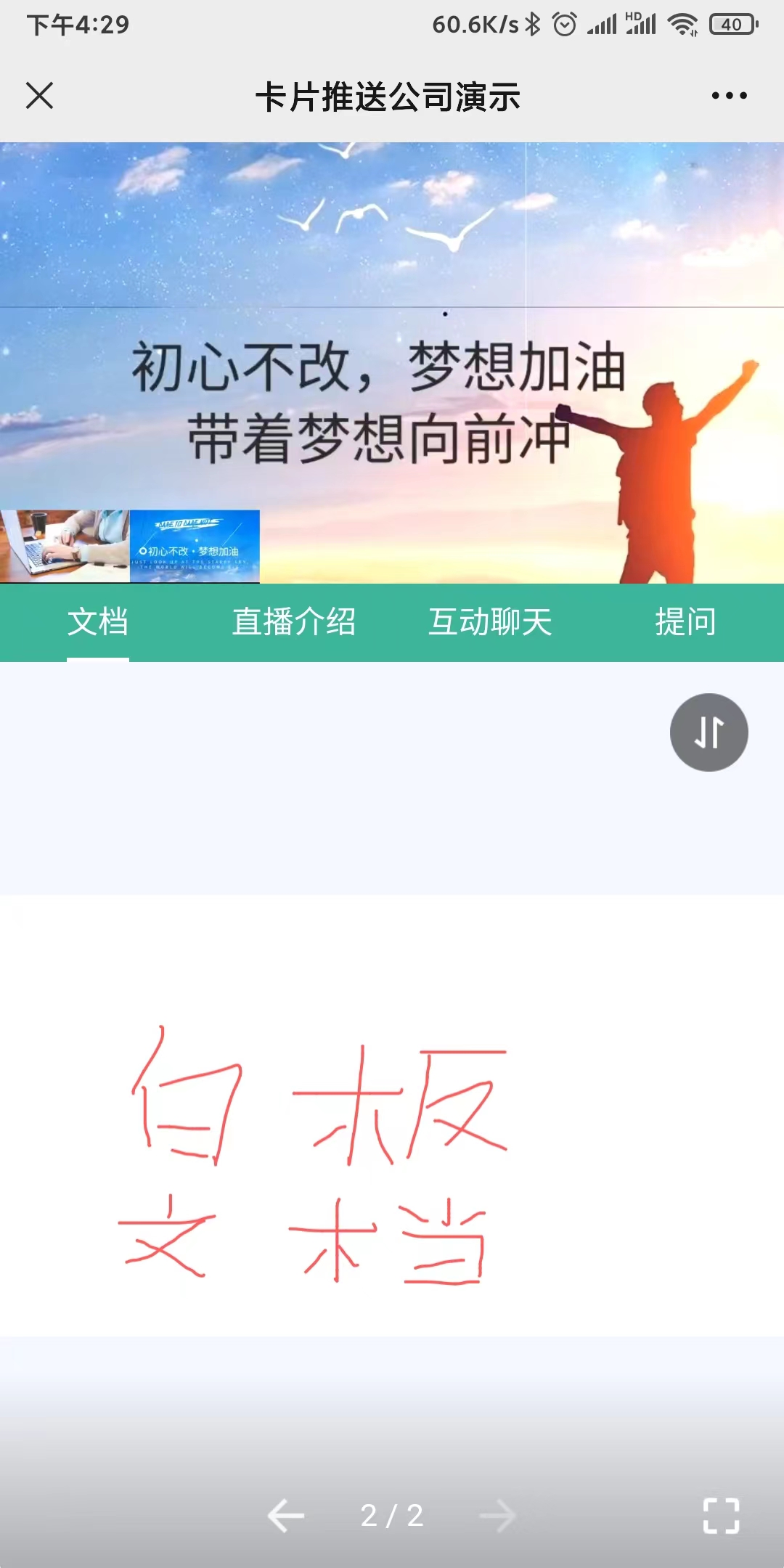 |
Diverse Features
- Chat Room: Supports text communication among participants, allowing users without microphones or those unable to unmute to join discussions.
- Real-time Audio/Video Calls: Supports real-time video and voice calls, providing a high-definition, smooth, and lag-free experience.
- Interactive Whiteboard: Supports interactive doodling, real-time trajectory synchronization, and annotation on courseware.
- File Sharing: Supports real-time multi-end synchronization and sharing of document content on the whiteboard.
- Real-time Recording: Quickly implements recording for audio/video calls and live streaming, with playback support.
- Online Co-hosting: Supports multiple users unmuting simultaneously, providing a stable and high-quality experience.
- Online Interaction: Supports check-ins, surveys, announcements, answer sheets, lotteries, and red packets.
Viewing Client Preview
| SaaS-Web | SaaS-H5 | iOS & Android |
|---|---|---|
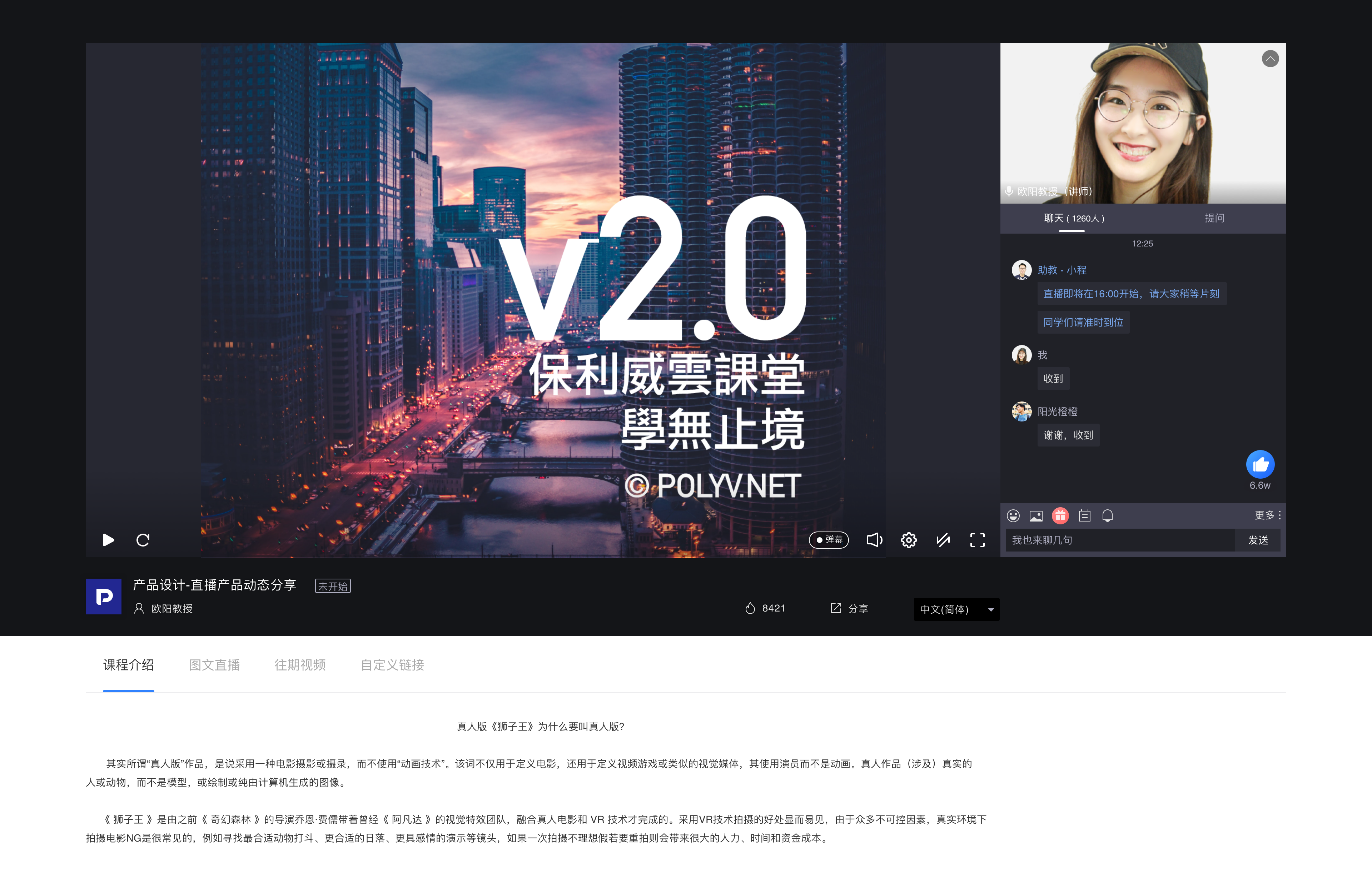 |
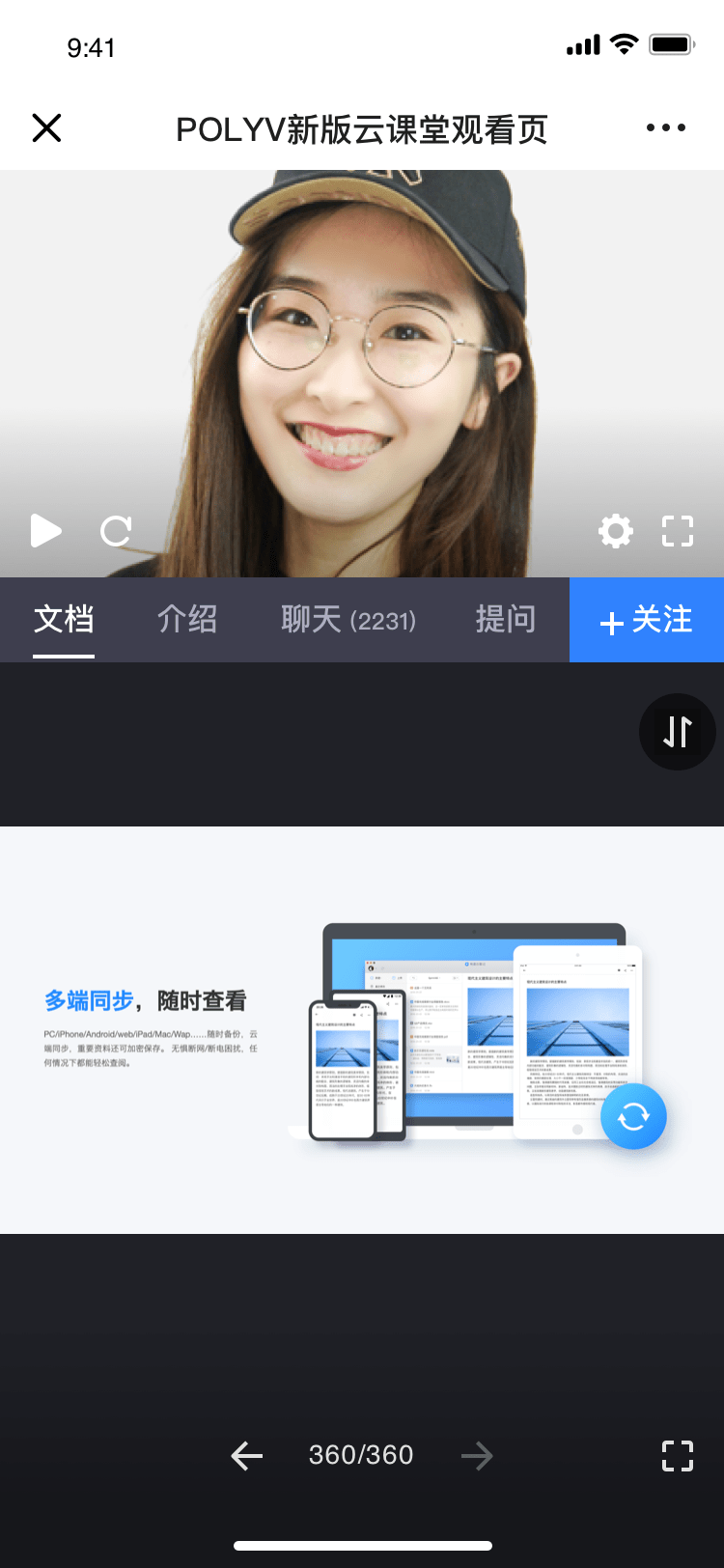 |
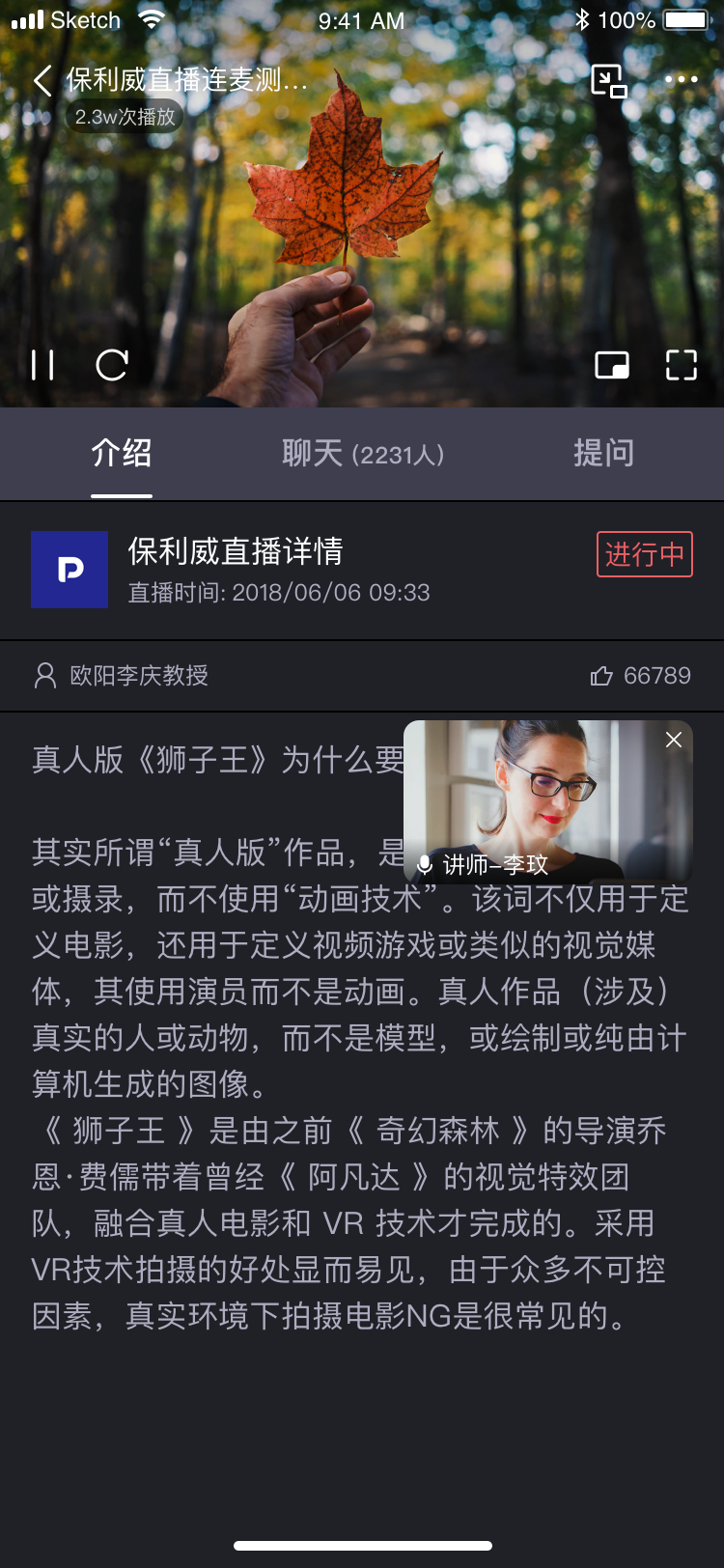 |
Feature Showcase
| Feature | Preview |
|---|---|
| Lottery | 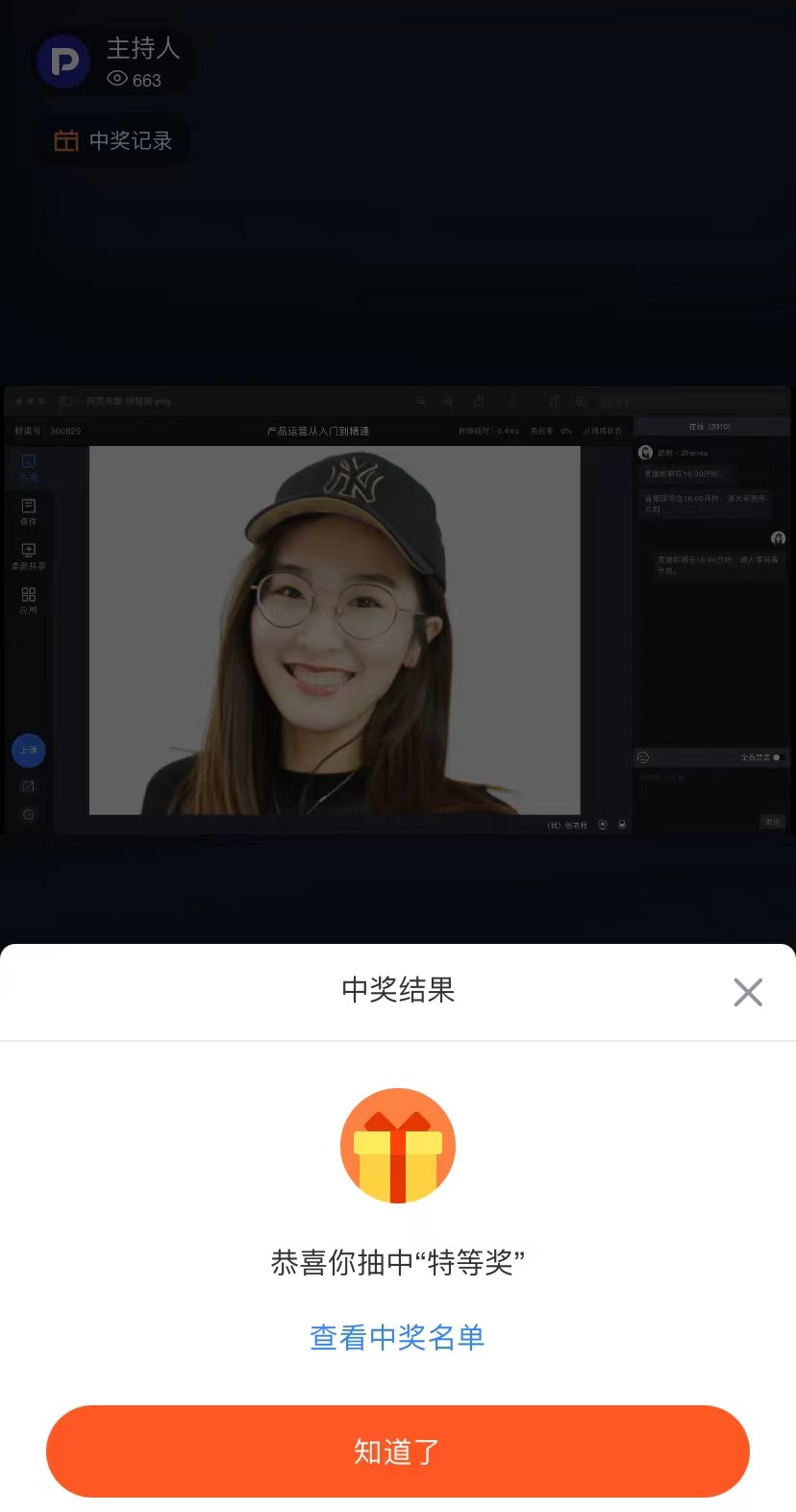 |
| Check-in | 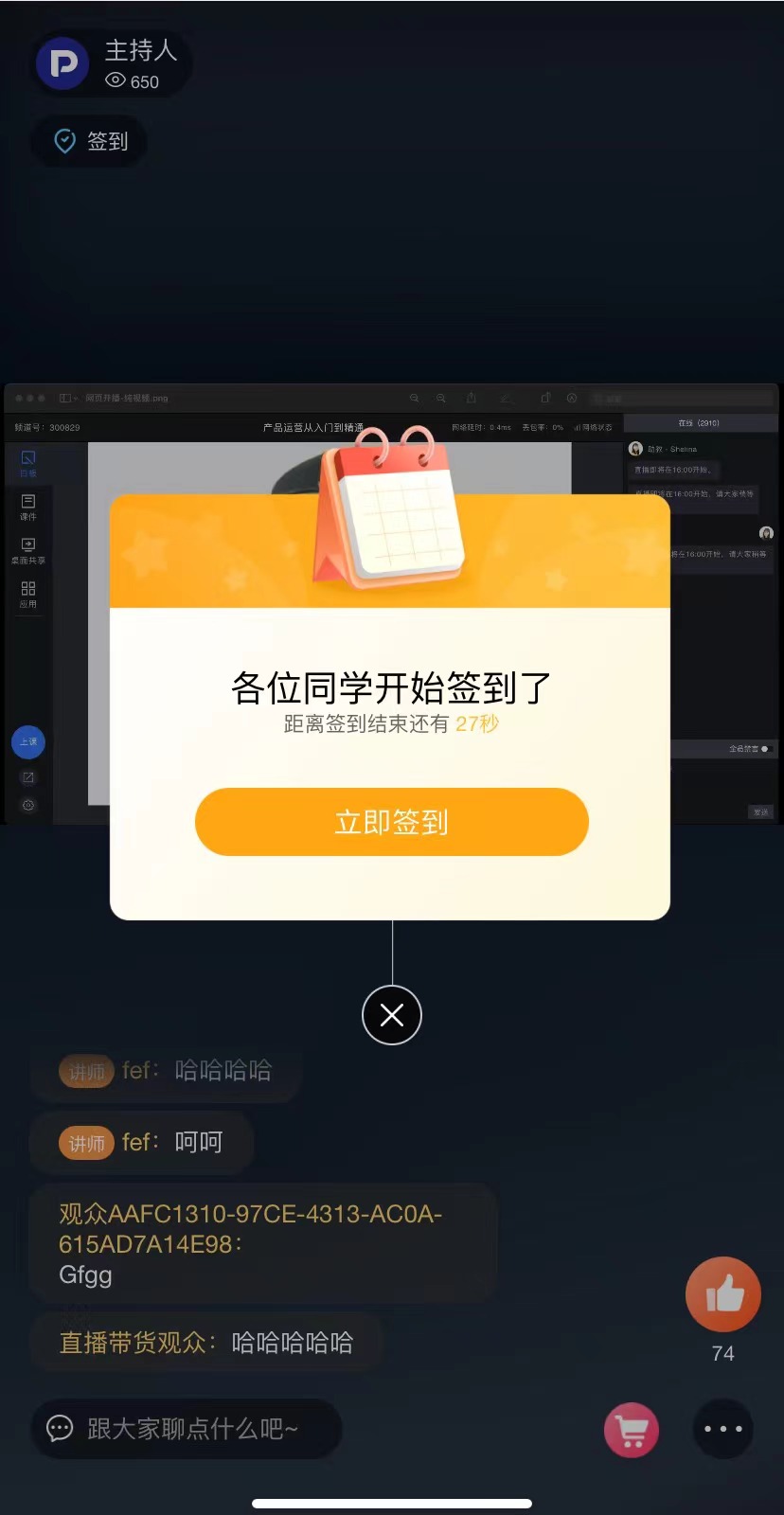 |
| Survey | 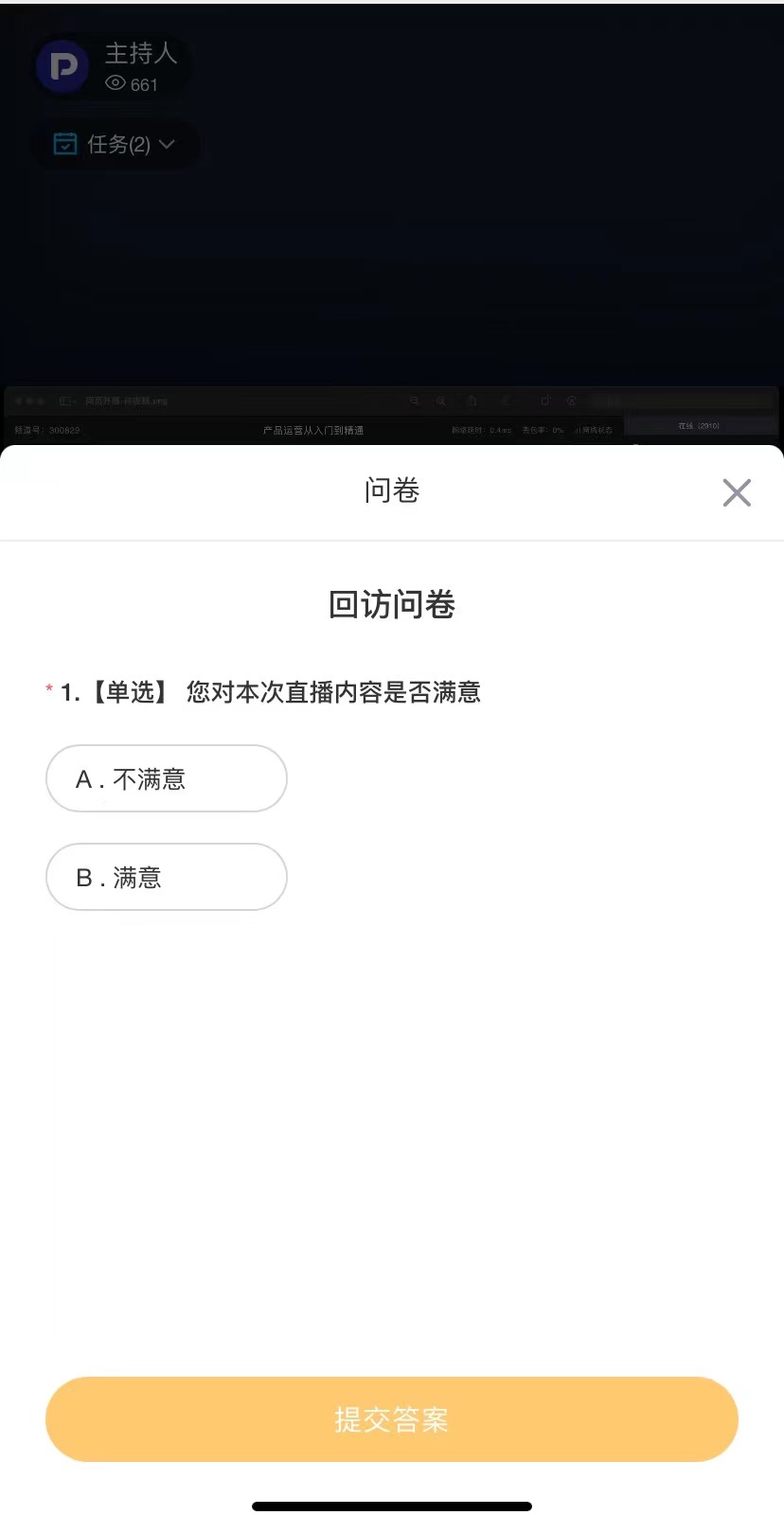 |
| Announcement | 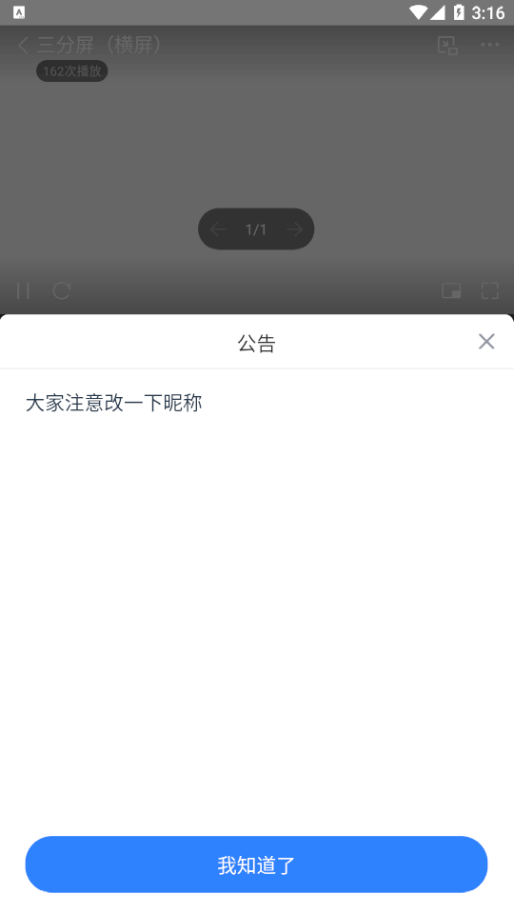 |
| Whiteboard | 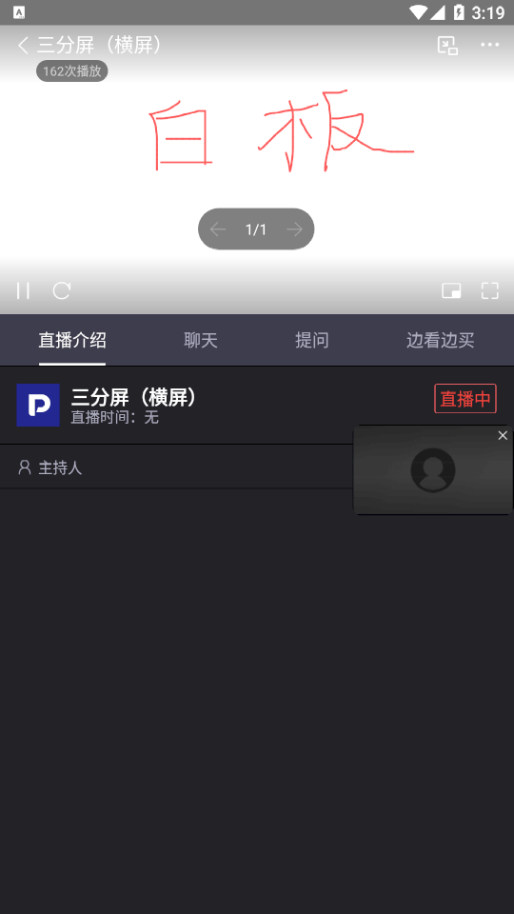 |
| Multi-person Co-hosting | 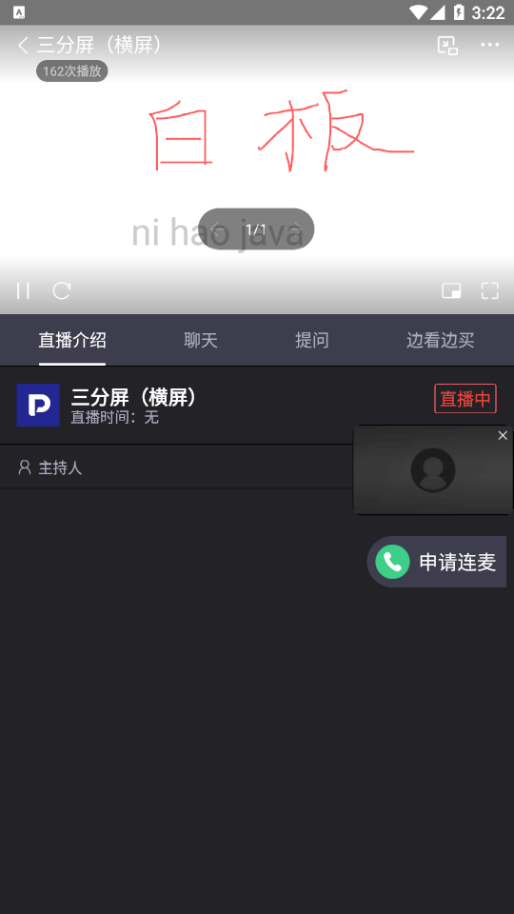 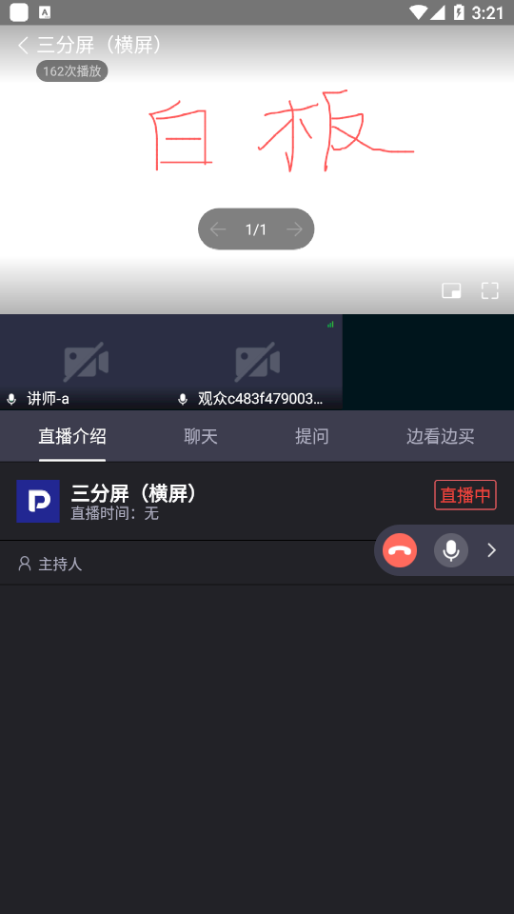 |
