Seat Layout
Updated: 2026-08-17 11:27:00
Seat Layout
Last updated: 2025-02-26
I. Feature Overview
Feature Info |
Description |
|---|---|
| Feature Name | Seat Layout |
| Feature Description | Allows flexible adjustment of the position and layout of the host and participants' camera feeds within the overall live stream画面 |
| Purpose | To design the seminar presentation format based on scenario needs and personnel importance |
| Use Cases | Academic seminars, roundtable forums, high-level government and enterprise meetings |
| Operation Path | 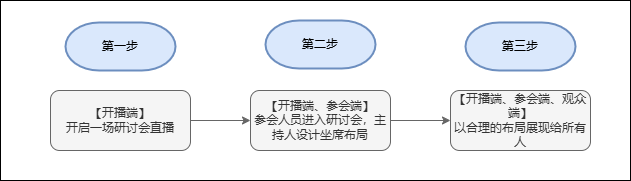 |
II. Usage Instructions
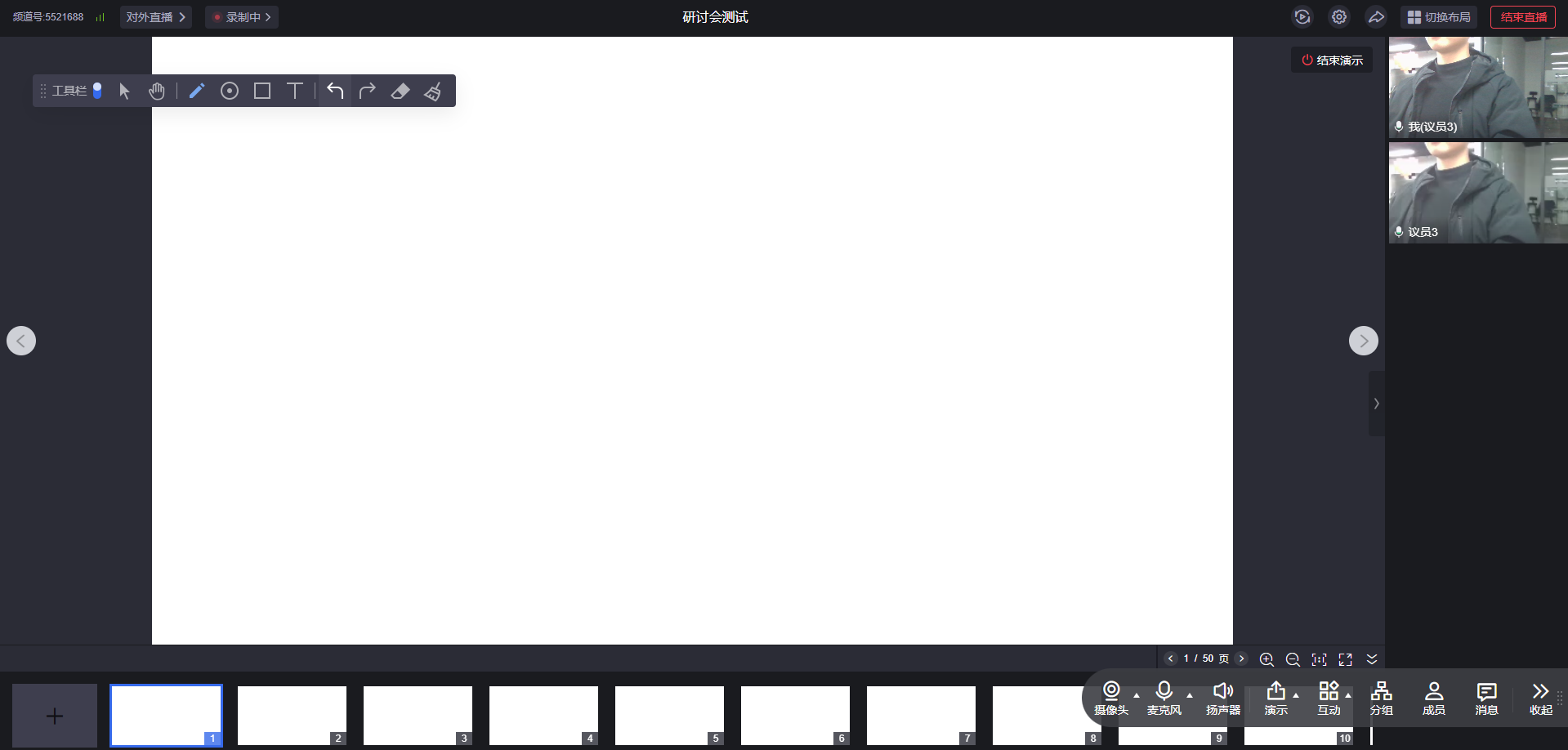
1. Host starts a seminar
2. Click "Switch Layout" in the top right corner
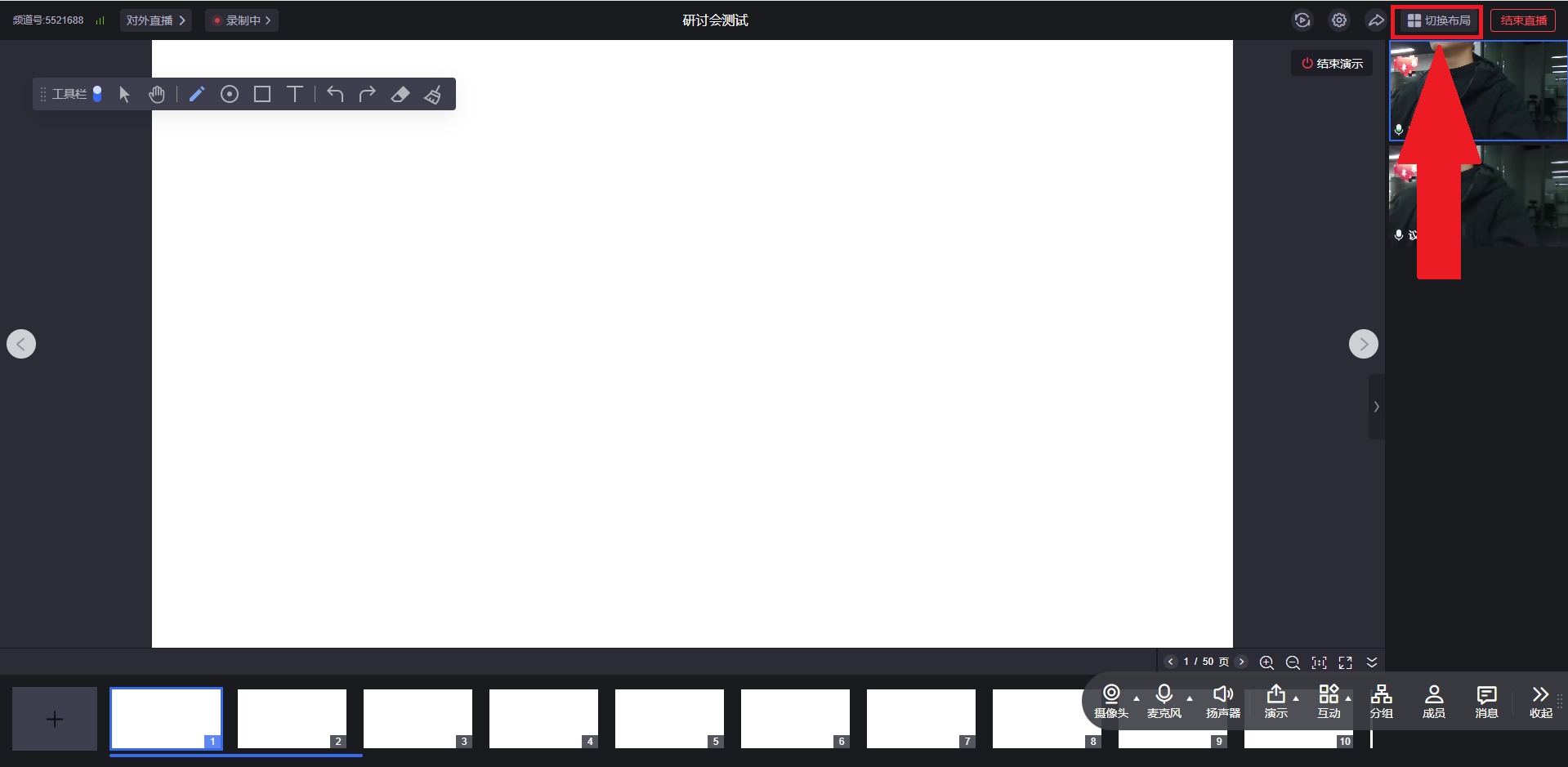
3. There are three layout types: Grid Layout, Left-Right Layout, and Roundtable Layout
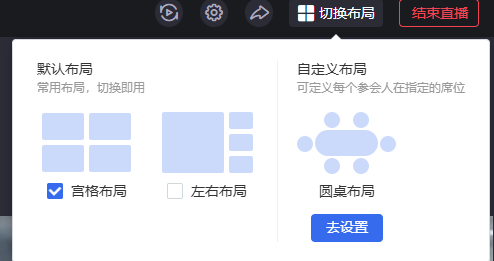
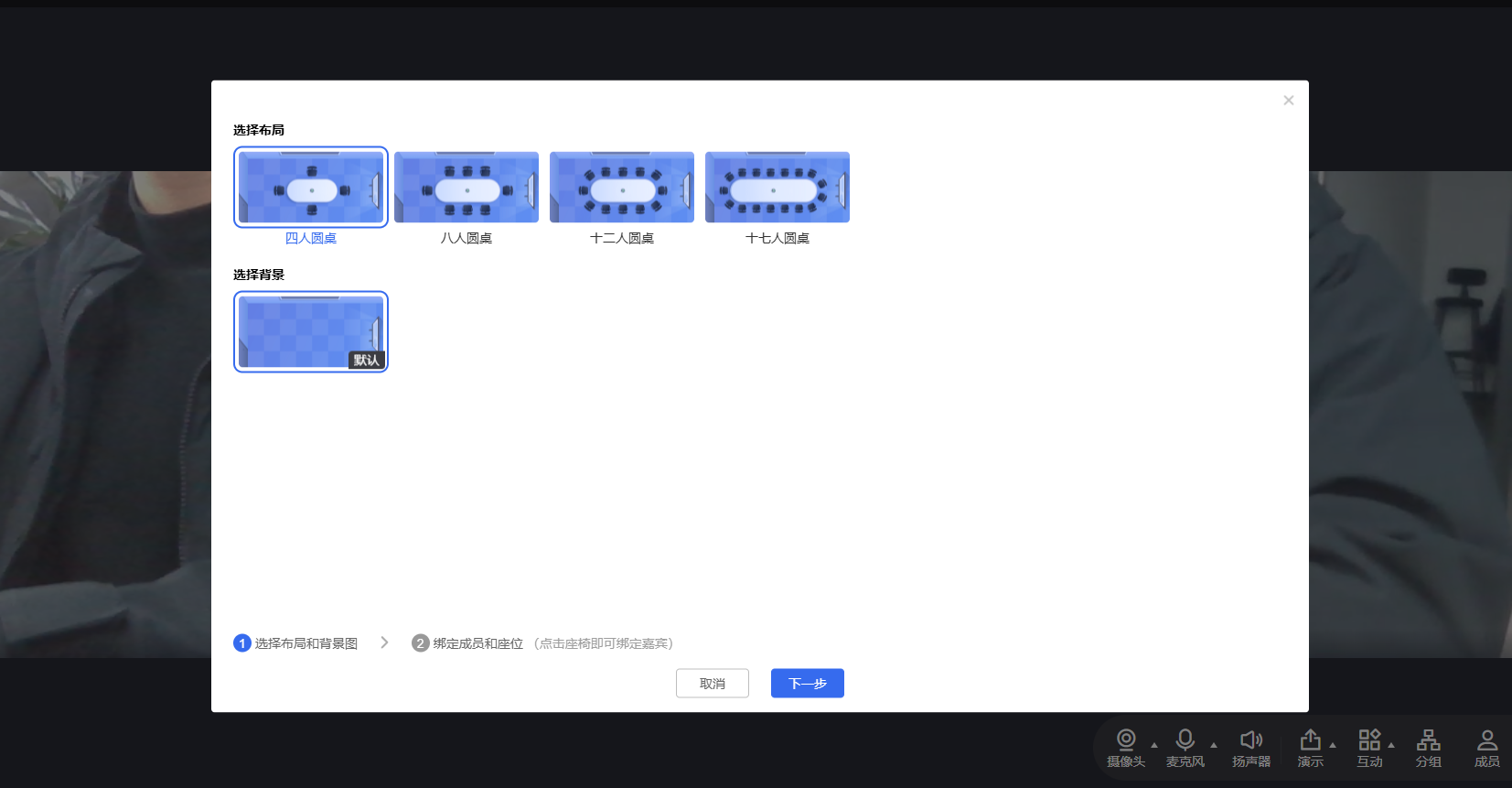
4. The Roundtable Layout can be customized. Enter the Roundtable Layout, first select the layout and background image
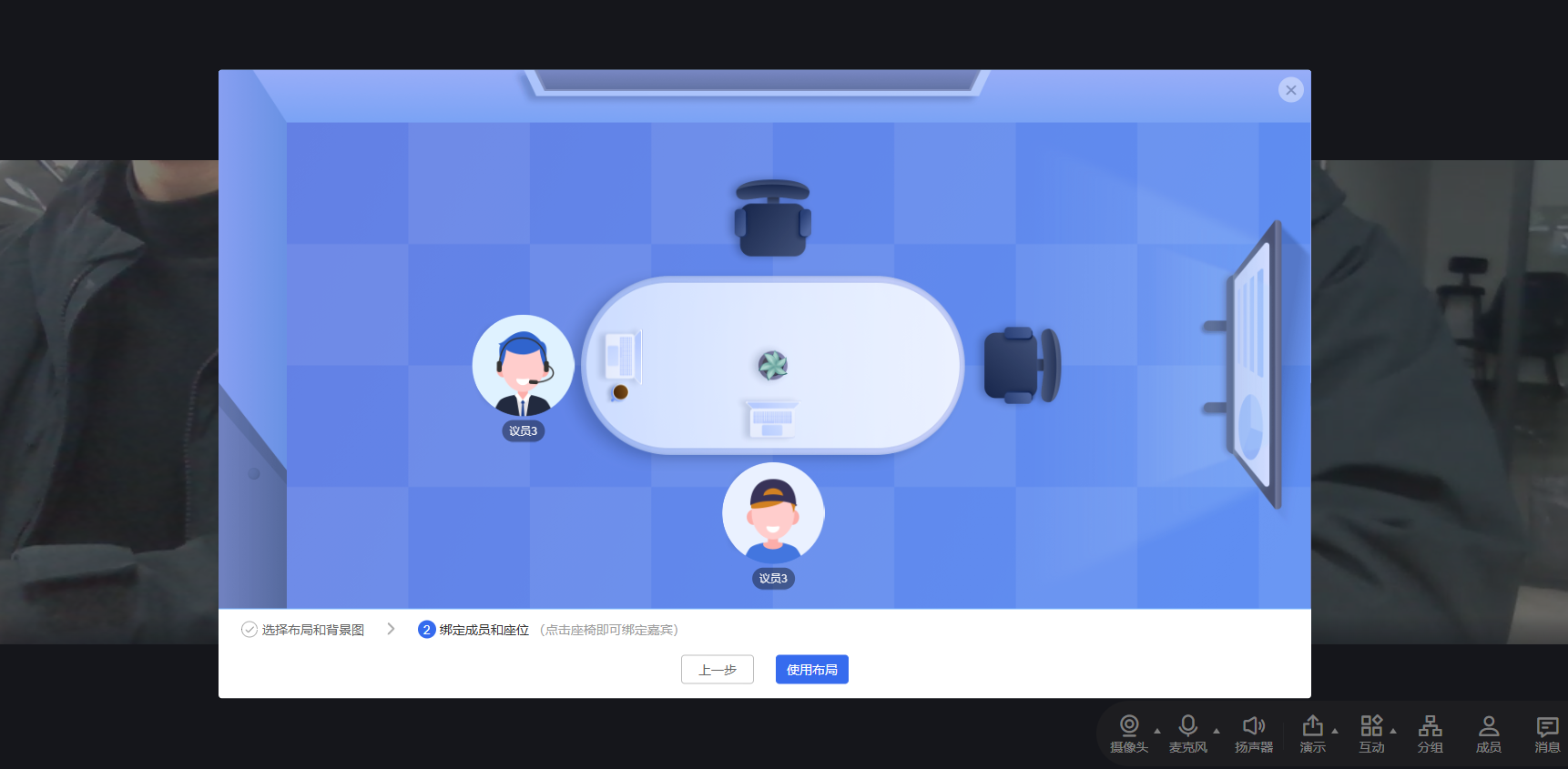
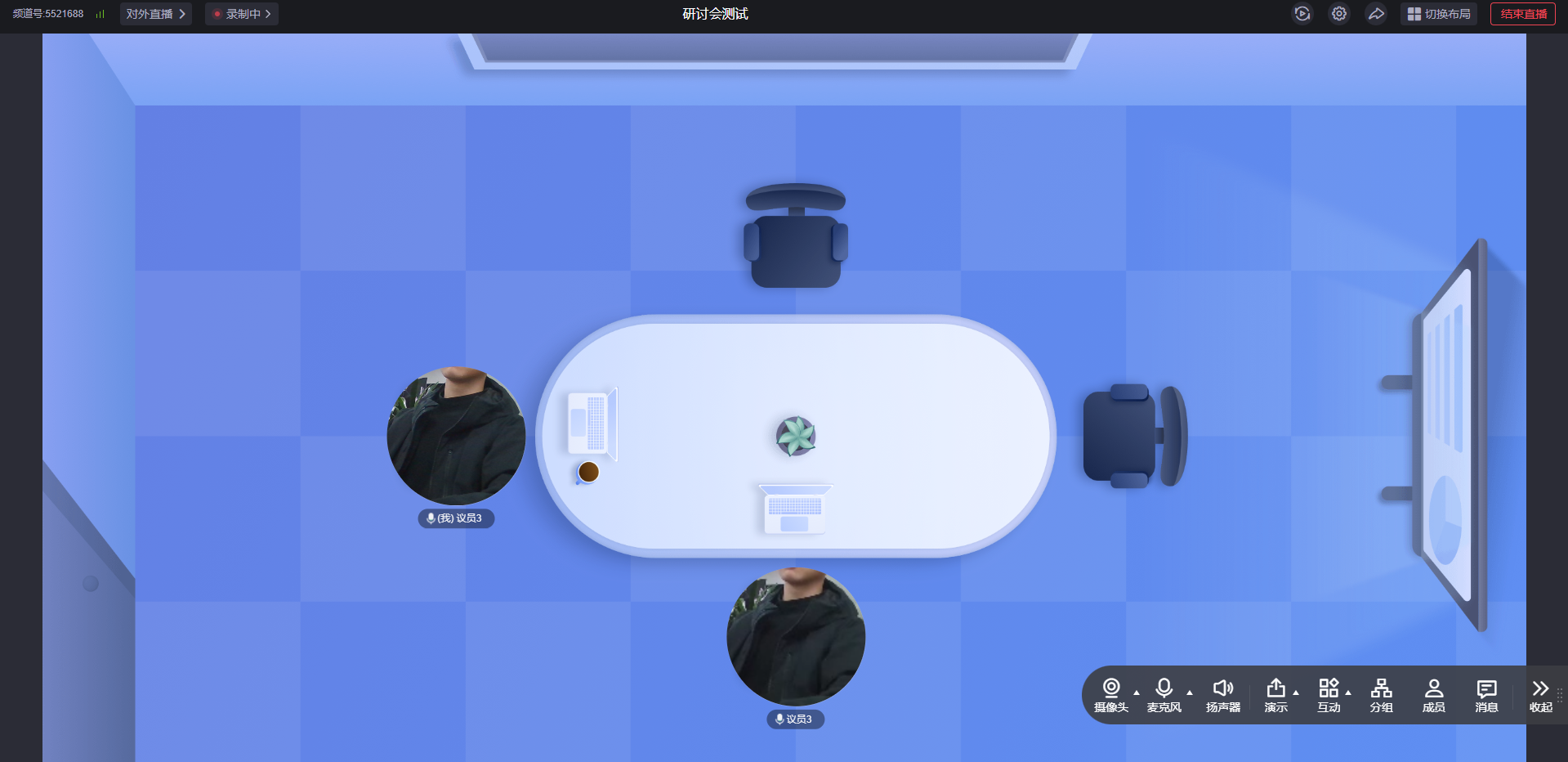
5. Bind members to seats, the effect is as follows
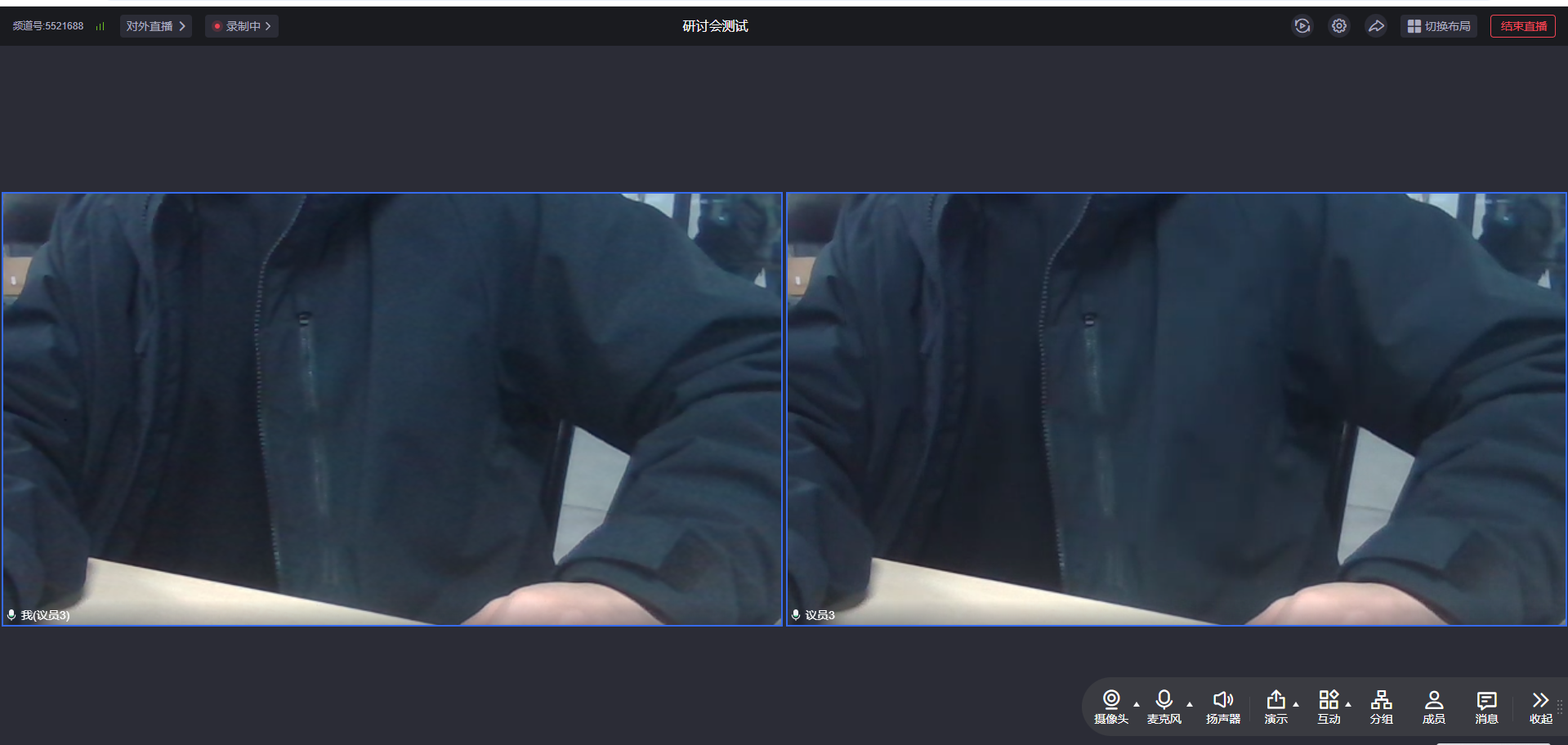
6. Grid Layout effect
7. Left-Right Layout effect
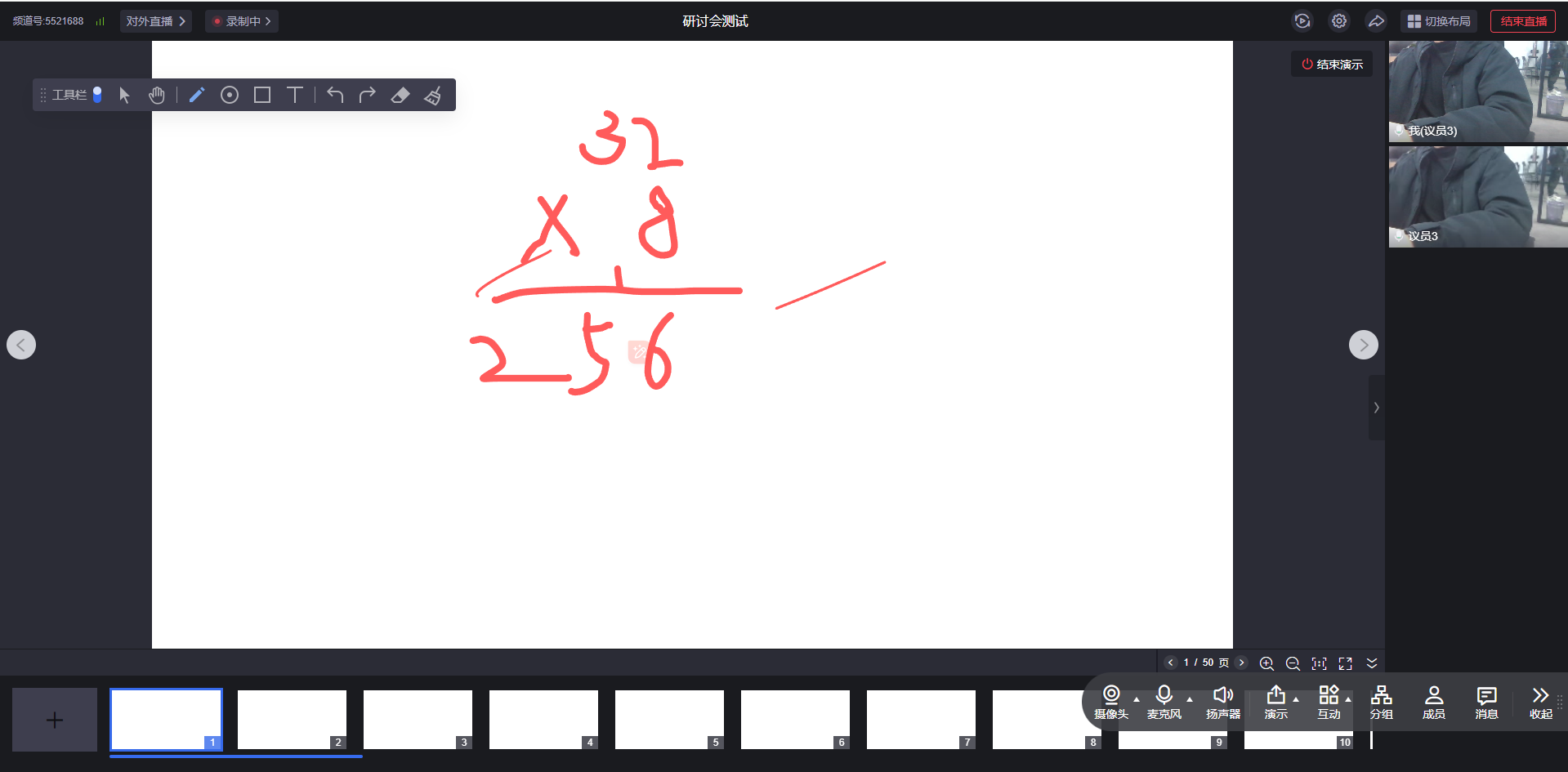 After ending the whiteboard content presentation, you can set one of the camera feeds as the main画面