


Audience User Guide
Updated: 2022-12-21 18:26:13
Audience Watching a Live Stream
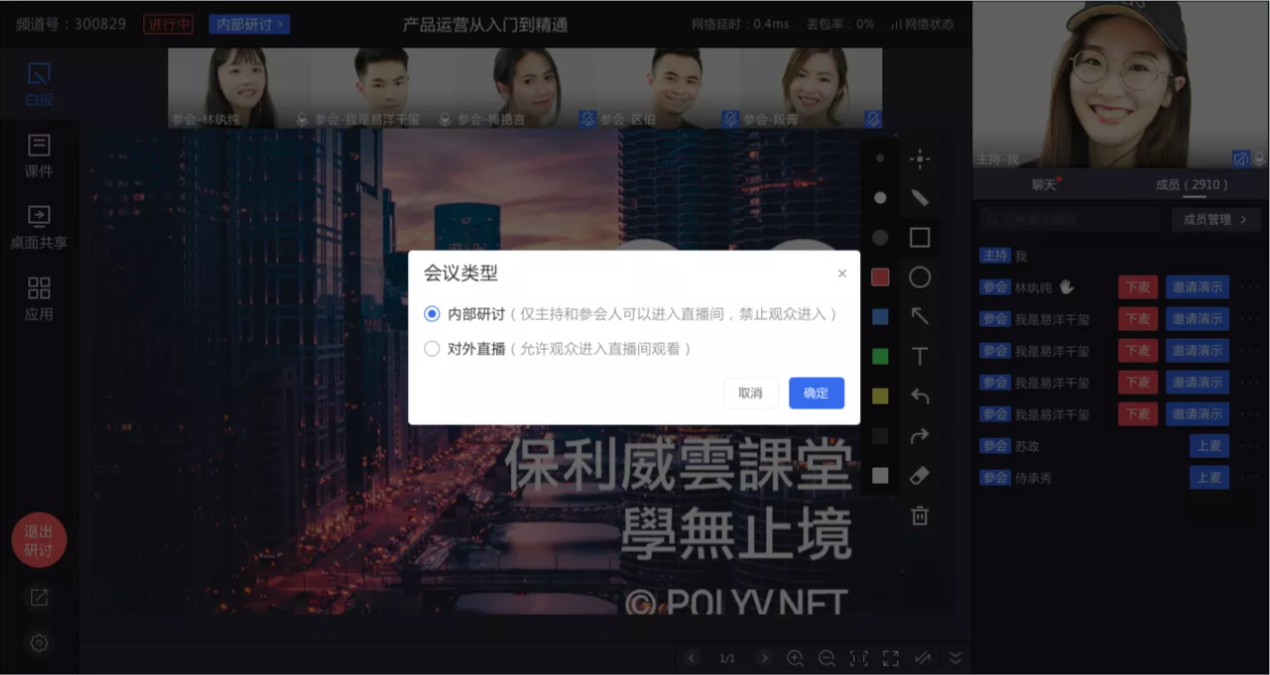
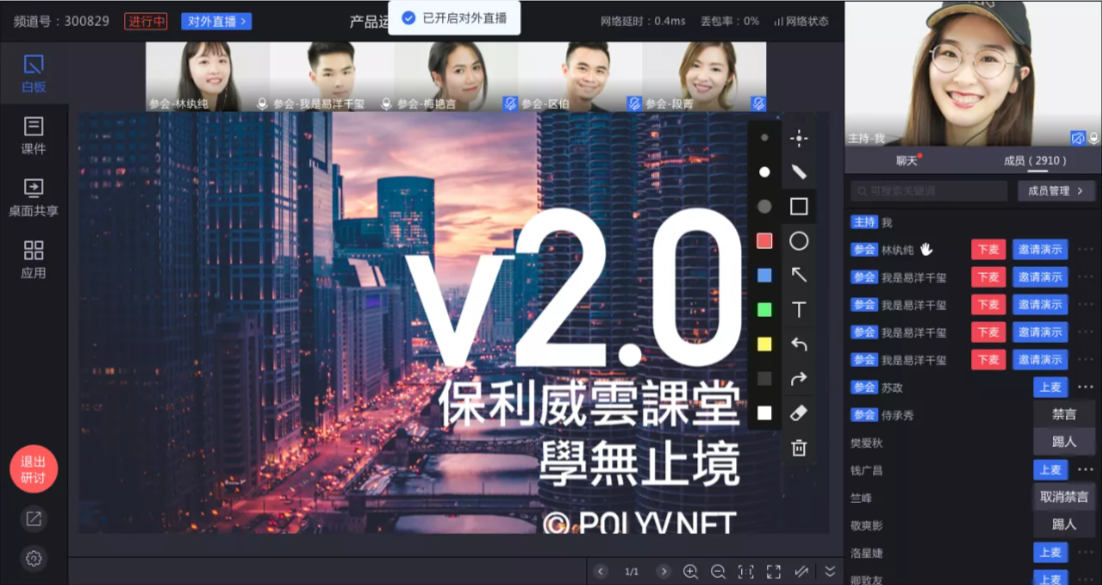
- The default state of a seminar is "Internal Discussion". To open it to external audiences (non-participants), you need to switch the meeting type to "External Live Stream" so that the audience can watch the live stream.
- During a meeting, you can switch between "Internal Discussion" and "External Live Stream" at any time. When in the "Internal Discussion" state, the audience cannot view the live stream.
