


Video Playback
Auto-Switching Between Live and Playback
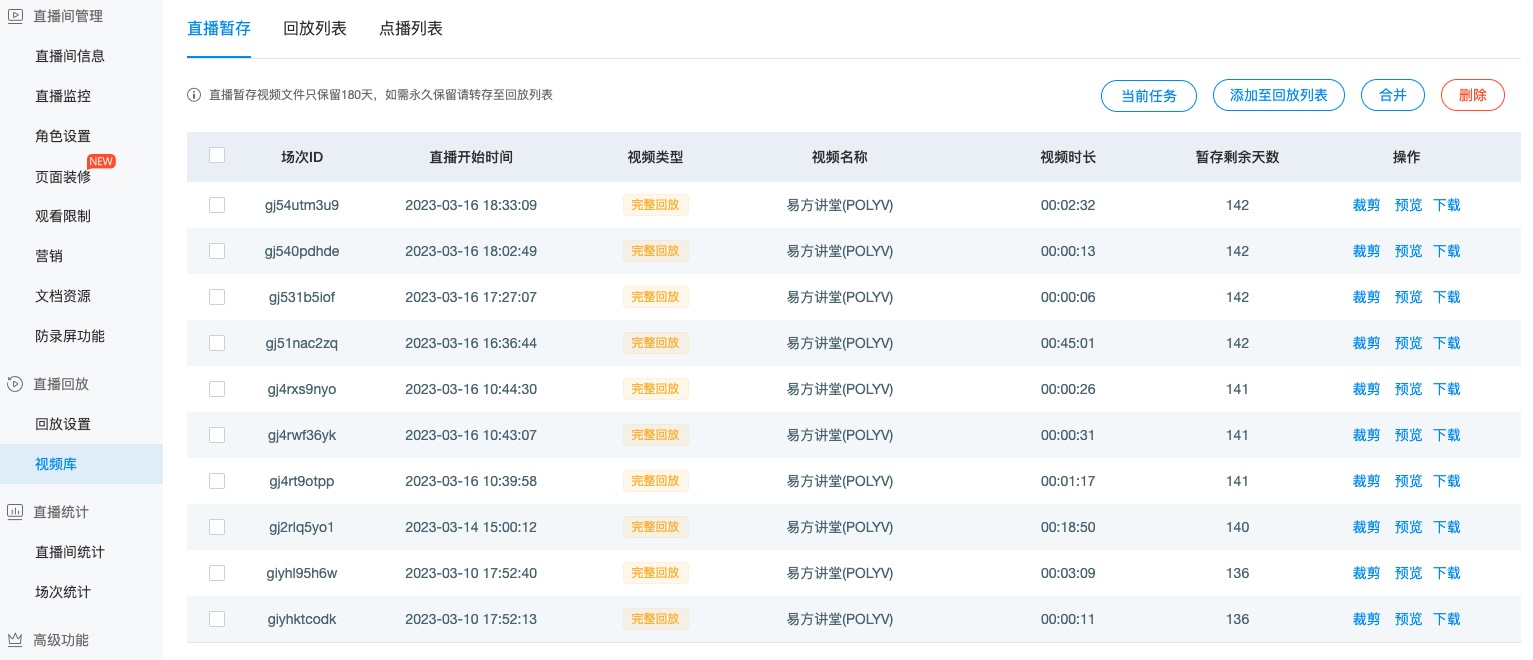
Setting the isAutoChange:true parameter enables automatic switching: when a live broadcast starts, the live stream plays; after the live broadcast ends, the first archived file from the video library's live archive section is played. (Note: Archived files are retained for a limited time.)
const player = polyvLivePlayer({
    wrap: '#player',
    width: 800,
    height: 533,
    uid: 'uid',
    vid: 'vid',
    isAutoChange: true
});
Live Room Statistics
Set statistical information. Records of live/playback related data are only available in the POLYV live broadcast backend. Currently supported parameters include passing the viewer ID - param1 and viewer nickname - param2.
const player = polyvLivePlayer({
    wrap: '#player',
    width: 800,
    height: 533,
    uid: 'uid',
    vid: 'vid',
    param1: 'user_polyv',
    param2: '昵称POLYV'
});
Web Page Fullscreen
By default, clicking the fullscreen button in the live player invokes the browser API requestFullscreen to achieve system fullscreen. After entering fullscreen, the browser's default control bar skin is always used. To achieve a fullscreen + landscape effect similar to an app on mobile H5 playback, add the following parameters. The implementation controls CSS to handle page rotation, achieving an effect similar to an app.
const player = polyvLivePlayer({
    wrap: '#player',
    width: 800,
    height: 533,
    uid: 'uid',
    vid: 'vid',
    webPageFullScreen: true,
    fullScreenOrientation: 'landscape'
})
If the fullScreenOrientation parameter is not set to landscape, and only the webPageFullScreen:true parameter is set, clicking the fullscreen button will not enter system fullscreen. In this case, you need to handle related styles in conjunction with fullscreen enter/exit events.
const player = polyvLivePlayer({
    wrap: '#player',
    width: 800,
    height: 533,
    uid: 'uid',
    vid: 'vid',
    webPageFullScreen: true,
    fullScreenOrientation: 'landscape'
})

player.on('s2j_onFullScreen', () => {
    console.info('点击进入全屏按钮,将播放器铺满当前网页');
})

player.on('s2j_onFullScreen', () => {
    console.info('点击退出全屏按钮,将播放器恢复原来大小');
})
