


Video Outline Introduction
Applicable to: Cloud Video Playback Users
1. What is a Video Outline
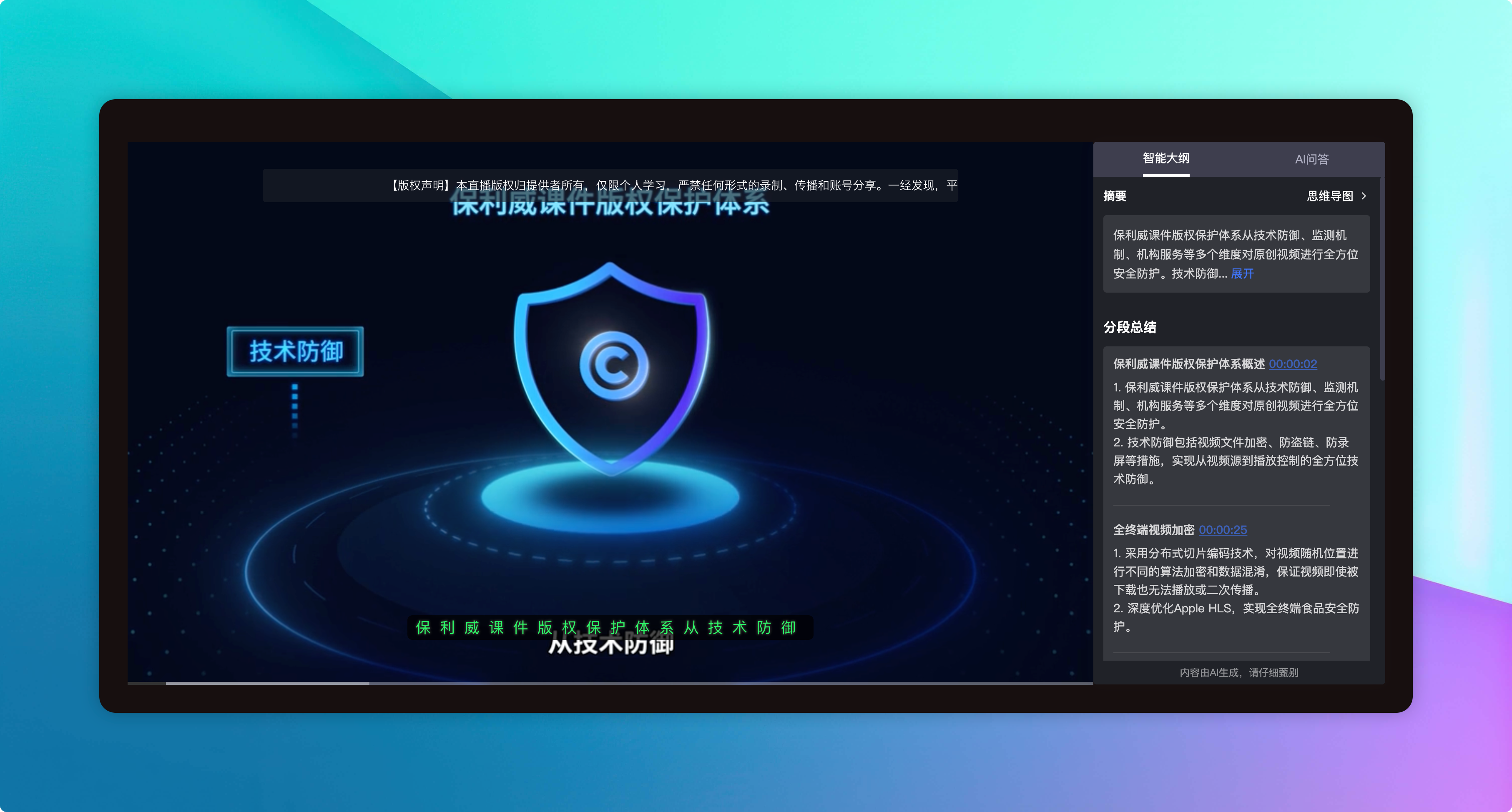
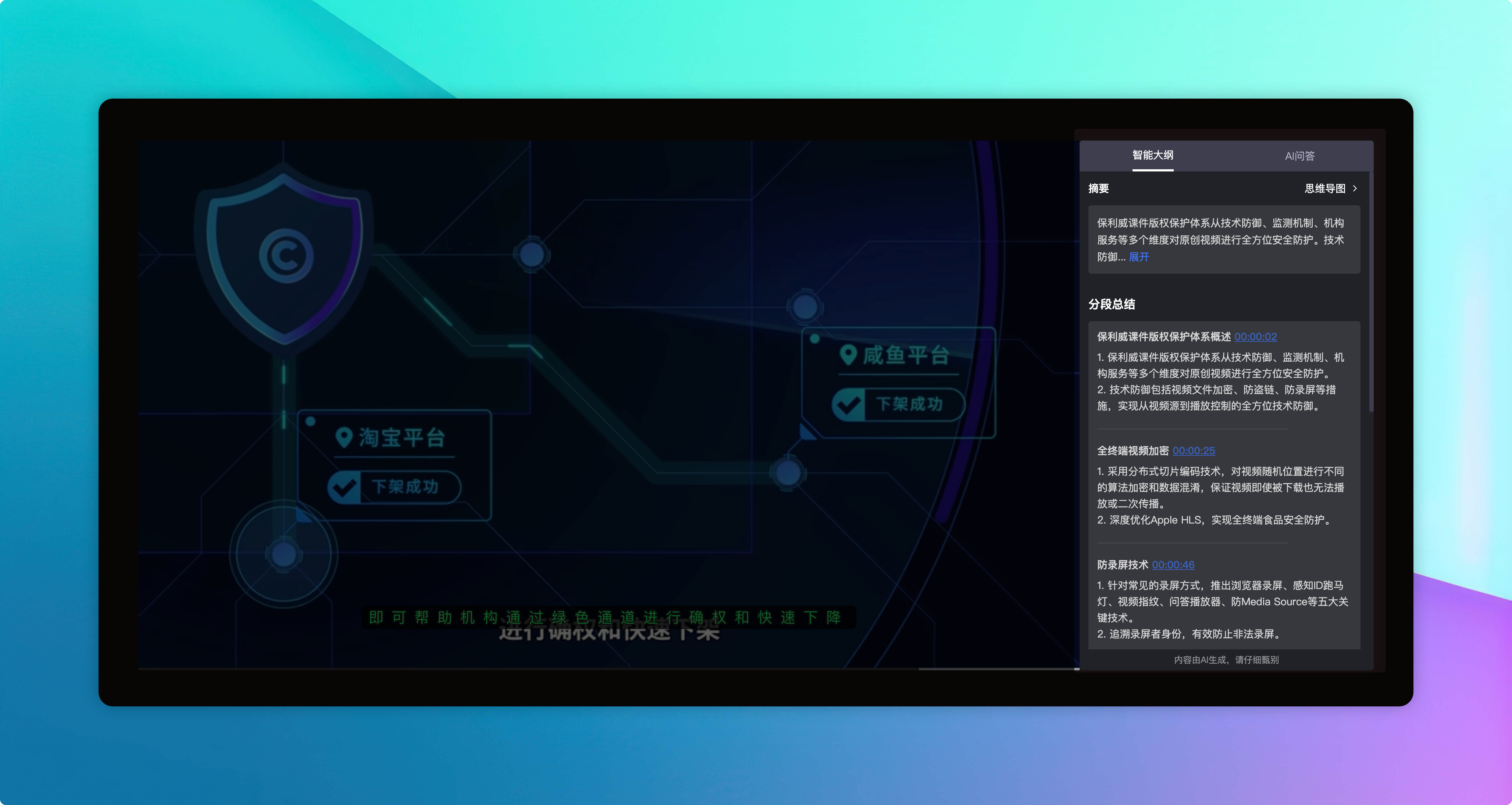
A video outline is an AI-powered content structure analysis automatically generated by POLYV for videos. The system recognizes speech and subtitle content within the video, automatically dividing the entire video into multiple segments with timestamps, generating titles, summaries, and keywords for each segment, while also automatically producing a video summary.
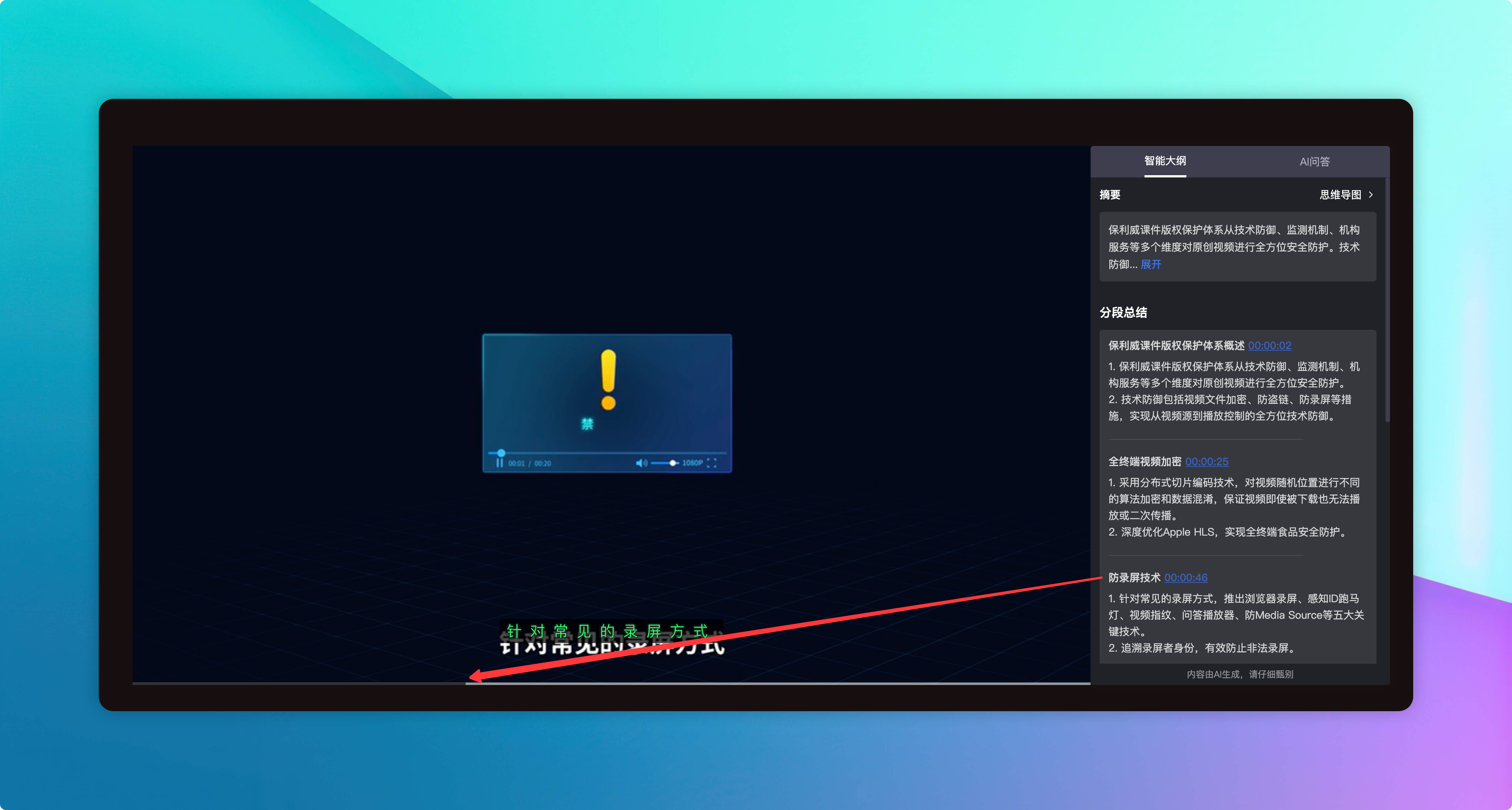
Once generated, viewers can see the video outline panel on the playback page, instantly understanding what the video covers. Clicking any segment allows them to jump to the corresponding time point for viewing, quickly locating content of interest.
Outline analysis is asynchronous: after creating an analysis task, the system processes it in the background. Results are returned via HTTP callback or obtained through frontend polling, requiring some time for generation.
2. What Can the Video Outline Do
| Capability | Description | Benefit to Viewers |
|---|---|---|
| Auto-segmented Outline | Automatically divides the video into multiple segments, each containing a title, time range, summary, and keywords | Quickly grasp the overall structure and key content of the video |
| Timeline Jump | Click any segment to have the player automatically jump to the corresponding time point | Skip content already known or irrelevant, watch precisely |
| Video Summary | Automatically generates an introductory paragraph summarizing the core content of the video | Quickly determine if the video is worth watching before starting |
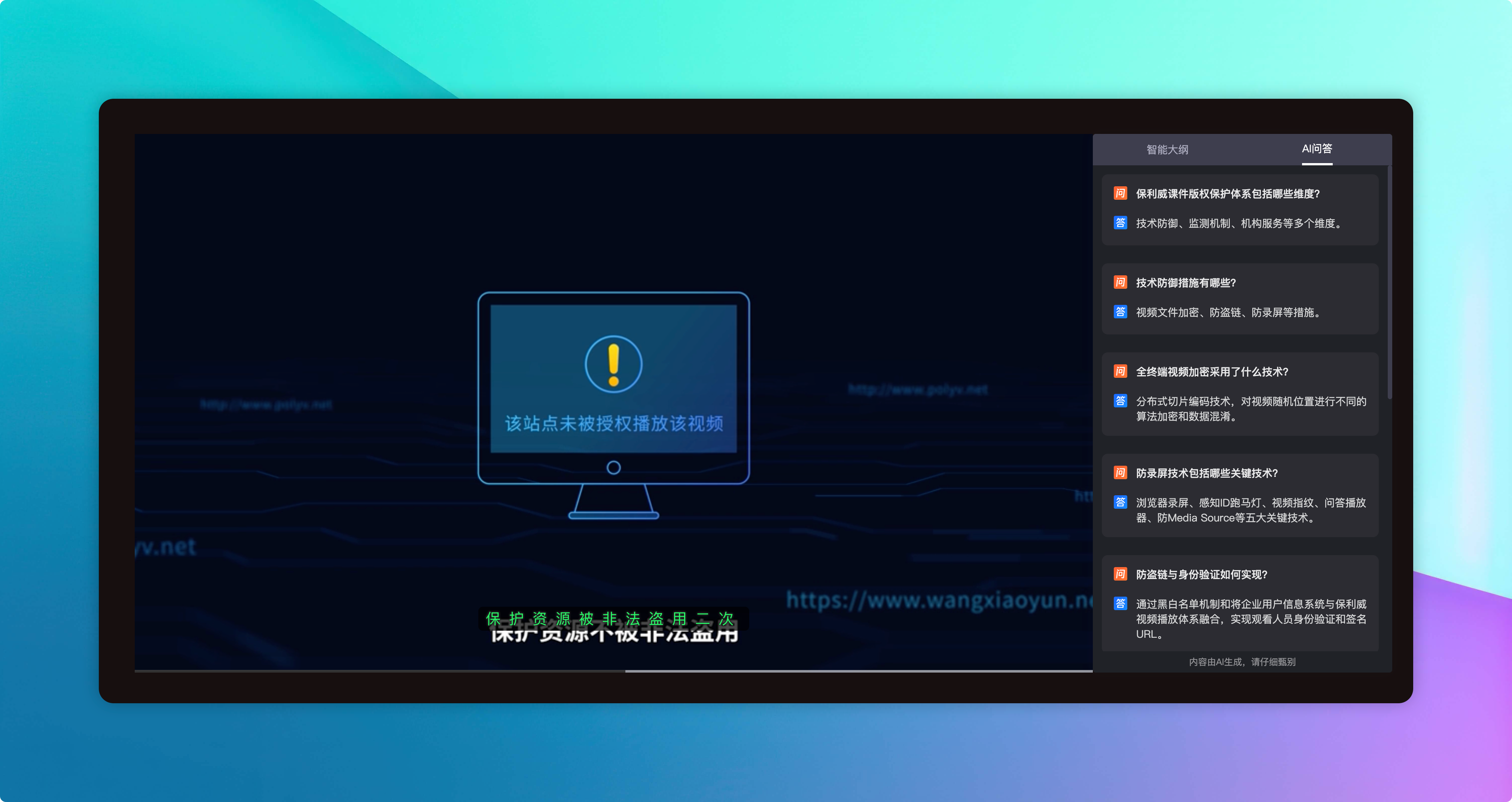
| AI Recommended Questions | Automatically generates a list of Q&A related to the video content | Watch with questions in mind, think while watching, enhance learning effectiveness |
| Mind Map | Visualizes the outline as a mind map | Grasp the video content structure from a global perspective |
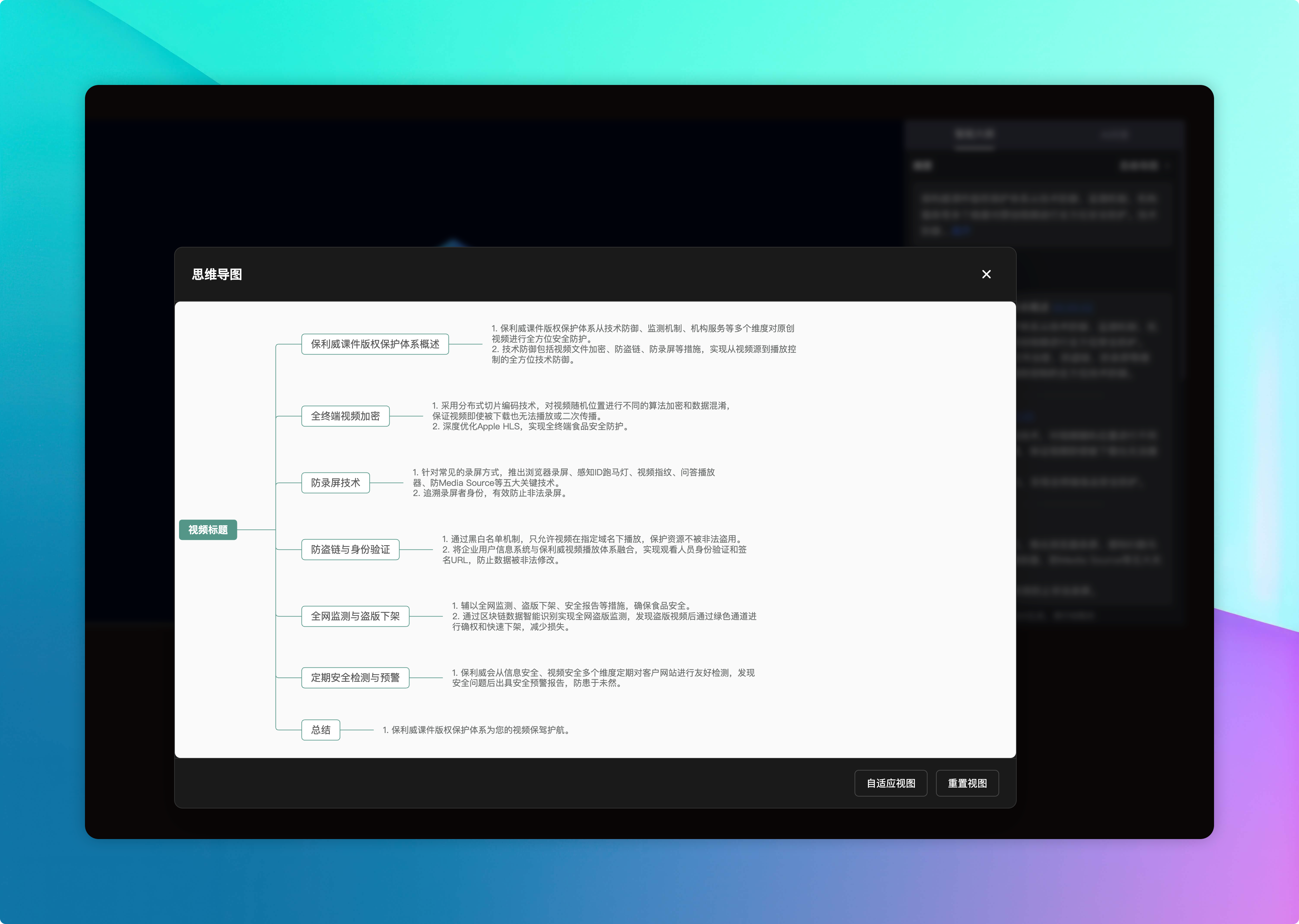
3. How to Implement
The video outline is provided through the Cloud Playback Server API, with the overall process as follows:
创建大纲任务 → 系统异步分析 → 查询分析结果 → 播放页面展示
Before use, please confirm:
- The video outline AI capability has been enabled
- The appId and appSecret have been obtained (viewable under "Cloud Playback → Settings → API Interface")
Steps:
- Call the Create Video Outline Task API, passing the video ID to create an analysis task
- The system performs asynchronous analysis; poll to query the analysis results
- Integrate the analysis results into the playback page for display
5. References
- Help Center "MD5 Signature Generation Rules": https://help.polyv.net/index.html#/live/api/buildSign
- Video Outline Frontend Display SDK Sample Project (GitHub): https://github.com/polyv/polyv-web-vod-outline-demo
