


How Many Bitrate Levels Are Available for Live Streaming
Use Case: When the user's upstream network allows, they often choose higher parameters (such as higher bitrate) for better clarity. However, network conditions are complex and variable, so this feature is designed to ensure smooth viewing across different environments.
Feature Description: After enabling the multi-bitrate feature, the following logic applies based on the live stream's bitrate:
- If the bitrate x < 400, no bitrate selection is displayed.
- If 400 ≤ x < 600, "Smooth" and "HD" options are shown.
- If x ≥ 600, "Ultra HD", "HD", and "Smooth" options are shown.
The default selection is the highest bitrate. When poor network conditions are detected, a prompt will appear, and the stream will automatically switch to the next lower bitrate for viewing.
Activation Instructions: Contact Polyv customer service to enable this feature.
Effect Preview:
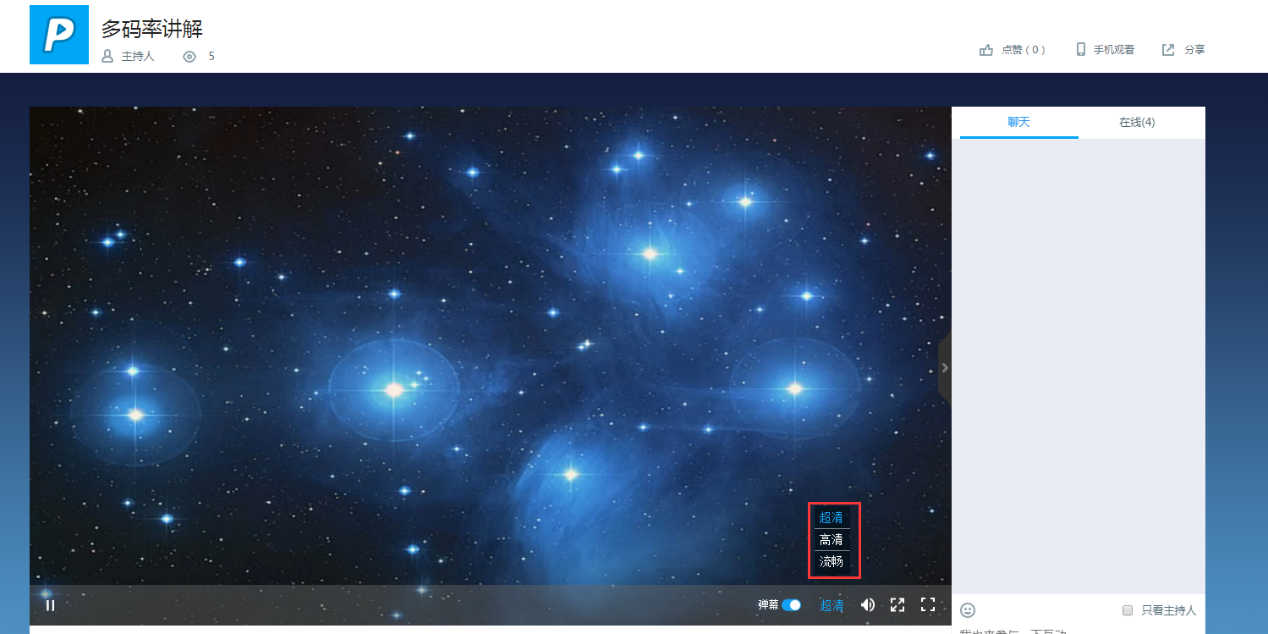
When pushing a live stream at 1000 kbps, viewers can choose from three bitrate levels: Ultra HD (original bitrate), HD (600), and Smooth (400).
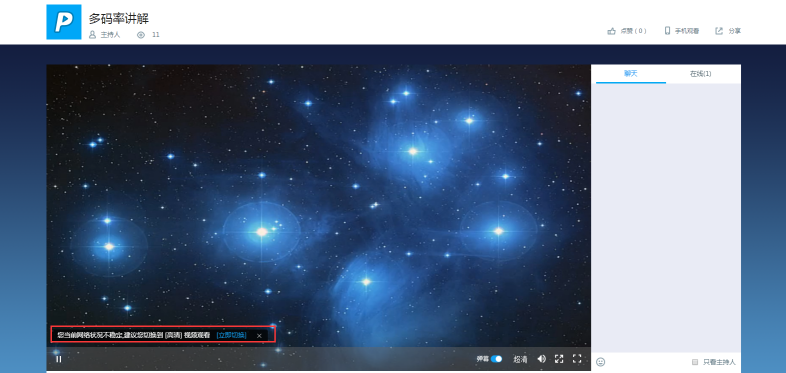
When poor network conditions are detected, a prompt will appear, and the stream will switch to a lower bitrate for viewing.
