Overview of the Interactive Classroom Management Backend
Updated: 2024-10-21 09:33:43
The Polyv Interactive Classroom Management Backend is automatically assigned after a user registers a Polyv account. It supports the management of classrooms, lessons, replays, and teachers. Before using it, you need to register a Polyv account first.
Registration
- Click the registration link or click the [Free Trial] button at the top of the official website to enter the registration page.
- Follow the instructions to fill in the information step by step to complete the registration.

Login
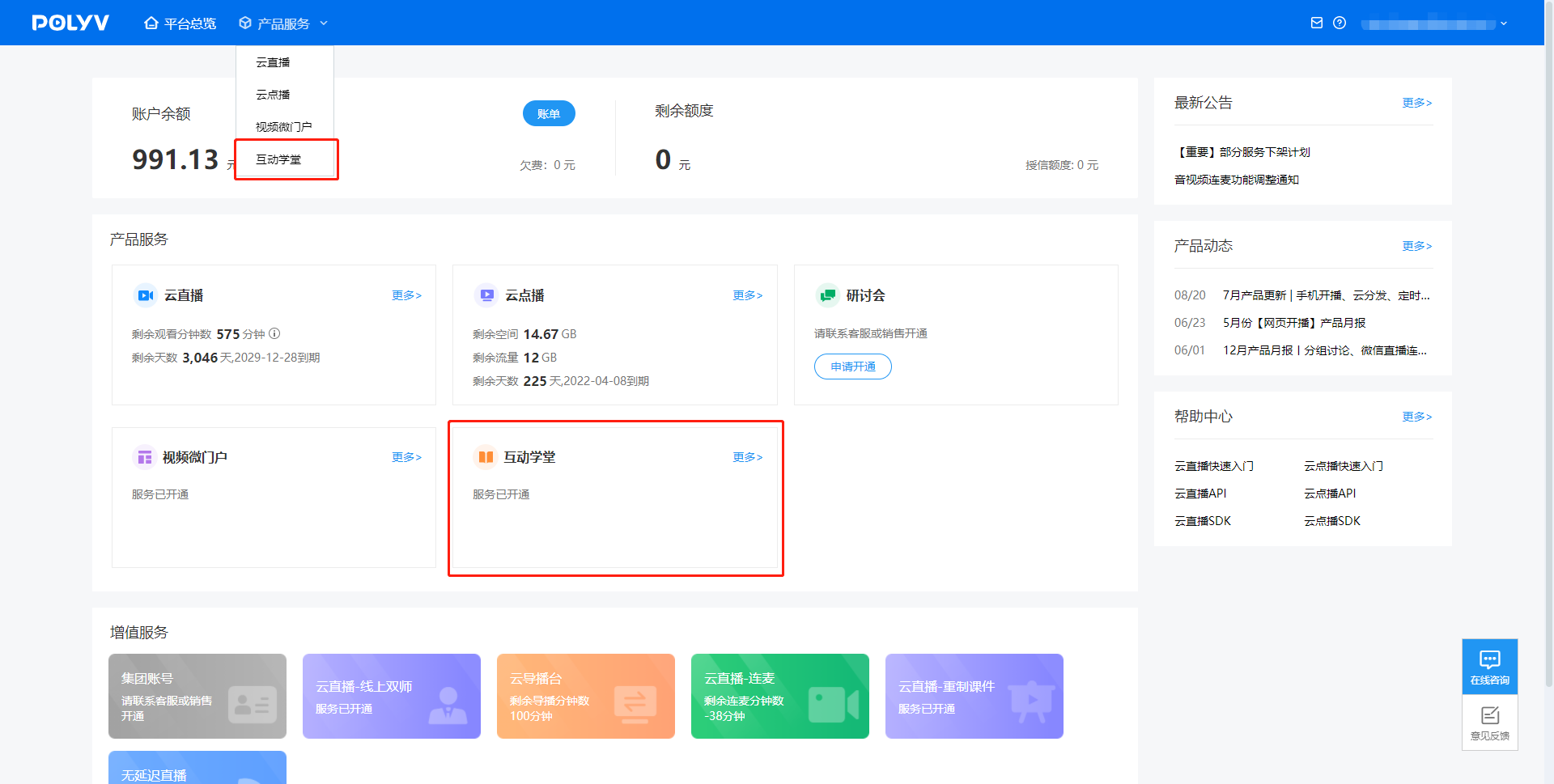
Log in to the Polyv management backend (https://www.polyv.net, and click to enter the Interactive Classroom Management Backend from the backend homepage.