


POLYV Live Streaming Beginner's Tutorial
1. Live Streaming Principles:
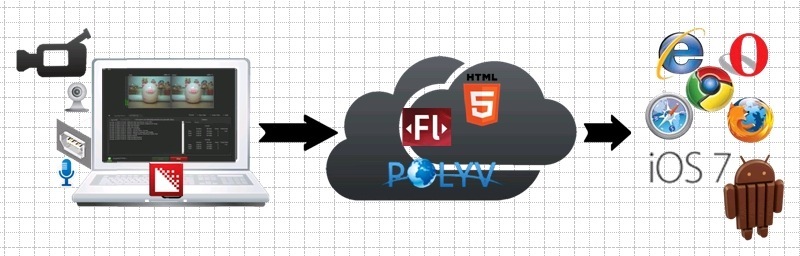
At a live streaming site, a camera or webcam captures real-time footage. The footage is transmitted via USB to a computer for encoding, then uploaded to a cloud server and distributed to various players for live streaming.
2. Beginner-Level Streaming Features
Enables simple, smooth live streaming, but with a single, non-switchable view and no support for ultra-high-definition video.
3. Video Capture Device Connection for Live Streaming:
Camera --- USB interface
Camera or camcorder -----------------→ Encoding computer
Camcorder --- 1394 interface
4. Network Requirements for the Streaming End:
A single live stream requires an upstream bandwidth (Telecom/Unicom) of at least 1 Mbps.
5. Equipment Requirements and Recommended Models:
| Live Streaming Video Receiver Equipment Requirements | |||
| Equipment | Requirement | Recommended Model | Minimum Configuration |
| Computer | Must have a 1394 port (if using DV) | ThinkPad L520 (5016A52) | CPU: I5 or above |
| Encoding Software | —— | Wirecast | Flash Media Encoder |
