POLYV Live Streaming Tutorial
POLYV live streaming consists of two parts: Video Capture Device Setup and POLYV Live Streaming Backend Operations.
Due to varying difficulty in video capture device setup, we categorize live streaming into three types: Entry-Level, Standard-Level, and Professional-Level.
In terms of POLYV's live streaming backend operations, the overall process is the same. Here, we will explain the POLYV backend operations.
A Simple Live Stream:
Log in to the POLYV live streaming official website, register, and apply for a trial. (http://live.polyv.net/);
Log in to the POLYV live streaming system (http://live.polyv.net/login.htm);
Create a new live streaming channel;
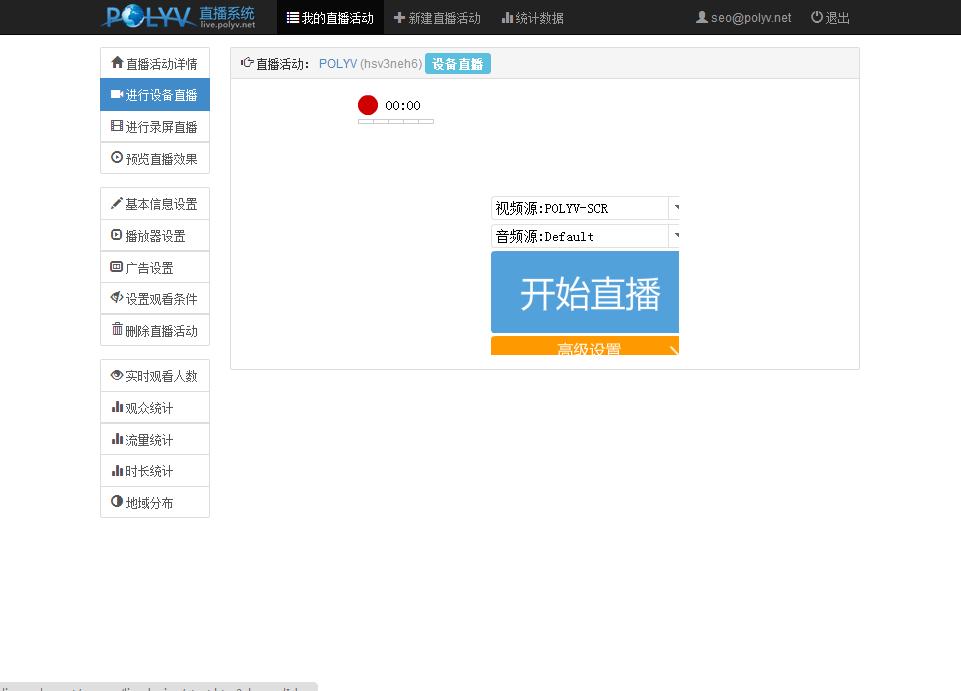
Choose device streaming or screen recording streaming;
Click "Start Streaming";
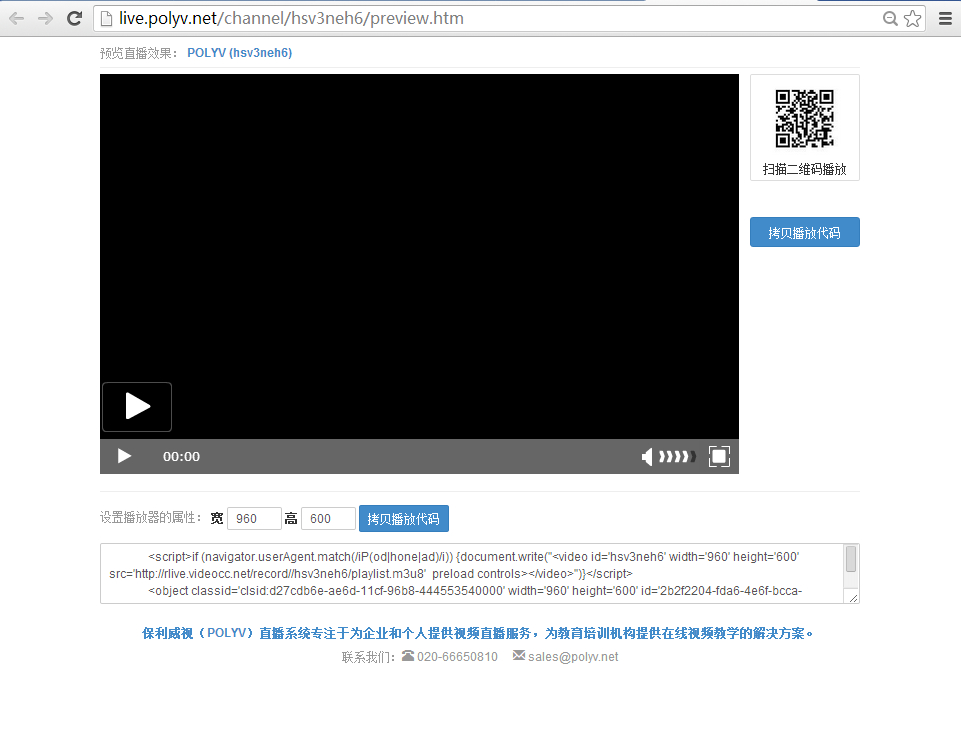
Click "Preview Streaming Effect" to preview the stream. The generated video code can be copied by users directly to their own websites;
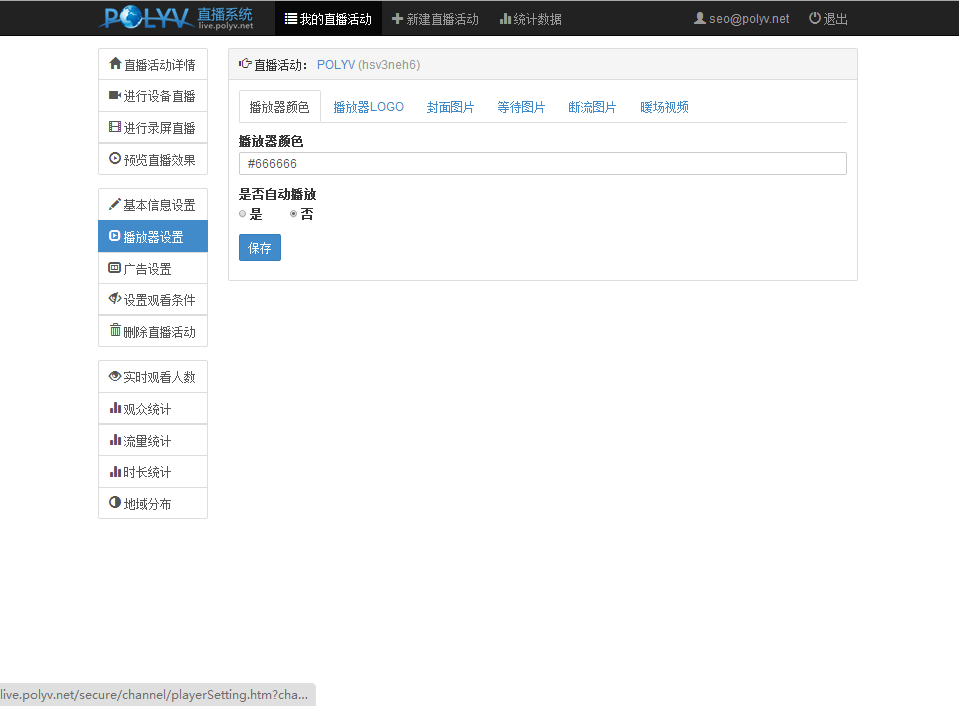
Appendix: Live Streaming Player Settings:
Live streaming player settings are divided into six parts: Player Color, Player Logo, Waiting Image, Stream Interruption Image, and Warm-up Video.
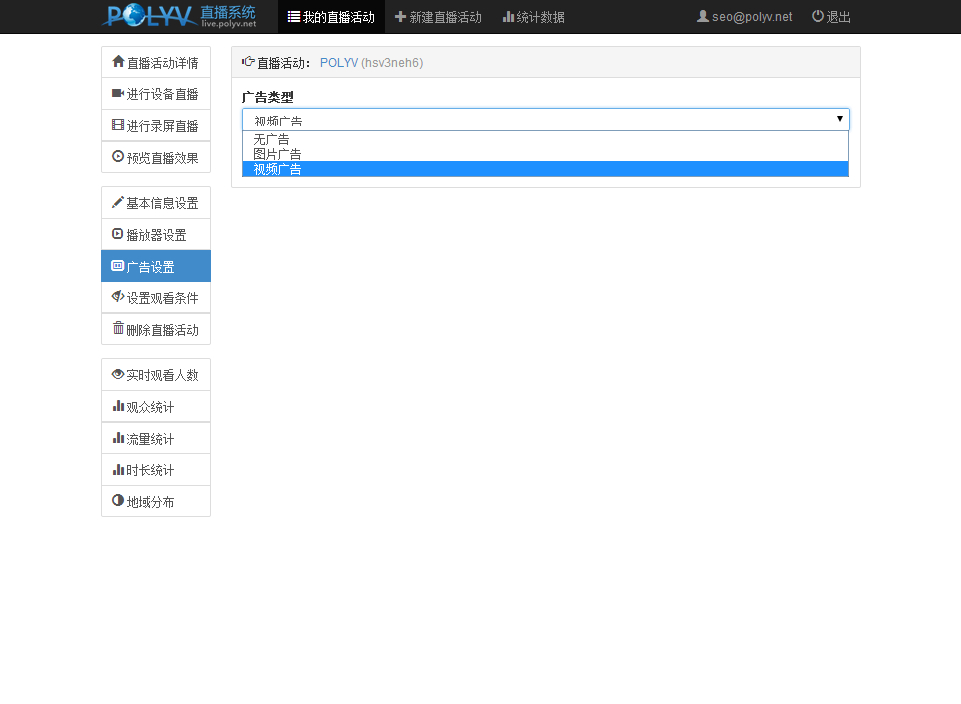
Live Streaming Ad Settings
Ad settings are divided into three types: No Ads, Image Ads, and Video Ads.
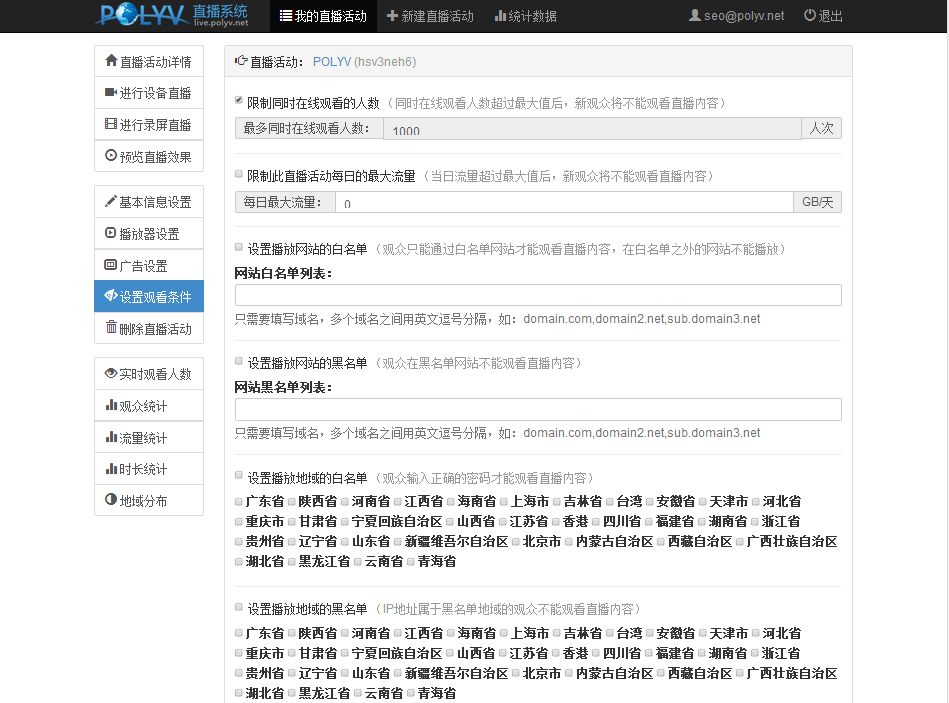
Live Streaming Viewing Condition Settings
Viewing condition settings are divided into seven items: Limit Concurrent Viewers, Limit Daily Maximum Traffic for This Live Event, Playback Website Whitelist, Playback Website Blacklist, Set Playback Region Whitelist, Set Playback Region Blacklist, and Set Playback Password.
Live Streaming Statistics
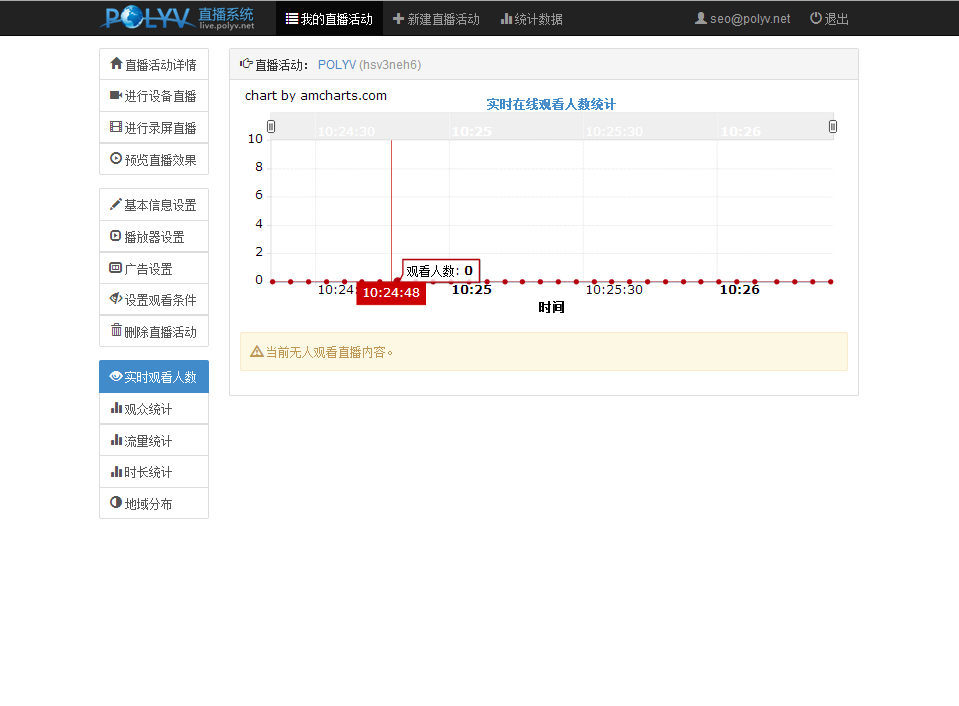
Statistics are divided into five items: Real-Time Viewers, Audience Statistics, Traffic Statistics, Duration Statistics, and Regional Statistics.