Polyv / Video Space
The first in China to apply text promotion links to the video field.
Simple and direct, forceful exposure, product awareness +200%
Provide an entry point, guide traffic, traffic increase +25%
During video playback, promotional text scrolls slowly below the player. Clicking the text jumps to the purchase page. Both the text and the redirect URL can be configured. The effect is shown in the image below: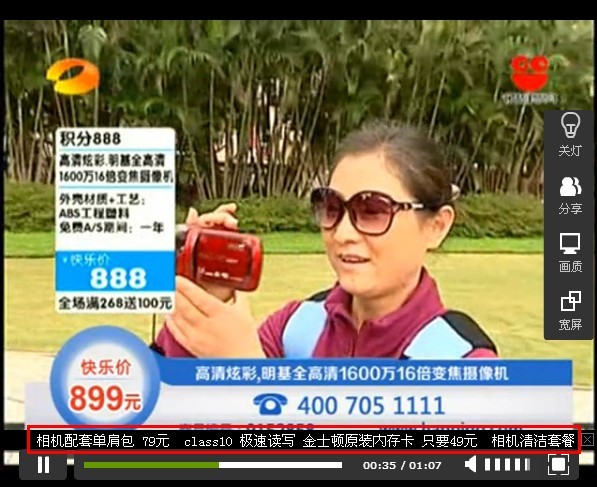
Live demo: http://v.polyv.net/view/38649a4f83e55a18f9ba4ef8222364aa_3.html
How to set up a text external link
Log in to your Polyv account and go to the backend address: http://v.polyv.net/uc/user/login. After uploading a video, follow these steps: Video Management → Latest Videos / Content Categories → Select the video → Promotion Link (small window on the right)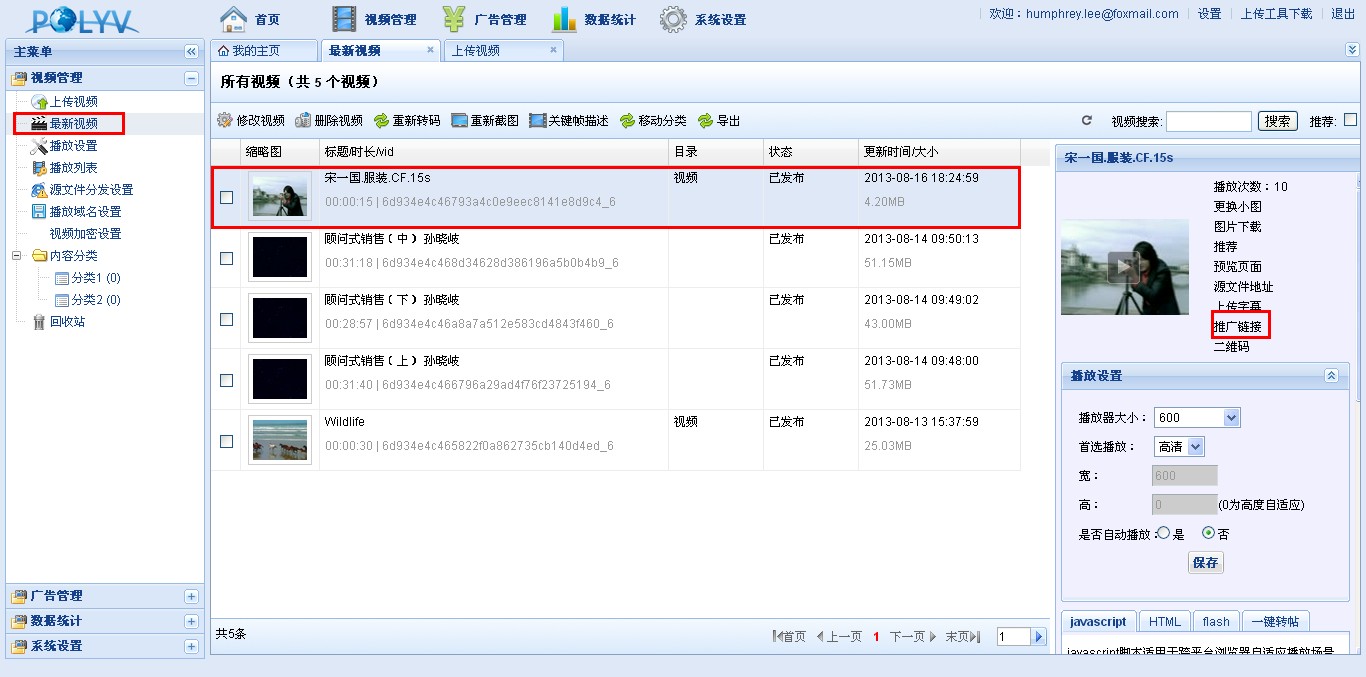
Configure in the pop-up small window: fill in the link content (the URL to jump to when the text is clicked), and select "Text" as the display type, as shown below: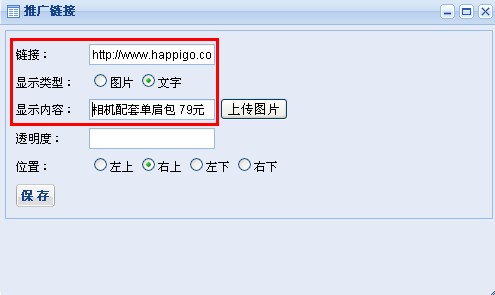
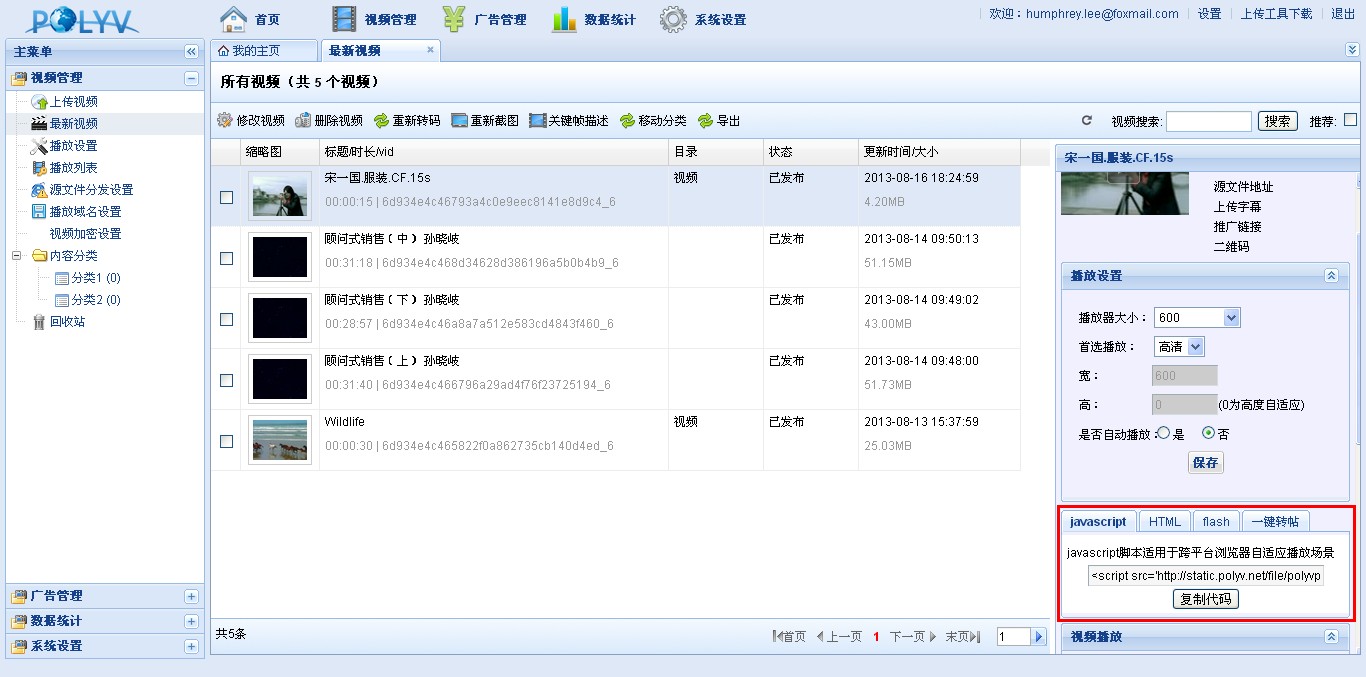
After setting up the text promotion, click Save, then publish the system-generated code on your website to enable the text promotion link video playback feature, as shown below: