Multiple Ways for Viewers to Enter a Live Stream
For public live streams, all viewers can enter and watch. When live stream content (such as paid courses or internal training) requires certain conditions to be met, viewers must pass the corresponding verification to watch. If the host needs to collect viewer information, registration can also be set as a viewing condition. POLYV live rooms support setting two verification conditions simultaneously; viewers only need to pass one of them.
Case 1: No Viewing Conditions Enabled in the Backend
Users can directly enter the live room by scanning a QR code or clicking a link. If the live room has a landing page set up (refer to the corresponding documentation), viewers will first enter the landing page and click the button at the bottom of the page to enter the live room.
Case 2: Viewing Conditions Enabled in the Backend
If viewing conditions are enabled in the backend, viewers must perform the corresponding verification to enter the landing page/live room. If a secondary viewing condition is also enabled alongside the primary one in the backend, viewers who pass verification for either condition can enter the landing page/live room.
The currently available viewing conditions are as follows:
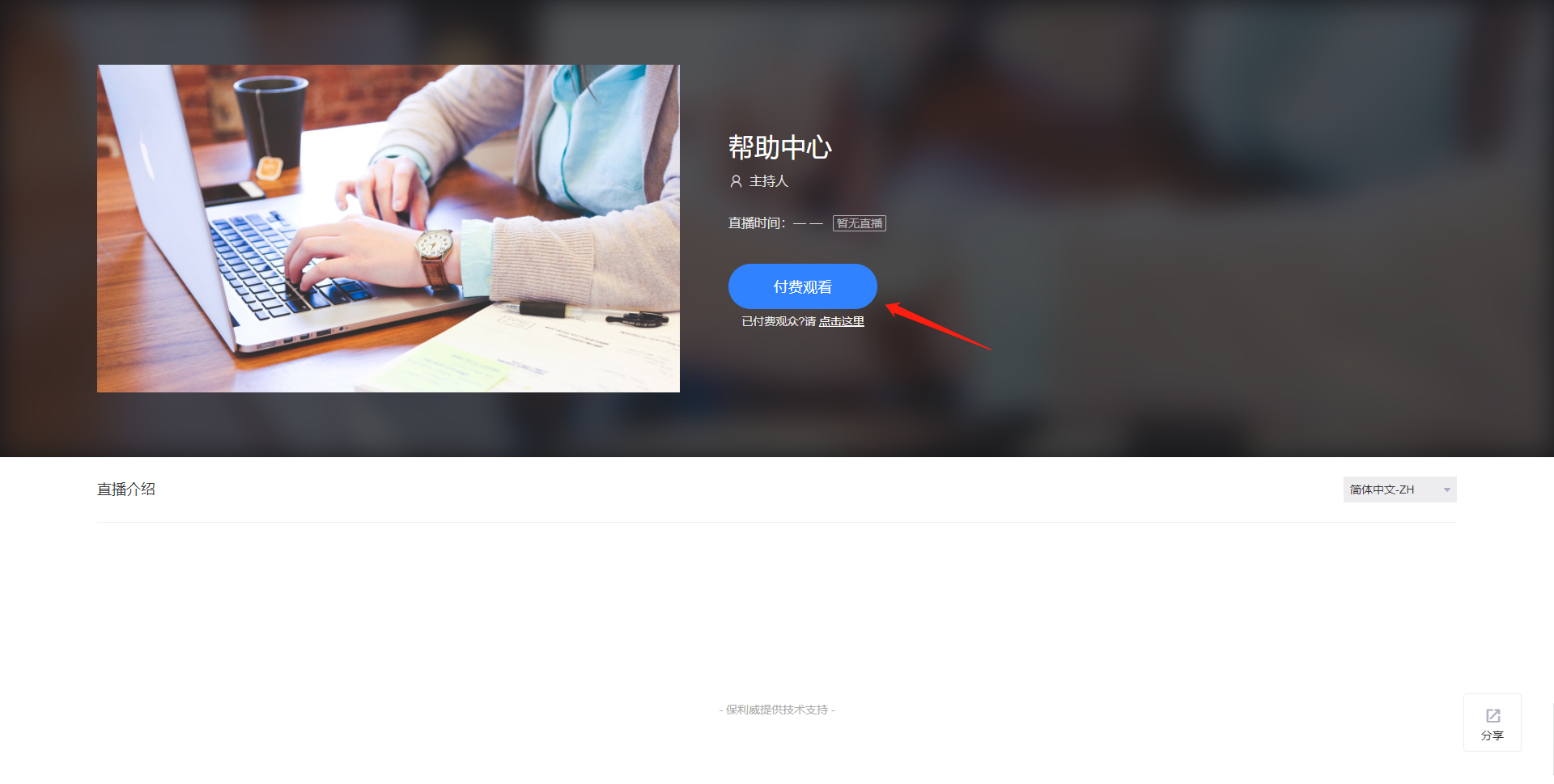
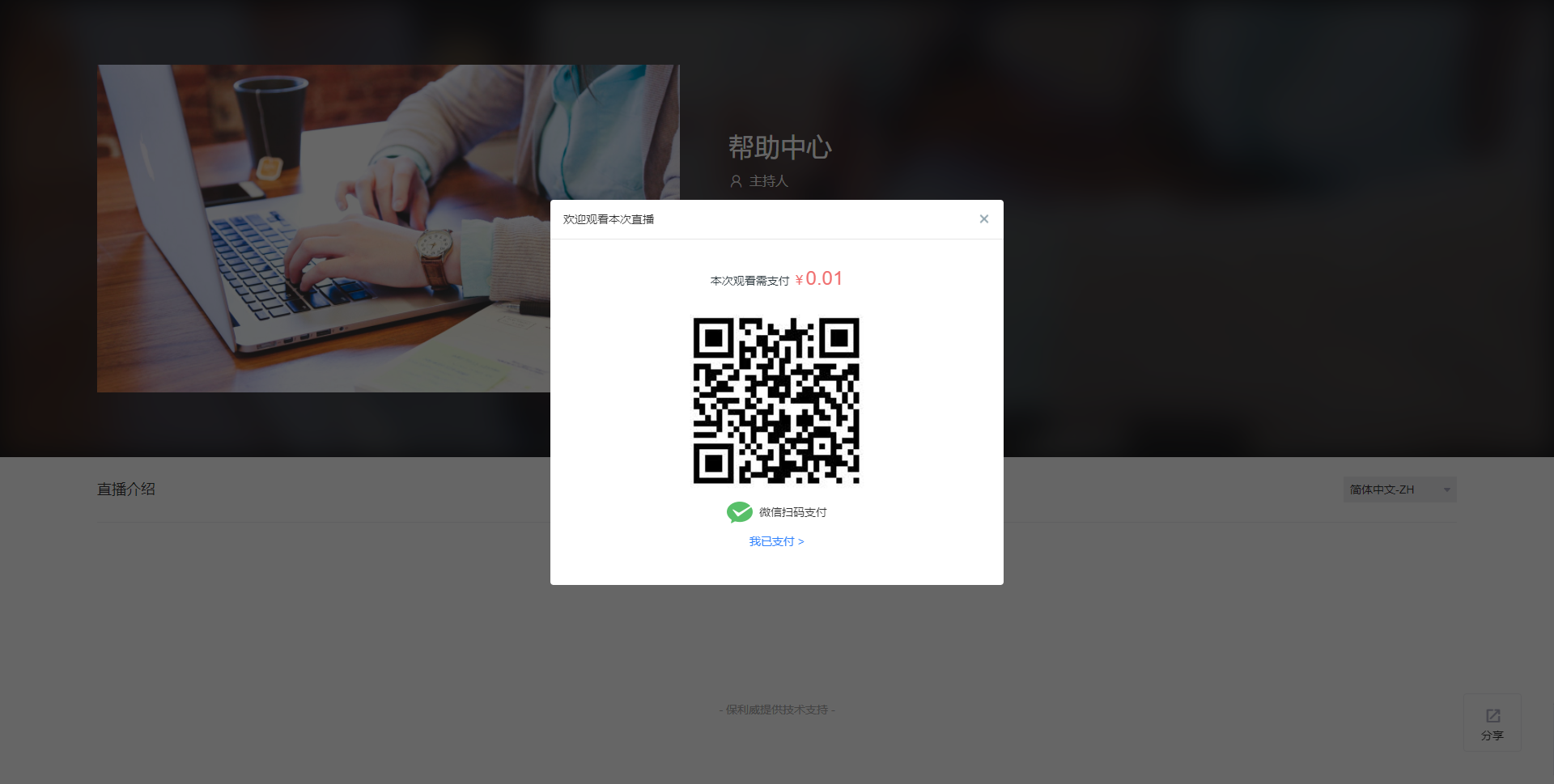
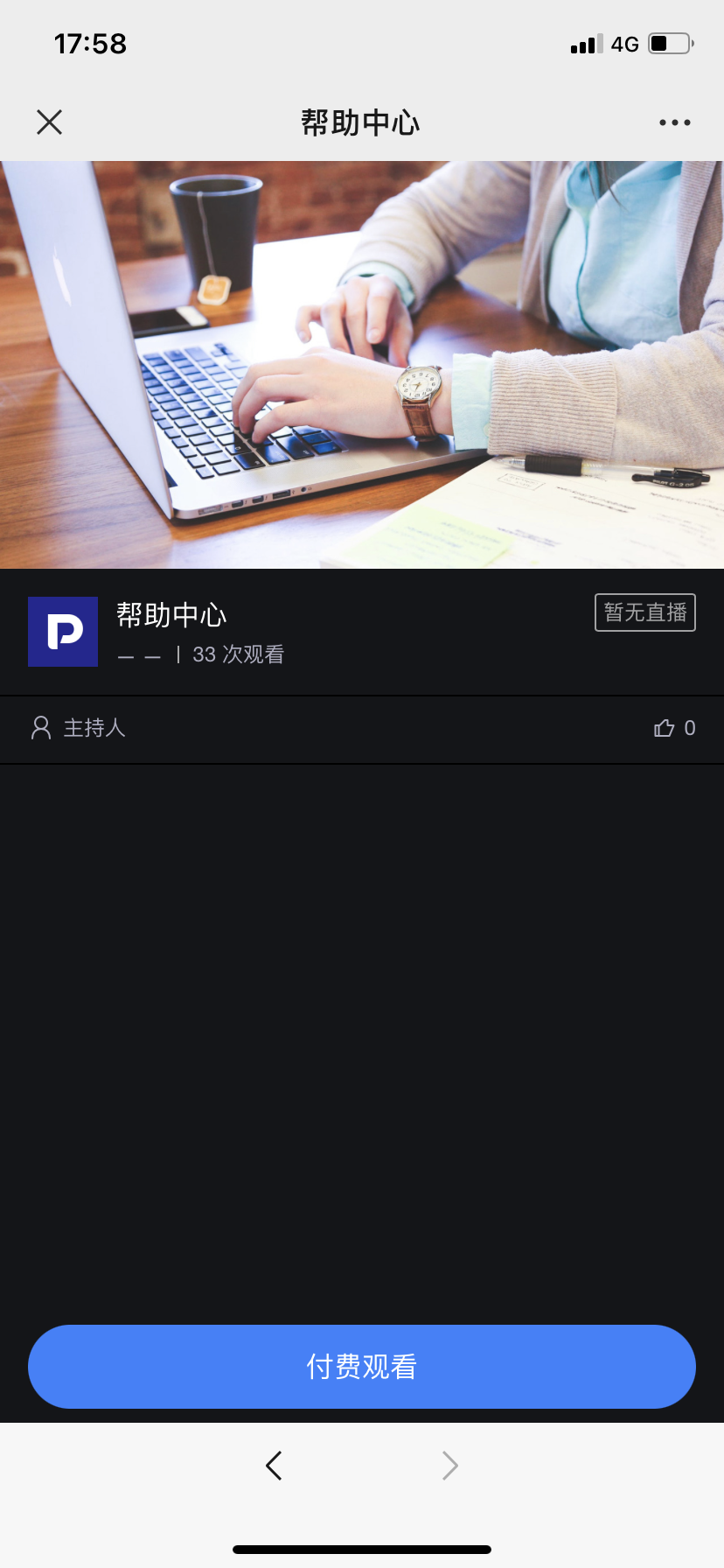
1. Paid Viewing
Set the price for watching the live stream in the backend and choose the validity period for payment. There are three options available; select according to actual needs.
In this case, viewers must successfully pay to enter the live stream viewing page. A trial viewing period is also supported.
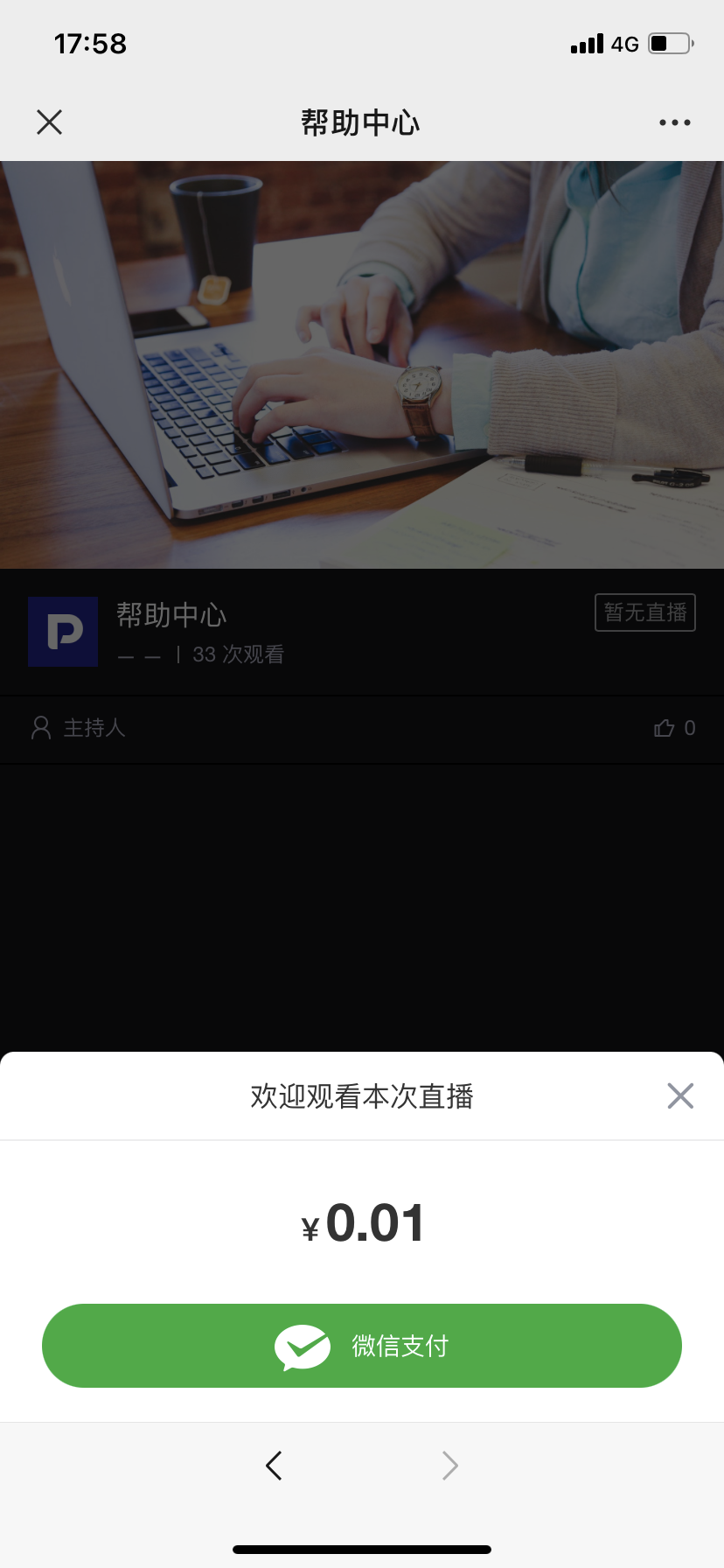
2. Whitelist Viewing
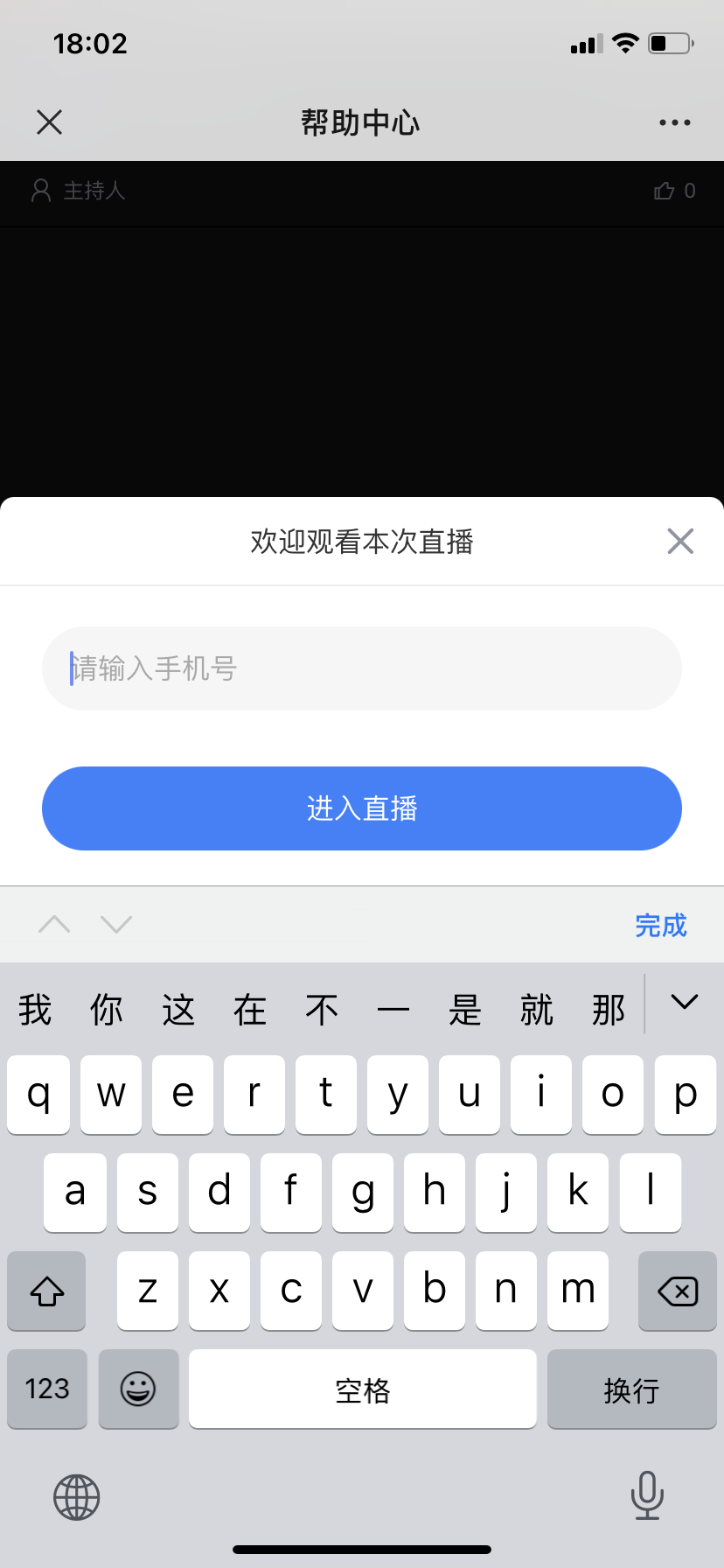
Users on the whitelist can watch the live stream directly after entering the correct verification. This can also be understood as setting VIP member users.
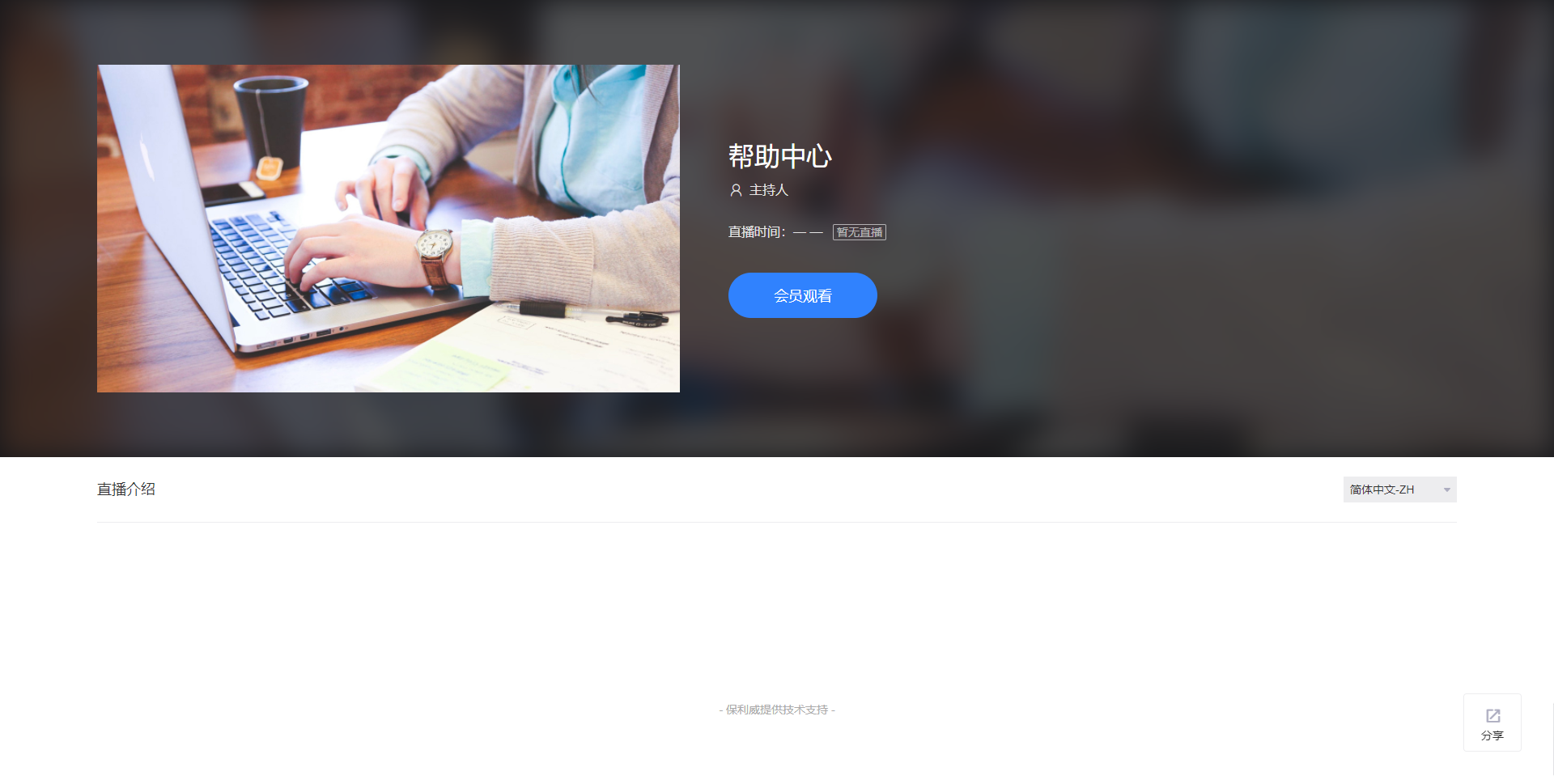
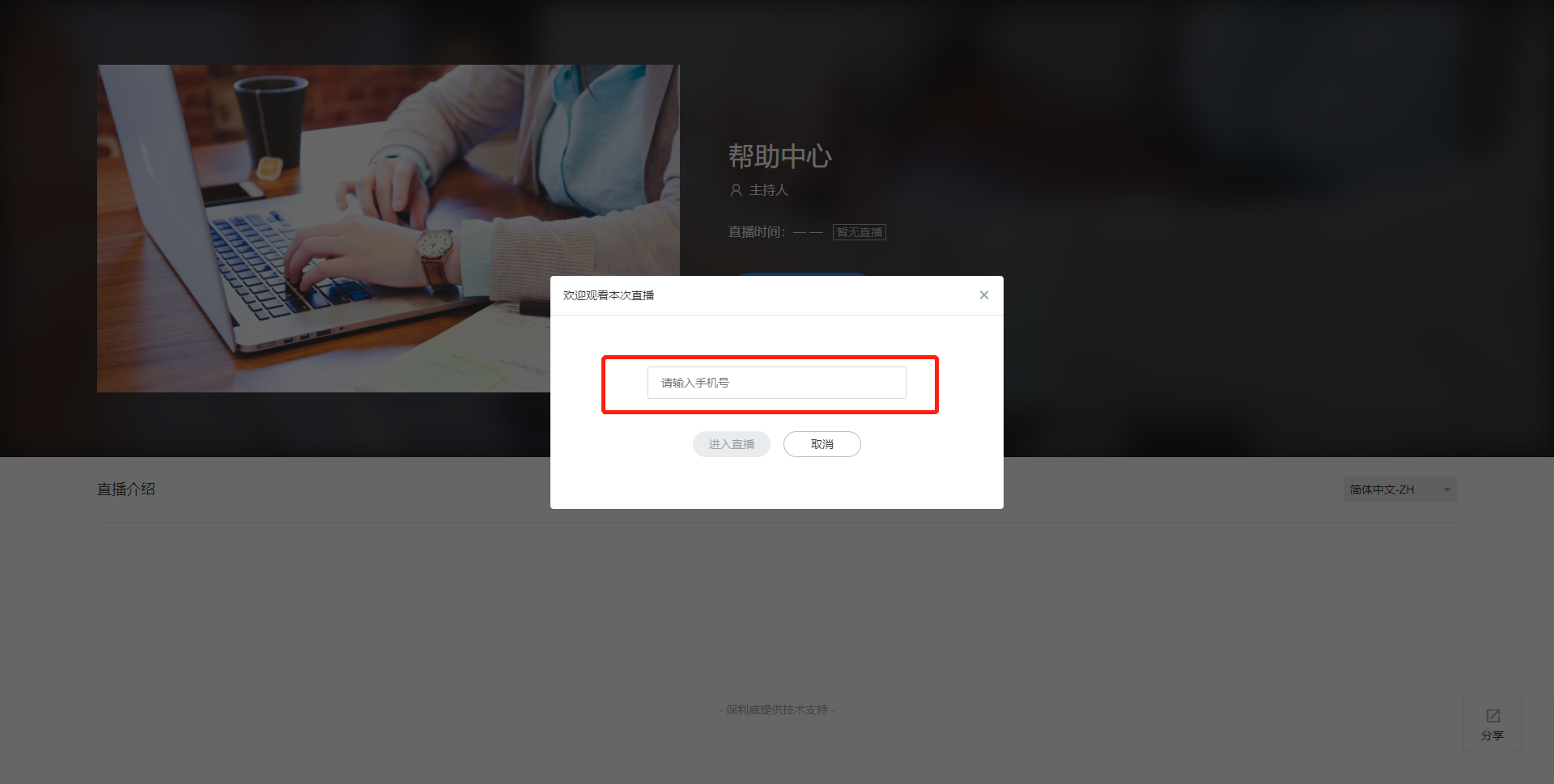
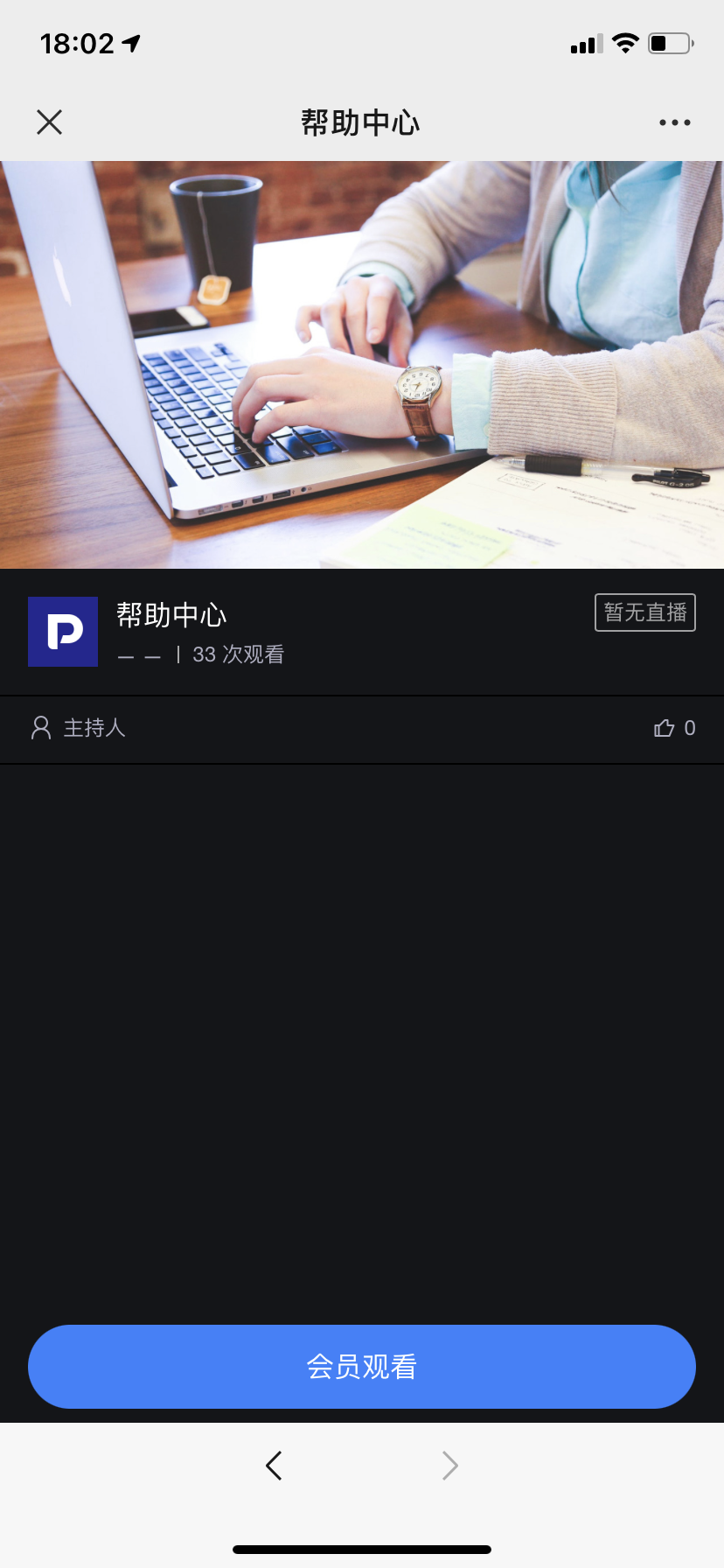
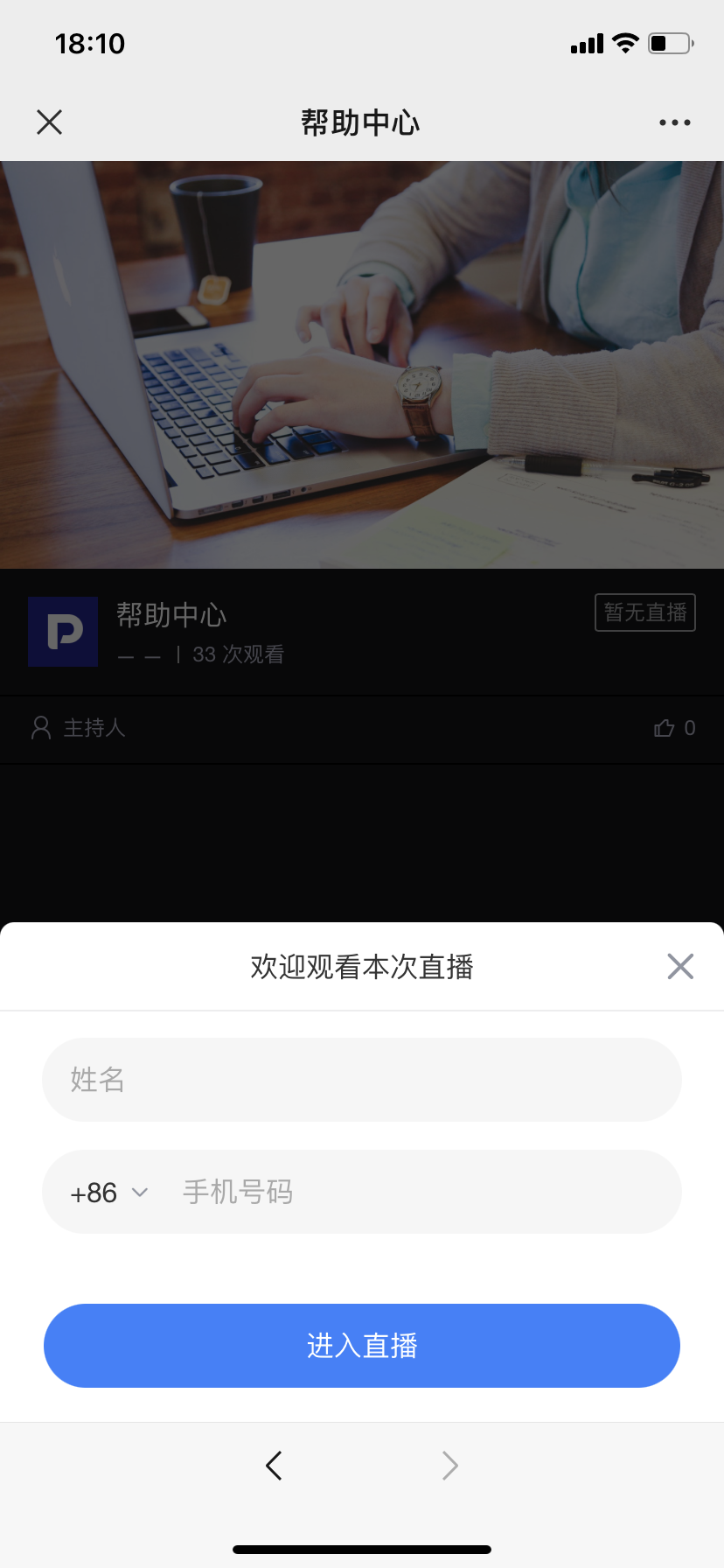
3. Registration Viewing
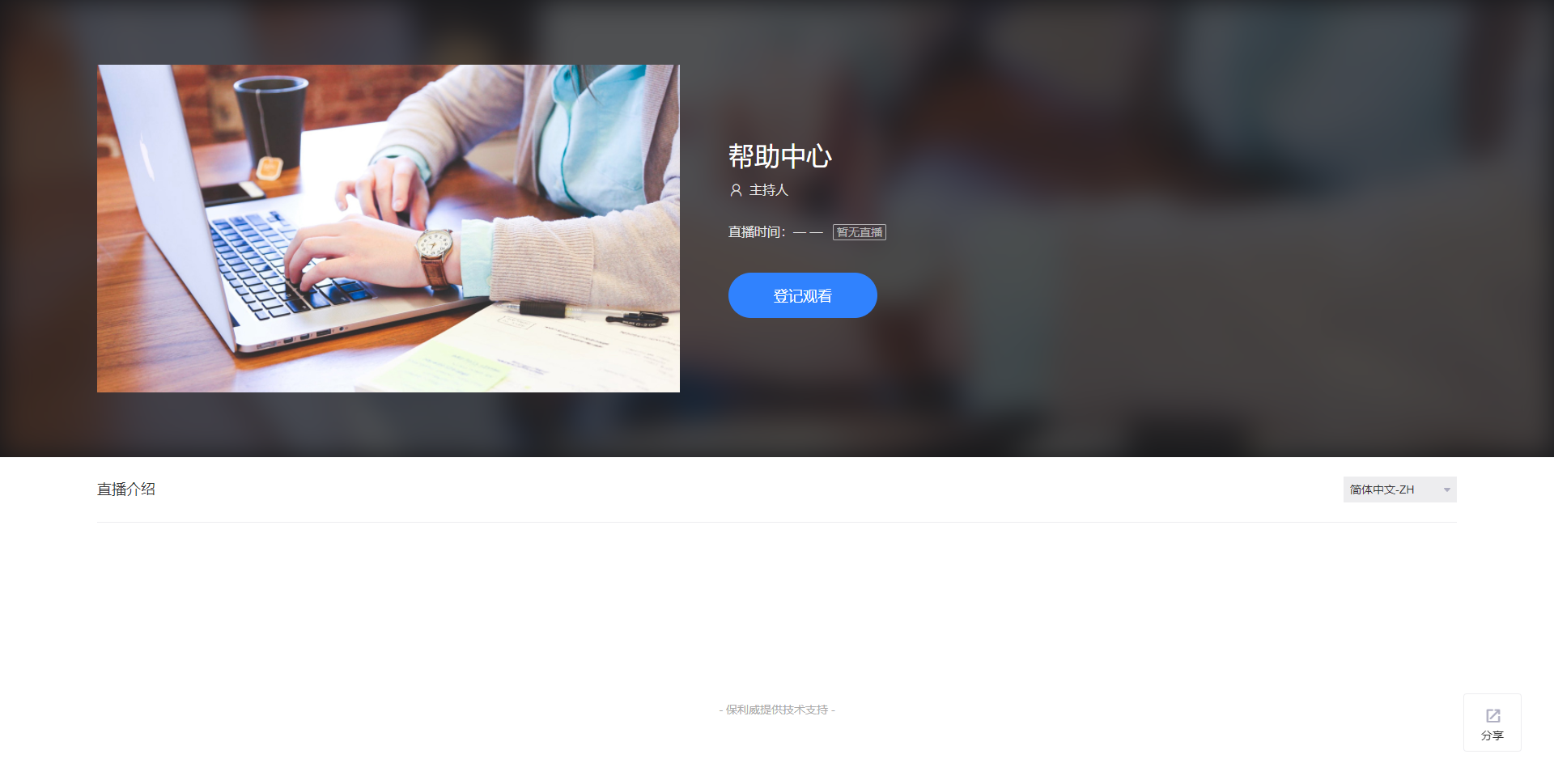
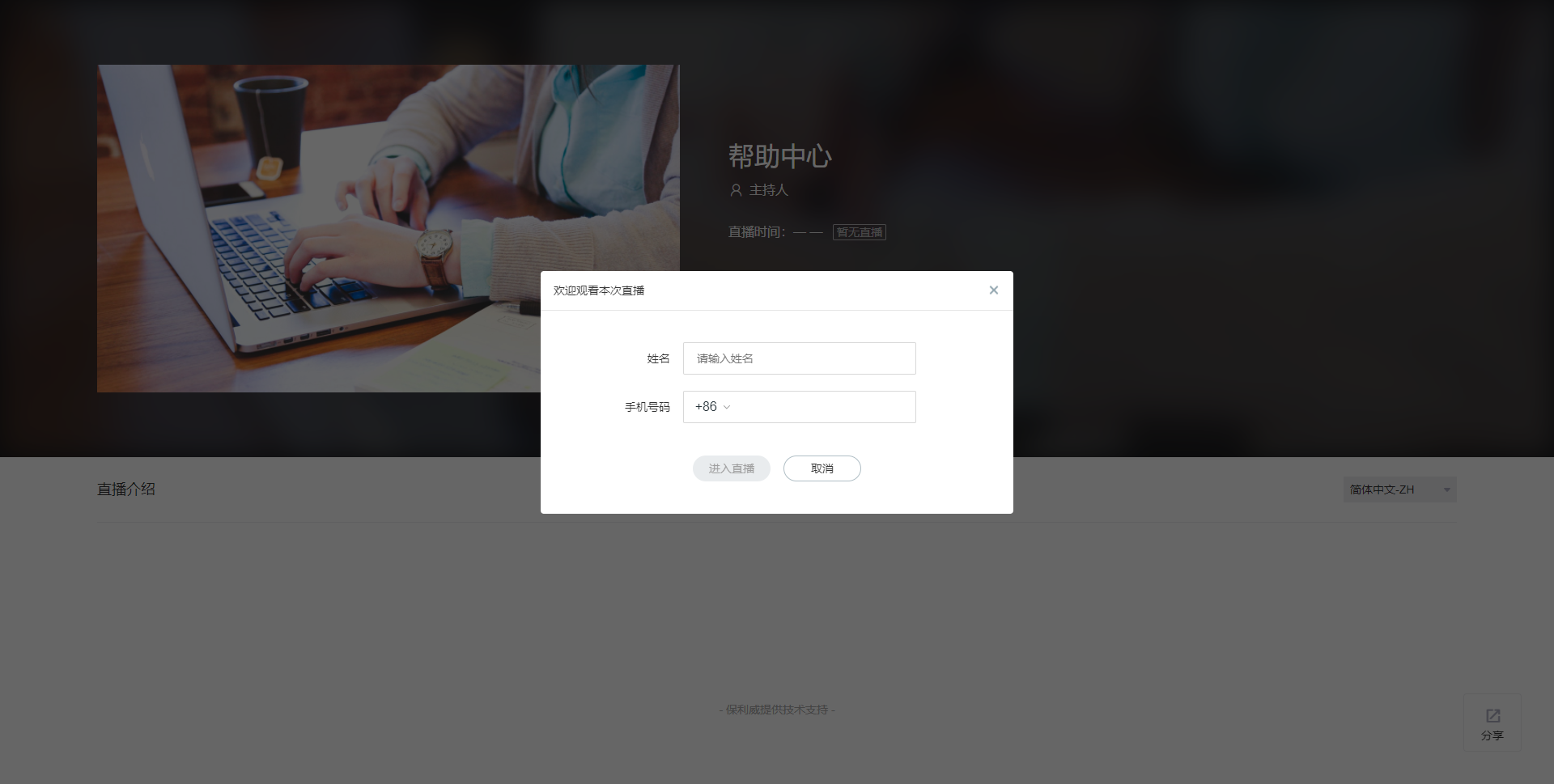
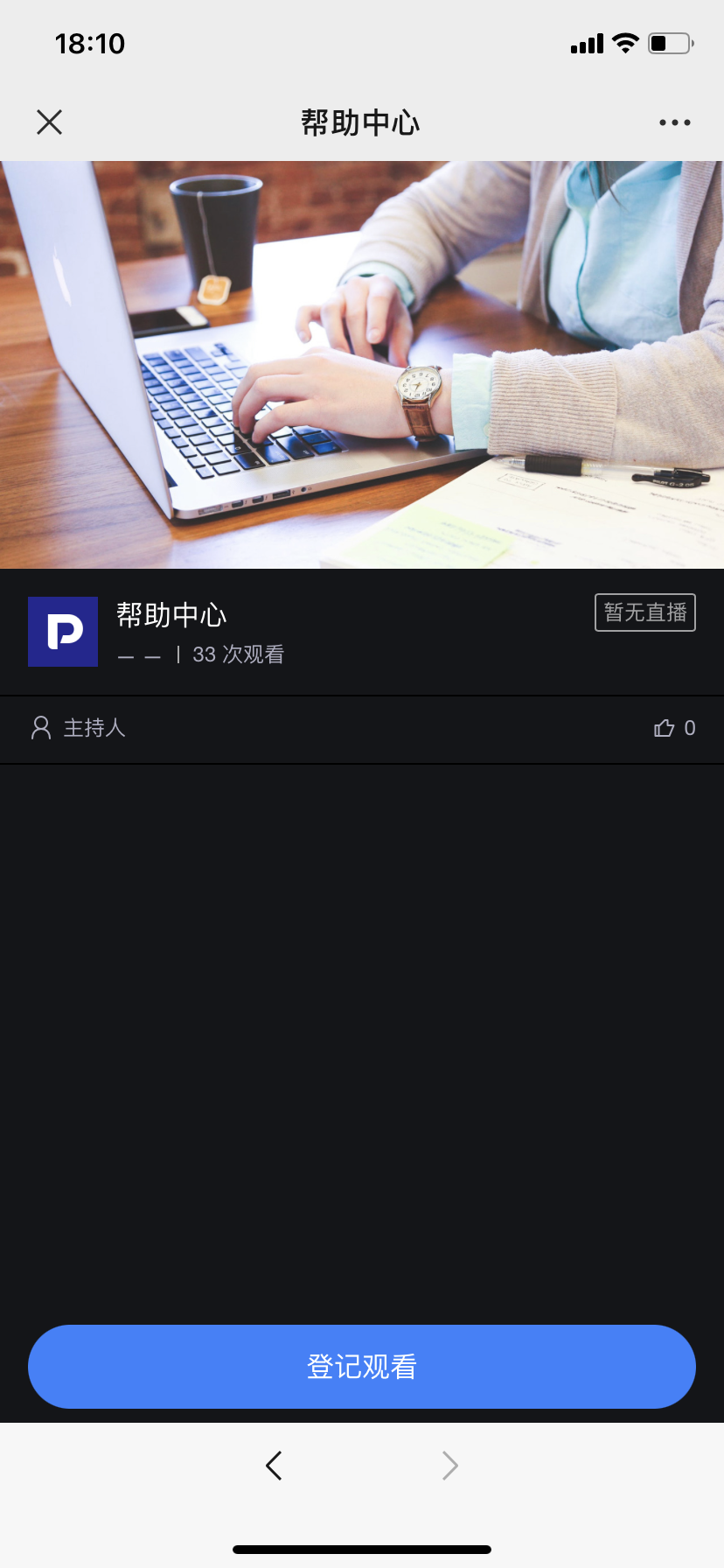
On the live stream viewing page, fill in the relevant information to watch the live stream.
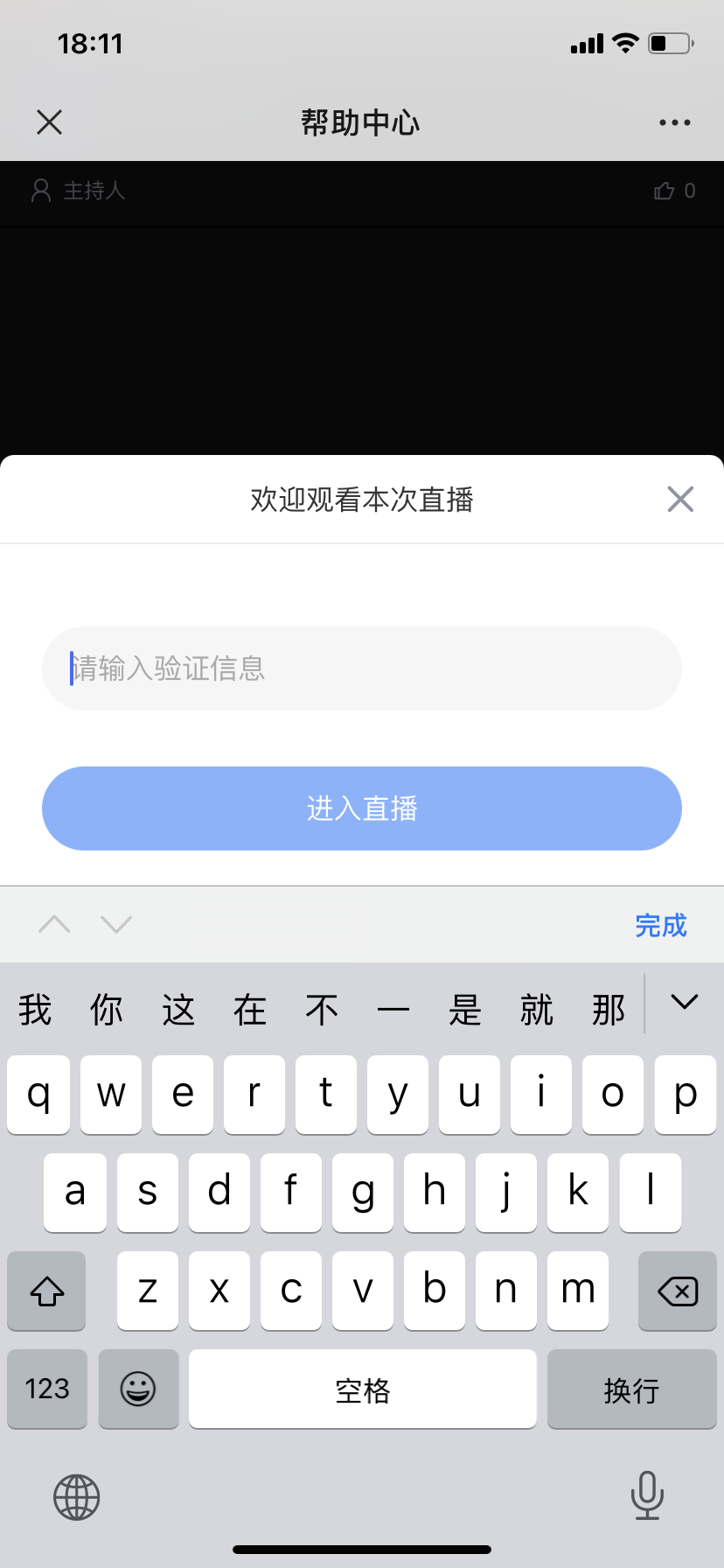
4. Verification Code Viewing
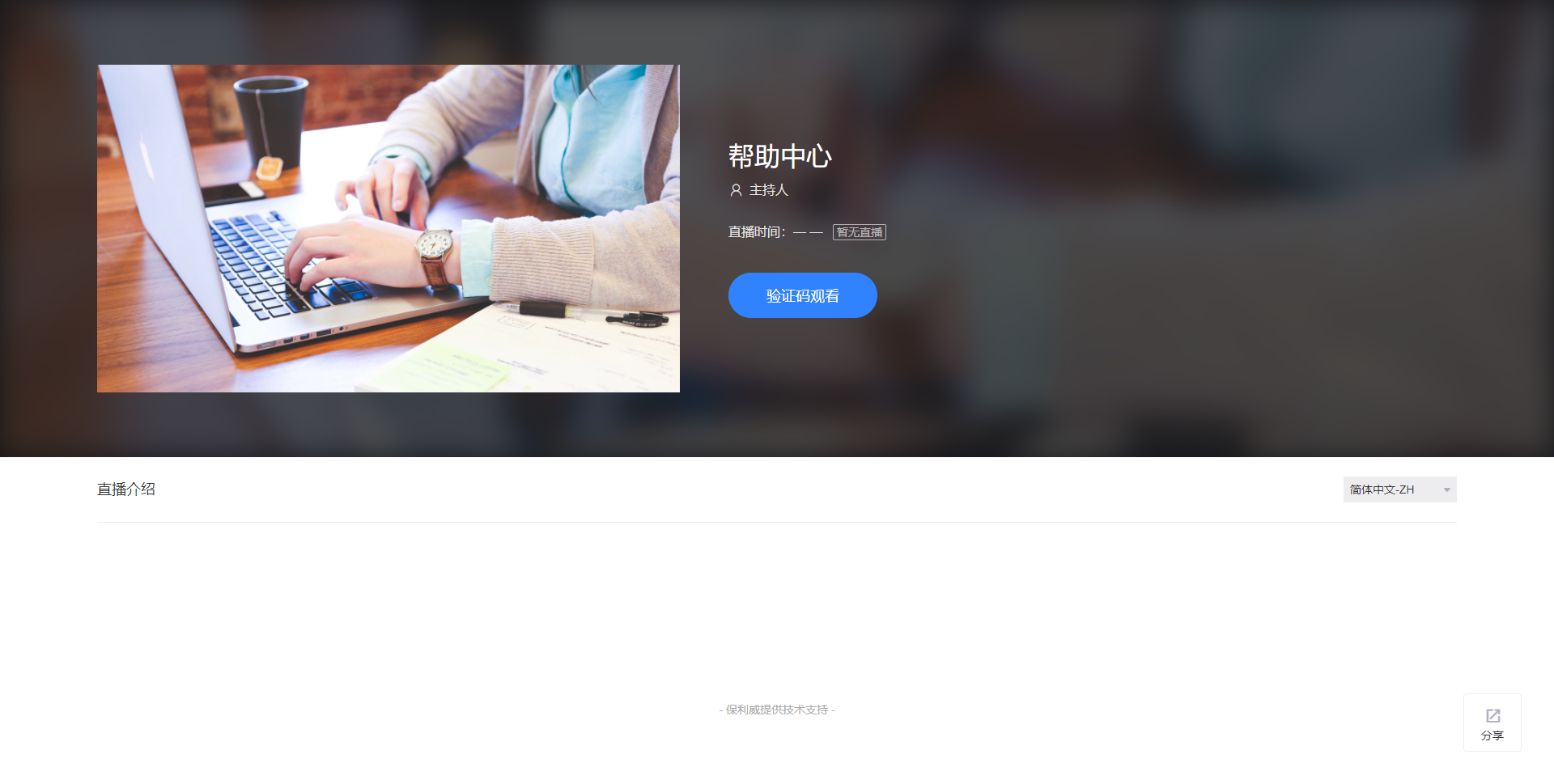
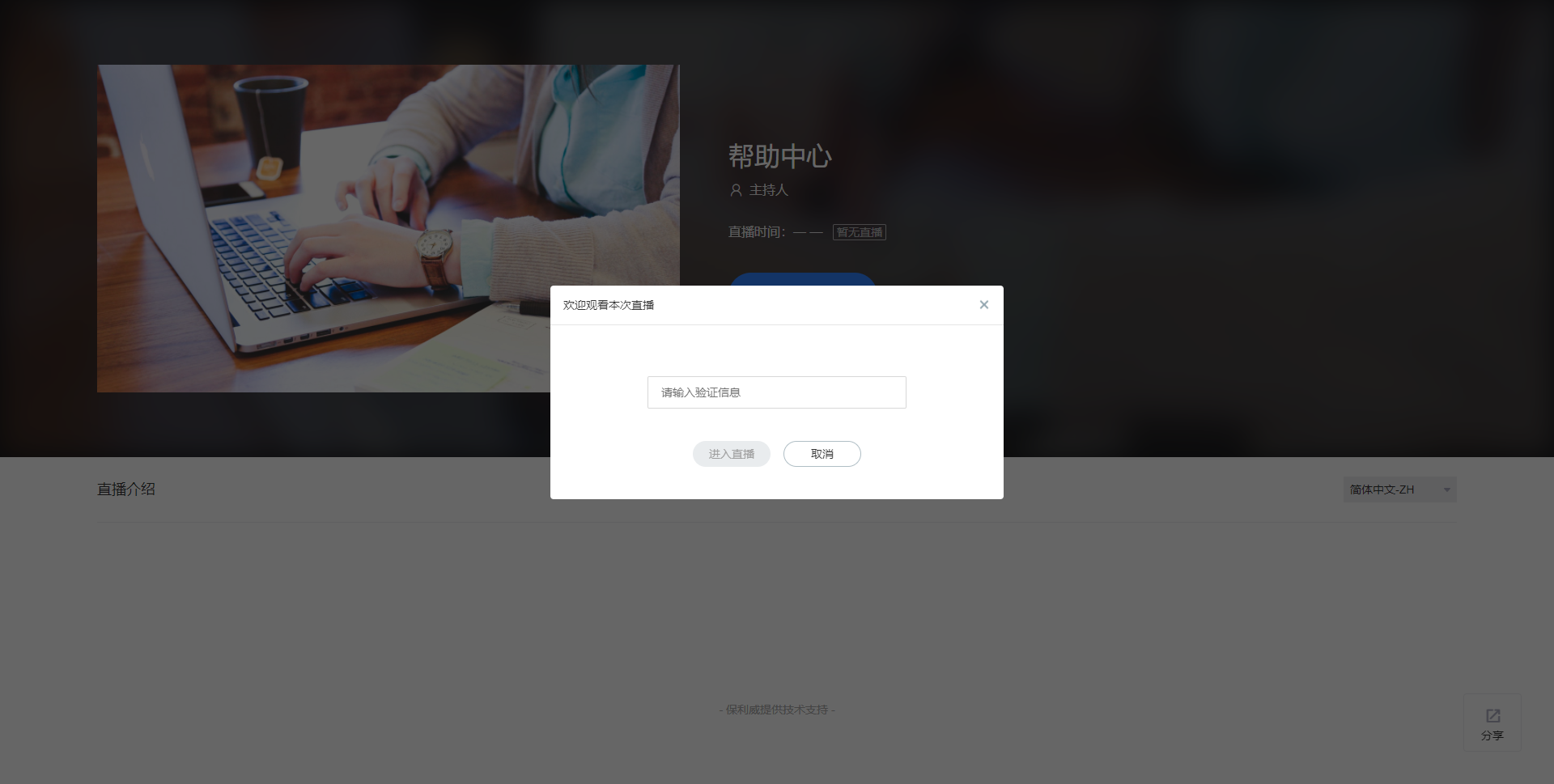
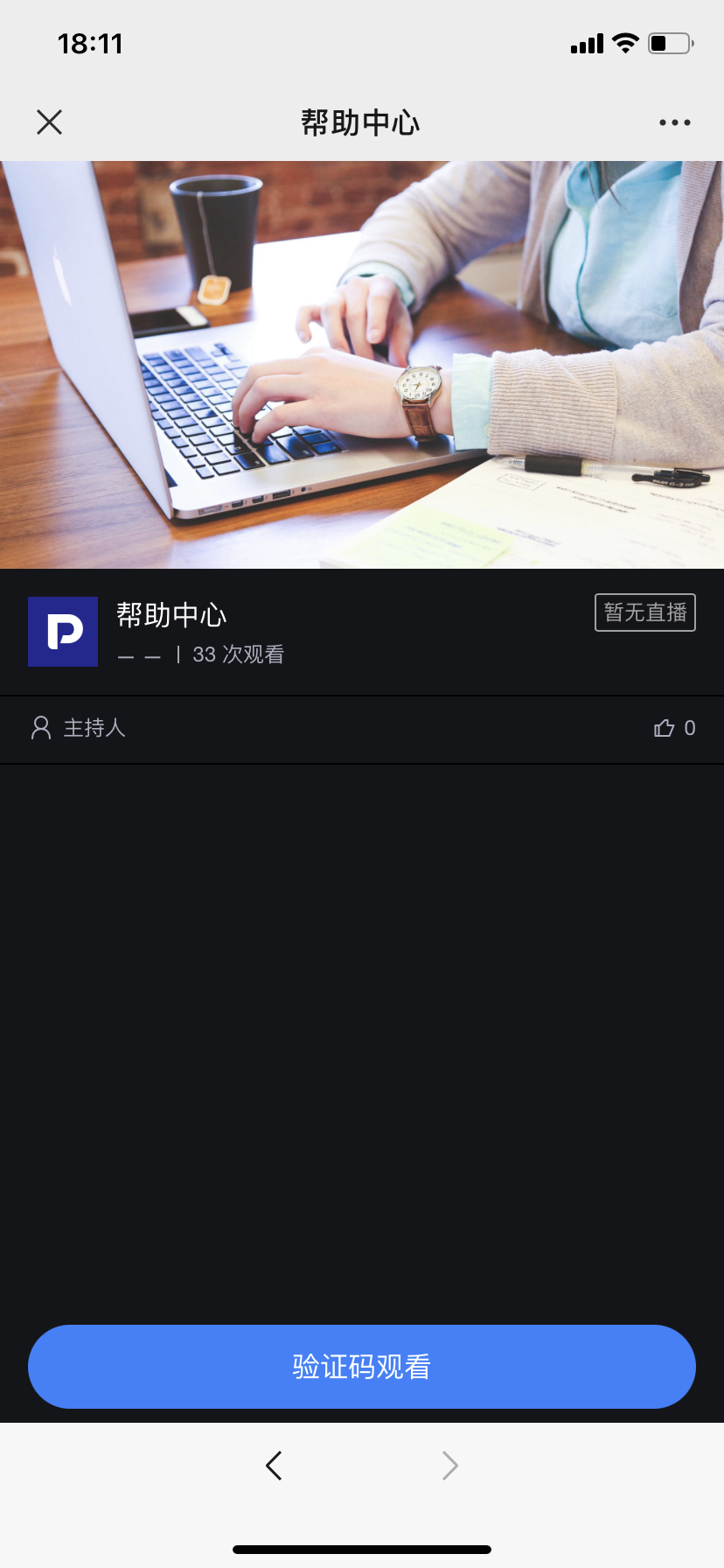
Viewers enter a pre-informed verification code or obtain the verification code by scanning a QR code to watch the live stream. The verification code is unique. This viewing condition can help attract followers for a WeChat Official Account.
5. Dual Condition Viewing
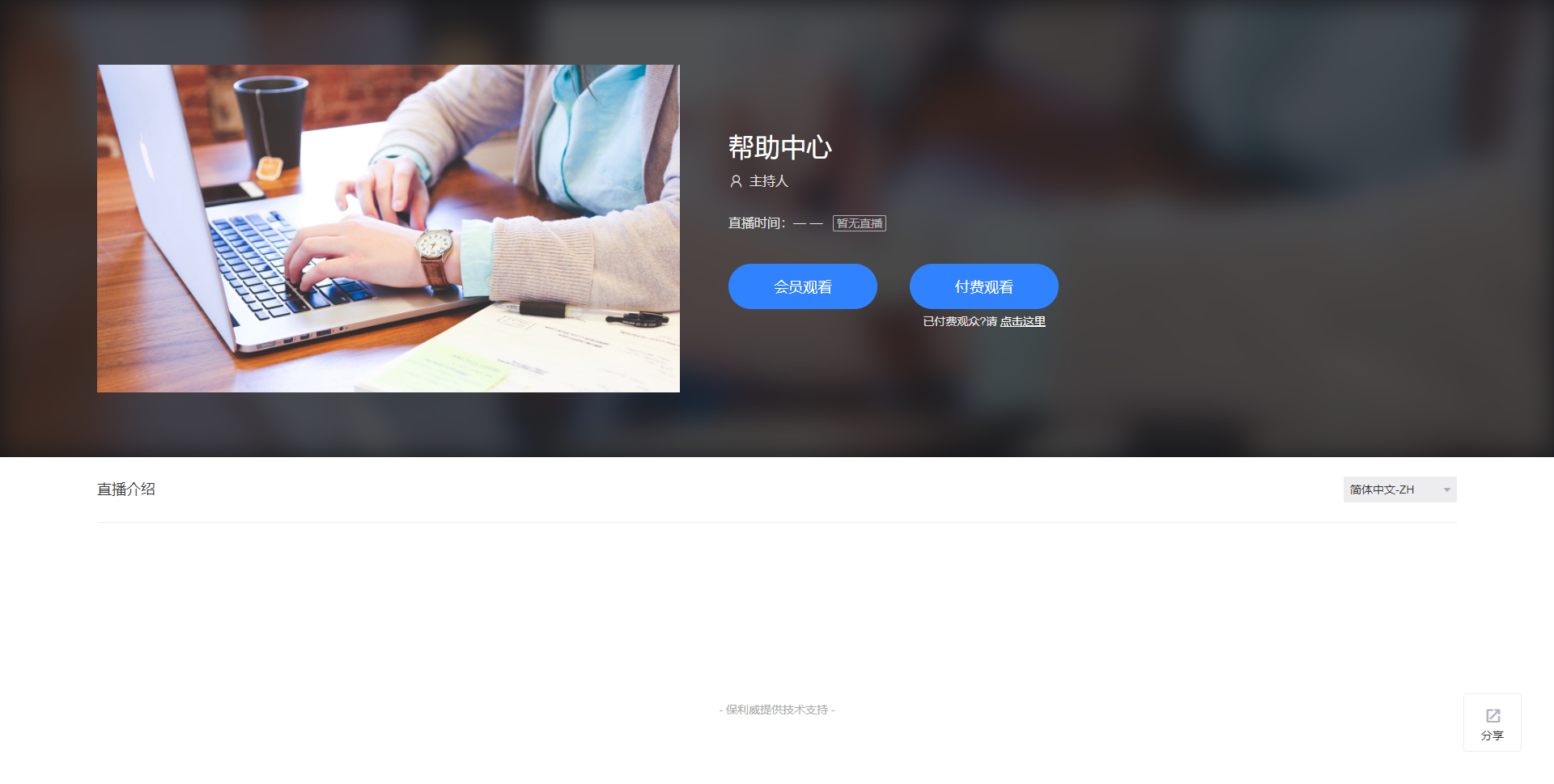
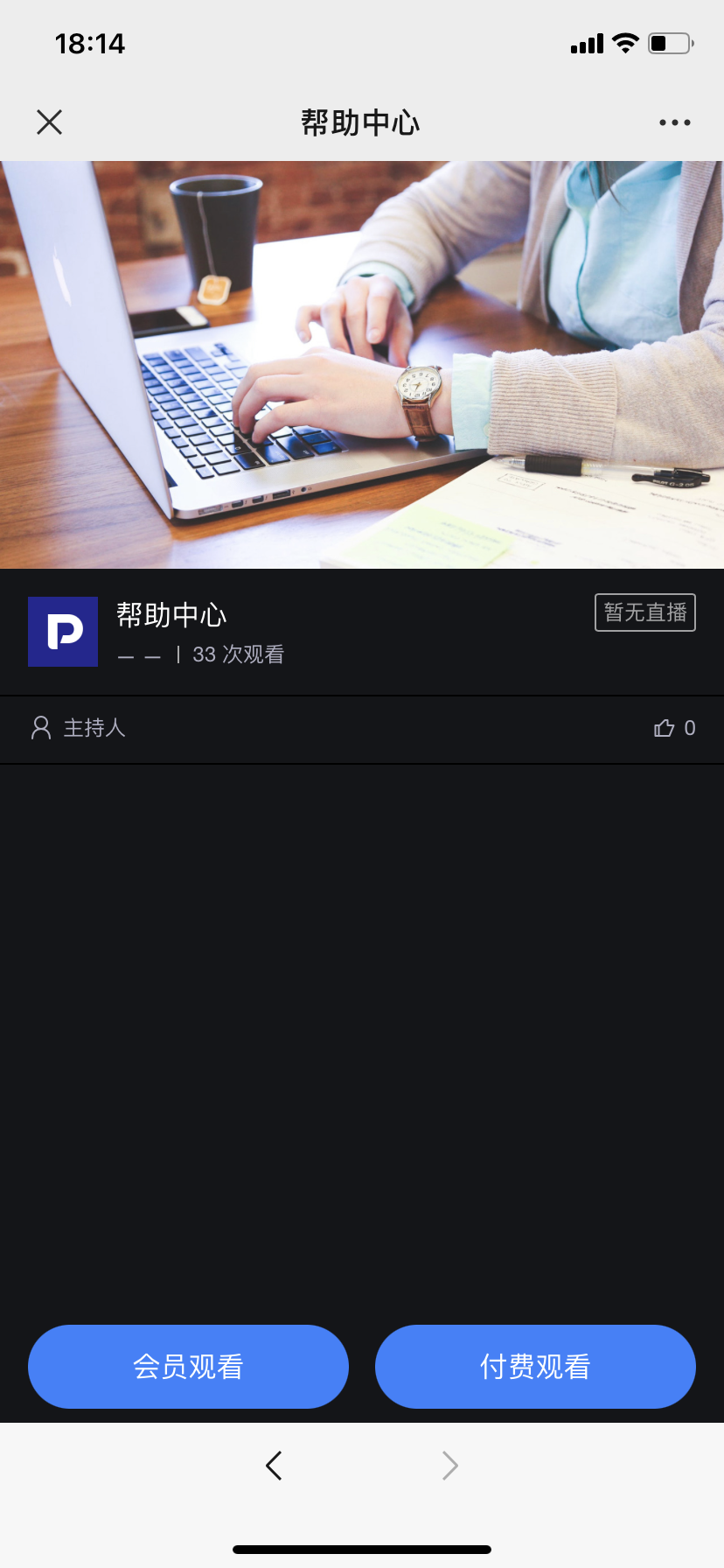
Choose any one verification method; after successful verification, you can enter the live stream to watch.
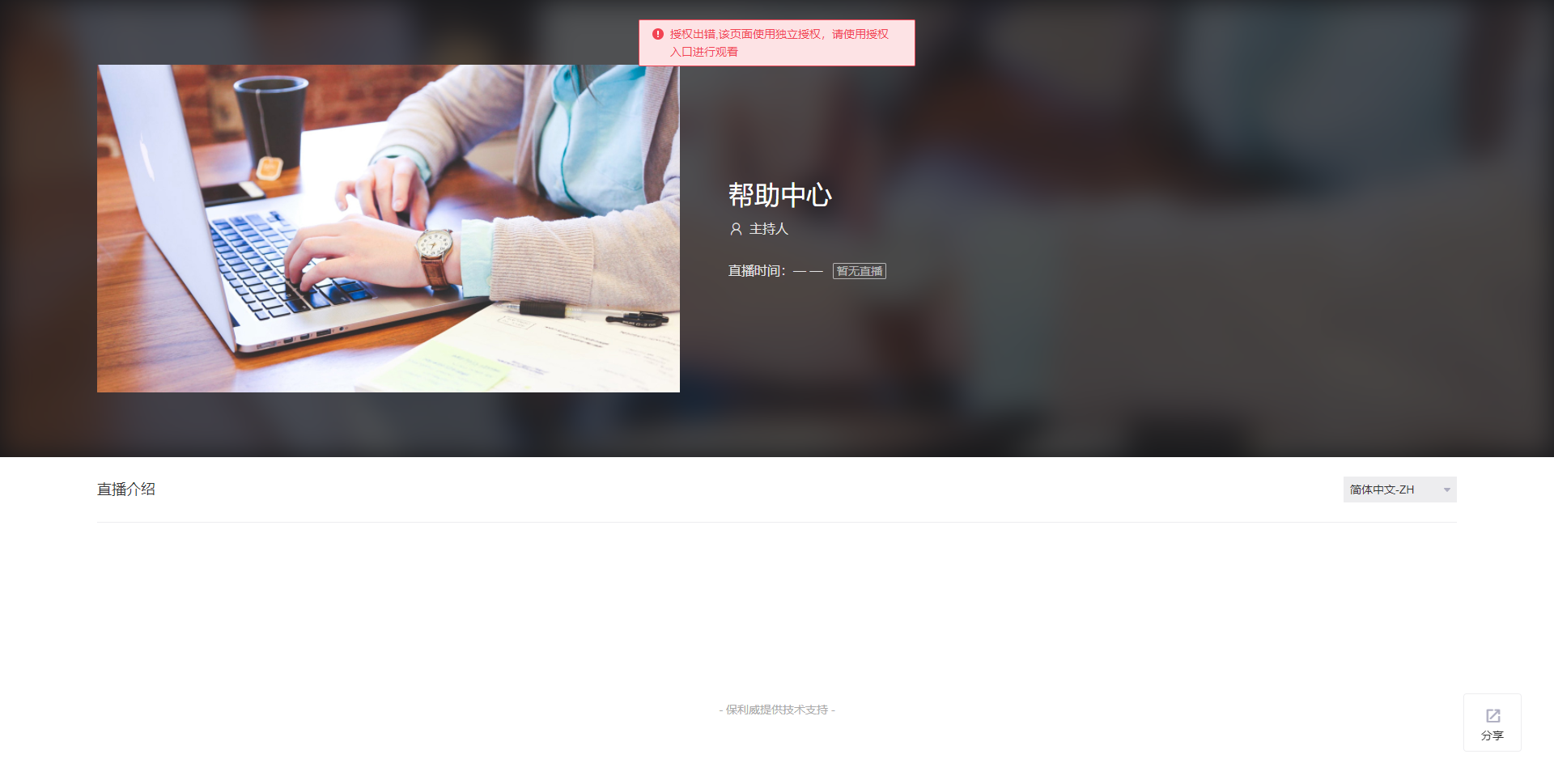
6. Authorized Viewing
When entering the viewing page and seeing a prompt similar to the one below requiring authorization, it is because the live room administrator has set an authorized viewing condition. You need to contact the live stream organizer to understand the specific method and approach for watching the live stream.